n8n vs MCP for Video Automation: Which Should You Use?

In this article▾
Choosing between n8n and MCP for video automation depends on who should control each step. n8n runs a workflow you define in advance, while MCP lets an AI agent choose tools as work unfolds. Wireflow combines a visual workflow builder with agent access, which makes it useful when you want repeatable video processes that an AI assistant can call.
Quick summary
- Wireflow: Visual workflows for agent-controlled video tasks.
- n8n: Deterministic automation across apps and APIs.
- MCP: Dynamic tool access for AI agents.
What Is n8n?
n8n is an open-source automation platform built around a visual node editor. You arrange triggers, actions, conditions, and data transformations on a canvas, then run that sequence whenever a defined event occurs. Its catalog of 400+ integrations covers common SaaS tools, databases, messaging systems, storage services, and developer utilities. REST requests and webhooks cover services that do not have a dedicated integration, so n8n can coordinate a broad creative workflow automation without requiring every system to use the same vendor. You can also run FLUX 3 as a node on the Wireflow canvas and call it from an automation the same way.
For a hands-on demo, check out the n8n vs MCP for video automation feature page.
The platform is self-hostable, which gives teams direct control over infrastructure, credentials, execution data, and update timing. A managed cloud option is also available. This flexibility matters for agencies and product teams that need predictable costs, private networking, or data residency controls. A workflow can start from a schedule, an incoming webhook, a form submission, or an event in another app. Each run follows the connections and conditions you configured.
That deterministic behavior is n8n's defining strength. The same valid input normally follows the same route, making the workflow easier to inspect, test, and audit. It is a strong fit for processes whose steps are known before every scheduled execution begins. The limitation is that n8n is not AI-native. You can add language models and AI services as nodes, but the canvas still defines the overall route. A model does not automatically discover every available tool, decide which one fits a new situation, and redesign the process during the run. Those behaviors require extra logic or a separate agent layer.
Build this in Wireflow
Make the same kind of asset on a canvas you control, with a free account and no credit card.
What Is MCP?
The Model Context Protocol is an open standard introduced by Anthropic. It defines how an AI application can discover tools, understand their inputs, call them, and receive structured results. An MCP server can expose functions such as generating a script, creating a video clip, checking job status, or storing an output. An MCP-capable client or agent can then use those functions when they are relevant. This makes MCP useful for connecting an agent to a video editing MCP server without building a custom integration for every client.
MCP is a protocol, not an automation platform. It does not provide a visual canvas, hosted job scheduler, retry dashboard, or integration catalog by itself. Those features come from the MCP client, server, agent framework, or services connected through the protocol. MCP standardizes the conversation between those parts instead of requiring a unique client integration for each service.
The main difference is when the route gets chosen. In n8n, a person designs the pipeline upfront: receive input, transform data, call an API, wait, and save the result. With MCP, an agent can inspect the available tools at runtime and decide what to call next. For example, it might select a fast video model for a draft, evaluate the result, then choose a higher-quality model only for the final render. That flexibility is valuable for tasks with changing requirements, but it also makes permissions, budgets, tool descriptions, and agent behavior important parts of the system design.
n8n for Video Automation
n8n works well for repeatable video jobs with clear inputs and outputs. A scheduled workflow can read rows from a spreadsheet, submit each prompt to a video generation API, poll for completion, store the files, and notify a team channel. Webhook triggers also suit event-driven work, such as starting a render when a customer approves a script. This structure is useful for video content automation because every item passes through the same review, naming, storage, and delivery steps.
Its main strengths are batch processing, reliable triggers, and connecting services that already expose APIs. Error branches can retry a failed request or alert an operator. Self-hosting can also keep orchestration inside an existing environment.
The tradeoff is the amount of setup required for video-specific work. n8n does not provide native nodes for every video model, editor, renderer, or asset service. Teams often use generic HTTP Request nodes, manually map request bodies, handle asynchronous job IDs, and normalize different provider responses. The workflow also does not make open-ended decisions unless you explicitly add AI nodes and branching logic. If a render fails because the selected model cannot handle a particular aspect ratio, n8n will follow its configured failure path rather than independently choosing a better tool.
MCP for Video Automation
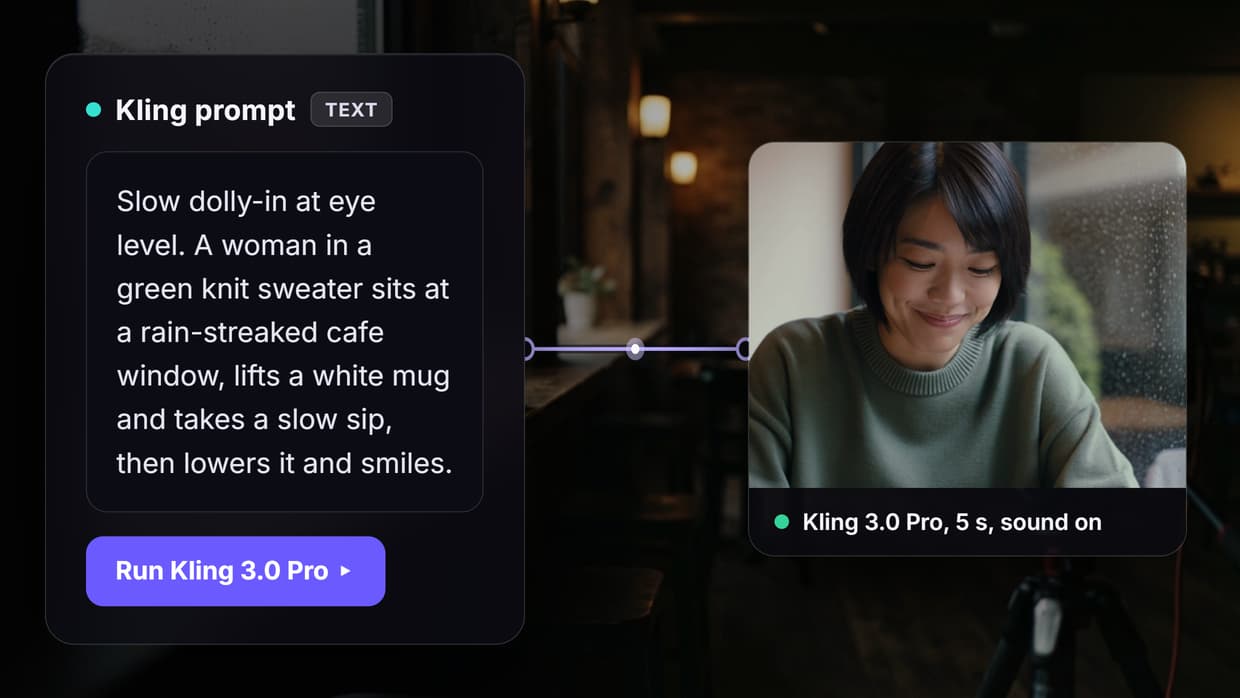
MCP allows an AI agent to call video tools dynamically. A server can describe tools for script generation, image creation, text-to-video, clip extension, stitching, captioning, and export. The agent reads those descriptions and selects a tool based on the current request. That approach supports tasks such as connecting Claude to video editing, where the user can ask for an outcome in natural language instead of selecting every API action manually.
Runtime selection is especially useful when different models have different strengths. An agent might choose one model for camera movement, another for character consistency, and a separate service for assembly. It can use information returned by one tool to prepare the next call, making the system composable rather than tied to a single fixed route. Clear tool schemas also let multiple MCP-capable clients use the same video functions.
MCP still requires an MCP-capable agent or client. It also requires well-designed servers, secure credential handling, permission limits, and sensible spending controls. The protocol does not guarantee good decisions. The agent needs accurate tool descriptions and enough context to choose correctly. For production work, teams should define which tools the agent may call, cap expensive operations, validate inputs, log calls, and keep approval steps for sensitive or costly renders.
Wireflow MCP Support
Wireflow is a visual AI workflow builder that can expose saved workflows as MCP tools. You can assemble a video process on a canvas, test its nodes, and give the finished workflow a defined input and output. Claude or another MCP-capable agent can then call that complete process as a tool. The companion page for n8n vs MCP video automation shows how the visual and agent-controlled approaches fit together.
This design keeps detailed model chaining inside a reusable workflow while letting the agent decide when to run it. It can reduce the number of low-level tools the agent must coordinate and make execution more consistent across clients.
The same workflow can be called directly through the API with POST https://www.wireflow.ai/api/v1/workflows/{id}/execute. Requests use Authorization: Bearer sk-... authentication. Direct API access suits applications and fixed pipelines, while MCP access suits assistants that discover and invoke the workflow during a conversation or broader task.
When to Use n8n vs MCP
Choose n8n when the process is deterministic, relies heavily on SaaS integrations, needs schedules or webhooks, or must run on your own infrastructure. Choose MCP when an AI agent should interpret the goal, select among tools, and adjust the route at runtime. Choose Wireflow when you want a visual video workflow that can also be exposed to agents through MCP.
| Requirement | Best fit | Reason |
|---|---|---|
| Fixed recurring pipeline | n8n | Steps are defined and auditable |
| Broad SaaS coordination | n8n | Large integration catalog |
| Runtime tool selection | MCP | Agent chooses based on context |
| Visual model chaining for agents | Wireflow | Canvas workflows become MCP tools |
The options can also work together. An n8n flow can handle scheduling and business systems, then call a video workflow. An MCP agent can start the same workflow when a user asks for a specific result.
Try it yourself: Build this workflow in Wireflow -- the nodes are pre-configured showing how Wireflow's visual canvas approach compares to n8n pipelines and MCP tool calls.
FAQ
Q: How much does n8n cost?
A: n8n offers self-hosted and managed cloud options. Your total cost depends on execution volume, plan limits, infrastructure, maintenance, and any external APIs used by the workflow.
Q: What is MCP in simple terms?
A: MCP is a shared way for AI applications to discover and call external tools. It defines the connection and message format, while other products provide the agent, tools, and hosting.
Q: Can n8n connect to MCP?
A: Yes. An n8n workflow can call an MCP-enabled service through suitable nodes or custom requests, and an MCP server can wrap an n8n webhook. The exact setup depends on the client and server.
Q: Can Wireflow and n8n work together?
A: Yes. n8n can manage schedules, CRM events, approvals, or storage, then call a Wireflow workflow through its REST endpoint. This separates business automation from video model chaining.
Q: What is the main n8n vs MCP difference?
A: n8n is an automation platform where people usually define the route upfront. MCP is a protocol that lets an AI agent discover tools and choose calls at runtime.
Q: Can AI agents use n8n?
A: Yes. An agent can trigger n8n webhooks or use workflows exposed as callable tools. Teams can also place AI nodes inside n8n, although the surrounding flow remains configured on the canvas.
Q: Is MCP or n8n better for video automation?
A: n8n is better for fixed batch and integration work. MCP is better when an agent must choose video tools dynamically. A combined design can use each for its strongest role.
Q: How do I connect Claude to video tools?
A: Expose approved video functions through an MCP server, add that server to an MCP-capable Claude client, and test permissions and schemas. A multi-model API chain can keep complex steps behind one callable workflow.
Conclusion
n8n and MCP solve different layers of video automation. n8n is suited to deterministic pipelines, scheduled jobs, webhooks, SaaS integrations, and self-hosted control. MCP is suited to agents that discover tools and decide what to call as context changes. Wireflow connects these ideas by giving teams a visual way to build video workflows and an MCP-compatible way for agents to invoke them. Choose based on whether your process needs a fixed route, runtime judgment, or a combination of both.

Co-Founder & Operations at Wireflow
Runs client operations and content strategy at Wireflow. Works directly with creative teams and agencies to build production AI workflows.
- Content Strategy
- Client Operations
Make AI videos and ads.
Start free, no card needed.