 Andrew Adams · Co-Founder & Operations at Wireflow ·
 Lip Sync API
Most lip sync APIs sell one model and make you bring your own audio.
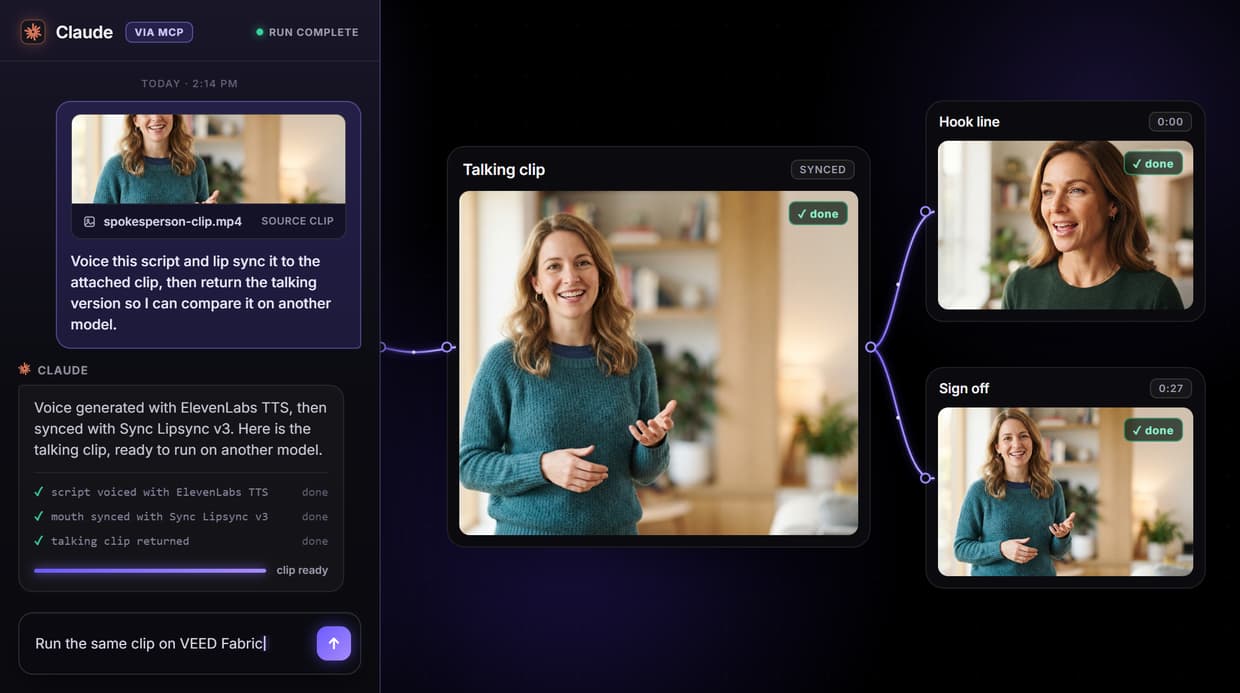
Wireflow's lip sync API runs Sync Lipsync v3, VEED Fabric, Kling AI Avatar and HeyGen behind one key, with the voice made in the same flow, and the whole thing is a graph you can see on this page.
Free to build · no credit card · See how it works ↓
How to Use Lip Sync API
Steps to get you started in Wireflow.
Build the lip sync flow
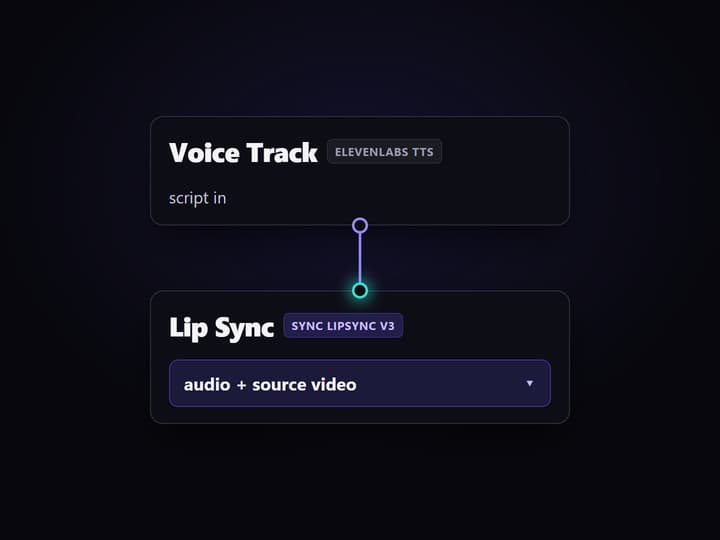
Wire a Script node to an ElevenLabs voice node, add a Source Video node for the clip, and connect both the audio and the video into the Sync Lipsync v3 node.
Publish it as an endpoint
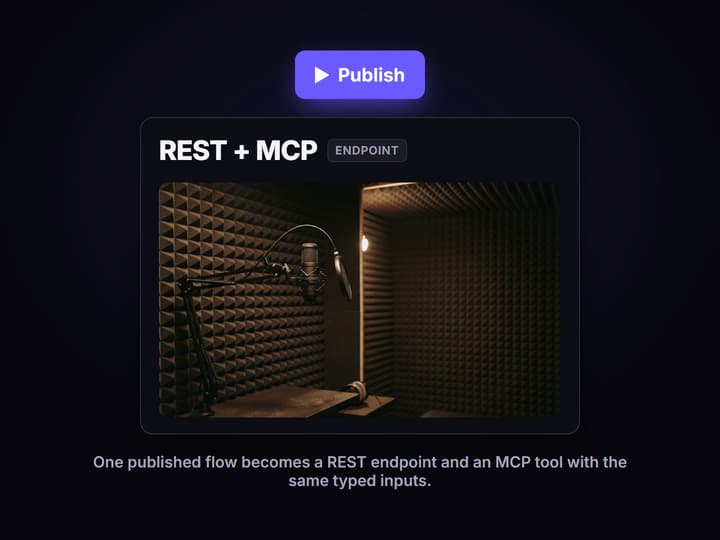
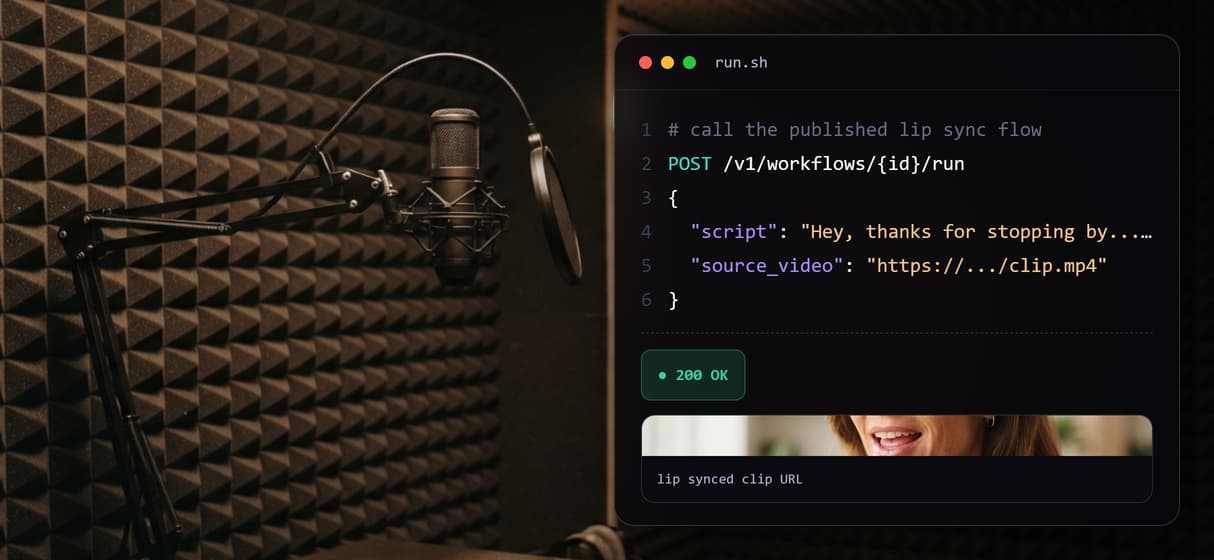
Publish the graph. Wireflow turns it into a versioned REST endpoint and an MCP tool, both reachable with one API key and the same typed inputs.
Call it from code or an agent
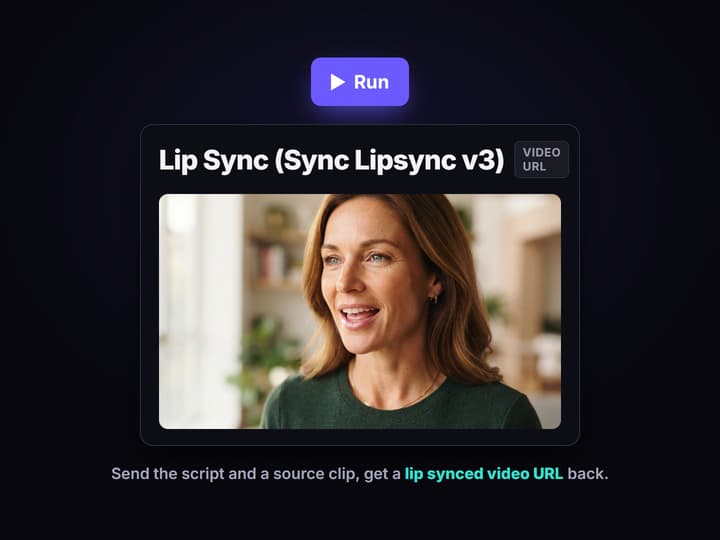
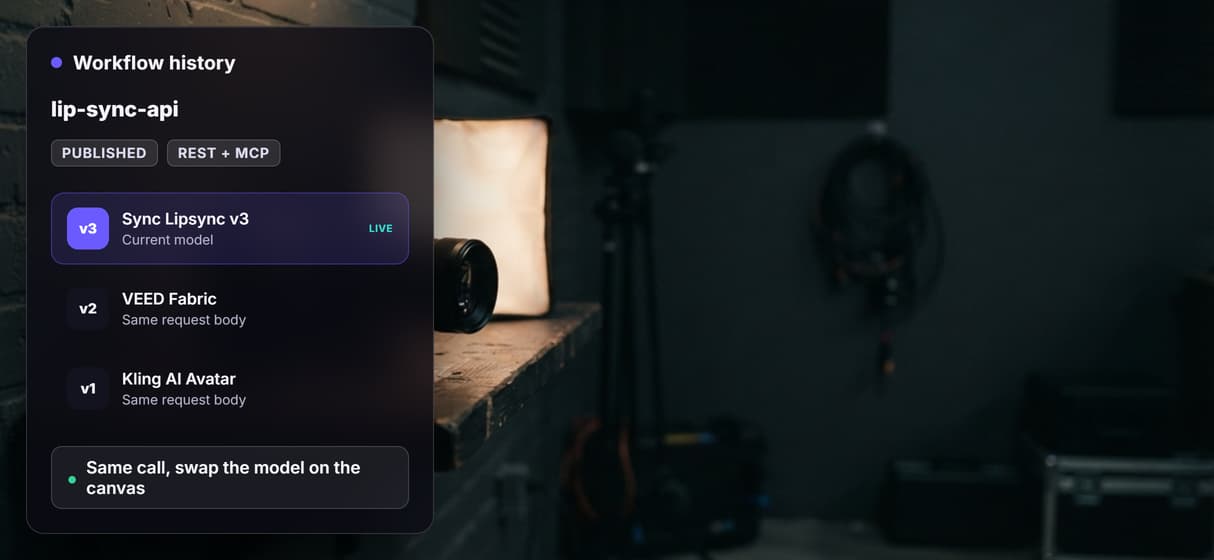
Send the script text and a source clip, run the workflow, and read the lip synced video URL back. Swap the model on the canvas without changing the call.
The real graph behind the lip sync API
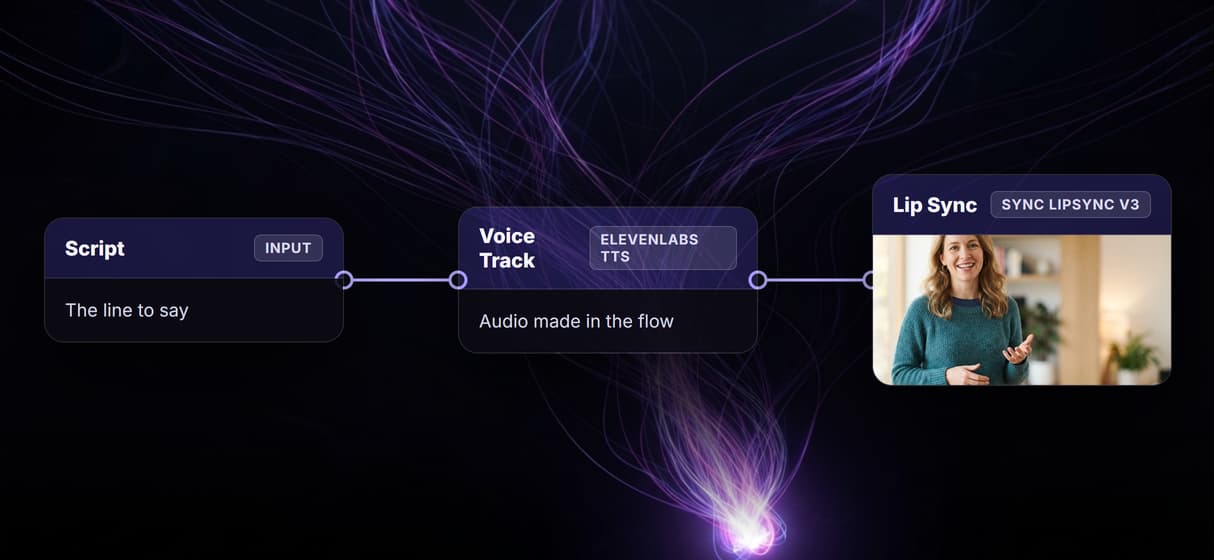
The flow published on this page is a real lip sync pipeline, not a mockup. A Script input holds the line to say, a Voice Track node turns it into audio with ElevenLabs TTS, a Source Video node carries the clip to sync, and a Lip Sync node built on Sync Lipsync v3 remaps the mouth in that clip to match the generated voice. A sticky note on the canvas explains the run and names every model.
The point most lip sync APIs miss is the voice. They take a video and an audio file and sync the two, which leaves you calling a separate text to speech service and wiring the audio across. Here the audio is produced one node upstream, so a single call turns a script and a face into a talking clip. Swap the Lip Sync node for VEED Fabric, Kling AI Avatar or HeyGen Avatar and the same request runs through a different model.
Where the source video comes from
The lip sync node needs a short source clip of a face and the audio to match. You can wire in a clip you already have by dropping its URL into the Source Video node, or you can make the source video in the same canvas: a video generation API node turns a prompt or a start image into a talking-head clip, and that output feeds straight into the lip sync node. Either way the clip and the voice meet in one graph, so you never leave Wireflow to assemble the pieces.
The source clip and the audio should be close in length. The Sync Lipsync v3 node has a sync mode that trims whichever track is longer, which keeps a short voice line from stretching a long clip out of sync.
What the lip sync API gives you
One key, four models
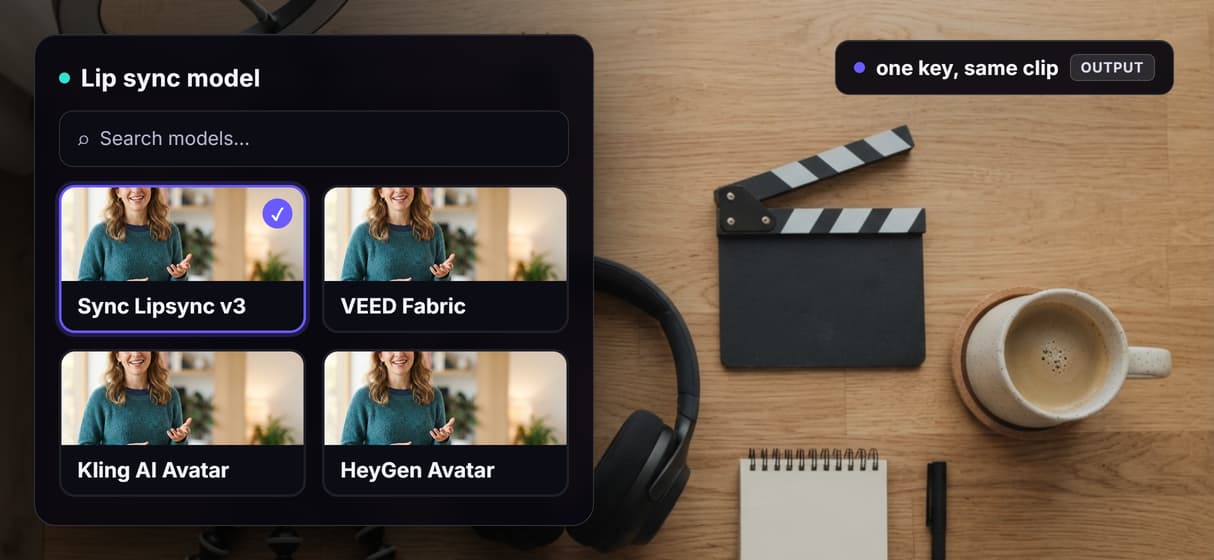
Sync Lipsync v3, VEED Fabric, Kling AI Avatar and HeyGen Avatar all run behind the same Wireflow key.
Voice in the flow
An ElevenLabs node makes the audio one step upstream, so you do not call a separate text to speech API.
REST and MCP
Publishing the graph exposes it as a REST endpoint and an MCP tool with the same typed inputs.
Swap without rewiring
Change the lip sync model on the canvas and your request body stays the same.
Chain more steps
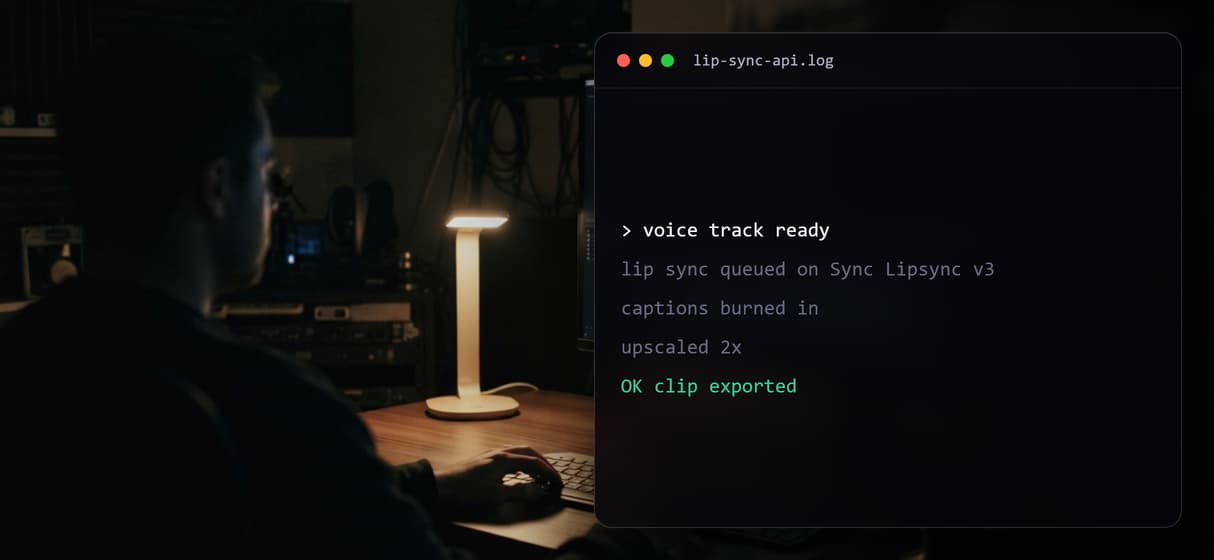
Add captions, an upscaler or a music track in the same workflow instead of stitching vendor APIs.
Versioned and shareable
Each published workflow is versioned server side and callable by a link, a human, or an agent.
What this lip sync API is not
Wireflow is the generation layer, not the reasoning brain. It will sync a face to a voice, but it does not write your script, pick the clip, or decide the edit. The lip sync and talking nodes are video steps, so the preview flow ships them wired but unrun: running a sync spends credits, and you trigger it when you call the endpoint.
It is also not the right tool if you only ever need one model and already have your audio. A single dedicated vendor can be simpler for that one case. Wireflow earns its keep when you want to try several lip sync tools, make the voice in the same place, and keep one integration as you switch models.
More Than Just Lip Sync API
One key, four lip sync models
Run Sync Lipsync v3, VEED Fabric, Kling AI Avatar or HeyGen behind one key and swap between these lip sync tools without touching your integration.
The voice is made in the flow
A Script node feeds ElevenLabs text to speech, and that audio feeds the lip sync node, so one call turns text and a face into a talking clip.
The flow is the endpoint
Publish the graph once and it becomes a versioned REST endpoint and an MCP tool your agent can call with typed inputs and get a video URL back.
Chain the whole clip
Add captions, an upscaler or a music track in the same graph instead of stitching APIs, the way an AI video generator pipeline runs end to end.
Swap models, keep the call
Point the same request at a different engine on the canvas, like the Grok Imagine API page shows, and your code never changes.
AI Models Available
Automate Any Workflow
Included in Every Plan
FAQs
It is an endpoint that remaps the mouth in a source video to match an audio track, so you can dub or revoice a clip with one call instead of editing frames. Wireflow exposes it as a published workflow.
Discover related AI tools
More From Wireflow
Written by
Andrew Adams · Co-Founder & Operations at Wireflow
Runs client operations and content strategy at Wireflow. Works directly with creative teams and agencies to build production AI workflows.
Call the lip sync API from your code
The flow on this page is already published as a REST endpoint and an MCP tool. Read how Wireflow workflows take typed inputs and return asset URLs, then open the flow to inspect the exact graph.