 Andrew Adams · Co-Founder & Operations at Wireflow ·
 HeyGen MCP
The HeyGen MCP question is usually really this: how does my agent generate a HeyGen avatar video without babysitting a stack of atomic calls?
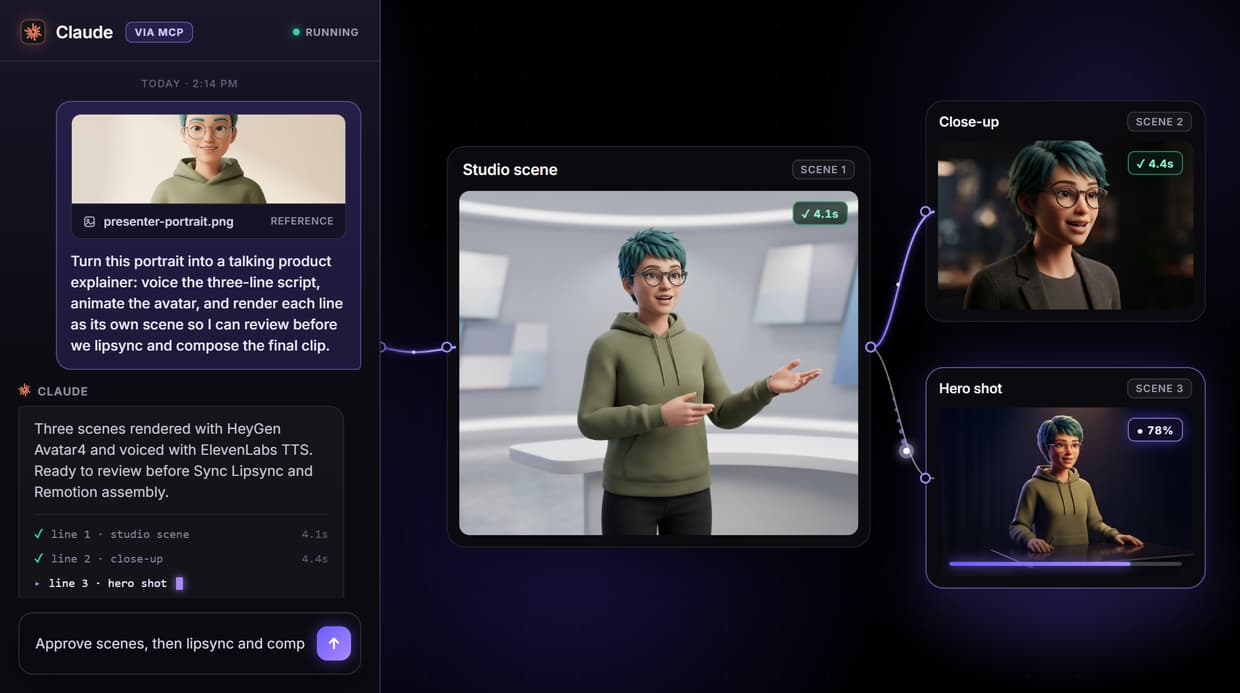
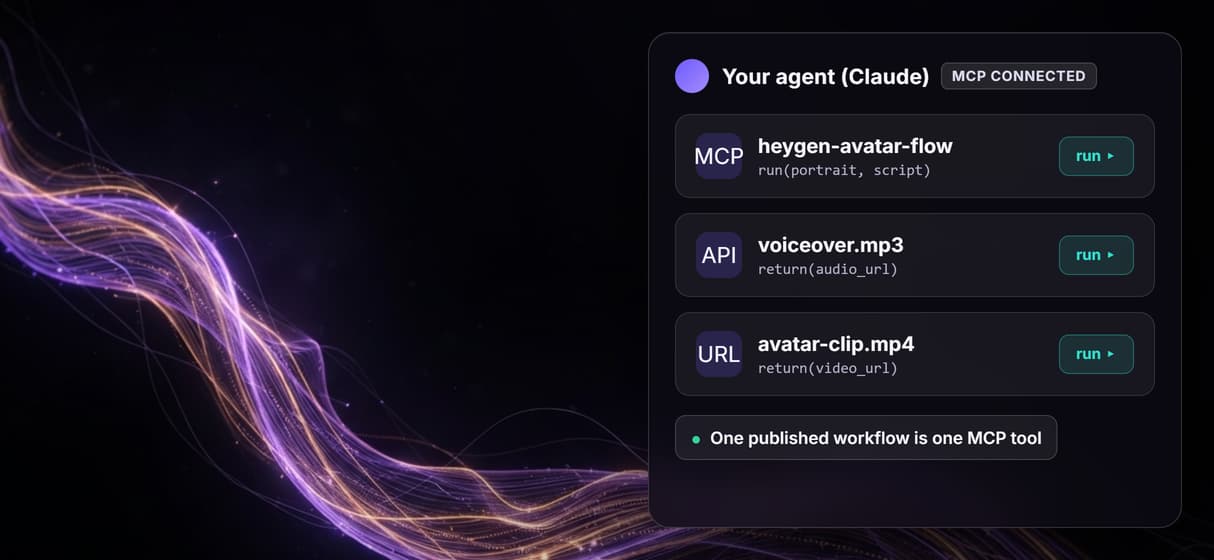
On Wireflow you build an avatar pipeline once on the canvas, publish it, and the agent calls the whole thing as one hosted MCP tool that returns finished video URLs.
Free to build · no credit card · See how it works ↓
How to Use HeyGen MCP
Steps to get you started in Wireflow.
Build the avatar pipeline
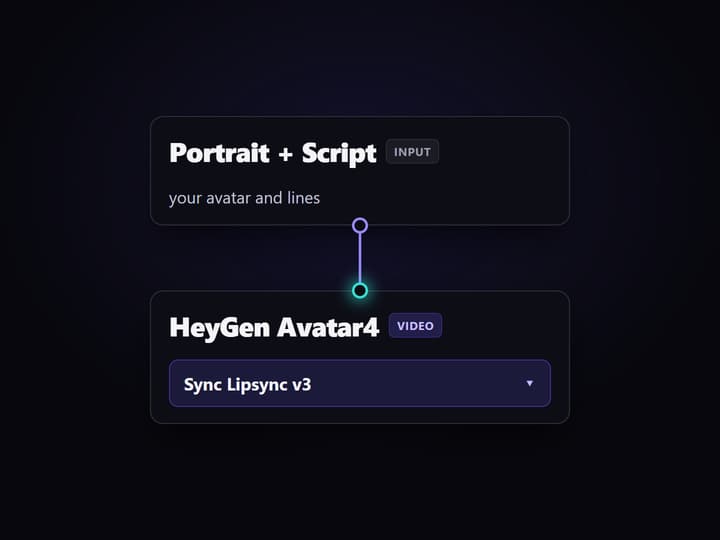
On the canvas, add a HeyGen Avatar4 node, feed it a portrait and a script or voice input, and wire the next step, such as Sync Lipsync v3 or a compose node.
Publish the workflow
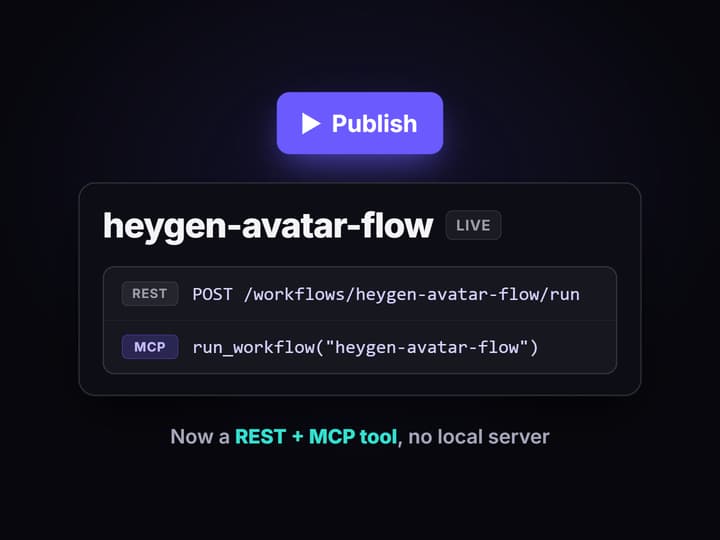
Publishing turns the graph into a REST endpoint and a tool on Wireflow's hosted MCP server automatically. There is no local server to run.
Call it from your agent
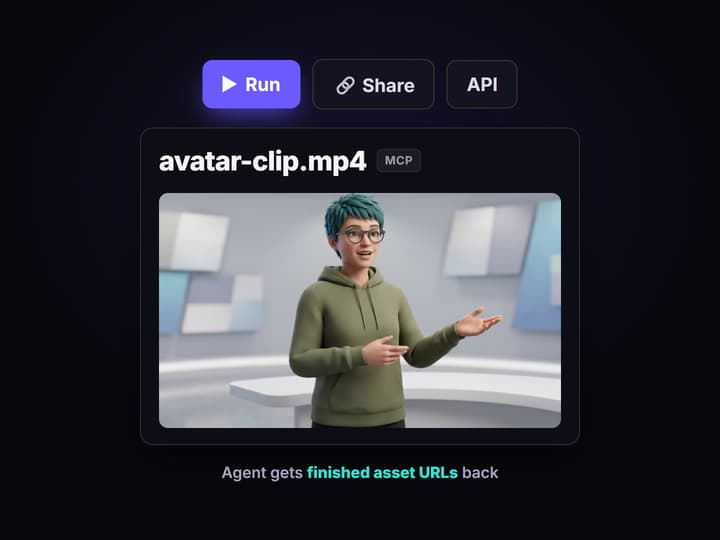
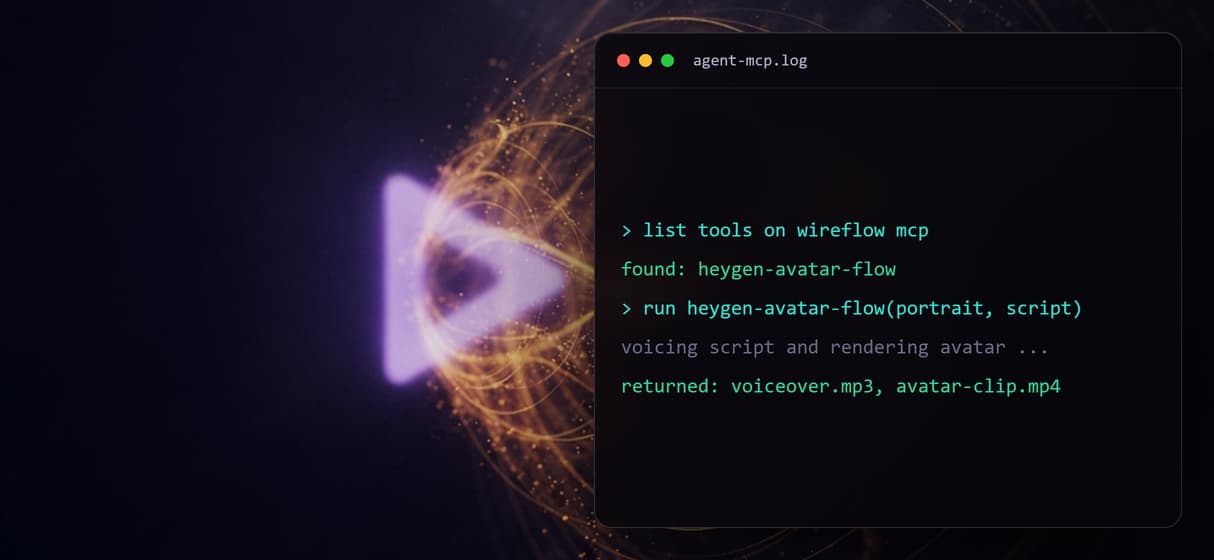
Point Claude or Cursor at the MCP server, then call the workflow by name with typed inputs. The agent gets finished avatar video URLs back.
What people actually want from HeyGen MCP
Most searches for HeyGen MCP split two ways. Some people want HeyGen's own official MCP server, which puts HeyGen's avatar-video tools directly in front of an agent. That is the right route when you already run on HeyGen and only need to trigger it from Claude or Cursor on its own. Wireflow is not that server and does not resell HeyGen's API.
The other group wants the avatar to be one step in a bigger job: voice a script, animate a presenter, refine the lipsync, add captions, and hand the agent a finished clip. That is where a canvas helps. On Wireflow you place a HeyGen Avatar4 node, wire what comes before and after it, publish the graph, and the agent calls that whole pipeline through the hosted MCP layer as a single agent media tool.
What the workflow gives your agent
Real HeyGen avatar nodes
HeyGen Avatar4, Avatar Digital Twin, and Avatar V are live nodes on the canvas, wired like any other step in the graph.
One MCP tool
Publish the workflow and it becomes one tool on Wireflow's hosted MCP server, callable by name with typed inputs.
Avatar chains onward
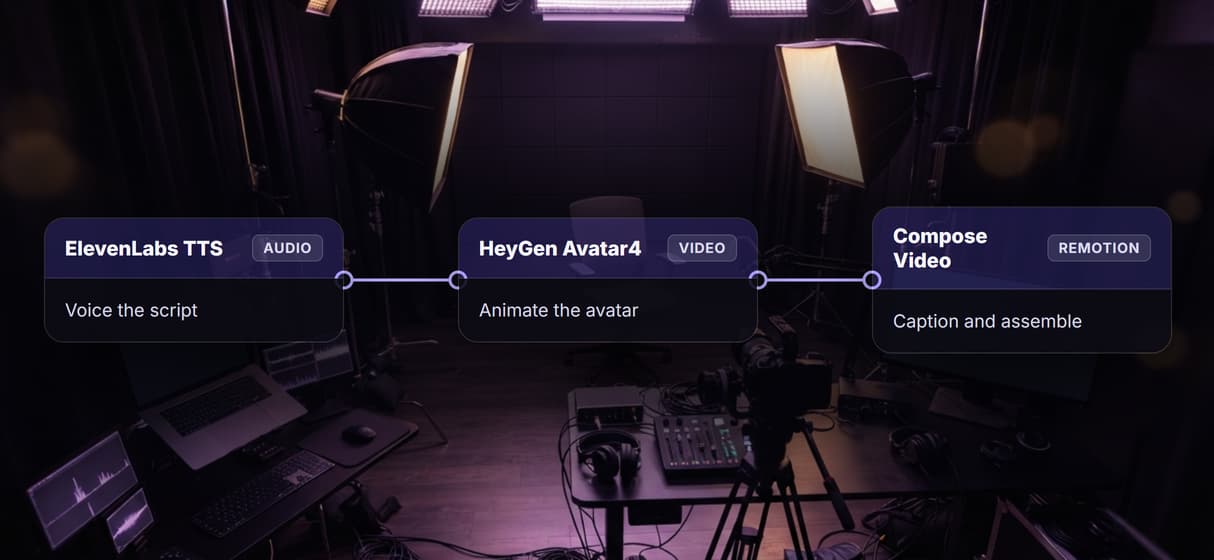
Feed the avatar with ElevenLabs TTS voice, refine it with Sync Lipsync v3, and compose the clip without leaving the graph.
Nothing to install
The MCP server is hosted, so there is no uvx or pip step and no API key pasted into a local client config file.
Versioned and reproducible
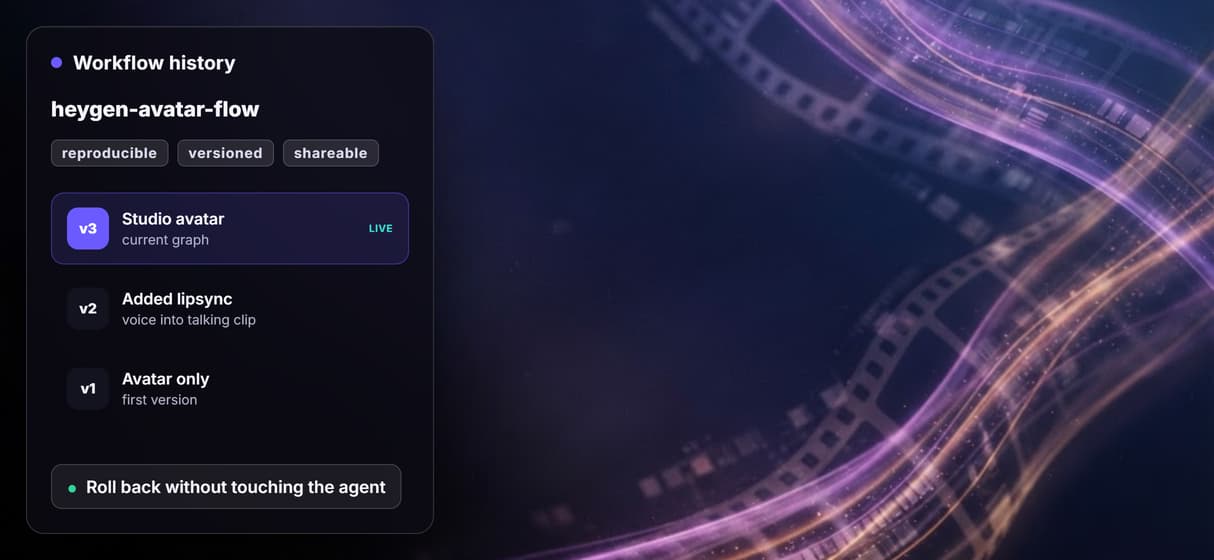
The workflow is versioned server-side, so the same inputs run the same graph and node settings on every call.
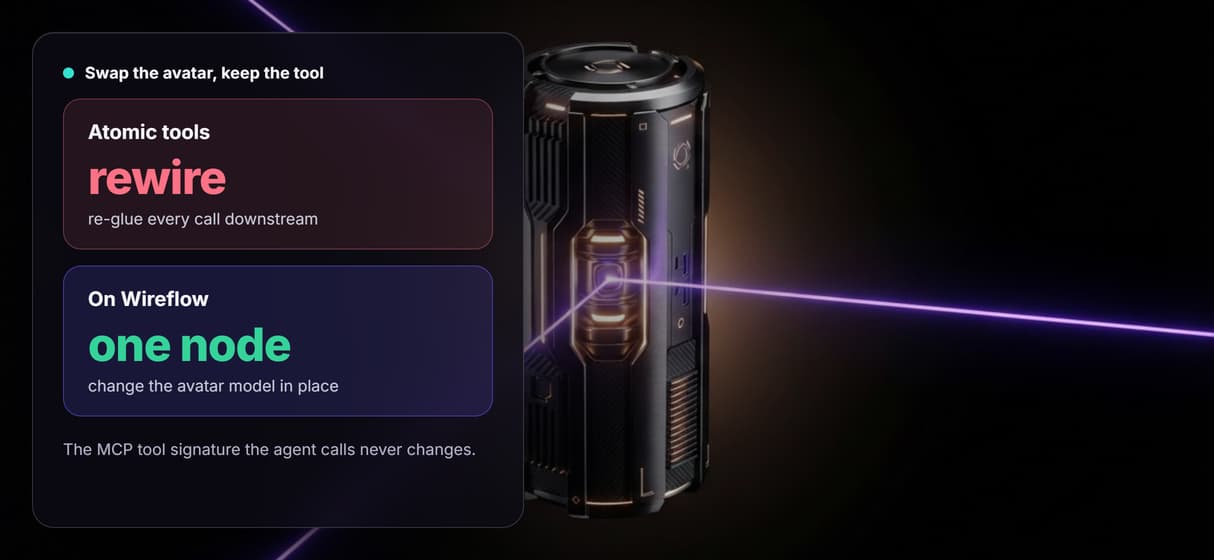
Swap avatars in one node
Change HeyGen Avatar4 for Kling AI Avatar, or add a fallback avatar node, without changing the tool the agent calls.
Why one workflow beats a stack of atomic calls
Atomic avatar tools give an agent a lot of small levers: list voices, pick an avatar, submit a render, poll for status, then hand the file somewhere else. Each of those is a call the agent has to sequence, check, and pass along, and the moment the avatar needs a voice track, tighter lipsync, and captions, the agent is gluing tools by hand.
A Wireflow workflow collapses that into one hosted tool. The graph already knows that the voice feeds the HeyGen avatar, which feeds the lipsync node and the compose step, so the agent sends one typed input and gets the finished result. It is the same pattern behind an AI video pipeline: the orchestration lives in the graph, not in the agent's prompt.
When HeyGen's own MCP is the better pick
If you already run on HeyGen and only need to fire its avatar-video tools from an agent on their own, HeyGen's official MCP server is the direct route and Wireflow adds nothing you need. The same is true if you want to keep every render inside your existing HeyGen account rather than on a separate canvas.
Wireflow is also not the reasoning brain and not an offline tool. It does not write your script or decide strategy, it does not run locally, and it has no custom Python nodes. Its job is narrow: turn an avatar-plus-media pipeline into one reproducible hosted tool your agent can call. If you want to weigh avatar engines first, read the best HeyGen alternatives roundup, then build the graph.
More Than Just HeyGen MCP
One MCP tool, not a stack of calls
Publish the pipeline once and your agent calls it as a single agent media tool with typed inputs, instead of sequencing atomic avatar and voice calls itself.
Avatar chains into voice and lipsync
Wire HeyGen Avatar4 with ElevenLabs TTS and Sync Lipsync v3 in one AI video pipeline, so the agent gets a finished clip, not a bare render.
Hosted, nothing to install
Every published workflow is a hosted MCP server, so there is no uvx or pip step and no API key pasted into a client config file. Point Claude or Cursor at the URL.
Reproducible, versioned runs
Workflows are versioned server-side, so the same brief returns the same graph and node settings every call, and you can roll back an avatar change without touching the agent.
Swap or stack avatar models
Swap HeyGen Avatar4 for Kling AI Avatar, or add a fallback, in one node for your AI video generator; the tool signature stays the same.
Heygen mcp Workflows
No Code Required
API & Batch Processing
FAQs
HeyGen MCP usually refers to HeyGen's own official Model Context Protocol server, which exposes HeyGen's avatar-video tools directly to an agent. Wireflow is a separate hosted canvas that wraps HeyGen avatar nodes into a workflow the agent calls as one MCP tool.
Discover related AI tools
- AI Pipeline Automation
- AI Workflow Templates
- AI Video Pipeline: Build One on a Node Canvas
- Bulk AI Content Generation
- AI Model Chaining
- AI Asset Pipeline
- AI Workflow Builder
- AI Content Generation API
- AI Workflow API
- AI Orchestration API
- Headless AI Workflow Platform
- Krea AI API Alternative: Image and Video From One REST Endpoint
More From Wireflow
Written by
Andrew Adams · Co-Founder & Operations at Wireflow
Runs client operations and content strategy at Wireflow. Works directly with creative teams and agencies to build production AI workflows.
Let your agent call HeyGen avatars as one tool
Build an avatar pipeline on the canvas, publish it, and it becomes a hosted MCP tool your agent calls by name. Read how agents call Wireflow workflows as MCP tools.