 Andrew Adams · Co-Founder & Operations at Wireflow ·
 MCP Server for Video Editing
An MCP server for video editing lets your AI agent call a whole editing pipeline as one tool instead of driving an app.
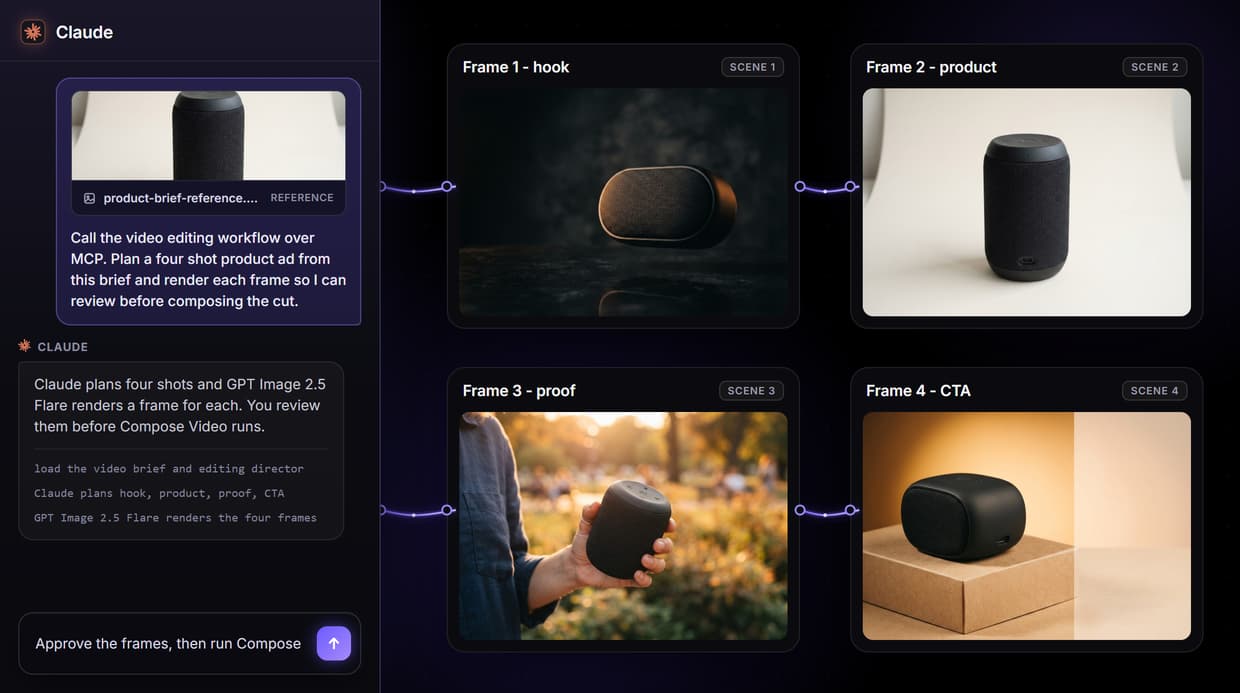
On Wireflow, a published node graph becomes a hosted MCP tool: the agent sends a brief, Claude plans the shots, GPT Image 2.5 Flare renders storyboard frames, and a Compose Video node assembles the cut. The flow on this page is live and callable.
Free to build · no credit card · See how it works ↓
How to Use MCP Server for Video Editing
Steps to get you started in Wireflow.
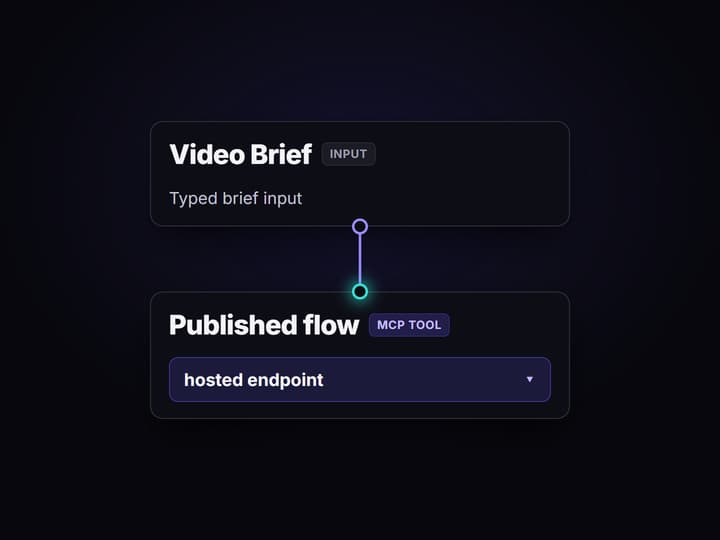
Publish the flow as an MCP tool
Open the workflow and publish it. A published Wireflow flow is automatically exposed as a hosted MCP tool and a REST endpoint, with the Video Brief as its typed input.
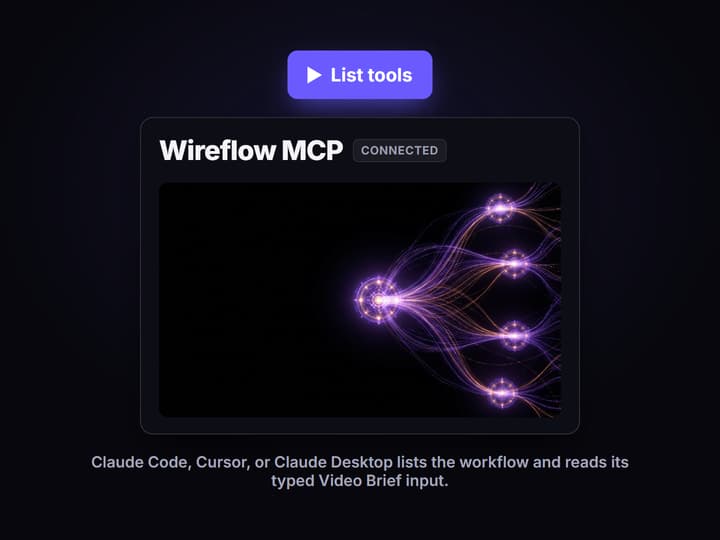
Connect your agent over MCP
Add the Wireflow MCP server to Claude Code, Cursor, or Claude Desktop. The agent lists the workflow, reads the typed Video Brief input, and can run it on demand.
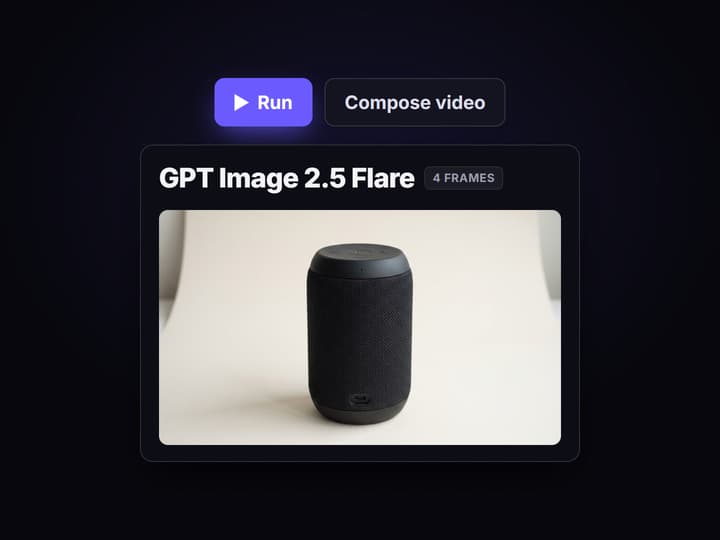
Run, review, then compose
The agent sends a brief and gets the four storyboard frames back. Review them, then run the Compose Video node only when the shots are approved and worth assembling.
The MCP tool behind this page
The published flow here is a real MCP tool, not a mockup. A sticky note explains the run, a Video Brief input carries the creative ask, and an Editing Director prompt tells the model how to think about shots and pacing. The Shot Planner uses the Run any LLM node so Claude returns a structured four-shot plan, then Split Shots turns that plan into separate scene items for hook, product, proof, and CTA.
Four GPT Image 2.5 Flare render nodes turn those scenes into storyboard frames, and a Compose Video node is wired as the final assemble step. Because the workflow is published, it is exposed as both a hosted MCP tool and a REST endpoint: an agent lists it, reads the typed Video Brief input, runs it, and gets frame URLs back, the same visible-control idea behind an agentic canvas.
What the MCP flow proves
Brief is the only input
The Video Brief text node is the single typed input an agent sends, so a new edit is a new brief, not a rebuilt graph.
Direction is explicit
The Editing Director prompt is its own input, not hidden inside the model, so shot logic and pacing can be reviewed.
Claude plans the shots
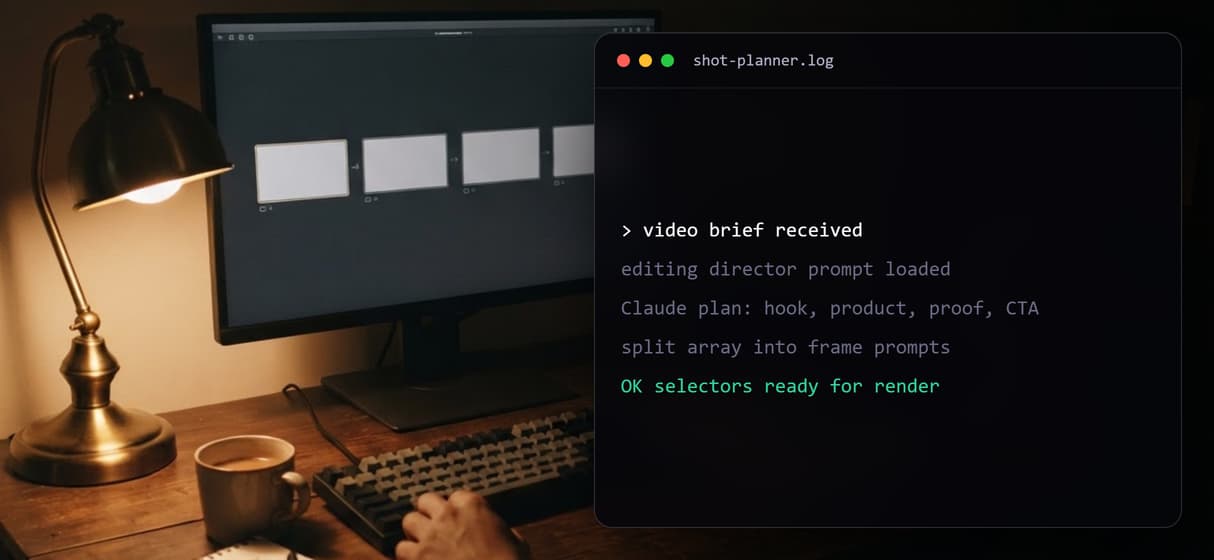
The Shot Planner runs Claude to turn one brief into hook, product, proof, and CTA shots before any frame renders.
Scenes stay separate
Split Shots and four selectors keep each planned scene apart, so one shot can be revised without redoing the set.
Frames render on their own
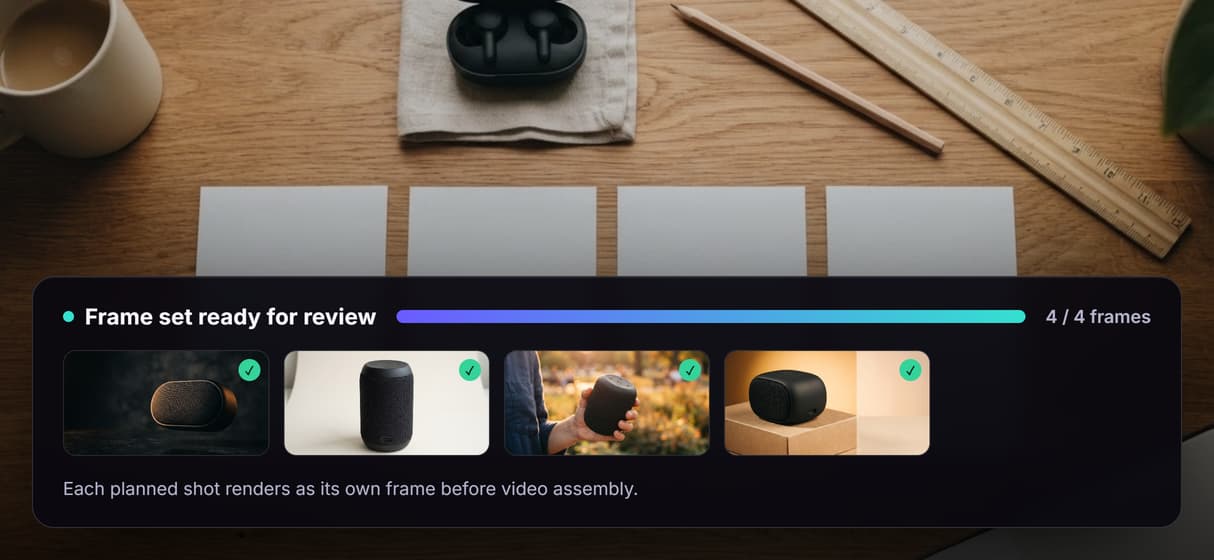
Four GPT Image 2.5 Flare nodes render the storyboard frames, and the executed run confirms four real image outputs.
The cut waits for review
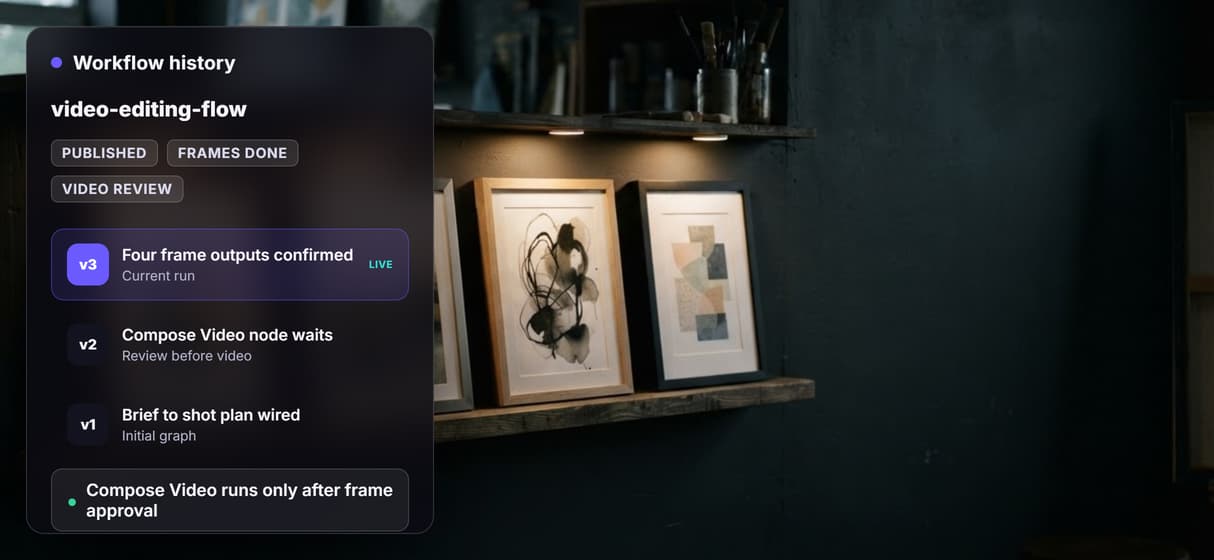
Compose Video is wired as the final step, but the expensive video node stays unexecuted until a person approves.
Why agents should call a graph, not a timeline
Most video editing MCP servers hand an agent a pile of granular tools to orchestrate ad hoc, or expect a local server you install and maintain. A published Wireflow flow is the opposite: the pipeline is designed once on a canvas, then the agent calls it as a single tool and gets the same steps every run. The brief, the director prompt, the shot plan, the split, and each frame are all checkpoints, so if the product shot misses, you fix that scene instead of rerunning the whole edit.
That structure is what makes the edit safe to delegate. Agents can trigger it through the hosted MCP and REST layer, while your team still sees and corrects every step. It sits between a video editing agent and a full video assembly API: enough automation to scale, enough structure to review.
What this MCP server is not
Wireflow is the production layer, not the reasoning brain. Claude plans shots inside this flow, but the offer, the taste, and final approval still come from your team or the agent you bring. This flow also does not claim a finished video exists: the Compose Video node is present and intentionally left unexecuted, matching the cost rule for video nodes, so the run confirms four rendered frames and a staged cut, not an exported file.
It is also not a pure clip-and-caption tool. If all you need is to trim and subtitle footage you already have, a single-purpose clipper may be simpler. Wireflow pays off when the same edit pattern runs again with new briefs and you want it callable from an agent. To wire existing footage instead, compare the broader agentic video editing platform and open the flow to inspect the real graph.
More Than Just MCP Server for Video Editing
One MCP call runs the edit
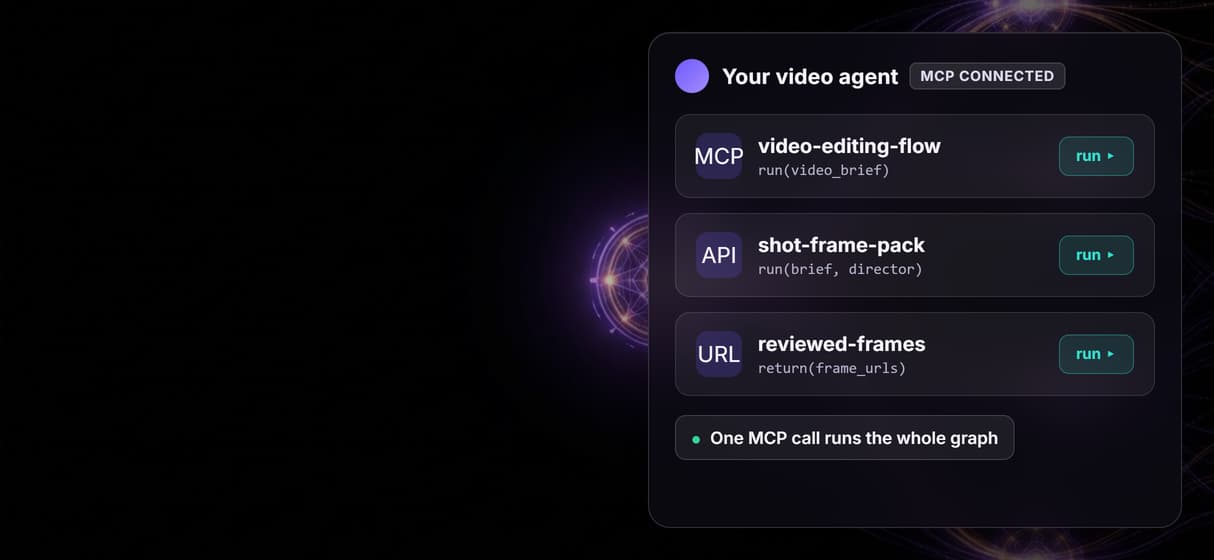
Your agent sends a brief to one hosted tool and gets storyboard frames plus a staged cut back, no timeline clicks and no local server to run. Compare other options in Wireflow's roundup of video editing MCP servers.
Claude plans shots first
The Shot Planner runs Claude to turn one brief into separate hook, product, proof, and CTA scenes before any single frame renders.
Frames stay reviewable
Four GPT Image 2.5 Flare nodes render each scene on its own, so an agent can revise one shot without rerendering the whole storyboard set.
Compose waits for approval
The Remotion Compose Video node is wired but never auto-runs, so it spends video credits only after you approve the four rendered frames. Add a soundtrack the same way through the Suno MCP integration, exposed as one more agent tool.
Same tool for every client
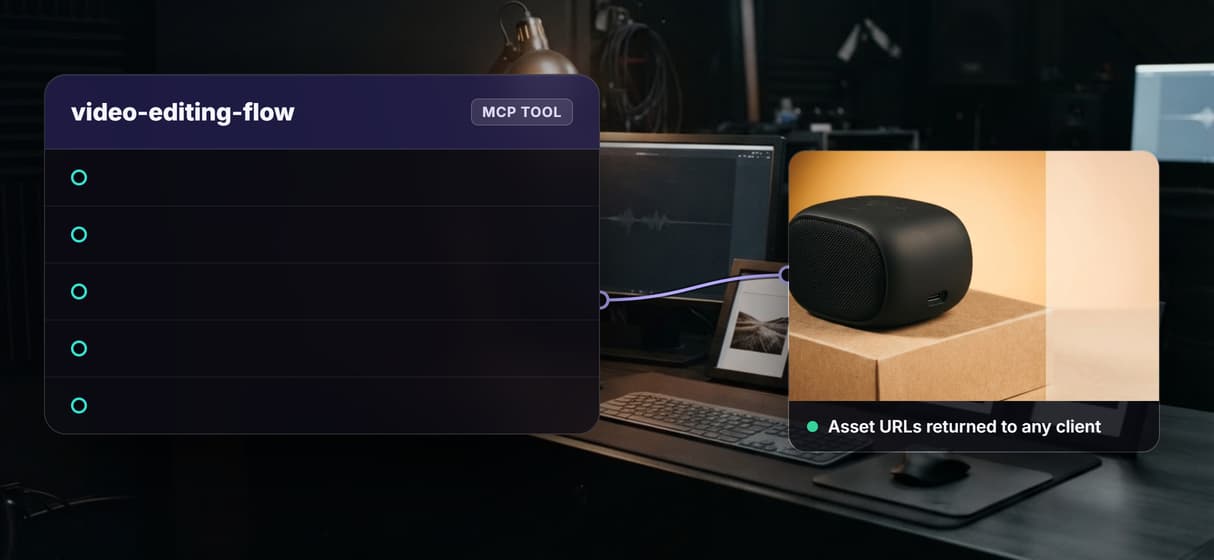
Claude Code, Cursor, and Claude Desktop hit the one hosted MCP endpoint with typed inputs and get asset URLs back, versioned and reproducible each run.
Build Any AI Workflow
AI Models Integrated
Full Commercial License
FAQs
It is a Model Context Protocol endpoint that exposes a video editing workflow as a callable tool. An AI agent connects to it, reads the typed inputs, runs the pipeline, and gets asset URLs back, without driving a video app or timeline by hand.
Discover related AI tools
More From Wireflow
Written by
Andrew Adams · Co-Founder & Operations at Wireflow
Runs client operations and content strategy at Wireflow. Works directly with creative teams and agencies to build production AI workflows.
Call video editing from your agent
The public flow is already published and executed through the non-video steps. Read how agents connect to Wireflow workflows as hosted MCP tools, then open the flow to inspect the exact graph.