 Andrew Adams · Co-Founder & Operations at Wireflow ·
 Free AI Video Generator Online
Build an AI video workflow on a visual canvas for free: a text prompt drives a Kling video node, and you can swap the model or animate a still image on the same graph.
Building the workflow is free, and each generation run spends credits.
Free to build · no credit card
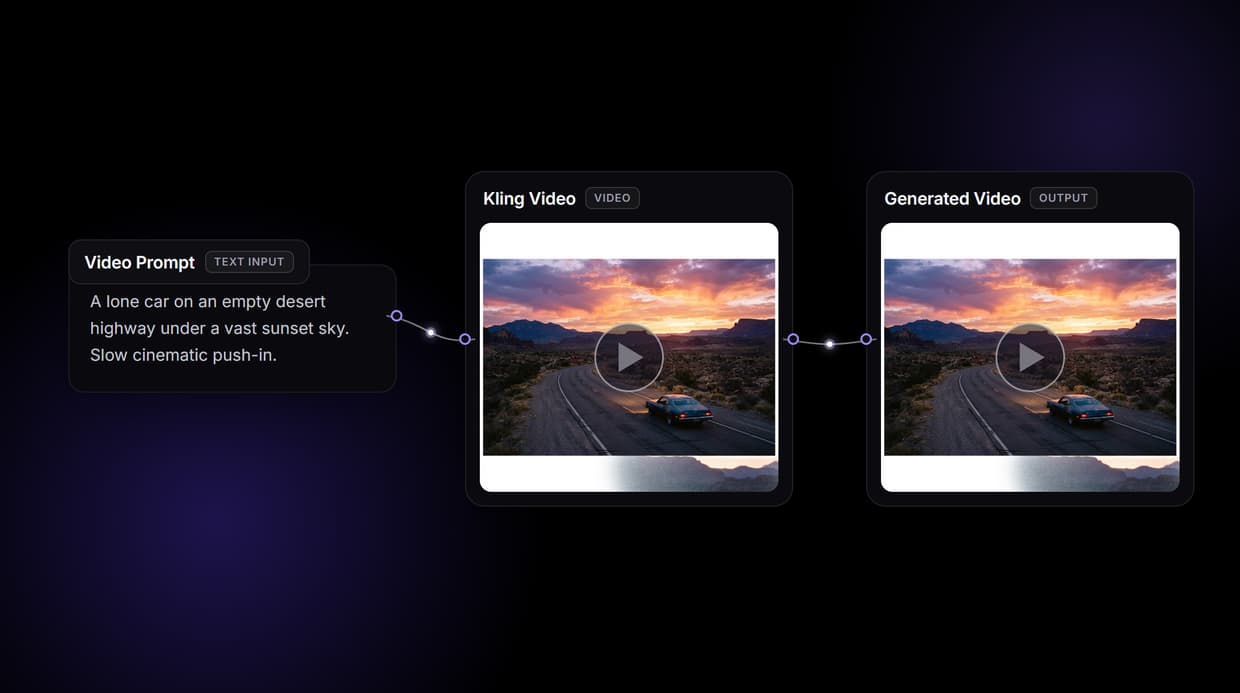
A video generator you build, not a black box
Most free AI video tools give you a single box: type a prompt, wait, and take whatever comes back. Wireflow works the other way around. The generator is a node on a visual canvas, so you can see the text prompt, the video model, and the output as connected steps and change any one of them.
A text prompt feeds a Kling video node, and running it renders a clip. Change a word and regenerate, swap the model for a different one, or wire the output into an upscaler. Signing up and building the graph is free; each generation run spends credits.
What the video graph gives you
Text to video on a canvas
A Kling node renders a clip from your text prompt on a visual graph.
Image to video
Wire a still into the Start Frame port to animate it into motion.
One-node model swap
Swap Kling for Seedance, Wan, Veo, or Sora from a dropdown.
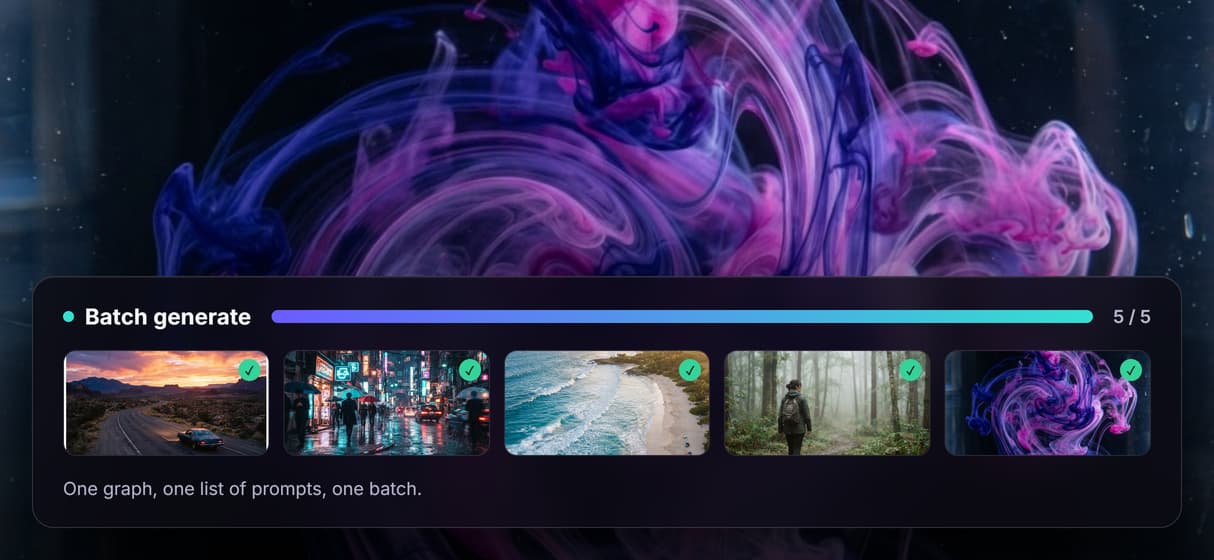
Batch with iterators
A Text Iterator loops one graph over a list of prompts.
REST and MCP access
Every published graph is a REST endpoint and an MCP tool for your app or agent.
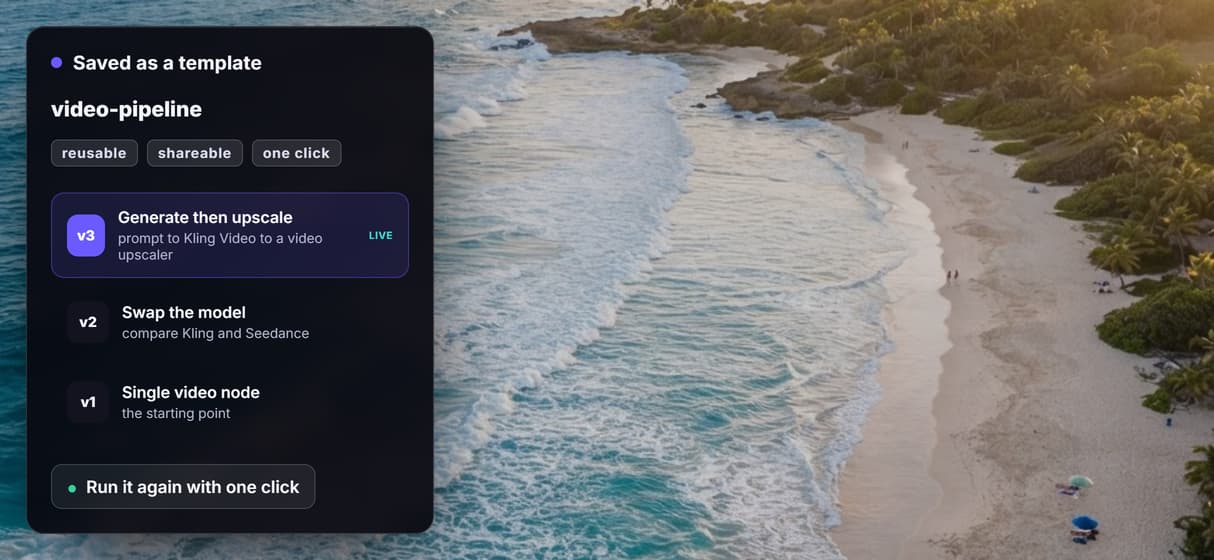
Reusable templates
Save the pipeline so your team reruns it with one click.
How the video workflow is wired
The workflow on this page is deliberately minimal: a text input node and a Kling video node, wrapped in one labelled group. The prompt flows into the Kling node, and one run produces one clip. The Kling node also exposes Start Frame and End Frame inputs, so wiring an image in turns it into an image-to-video step instead of text-to-video.
Because it is a graph, you can rearrange it. Swap Kling for Seedance, Wan, Veo, or Sora on the same wire, add a video upscaler downstream for higher resolution, or add a Foley node for sound. Publish the graph once and it reruns from a click, a REST call, or an agent.
What free means here, and what it does not
Free means free to sign up, free to build and wire the workflow on the canvas, and free to browse the public gallery. Generating the clip requires a paid plan, because each run spends credits at the underlying model cost. There is no free generation trial and no free credits; paid plans start at 24 dollars per month.
Wireflow is the generation and processing layer, not a manual timeline editor with keyframes and frame-by-frame trimming. It runs in the browser on hosted compute, so there is no GPU or local model to install. Generation follows your prompt and the chosen model, and each model carries its own license to check before commercial use. Wireflow does not stamp its own watermark on the output.
More Than Just Free AI Video Generator Online
Multiple video models, one canvas
A Kling node is wired here, and you can swap it for Seedance, Wan, Veo, or Sora on the same wire. Build and preview each on the visual node editor. For a wider survey, our roundup of the best free AI video generators tests eight tools on the same prompts.
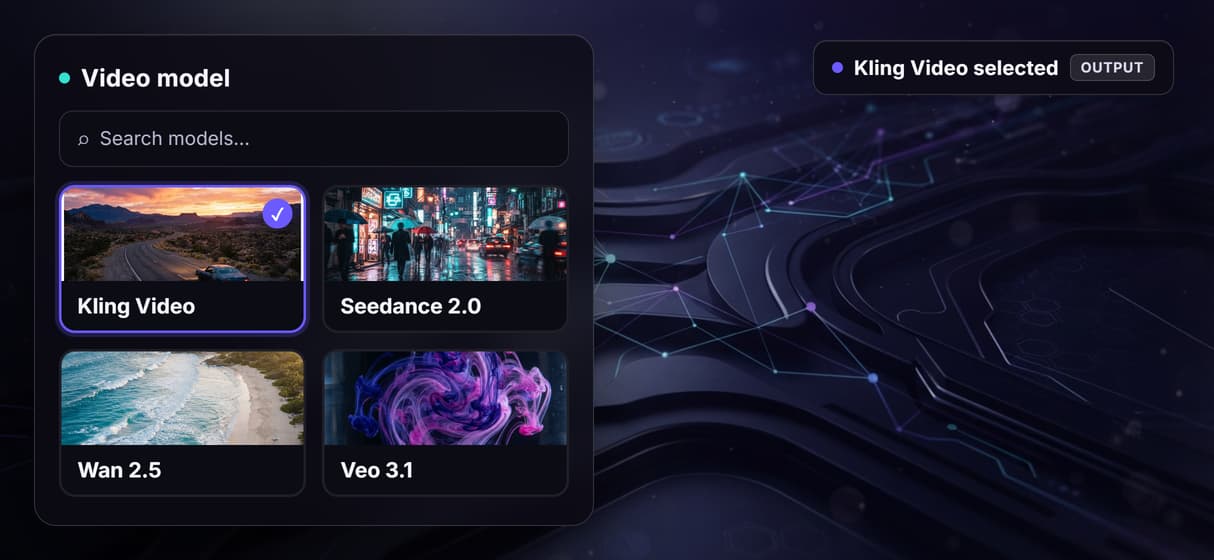
Animate a still image
Wire an image into the Kling node's Start Frame port to animate a still into motion. Make the still first with the AI photo generator.
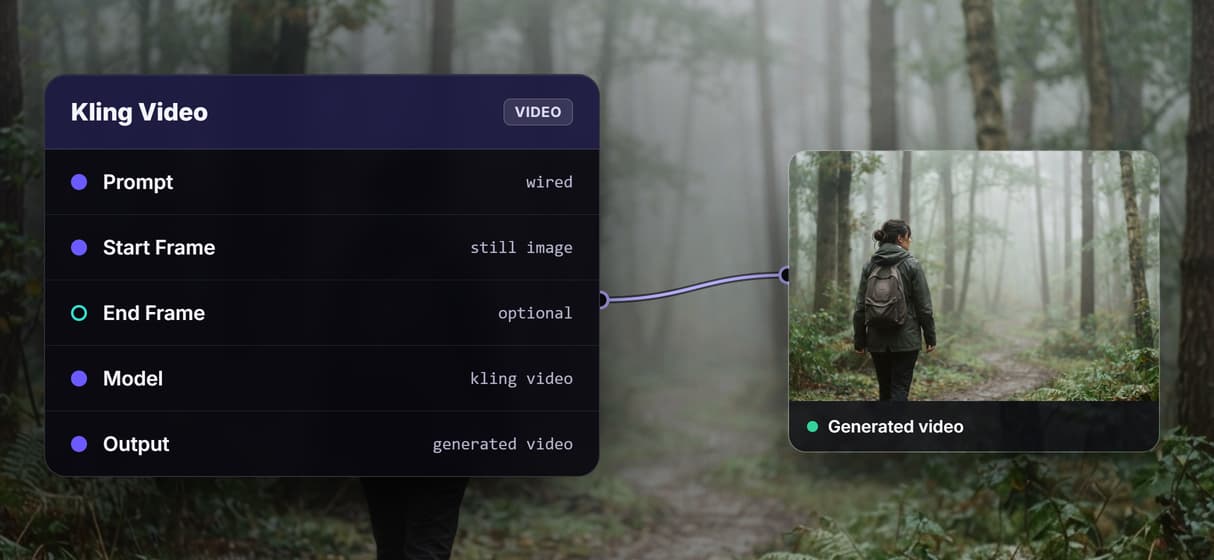
Swap the model in a click
Switch Kling for Seedance, Wan, or Veo as one node swap, no rewiring. Compare passes the way you chain any models.
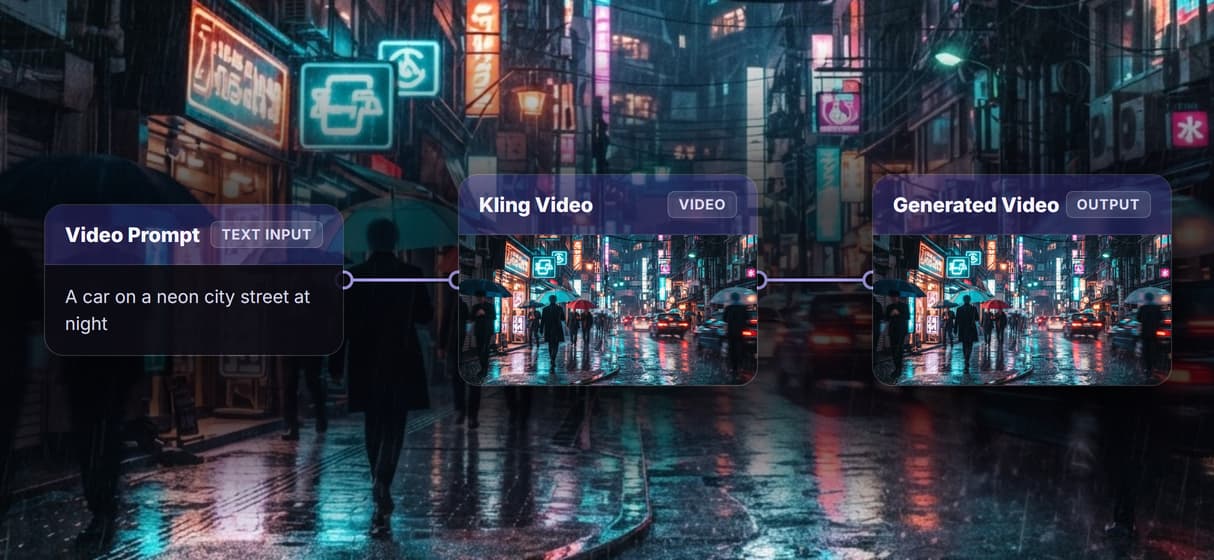
Batch a list of prompts
A Text Iterator loops the graph over a list of prompts, so a full set of clips renders in one pass. Fan it out with batch AI generation.
Save it as a reusable template
Save the generate-then-refine graph so your team reruns it with one click. Keep the pipeline as a reusable template.
Video Workflows
No Code Required
API & Batch Processing
FAQs
Signing up, building the workflow, and browsing the public gallery are free. Generating a clip requires a paid plan because each run spends credits at the model cost. There is no free generation trial or free credits.
More From Wireflow
Written by
Andrew Adams · Co-Founder & Operations at Wireflow
Runs client operations and content strategy at Wireflow. Works directly with creative teams and agencies to build production AI workflows.
Build your AI video workflow
Open the canvas, wire a text prompt into a video model, and swap or chain nodes however you like. Building the workflow is free, and you run it when you are ready.