Features
AI Workflow Software for Agencies
Wire one media workflow on a node canvas, then re-run it per client so each brief returns on-brand images and video.
You can open and change it for free, and a new account gets a free video, with plans from $36 a month.
Free to build · no credit card · Read the agent docs · See how it works ↓
 Andrew Adams · Co-Founder & Operations at Wireflow ·
How to Use AI Workflow Software for Agencies
Steps to get you started in Wireflow.
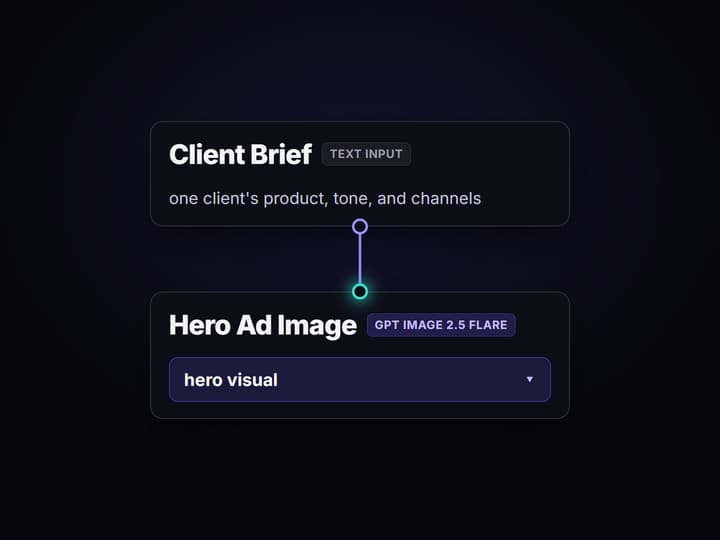
Build the client workflow once
Start from a brief text input, then wire GPT Image 2.5 Flare for the hero visual and Gemini Omni Flash 1.1 for the cutdown clip. Assemble it one time on the canvas.
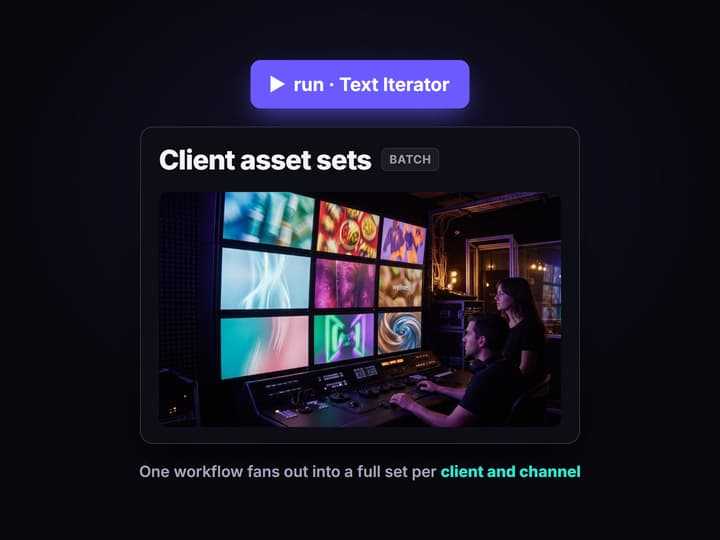
Batch the roster from one feed
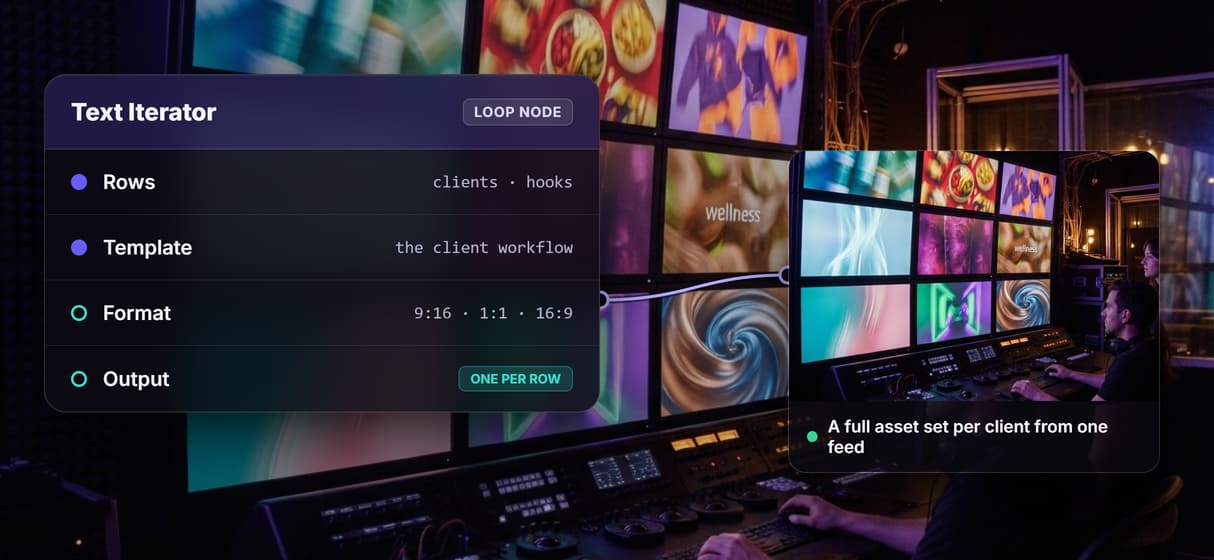
Add a Text Iterator over your client list or a product CSV and the same workflow renders a full asset set per row, so one graph fills a launch calendar.
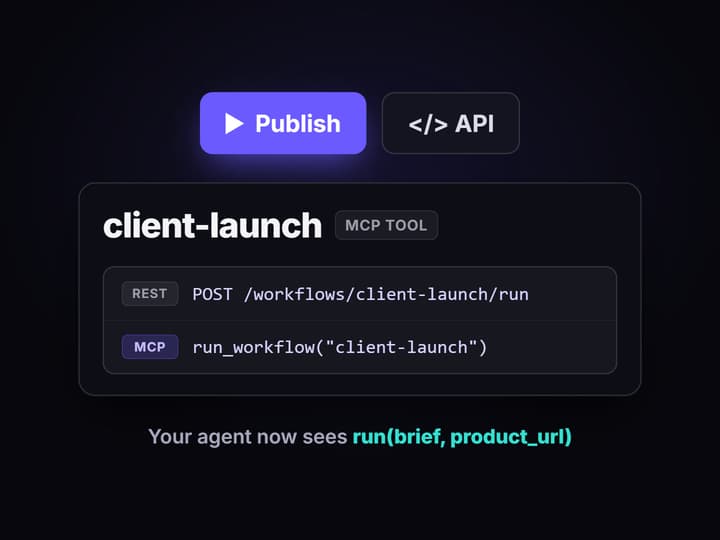
Expose the workflow to your agents
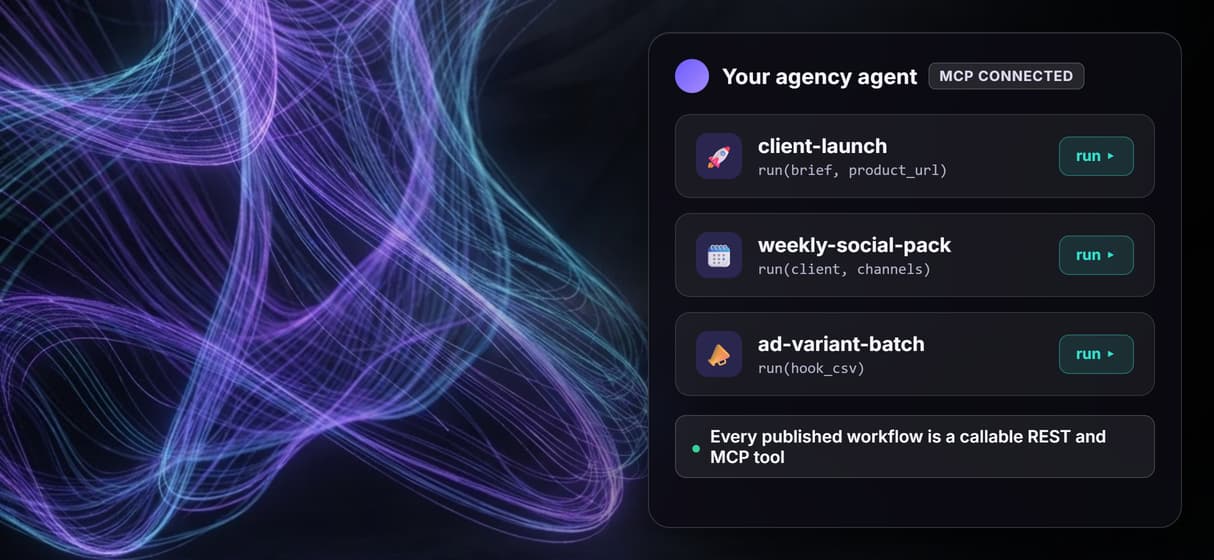
Publish the graph and it becomes an MCP tool with typed inputs. An agent fills the client brief, runs the workflow, and returns asset URLs your team reviews.
More Than Just AI Workflow Software for Agencies
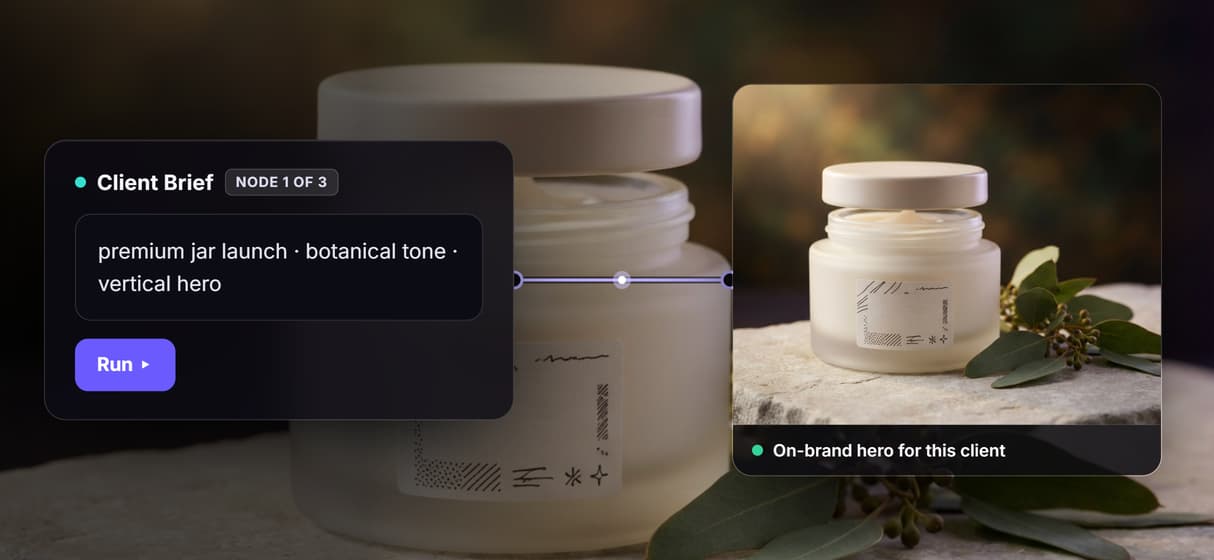
Build once, rerun for every client
Assemble the client media graph one time in the AI workflow builder, then swap the brief to run the same software for the next account.
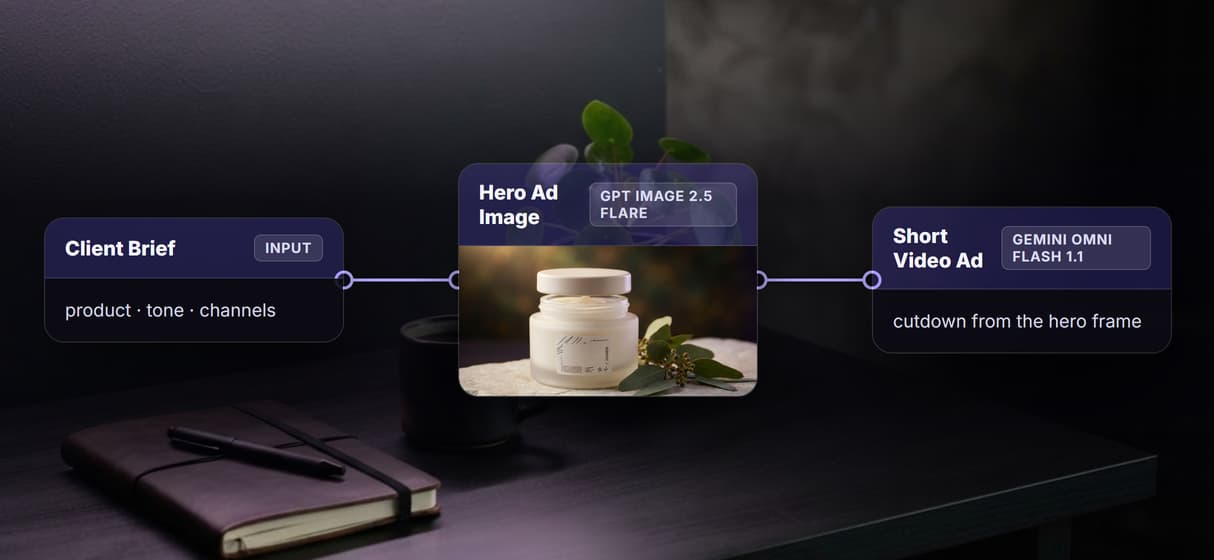
Chain image, video, and voice in one graph
Wire an image model, a video model, and a voice model into one multi-model AI workflow, so a brief becomes a full asset set on the canvas.
Scale the roster by loop, not headcount
Point one workflow at a client feed and batch AI generation renders a variant per row, so output grows without adding staff.
Every workflow your stack can call
Publish a workflow and it becomes a REST endpoint and an MCP tool, so the AI workflow API turns each client run into one typed call an agent makes.
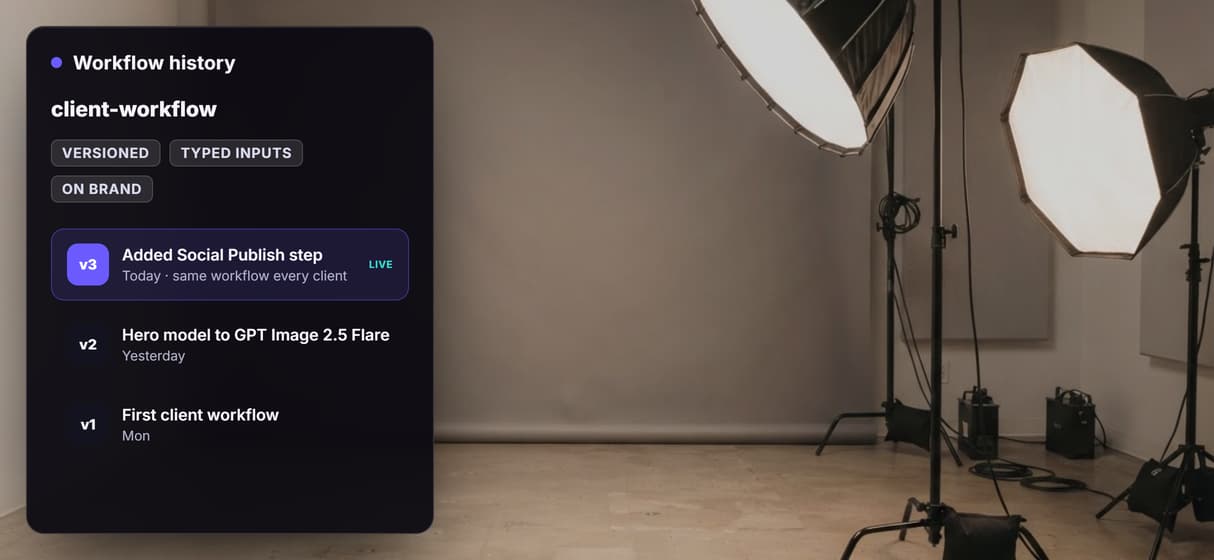
Versioned, so runs stay reproducible
Workflows are versioned server side, so a reusable AI workflow template renders the fiftieth client asset the same way as the first.
Workflow software for agencies Workflows
No Code Required
API & Batch Processing
How one client run works
One run of this agency workflow has three moving parts you set on the canvas.
- What you put in. A Client Brief node takes the account's brief, pasted in or pulled from your docs, plus a short motion prompt for the video.
- What comes out. The GPT Image 2.5 Flare node renders the hero image, and a video node turns that frame into a channel-ready clip, both on hosted compute with no GPU.
- What you can change. Swap the brief for the next client, or pick a different image or video model from the node dropdowns, and the rest of the workflow stays the same.
What the client workflow can do
Brief intake
Pull briefs from Notion pages or Google Drive with fetch nodes, or paste the client's text.
Hero visuals
Generate with Nano Banana Lite, Flux 2, Seedream 5 Pro, or GPT Image 2 from the client brief.
Video cutdowns
Veo 3.1, Kling O3, Sora 2, and Seedance 2.0 turn the hero frame into channel-ready clips.
Voice and avatars
ElevenLabs voice-over, HeyGen Avatar4, and Sync Lipsync v3 build spokesperson variants in-graph.
Variant fan-out
Text and Image Iterators loop one workflow over hooks, channels, or a client CSV.
Finish and ship
Topaz upscaling, background removal, and a Social Publish node close out the run.
How an agency divides the work
Running AI well at an agency is a division of labor, not a hand-over of judgment.
- The team designs. You choose the models, lock the brand inputs, and decide what a variant may change. That happens once, on the canvas.
- The workflow produces. Brief in, the graph renders the hero image, cutdowns, and variants on hosted compute, the same way for every client run.
- Agents operate. Over the hosted MCP server an agent lists your published workflows, fills the typed inputs from this client's brief, and returns asset URLs for review.
Delegation only works because runs are reproducible: workflows are versioned server side, so the difference between two runs is the inputs, never the pipeline. That property is what separates AI creative workflows an agency can hand to an agent from prompt sessions it cannot.
What Wireflow is not for an agency
Wireflow is the media production layer, not the strategy brain and not your project tracker. Positioning, budget, audience, and channel choices come from your team or the agent you bring; an LLM node can rewrite prompts and caption variants inside the graph, but it will not plan a client's quarter. It is also not app-glue automation: it does not connect your CRM to Slack or run intake forms and invoicing, it produces the media those tools then route.
There is no client sign-off suite or per-account review library here either, so pair it with your multi-client workflow management for approvals. And every generation costs credits, so an agent looping over hundreds of rows is a spend decision to cap deliberately. If a client is one-off work with no repeatable shape, a workflow has little to automate; if the same deliverable ships every week with new inputs, this is exactly the software for it.
FAQs
It is software your agency builds once and reruns across clients. On Wireflow you wire a media pipeline on a node canvas, then swap each client's brief to produce new images and video.
Discover related AI tools
- AI Pipeline Automation
- AI Workflow Templates
- AI Video Pipeline: Build One on a Node Canvas
- Batch AI Generation: Many Assets, One Run
- AI Model Chaining
- AI Asset Pipeline
- AI Workflow Builder
- AI Content Generation API
- AI Workflow API
- AI Orchestration API
- Headless AI Workflow Platform
- Krea AI API Alternative: Image and Video From One REST Endpoint
More From Wireflow
Written by
Andrew Adams · Co-Founder & Operations at Wireflow
Runs client operations and content strategy at Wireflow. Works directly with creative teams and agencies to build production AI workflows.
Build the workflow your agency reruns for every client
Wire the client media workflow once on the canvas: brief in, on-brand images and video out. Run it by hand today; hand it to an agent when you are ready. Building is free, generations are pay per run.