 Andrew Adams · Co-Founder & Operations at Wireflow ·
 AI Video Ad Creator for Agencies
Wire a Brand Brief to Nano Banana Lite and Compose Video once.
Your team runs the same agency ad loop for every client, no canvas edits per account.
Free to build · no credit card · See how it works ↓
How to Use AI Video Ad Creator for Agencies
Steps to get you started in Wireflow.
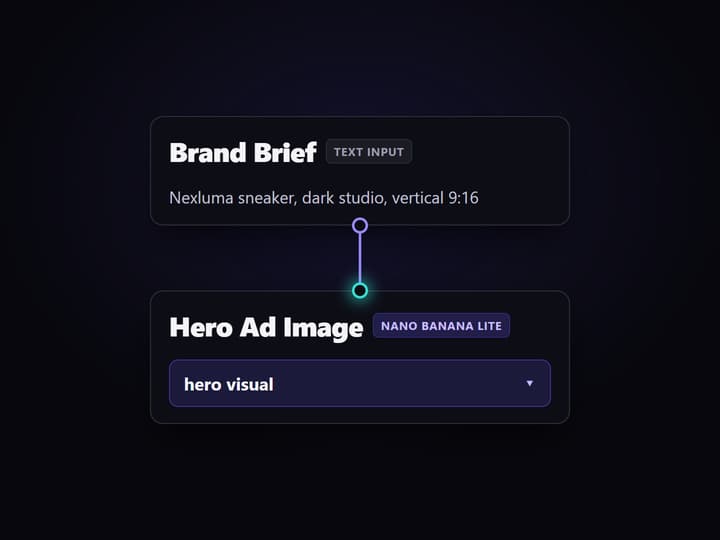
Connect Brand Brief to both production nodes
Add a Brand Brief input node, then wire its output to Hero Ad Image and Compose Video. The same client brief supplies the image prompt and ad text for each run.
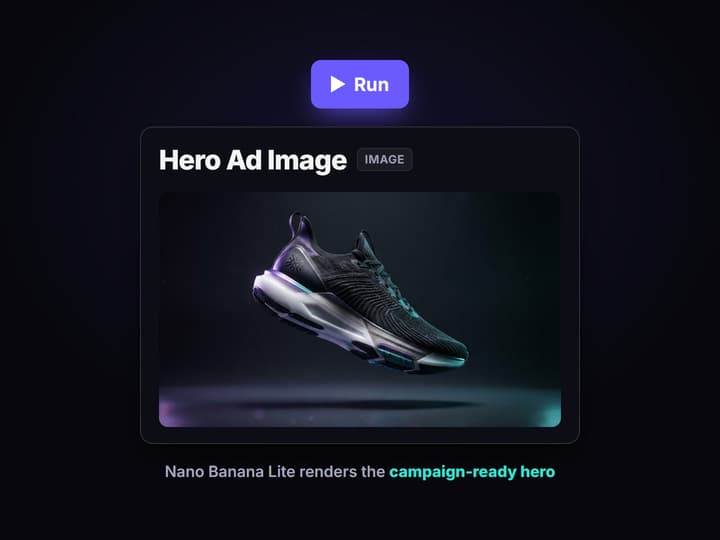
Run Hero Ad Image to generate the visual
Execute Hero Ad Image. Nano Banana Lite reads the Brand Brief and returns the landscape visual that Compose Video uses in the final ad.
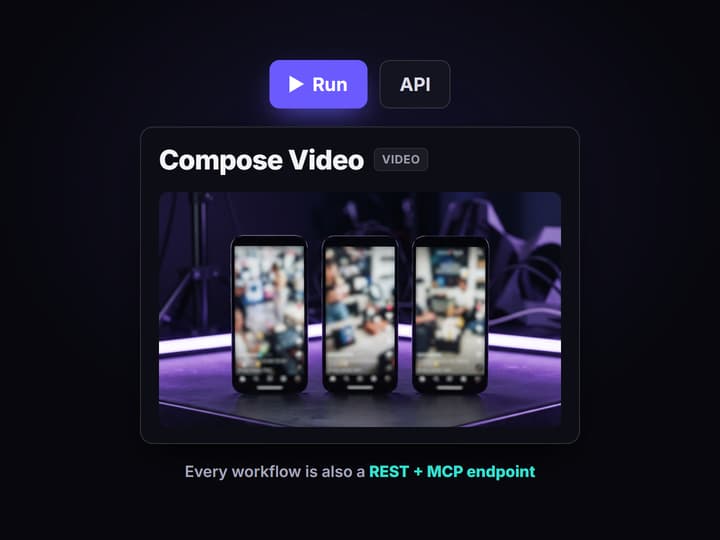
Run Compose Video for the final ad
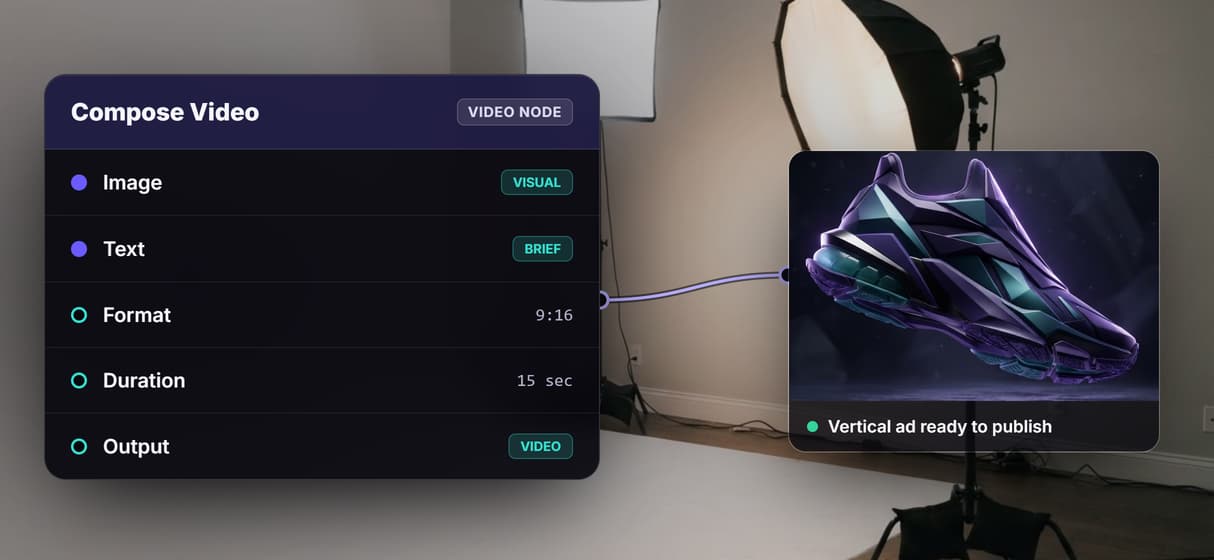
Pass the generated image and Brand Brief text to Compose Video. Set the format, duration, and aspect ratio, then execute it to produce the exportable video ad.
How the agency ad loop works
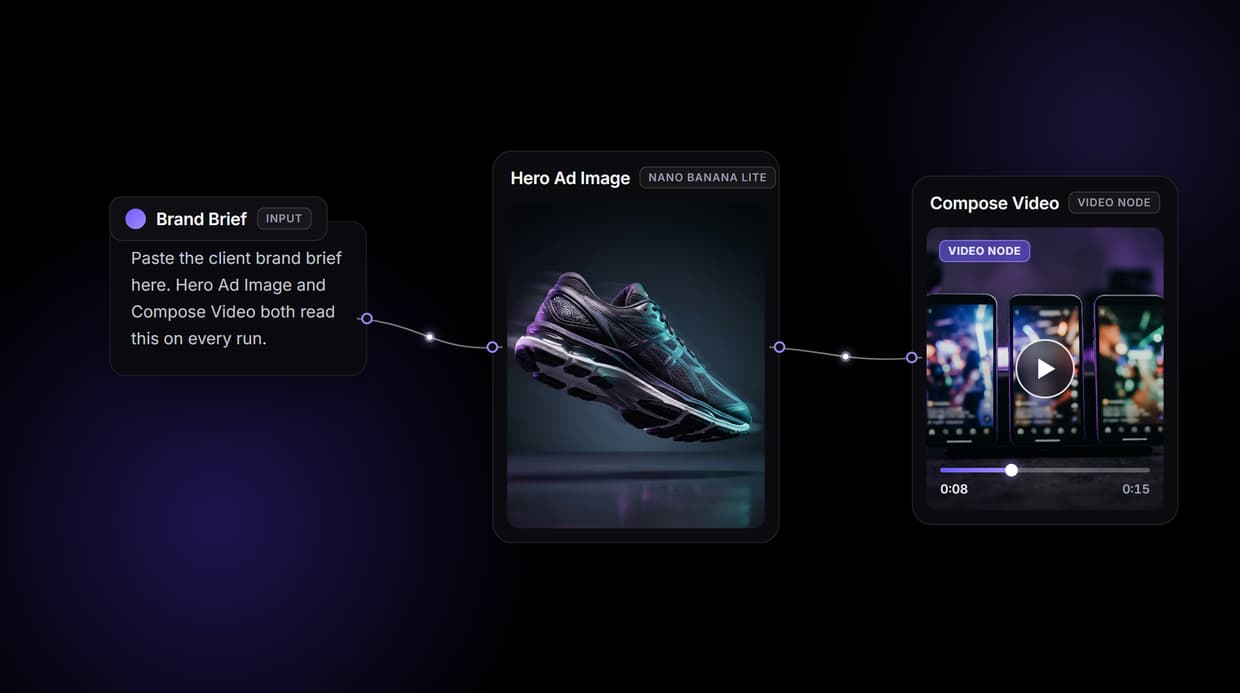
Agency ad production slows at two handoffs: generating the hero visual and assembling the final cut. Wireflow puts both on one node canvas. Brand Brief feeds Hero Ad Image and Compose Video. Nano Banana Lite renders the visual, and Compose Video combines the image with brief text. Your team still sets the creative strategy; the workflow repeats the production steps for each client.
What the three-node workflow covers
Brand Brief input
A text node captures the product, tone, format, and brand constraints. It feeds both Hero Ad Image and Compose Video.
Nano Banana Lite image
Hero Ad Image sends the Brand Brief to Nano Banana Lite and returns a high-resolution landscape visual in seconds.
Compose Video output
Compose Video uses the generated image and brief text to export a video ad in the aspect ratio you set: 9:16, 1:1, or 16:9.
Reusable for any client
Build the workflow once, then change the Brand Brief on each run without editing the canvas for every client.
REST API included
Every published workflow exposes a REST endpoint. Pass client data as JSON and receive the video URL in the response.
Pay per generation
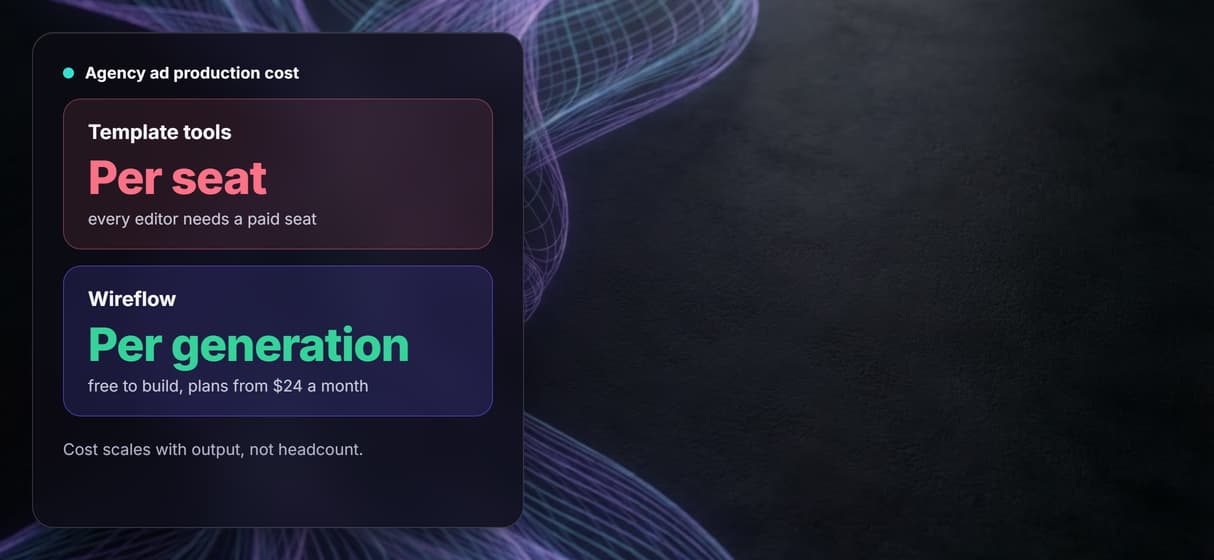
Building is free. Each generation uses credits, and paid plans start at 24 dollars a month.
Run the same workflow for every client
Reuse one workflow across client accounts by changing the Brand Brief on each run. The saved graph sends that input through the same production steps. Trigger the published workflow from a CRM or project tracker through its REST endpoint, so account managers do not need to edit the canvas. They still own the brief and final approval.
When another tool fits better
Wireflow does not include a library of AI actors or a pre-built UGC script generator. If your agency relies on talking-head UGC formats, Creatify or Arcads may suit that workflow better. Wireflow fits teams that need a hosted node pipeline they can reuse and trigger from their own systems. Your team still owns creative strategy, ad copy, targeting, and final review.
More Than Just AI Video Ad Creator for Agencies
Build once, run for every client
Build the agency ad workflow once on the node canvas, then change the Brand Brief for each client run without rebuilding or editing the canvas. Our agency guide explains how to build a workflow that runs the same way for every account.
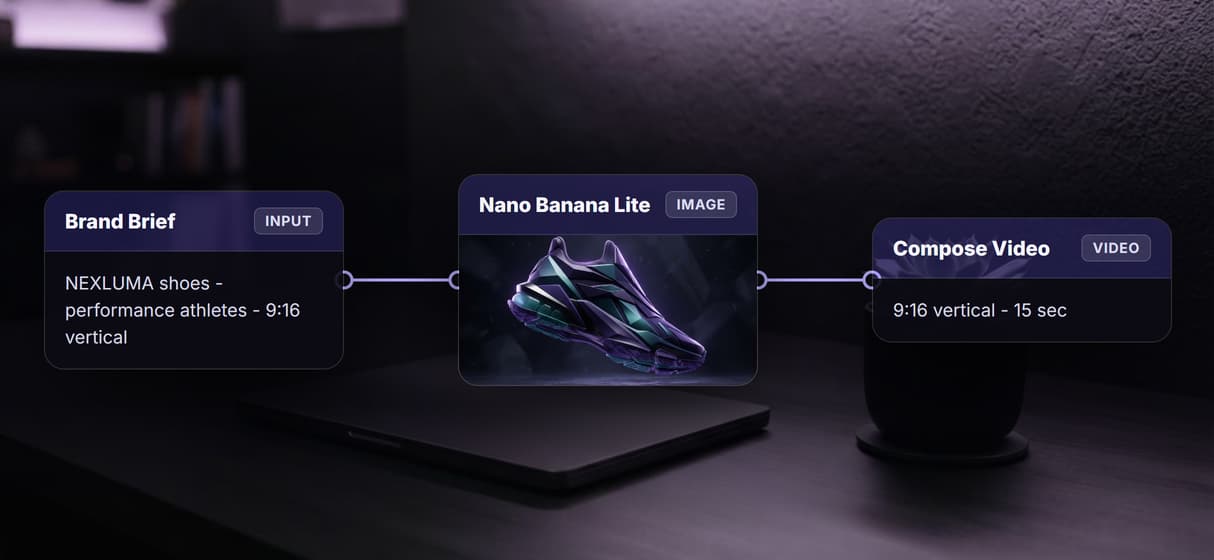
Nano Banana Lite generates the hero visual
Turn each Brand Brief into a hero visual with Nano Banana Lite. The Hero Ad Image node runs the same configured image step for every client.
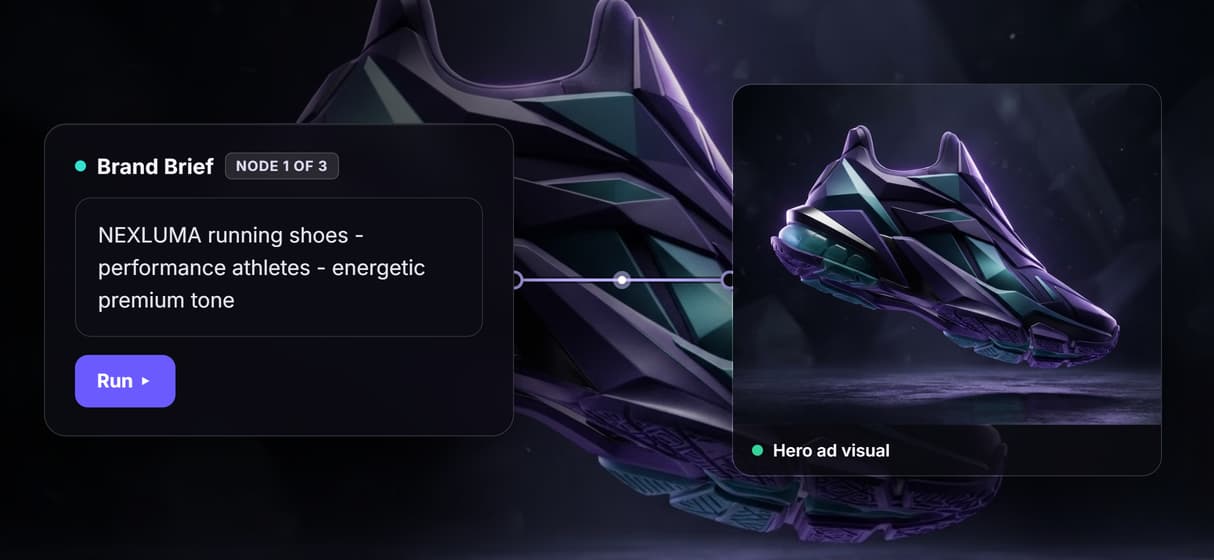
Compose Video assembles the final cut
Assemble the final video from the generated image and brief text in Compose Video. Set format, duration, and aspect ratio for each run.
Pay per generation, not per seat
Pay per generation instead of adding a seat for every account manager. Building is free, and paid plans start at 24 dollars a month.
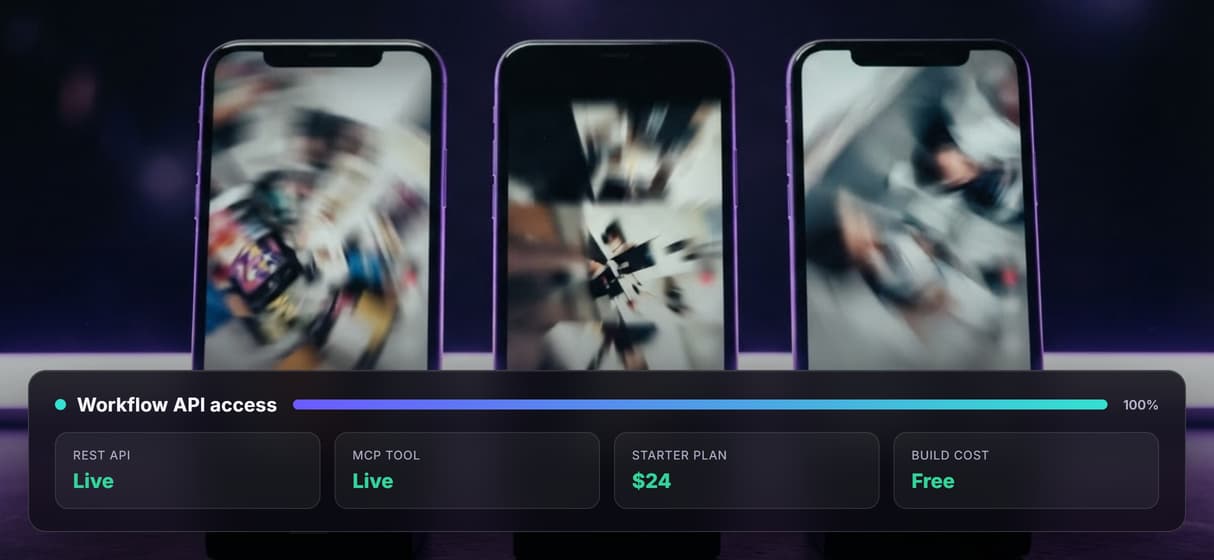
REST API and MCP tool included
Trigger a published workflow from your CRM or project tracker through its REST endpoint or MCP tool, then receive the generated asset URL.
Video ad creator for agencies Workflows
No Code Required
API & Batch Processing
FAQs
Yes. Each workflow run accepts its own brand brief input, so client assets stay isolated by run, not by account. You can manage all clients from a single workspace.
Discover related AI tools
More From Wireflow
Written by
Andrew Adams · Co-Founder & Operations at Wireflow
Runs client operations and content strategy at Wireflow. Works directly with creative teams and agencies to build production AI workflows.
Run the agency ad flow yourself
Open the public three-node workflow: Brand Brief feeds Hero Ad Image and Compose Video. Nano Banana Lite renders the visual, then Compose Video assembles the final cut. The canvas is free to explore; each generation uses credits.