Best Agent Media AI Tools in 2026


In this article▾
Agent media AI means one thing in practice: an AI agent that produces finished media, images, video, and audio, from a plain-language brief instead of a human clicking through an editor. The category grew quickly in 2026 because agents got good at planning and bad at pixels, so teams started wiring a generation layer underneath their agents. Wireflow sits in that layer as a hosted node canvas where you build the media pipeline once and publish it as a REST endpoint and an MCP tool. This guide ranks eight tools that let an agent generate media, with what each one is genuinely good at and where it stops.
How we ranked these tools
The ranking favors tools an agent can actually call, not just tools a human can drive. Three criteria decided the order: whether the pipeline is callable programmatically (REST, MCP, or webhook), whether the media output is production grade rather than a demo, and whether the pipeline is reproducible so the same inputs return the same result next week. Tools that only work through a chat box scored lower, because an agent cannot reliably operate a chat box. If you want the mechanics behind multi-model pipelines, the breakdown of chaining multiple AI models in one API call covers the pattern most of these tools implement in some form.
Quick summary
- Wireflow - Node canvas that publishes as an MCP tool. Best overall.
- Hedra - Unified workspace for video, image, and audio. Best all-in-one studio.
- Creatify - UGC-style ad generation at volume. Best for ad creative.
- Weavy - Node canvas aimed at design teams. Best for art direction.
- ComfyUI - Self-hosted graph runtime. Most customizable.
- HeyGen - Avatar and spokesperson video. Best for talking heads.
- Lindy - General agent builder with media steps. Best for agent logic.
- Gumloop - Automation canvas for content ops. Best for pipelines around media.
Build this in Wireflow
Make the same kind of asset on a canvas you control, with a free account and no credit card.
1. Wireflow
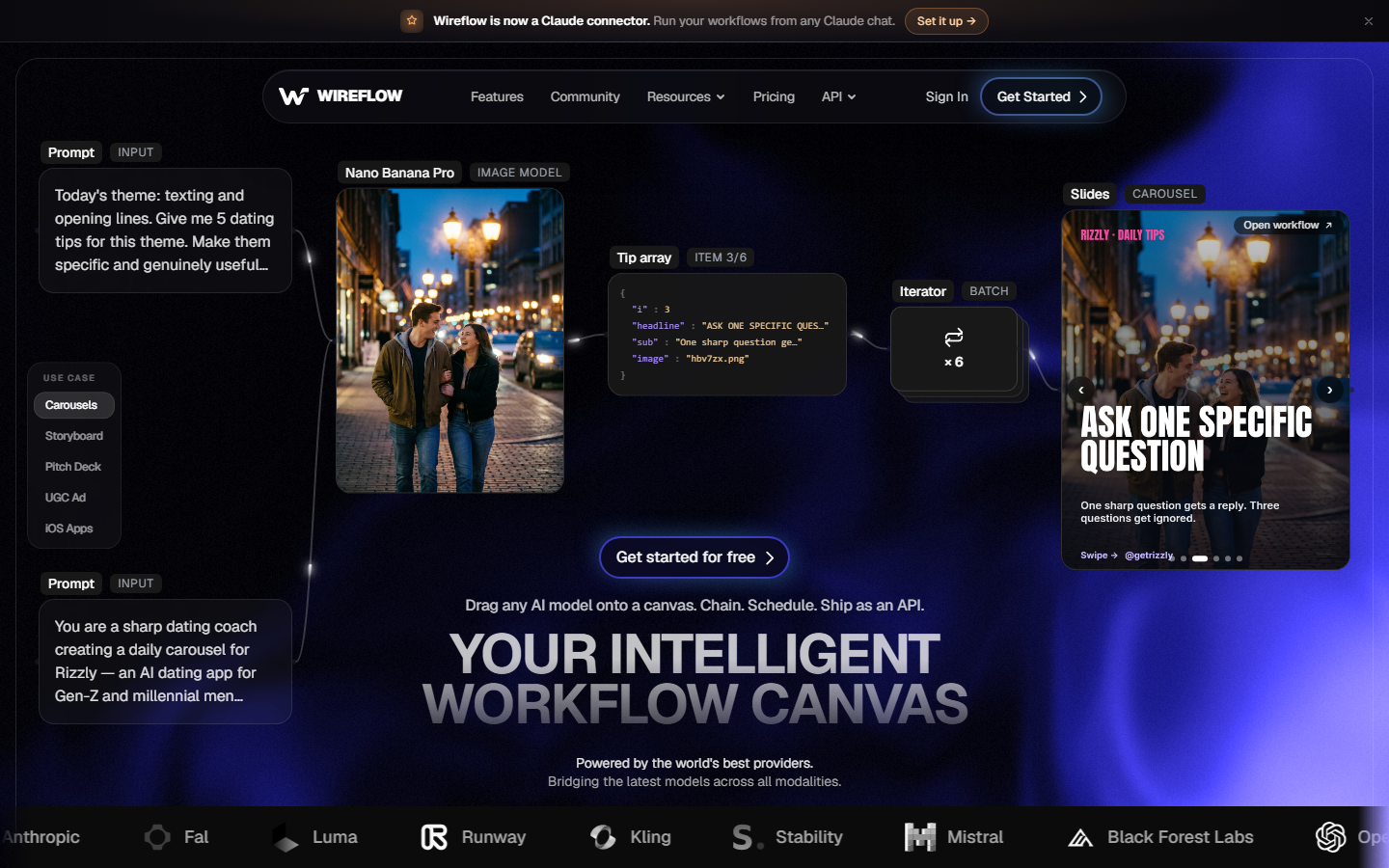
Wireflow is a hosted canvas where each node is an AI model and the wires are the pipeline. A brief goes into a text node, an image model renders the frame, a video model animates it, and the graph ends with an asset URL. Every published workflow is simultaneously a REST endpoint and a tool on a hosted MCP server, so an agent can list workflows, read their typed inputs, run one, and get files back without a human in the loop. For a hands-on look at this in action, check out the agent media AI feature page.
The practical advantage is visibility. Because the pipeline is a graph rather than a prompt, you can swap the image or video model without rewiring anything else, and versions are stored server side so a run from last month reproduces exactly. 100+ model nodes are available, including Nano Banana Lite, Veo 3.1, Seedance 2.0, and Kling AI Avatar. The limits are honest: Wireflow does not post or schedule to social platforms, and it does not invent your strategy. It is the generation layer, and something else takes the file from there. The MCP image generation walkthrough shows the agent side of that handoff.
2. Hedra
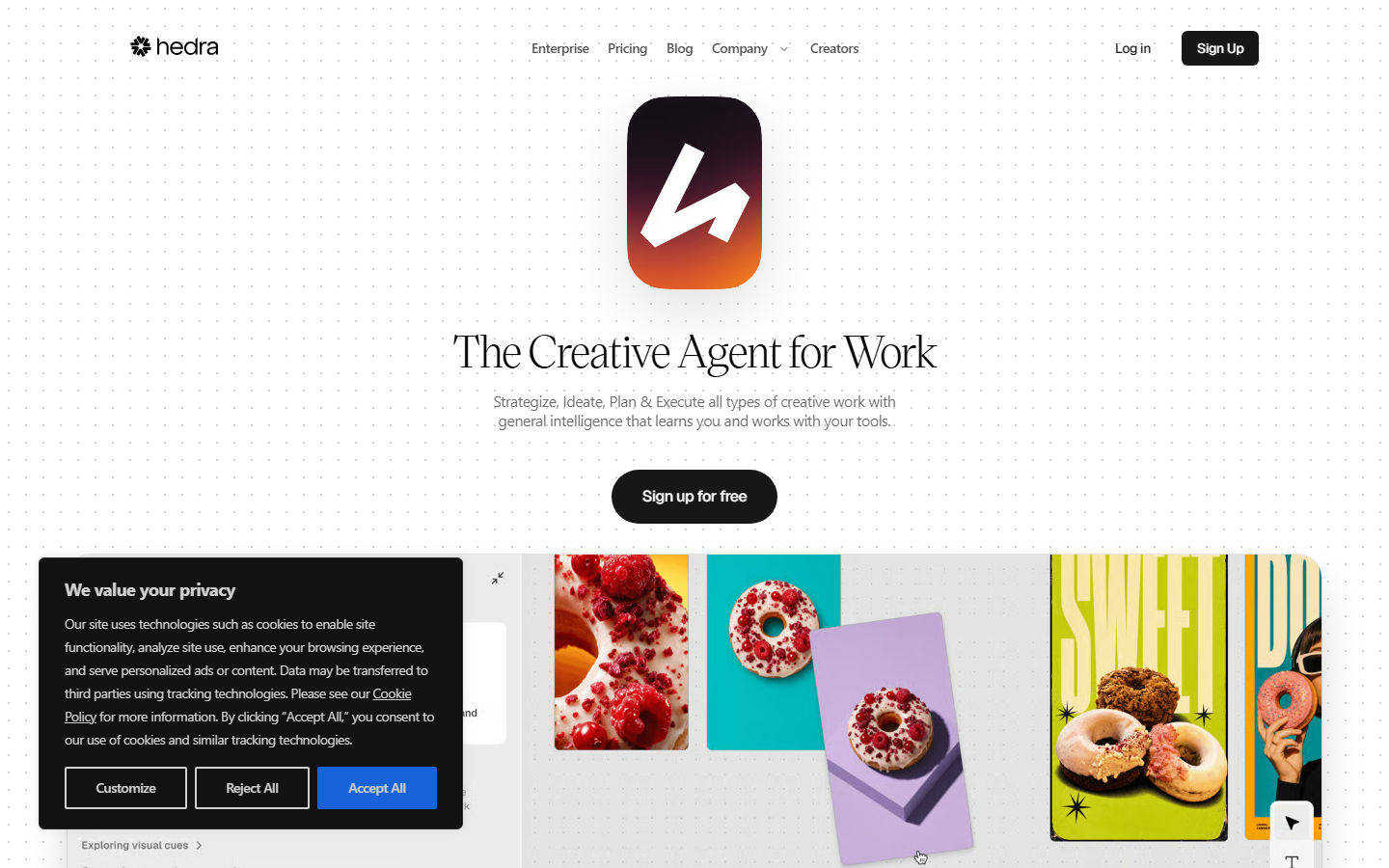
Hedra markets itself as one workspace for video, image, and audio, and that framing is accurate. You describe what you want, and the product coordinates the models needed to deliver it, which suits marketing teams that would rather iterate on a result than assemble a pipeline. Character work and audio-synced video are the strongest parts of the output. The tradeoff is control: when the result is close but wrong, there are fewer places to intervene than in a graph-based tool, and agent access is narrower than a full endpoint per pipeline. Compare it against the wider field in the roundup of AI creative agent tools.
3. Creatify
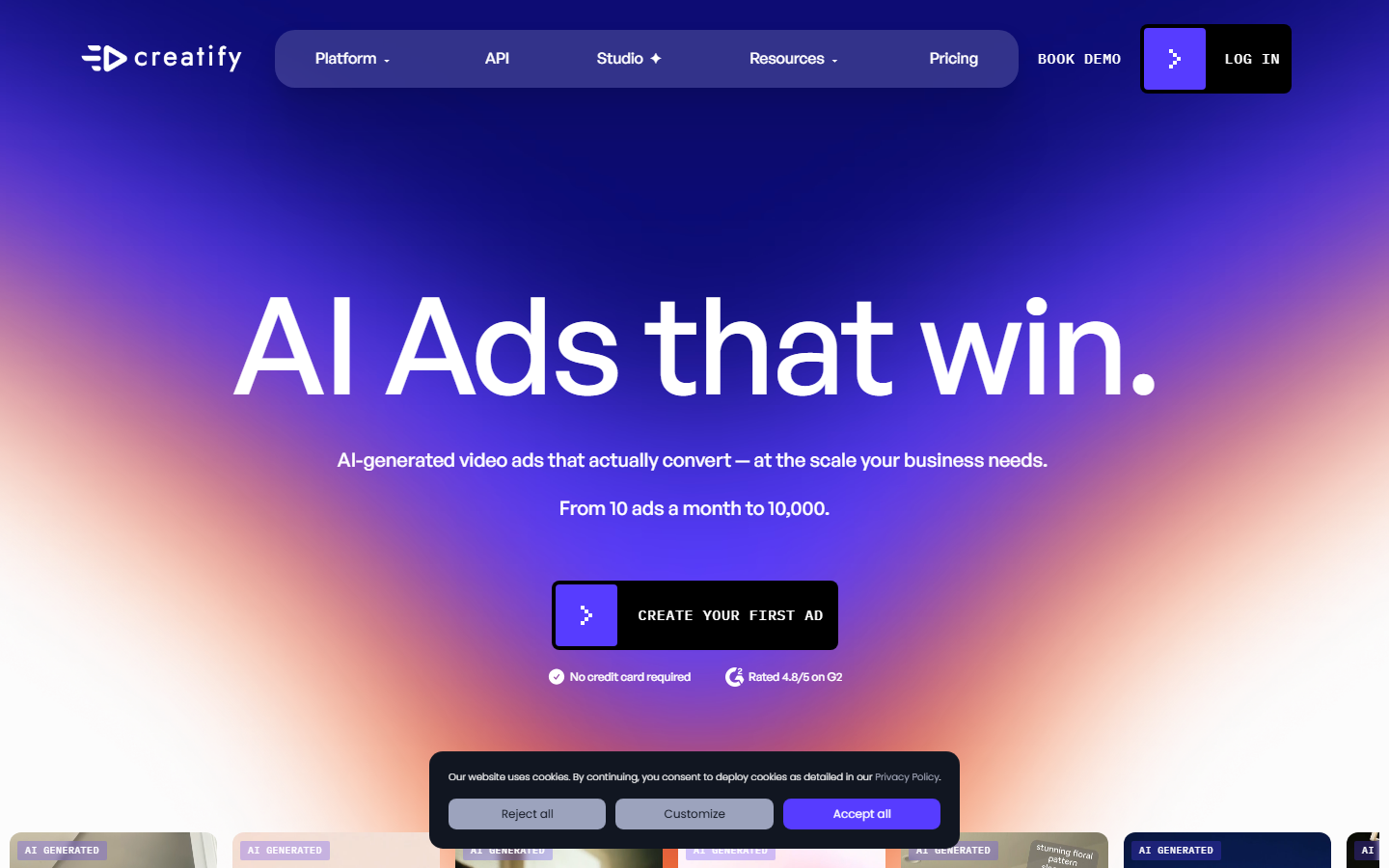
Creatify is built for one job: turning a product URL or a script into UGC-style video ads with an AI presenter. It does that job well, with a large avatar library, batch variant generation, and templates tuned for paid social. Agencies use it to produce dozens of hooks against the same offer. It is a product rather than a platform, so the pipeline is fixed and you work inside the shape it gives you, which is fine when the shape matches your brief and limiting when it does not. Its plan tiers are broken down in the Creatify pricing analysis.
4. Weavy
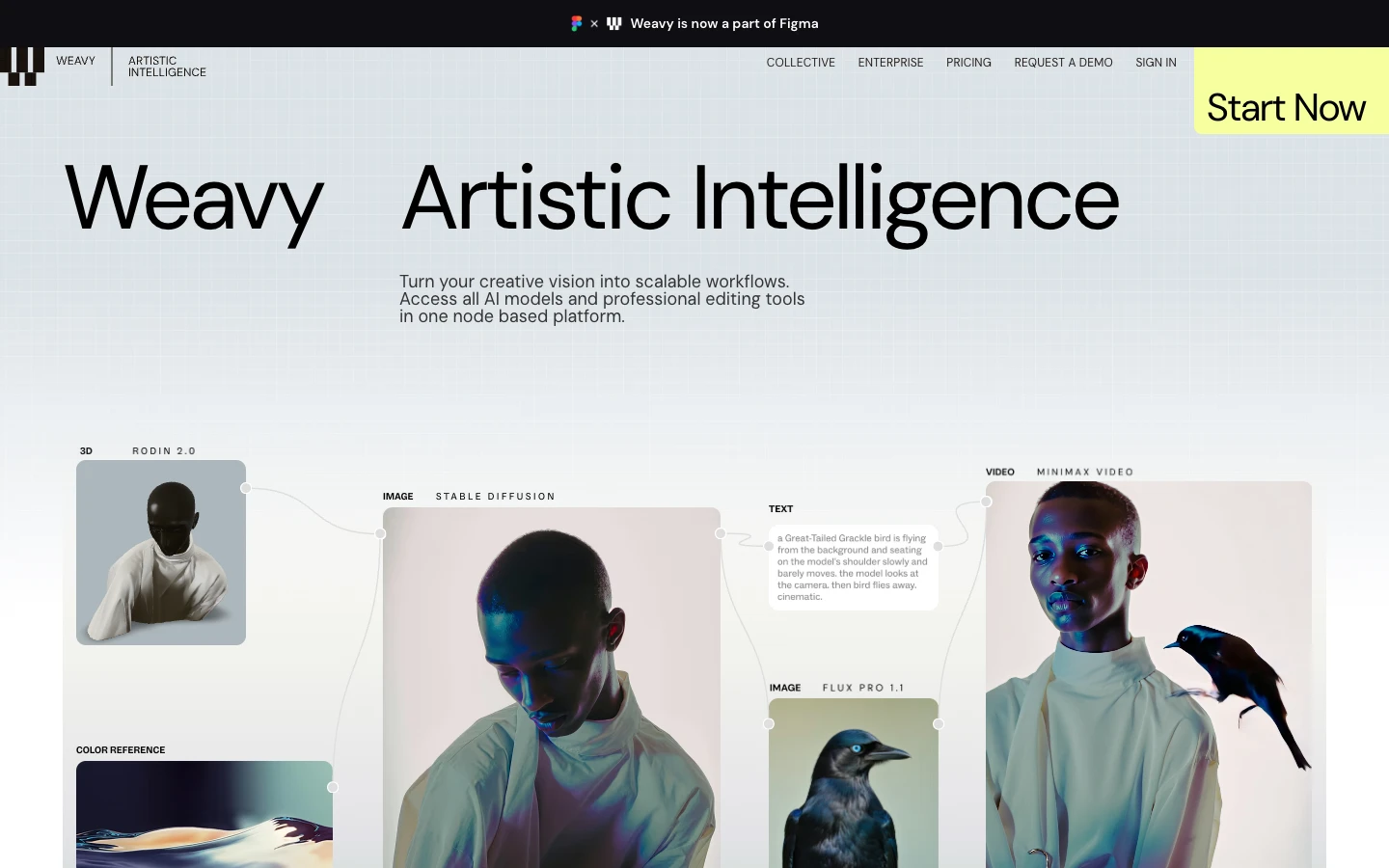
Weavy puts a node canvas in front of a hosted model catalog with an emphasis on art direction, layering, and precise visual iteration. Designers who already think in Figma layers or Nuke graphs adapt quickly. It leans toward the human sitting at the canvas rather than an agent calling it, so it is a strong creative tool and a weaker automation backend. If your workflow is design-led and the agent only needs the finished asset, that split is workable. The Figma and Weave API roundup covers where design-first canvases fit in an automated stack.
5. ComfyUI
ComfyUI is the open-source graph runtime that made node-based generation mainstream. Nothing else matches its ceiling: custom nodes, local checkpoints, LoRAs, samplers, and complete control over every stage. That ceiling costs setup. You supply the GPU, the CUDA environment, the model weights, and the maintenance, and an agent calling it needs infrastructure you own and monitor. It is the right pick when the pipeline is unusual enough that no hosted catalog covers it. The comparison of self-hosted image generation APIs covers what running that stack involves.
6. HeyGen
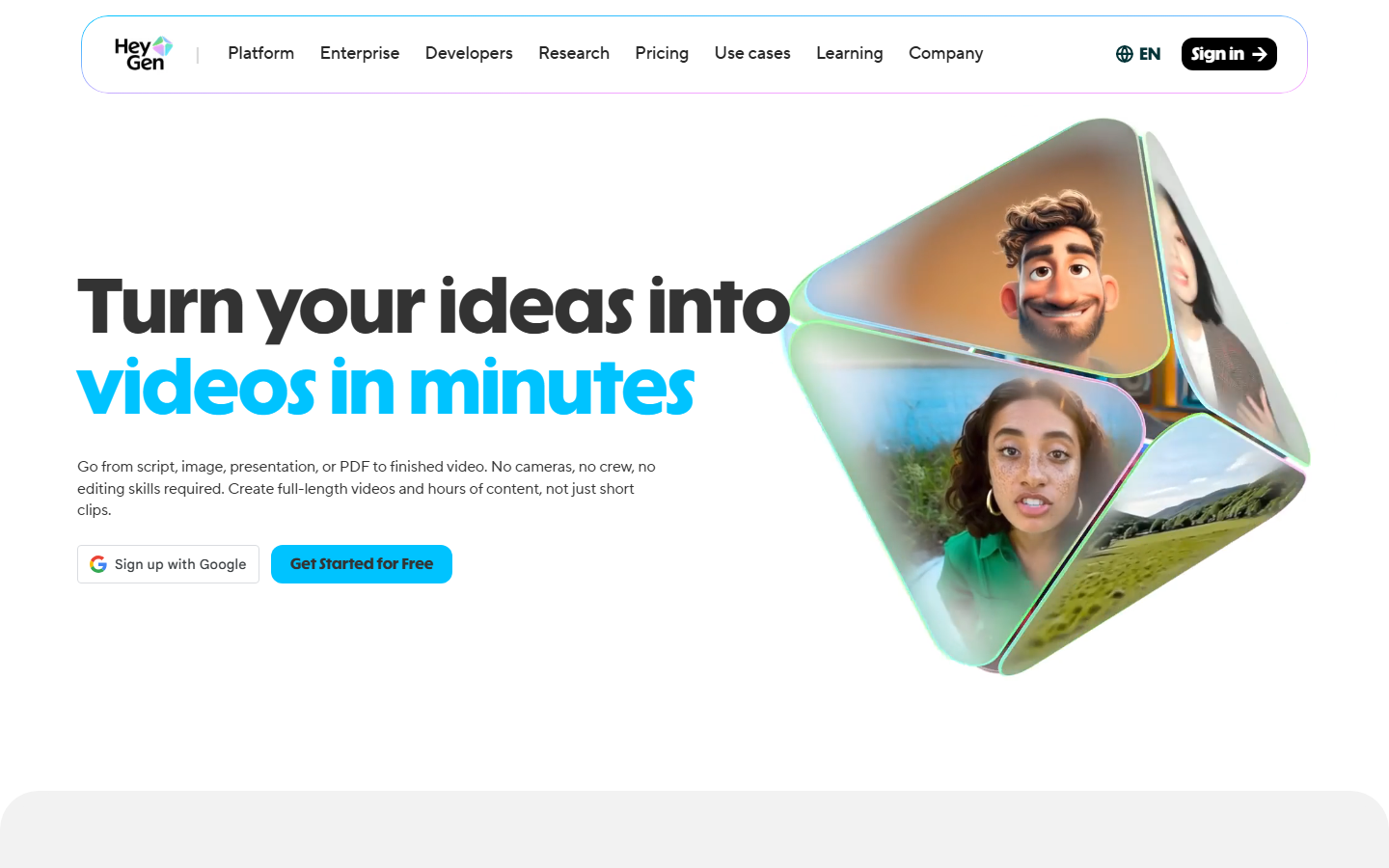
HeyGen is the reference point for avatar video: a script goes in, a photorealistic presenter delivers it with synced lips in a long list of languages. Digital twins of a real person are the standout feature for founder-led content and localized training video. Its API is mature enough for agents to call directly, which is why it often appears as one node inside a larger pipeline rather than the whole pipeline. It does not generate b-roll or product imagery, so it usually pairs with an image or video model upstream. The notes on the HeyGen API for agencies cover that integration shape.
7. Lindy
Lindy is an agent builder rather than a media tool, and it earns a place here because agents need somewhere to think. You define triggers, memory, and multi-step logic, then call media services as steps inside that logic. Its own generation quality is not the point; routing, decisions, and follow-up actions are. Teams commonly pair it with a dedicated generation layer and let each side do what it is good at. The comparison of n8n and MCP for video automation explains why that separation holds up as pipelines grow.
8. Gumloop
Gumloop is a visual automation canvas for content operations: scrape a source, summarize it, branch on the result, write to a sheet, notify a channel. Media generation is one node type among many rather than the focus, which makes it strong at the work surrounding a video and weaker at producing the video itself. Use it when the hard part is orchestration across systems and the generation call is a single step. The walkthrough of Zapier video editing integrations shows the same pattern with a different automation host.
Comparison table
| Tool | Type | Agent access | Best for | Starting price |
|---|---|---|---|---|
| Wireflow | Hosted node canvas | REST + MCP per workflow | Reproducible media pipelines | $36/mo |
| Hedra | Unified studio | API, limited pipeline control | All-in-one creation | Free tier |
| Creatify | UGC ad product | API | Paid social ad variants | ~$39/mo |
| Weavy | Design canvas | Limited | Art-directed visuals | Free tier |
| ComfyUI | Self-hosted runtime | Self-built API | Maximum customization | Free, GPU cost |
| HeyGen | Avatar video | Mature API | Spokesperson video | ~$29/mo |
| Lindy | Agent builder | Native agent host | Agent logic and routing | Free tier |
| Gumloop | Automation canvas | Webhooks + API | Ops around the media | Free tier |
Pricing moves often in this category, so treat the column as a rough tier rather than a quote, and check each vendor before you budget. Metered generation is the line item most teams underestimate: a single agent looping over a product feed can burn through a month of credits in an afternoon, which is why spend caps matter more than headline plan cost. Current plan tiers are listed on the pricing page.
How to choose
Start from where the agent sits. If the agent is the brain and you need a callable generation layer, pick a tool that publishes endpoints per pipeline. If a human is directing every frame and the agent only files the result, a design-first canvas is fine. If the pipeline needs a model or a technique no hosted catalog offers, self-hosting is the honest answer and you should budget for the GPU time. Most teams end up with two tools, one for agent logic and one for generation, rather than one product that claims both. The overview of AI UGC agent tools covers that pairing in a narrower niche.
Try it yourself: Build this workflow in Wireflow and the nodes are pre-configured with the brief-to-image-to-video setup described above.
FAQ
What is an agent media AI tool? It is a tool that lets an AI agent produce media, images, video, or audio, from a structured brief rather than a person operating an editor. The defining feature is programmatic access: the agent can call the pipeline and receive asset URLs back.
Can an AI agent post the finished video to social media? Not from a generation layer. These tools end at a finished file and its URL. Posting requires a scheduler or a platform integration, and most generation tools deliberately stay out of that step because account access carries different risk.
Do I need a GPU to run these? Only for self-hosted options like ComfyUI. Hosted tools run generation on their own compute and bill per generation or per plan, so a laptop is enough to build and call the pipeline.
What does MCP access change compared with a plain REST API? MCP lets an agent discover what is available rather than being told. It can list workflows, read typed inputs, and choose one, which removes the need to hardcode an endpoint for every pipeline you build.
How reproducible are these pipelines? It varies. Graph-based tools with server-side versioning replay the same steps for the same inputs, aside from model-level randomness you control with a seed. Prompt-driven studios drift more, because the routing decisions are made fresh each run.
Is AI-generated UGC allowed on ad platforms? Generally yes, with disclosure. Rules differ by platform and jurisdiction, and the safe practice is to label AI-generated presenters as such and avoid implying they are real customers giving testimonials.
How much does agent-generated media cost in practice? Budget by generation, not by seat. A short video clip typically costs more than an image by an order of magnitude, so a pipeline that renders one still and one clip per variant is far cheaper than one that renders several clips and discards most.
Can I switch models later without rebuilding? In a node-based tool, yes, because a model is one node and the wiring around it stays intact. In a fixed product, the model is part of the offering and switching means switching tools.
Conclusion
The agent media AI category split in 2026 into products that generate media for people and layers that generate media for agents. Fixed products like Creatify and HeyGen win when the brief matches their shape exactly. Canvases win when it does not, and Wireflow is the option in that group built so an agent can call the same graph a human just built. Pick the pairing that matches where your agent already lives, and keep the generation step reproducible so you can audit what shipped. If short-form creator content is the output, the guide for UGC creators is a good next read.

Co-Founder & Operations at Wireflow
Runs client operations and content strategy at Wireflow. Works directly with creative teams and agencies to build production AI workflows.
- Content Strategy
- Client Operations
Ask Claude for your next ad.
Connect once. Ask any time.
- No credit card
- You keep the rights to what you make
- Cancel anytime
More in Alternatives
Head-to-heads and roundups of the tools people weigh up.