Best AI Creative Agent Tools in 2026

In this article▾
The creative production landscape has shifted from single-purpose generators to intelligent agents that handle entire workflows, from brief to finished asset. Wireflow takes this further with a visual node-based canvas where you chain multiple AI models into automated pipelines. Whether you need ad creatives, product photos, social video, or brand content at scale, these eight platforms represent the strongest options available right now.
Quick Summary
- Wireflow - Best overall: visual AI workflow canvas with multi-model chaining
- Canva AI (Magic Studio) - Best for teams already in the Canva ecosystem
- Adobe Firefly - Best for brand-safe enterprise creative production
- Runway - Best for generative video and motion design
- Jasper - Best for marketing copy and campaign content
- Midjourney - Best for high-quality image generation
- InVideo AI - Best for automated video creation from text
- Leonardo AI - Best for game art and stylized image generation
1. Wireflow

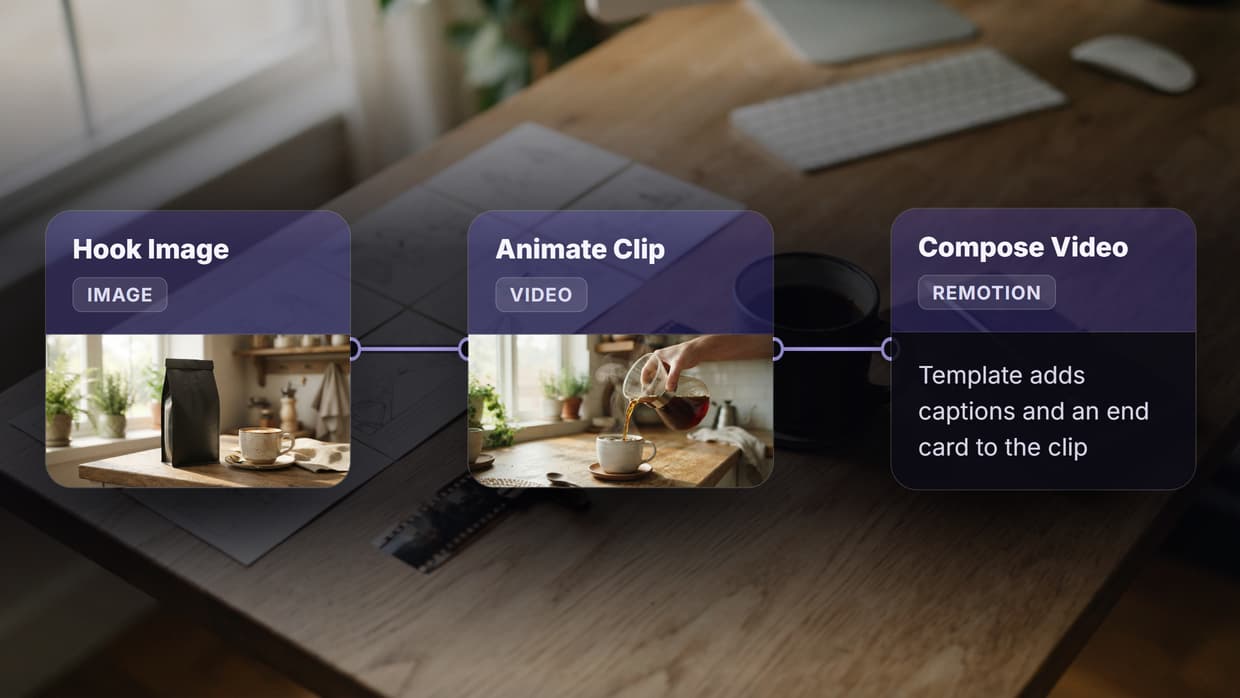
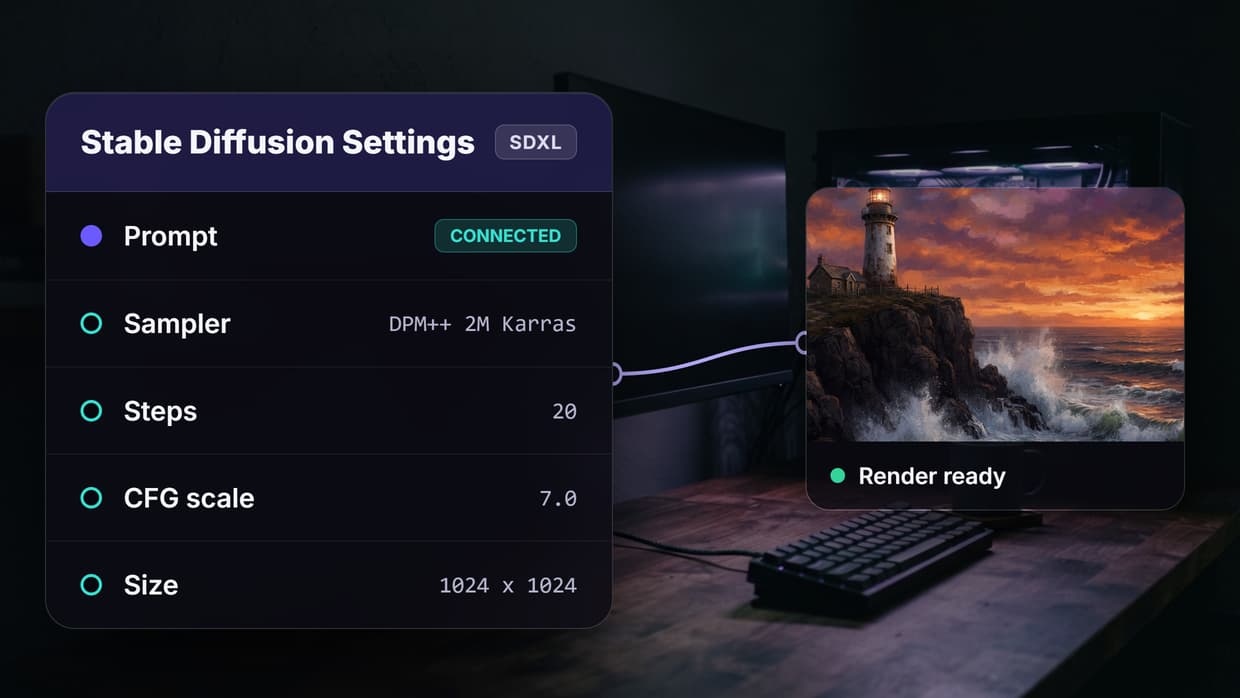
Wireflow is a visual node editor that lets you build multi-step creative pipelines by connecting AI models on a drag-and-drop canvas. Instead of switching between separate tools for image generation, upscaling, background removal, and video creation, you wire them together as nodes in a single flow.
For a hands-on look at this in action, check out the best AI creative agent tools in 2026 feature page. Teams leaving AdCreative.ai can also read our comparison of AdCreative.ai replacements.
Key strengths include batch processing for producing hundreds of variations from one template, a REST API for embedding flows into your own apps, and support for models from multiple providers (Flux, Kling, Runway, Stable Diffusion, GPT Image) all on the same canvas. Pricing is usage-based with no per-seat fees, which makes it practical for agencies running high volumes.
Build this in Wireflow
Make the same kind of asset on a canvas you control, with a free account and no credit card.
2. Canva AI (Magic Studio)
Canva launched its Magic Studio suite as a full creative OS in 2026, adding AI image generation, background removal, text-to-video, and brand kit enforcement into the platform. The AI design agent approach means you can describe what you want and Canva generates multiple design options within your brand guidelines.
Magic Studio works best for teams that already use Canva for day-to-day design. The AI tools are tightly integrated into the existing editor, so there is no learning curve. The limitation is flexibility: you cannot chain custom models or plug in third-party APIs the way a workflow-based tool allows.
3. Adobe Firefly
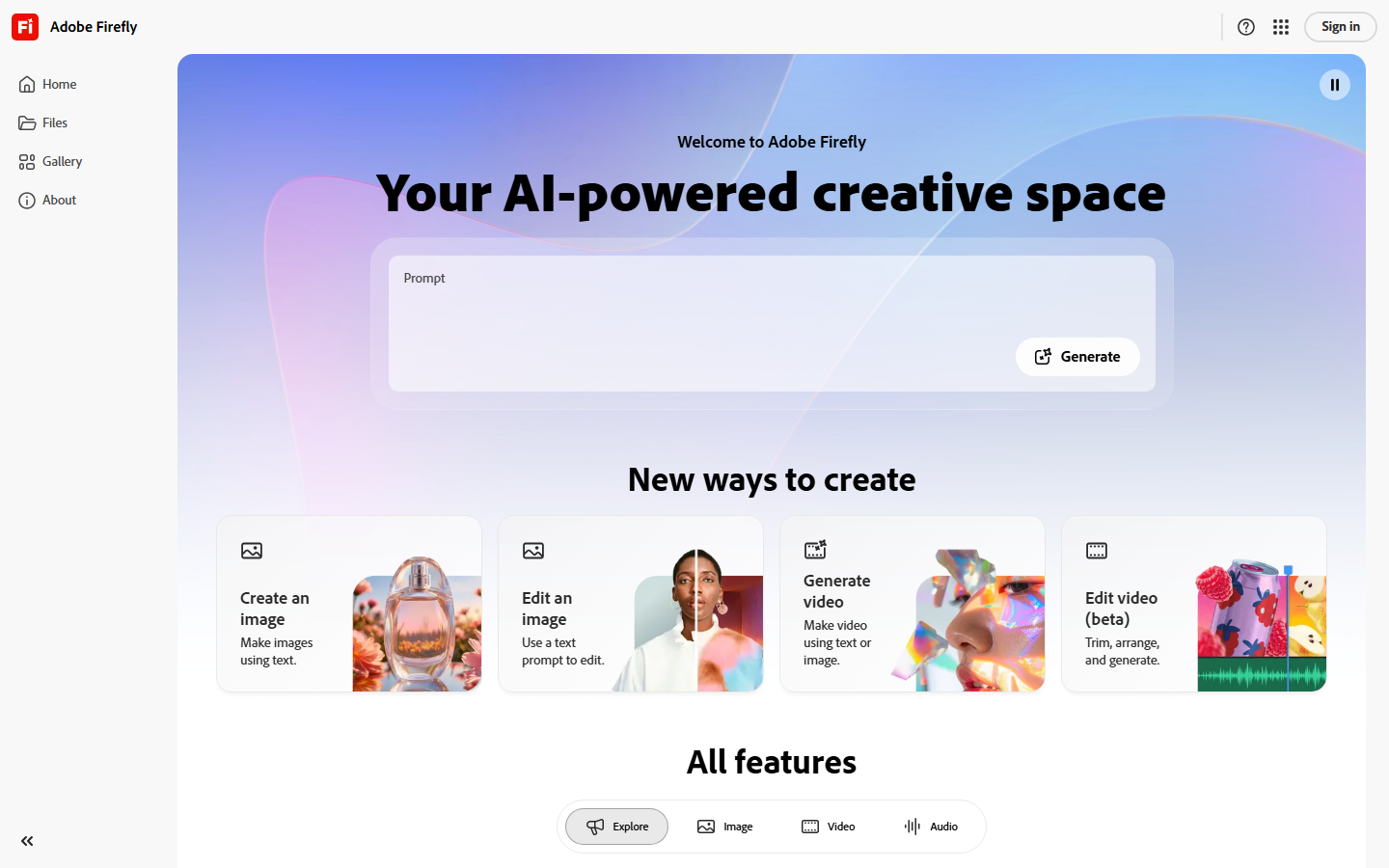
Adobe Firefly is trained exclusively on licensed content, making it the safest option for enterprise teams concerned about IP risk. It integrates directly into Photoshop, Illustrator, and Express, so generated assets flow straight into your existing creative workflow automation without file conversion steps.
Firefly excels at generative fill, text effects, and vector recoloring. The 2026 updates added video generation and 3D object texturing. Enterprise pricing includes indemnification, which matters for brands running campaigns at scale.
4. Runway
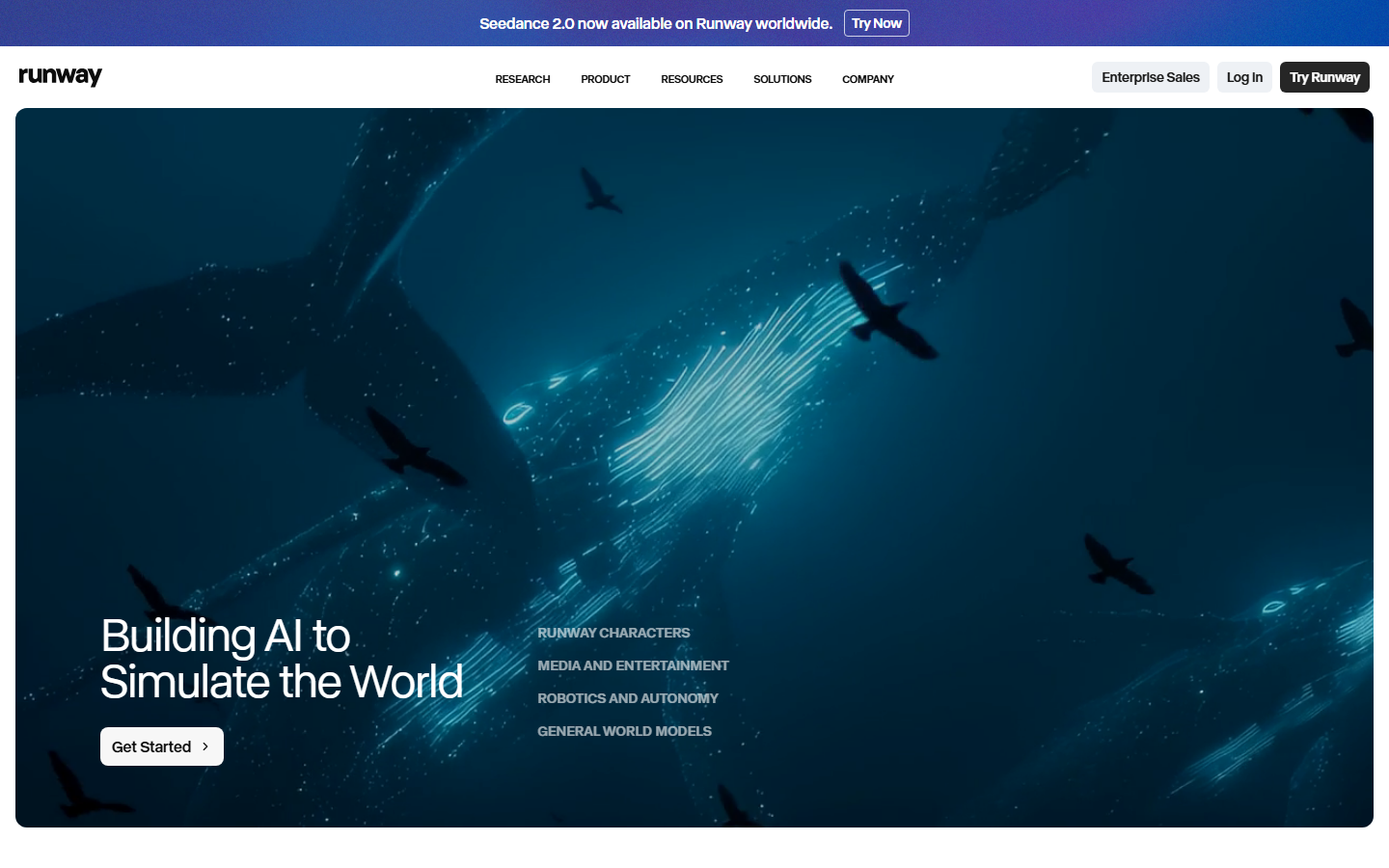
Runway has become the default choice for AI video generation in creative production. Gen-3 Alpha produces high-quality clips from text or image inputs, and the multi-motion brush gives frame-level control over how subjects move. For teams building video generation pipelines, Runway offers an API that handles everything from text-to-video to inpainting.
The platform also includes green screen removal, motion tracking, and audio cleanup. Pricing scales with resolution and generation length, which can add up quickly for long-form content.
5. Jasper
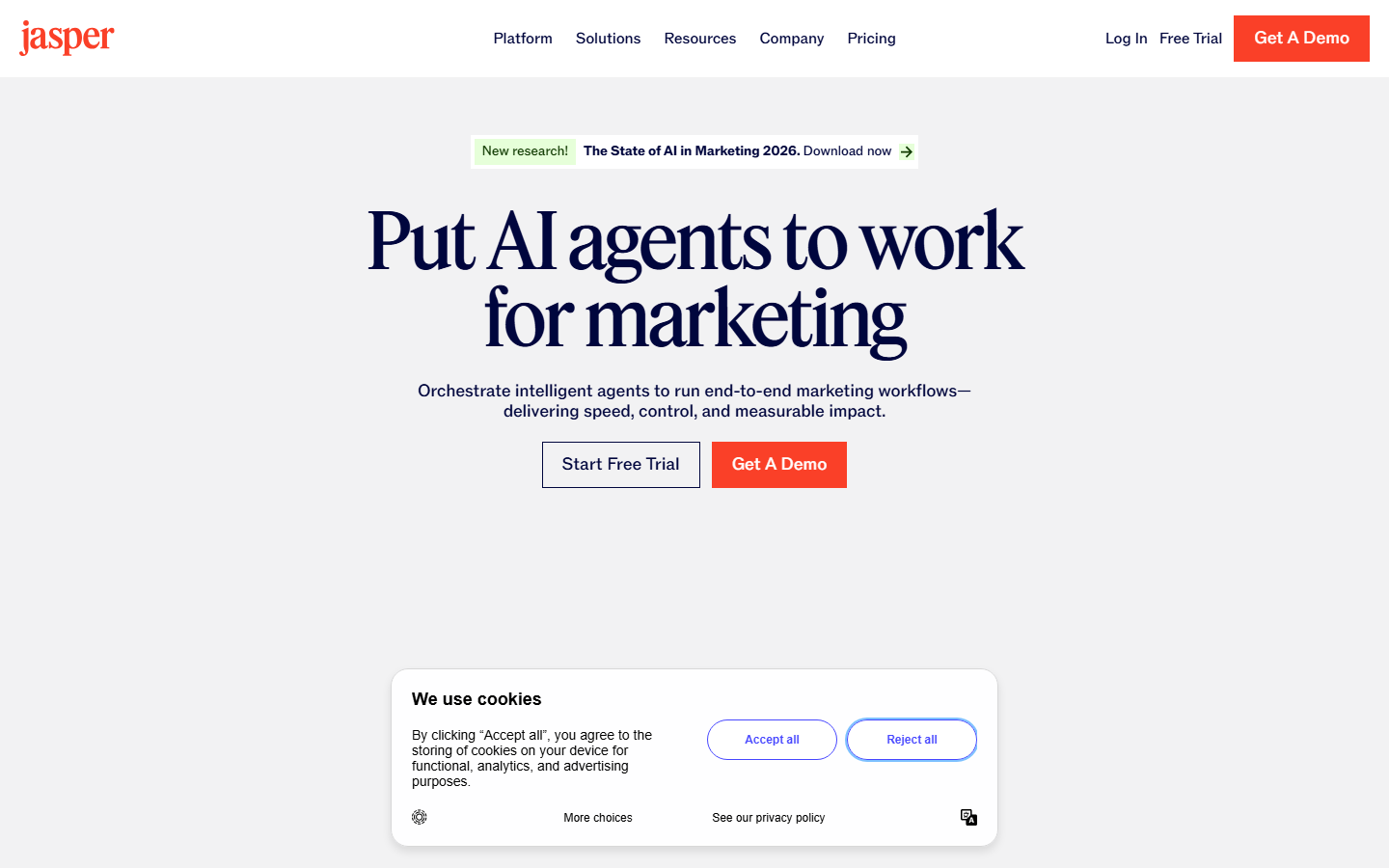
Jasper focuses on marketing copy rather than visual generation, but its agent capabilities for campaign planning, brand voice enforcement, and content repurposing earn it a spot here. The 2026 agent mode takes a campaign brief and produces ad copy, email sequences, landing page text, and social posts in your brand voice, all in one run.
Jasper integrates with Google Workspace and common content generation APIs, making it a strong companion to visual creative tools. The main gap is that image and video generation relies on third-party models rather than proprietary ones.
6. Midjourney

Midjourney consistently produces some of the most visually striking AI images available. V6.1 improved prompt adherence and text rendering, and the web editor added inpainting and outpainting. For creative directors who need hero imagery, editorial photos, or concept art, Midjourney's output quality is hard to beat.
The limitation is that it remains primarily an image generation tool. There is no built-in workflow automation, no video generation, and the API is still restricted. Teams that need production-scale pipelines typically pair Midjourney with a workflow orchestrator to handle batch processing and post-production steps.
7. InVideo AI
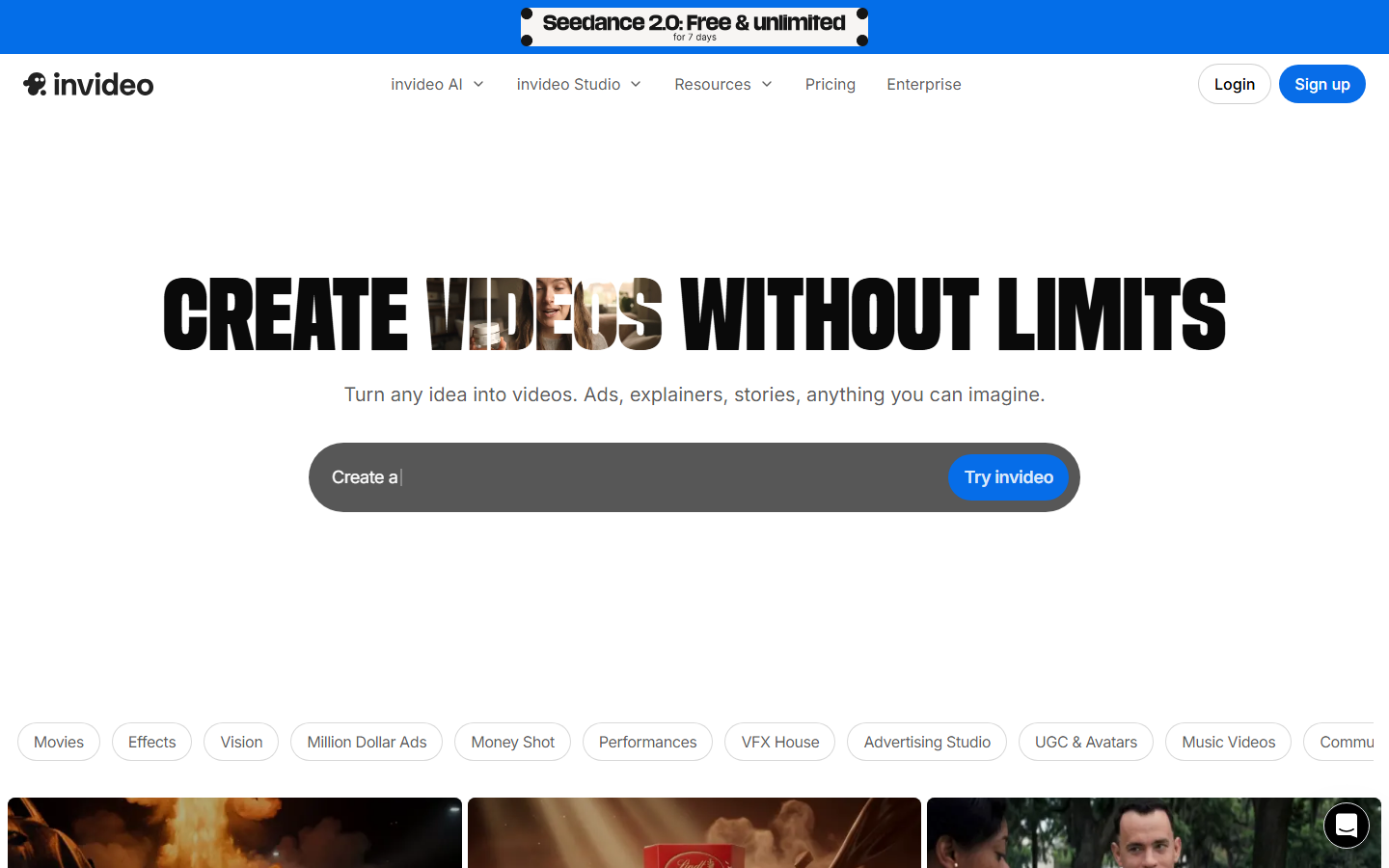
InVideo AI turns a text prompt into a fully edited video with stock footage, voiceover, captions, and music. The 2026 updates added avatar presenters and custom voice cloning, making it practical for marketing video teams that need high volumes of social content without manual editing.
The agent-style workflow means you describe the video, review the draft, request edits in natural language, and export. It works well for explainer videos, product demos, and short-form social clips. The trade-off is creative control: you are working within InVideo's templated structure rather than building from scratch.
8. Leonardo AI
Leonardo AI specializes in stylized image generation with fine-tuned models for game art, character design, and fantasy illustration. The canvas editor lets you compose scenes by layering generated elements, and the real-time generation mode shows results as you type.
Leonardo's API supports programmatic generation at scale, and the platform includes training custom models on your own assets. It is a strong pick for game studios and digital artists who need consistent style across large asset libraries.
Comparison Table
| Tool | Best For | Image Gen | Video Gen | Workflow Automation | API Access | Pricing Model |
|---|---|---|---|---|---|---|
| Wireflow | Multi-model pipelines | Yes (multi-model) | Yes | Yes (node canvas) | REST API | Usage-based |
| Canva AI | Team design | Yes | Yes | Limited | No | Per-seat |
| Adobe Firefly | Enterprise/brand-safe | Yes | Yes (new) | Via Creative Cloud | Enterprise | Subscription |
| Runway | Video production | Yes | Yes (best) | Limited | Yes | Usage-based |
| Jasper | Marketing copy | Via integrations | No | Campaign agent | Yes | Per-seat |
| Midjourney | Hero imagery | Yes (best quality) | No | No | Limited | Subscription |
| InVideo AI | Social video | Stock-based | Yes | Text-to-video agent | No | Freemium |
| Leonardo AI | Game art/stylized | Yes | No | Limited | Yes | Freemium |
How to Choose the Right AI Creative Agent
The right tool depends on what you are producing. If your workflow involves chaining multiple AI steps together, such as generating an image, removing its background, upscaling it, and then turning it into a video, a workflow builder like Wireflow handles that as a connected pipeline. If you need one specific capability done well, a specialized tool like Midjourney (images) or Runway (video) may be the better fit.
Consider these factors when evaluating:
- Output type: images only, video only, or mixed media
- Scale: one-off creations vs. batch production at hundreds of variations
- Integration: standalone tool vs. API-first platform you embed in your stack
- Brand safety: whether you need IP-indemnified training data
- Budget: per-seat pricing vs. usage-based billing
Try it yourself: Build this workflow in Wireflow, the nodes are pre-configured with the exact setup discussed above.
FAQ
What is an AI creative agent?
An AI creative agent is software that autonomously handles creative production tasks, from generating images and videos to editing, formatting, and publishing content. Unlike simple generators that produce one output at a time, agents manage multi-step workflows and make decisions about how to complete a creative brief.
Which AI creative agent is best for small teams?
Wireflow and Canva AI work well for small teams. Wireflow offers usage-based pricing with no per-seat fees, while Canva provides an all-in-one design platform that most team members already know how to use.
Can AI creative agents replace human designers?
Not entirely. AI creative agents handle production tasks like generating variations, resizing assets, and applying brand templates. Human designers still lead on creative strategy, art direction, and quality control. The best results come from pairing AI production speed with human creative judgment.
Are AI-generated images safe to use commercially?
It depends on the platform. Adobe Firefly trains on licensed content and offers commercial indemnification. Most other tools grant commercial usage rights in their terms of service, but the legal landscape around AI-generated content is still evolving. Check each platform's licensing terms before using outputs in commercial campaigns.
What is the difference between an AI tool and an AI agent?
An AI tool performs a single task when you give it an input, such as generating an image from a prompt. An AI agent orchestrates multiple tasks autonomously, making decisions along the way. For example, an agent might take a product brief, generate multiple image concepts, select the best ones, resize them for different platforms, and queue them for publishing.
How much do AI creative agent tools cost?
Pricing varies widely. Canva AI starts around $13/month per user. Midjourney plans start at $10/month. Wireflow and Runway use usage-based pricing where you pay per generation. Adobe Firefly is included with Creative Cloud subscriptions. Enterprise plans with API access and custom model training typically run $100-500/month depending on volume.
Can I connect multiple AI models in one workflow?
Yes. Platforms like Wireflow let you chain different AI models together on a visual canvas. You can connect a text-to-image model to an upscaler, then to a background remover, then to a video generator, all in one automated flow. This model chaining approach eliminates manual file transfers between separate tools.
Do AI creative agents work with existing design tools?
Several do. Adobe Firefly integrates directly into Photoshop and Illustrator. Canva AI runs inside the Canva editor. Wireflow and Runway offer APIs that connect to any tool or platform through REST endpoints. Jasper has plugins for Google Workspace and browser extensions for working inside other apps.

Co-Founder & Operations at Wireflow
Runs client operations and content strategy at Wireflow. Works directly with creative teams and agencies to build production AI workflows.
- Content Strategy
- Client Operations
Get unlimited ad creatives today.
One call to see if we are a fit and scope the first ad. If it fits, your first batch lands inside week one.