Best Agentic Canvas Tools in 2026

In this article▾
Agentic canvas tools combine visual workflow builders with autonomous AI agents that can plan, execute, and iterate on creative tasks without manual step-by-step prompting. Wireflow pioneered this approach with a drag-and-drop node editor where AI agents chain models, process outputs, and deliver finished assets across a single canvas. Whether you need automated ad creatives, batch product photos, or multi-model video pipelines, these platforms let you build once and run at scale.
Here is a quick look at the top picks for 2026.
- Wireflow: Best overall agentic canvas for multi-model creative workflows
- n8n: Best open-source option for technical teams
- ComfyUI: Best for diffusion model power users
- Gumloop: Best for simple drag-and-drop AI automations
- Figma AI: Best for design-native agentic assistance
- Canva AI: Best for non-technical content creators
- Relay.app: Best for lightweight task automation
1. Wireflow

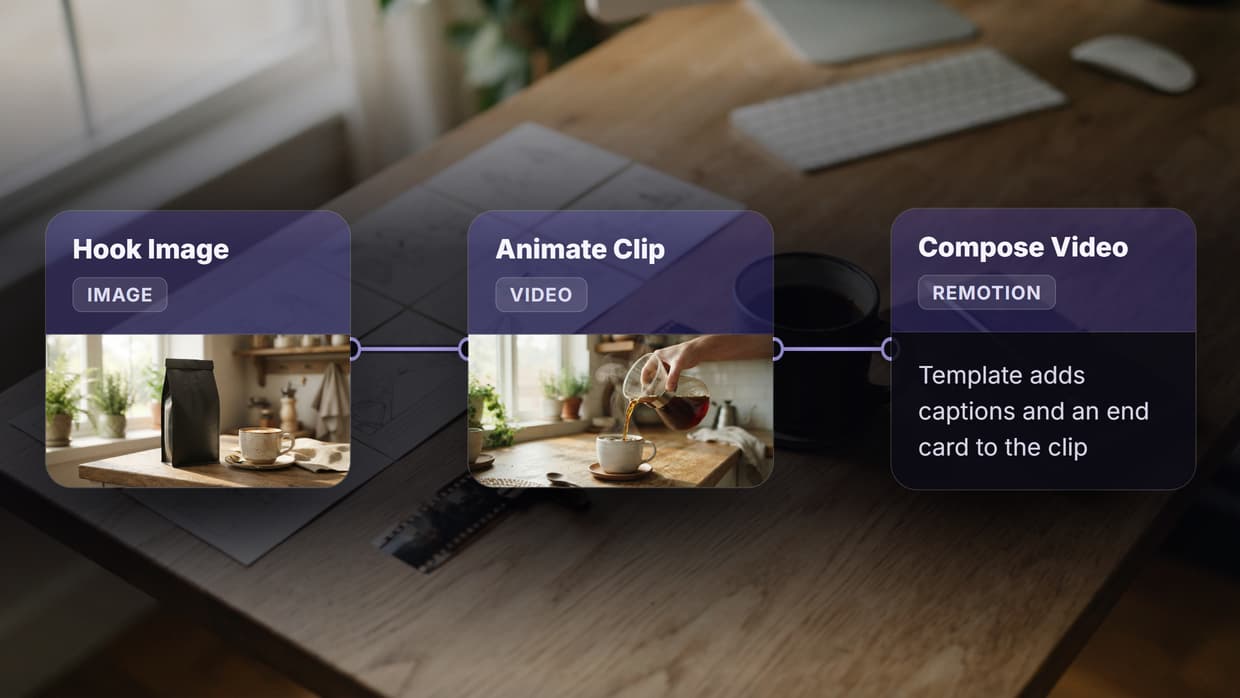
Wireflow gives you a visual node editor where each node represents an AI model, input, or transformation. You connect them visually, and the platform handles execution order, data passing, and error recovery automatically. The agentic layer means you can describe a goal (e.g., "generate 20 product photos with removed backgrounds and upscaled resolution") and Wireflow breaks it into the right sequence of model calls.
The platform supports 50+ models including GPT Image 2, Kling Video 3, Seedance 2.1, Flux Pro, and Recraft v4. Workflows run via API or directly on the canvas, making it suitable for both manual creative exploration and production batch pipelines.
Best for: Teams that need multi-model creative pipelines with API access and no GPU management.
Build this in Wireflow
Make the same kind of asset on a canvas you control, with a free account and no credit card.
2. n8n
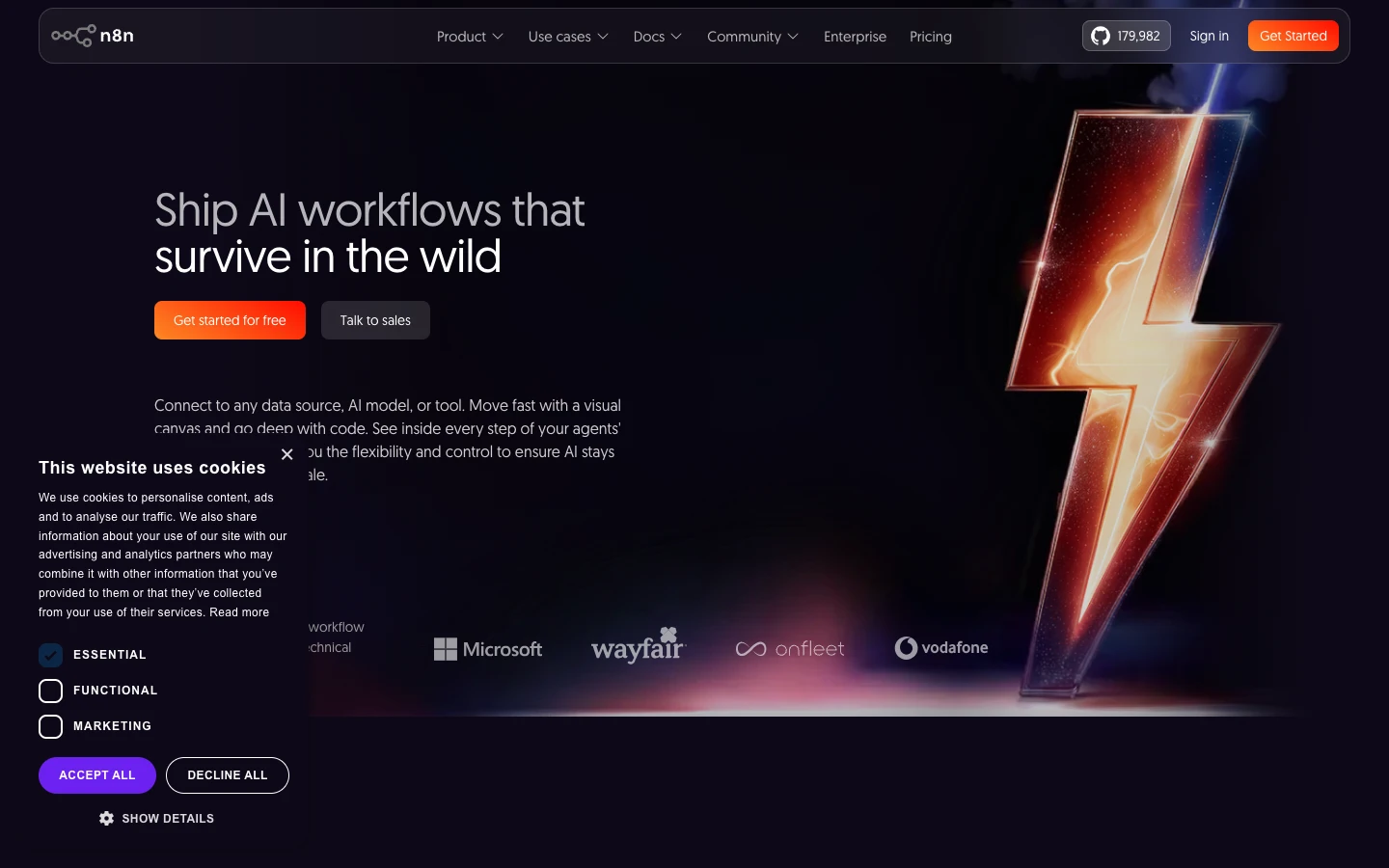
n8n is an open-source workflow automation platform with a canvas-style editor. Its agentic capabilities come through LLM-powered nodes that can reason about data, choose branches, and call tools dynamically. The self-hosted option appeals to teams with strict data residency requirements, and the 400+ integrations cover everything from CRMs to cloud storage.
Where n8n shines is general-purpose automation: connecting APIs, transforming data, and triggering actions across business tools. It handles AI tasks through HTTP nodes or community integrations, but it was not purpose-built for creative AI workflows like image or video generation.
Best for: DevOps and IT teams who want self-hosted agentic automation with broad integration support.
3. ComfyUI
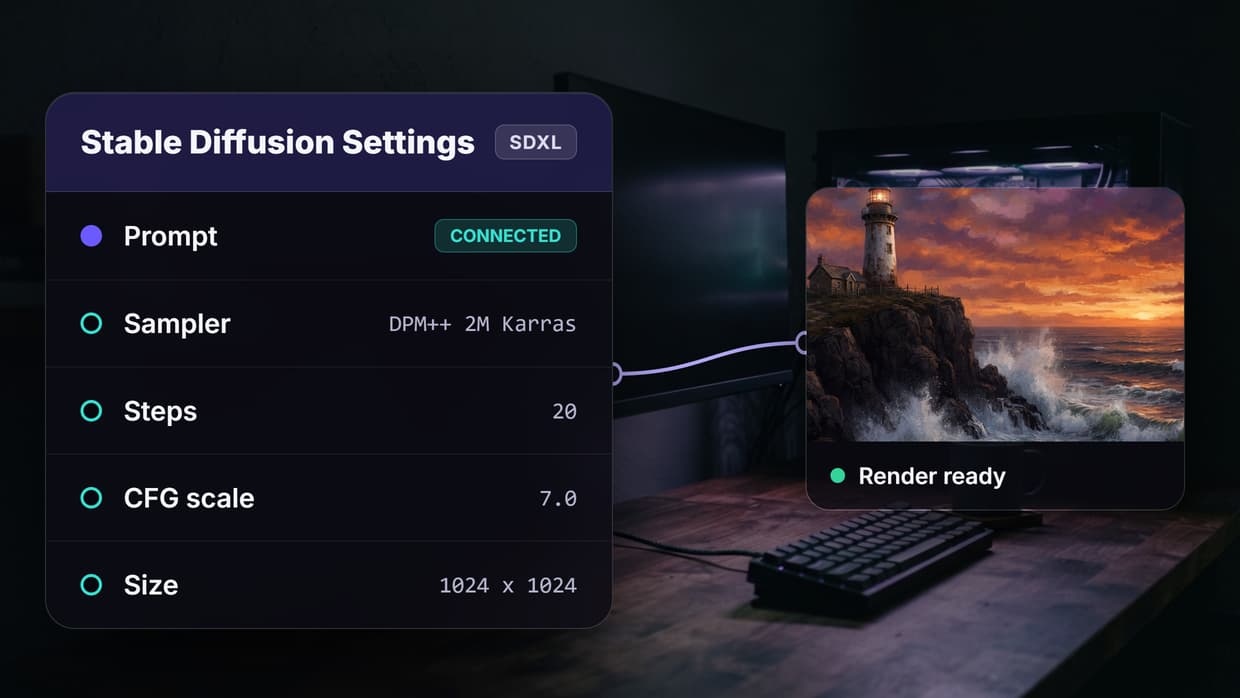
ComfyUI is the most popular open-source node-based interface for Stable Diffusion and related diffusion models. Its canvas lets you wire up samplers, VAEs, ControlNets, and LoRAs in granular detail. The community has built thousands of custom nodes that extend its capabilities into video, 3D, and audio generation. For teams evaluating alternatives, see this ComfyUI alternative comparison.
The trade-off is complexity. ComfyUI requires local GPU hardware or a cloud GPU provider, and building workflows means understanding model internals. There is no built-in agentic layer for autonomous task planning, though community extensions are beginning to add LLM-driven routing.
Best for: AI researchers and diffusion enthusiasts who want maximum control over model internals.
4. Gumloop
Gumloop offers a visual canvas where you drag tools (web scraper, LLM call, spreadsheet parser, email sender) and connect them into automated flows. Its agentic mode lets you describe what you want accomplished, and the platform suggests or builds a flow for you. The interface is approachable for non-developers, with clear input/output ports and real-time execution logs.
Gumloop focuses on business automation rather than creative asset generation. You can integrate AI image APIs through HTTP nodes, but it lacks native model nodes for generation, upscaling, or video creation.
Best for: Marketing and ops teams who want no-code AI automation for business processes.
5. Figma AI
Figma launched its native AI agent in 2026, bringing agentic capabilities directly into the design canvas. The agent can interpret natural language requests, create component variations, adjust layouts, and apply design system rules autonomously. It works within the existing collaborative environment that design teams already use daily, which eliminates the context-switching problem.
The agentic scope is limited to design tasks: layout, typography, color, and component creation. It does not extend to AI image generation, video creation, or multi-model workflows outside the Figma ecosystem.
Best for: Design teams already embedded in Figma who want AI assistance for layout and component work.
6. Canva AI
Canva has expanded its AI assistant to support agentic tool-calling across its design suite. You can ask the assistant to resize a design for multiple platforms, swap backgrounds, generate copy variations, and apply brand kit colors in a single conversation. The assistant calls various internal tools sequentially, handling multi-step design tasks end to end.
Canva's strength is accessibility. The learning curve is nearly flat for basic creative tasks. The agentic features, however, operate within Canva's template-driven system. You cannot wire up external AI models, chain third-party APIs, or customize the execution pipeline the way a true node-based canvas allows.
Best for: Solo creators and small businesses who want quick AI-assisted designs without technical complexity.
7. Relay.app
Relay.app takes a simpler approach to agentic workflows. Its canvas uses a linear step-based layout (rather than freeform nodes) with built-in AI steps that can classify, summarize, generate, and route data. The "human-in-the-loop" feature lets you insert approval gates into automated flows, which is useful for content review or compliance-sensitive processes.
Relay focuses on team workflows with shared approvals and handoffs. It integrates with common business tools (Slack, Gmail, HubSpot) but does not offer native creative AI model access for image or video generation.
Best for: Teams that need lightweight automation with built-in human approval steps.
Comparison Table
| Tool | Canvas Type | Agentic Features | Creative AI Models | API Access | Self-Hosted | Pricing |
|---|---|---|---|---|---|---|
| Wireflow | Freeform nodes | Full (goal-driven execution) | 50+ (image, video, audio) | Yes (REST) | No | Usage-based |
| n8n | Freeform nodes | LLM-powered routing | Via HTTP nodes | Yes | Yes | Free (self-hosted) / Paid (cloud) |
| ComfyUI | Freeform nodes | Community extensions | Diffusion-focused | Community | Yes (GPU required) | Free |
| Gumloop | Freeform nodes | Flow suggestions | Via HTTP nodes | Yes | No | Free tier + paid |
| Figma AI | Design canvas | Design-scoped agent | None (design only) | Plugin API | No | Per-seat subscription |
| Canva AI | Template canvas | Tool-calling assistant | Built-in generators | Limited | No | Freemium |
| Relay.app | Linear steps | AI classification/routing | Via integrations | Yes | No | Per-seat |
Frequently Asked Questions
What is an agentic canvas tool?
An agentic canvas tool combines a visual workflow builder (where you connect nodes or steps on a canvas) with AI agents that can autonomously plan, execute, and adjust multi-step tasks. Instead of manually configuring every step, you describe a goal and the agent determines the right sequence of operations.
How do agentic canvas tools differ from traditional automation platforms?
Traditional automation platforms like Zapier execute fixed if-then rules. Agentic canvas tools add an AI reasoning layer that can make decisions at runtime: choosing which model to call, retrying failed steps, and adapting the workflow based on intermediate outputs.
Which agentic canvas tool is best for creative workflows?
Wireflow is purpose-built for creative AI workflows with native support for 50+ image, video, and audio models. ComfyUI offers deep control for diffusion models specifically. The other tools on this list focus more on business automation or design assistance.
Can I use agentic canvas tools without coding?
Yes. Wireflow, Gumloop, Canva AI, and Relay.app all offer no-code interfaces. ComfyUI and n8n are more technical, though n8n's cloud version has a visual builder that requires minimal coding.
Do agentic canvas tools support API access?
Most do. Wireflow, n8n, and Gumloop offer REST APIs for triggering workflows programmatically. Figma has a plugin API, and Canva's API access is more limited. ComfyUI can be served via community API wrappers.
Are there free agentic canvas tools?
ComfyUI is fully free and open-source (you provide the GPU). n8n is free when self-hosted. Gumloop and Canva offer free tiers with usage limits. Wireflow uses pay-as-you-go pricing with no upfront subscription.
What should I look for when choosing an agentic canvas tool?
Consider three factors: the types of AI models you need (creative generation vs. business logic), whether you need API access for production deployment, and how much control you want over the execution pipeline. Purpose-built creative platforms like Wireflow excel at multi-model asset generation, while tools like n8n are better for cross-application business automation.
Can agentic canvas tools handle batch processing?
Wireflow and n8n both support batch processing natively. Wireflow can run a single workflow across hundreds of inputs (product photos, ad variations) in parallel. n8n handles batch operations through loop nodes and split-in-batches logic.
Try it yourself: Build this workflow in Wireflow where nodes are pre-configured with text-to-image-to-video generation, the exact kind of agentic multi-model pipeline discussed above.

Co-Founder & Operations at Wireflow
Runs client operations and content strategy at Wireflow. Works directly with creative teams and agencies to build production AI workflows.
- Content Strategy
- Client Operations
Get unlimited ad creatives today.
One call to see if we are a fit and scope the first ad. If it fits, your first batch lands inside week one.