Features
Research Competitor Ads
To research competitor ads, you read what a brand runs in the Meta Ad Library, then plan your own.
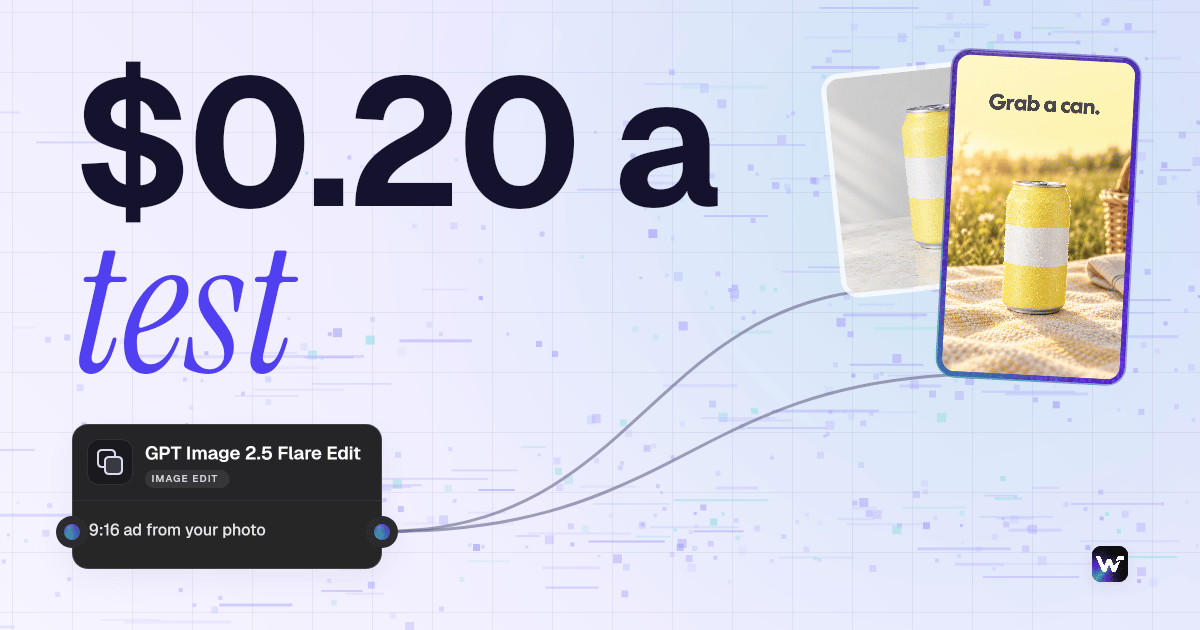
Paste your Ad Library results, a brand brief and a product photo, and this flow returns a plain research note and one 9:16 test ad. It does not search for you. Our run used 15 credits, about $0.20 on Starter. New accounts get a free video.
Free to build · no credit card · Read the agent docs · See how it works ↓
 Andrew Adams · Co-Founder & Operations at Wireflow ·
How to Use Research Competitor Ads
Steps to get you started in Wireflow.
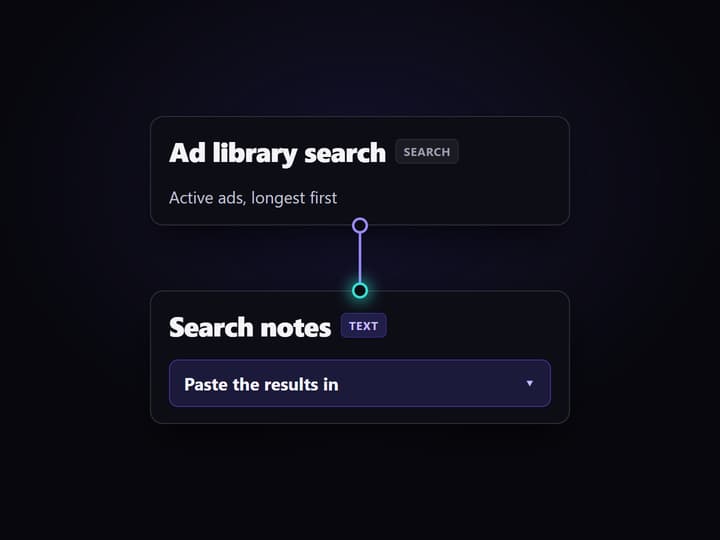
Search the Ad Library and copy the results
Search a competitor in the Meta Ad Library, set active ads and longest running first, and copy the top results as text.
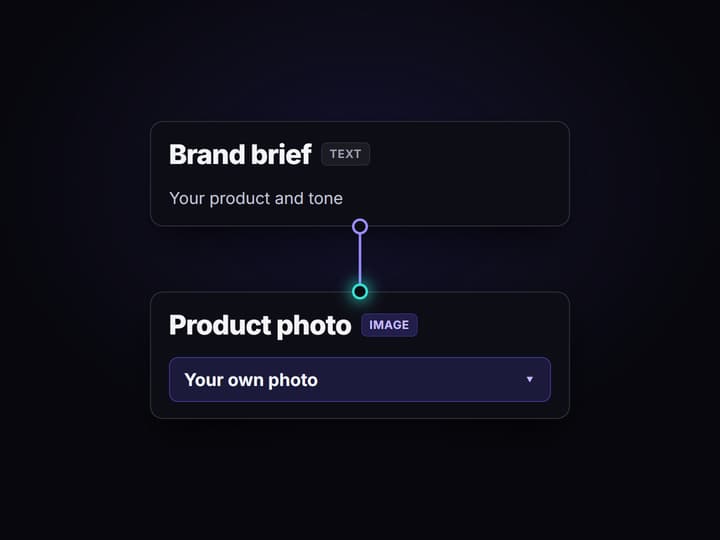
Paste it in with your brief and photo
Open the flow, copy it to your account, then paste your search notes, write a short brand brief and add your product photo.
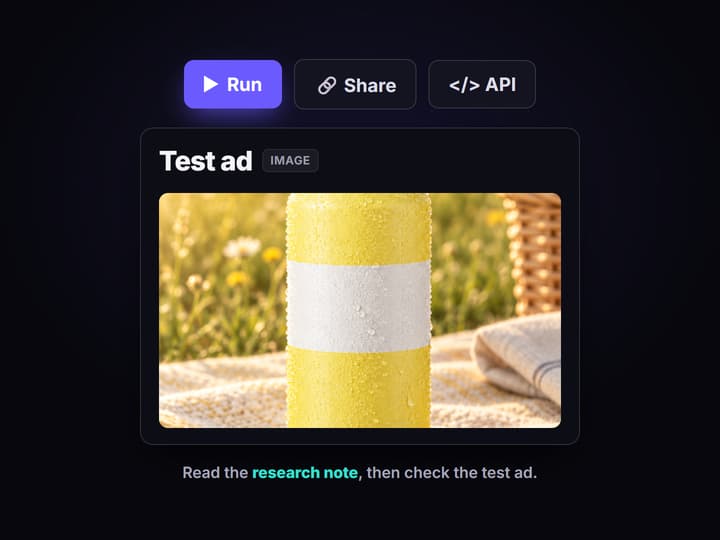
Run it and read both outputs
Press Run. Read the research note for the pattern and the three tests, then check every word on the test ad.
More Than Just Research Competitor Ads
Read the pattern, not one ad
The note says what repeats across a brand's ads: format, buttons and how long each runs. Compare it with an AI ad generator.
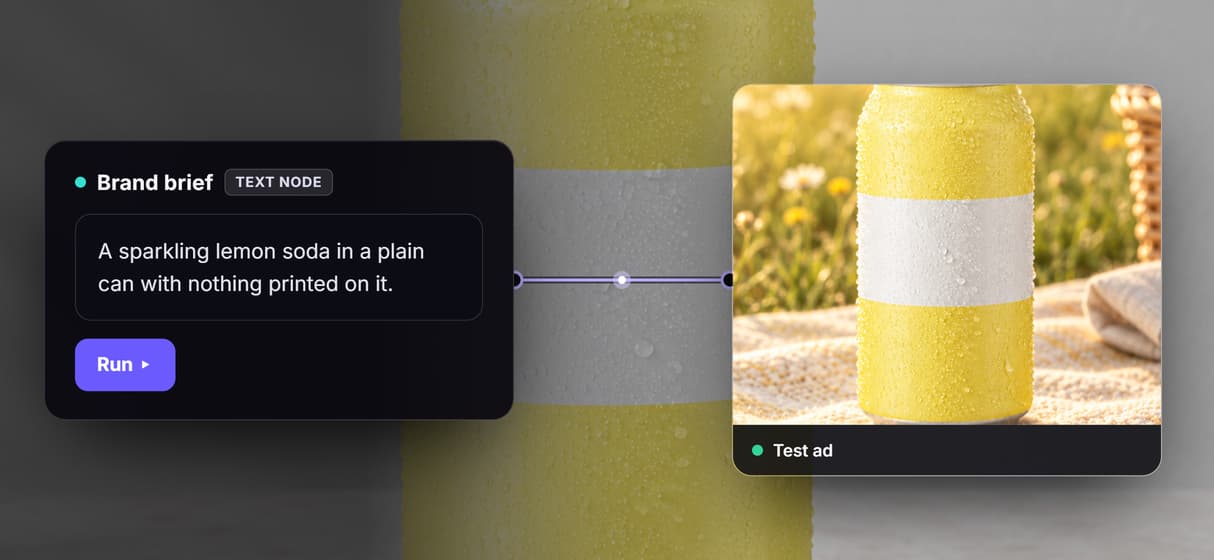
15 credits a run
Our run used 15 credits from the ledger, about $0.20 on Starter, and the search itself costs none. Scale tests with a static ad creative generator.
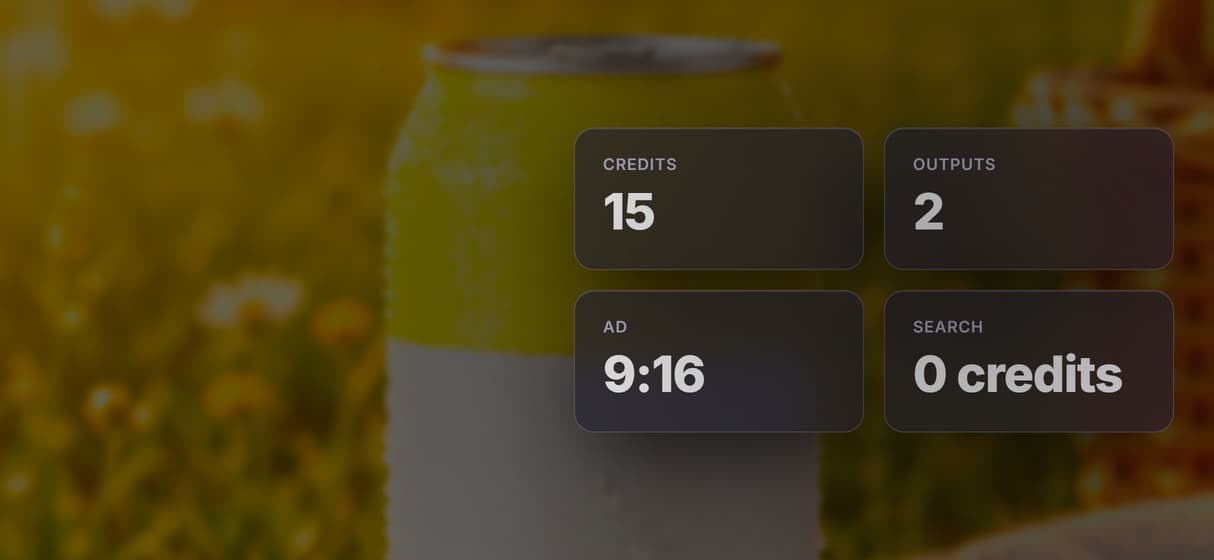
From research to a test ad
One run turns a brand read into a brief and one finished 9:16 ad you can react to. Create ads with AI once you pick a winner.
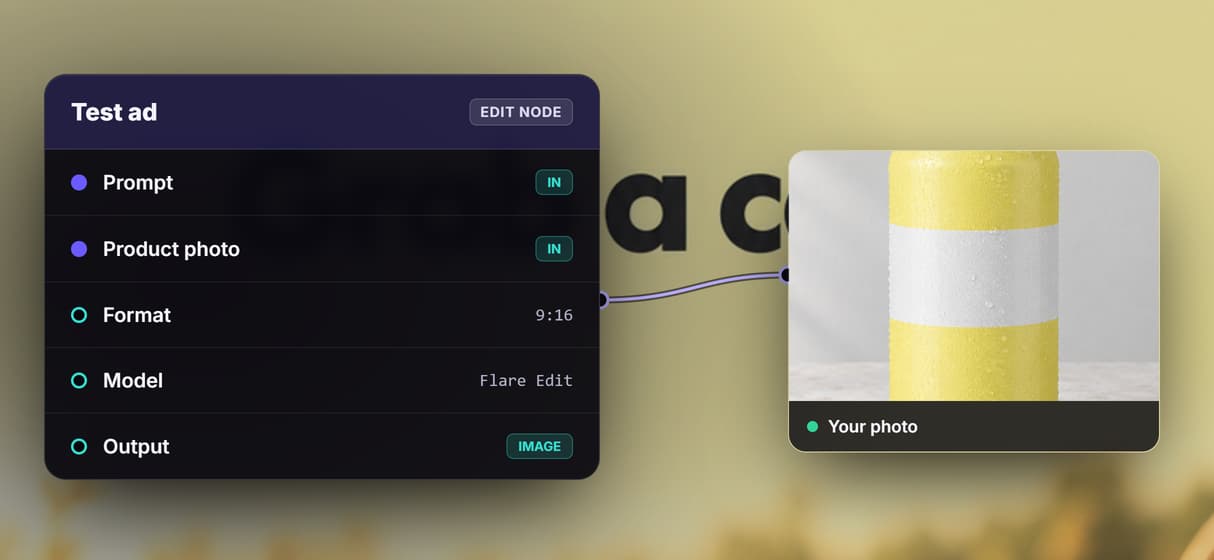
Your product stays your product
Your photo goes straight into the ad, so the real thing shows up. Build the look on the canvas with the AI ad maker.
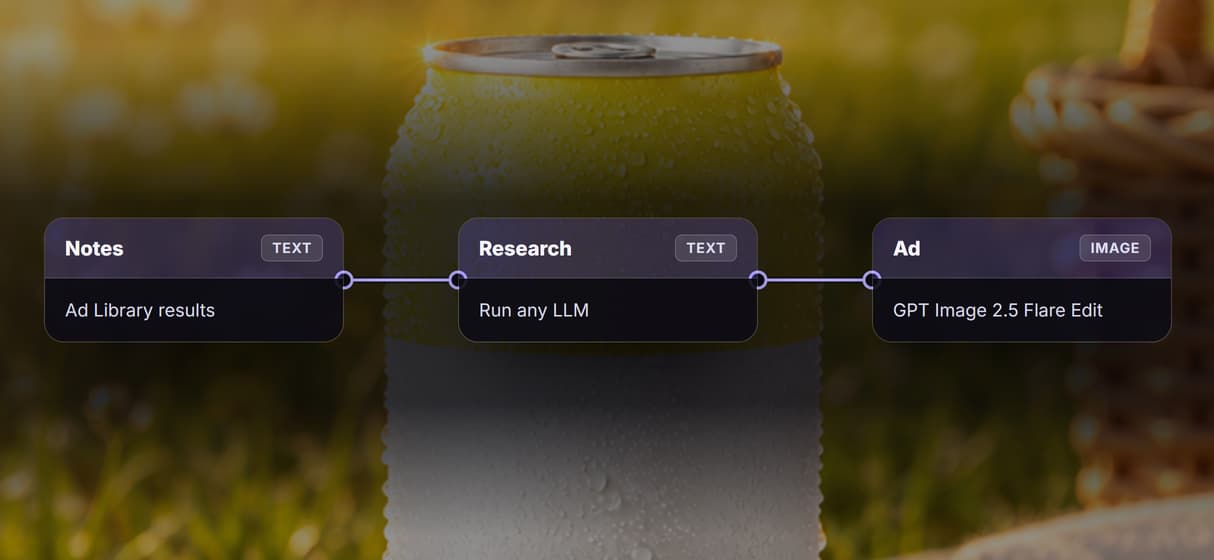
Run it from Claude or code
The flow is also an API endpoint and an MCP tool, so an agent can run it for each brand. Read about the AI workflow API.
Build Any AI Workflow
AI Models Integrated
Full Commercial License
What one research run made
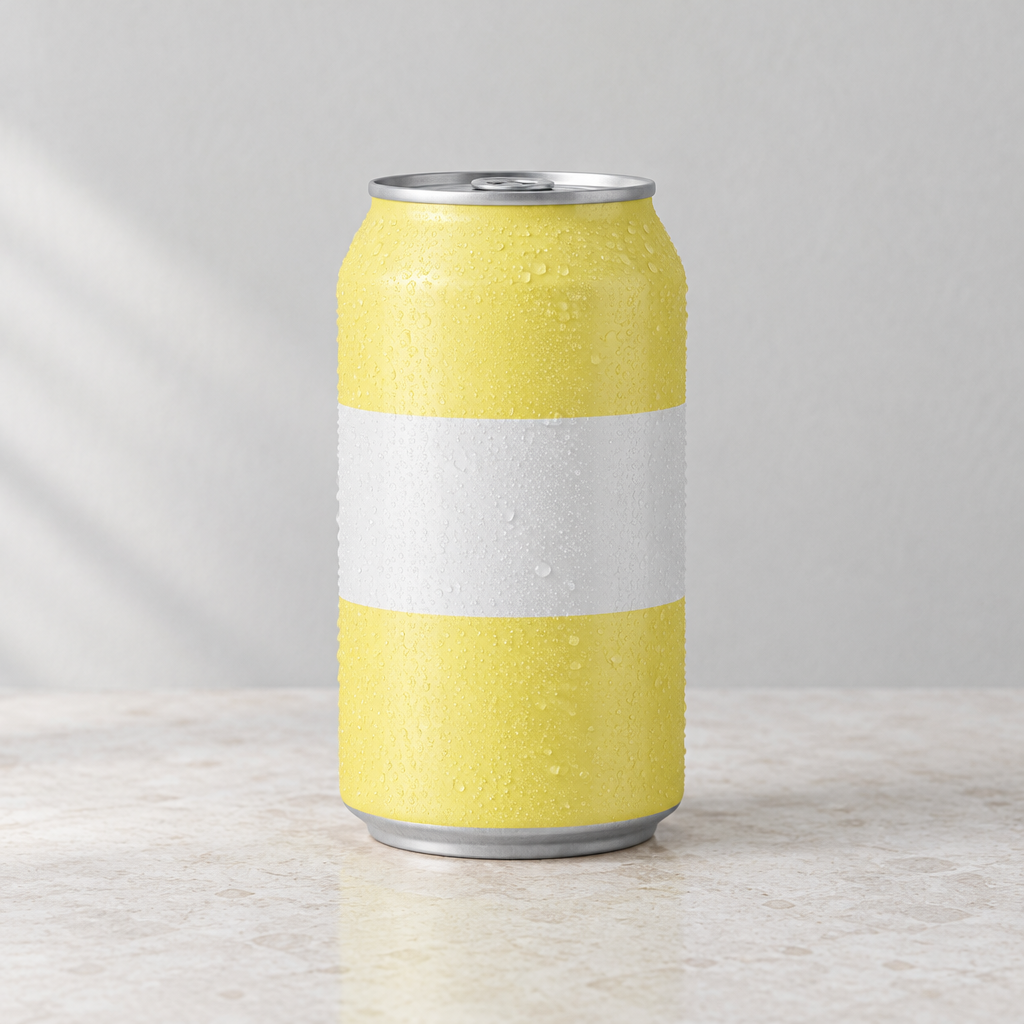
We searched the Meta Ad Library for BUBBL'R in the United States, active ads, longest running first, then pasted those results into the flow. The flow does not search; it reads what you give it. The product in the test ad is made up: a plain lemon soda can with no name, no words and no logo.
This is the plain research note it wrote:
BUBBL'R has 30 active video ads in the US. All 30 come from its own page.
23 are standard video and 7 are DCO, where Meta mixes the pieces itself.
The oldest is still running after 467 days. The median is 209 days and the newest is 54 days.
Half their ads are still running after 209 days or more. That points to a few evergreen videos kept live for a long time.
The search gives no hooks, scripts or visuals. So I can't name the creative angle. Only the format, button and run-time patterns are visible.
And this is the 9:16 test ad it made for our own made-up can, from the brief:

This is the product photo that went in. The can carries no brand, no words and no logo.
What goes in and what comes out
Your Ad Library search results, a brand brief and a product photo go in. A plain research note and one 9:16 test ad come out.
- Search notes. The Ad Library results you paste in, as text.
- Brand brief. Your brand, product, tone and audience.
- Research note. Run any LLM reads the notes and writes what repeats and three tests to run.
- Image prompt. Run any LLM turns the brief into one ad prompt.
- Product photo. Your product, as it is.
- Test ad. GPT Image 2.5 Flare Edit makes the 9:16 ad from the prompt and your photo.
What one run costs
Plans: Starter is $36 a month for 2,660 credits, and Professional is $59 a month for 4,370 credits.
Our run used 15 credits: the 2 Run any LLM calls use 3 each, and GPT Image 2.5 Flare Edit uses 9; the Ad Library search uses 0 credits. That number comes from our credit ledger for that run, not a list price.
On Starter one run is about $0.20, so a month of credits covers about 177 runs. On Professional it is about $0.20, or about 291 runs.
New accounts get a free video.
Open the flow
Open the flow. It opens the board with the search notes, the brief, the photo, the research note and the test ad saved on it. You can see it logged out, then copy it to your account and swap in your own inputs.
Run it from Claude
- In Claude, open Customize, then Connectors. Click + Add and choose Add custom connector.
- Name it Wireflow and paste
https://www.wireflow.ai/api/mcpas the server URL. - Sign in to Wireflow when Claude asks, and approve the access.
The Claude app guide has the same steps with pictures.
Then paste this prompt:
Use Wireflow to search the Meta Ad Library for BUBBL'R in the United States: active ads, longest running first. Show the top 10 with days running, format and button. Then use run_app on the published app research-competitor-ads-ad-library-notes-to-test-a-cmvyljbjr0 (flow cmvyljbjr000cjk08x0ps3x3n): put those search results in search_notes, this brief in brand_brief: a sparkling lemon soda in a plain can with nothing printed on it, and this photo in product_photo: <your photo link>. Send me the research note and the test ad. Tell me the credit cost and wait for my yes before you run it.
With that last line, Claude looks up the price and waits for your yes before it spends any credits.
Run it from the API
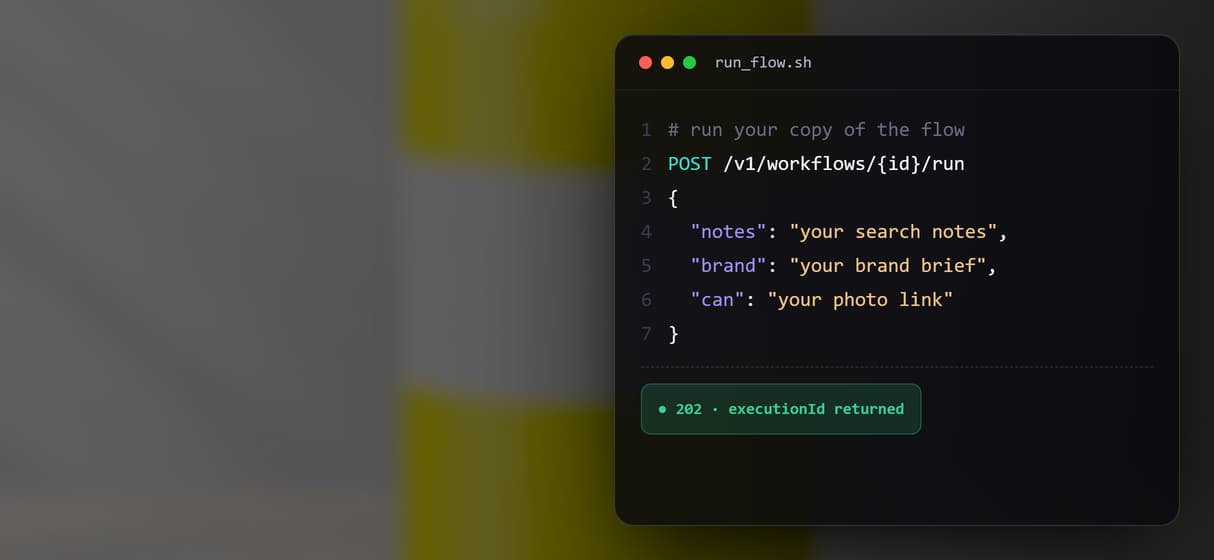
Every workflow is also a REST endpoint, so you can run this one from your own code.
curl -X POST https://www.wireflow.ai/api/v1/workflows/cmvyljbjr000cjk08x0ps3x3n/run \
-H "Authorization: Bearer $WIREFLOW_API_KEY" \
-H "Content-Type: application/json" \
-d '{"inputs":{"brand":"BRAND BRIEF: your brand, product, tone and audience","notes":"Your Ad Library search notes","can":"YOUR_PHOTO_LINK"}}'
The run route works on workflows you own: open the flow, copy it to your account, and use your copy's id. POST returns 202 with an executionId; poll GET /api/v1/workflows/executions/{executionId}/poll, or pass a webhook. Docs: https://www.wireflow.ai/docs/api/run
What each part does
Search notes
Holds the Ad Library results you paste in. The flow reads them; it does not search.
Brand brief
Your brand, product, tone and audience, so the test ad fits you.
Research note
Run any LLM writes what repeats and three tests to run.
Image prompt
Run any LLM turns the brief into one clear ad prompt.
Product photo
Holds your product, so the real thing shows up in the ad.
Test ad
GPT Image 2.5 Flare Edit draws the 9:16 ad.
What this research flow does not do
It does not search the Ad Library for you. You run the search, in Claude or in your browser, and paste the results in. Meta publishes no views, clicks or spend, so run time is the only signal, and a long run is not proof an ad makes money. A keyword search finds the ads it matches, not every ad a brand runs, so read the note as a pattern, not a full list.
The note reports only the format, button and run-time counts in your results; it cannot see hooks, scripts or visuals, so it names no creative angle. The test ad is one 9:16 image, and the model draws any words, so read every one before you use it. To build this research step into a bigger pipeline, see AI creative workflows, and to turn one idea into many cuts, see our video ad variant generator.
FAQs
You search a brand in the Meta Ad Library and read how many ads it runs, in what format, and how long each has been live. This flow turns results you paste in into a plain note and a test ad.
Discover related AI tools
- Weavy AI Alternative (Weavy.ai Is Now Figma Weave)
- Flora AI Alternative
- Freepik Spaces Alternative
- RoboNeo AI Alternative: 79 Models in Your Browser
- Sotatech AI Alternative
- Pletor AI Alternative: 79 Models, No Black Box
- Fuser Studio AI Alternative
- AI Creative Workflows
- Visual Node Editor
- No Code AI Canvas
- Reusable AI Templates
- AI Pipeline API
Written by
Andrew Adams · Co-Founder & Operations at Wireflow
Runs client operations and content strategy at Wireflow. Works directly with creative teams and agencies to build production AI workflows.
Open this competitor ad research flow
Open the flow, swap in your own inputs and run it. Building on the canvas costs nothing; you pay per generation.