Best Agentic Design Tools in 2026

In this article▾
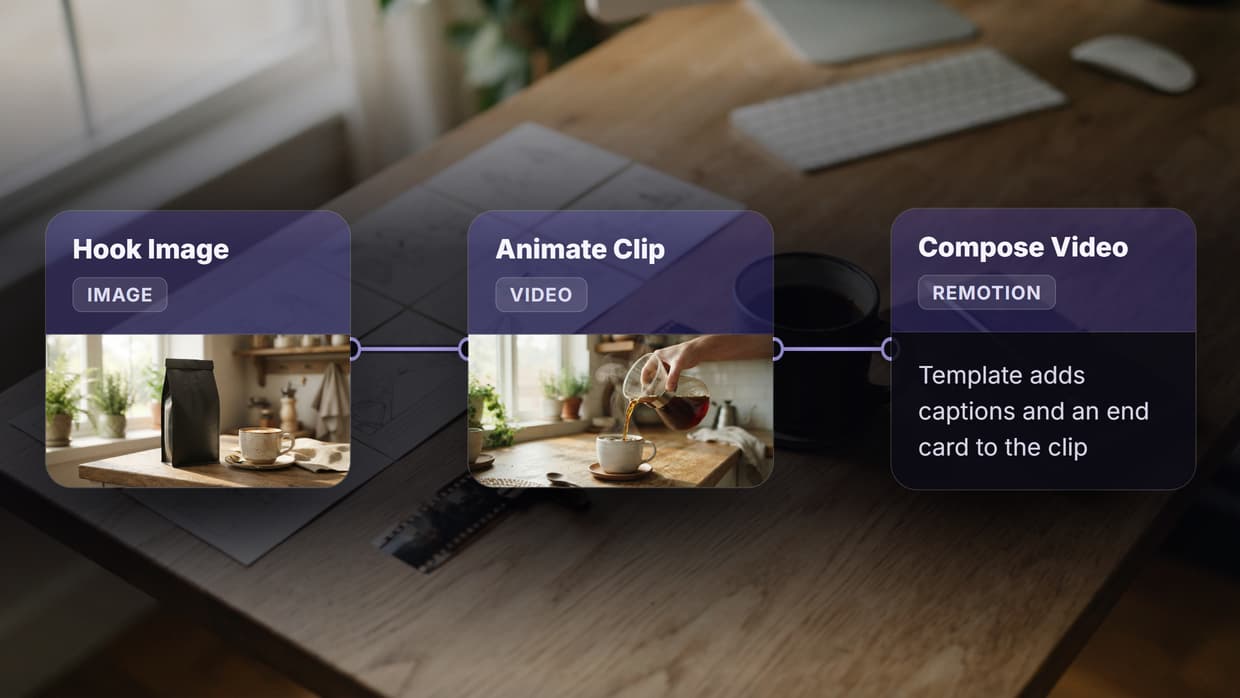
Agentic design tools go beyond basic AI generators. Instead of processing a single prompt, these tools plan multi-step sequences, execute them across models, and iterate when the output falls short. Real design work is rarely one call: it is a chain of concept generation, style refinement, background swaps, upscaling, and format exports. The same chained canvas drives a banner workflow on a node graph, rendering the headline, then recomposing the banner into each social size from one brief. Wireflow is one platform built around this idea, letting teams chain AI models on a visual canvas and expose entire pipelines through a REST API.
Here are six agentic design tools worth evaluating in 2026, ranked by workflow depth, API access, and autonomous design capability.
- Wireflow: Best overall for multi-model agentic design pipelines with API access
- Lovable: Best for full-stack app prototyping from a single prompt
- v0 by Vercel: Best for clean React and Next.js UI generation
- Figma Make: Best for teams already invested in Figma design systems
- Google Stitch: Best free option for multi-screen UI mockups
- Recraft: Best for brand-consistent vector and image asset creation
1. Wireflow
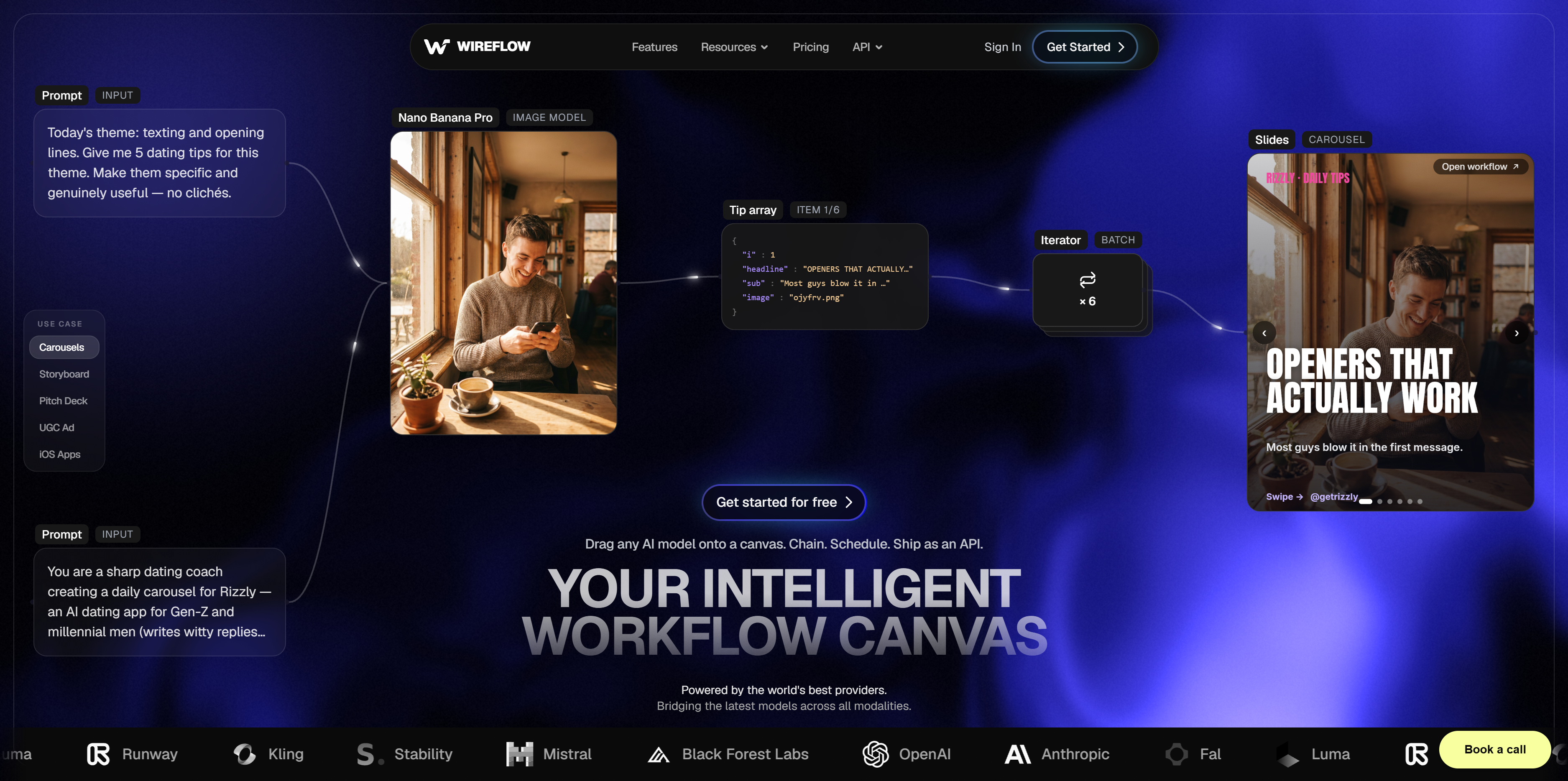
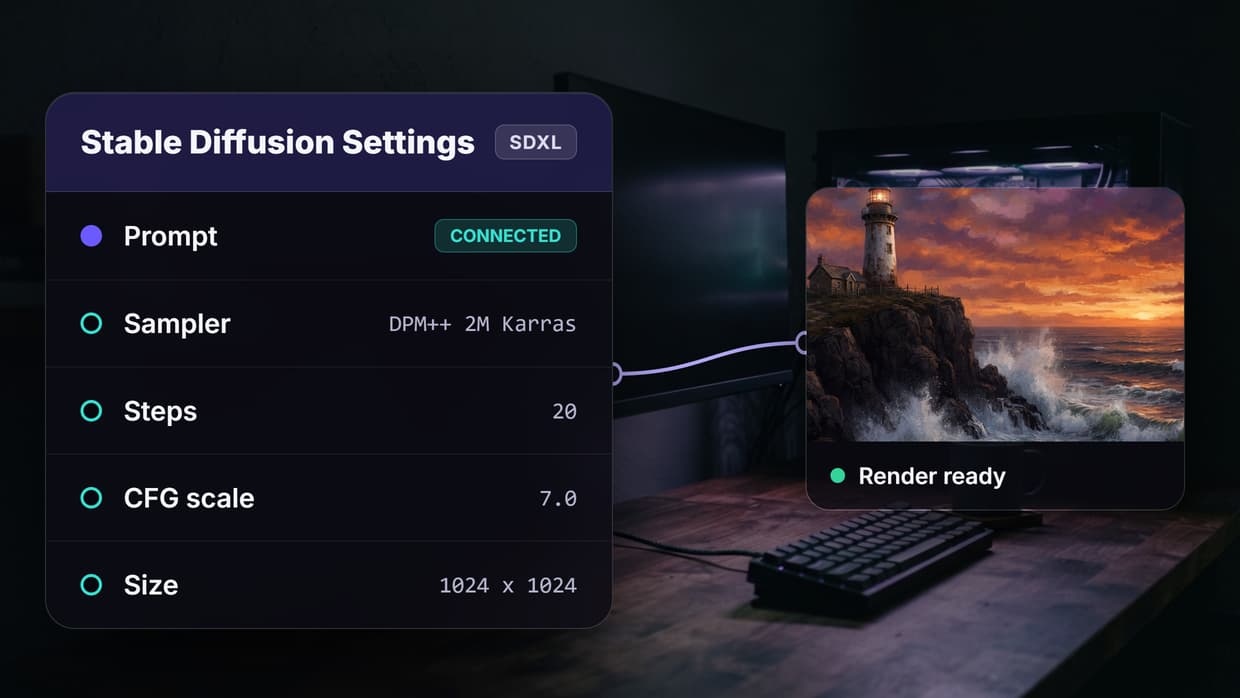
Wireflow is a visual node editor where each node represents an AI model, a data input, or a transformation step. You connect nodes on a drag-and-drop canvas, and the platform handles execution order, data routing, and retries automatically. The agentic layer means you can build a workflow that runs several steps in sequence: generate a hero image with Flux, remove its background with BiRefNet, upscale with ClarityAI, then render three crop variants for different social platforms. The same node graph can drive a flyer workflow on a canvas, rendering the headline, product shot, and print and social sizes from one brief.
For a hands-on look, see the agentic design feature page.
Once a workflow runs correctly, it stays saved and repeatable. You can trigger it through the REST API at /api/v1 using Bearer sk- keys: POST /workflows/{id}/execute starts a run, and you poll /workflows/executions/{id}/poll for the result. An official Claude Skill lets Claude drive pipelines directly. Rate limits scale by plan (Free: 10 req/min, Pro: 60 req/min). No official SDK needed; plain curl or fetch works. For teams that want no-code AI canvas editing and programmatic access in one tool, the API overview covers everything.
Strengths: Multi-model chaining on a single canvas, REST API and webhook triggers, official Claude Skill for agent-driven execution, batch processing, reusable templates.
Limits: The learning curve for complex node graphs is steeper than a simple prompt box. No built-in UI component library; Wireflow targets image, video, and asset pipelines rather than app mockups.
Build this in Wireflow
Make the same kind of asset on a canvas you control, with a free account and no credit card.
2. Lovable
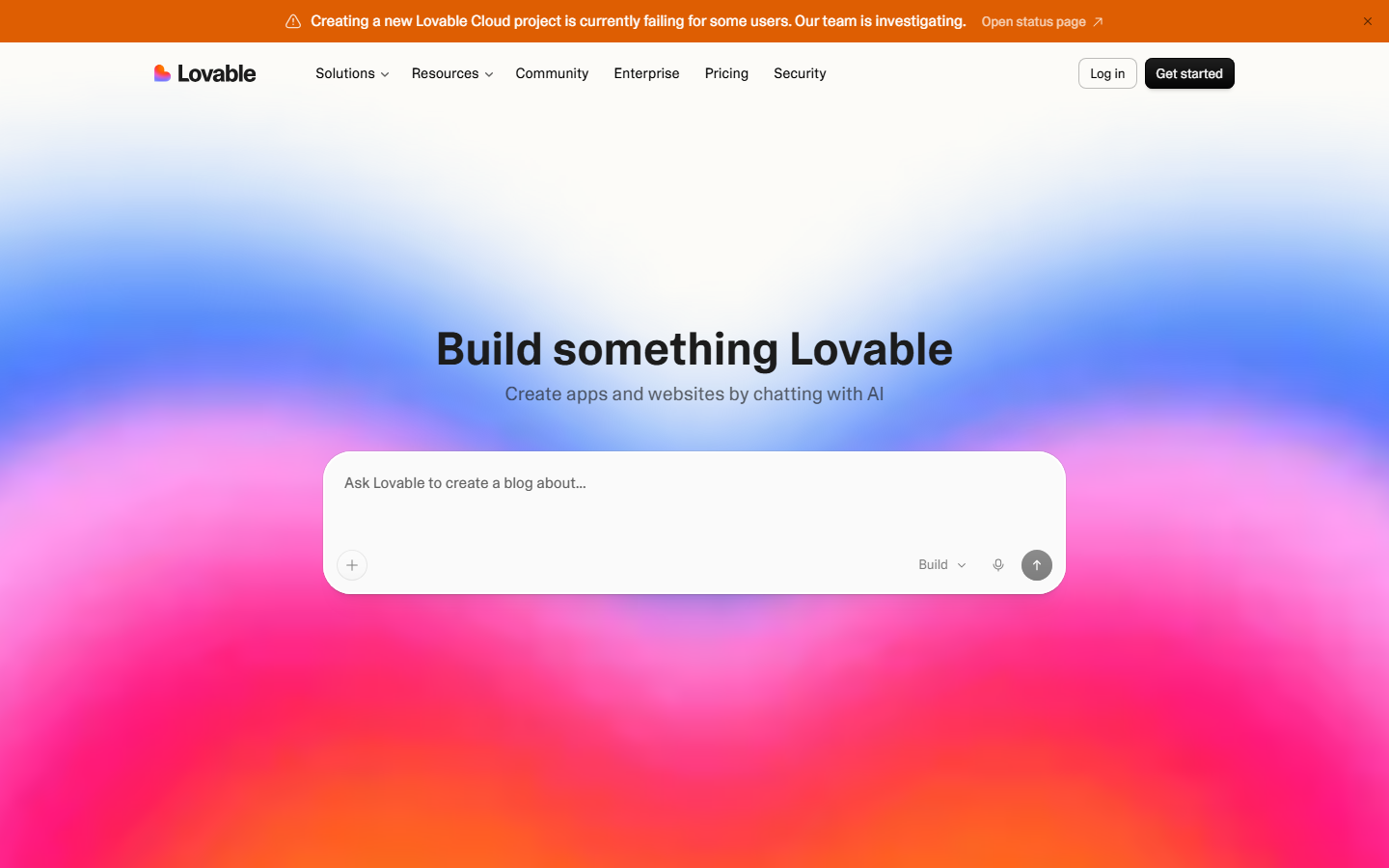
Lovable is a prompt-to-app builder that generates full-stack web applications from a text description. You describe what you want, and Lovable produces a working frontend with backend logic, database schema, and authentication wired together. The agentic part is the iterative loop: you can refine the output in conversation, ask Lovable to add features, fix layouts, or swap color schemes, and it modifies the live codebase accordingly.
For teams building internal tools or MVPs, Lovable removes the gap between design mockup and functional prototype. The output is deployable code, not a static image, which makes it useful for creative workflow automation scenarios where the design artifact needs to be interactive.
Strengths: End-to-end app generation from prompts, iterative refinement through conversation, real deployable output, Supabase integration.
Limits: Less control over pixel-level design. Generated code can require cleanup for production. Not suited for standalone image or video asset work.
3. v0 by Vercel
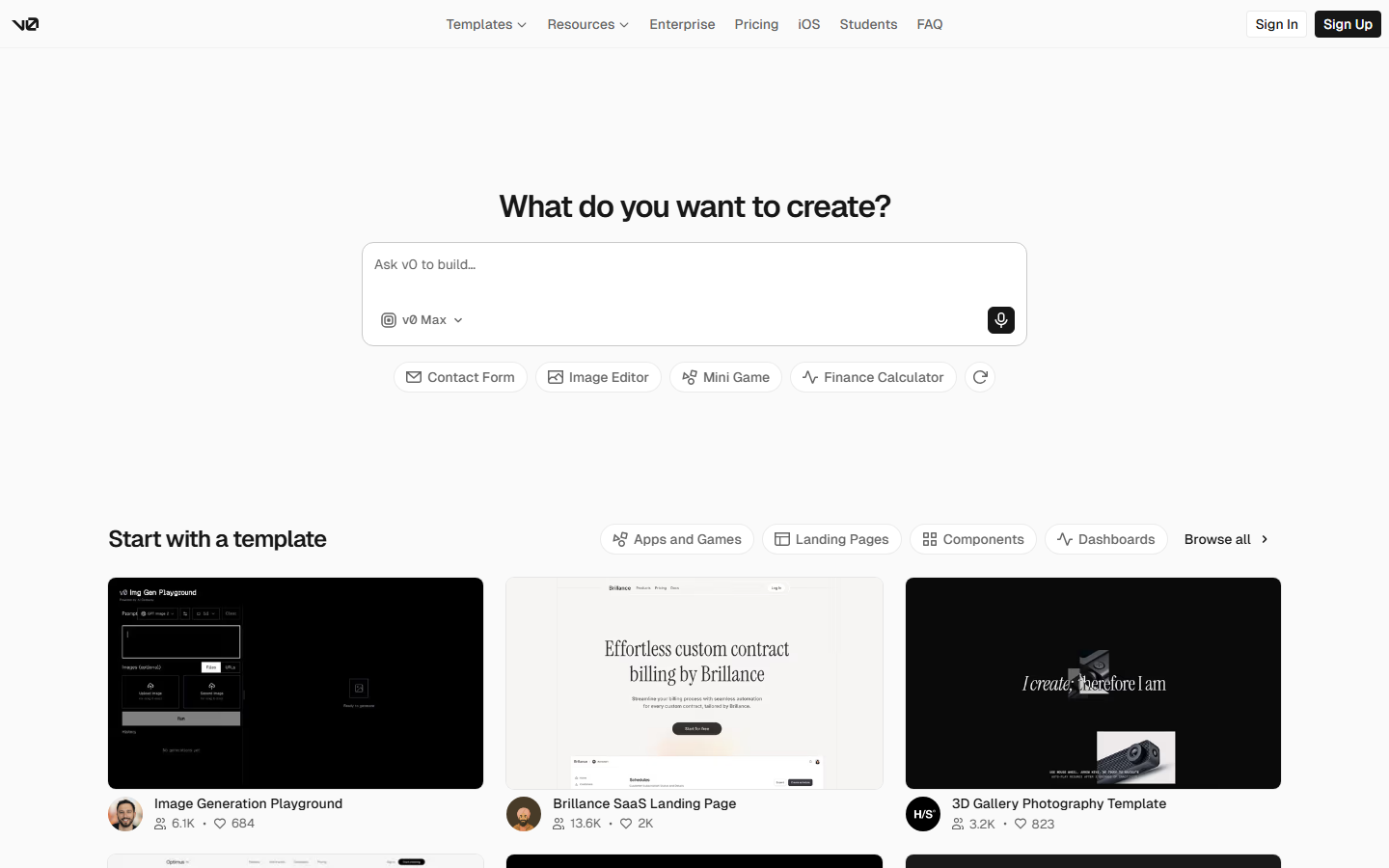
v0 is Vercel's generative UI tool. You describe a component or page layout, and v0 produces React code using Tailwind CSS and shadcn/ui components. The output is clean, composable, and ready to drop into a Next.js project. v0 handles multi-turn refinement: you can ask it to adjust spacing, swap components, or restructure the layout, and it updates the code in real time.
What sets v0 apart is its tight integration with the Vercel ecosystem. Generated components follow established AI workflow template patterns and deploy instantly through Vercel. This makes it practical for frontend teams who need design-to-code translation without leaving their stack.
Strengths: High-quality React/Tailwind output, multi-turn editing, direct Vercel deployment, shadcn/ui integration.
Limits: Scoped to UI components and page layouts. No image generation, video, or asset pipeline capabilities. Outputs are code-first, not design-file-first.
4. Figma Make
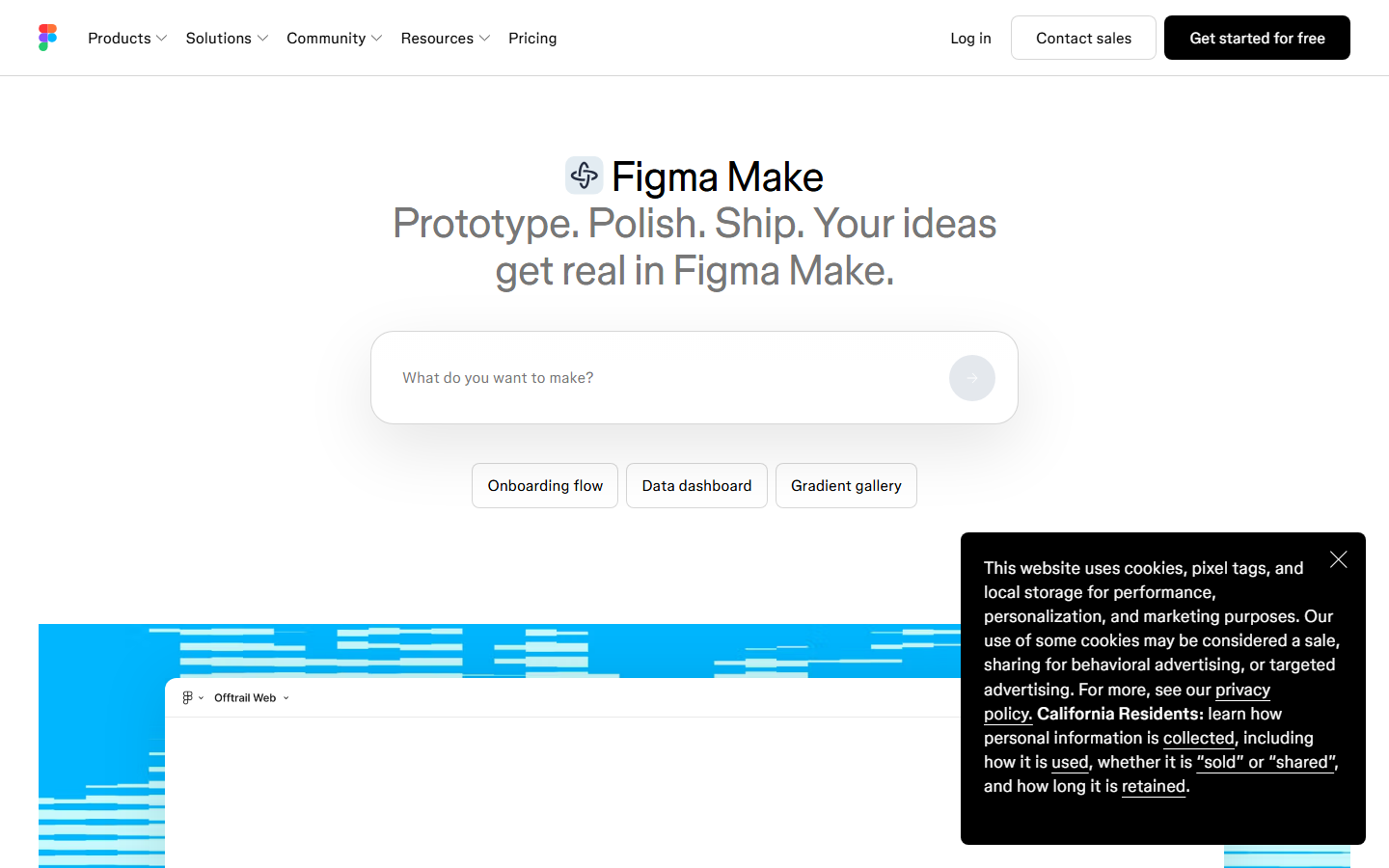
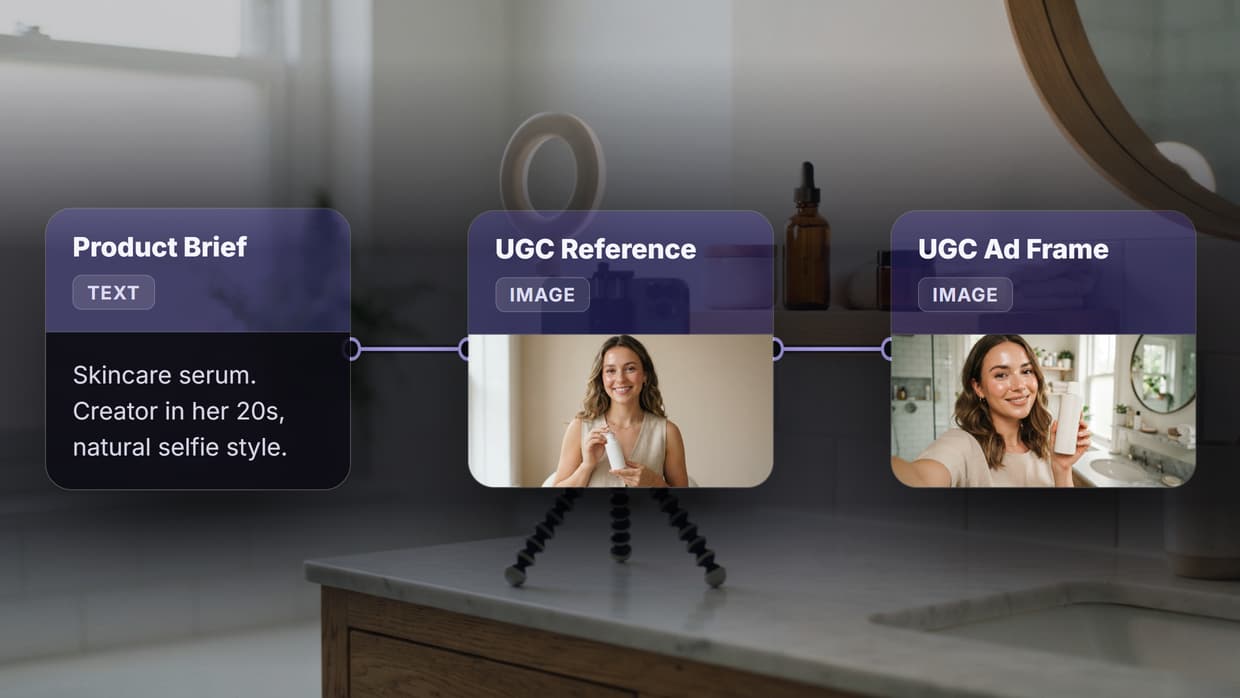
Figma Make is Figma's AI-powered prompt-to-design and prompt-to-app tool, built directly into the Figma editor. You describe a screen or flow, and Make generates editable Figma frames populated with layout, typography, and placeholder content. Because it works inside Figma, the output inherits your existing design system tokens, component libraries, and auto-layout settings. For brand assets rather than app screens, an agentic brand kit generator inherits one brief instead, emitting the logo, palette, and packaging from a single graph.
The agentic quality comes from iteration within Figma. You can prompt Make to revise sections, adapt to different breakpoints, or generate variant states, all while staying in the same file your team collaborates in. For organizations that use Figma as their AI asset pipeline source of truth, Make keeps the entire loop in one place.
Strengths: Native Figma integration, respects existing design systems, collaborative by default, generates editable frames.
Limits: Tied to the Figma ecosystem. AI output sometimes needs manual cleanup for production quality. No API for triggering generations programmatically.
5. Google Stitch
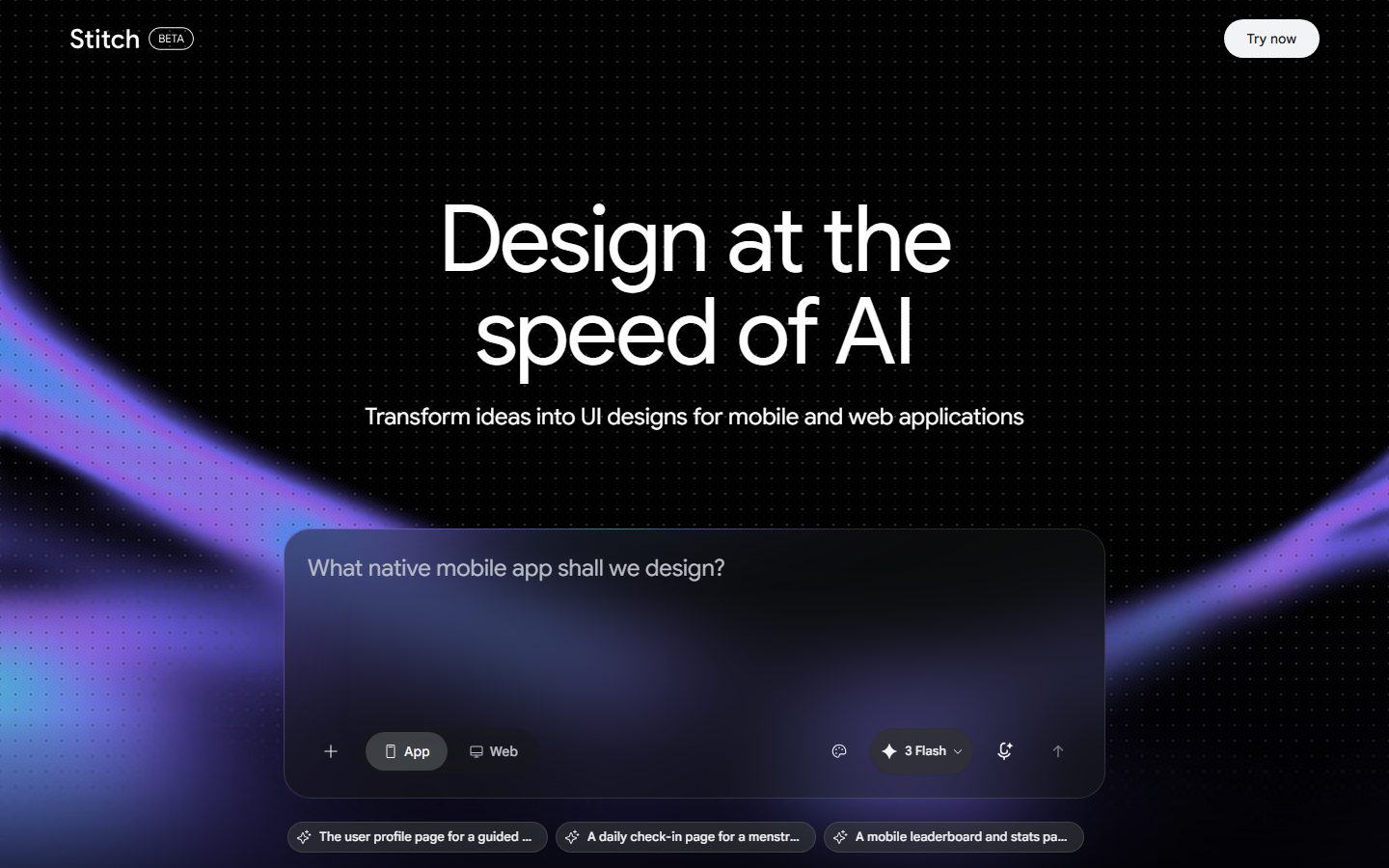
Google Stitch is Google's AI UI design generator, launched as part of Google Labs. You describe a multi-screen app flow, and Stitch produces a set of connected mockups with navigation, layout structure, and placeholder assets. The tool is free during its preview period, which lowers the barrier for early exploration.
Stitch is useful for mapping out user flows before committing to a framework. It generates linked screens rather than isolated pages, which helps teams evaluate AI pipeline automation ideas at the concept stage. The output is exportable but not code-ready; it is closer to a clickable prototype than a deployable application.
Strengths: Free during preview, multi-screen flow generation, connected navigation between screens, clean Material Design output.
Limits: Still in Google Labs preview with limited availability. Outputs are mockups, not code. No API access. Less customizable than Figma or code-based tools.
6. Recraft
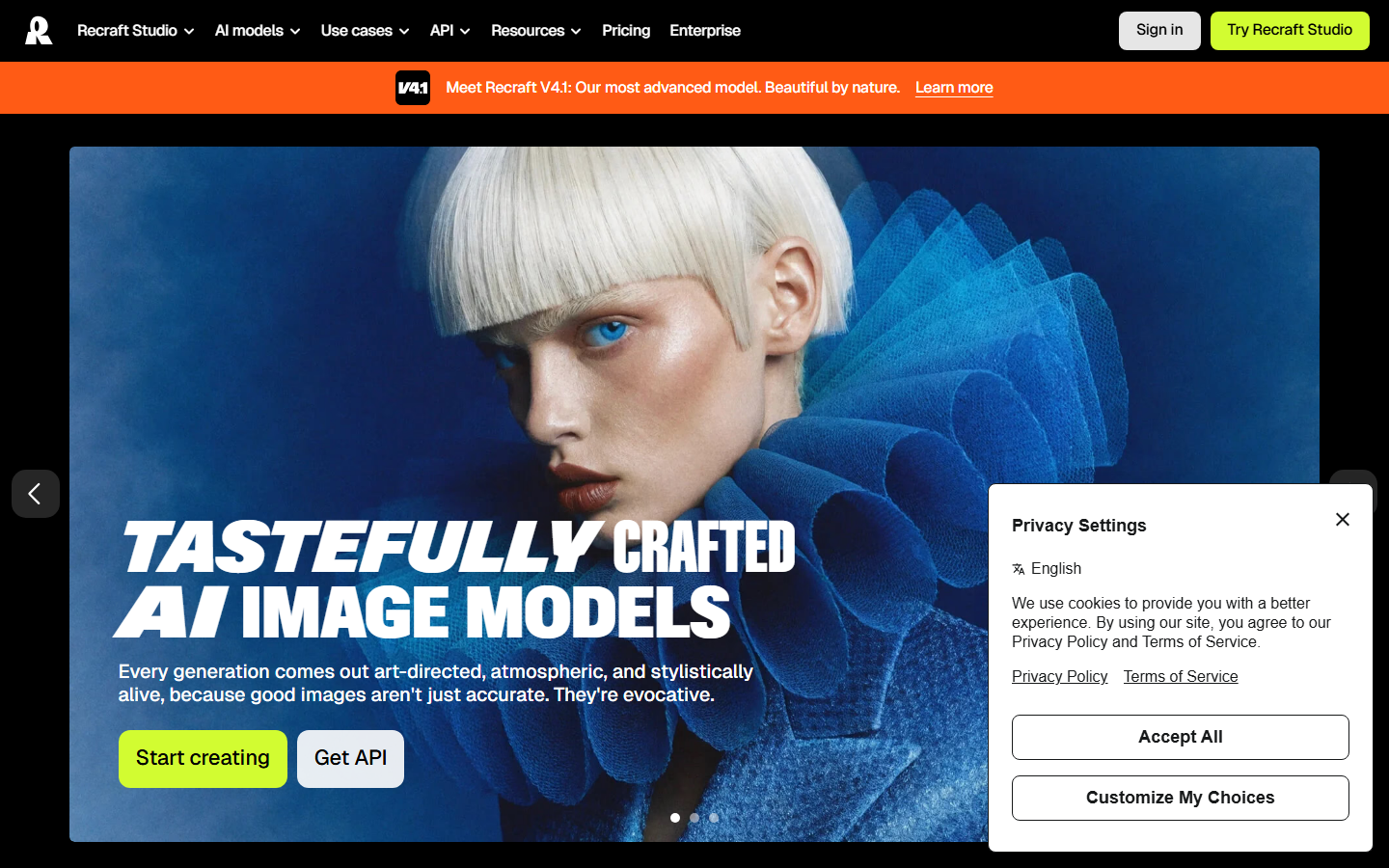
Recraft is an AI design and asset generator focused on brand consistency. It produces illustrations, icons, vector graphics, and realistic images with precise style controls. You can define a brand style set, including color palettes, illustration style, and typography guidelines, and Recraft applies those constraints across all generated assets.
The API makes Recraft useful for batch AI generation workflows where you need dozens of on-brand assets generated programmatically. Recraft's vector output is genuinely editable in SVG format, which is rare among AI image generators. For design teams that need consistent visual assets at scale rather than UI layouts, Recraft fills a gap that prompt-to-app tools do not address.
Strengths: Brand-consistent output with style sets, true vector/SVG generation, API access for programmatic use, strong illustration and icon quality.
Limits: Not a UI design tool. No layout generation or component-level output. Focused on individual assets rather than multi-screen flows.
Comparison Table
| Tool | Best For | API Access | Multi-Model Chaining | Output Type | Free Tier |
|---|---|---|---|---|---|
| Wireflow | Agentic design pipelines | REST API + Claude Skill | Yes | Images, video, assets | Yes (10 req/min) |
| Lovable | Full-stack app prototyping | No | No | Deployable code | Limited |
| v0 | React UI generation | No | No | React components | Yes |
| Figma Make | Design system workflows | No | No | Figma frames | Figma plan required |
| Google Stitch | Multi-screen mockups | No | No | Clickable prototypes | Yes (preview) |
| Recraft | Brand-consistent assets | Yes | No | Images, SVG, vectors | Yes |

The right choice depends on what kind of output you need. Lovable and v0 excel at functional interfaces. Figma Make and Google Stitch are strongest for visual mockups. Recraft handles brand assets at scale. For teams that need to chain multiple AI models into repeatable, API-accessible pipelines, a node-based approach with API access gives the most flexibility.
Developers building agent integrations should review the developer docs, which cover how to let Claude orchestrate design workflows without custom glue code.
Try it yourself: Build this workflow in Wireflow. The nodes come pre-configured with the design-concept setup discussed above.
Frequently Asked Questions
What is an agentic design tool?
An agentic design tool uses AI agents to handle multi-step design tasks autonomously. Instead of producing one output from one prompt, it plans a sequence of operations, such as generating an image, refining it, removing the background, and exporting multiple sizes, then executes them with minimal manual intervention.
How do agentic design tools differ from regular AI image generators?
Regular generators handle a single input-output cycle. Agentic tools chain multiple steps together, evaluate intermediate results, and can retry or adjust if the output does not meet specified criteria. The key difference is autonomy across a multi-step process.
Can I use agentic design tools through an API?
Some of them. The #1 pick on this list exposes a REST API and an official Claude Skill for programmatic access. Recraft provides an API for asset generation. Most prompt-to-app tools like Lovable and v0 are primarily browser-based and do not expose public APIs for triggering generations.
Which agentic design tool is best for teams?
It depends on your stack. Figma Make is ideal if your team already uses Figma for design handoffs. For teams that need API-driven asset pipelines, a platform with reusable AI templates and programmatic triggers fits better.
Are agentic design tools free?
Most offer free tiers with usage limits. Google Stitch is free during its preview period. Recraft and the top pick on this list have free plans. Lovable and v0 offer limited free usage before paid plans kick in. Figma Make requires a Figma subscription.
Can agentic design tools replace human designers?
Not yet. These tools handle execution, iteration, and asset production efficiently, but they still require human direction on brand strategy, user experience decisions, and creative judgment. They work best as force multipliers for designers, not replacements.
What should I look for when choosing an agentic design tool?
Consider four factors: the type of output you need (code, mockups, or assets), whether you need API access for automation, how well it integrates with your existing tools, and whether it supports multi-model workflows or is limited to a single AI model.
How do agentic design tools handle brand consistency?
Approaches vary. Recraft uses explicit style sets with color and typography rules. Figma Make inherits your existing design system. Workflow-based tools let you define brand parameters as inputs that get passed to every node in the pipeline, enforcing consistency through the model chaining structure itself.

Co-Founder & Operations at Wireflow
Runs client operations and content strategy at Wireflow. Works directly with creative teams and agencies to build production AI workflows.
- Content Strategy
- Client Operations
Get unlimited ad creatives today.
One call to see if we are a fit and scope the first ad. If it fits, your first batch lands inside week one.