Best Video Generation API Tools in 2026

In this article▾
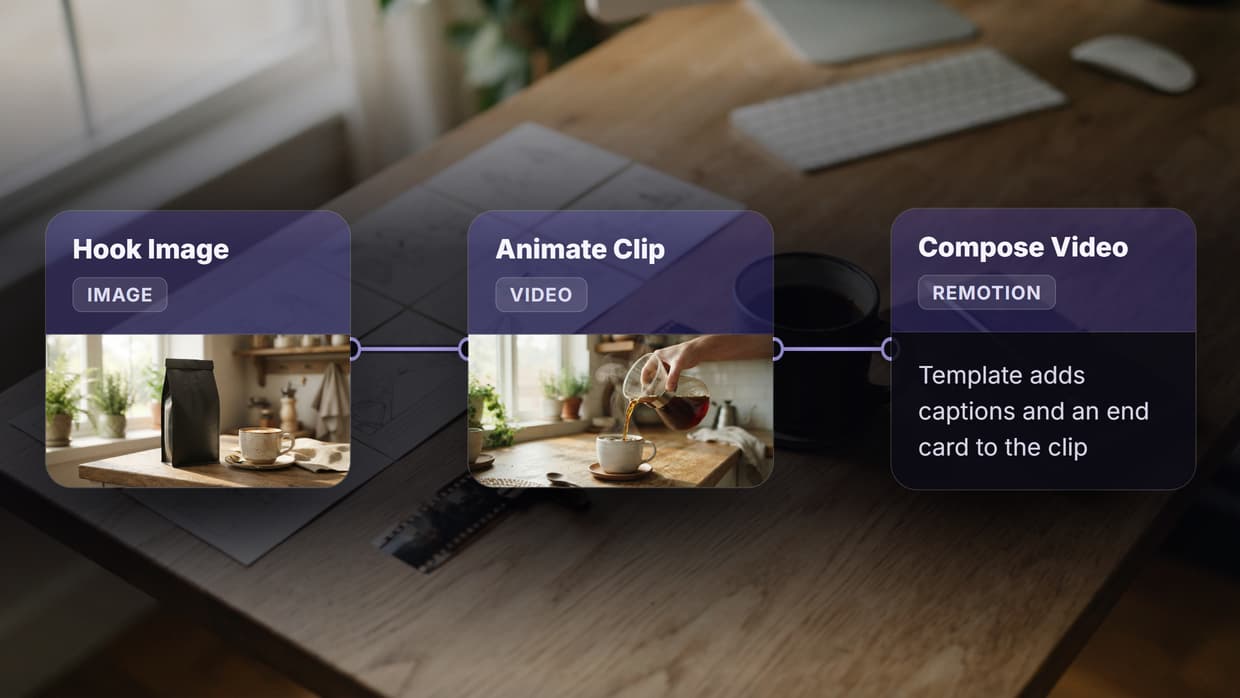
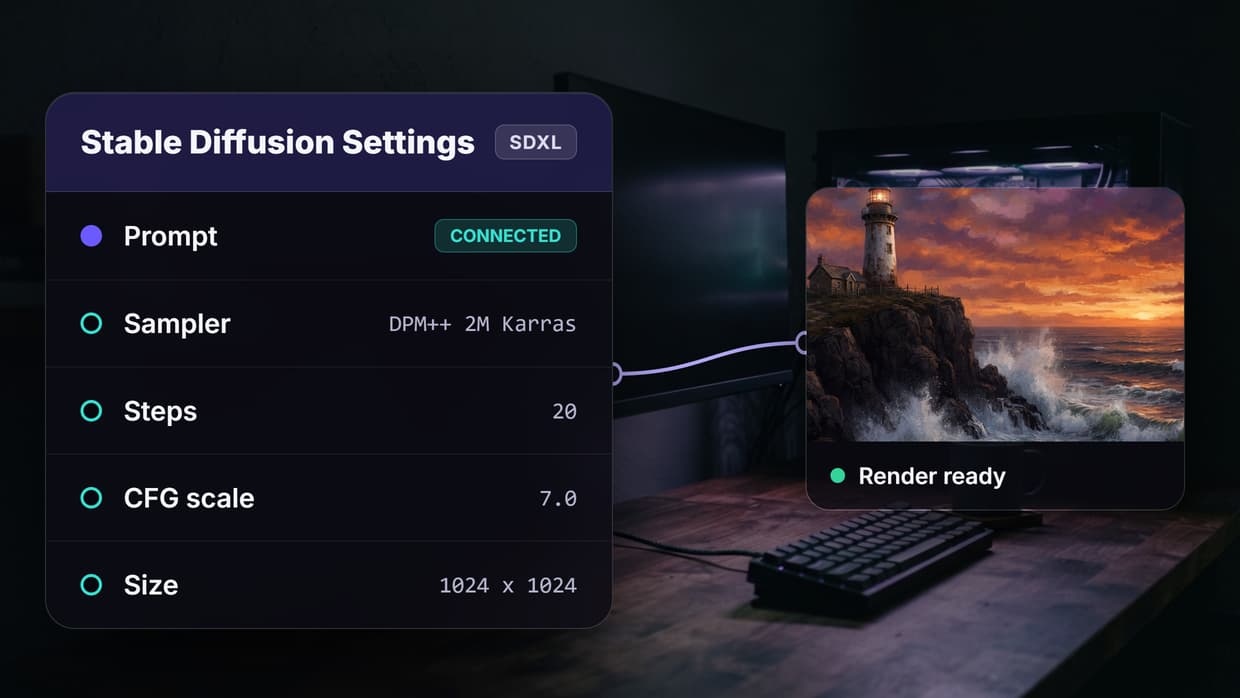
Video generation APIs have become essential infrastructure for developers building content platforms, ad-tech pipelines, and creative tools. Wireflow connects these APIs through a visual node editor, letting you chain text-to-video models with image generators, upscalers, and audio tools in a single workflow. This guide covers the eight strongest video generation API options available right now, ranked by output quality, pricing, and developer experience. The same endpoint can pit several video models against each other on one shared prompt. For a video API that also generates the source frames, try our Remotion alternative you can call via REST.
For a hands-on look at how these APIs work inside a visual pipeline, check out the video generation tools overview.
Quick Summary
- Wireflow - Best Overall (visual workflow builder with multi-model API access)
- Google Veo 3.1 - Best for Cinematic Quality ($0.03/sec, built-in audio)
- Kling 3.0 Pro - Best for Production Scale (consistent character motion)
- Runway Gen-4 - Best for Creative Control (fine-grained style parameters)
- Seedance 2.0 - Best Budget Option ($0.09/sec for 1080p output)
- Luma Ray 3 - Best for Quick Prototyping (fast inference, simple API)
- fal.ai - Best for Open-Source Models (serverless GPU hosting)
- Replicate - Best for Model Variety (500+ community models)
1. Wireflow

Wireflow is a visual workflow platform that gives you API access to multiple video generation models from a single dashboard. Instead of integrating each provider separately, you connect nodes on a canvas and expose the entire pipeline as one REST API endpoint. Text-to-video, image-to-video, and post-processing steps run sequentially or in parallel, with outputs passed between nodes automatically. Black Forest Labs' video model is one more option here: see FLUX 3 on Wireflow for how it runs as a node you can call from code.
The platform supports Kling, Veo, Seedance, and other video models alongside image generators and audio tools. You build workflows visually and call them programmatically, which cuts integration time from weeks to hours. Pricing is usage-based with no per-seat fees.
Key strengths: Multi-model chaining, visual node editor, single API for entire pipelines, batch processing support.
Build this in Wireflow
Make the same kind of asset on a canvas you control, with a free account and no credit card.
2. Google Veo 3.1
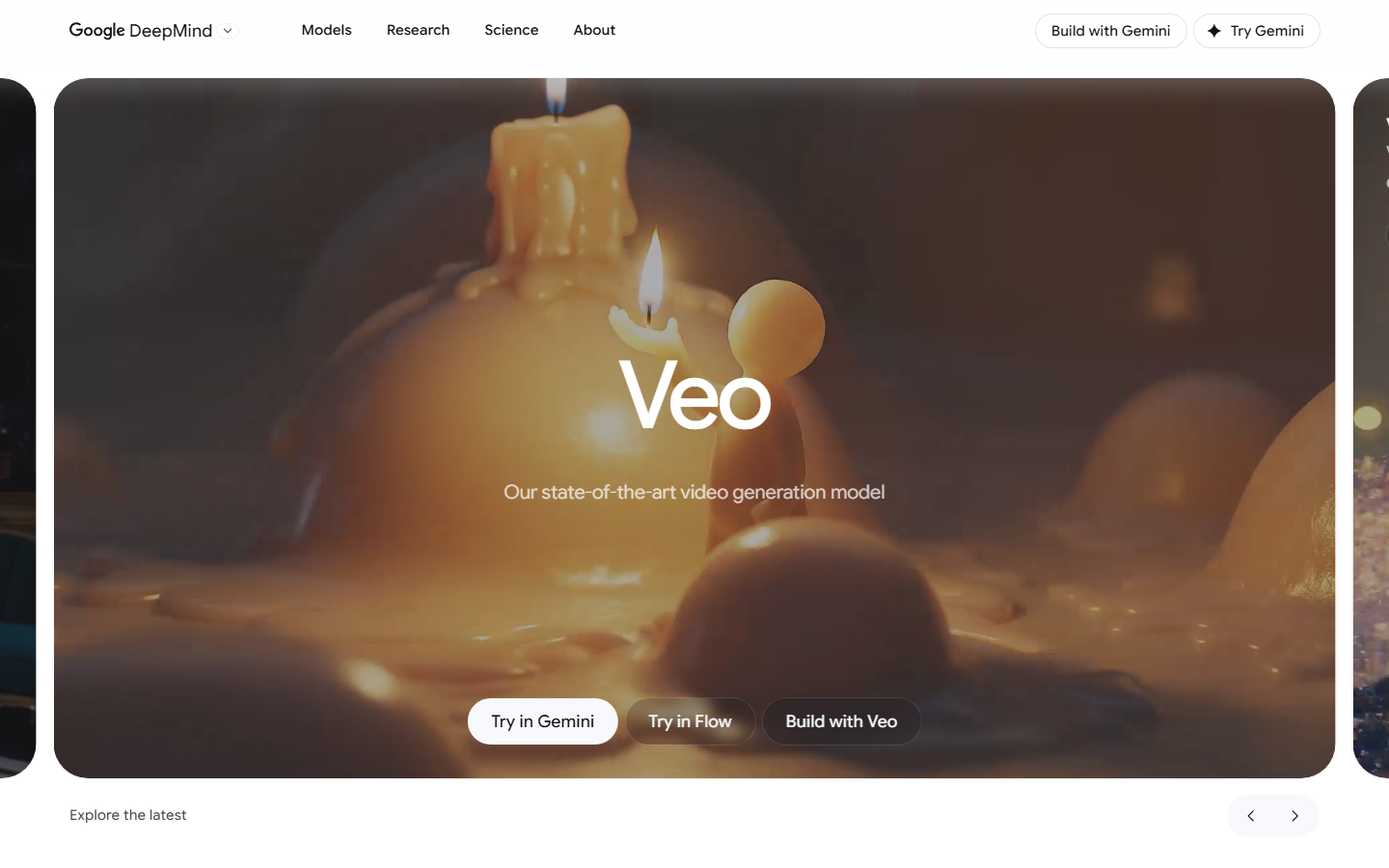
Google Veo 3.1 delivers some of the most cinematic AI video available through an API. At $0.03 per second of generated video, it offers strong value for teams that need high production quality. The model supports native audio generation, so dialogue and ambient sound are built into the output without a separate TTS step.
Veo 3.1 is accessible through Google Cloud's Vertex AI platform and supports both text-to-video and image-to-video inputs. Resolution goes up to 1080p with durations from 5 to 15 seconds per clip. The API follows standard Google Cloud authentication patterns, making it straightforward for teams already in the GCP ecosystem.
Key strengths: Built-in audio, cinematic quality, competitive pricing, Vertex AI integration.
3. Kling 3.0 Pro
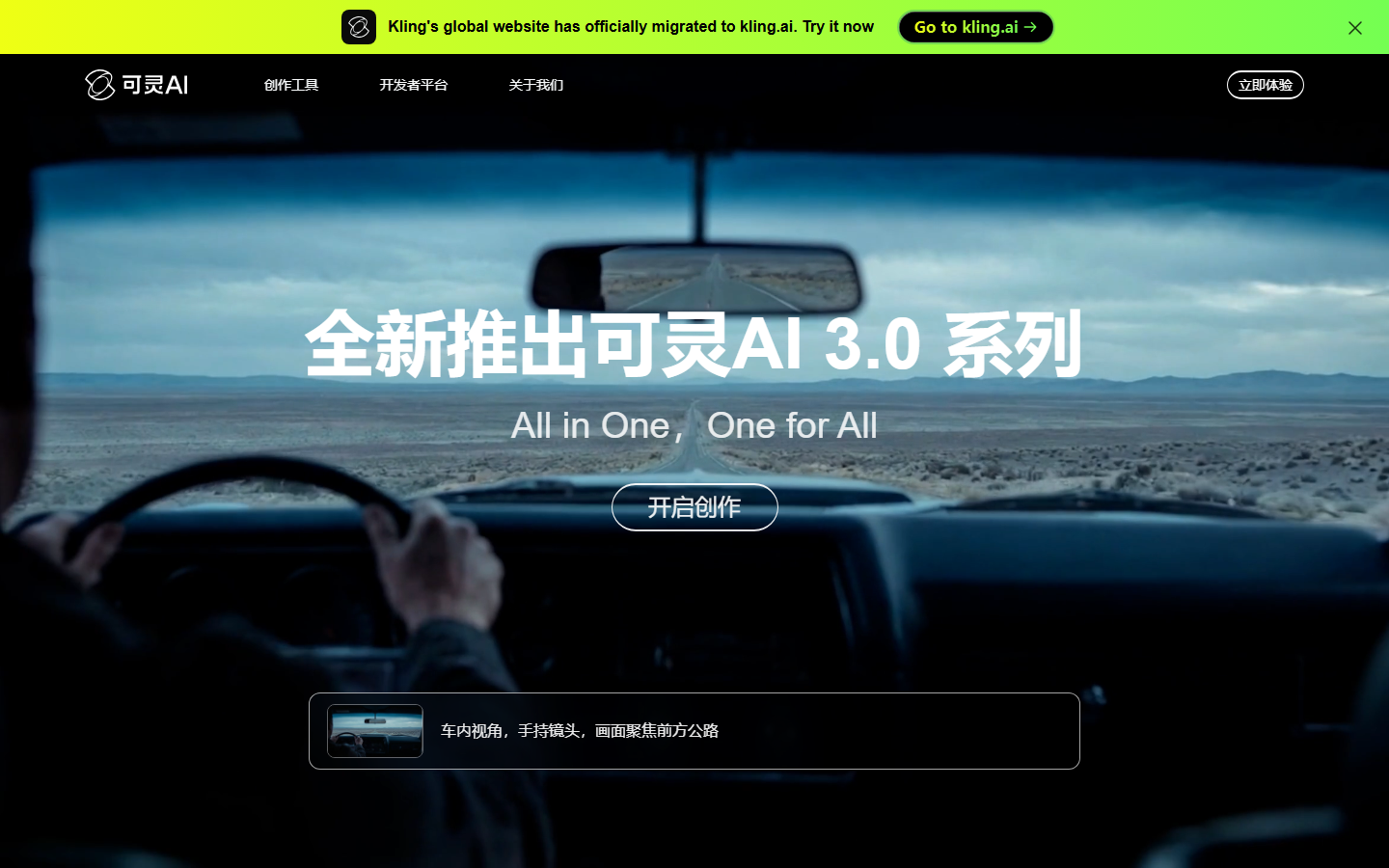
Kling 3.0 Pro from Kuaishou excels at consistent character motion and natural physics. The model handles complex multi-subject scenes where other generators produce artifacts or lose coherence. It supports text-to-video, image-to-video, and video-to-video workflows through a well-documented REST API.
Kling's API offers multiple quality tiers. The standard tier processes faster at lower cost, while the Pro tier produces smoother motion and better detail retention. Duration ranges from 5 to 10 seconds per generation. For developers building video pipelines, Kling provides webhook callbacks for async processing and batch endpoints for high-volume workloads.
Key strengths: Character consistency, physics simulation, multiple quality tiers, webhook support.
4. Runway Gen-4
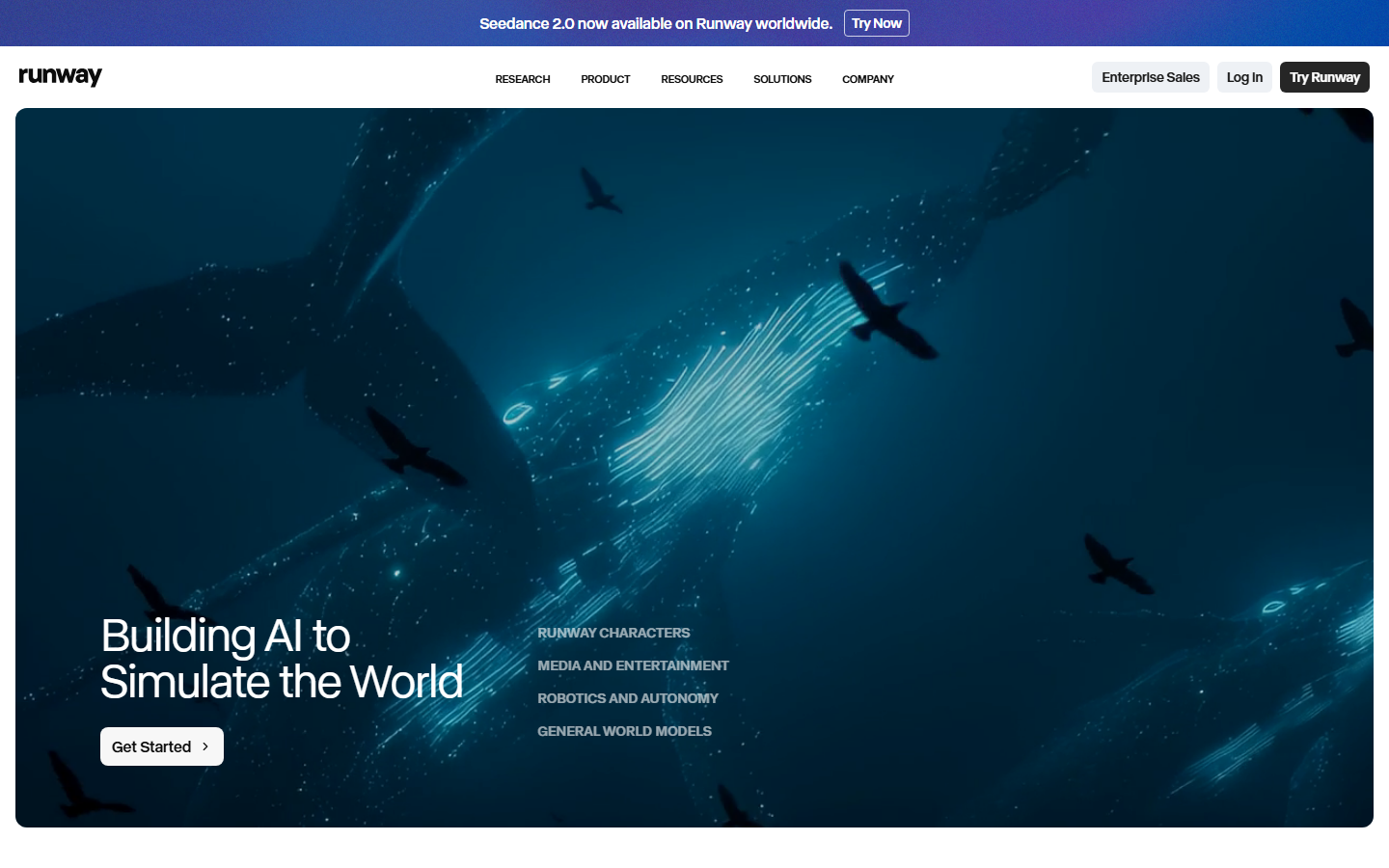
Runway Gen-4 offers the most granular creative control of any video generation API. Parameters for camera movement, lighting direction, and style transfer give developers precise control over output aesthetics. The API supports text-to-video, image-to-video, and video extension with consistent style across clips.
Runway's developer platform includes pre-built SDKs for Python and JavaScript, plus a playground for testing prompts before writing code. The model handles both realistic and stylized output well. For teams comparing providers, Runway sits at a higher price point than Seedance but delivers more controllable results for branded content.
Key strengths: Fine-grained style parameters, camera control, official SDKs, style consistency.
5. Seedance 2.0
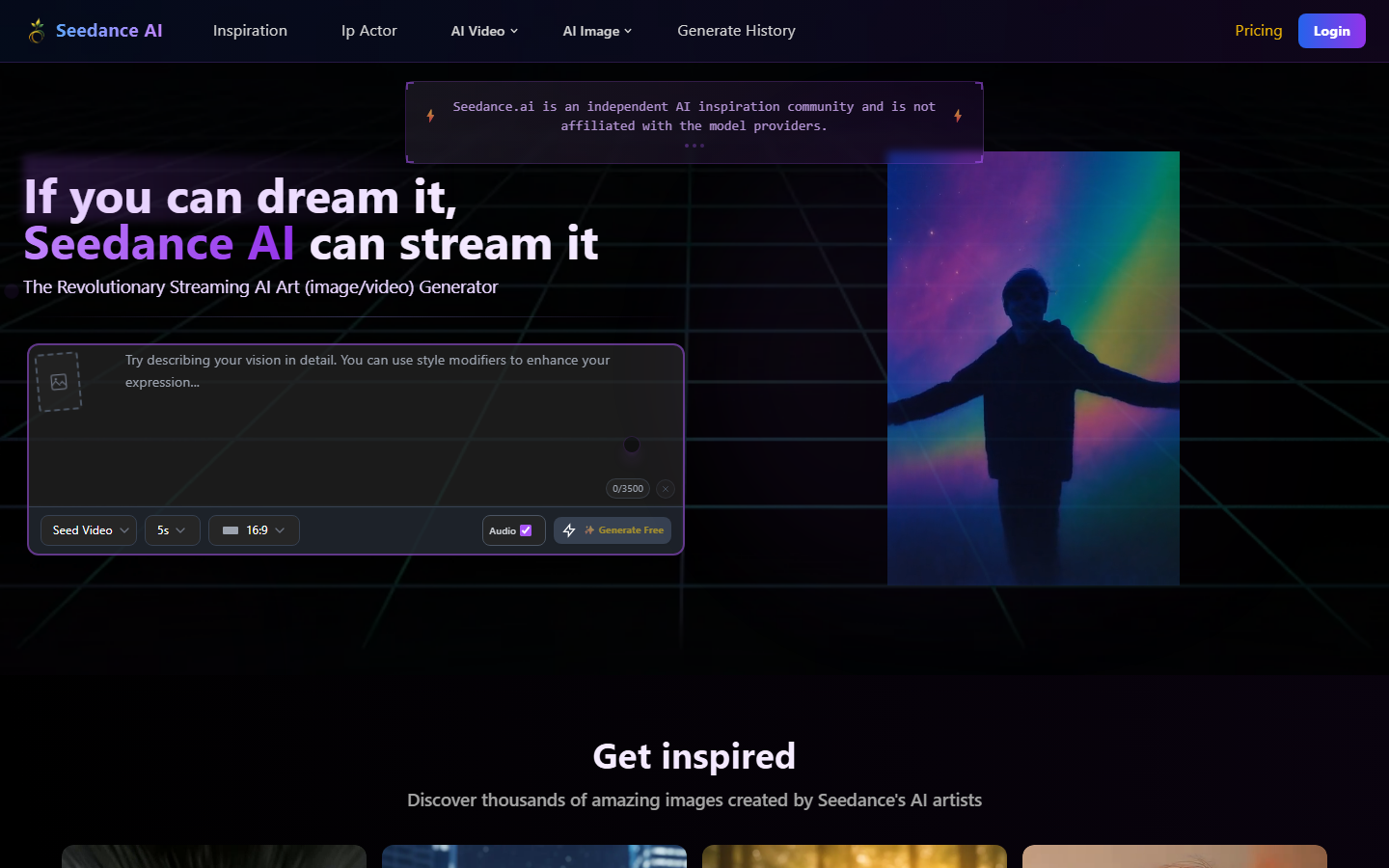
Seedance 2.0 from ByteDance is the most cost-effective production-quality video API in 2026. At $0.09 per second in Fast mode, it generates 1080p video at a fraction of what competitors charge. The Pro mode costs more but produces smoother motion and better temporal coherence.
The API is straightforward: send a prompt with optional parameters for duration, aspect ratio, and style, then poll for results or receive a webhook callback. Seedance handles both text-to-video and image-to-video inputs. It pairs well with platforms that support model chaining, since you can use a cheaper model for drafts and switch to Pro for final renders.
Key strengths: Lowest production cost, 1080p output, fast inference, simple API design.
6. Luma Ray 3

Luma Ray 3 prioritizes speed and simplicity. The API returns results faster than most competitors, making it ideal for prototyping and iterative prompt development. Output quality is solid for social media content and marketing materials, though it sits below Veo and Kling for cinematic work.
Ray 3 supports text-to-video with aspect ratio and duration controls. The API design is minimal, with few required parameters, which makes initial integration fast. Luma also offers a generous free tier for testing, so you can evaluate quality before committing to a paid plan.
Key strengths: Fast inference, simple integration, free tier, good for social content.
7. fal.ai
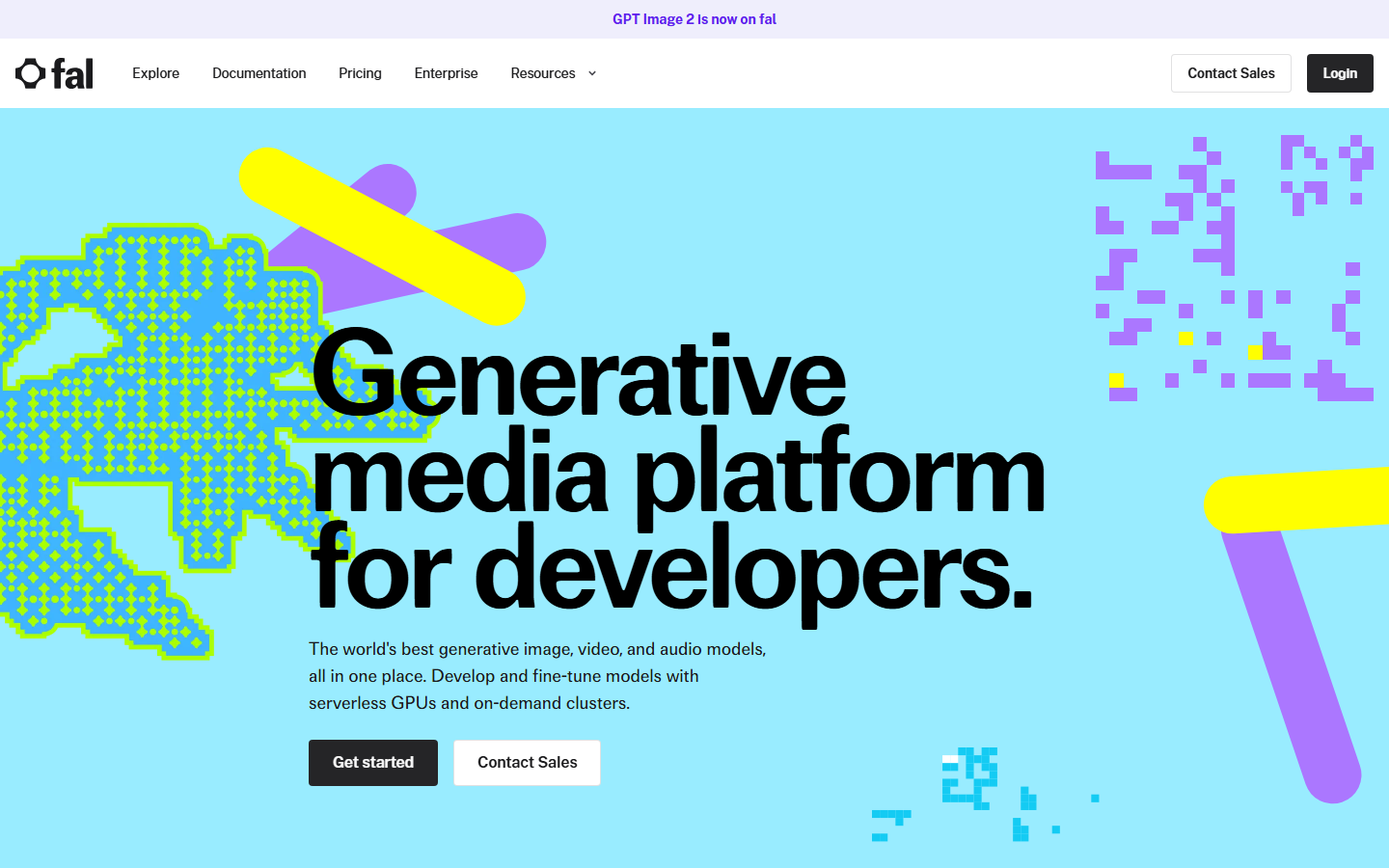
fal.ai is a serverless GPU platform that hosts both proprietary and open-source video models behind a unified API. You get access to models like Wan 2.2, HunyuanVideo, and others without managing infrastructure. Each model has its own endpoint, but the authentication and billing patterns are consistent across all of them.
For developers who want to experiment with multiple architectures or need access to open-source models for compliance reasons, fal.ai is the most practical option. The platform handles auto-scaling, so you pay only for compute time. It integrates well with headless workflow platforms that call external APIs as part of larger pipelines.
Key strengths: Open-source model access, serverless scaling, unified billing, model variety.
8. Replicate
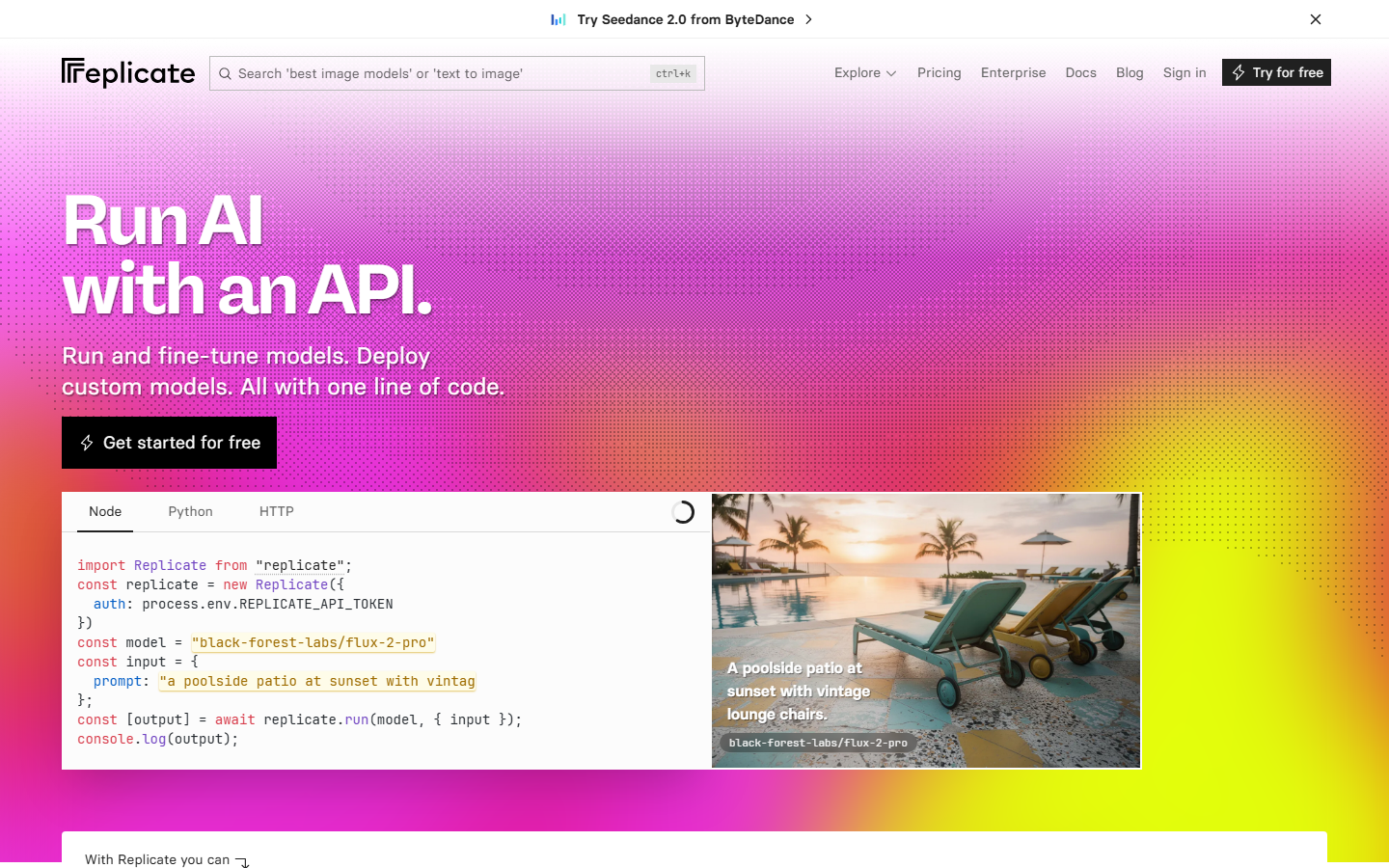
Replicate hosts over 500 community-contributed AI models, including many video generation options. The platform wraps each model in a consistent REST API with standardized input/output formats. You can switch between models by changing a single endpoint parameter, which makes A/B testing straightforward.
Replicate's pricing is per-second of GPU time, and costs vary by model size and hardware requirements. The platform supports webhooks for async workflows and provides official SDKs for Python, JavaScript, and Go. For teams building content generation APIs that need flexibility across many model types, Replicate offers the widest catalog.
Key strengths: 500+ models, consistent API design, community contributions, multi-language SDKs.
Comparison Table
| Platform | Best For | Pricing Model | Audio Support | Max Resolution | SDK Languages |
|---|---|---|---|---|---|
| Wireflow | Multi-model pipelines | Usage-based | Via chaining | Depends on model | REST API |
| Veo 3.1 | Cinematic quality | $0.03/sec | Native | 1080p | Python, Node |
| Kling 3.0 Pro | Character motion | Tiered | No | 1080p | REST API |
| Runway Gen-4 | Creative control | Credit-based | No | 1080p | Python, JS |
| Seedance 2.0 | Budget production | $0.09/sec (Fast) | No | 1080p | REST API |
| Luma Ray 3 | Quick prototyping | Credit-based | No | 1080p | Python |
| fal.ai | Open-source models | Per-second GPU | Model-dependent | Model-dependent | Python, JS |
| Replicate | Model variety | Per-second GPU | Model-dependent | Model-dependent | Python, JS, Go |
How to Choose the Right Video API
Picking a video generation API depends on three factors: output quality requirements, budget, and how many models you need to support.
If you need the highest cinematic quality and have budget for it, Veo 3.1 is the clear choice, especially when native audio matters. For teams optimizing cost at scale, Seedance 2.0 Fast delivers surprisingly good 1080p output at the lowest price point. Kling 3.0 Pro sits in the middle, offering strong quality with reliable character consistency that matters for marketing video production.
For developers who need to call multiple video models in sequence or combine video generation with image processing and audio, a pipeline-based approach reduces integration overhead significantly.
Try it yourself: Build this workflow in Wireflow - the nodes are pre-configured with a text-to-video pipeline using Kling 2.5 Pro, ready to generate cinematic clips from any text prompt.
FAQ
What is a video generation API?
A video generation API is a cloud endpoint that accepts text or image inputs and returns AI-generated video clips. Developers integrate these APIs into applications, websites, or automated pipelines to produce video content programmatically without manual editing.
Which video generation API has the best quality in 2026?
Google Veo 3.1 currently produces the highest cinematic quality, with native audio support and strong temporal coherence. Kling 3.0 Pro is a close second, particularly for scenes requiring consistent character motion across frames.
What is the cheapest video generation API?
Seedance 2.0 Fast at $0.09 per second is the cheapest production-quality option. Veo 3.1 at $0.03 per second is actually cheaper per second but produces shorter clips by default, so total cost per video depends on your duration requirements.
Can I chain multiple video models together?
Yes. Platforms like Wireflow let you chain multiple AI models in a single pipeline. You can generate a base video with one model, upscale it with another, and add audio with a third, all through one API call.
Do video generation APIs support real-time generation?
Not yet for production quality. Most APIs take 30 to 120 seconds to generate a 5-second clip. Luma Ray 3 and Seedance Fast mode are the quickest options, but none approach real-time speeds at 1080p resolution.
What formats do video generation APIs output?
Most APIs return MP4 files encoded in H.264. Some providers also support WebM output. Resolution typically tops out at 1080p, with aspect ratio options including 16:9, 9:16 (vertical), and 1:1 (square).
How do I handle rate limits with video generation APIs?
Most providers enforce concurrent generation limits rather than requests-per-minute caps. Queue your requests and use webhook callbacks for async processing. For high-volume needs, platforms that support batch generation let you submit multiple jobs and retrieve results when ready.
Are there open-source video generation models available via API?
Yes. Platforms like fal.ai and Replicate host open-source models including Wan 2.2, HunyuanVideo, and community fine-tunes. These models run on managed infrastructure, so you get API access without setting up your own GPU servers.

Co-Founder & Operations at Wireflow
Runs client operations and content strategy at Wireflow. Works directly with creative teams and agencies to build production AI workflows.
- Content Strategy
- Client Operations
Get unlimited ad creatives today.
One call to see if we are a fit and scope the first ad. If it fits, your first batch lands inside week one.