Best Video Creation and Editing API Tools in 2026

In this article▾
- Quick Summary
- 1. Wireflow: Best Overall for Multi-Model Video Pipelines
- 2. Creatomate: Best for Template-Driven Video Automation
- 3. Shotstack: Best for High-Volume JSON-to-Video Rendering
- 4. Runway: Best for Generative AI Video with Creative Controls
- 5. Kling: Best for Image-to-Video with Fast Turnaround
- 6. Replicate: Best for Open-Source Video Model Access
- Comparison Table
- FAQ
- Conclusion
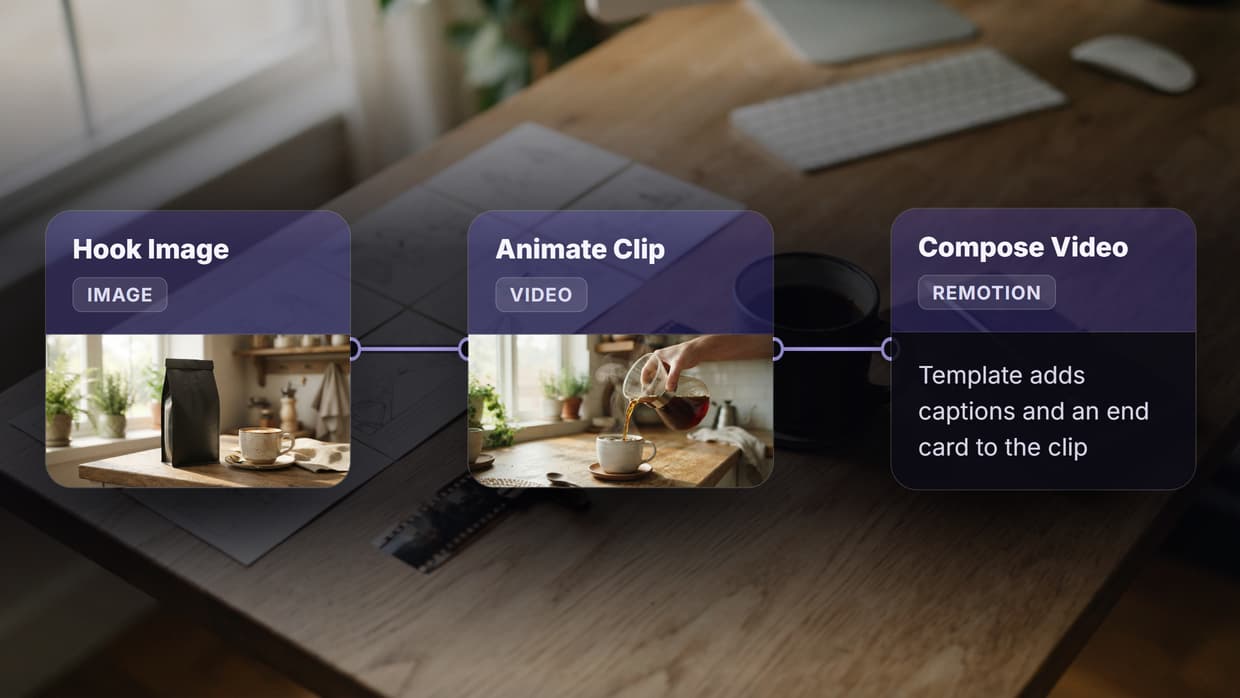
If you are building a product that generates, edits, or delivers video at scale, choosing the right API is the most consequential infrastructure decision you will make. Wireflow brings a visual node-based interface to this decision, letting teams chain image inputs, video generation models, and post-processing steps into a single inspectable pipeline without writing boilerplate. This guide covers the six strongest video creation and editing API options in 2026, what each does well, and where each falls short, so you can pick the one that fits your stack.
For a hands-on look, check out the Video Generation API. To run a whole multi-step pipeline from one call, see Wireflow's workflow API for developers.
Quick Summary
- Wireflow: Best overall for multi-model video pipelines with visual workflow builder
- Creatomate: Best for template-driven video automation and SaaS integration
- Shotstack: Best for high-volume JSON-to-video rendering at scale
- Runway: Best for generative AI video with professional creative controls
- Kling: Best for image-to-video generation with fast turnaround
- Replicate: Best for developers who need access to open-source video models
1. Wireflow: Best Overall for Multi-Model Video Pipelines

Wireflow is a visual AI canvas where each node in your graph maps to a model call, a transformation step, or a media input. You connect nodes by drawing edges between ports, then execute the whole pipeline with a single click or a POST request. The output of every node is inspectable in place, which means debugging a broken pipeline takes seconds rather than hours of log parsing. If your team already builds videos in React with Remotion, see our separate list of hosted Remotion rendering options.
What sets Wireflow apart for video creation is the breadth of model coverage on one canvas. You can wire an image input node directly into a Kling or Hailuo video generation node, route the result through a lip-sync or upscale node, and export the final clip from a single saved workflow. Every workflow gets a persistent /flow/ URL that team members or API clients can hit without re-configuring credentials. For teams building UGC ad pipelines, content repurposing systems, or client media automation, this eliminates the glue code that normally lives between five separate SDKs.
The REST API exposes workflow execution, node configuration, and result retrieval as first-class endpoints. Spend controls and per-key limits are built into the platform, so you can hand a workflow link to a client without fear of runaway billing. Pricing is credit-based and usage-only; there is no seat tax. The free tier covers enough executions to build and test a complete pipeline.
Best for: Teams that need to combine image generation, video animation, and post-processing steps without writing multi-SDK glue code.
Build this in Wireflow
Make the same kind of asset on a canvas you control, with a free account and no credit card.
2. Creatomate: Best for Template-Driven Video Automation
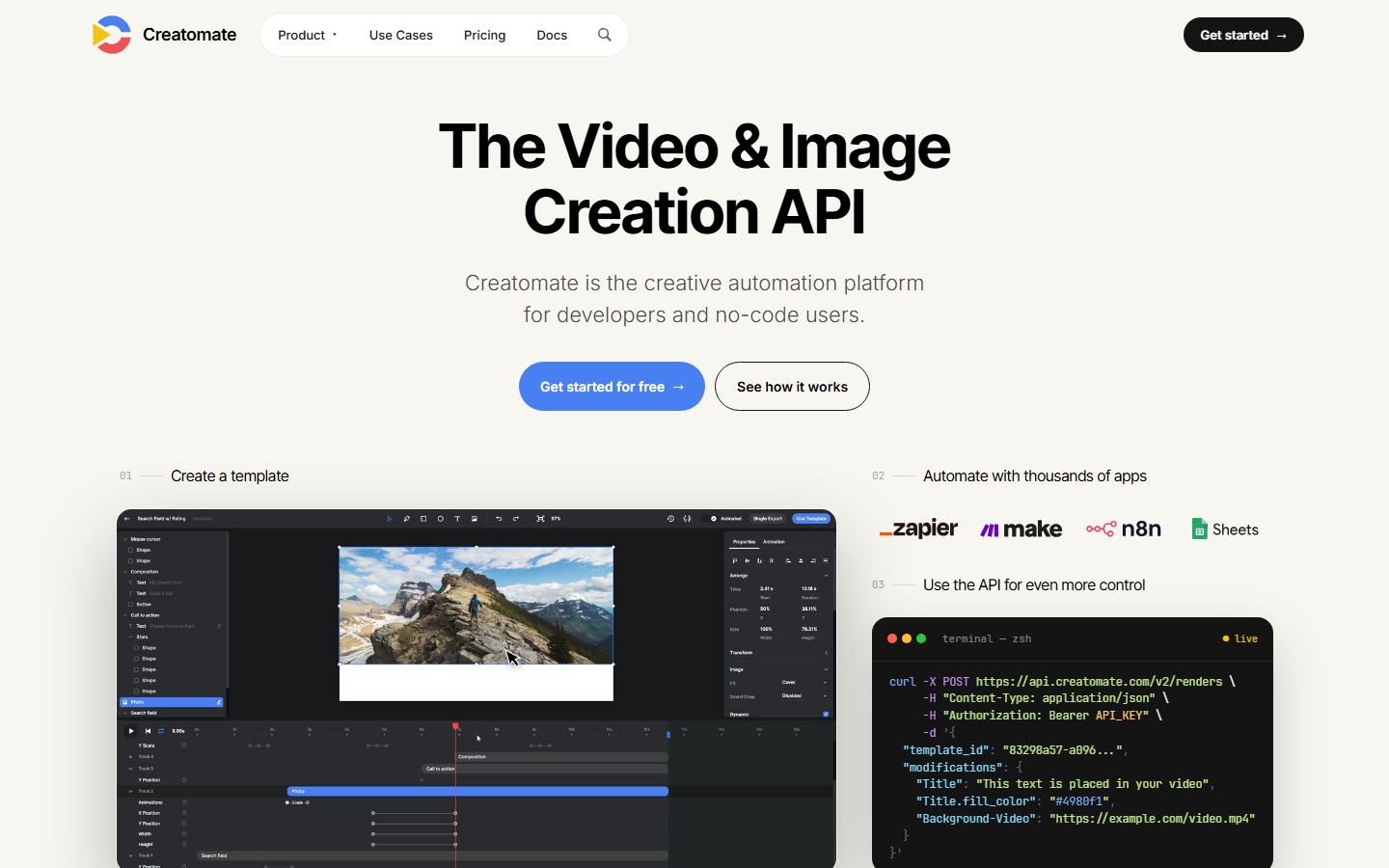
Creatomate is a media automation platform that renders videos and images from reusable templates via a JSON-driven REST API. The workflow starts in the browser: you build a template in the visual editor, add dynamic placeholders for text, images, and clips, then call the API to fill those placeholders at render time. The rendered file is returned as a direct URL or pushed to your storage bucket.
The template model is the right mental model for personalized video at scale. Social media agencies use Creatomate to produce hundreds of variant videos from a single branded template, swapping product images or voiceover tracks per render. Developers building SaaS products appreciate that the JSON schema is well-documented and the webhook delivery is reliable. Programmatic video generation platforms that need consistent branded output with variable data slots will find Creatomate fits tightly.
Pricing starts at $41/month for 144 render minutes, scaling to higher-volume plans. There is no free tier for production use, but a sandbox environment is available for testing templates. The main limitation is that Creatomate is a rendering engine, not a generative AI platform. If your pipeline needs to generate novel video from a prompt or animate a still image, you will need to handle AI generation upstream and feed the result into Creatomate as a media asset.
Best for: Agencies and SaaS products that need to produce large volumes of branded, templated video with variable data fields.
3. Shotstack: Best for High-Volume JSON-to-Video Rendering
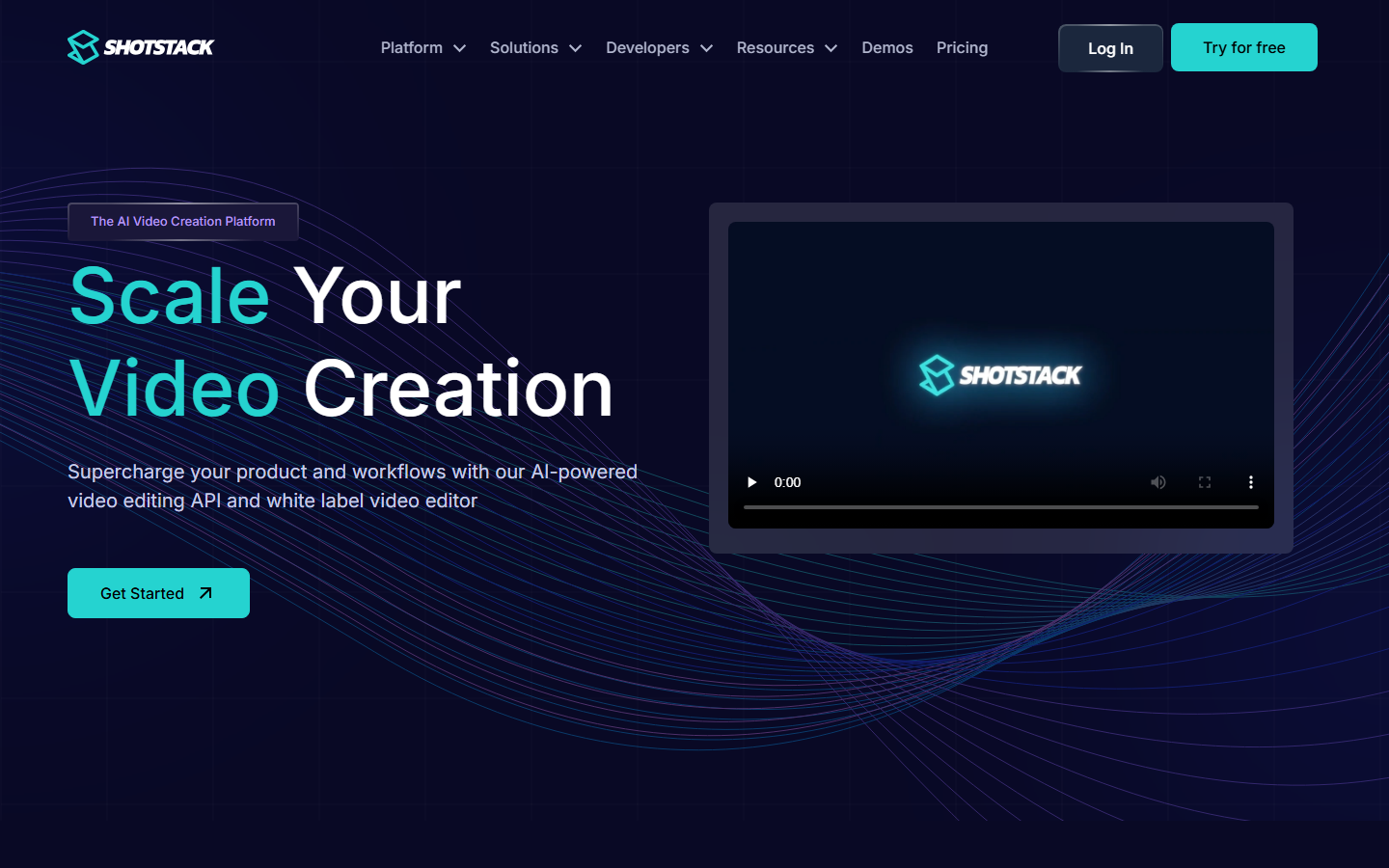
Shotstack is the platform that popularized the JSON-to-video pattern. You send a JSON payload describing your timeline including clips, text overlays, audio tracks, transitions, and aspect ratios, and Shotstack renders it in the cloud. No local FFmpeg, no GPU provisioning, no render farm to manage. The API abstracts all of that into a POST request and a polling endpoint.
What distinguishes Shotstack in 2026 is its open-source White Label Video Editor SDK, a React component you can embed in your own product to give end users a drag-and-drop editor backed by the Shotstack render engine. This is a practical choice for SaaS founders who want to offer video editing as a feature without building an editor from scratch. Node-based video generation tools cover the generative side, but Shotstack excels on the composition and rendering side.
Pay-as-you-go pricing starts at $0.40 per render minute with no minimum, dropping to $0.20/min on a subscription. The sandbox environment renders watermarked video at no cost, which is sufficient for full integration testing. The weakness is latency: asynchronous cloud rendering means you poll for completion rather than receiving a real-time response, which limits use cases that need sub-second output.
Best for: Developers building video generation features into SaaS products who want a stable rendering engine plus an embeddable editor SDK.
4. Runway: Best for Generative AI Video with Creative Controls
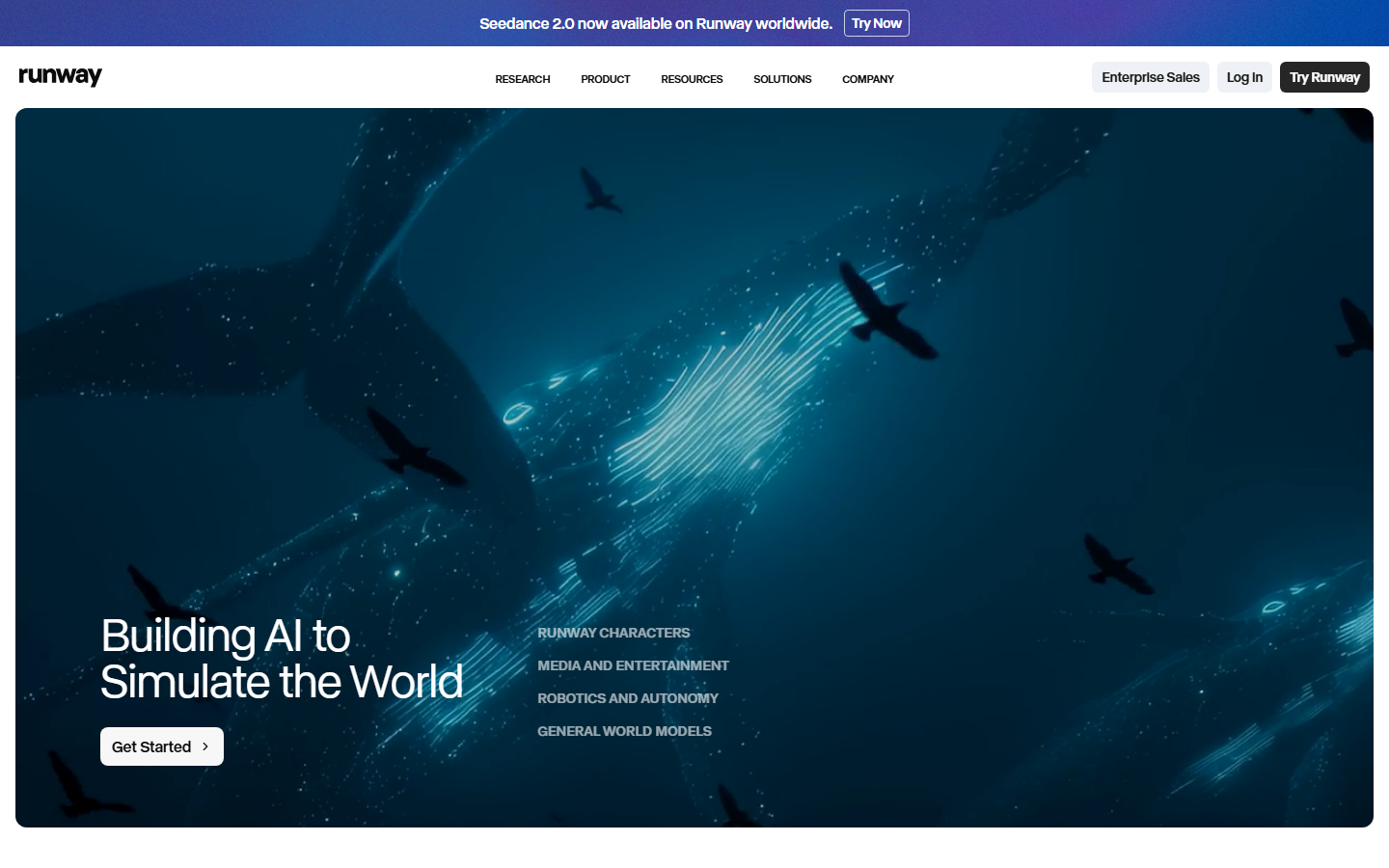
Runway has built the most capable set of creative controls in the generative video space. Gen-4.5 handles video-to-video transformation, image-to-video animation, and text-to-video generation. Camera motion controls, motion brush, and consistent character generation give directors a vocabulary that competitors have not yet matched. The API exposes most of these capabilities to developers at $0.15 per second of generated video.
For products building creative applications, Runway is the premium tier. The output quality on complex scenes with specified camera moves is consistently better than lower-cost alternatives. Runway API alternatives exist for cost-sensitive use cases, but for output quality on creative projects the gap remains meaningful.
The cost structure is the primary constraint. At $0.15/sec, a 10-second clip costs $1.50 in API credits, which is expensive for consumer-facing applications that generate many clips per user session. Plans start at $15/month and scale by credit volume. The tradeoff is that Runway's generation quality can justify a higher per-clip cost when the output appears in a final product that commands a premium price.
Best for: Creative tools, film production workflows, and agency pipelines where generation quality is the differentiating factor and per-clip cost is a secondary concern.
5. Kling: Best for Image-to-Video with Fast Turnaround
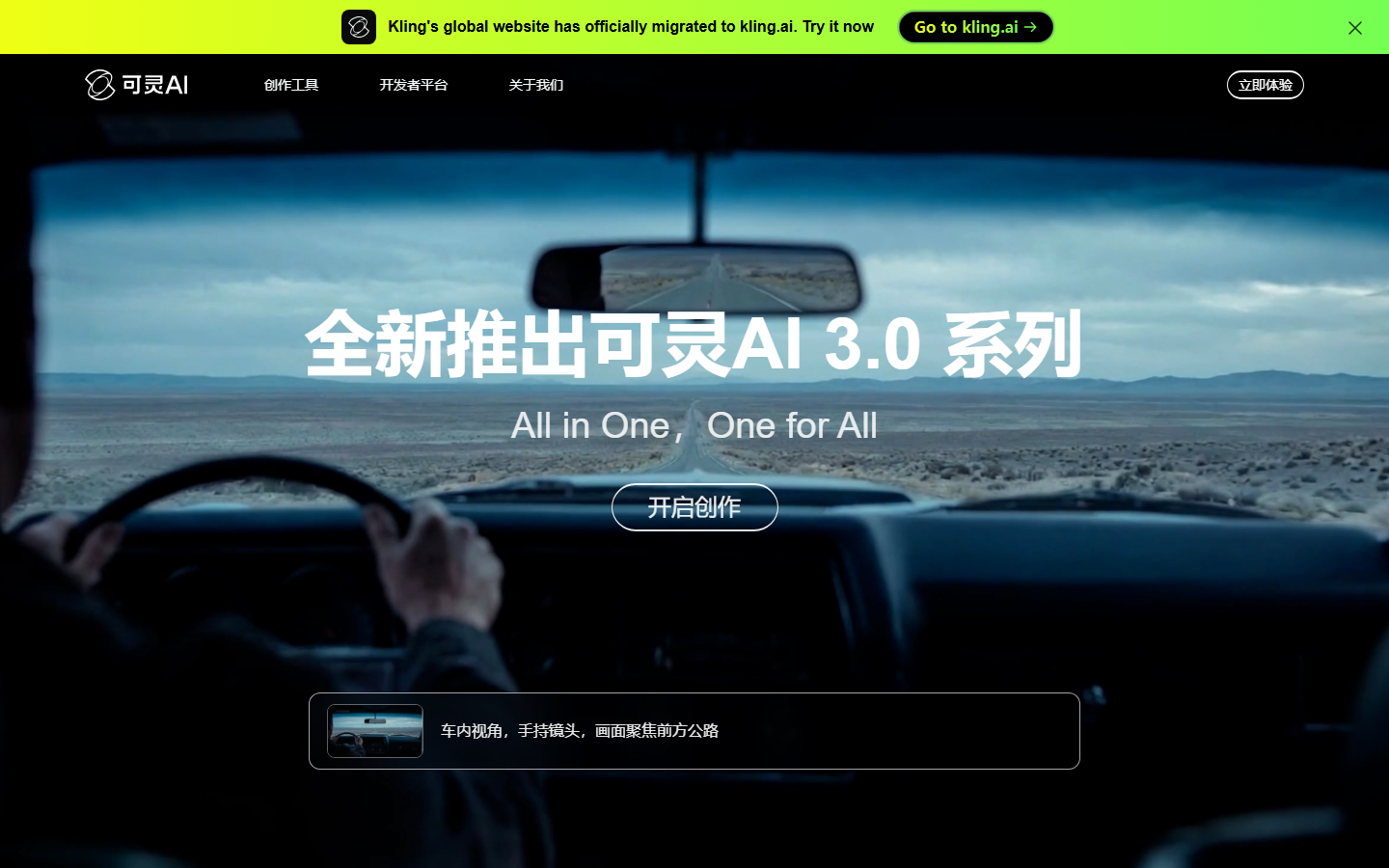
Kling by Kuaishou has become the default choice for image-to-video animation at production volume. Kling 3.0 Pro generates 1080p clips at 30fps with duration up to 30 seconds, with strong motion realism and consistent subject tracking across frames. The API pricing at $0.10/sec is meaningfully lower than Runway while delivering output quality that is competitive for most use cases that do not require the highest level of creative control.
The key technical strength is motion fidelity on portrait and product subjects. When you pass a still image as a start frame, Kling produces motion that respects the subject's physical structure: a portrait shows natural breathing and subtle head movement, a product on a surface shows realistic shadow and reflection dynamics. For social media video tools and UGC ad pipelines, this quality tier at this price point is difficult to beat.
The API supports both image-to-video and text-to-video generation modes. Aspect ratio controls cover 16:9, 9:16, and 1:1, which covers the major social platform formats. The main limitation relative to Runway is the creative control vocabulary: camera motion controls are less granular and video-to-video transformation is not yet part the API surface. For high-volume pipelines that need consistent image animation, those tradeoffs are acceptable.
Best for: High-volume pipelines animating product images or portraits, UGC ad systems, and social media content tools where cost per clip matters.
6. Replicate: Best for Open-Source Video Model Access
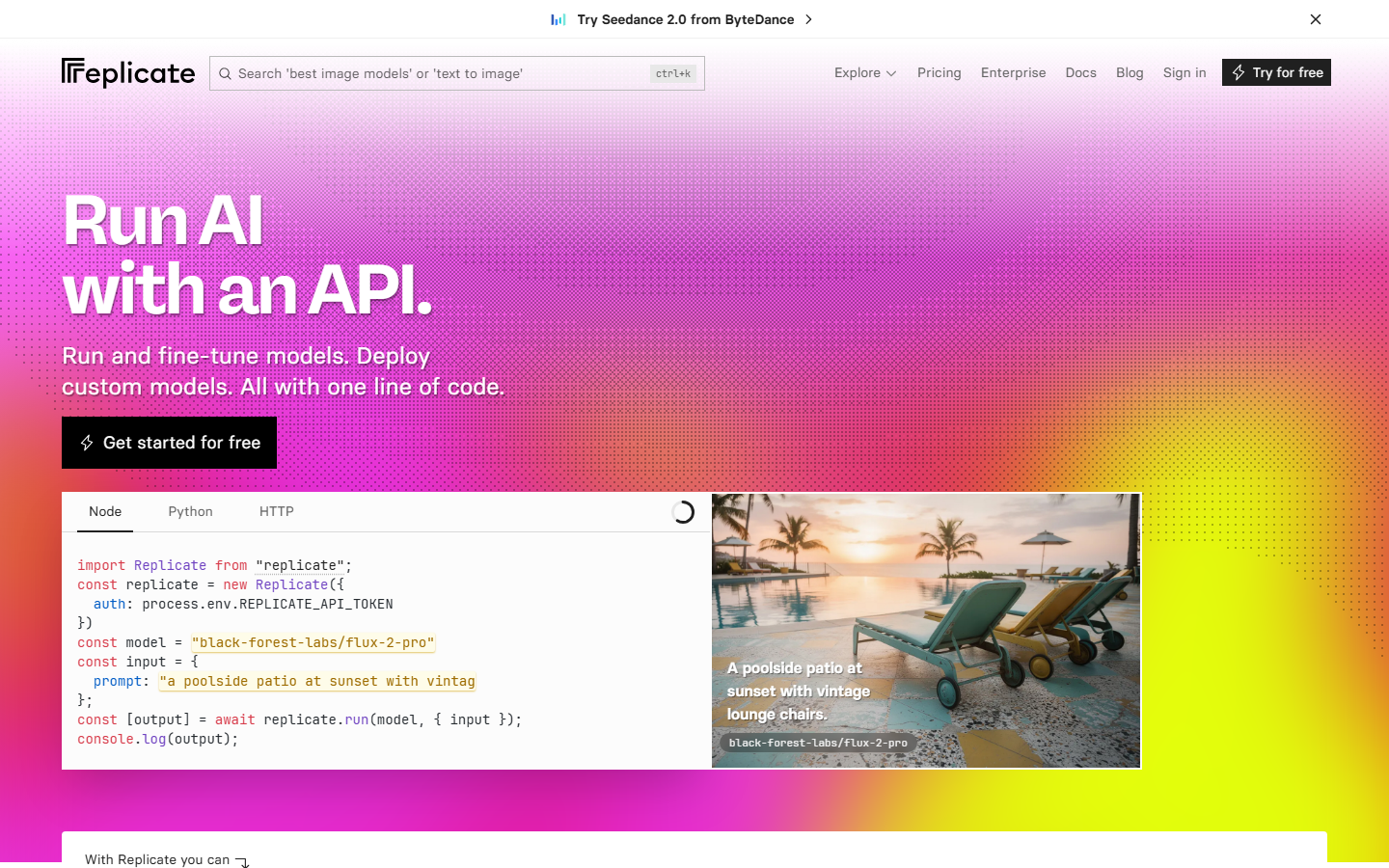
Replicate is a model hosting and inference platform that gives developers API access to hundreds of open-source video models without managing GPU infrastructure. Models like Wan 2.1, AnimateDiff, and various CogVideoX variants are available as POST-and-poll endpoints. You pay per second of compute used, with pricing varying by model and hardware tier.
The value proposition is flexibility. If you need a model that the closed platforms do not offer, or if you need to run a fine-tuned variant of an open-source base model, Replicate is often the only API option. Developers building AI video editing API products that require niche capabilities such as video interpolation, specific artistic styles, or custom LoRA adapters will find Replicate covers ground the commercial platforms do not.
The tradeoff is predictability. Cold start times on less popular models can add 30-90 seconds of latency to the first request. Output quality varies by model and is generally lower than the commercial frontier models. For production pipelines where output consistency and SLA guarantees matter, Replicate's cold-start behavior requires architectural mitigation. For prototyping and research, it remains the most open platform available.
Best for: Developers who need access to open-source or fine-tuned video models and are willing to trade predictability for flexibility.
Comparison Table
| Tool | Primary Use Case | Pricing Model | Best For |
|---|---|---|---|
| Wireflow | Multi-model visual pipelines | Credit-based, usage-only | Teams chaining multiple AI models |
| Creatomate | Template-driven rendering | From $41/month | Branded video at scale |
| Shotstack | JSON-to-video rendering | $0.20-0.40/min | SaaS video features |
| Runway | Generative AI, creative controls | $0.15/sec | Creative and agency work |
| Kling | Image-to-video animation | $0.10/sec | UGC ads, social media |
| Replicate | Open-source model hosting | Per-compute-second | Research, niche models |
Try it yourself: Build this workflow in Wireflow. The nodes are pre-configured with the exact setup discussed above.
FAQ
What is a video creation API? A video creation API is a cloud endpoint that accepts media inputs (images, audio, text prompts) and returns generated or rendered video files. You call it from your application code, no desktop software required.
Which video API is best for SaaS products? Creatomate and Shotstack are the strongest choices for SaaS integration because they offer template systems, webhook delivery, and embeddable editor SDKs. Wireflow is the best option if your product needs to chain multiple AI models together.
How does Wireflow compare to calling model APIs directly? Calling model APIs directly requires managing authentication for each provider, writing error handling and retry logic for each SDK, and building a UI to display intermediate outputs. Wireflow provides all of this through a single API surface and a visual canvas, reducing integration time from weeks to hours.
What is the cheapest way to generate video via API in 2026? Kling at $0.10/sec is currently the lowest-cost option among the commercial frontier models that produce 1080p output. Replicate can be cheaper for specific open-source models, but cold-start latency adds real cost for production use.
Can I use these APIs without writing code? Wireflow is the only tool on this list that offers a fully no-code canvas alongside its API. Shotstack offers an embeddable editor SDK. Creatomate provides a visual template builder. Runway, Kling, and Replicate are developer-facing APIs without no-code interfaces. For options without code see no-code AI with API access tools.
Do these APIs support 9:16 vertical video for social media? Yes. Kling, Runway, and Wireflow all support 9:16 aspect ratio generation, which covers TikTok, Instagram Reels, and YouTube Shorts formats. Shotstack and Creatomate support any custom aspect ratio in their JSON timeline specification.
What is the difference between video generation and video rendering APIs? Video generation APIs (Runway, Kling, Replicate) produce novel video from prompts or images using AI models. Video rendering APIs (Shotstack, Creatomate) compose existing media assets into edited videos using timelines and templates. Wireflow bridges both: it connects generation models and rendering/post-processing steps in a single pipeline.
How do I choose between Runway and Kling? If your pipeline needs precise camera motion controls, video-to-video transformation, or the highest output quality on complex scenes, choose Runway. If your pipeline needs to animate product images or portraits at high volume with lower per-clip cost, choose Kling. Both are available as nodes in Wireflow, so you can compare video generation API tools inside the same pipeline before committing.
Conclusion
The video creation and editing API space in 2026 splits cleanly into two tiers: generative AI platforms (Runway, Kling, Replicate) that produce novel video from inputs, and rendering platforms (Shotstack, Creatomate) that compose existing assets into edited clips. Most production pipelines need both. Wireflow sits at the intersection, giving you a canvas to wire generative and rendering nodes together with spend controls and a shareable workflow URL that your team or clients can execute directly.

Co-Founder & Operations at Wireflow
Runs client operations and content strategy at Wireflow. Works directly with creative teams and agencies to build production AI workflows.
- Content Strategy
- Client Operations
Get unlimited ad creatives today.
One call to see if we are a fit and scope the first ad. If it fits, your first batch lands inside week one.