

Node-based video generation has become the preferred method for creators who want fine-grained control over every step of their AI video pipeline. Instead of relying on a single prompt box, node-based editors let you connect models, filters, and transformations visually, so you can see exactly how data flows from input to output. Wireflow pioneered the cloud-hosted approach to this, letting you chain multiple AI video models on a drag-and-drop canvas without managing GPUs or installing dependencies.
For a hands-on look at how node-based video generation works in practice, check out the node-based video generation feature page.
This guide ranks the six best node-based tools for video generation in 2026, comparing their node systems, model support, pricing, and target audiences. The same node graph lets you test several video models side by side before you commit to one.
Quick Summary
- Wireflow - Best overall cloud node editor for video pipelines
- ComfyUI - Best open-source local node editor
- Runway - Best for rapid prototyping with Gen-4
- Kling AI - Best for long-form cinematic video
- Luma Dream Machine - Best for physics-accurate motion
- Pika - Best for stylized short-form video
1. Wireflow

Wireflow runs entirely in the browser and hosts all GPU compute for you. You drag nodes onto a canvas, connect them, and hit run. The platform supports over 40 AI models spanning image generation, video generation, upscaling, background removal, and audio, so you can build complete content pipelines in a single visual node editor.
Video models include Kling 2.5, Veo 3, Seedance 2.0, and Wan 2.2. Every node output is stored permanently, and workflows can be saved as reusable templates for teams. The REST API mirrors the canvas exactly, so anything you build visually can be triggered programmatically. If you are leaving a cloud ComfyUI host, a RunComfy alternative gives you that same canvas-to-REST path with no node graph to maintain.
Wireflow's batch generation system lets you process dozens of variations simultaneously, making it practical for content teams producing at scale. You can build workflows and browse the public gallery for free, but generating requires a paid plan starting at $29/month.
Best for: Teams and developers who want cloud-based node editing with API access and no local setup.
2. ComfyUI
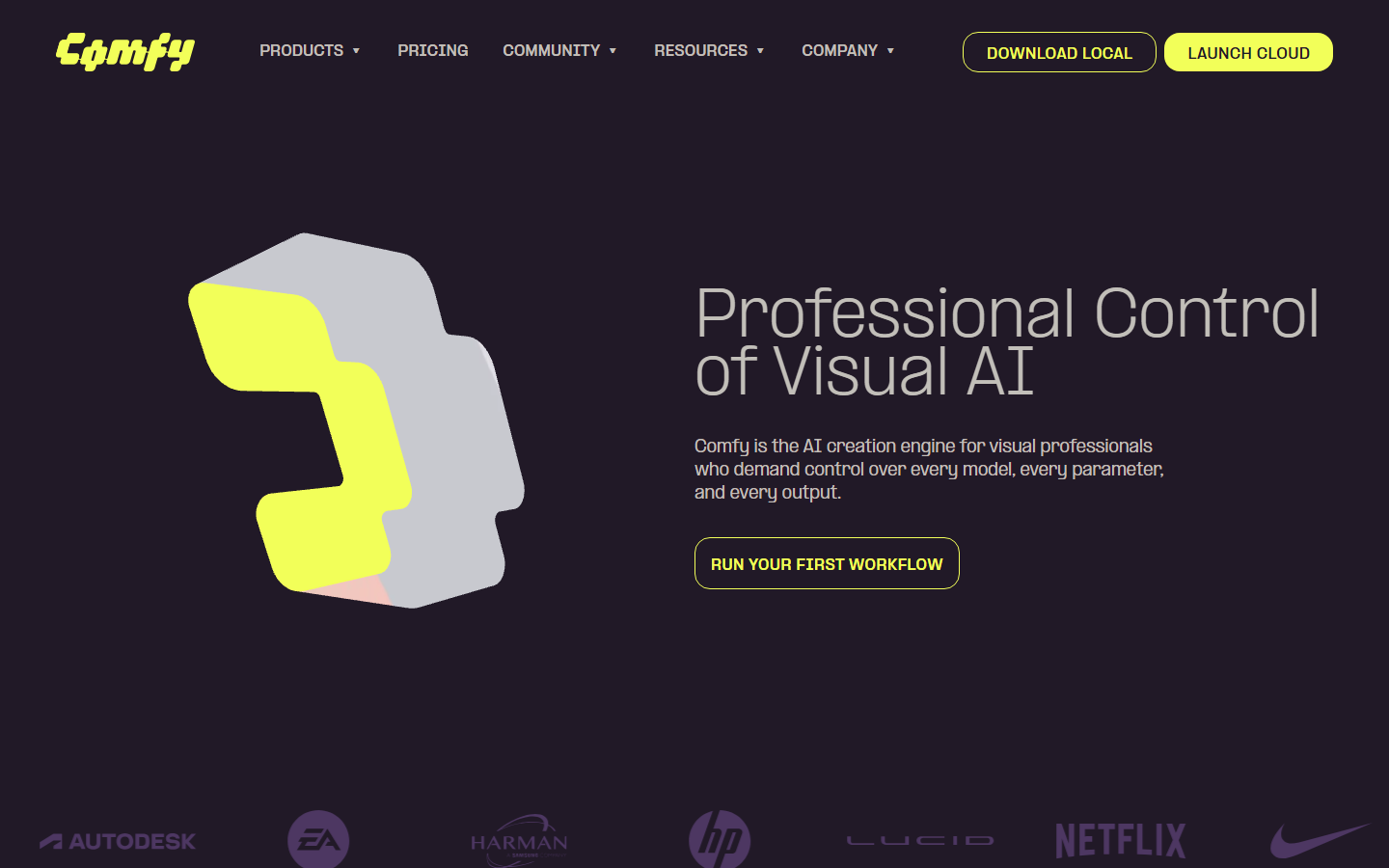
ComfyUI is the dominant open-source node-based interface for local AI generation. Its graph interface supports every major open-source video model through community nodes, including AnimateDiff, LTX-Video, HunyuanVideo, CogVideoX, and Wan 2.2. NVIDIA and Stability AI both ship official ComfyUI workflows for their models.
The trade-off is setup complexity: you need a local GPU (12 GB VRAM minimum for video), Python environment management, and comfort with installing custom node packages. The 2026 App View update introduced a simplified interface where casual users enter a prompt and hit generate, while power users switch to the full Node View for granular control. ComfyUI runs entirely on your hardware, which means zero per-generation costs after the initial GPU investment. For teams that need AI pipeline automation without managing infrastructure, cloud alternatives are a better fit.
Best for: Technical users with local GPUs who want maximum control and zero ongoing costs.
3. Runway
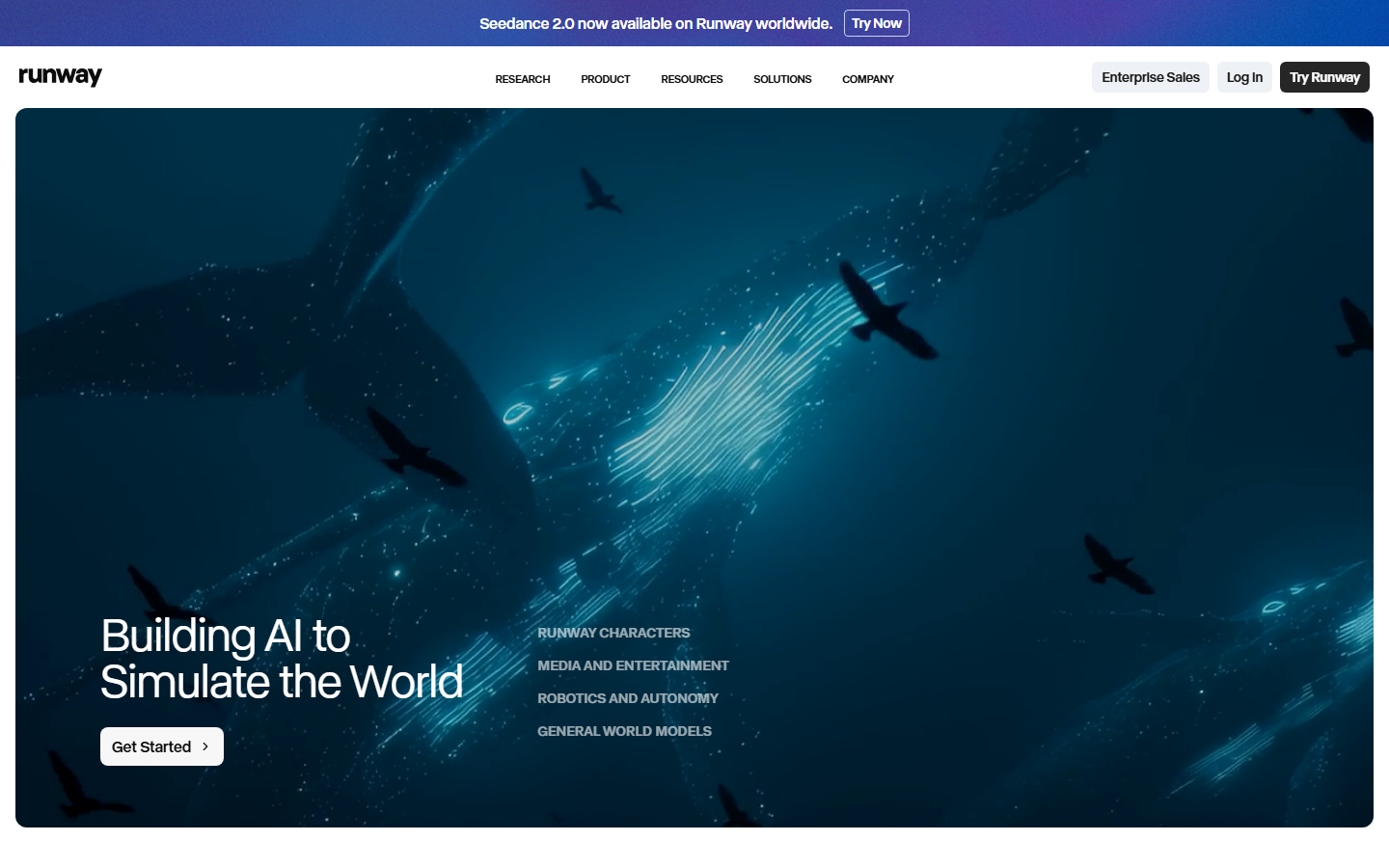
Runway built its reputation on Gen-2 and has continued pushing boundaries with Gen-4, which produces highly coherent multi-shot videos with consistent characters and environments. While Runway's primary interface is a streamlined prompt-based editor rather than a traditional node graph, its Acts system functions as a sequential pipeline where each "act" feeds into the next.
Gen-4 supports text-to-video, image-to-video, and video-to-video transformations. The motion brush tool lets you paint specific areas of a frame and assign directional motion, providing spatial control that most video generation platforms lack. Output resolution reaches 1080p at up to 10 seconds per clip.
Runway's API makes it possible to integrate video generation into external node-based systems like Wireflow or n8n. The Standard plan starts at $12/month for 625 credits.
Best for: Filmmakers and content creators who want high-quality video with minimal technical overhead.
4. Kling AI
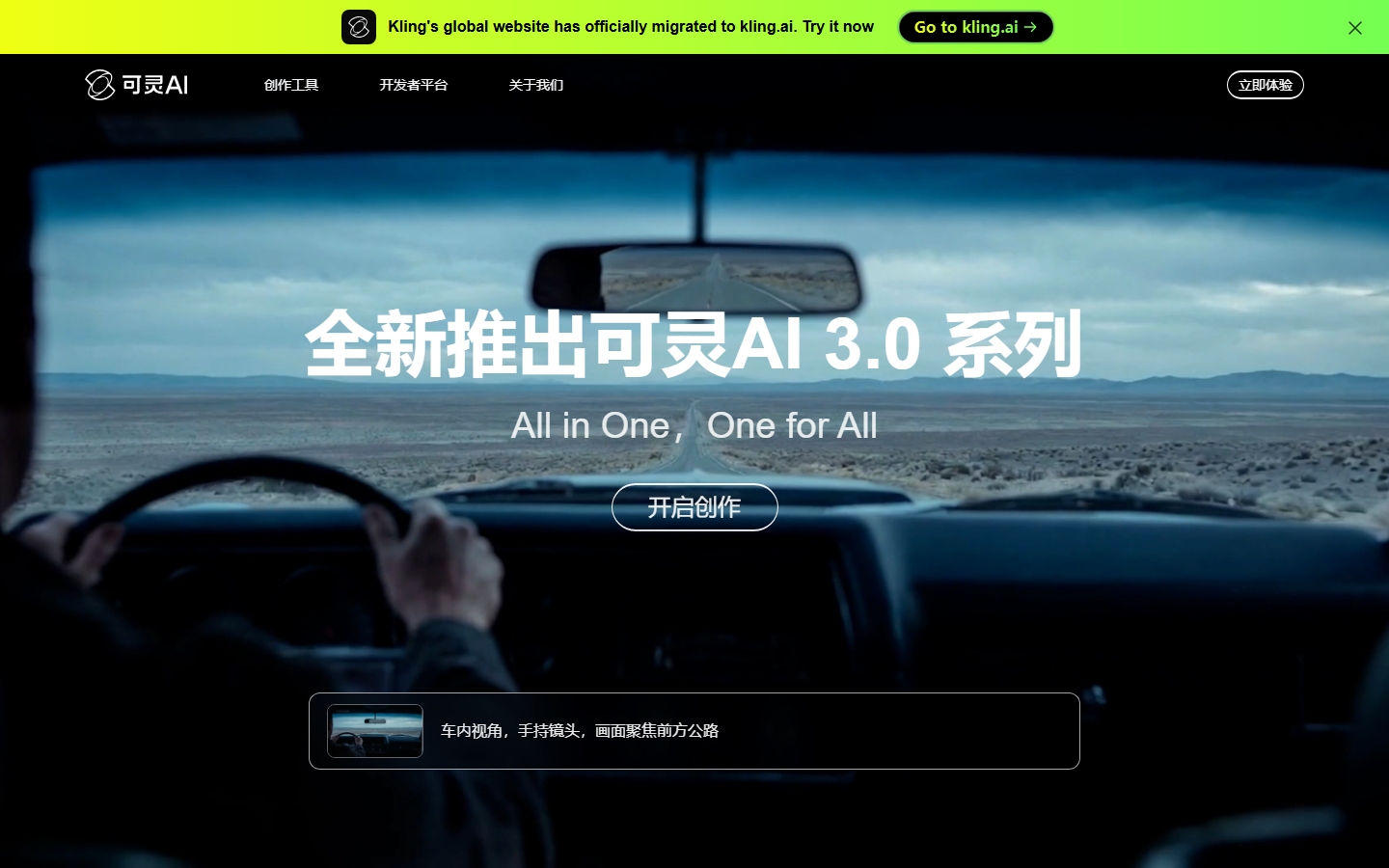
Kling AI specializes in longer-form video generation, supporting clips up to 3 minutes in a single generation pass. The Kling 2.5 model produces cinematic-quality output with realistic motion and consistent character appearance across extended sequences. You can read a detailed Kling Video 3 review for a deeper comparison.
Kling works well as a node within broader pipelines. On Wireflow, the Kling node accepts text prompts, start frames, end frames, and negative prompts as inputs, making it simple to chain with upstream image generators or downstream audio models. The platform also offers a standalone web editor with keyframe controls and camera path tools.
Kling's API provides programmatic access for developers building automated video workflows. Pricing is credit-based, with the free tier offering 66 credits daily and paid plans starting at $5.99/month.
Best for: Creators who need longer video clips with cinematic motion quality.
5. Luma Dream Machine

Luma Dream Machine focuses on physics-accurate video generation. Its Ray2 model produces motion that follows real-world physical rules, including proper gravity, momentum, and fluid dynamics, which makes it particularly strong for product videos and architectural visualizations.
Luma offers both a web interface and an API. The API supports integration into node-based platforms where you can combine Luma's video output with other models for compositing or audio layering. The keyframe system lets you define start and end states, and the model interpolates the motion between them. This approach pairs naturally with a visual AI pipeline builder for multi-step production.
Ray2 outputs at up to 1080p resolution with generation times averaging 30-60 seconds for a 5-second clip. The free plan includes 30 generations per month, with the Plus plan at $9.99/month.
Best for: Product marketers and architects who need physically accurate motion.
6. Pika
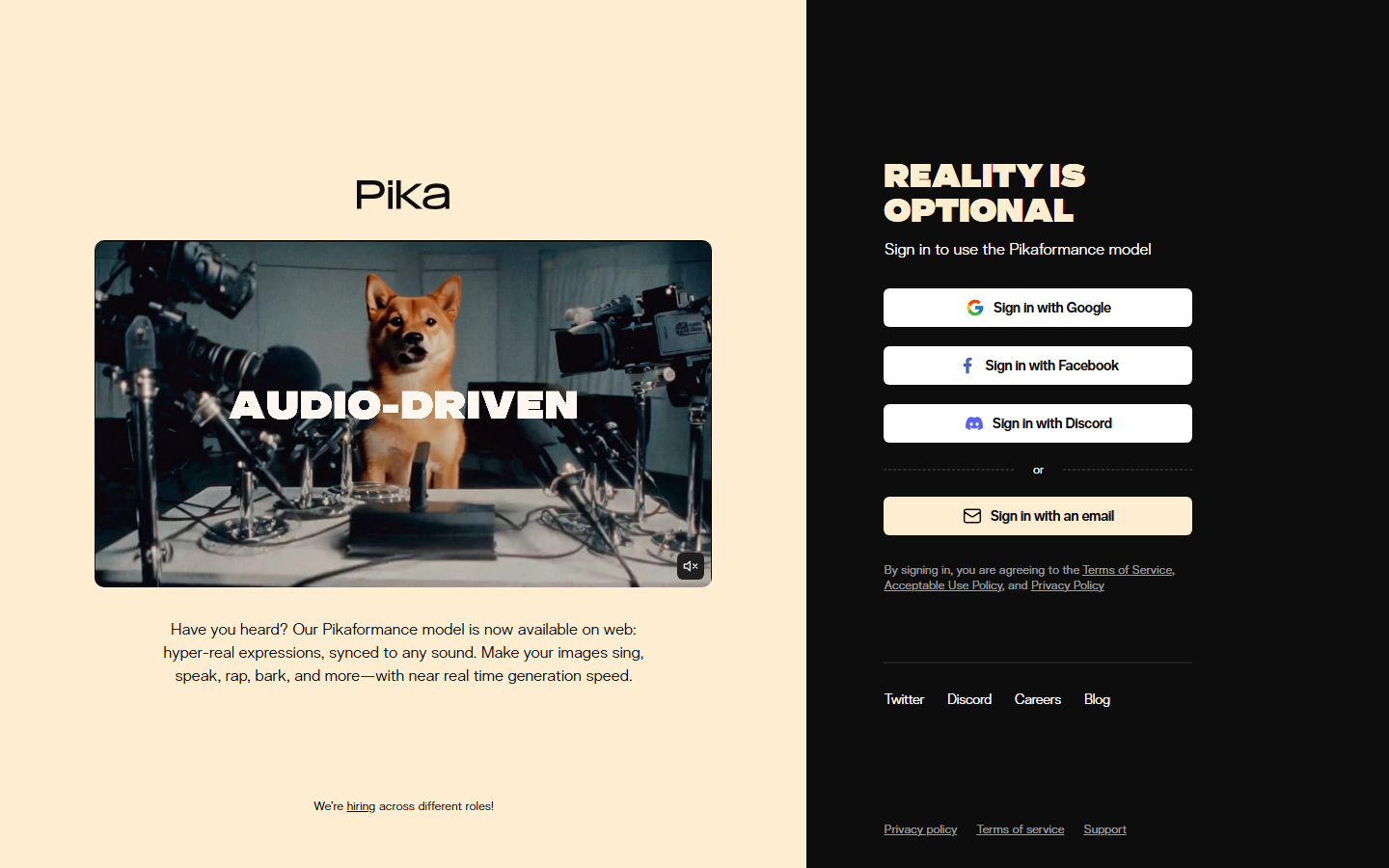
Pika positions itself as the fastest path from idea to stylized video. Its 2.2 model excels at creative, stylized output rather than photorealistic footage. The Pikaffects system lets you apply physics-based effects like explosions, melting, or inflation to specific objects within a scene, controlled through simple text commands.
Pika's interface prioritizes speed over complexity, but its API makes it composable within larger content generation pipelines. You can use Pika as one node in a multi-step workflow, feeding it images from an upstream generator and passing its video output to a downstream editor or upscaler.
The platform generates videos at up to 1080p with 4-second default duration. Pika offers a generous free tier with 150 credits on signup, and the Pro plan runs $8/month.
Best for: Social media creators who want quick, stylized video with creative effects.
Comparison Table
| Tool | Node Editor | Cloud/Local | Max Duration | Starting Price | API Access |
|---|---|---|---|---|---|
| Wireflow | Full drag-and-drop canvas | Cloud | Unlimited (chained) | $29/mo (build free) | Yes |
| ComfyUI | Full graph-based editor | Local | Model-dependent | Free (open source) | Community |
| Runway | Sequential acts pipeline | Cloud | 10s per act | $12/mo | Yes |
| Kling AI | Available as node in Wireflow | Cloud | 3 min | Free / $5.99/mo | Yes |
| Luma | Available as node in Wireflow | Cloud | 5s per clip | Free / $9.99/mo | Yes |
| Pika | Available as node in Wireflow | Cloud | 4s default | Free / $8/mo | Yes |
How to Choose the Right Tool
Selecting a node-based video tool depends on three factors: where you want to run it, how much control you need, and whether you are building one-off clips or automated pipelines.
If you want a fully managed cloud environment where every model runs without local setup, Wireflow gives you the broadest model selection on a single canvas. If you prefer running models locally on your own GPU, ComfyUI remains the standard. For specific output quality, Runway leads on multi-shot consistency, Kling on duration, Luma on physical accuracy, and Pika on creative effects.
Many professionals use multiple tools together, orchestrating them through a node-based platform with API that handles the routing between services.
Try it yourself: Build this workflow in Wireflow - the nodes are pre-configured with the exact text-to-video setup discussed above.
FAQ
What is node-based video generation?
Node-based video generation uses a visual graph editor where each step in the video creation process is represented as a node. You connect nodes with edges to define how data flows from input prompts through AI models to final output. This approach gives you more control than single-prompt interfaces because you can see and modify every intermediate step.
Is ComfyUI or Wireflow better for video generation?
ComfyUI is better if you have a powerful local GPU and want zero ongoing costs with maximum customization through community nodes. Wireflow is better if you want cloud-based execution with no hardware requirements, built-in access to commercial models like Kling and Veo 3, and API integration for automated pipelines.
Can I combine multiple video models in one workflow?
Yes. Node-based editors like Wireflow let you chain different models in sequence. For example, you can generate a base image with Flux, animate it with Kling 2.5, and add a soundtrack with an audio model, all connected as nodes in a single workflow that runs end-to-end.
What GPU do I need to run ComfyUI for video?
Most video models require at least 12GB of VRAM (like an NVIDIA RTX 4070 or better). Larger models such as HunyuanVideo benefit from 24GB cards like the RTX 4090. If your hardware falls short, cloud-hosted alternatives eliminate the GPU requirement entirely.
Are node-based video tools free?
Several options have free tiers. ComfyUI is fully open source and free to run locally (you pay only for electricity and hardware). Wireflow lets you build workflows and browse the gallery for free, but generating requires a paid plan. Kling provides 66 daily credits. Pika gives 150 credits on signup. For professional volume, paid plans typically range from $8 to $29 per month.
How long can AI-generated videos be?
Duration varies by model. Kling 2.5 supports up to 3 minutes in a single pass. Most other models generate 4-10 second clips. Node-based platforms solve this by letting you chain multiple generations together, producing longer sequences by connecting clip outputs to the next generation's input.
Can I use these tools for commercial projects?
Yes. All tools on this list support commercial use on paid plans. Open-source models used in ComfyUI (Wan 2.2, CogVideoX) are Apache 2.0 licensed with no royalties. Cloud platforms include commercial licensing by default in their terms of service.
How do node-based video tools handle long-form content?
Most tools generate clips of 5 to 30 seconds per node execution. For a much shorter loop meant for previews, you can turn a prompt into a looping GIF on the same canvas instead of exporting a full clip. For longer content, you chain multiple generation nodes sequentially or use a video pipeline that splits a script into scenes, generates each one, and stitches the results together with transition nodes.
Would you rather we just built it?
We get on a call, learn your style, build the workflow, and ship the deliverables on a schedule. You keep the workflow either way.


