Code to Video: How to Turn Code Into Finished Videos

In this article▾
Code to video is the practice of producing finished videos from code instead of a timeline editor. You describe the output in a script, a JSON scene, or an API call, and a renderer or an AI model turns that description into a clip. Wireflow runs this pattern on a visual canvas that you can trigger from code, and this guide breaks down the main approaches so you can pick the right one for your project.
What code to video actually means
The phrase covers three related workflows, and search results mix them freely. The first is programmatic rendering, where a framework turns components and timelines written in code into video frames. If you would rather skip the code entirely, you can generate motion graphics from a brief and animate the frame in the same graph. Prefer to describe a shot than write render code? See our AI movie maker built on a canvas. The second is template-based rendering, where an API accepts a structured scene description and returns an MP4. The third is AI generation, where a model produces the footage itself and code only orchestrates the request. For a hands-on look at how these pieces fit together in practice, the code to video feature page walks through a working setup.
All three share one property that timeline editors cannot match: the video is data. A clip defined by code can live in version control, accept variables at render time, and regenerate in seconds when a price, a name, or a screenshot changes. That is why the pattern shows up wherever teams need many variants of the same video, from personalized outreach to product demos. If your input is a plain prompt rather than a structured scene, the workflow looks closer to converting text to video with AI tools, a close sibling of the same idea.
That same code path can post a frame to a video endpoint, sending a start image and a motion prompt to one hosted call.
Build this in Wireflow
Make the same kind of asset on a canvas you control, with a free account and no credit card.
The three approaches, compared
Programmatic rendering frameworks
Frameworks like Remotion, Motion Canvas, and Manim treat a video as a program. You write components in JavaScript or Python, the framework computes every frame, and a renderer encodes the result. Control is total: every pixel, easing curve, and cut is yours. The cost is engineering time, since even a simple explainer means real code, and render infrastructure becomes your problem. Teams usually accept that overhead when the video itself is the product, such as data-driven animations inside larger AI creative workflows.

Template-based video APIs
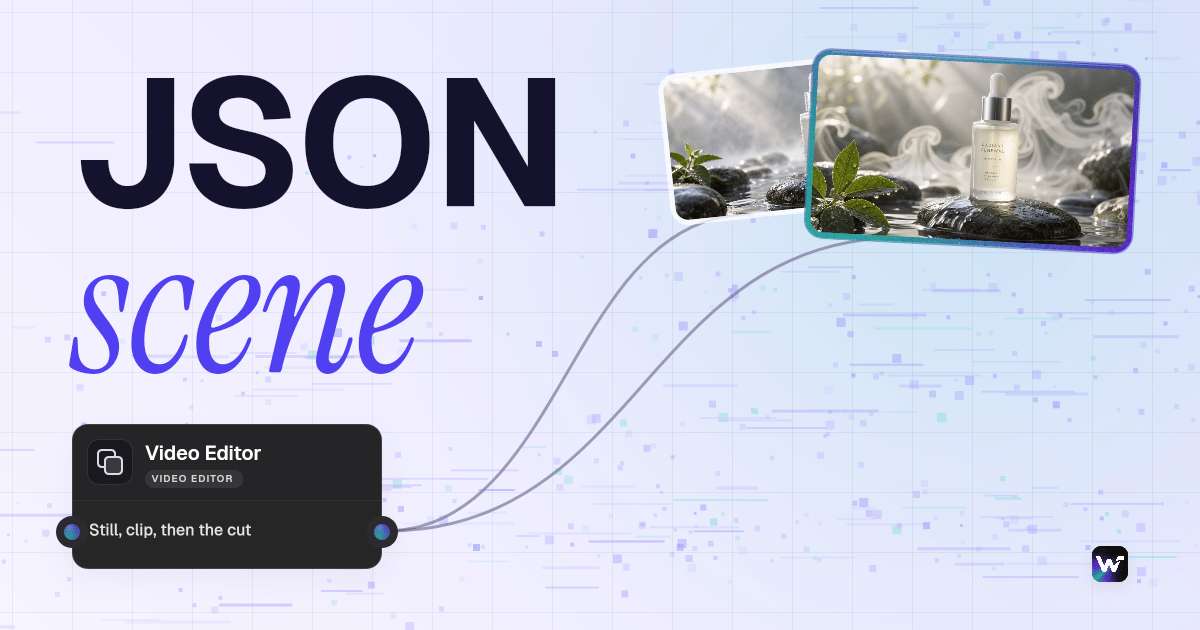
Template APIs sit one level higher. You define a scene as JSON, with elements, timings, and text fields, then send it to a rendering service and receive a file back. This is the classic json2video model, and it is the fastest route to bulk personalization because swapping one variable re-renders the whole clip. The tradeoff is a creative ceiling; you compose only from the elements the template system supports. The best json2video alternatives roundup covers the main services in this category and what each renders well.
AI video generation driven from code
The newest branch skips rendering altogether and asks a model for the footage. Your code sends a prompt, a reference image, or both, and a model like Seedance 2.0 returns original video that no template could produce. Output is probabilistic rather than deterministic, so you trade exact control for range. In practice, production systems pin down composition with a still image first and then animate it, which keeps results consistent between runs.
| Approach | You write | Control | Best for |
|---|---|---|---|
| Programmatic frameworks | Components in JS or Python | Frame-exact | Motion graphics, data animations |
| Template APIs | JSON scene descriptions | Template-bound | Bulk personalized clips |
| AI generation via API | Prompts plus reference images | Directional | Original footage, ads, b-roll |
Where AI models fit in the pipeline
Modern code to video systems rarely call a single model. A typical chain uses a language model to write or refine the scene text, an image model to lock the visual, and a video model to animate it, with each output feeding the next step. Wiring that chain by hand means juggling three APIs, three billing meters, and every failure mode between them, which is exactly the plumbing an AI video pipeline is built to absorb.
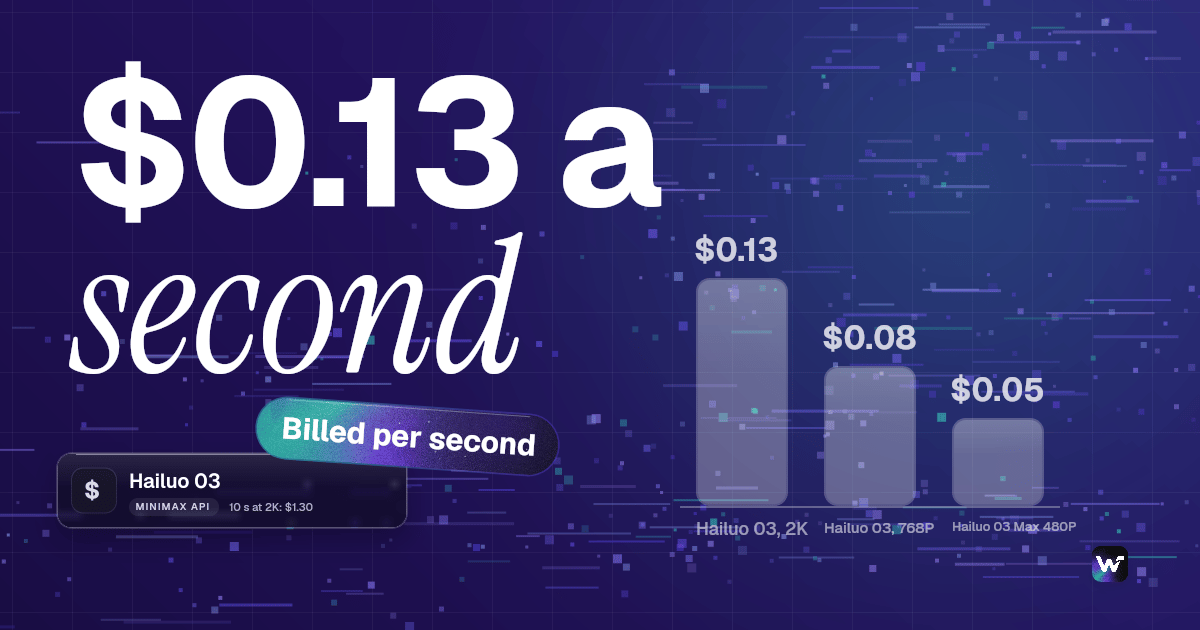
Model choice drives both quality and unit cost, and prices move quickly. Current video models bill per second of output, so a pipeline that renders hundreds of variants needs cost discipline more than peak quality. The Veo 3.1 API examples and pricing breakdown shows real numbers for one popular model, and the same math applies across providers.

A practical pipeline: scene description to clip
Here is the smallest useful version of the pattern, and it is the same structure as the workflow embedded near the end of this article. It has three working parts: a text input holding the scene description, an image model that renders a still from it, and a video model that animates the still. The layout mirrors how an AI video workflow is arranged on a canvas, and it maps one-to-one onto API calls if you prefer staying in code.
- Write the scene as data. One short paragraph describing subject, setting, lighting, and camera movement. Keep it in a variable or a file, not in your head.
- Render a still first. Send the scene text to an image model and review the frame. Iterate here, where each attempt costs a fraction of a video generation.
- Animate the approved still. Pass the final image to a video model with a short motion instruction. The still constrains composition, so the clip stays on-brief.
- Parameterize the input. Once one scene works, the same graph renders any scene you feed it, which is the entire point of doing this in code.
The still-first ordering is the important part. Image generation is cheap and fast, so you iterate on composition where mistakes cost little and only pay for animation once the frame is right. Any AI video generator that accepts an image input supports this pattern, and it is the difference between predictable output and re-rolling expensive clips.

Code or canvas: picking your interface
Write code when video generation is part of a product or a scheduled job. A REST endpoint fits CI pipelines, cron tasks, and agent loops, and it is the natural surface when a coding assistant does the work; the best video APIs for coding agents comparison looks at which services handle machine-driven traffic well.
Reach for a canvas while you are still designing the pipeline. Seeing every node's intermediate output makes debugging visual work far faster than reading JSON responses, and non-developers can adjust prompts without touching the codebase. A no code AI canvas and an API are not competing options; the productive setup is designing the flow visually, then triggering the finished flow from code.
How to get started
You do not need to pick a lane on day one. Start from a working example, swap in your own scene text, and run it end to end before writing any integration code. Prebuilt AI workflow templates cover the common shapes, and cloning one is faster than assembling nodes from scratch.
Once the flow produces the clip you want on demand, automation is a small step. AI pipeline automation handles the trigger side, so a webhook from your app or a new row in a spreadsheet can start a render without anyone opening a tool.

Try it yourself: Open this scene-to-video workflow in Wireflow. The nodes are preconfigured with the exact setup discussed above: a scene description input, a still image step, and a video model. Replace the text with your own scene and run it.
FAQ
What does code to video mean?
It means producing a finished video from a machine-readable description instead of editing on a timeline. The description can be a program, a JSON scene, or an API request to an AI model, and the video regenerates whenever the description changes.
How is code to video different from text to video?
Text to video takes a natural-language prompt and returns footage in one step. Code to video is the broader engineering pattern around it: structured inputs, repeatable pipelines, and automation, which may include a text to video model as one stage.
Which programming languages are used?
JavaScript and TypeScript dominate programmatic rendering through Remotion, Python drives Manim and most data animation work, and any language with an HTTP client can call template or AI video APIs.
Can I turn a code snippet itself into a video?
Yes, that is a separate niche: tools that animate syntax-highlighted code typing for social clips and tutorials. The approaches in this guide solve the reverse problem, using code to produce general-purpose video.
Do I need a GPU to render video from code?
Only for local rendering with programmatic frameworks at scale. Template APIs and AI video models run on hosted infrastructure, so your code sends a request and receives a URL, with no local hardware involved.
Is the output deterministic?
Programmatic and template rendering are fully deterministic; the same input always yields the same file. AI generation is not, which is why production pipelines lock a still image first and reuse seeds or references to keep variants consistent.
How much does AI video generation cost?
Most models bill per second of generated footage, with current pricing roughly in the range of a few cents to a dollar per second depending on model and resolution. Iterating on stills before animating is the single biggest cost saver.
Can AI coding agents build these pipelines?
Yes. Because every stage is an API call, coding agents can assemble, run, and modify these pipelines autonomously. Agent-driven rendering is one of the fastest growing uses of hosted video APIs.
Final thoughts
Code to video rewards teams that treat video like software: version it, parameterize it, and regenerate it on demand instead of re-editing by hand. Start with the still-first pipeline above, measure your cost per clip, and add complexity only when a real output demands it. Wireflow covers the full path from visual prototyping to API-triggered renders, and the pricing page shows exactly what each stage costs before you commit.

Co-Founder & Operations at Wireflow
Runs client operations and content strategy at Wireflow. Works directly with creative teams and agencies to build production AI workflows.
- Content Strategy
- Client Operations
Ask Claude for your next ad.
Connect once. Ask any time.
- No credit card
- You keep the rights to what you make
- Cancel anytime