Best Google Flow Alternatives in 2026

In this article▾
- Quick Summary
- 1. Wireflow: Best Overall
- 2. Runway: Best for Post-Production
- 3. Kling AI: Best Motion Quality
- 4. Luma Dream Machine: Best for Fast Drafts
- 5. Pika: Best for Social Clips
- 6. Hailuo AI: Best Value
- 7. Higgsfield: Best for Camera Work
- 8. Krea AI: Best for Concepting
- Comparison Table
- How to Choose
- FAQ
- Conclusion
Compare eight Google Flow alternatives by the work you need to do: edit a shot, direct motion or reuse a video workflow. Start with the option that fits your next clip.
Google Flow combines Google's image and video models with filmmaking tools. Its current model list includes Veo and Gemini options, so the useful question is what you need beyond that environment. You might want another provider's model, a particular editing control or a connected process you can repeat for the next brief. Google's model and feature guide shows what Flow currently supports.
Wireflow leads this shortlist for reusable, connected production steps. Runway, Krea and other platforms also offer multiple models; model access alone does not make a workflow repeatable. The picks below emphasize different jobs, with practical starting inputs and cost considerations. For a broader look at generation tools, see the AI video generator comparison.
Quick Summary
- Wireflow: keep image and video steps connected for the next brief. Best Overall
- Runway: generate, revise and finish shots in a creative suite. Best for Post-Production
- Kling AI: explore movement with image, reference and shot controls. Best Motion Quality
- Luma Dream Machine: develop shot ideas with draft and modification modes. Best for Fast Drafts
- Pika: build a short clip around a specific transformation or effect. Best for Social Clips
- Hailuo AI: compare a focused video brief against your available budget. Best Value
- Higgsfield: plan a shot around camera, lens and motion choices. Best for Camera Work
- Krea AI: explore a look, then compare video models in one workspace. Best for Concepting
These labels are editorial starting points. Use the same representative shot to choose between your two strongest candidates.
1. Wireflow: Best Overall
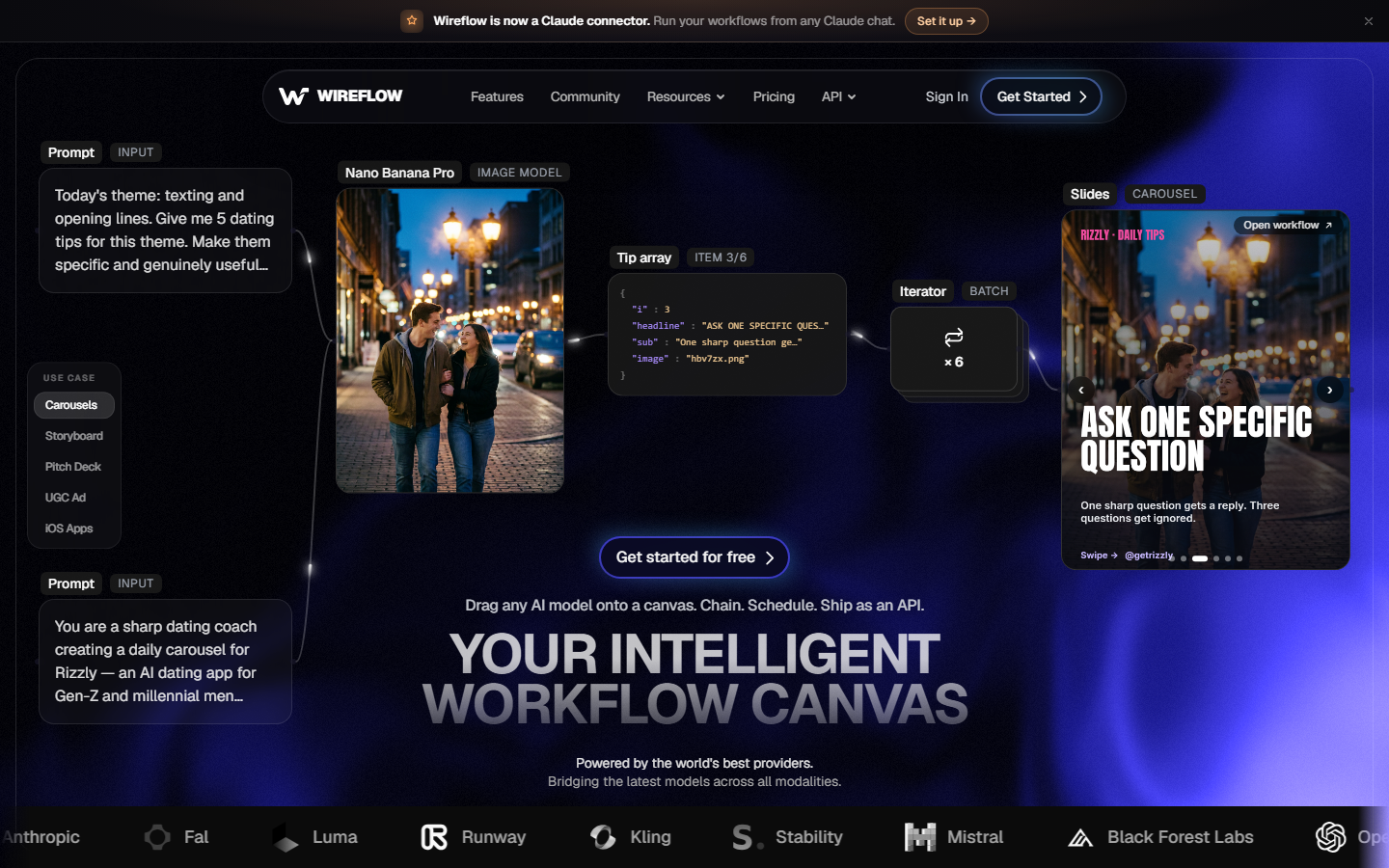
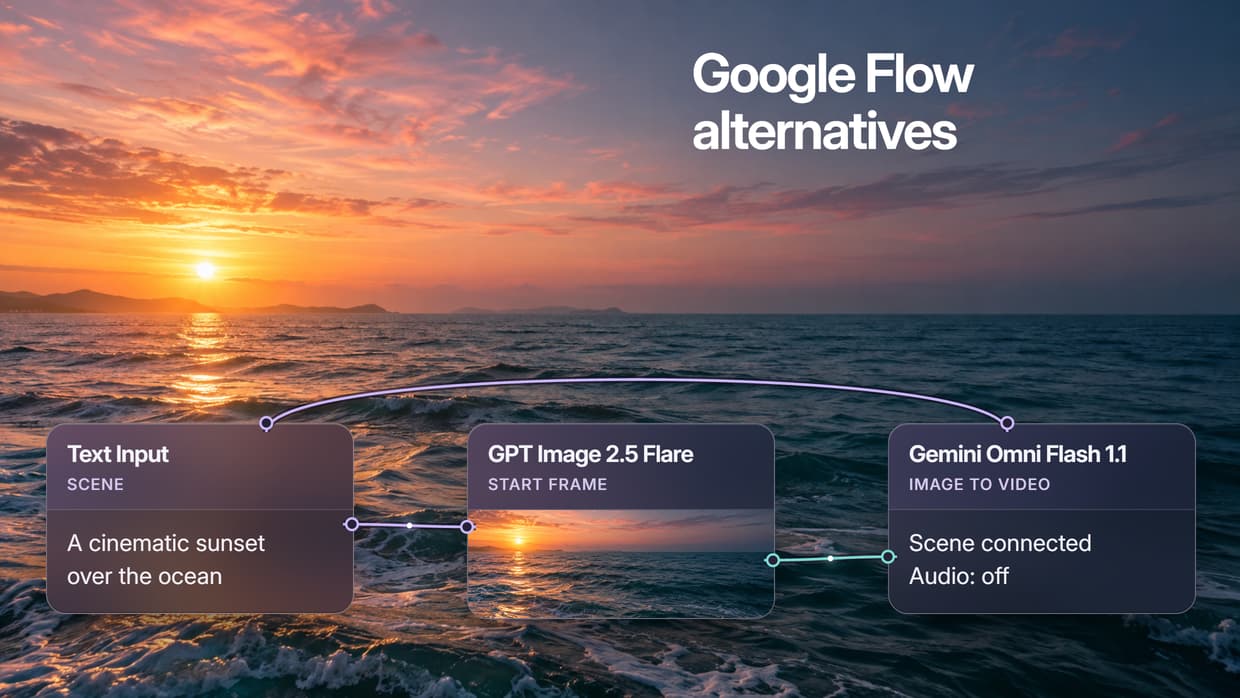
Wireflow makes the steps around a clip reusable. Connect a prompt to an image model, pass the image into a video node and keep that structure for the next scene. This is useful when repeated exports, uploads and rebuilt prompts are slowing down a task you already know how to do.
The linked starting template is a simple example: Text Input → GPT Image 2.5 Flare → Gemini Omni Flash 1.1. GPT Image 2.5 Flare creates a starting frame from a sunset-ocean brief, then passes it to the video step. Replace the scene prompt and add motion direction in Gemini Omni Flash 1.1 before running. You can expand the process later; model chaining keeps compatible stages connected when the project needs more than one model.
Building and duplicating workflows is free. Ongoing generation uses a paid plan with model-based credits, so include both image and video stages in your budget. A reusable graph saves setup work; it does not guarantee identical outputs or remove the need to preview a clip.
Verdict: start here when you want to reuse the production process as well as make the next video.
Build this in Wireflow
Make the same kind of asset on a canvas you control, with a free account and no credit card.
2. Runway: Best for Post-Production
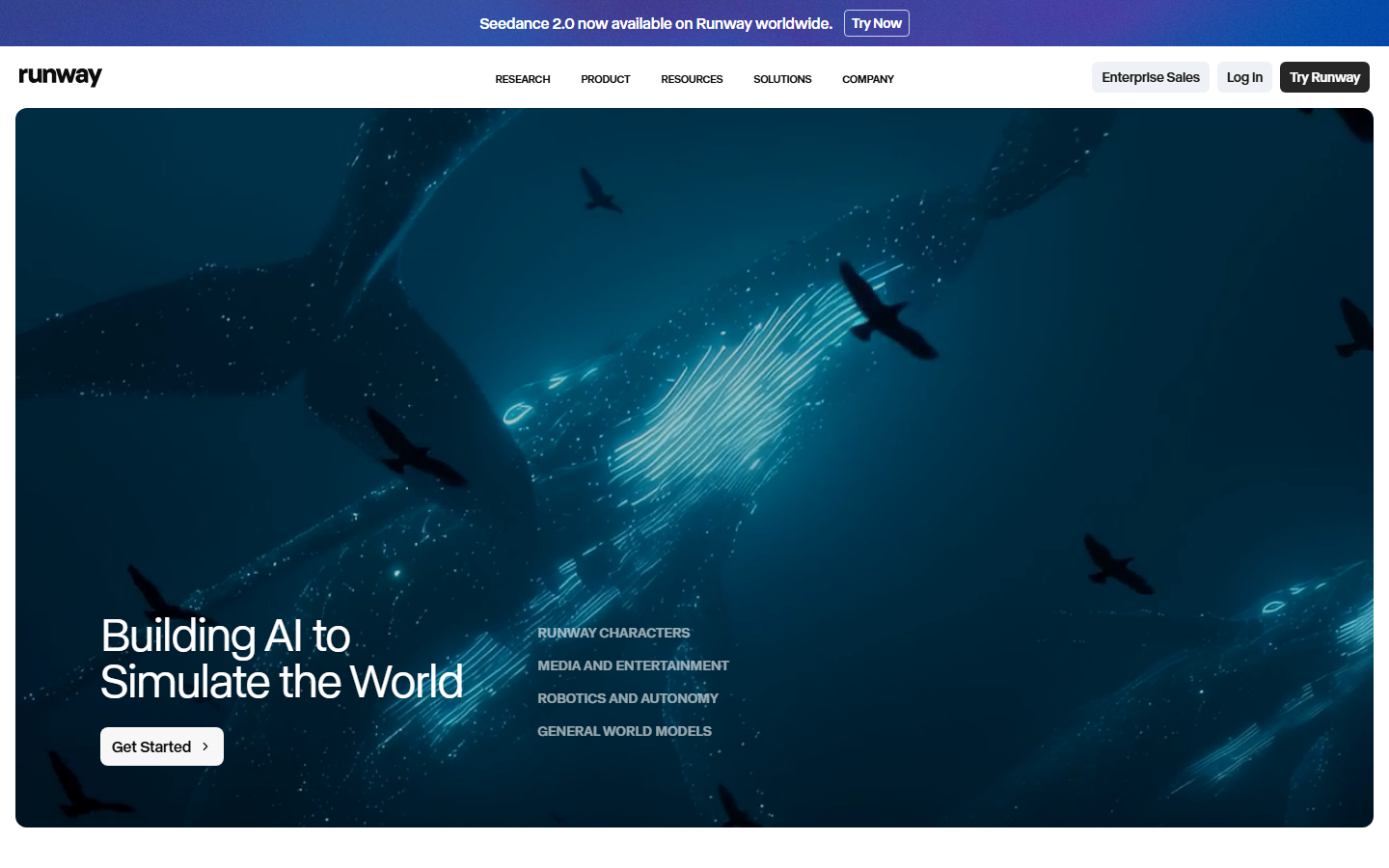
Runway is a useful candidate when the job includes revising a shot, working with a performance or finishing generated media. Bring an existing clip or a clear first frame so you can compare the tools against the part of your edit that needs work.
Runway's current model catalog includes third-party options such as Veo and Kling alongside its own models. It is no longer accurate to treat it as a Runway-only choice. Compare the controls available for the model you want and the credits required for your duration, resolution and audio settings. If delivery without a visible watermark matters, use the watermark-free generator roundup alongside the current plan terms.
Verdict: shortlist Runway when the editing and revision work matters as much as the first generation.
3. Kling AI: Best Motion Quality
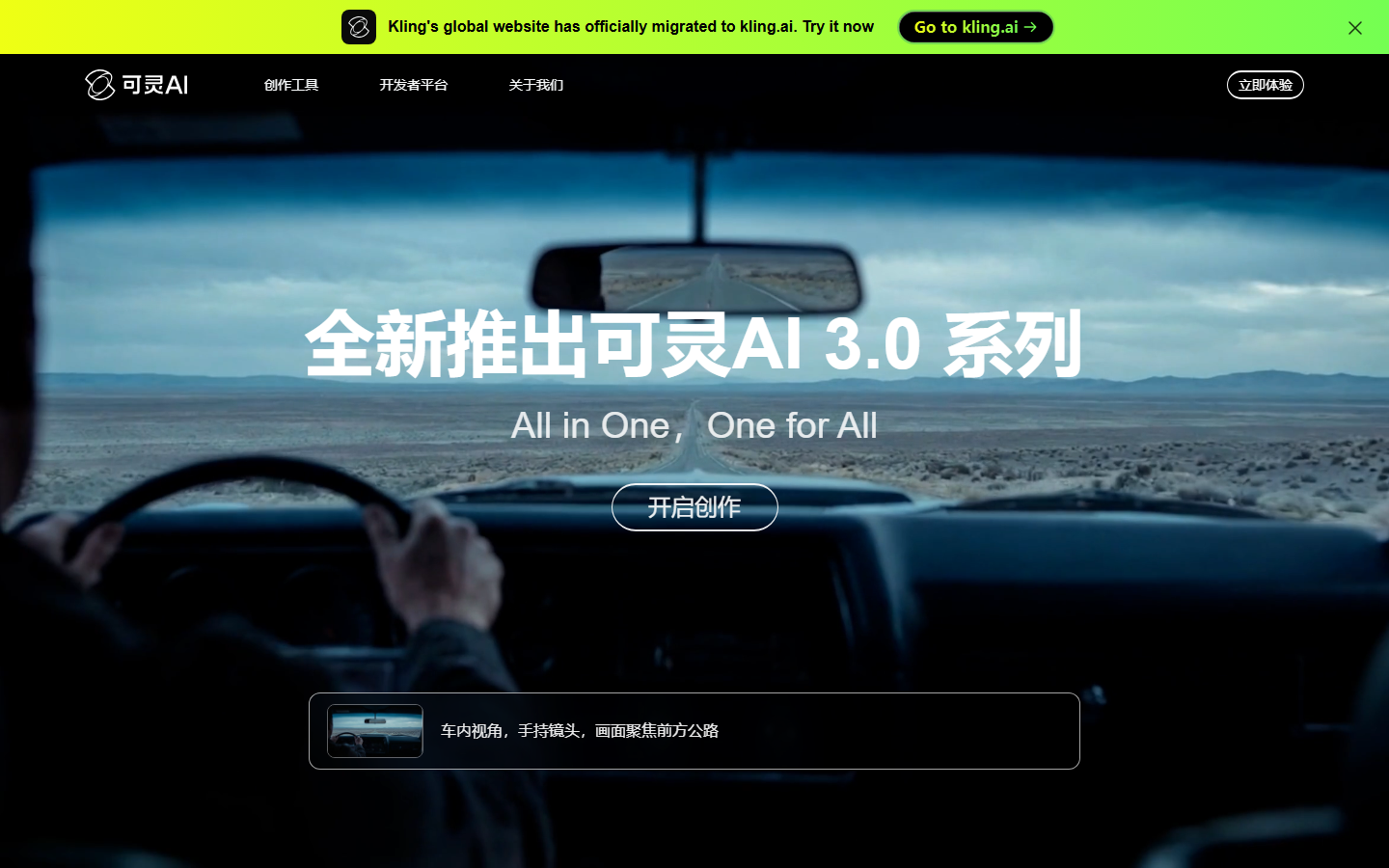
Kling AI is a strong candidate for a motion-led comparison. Start with one clear subject and a specific action: a person turning, fabric moving or a camera travelling past a product. That makes it easier to judge whether the movement and subject details hold together.
Kling's model versions offer different combinations of reference, multi-shot and audio controls. Select the version for the task, then compare the full clip rather than a good-looking first frame. The Kling 3 comparison breakdown provides more context. Free allowances and paid credit requirements can vary by account and model; do not plan a project around an assumed daily award.
Verdict: try Kling for a motion-heavy shot, and let that shot decide whether it fits better than your current Flow setup.
4. Luma Dream Machine: Best for Fast Drafts
Luma offers draft and video-modification options that help you develop a visual direction before committing to a more expensive version. Its Ray3.14 guidance describes draft generation and the available Modify Video controls. Use a short scene brief for a new shot, or existing footage when you want to explore a different look.
A faster draft mode is useful for comparing composition and movement; it does not establish a fixed turnaround time or make Luma universally cheaper. Resolution, mode, duration and plan affect cost. Luma's subscription guidance also distinguishes personal-use tiers from commercial plans. If the selected shot will enter a larger video workflow, decide which draft characteristics must survive the next stage.
Verdict: shortlist Luma when you want to explore a shot or modify existing footage before finishing it.
5. Pika: Best for Social Clips
Pika gives a short clip a clear visual premise. Its tools include image-to-video, keyframe transitions and named effects such as Pikaffects. Start with one image and the transformation you want the viewer to notice; a simple idea is easier to evaluate than several effects competing in one clip.
Choose the effect or model before budgeting because feature access and credit costs differ. Preview the subject throughout the transformation and check the export rights and watermark rules for your plan. When you need several versions of a proven concept, a batch generation process can help organize the wider task. A distinctive effect is a creative option, not evidence that a post will perform.
Verdict: pick Pika when one transformation is the idea behind the clip.
6. Hailuo AI: Best Value
Hailuo AI is worth including in a budget-focused shortlist. Its current creation tools support text and visual references, and the available models and modes give you different ways to approach a short video brief.
Use the same input, duration and delivery requirements as your Flow test. Compare the credits spent reaching a usable take, including retries, instead of treating a low-cost first generation as the cost of the project. Check your account's current offers; this guide does not assume a recurring free allowance. Compare Wireflow's pricing page if the task also needs connected image or editing steps.
Verdict: test Hailuo with a fixed brief and spending limit when budget is your deciding constraint.
7. Higgsfield: Best for Camera Work
Higgsfield puts camera and lens choices near the center of the creative process. Cinema Studio and its motion tools are useful when you already know the shot language you want: a low angle, a close lens feel or a deliberate camera move.
Begin with a reference frame and choose one movement that serves the subject. Presets guide the generation; they do not guarantee an exact physical camera path. Higgsfield now spans a broader creative suite, so compare the relevant model, controls and plan instead of treating it as only a preset layer. A visual node editor can help when you also want the surrounding production stages connected.
Verdict: choose Higgsfield when planning the camera is a substantial part of the job.
8. Krea AI: Best for Concepting
Krea AI is useful for exploring a visual direction and then comparing video models in one workspace. Its video tool supports text or image inputs, with controls such as frame guidance and extension on compatible models.
Start with one approved image or a consistent scene brief. Compare two models for the motion, style and audio your shot needs, then refine the stronger direction. Krea's real-time image tools and its video-generation tools serve different stages; do not assume video appears instantly. If the next task is a repeatable production process, map it into a creative workflow.
Verdict: shortlist Krea when the first challenge is finding the look and choosing a suitable video model.
Comparison Table
| Tool | Best starting task | Bring this input | Cost decision |
|---|---|---|---|
| Wireflow | Reusable image-to-video process | Scene prompt and motion direction | Budget for every connected generation stage |
| Runway | Shot revision and finishing | A source clip or first frame | Compare the chosen model and edit controls |
| Kling AI | Motion-led shot | Clear subject and specific action | Match version, duration and audio |
| Luma | Draft or video modification | Scene brief or source footage | Separate draft cost from delivery cost |
| Pika | Single-effect social clip | One image and transformation | Check the exact effect and export plan |
| Hailuo AI | Budget-focused video test | A fixed representative brief | Count retries in the usable-take cost |
| Higgsfield | Camera-led scene | Reference frame and camera direction | Compare model and studio access |
| Krea AI | Look and model exploration | Consistent prompt or reference | Compare compute for the selected models |
How to Choose
Pick the job you need to make easier. For revision, shortlist Runway. For a specific movement, compare Kling. For camera planning, try Higgsfield. For a visual draft or look exploration, consider Luma or Krea. For an effects-led clip, start with Pika. Include Hailuo when a defined budget is the main constraint.
Then compare one short, representative shot in two tools. Keep the subject, aspect ratio, intended duration and reference material consistent. Note the time spent setting up, credits used, extra editing required and whether the result suits the delivery. You will learn more from that than from a large model list.
If you keep rebuilding the same sequence of steps, start with Wireflow's workflow templates. The point is to preserve useful connections for the next brief.
Try it yourself: Build this workflow in Wireflow. It connects GPT Image 2.5 Flare to Gemini Omni Flash 1.1. Duplicate it, replace the sunset-ocean prompt and add motion direction in the video step. Review both stages' settings and generation credits before running. Building is free; ongoing generation uses paid credits.
FAQ
What is Google Flow? Flow is Google's AI filmmaking environment for creating and editing images, clips and scenes. It uses Google's models, with supported features differing by model, plan and region.
Why do people look for Google Flow alternatives? An alternative can help when you need a model from another provider, different editing controls, a better fit for your budget or a reusable production process. Keep Flow if it already serves the task well.
What is the best free Google Flow alternative? Start with the tool whose free access includes the task you want to test. Krea describes free video compute, while Luma offers limited draft exploration. Wireflow is free for building and duplicating workflows, with account-dependent introductory offers and paid credits for ongoing generation. Free access, commercial rights and usable video allowance are separate questions.
Which alternative has the best video quality? There is no single winner for every shot. Compare your actual subject and action, watching for unwanted shape changes, unstable backgrounds, movement and audio quality. Use the same reference and delivery requirements to make the comparison useful.
Can I use these tools commercially? Check the exact plan and model terms, plus your rights to source images, footage, music and likenesses. A paid subscription or watermark-free export does not automatically resolve every usage right. Some providers distinguish personal-use plans from commercial plans.
Do any alternatives generate audio with the video? Yes. Audio is available in supported models across several platforms, including Veo and some Kling and MiniMax options. Check the chosen model and settings. The linked Wireflow starter runs Gemini Omni Flash 1.1, which returns audio with each clip, so review the sound or plan audio separately.
How much do Google Flow alternatives cost? Most use subscriptions, credits or both. Compare the cost of a usable clip at your required duration and resolution, including audio, upscaling and retries. Wireflow's Starter plan is currently listed at $24 a month; model-based usage determines how far its credit allowance goes.
Can I use more than one model in the same project? Yes. Several platforms offer multiple providers' models. The distinction is how you use them: compare outputs in a shared workspace, or connect one stage's output to the next in a reusable graph. Wireflow focuses on that connected workflow.
Conclusion
The best Google Flow alternative is the one that makes your next job easier to complete. Choose for the edit, motion, camera, effects or budget that matters to your brief. If you want the useful steps to stay connected for the next project, start with the Wireflow template above. The same connected approach is covered in our Picsart Flow alternative comparison when a node canvas is the part you want to keep.

Co-Founder & Operations at Wireflow
Runs client operations and content strategy at Wireflow. Works directly with creative teams and agencies to build production AI workflows.
- Content Strategy
- Client Operations
Get unlimited ad creatives today.
One call to see if we are a fit and scope the first ad. If it fits, your first batch lands inside week one.