Best FLUX MCP Tools in 2026


In this article▾
The best FLUX MCP tools in 2026 let an AI agent generate, edit, and chain FLUX images without you writing API glue code. We ranked eight, from the official Black Forest Labs server to visual canvases like Wireflow that expose a whole multi-model pipeline as one callable tool. Each entry below covers what it does, who it suits, and where it stops being the right choice.
Quick Summary
- Wireflow - Best overall. Visual canvas that turns a FLUX pipeline into one agent-callable endpoint.
- FLUX MCP Server (Black Forest Labs) - Best official option. OAuth access to the full FLUX.2 model family.
- fal MCP - Best for speed. Low-latency hosted FLUX inference with 600+ models behind one server.
- Replicate MCP - Best for model variety. Search and run any FLUX variant plus thousands of others.
- ComfyUI MCP - Best for custom graphs. Drive local FLUX workflows and LoRAs from an agent.
- Smithery - Best for discovery. Registry that installs FLUX-capable MCP servers in one click.
- Cursor - Best IDE client. Generate and iterate on FLUX images without leaving your editor.
- Windsurf - Best for parallel agents. Run several FLUX jobs at once across separate agent threads.
How We Ranked These Tools
Criteria were practical: does the server actually execute FLUX jobs, how many FLUX variants it reaches, whether it accepts image inputs for editing, and how much setup stands between install and first render. Tools that wrap a single endpoint scored lower than ones that let an agent inspect intermediate output, the difference explained in this MCP server image generation example.
We also weighted what happens after the first image. FLUX is rarely the last step; most jobs upscale, cut a background, or feed the render into a video model. For a hands-on look at that pattern, see the FLUX MCP feature page, which walks through the same setup as a hosted graph.
Build this in Wireflow
Make the same kind of asset on a canvas you control, with a free account and no credit card.
1. Wireflow
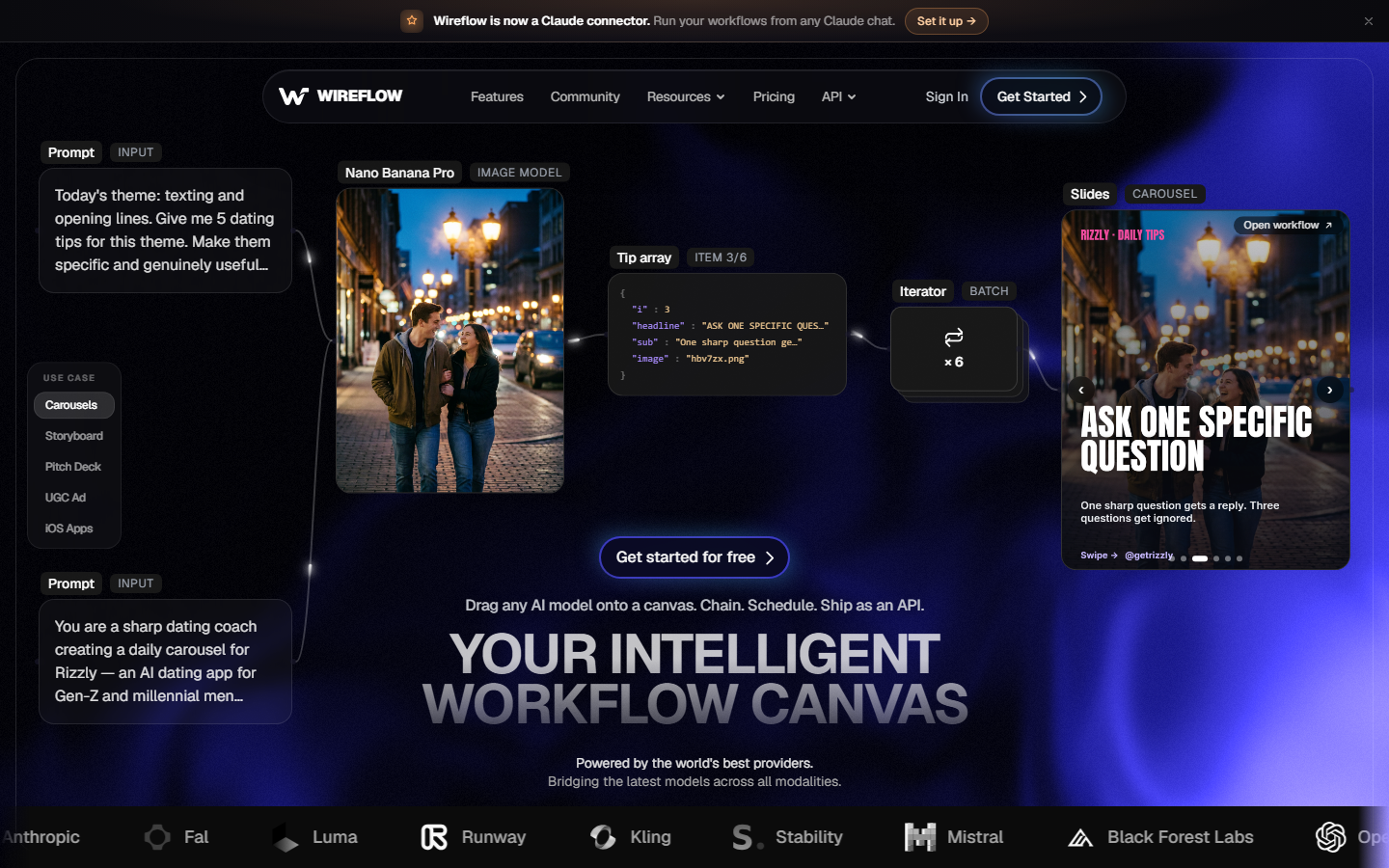
Wireflow is a visual node canvas where FLUX sits alongside upscalers, background removers, video models, and LLM nodes on the same board. You drag in a FLUX node, wire a prompt into it, and every intermediate output renders as a thumbnail on the canvas, so a failed step is visible instead of buried in a log. The same image generation MCP surface makes the finished board callable by an agent as a single tool.
That single-tool property is the practical advantage over a raw FLUX server. Instead of teaching an agent five sequential calls plus the retry logic between them, you publish the graph once and the agent calls it with a prompt, the approach covered in chaining multiple AI models in one API call. Pricing is usage-based with no per-seat fee. The trade-off: you build the graph in a browser first, so CLI purists may prefer a direct server.
2. FLUX MCP Server (Black Forest Labs)

Black Forest Labs ships the official FLUX MCP server at mcp.bfl.ai. Most modern clients connect to that endpoint directly and complete an OAuth sign-in, so there is no API key to paste into a config file. Tools cover generate, edit, vary, browse, and reuse, meaning an agent can branch a new variation off any earlier result rather than starting from a blank prompt each time, similar in spirit to the model differences in FLUX 3.
Model coverage is the strongest here because it comes from the source: flux2_pro_preview as the default, flux2_max for highest quality, flux2_klein_9b_preview for faster runs with up to four input images, flux2_flex for typography, and flux2_klein_4b. The curl and Python examples for FLUX 2 map closely to what the server exposes. The limitation is scope: it does FLUX and only FLUX.

3. fal MCP
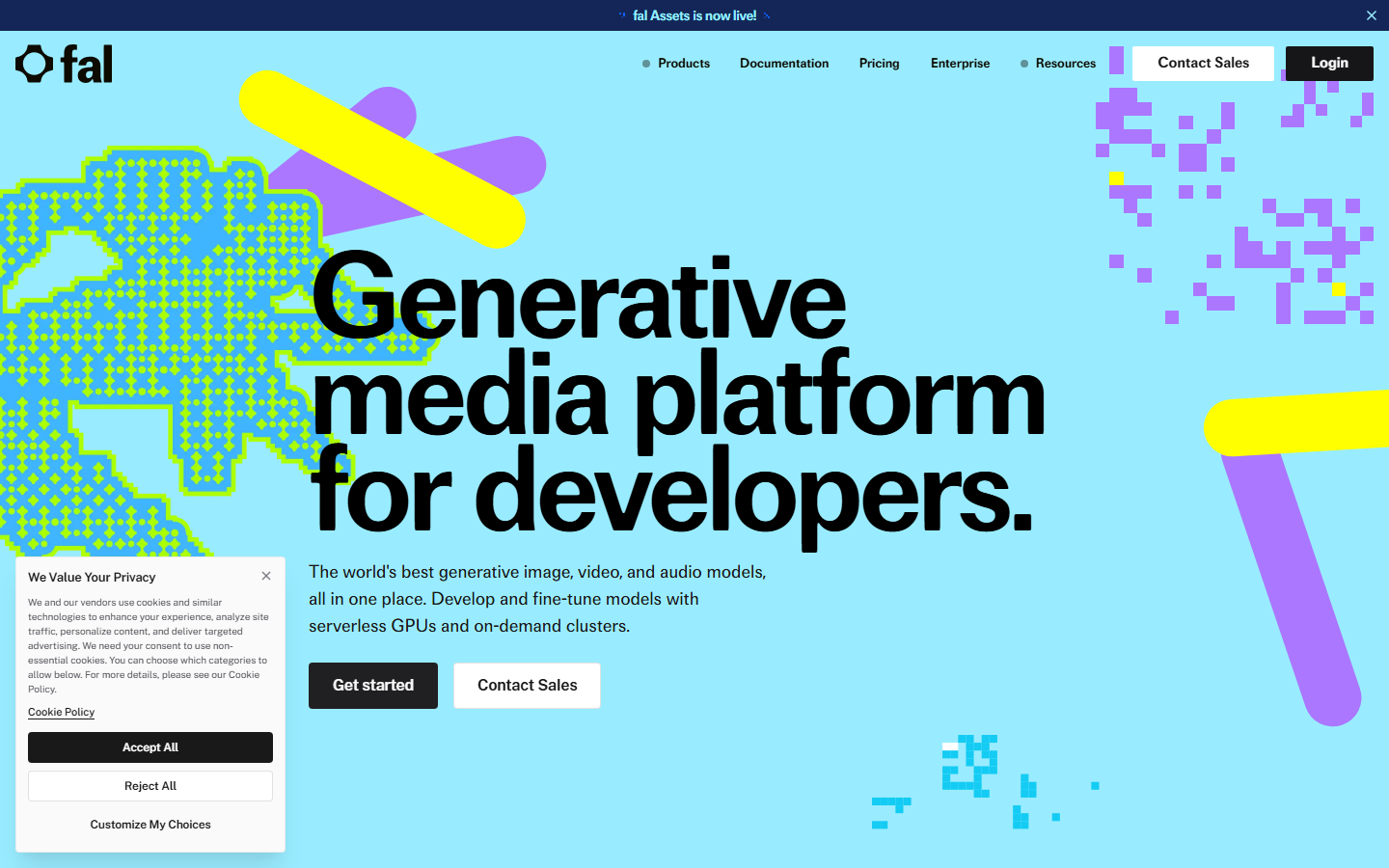
fal is an inference host built for latency, and community MCP servers expose its FLUX endpoints, including FLUX.1 pro, dev, and schnell, through a generate_image tool with parameters for image size, batch count, safety checker, and output format. The practical result covered in this fal MCP walkthrough is that an agent can produce a usable draft in a few seconds rather than tens of seconds.
The wider catalog matters too. fal hosts 600+ models and some servers support dynamic discovery, so one connection reaches video, audio, and upscaling models after the FLUX step. Cost is metered per second of compute, which suits bursty batch work but budgets less predictably than flat per-image pricing, a distinction broken down in this fal pricing comparison.
4. Replicate MCP
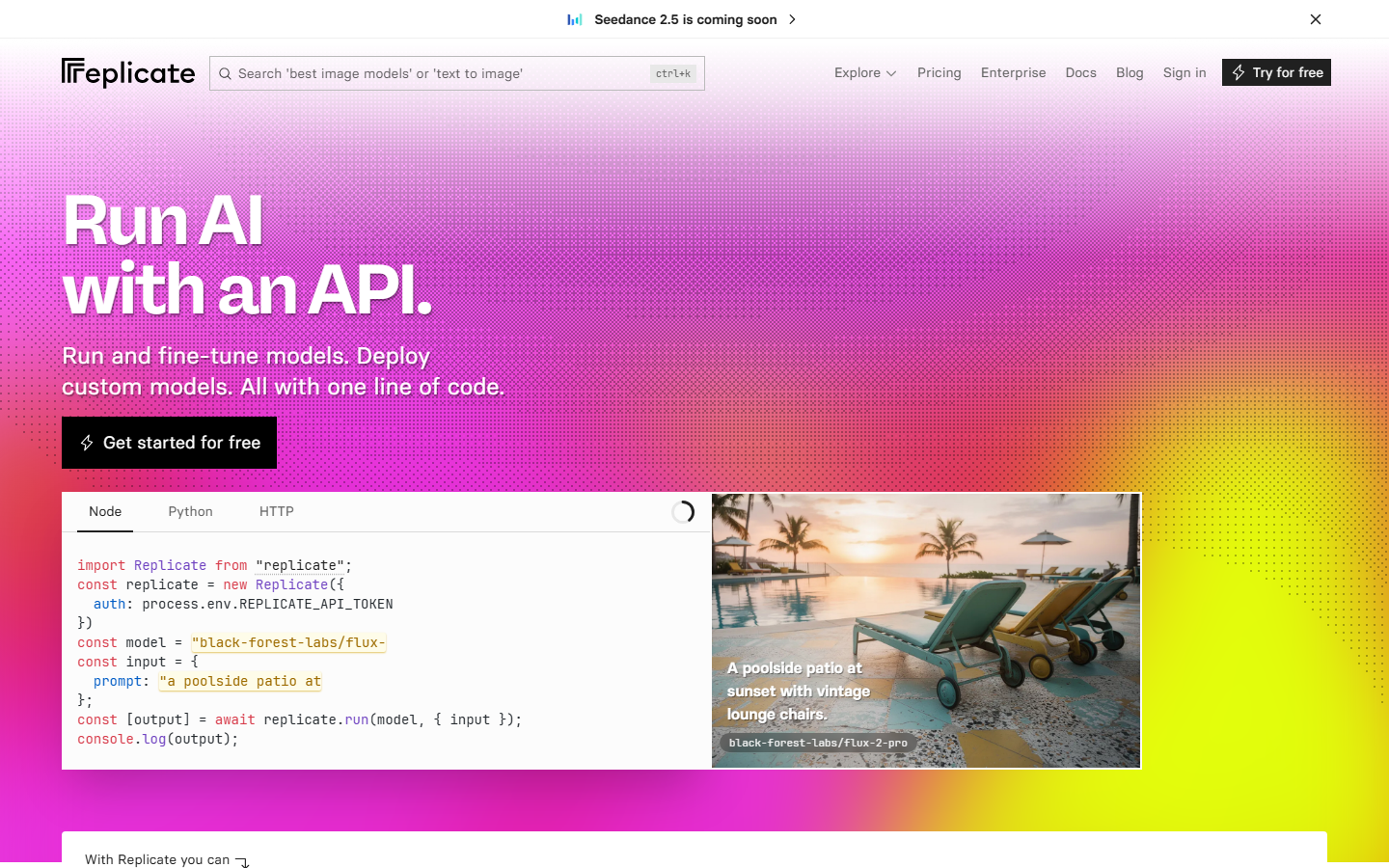
Replicate maintains an official MCP server that lets a client search the catalog, create predictions, poll for results, and cancel running jobs. Its FLUX collection carries the Black Forest Labs models plus a long tail of community fine-tunes and LoRAs, which is why teams who need a specific style checkpoint often land here rather than on the official server, a migration path outlined in moving from Replicate to a canvas API.
Reliability is the strongest argument for it: because the server tracks catalog changes, new parameters and model versions surface without a client update. Cold starts on less-popular fine-tunes are the main cost and can add real seconds to a first call, worth knowing before you wire it into a latency-sensitive inference API.
5. ComfyUI MCP
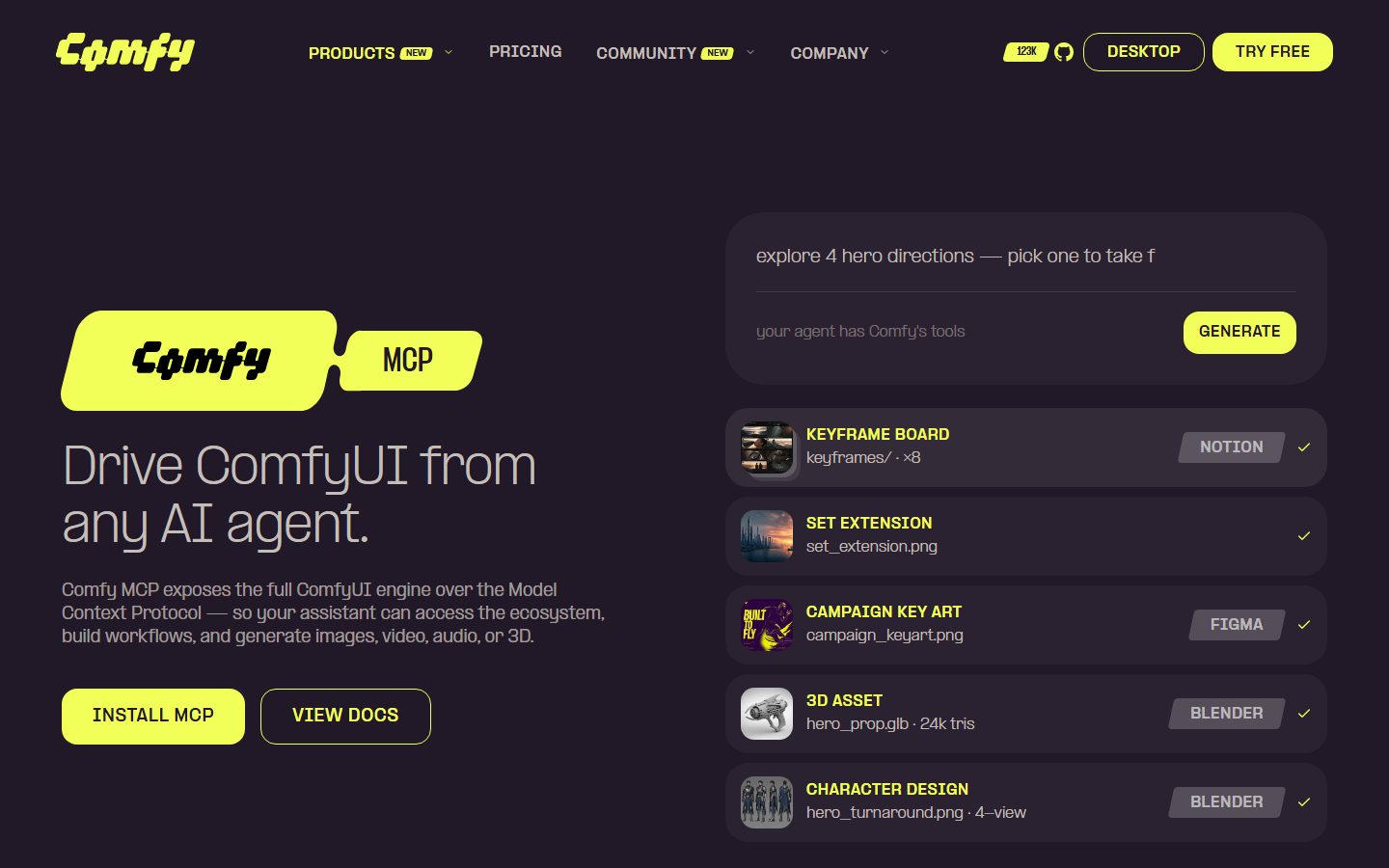
ComfyUI MCP servers connect an agent to a running ComfyUI instance, so the agent submits an existing FLUX graph with new prompt values and receives the rendered output. This is the only option on the list that gives an agent access to custom nodes, ControlNets, and locally trained LoRAs, and the ComfyUI MCP pattern is what most self-hosting teams end up with.
The catch is operational. You own the GPU, the node versions, and the queue, and a graph that changes shape breaks agent calls that assumed the old input names. Teams who want the control without the babysitting usually compare it against a self-hosted image generation API first.
6. Smithery
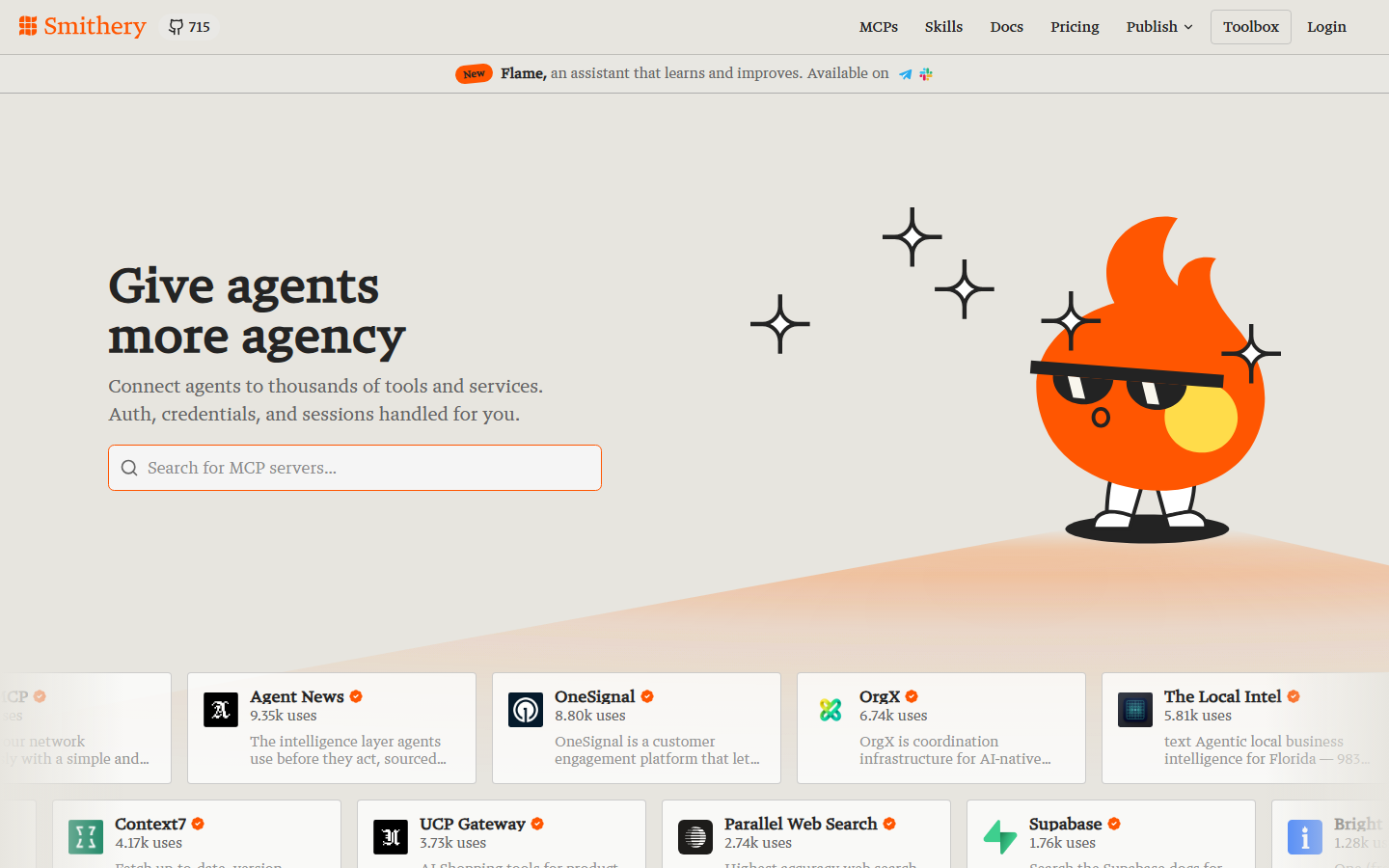
Smithery is a registry indexing thousands of MCP servers, several of which wrap FLUX through fal, Replicate, or the official endpoint. It is not a generation tool; its value is comparing three FLUX servers, installing one in a click, and swapping it out without hand-editing config, which shortens the evaluation loop described in this roundup of agentic canvas tools.
It also handles version management and update notifications, which matters once a project depends on five servers at once. What it cannot give you is a quality guarantee: a thin wrapper with no error handling looks identical to a maintained one in the listing. Verify against the underlying provider before shipping, especially if you are building on an image generation SDK.
7. Cursor
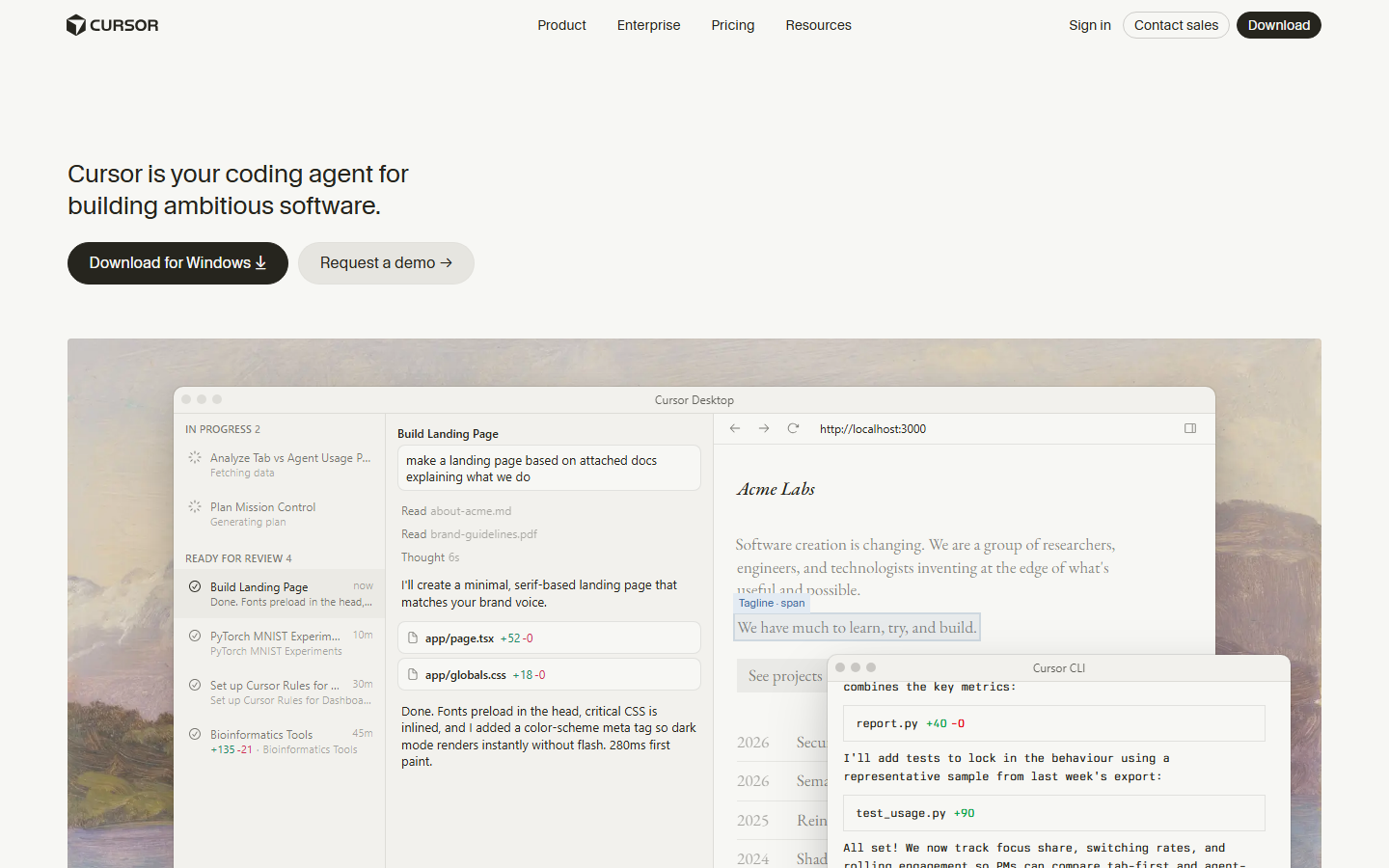
Cursor is an AI-first editor with native MCP support, so pointing it at any FLUX server means you can generate assets inline while writing the code that consumes them. Agent mode can read the returned image path and write the follow-up code around it, the same loop covered in adding image generation to Claude Code.
For developers shipping an app that consumes FLUX output, this removes tab-switching: prompt, render, and integration happen in one window. The limitation is that Cursor is a code environment, not a canvas, so comparing eight variations side by side is awkward. It pairs best with a hosted endpoint, as in connecting an AI image API to Claude.
8. Windsurf
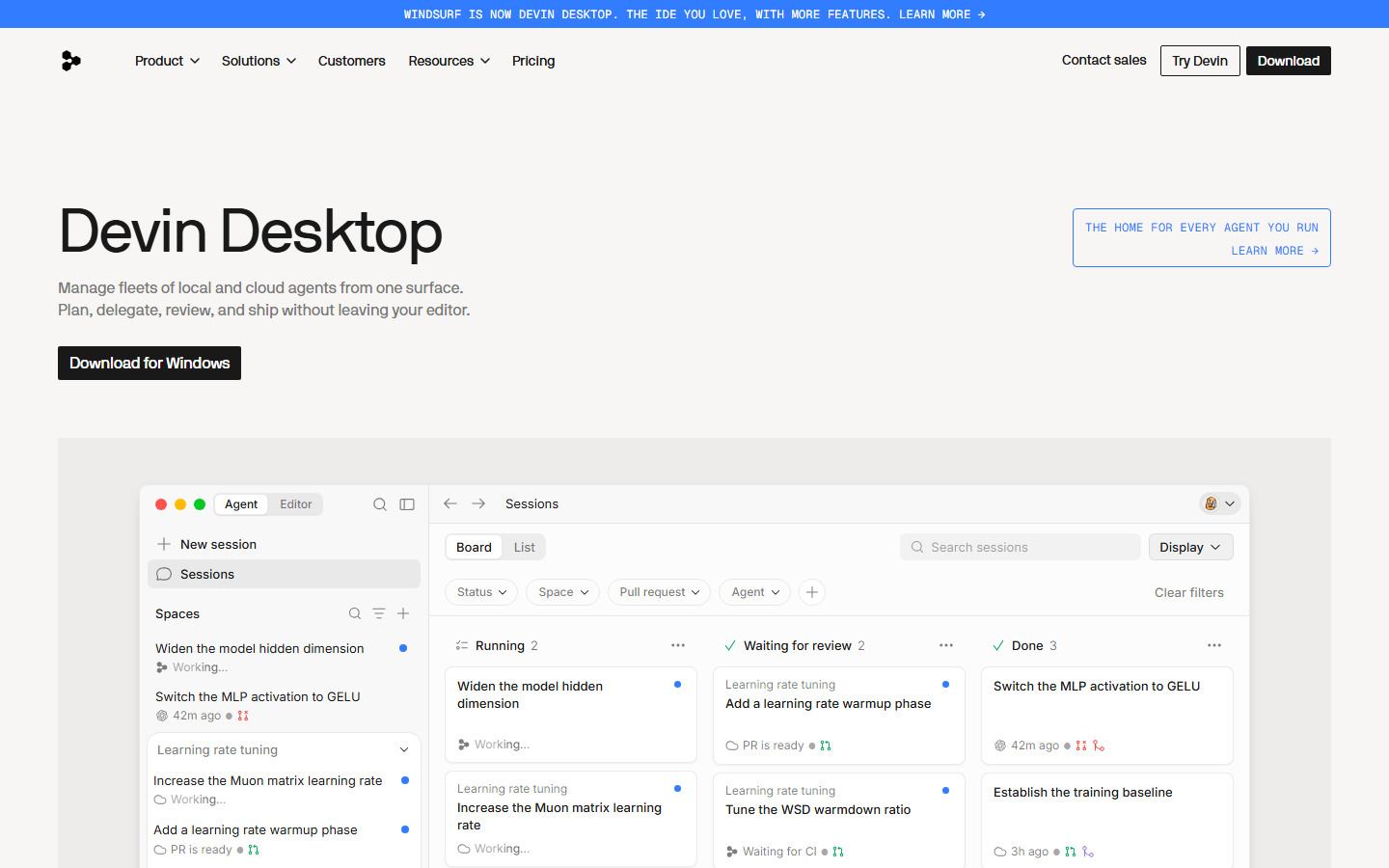
Windsurf supports parallel multi-agent sessions, each with its own MCP server set, so several FLUX jobs can run at once across separate threads. That architecture suits prompt sweeps and style tests where you want twelve renders from twelve prompt variants, the same job shape as batch image generation via API.
Persistent MCP connections mean no re-authentication per session. As with Cursor, review is the weak point: parallel output arrives as files, not a grid, so you still open a viewer to judge results. Editor-based FLUX access is compared further in this look at Copilot image generation.
Comparison Table
| Tool | Best for | FLUX access | Setup | Chains to other models |
|---|---|---|---|---|
| Wireflow | Full pipelines | Hosted, multi-provider | Browser, no install | Yes, on canvas |
| FLUX MCP Server | Official access | Full FLUX.2 family | OAuth, no API key | No |
| fal MCP | Low latency | pro, dev, schnell | API key | Yes, 600+ models |
| Replicate MCP | Model variety | Official plus fine-tunes | API key | Yes, via catalog |
| ComfyUI MCP | Custom graphs | Local weights, LoRAs | Self-hosted GPU | Yes, in-graph |
| Smithery | Discovery | Depends on server | One-click install | Depends on server |
| Cursor | Coding inline | Any connected server | Config file | Via server |
| Windsurf | Parallel runs | Any connected server | Config file | Via server |
Which One Should You Pick
Pick the official server if you only need FLUX and want new models the day they ship. Pick fal or Replicate if latency or fine-tune variety respectively decides it. Pick ComfyUI if you already own the GPU and the custom nodes. Pick a canvas if FLUX is one step in a longer chain and you want that chain to be one agent-callable tool, which is where per-image versus per-second pricing stops being the interesting question.
Try it yourself: open this image MCP workflow. The nodes are pre-configured with the prompt-to-image MCP setup discussed above, running on FLUX 2 Pro, so you can run it and swap in your own prompt.
FAQ
What is a FLUX MCP server? A Model Context Protocol server that exposes FLUX image generation as structured tools an agent can call. Instead of writing HTTP requests, the agent sees tools like generate, edit, and vary, and the server handles auth and polling.
Is there an official FLUX MCP server?
Yes, Black Forest Labs hosts one at mcp.bfl.ai. It uses OAuth rather than API keys and covers generate, edit, vary, browse, and reuse across the FLUX.2 family.
Which FLUX models can an MCP server reach?
The official server exposes flux2_pro_preview, flux2_max, flux2_klein_9b_preview, flux2_flex, and flux2_klein_4b. Servers on fal or Replicate typically reach FLUX.1 pro, dev, and schnell plus community fine-tunes, priced as in this FLUX Pro API pricing guide.
Do I need an API key? Not for the official server, which uses OAuth. Servers wrapping fal or Replicate need that provider's key in your client config.
Can an agent edit an existing image, not just generate one? Yes, on servers that accept image inputs. The official server edits attached images by prompt and branches variations from any prior result; smaller community wrappers are often text-to-image only.
Which MCP clients work with FLUX servers? Any compliant host, including Claude, Cursor, Codex, Windsurf, and VS Code. Servers are client-agnostic, so one config works across all of them.
How do I chain FLUX with an upscaler or a video model? Either orchestrate the calls in code, or build the sequence once on a canvas and publish it as a single tool, the approach in building AI workflows with an API.
Is MCP worth it over calling the FLUX API directly? For scripted, deterministic jobs a direct call is simpler. MCP earns its place when an agent decides what to generate, since you stop hand-maintaining a tool schema per endpoint, the same reasoning behind a video generation MCP.
Conclusion
The FLUX MCP landscape in 2026 splits cleanly. The official Black Forest Labs server is the best pure FLUX access, fal and Replicate trade latency against catalog depth, ComfyUI buys control at the cost of operations, and Smithery, Cursor, and Windsurf are clients and registries rather than generation engines. Choose on how much of your job happens after the image lands; if the answer is "quite a lot", a canvas that publishes the whole chain as one callable tool saves more time than any single server, as this comparison of AI workflow platforms with API access shows.

Co-Founder & Operations at Wireflow
Runs client operations and content strategy at Wireflow. Works directly with creative teams and agencies to build production AI workflows.
- Content Strategy
- Client Operations
Make AI videos and ads.
Start free, no card needed.