 Andrew Adams · Co-Founder & Operations at Wireflow ·
 Flux MCP
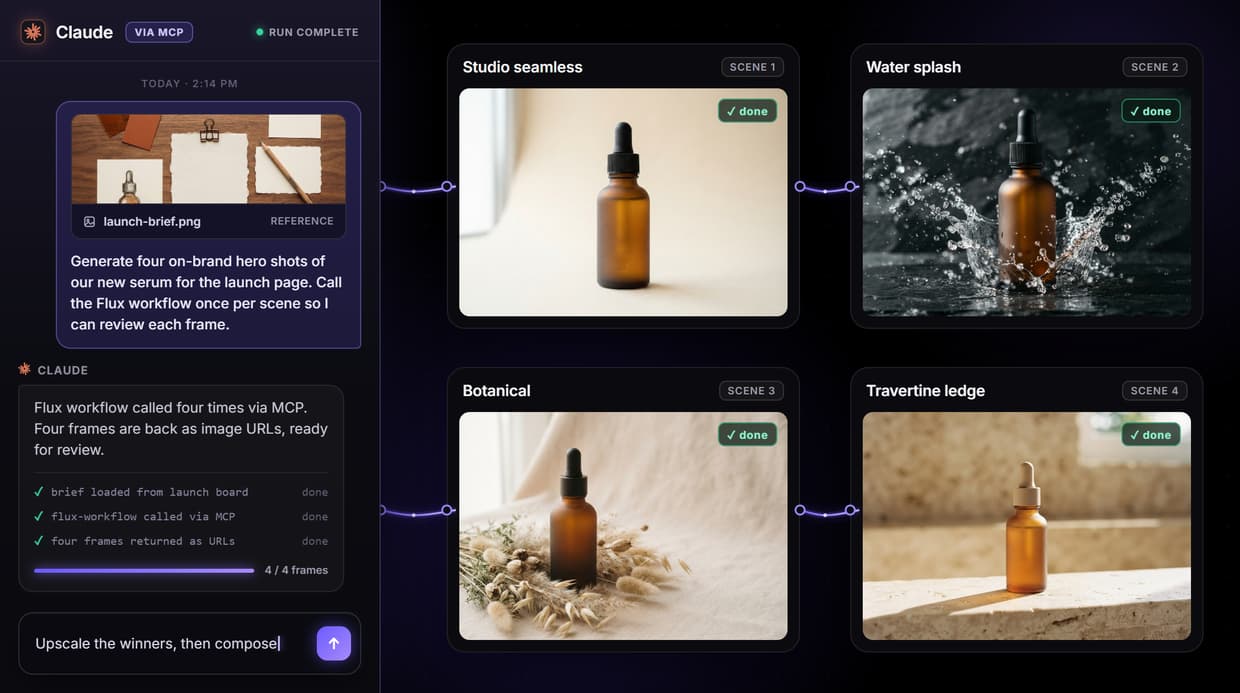
Publish a Flux image workflow on Wireflow once and it becomes a hosted MCP tool your AI agent can call, plus a REST endpoint for everything else.
No server to write, no GPU to rent, and no Black Forest Labs, fal, or Replicate key to juggle. Claude, Cursor, or Claude Code send a prompt and get an image URL back.
Free to build · no credit card · See how it works ↓
How to Use Flux MCP
Steps to get you started in Wireflow.
Build the Flux workflow
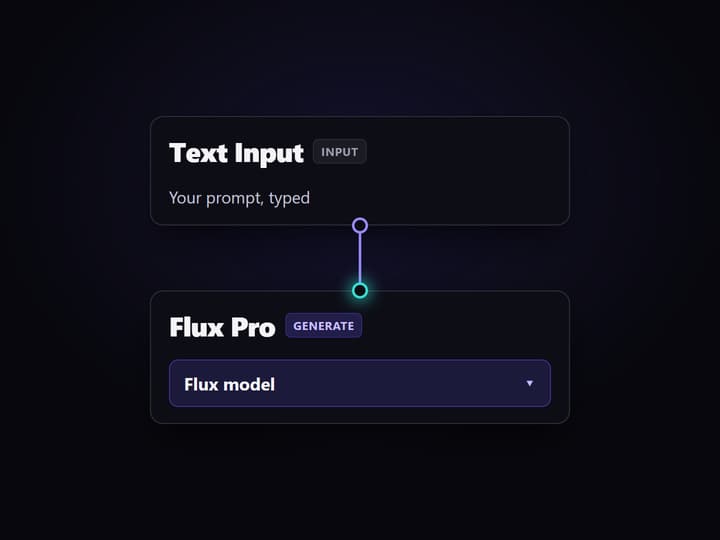
Drop a text input into a Flux node like Flux Pro or Flux Schnell on the canvas, add an upscaler or background remover if you want, and run it once to confirm the output.
Publish it as a tool
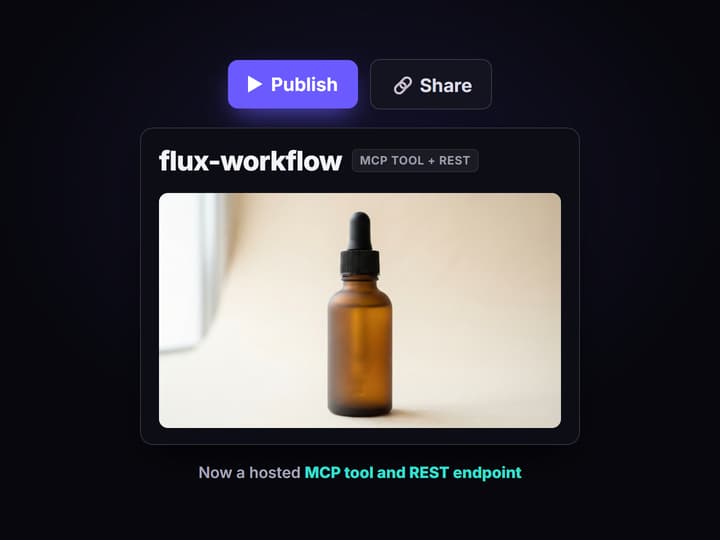
Publish the workflow. Wireflow exposes it on the hosted MCP server and as a REST endpoint with a typed prompt input, so there is no separate server code to write or deploy.

Call it from your agent
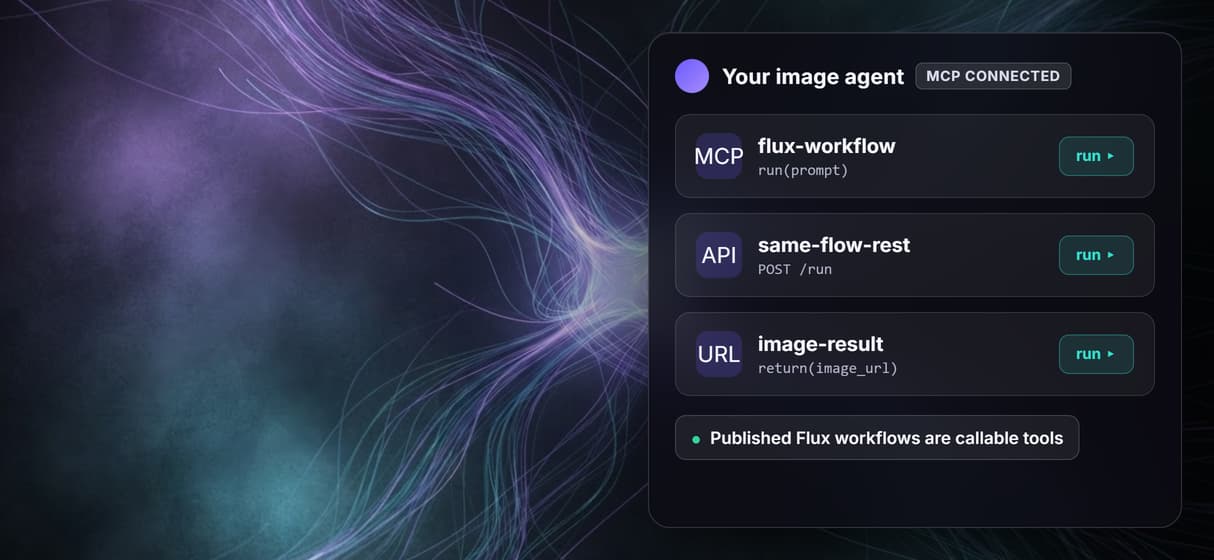
Point Claude Desktop, Cursor, or Claude Code at the Wireflow MCP server. The agent lists your Flux workflow, sends a prompt, and gets an image URL back.
Why an AI agent needs a Flux tool
A language model predicts text, not pixels. On its own, Claude or any agent cannot render an image, which is why a Flux MCP server exists: it gives the agent a callable tool that runs Flux and hands back an image URL. The Model Context Protocol is just the standard that lets the agent discover the tool, read its typed inputs, and call it.
The usual way to get one is to write and host a server yourself, wiring Black Forest Labs, fal, or Replicate behind it with your own key. Wireflow removes that step. You build the image workflow on a visual canvas, pick a Flux node, run it once to confirm the output, and publish. From that moment the same graph is a tool your agent can list and call.
What you get
Any workflow, one tool
Publish a Flux flow and it appears in your agent as a callable MCP tool with a typed prompt input.
Every Flux variant
Flux Pro, Pro Ultra, Dev, Schnell, Flux 2, and Kontext Max are all nodes you pick on the canvas.
REST and MCP together
The same graph answers plain REST for apps and scripts, so non-agent code can call it the same way.
Models chain in one call
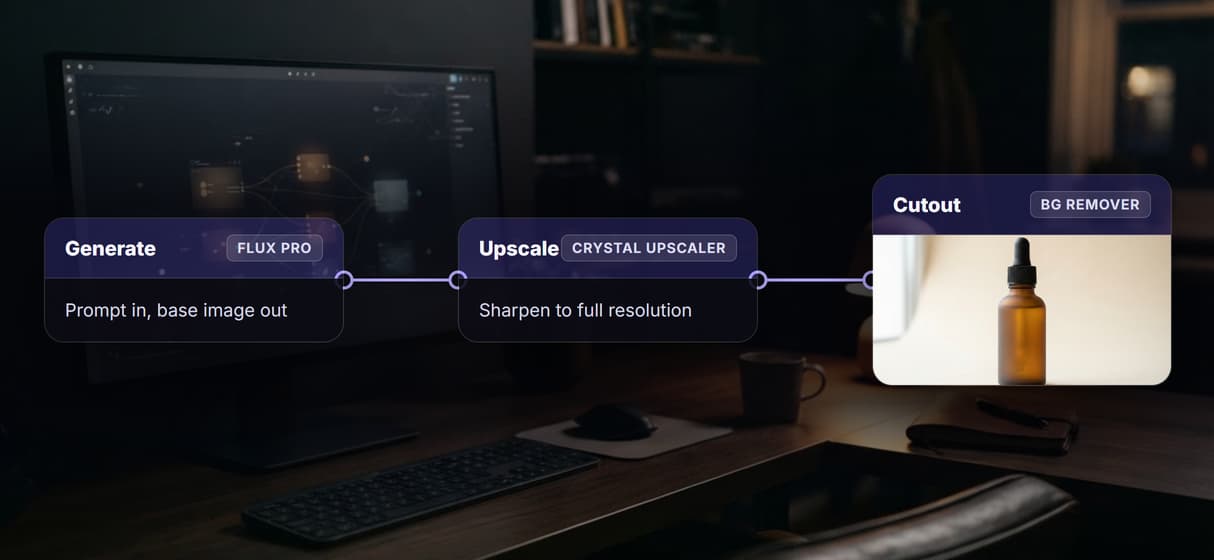
Wire Flux, an upscaler, and background removal on one canvas and expose the whole chain as a single tool.
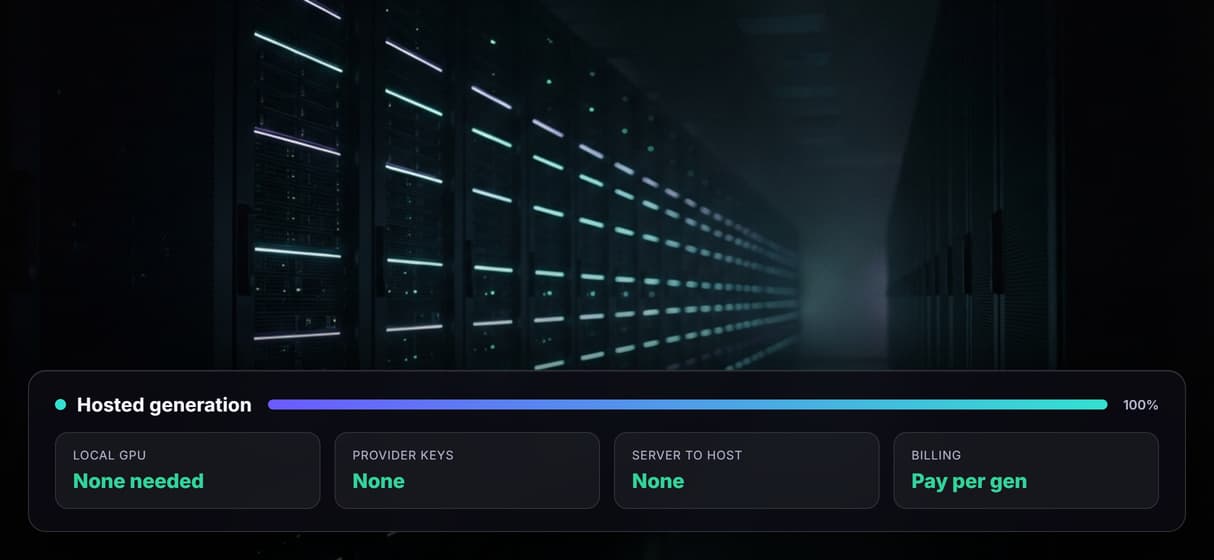
No GPU, no keys
Generation runs on hosted compute, so there is no CUDA install and no provider key to rotate or leak.
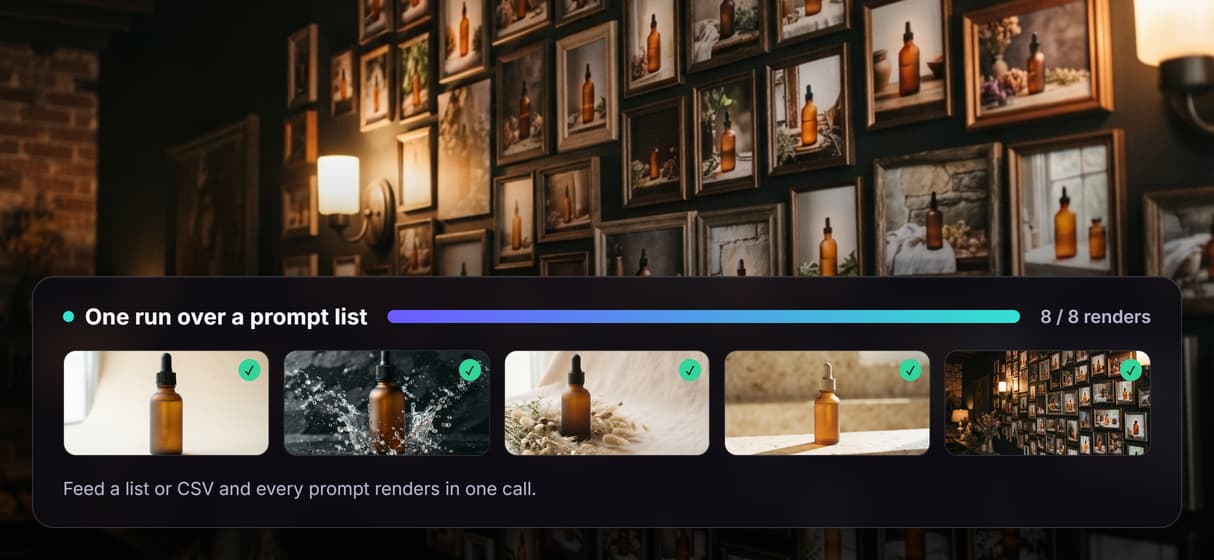
Batch in one run
Feed a list or a CSV and the tool renders every prompt in one call instead of firing one request at a time.
Hosted Flux workflow tool vs a self hosted Flux server
You do not have to use Wireflow to get a Flux MCP tool. You can call Flux directly through Black Forest Labs, fal, or Replicate with your own key and code, or run an open Flux model behind your own process. Those are good fits when you want full control of the code, raw parameters, or your own GPU.
Wireflow's angle is different. Instead of one Flux endpoint behind one server, you build a visual graph that can pick any Flux variant, chain it with an upscaler, publish it once, and call it as both an MCP tool and a REST endpoint. If your need is a single Flux call and you are happy managing a key, that path is lighter. If you want reproducible node based image workflows an agent can call without you running any infrastructure, the hosted canvas wins.
When Wireflow is not the right fit
Wireflow is the generation layer, not the reasoning brain. The agent still decides what to make and judges whether the result is good; the workflow only runs Flux and returns assets. It also does not run offline or on your own GPU, and it does not load local Flux checkpoints or LoRA files from disk, so a self managed stack keeps control that a hosted canvas does not.
If your work is a one off image with fixed art direction, a direct prompt is faster than wiring a workflow. Wireflow pays off when the same image job runs again and again, or when an agent needs a stable image generator it can call on demand. For that repeatable, agent driven case, publishing a Flux workflow as an MCP tool is the point.
More Than Just Flux MCP
Any Flux workflow is an MCP tool and a REST endpoint
Publish once and your Flux flow shows up in Claude or Cursor as a callable MCP tool, while the same graph answers plain REST for apps that do not speak it.
Pick any Flux variant on one node
Swap Flux Pro, Dev, Schnell, or Flux 2 on the same node and the tool call runs whichever one you wired, with no code change for the agent.

Chain Flux with upscale and cutout
One tool call can run Flux, then a Crystal upscaler, then background removal on a single canvas, so the agent gets a finished asset, not a raw draft.
Hosted, so no GPU and no keys
Flux runs on hosted compute, so there is no server to deploy, no CUDA to install, and no Black Forest Labs, fal, or Replicate key to rotate or leak.
One call over a whole batch
Point the same Flux tool at a list of prompts or a CSV and it renders the set in one run instead of firing one request at a time.
Build Any AI Workflow
AI Models Integrated
Full Commercial License
FAQs
No. A language model predicts text, not pixels, so it needs an image tool. A Flux MCP server gives Claude a callable tool that runs Flux and returns an image URL the agent can use in its next step.
Discover related AI tools
- AI Pipeline Automation
- AI Workflow Templates
- AI Video Pipeline: Build One on a Node Canvas
- Batch AI Generation: Many Assets, One Run
- AI Model Chaining
- AI Asset Pipeline
- AI Workflow Builder
- AI Content Generation API
- AI Workflow API
- AI Orchestration API
- Headless AI Workflow Platform
- Krea AI API Alternative: Image and Video From One REST Endpoint
More From Wireflow
Written by
Andrew Adams · Co-Founder & Operations at Wireflow
Runs client operations and content strategy at Wireflow. Works directly with creative teams and agencies to build production AI workflows.
Let your agent call Flux
Publish a Wireflow Flux workflow and it is live as a hosted MCP tool and a REST endpoint. Read how agents authenticate and call Wireflow workflows, then wire it into Claude or Cursor.