 Andrew Adams · Co-Founder & Operations at Wireflow ·
 ComfyUI MCP
A ComfyUI MCP setup normally means a local GPU, a Python server on port 8188, and checkpoints to babysit.
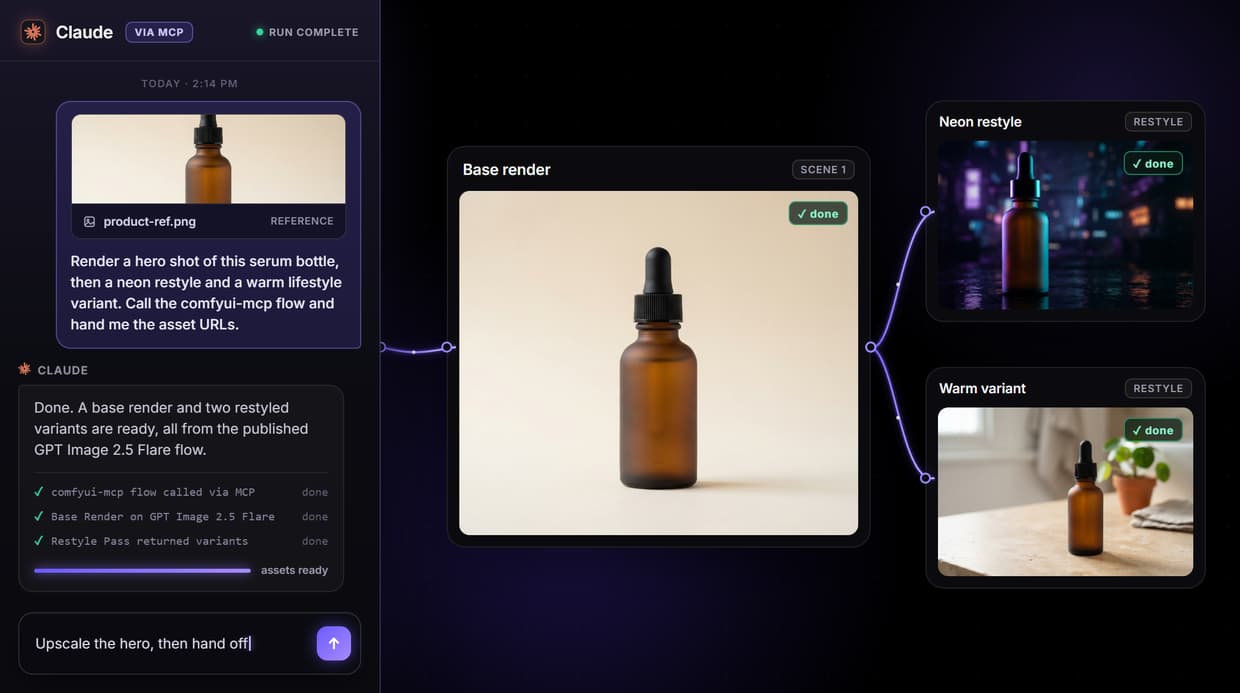
Wireflow flips it: build an image pipeline on a hosted node canvas once, publish it, and it is instantly callable as an MCP tool and a REST endpoint. The live flow on this page is a two-stage GPT Image 2.5 Flare pipeline your agent can run.
Free to build · no credit card · See how it works ↓
How to Use ComfyUI MCP
Steps to get you started in Wireflow.
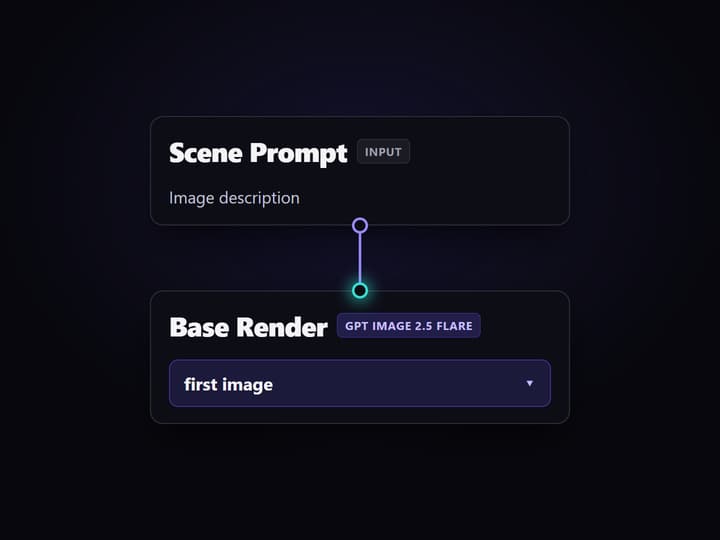
Build the image pipeline
On the canvas, wire a Scene Prompt input into a Base Render node on GPT Image 2.5 Flare, then add a Restyle Prompt and a Restyle Pass node that takes the base render as its image input.
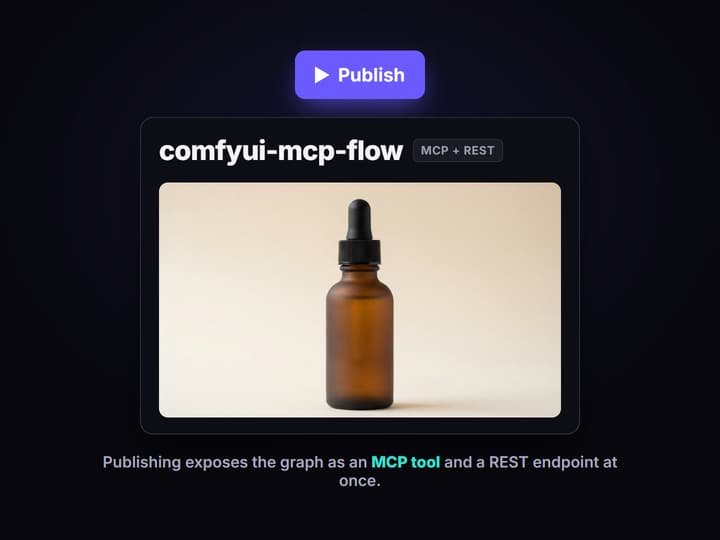
Publish the workflow
Publishing saves the graph server side and exposes it as an MCP tool and a REST endpoint at the same time. No extra server, wrapper, or config file is needed.
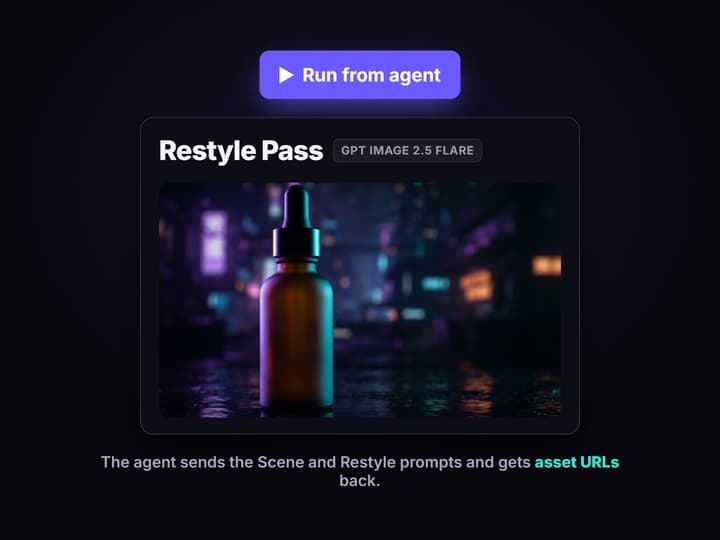
Call it from your agent
Point Claude or any MCP client at the workflow. The agent lists it as a tool, sends the Scene and Restyle prompts as typed inputs, and receives the rendered asset URLs back.
The real MCP-callable graph on this page
The flow embedded here is a real published pipeline, not a mockup. A Scene Prompt input carries the image description and wires into a Base Render node running GPT Image 2.5 Flare. A second Restyle Prompt input feeds a Restyle Pass node that takes the base render as its image input and returns a restyled variant. A sticky note documents that the whole graph is callable as an MCP tool and a REST endpoint.
Because it is published, an agent does not see a Python server URL or a workflow JSON to parse. It sees one named tool with typed inputs, runs it, and gets back asset URLs. That is the difference between wrapping a local ComfyUI install and using a hosted ComfyUI API: the workflow itself is the interface.
What you skip versus a local ComfyUI MCP server
No GPU to own
Generation runs on hosted compute, so there is no VRAM ceiling, no CUDA setup, and no idle graphics card to pay for between runs.
No server to host
There is no local ComfyUI on port 8188 and no Python MCP process to keep alive; the published workflow is the endpoint your agent calls.
Models are already loaded
The canvas hosts over 70 image, video, and audio models, so there are no checkpoints or LoRAs to download before you can render.
The workflow is the tool
Publishing exposes the graph as a typed MCP tool and REST endpoint at once, so an agent lists it, reads its inputs, and runs it.
Runs are versioned
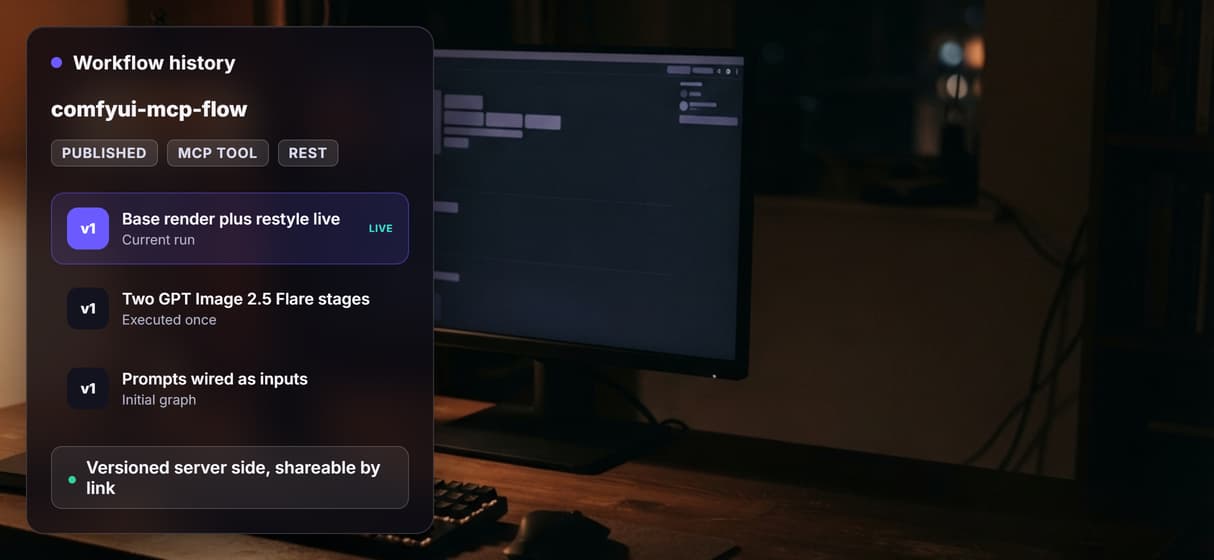
Workflows are saved server side and shareable by link, so a run is reproducible instead of depending on the exact state of one machine.
Every node stays inspectable
The prompt inputs, the base render, and the restyle pass are separate nodes on the canvas, so you can see and edit each step.
Why a hosted node canvas suits agent calls
A local ComfyUI MCP server is powerful, but it ties the tool to one machine: the GPU, the installed custom nodes, the checkpoints on disk, and a Python process that has to stay running. When an agent calls it from somewhere else, all of that has to be up and reachable.
A hosted graph removes that coupling. The same pipeline is a callable tool whether a person opens it on the canvas or an agent invokes it through the AI workflow API. You can chain several models in one graph and keep each step visible, the same inspectable pattern behind an agentic canvas, without managing any infrastructure yourself.
When a local ComfyUI MCP server is still the right tool
Wireflow does not run ComfyUI. It does not load your custom Python nodes, your local checkpoints, or Civitai LoRAs, and there are no offline runs. If your pipeline depends on a specific custom node graph, a fine-tuned checkpoint you host, or air-gapped generation, keep your local ComfyUI MCP server: that is exactly what it is for.
Wireflow is the hosted alternative for teams who want the node canvas and MCP callability without owning the box. If the appeal of ComfyUI for you was the visual pipeline and agent access rather than local model control, compare it against a ComfyUI alternative that is hosted, then open the flow on this page and inspect the actual graph.
More Than Just ComfyUI MCP
Every workflow is an MCP tool
Publishing a graph exposes it as a typed MCP tool and a REST endpoint, so an AI workflow API call and an agent run hit the same flow.
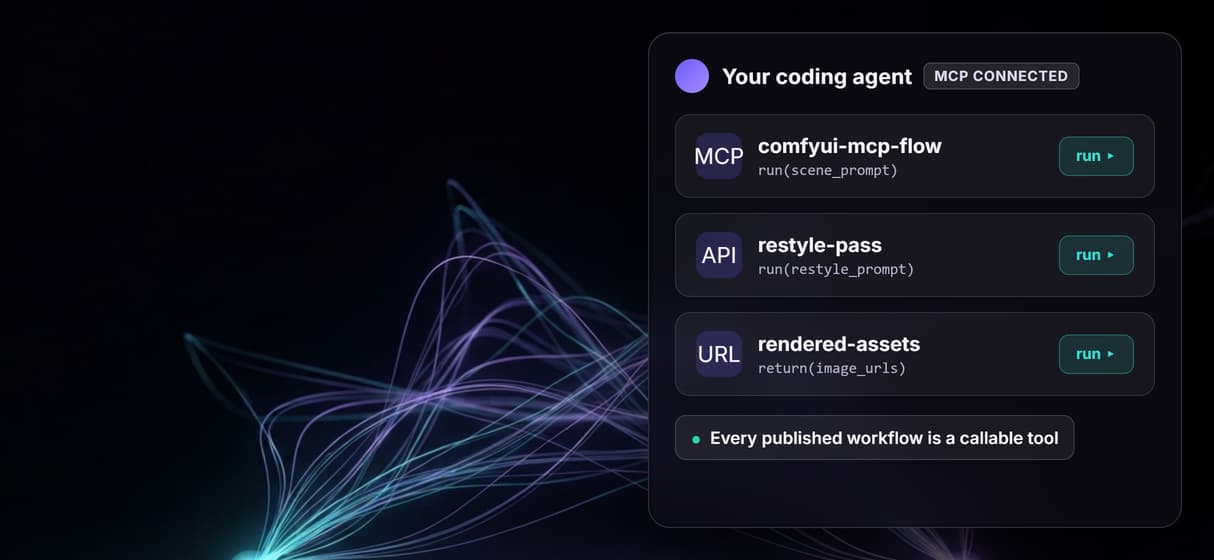
No GPU, no local server
Skip the port 8188 ComfyUI box and the Python MCP process; a ComfyUI alternative with no GPU runs it on hosted compute.
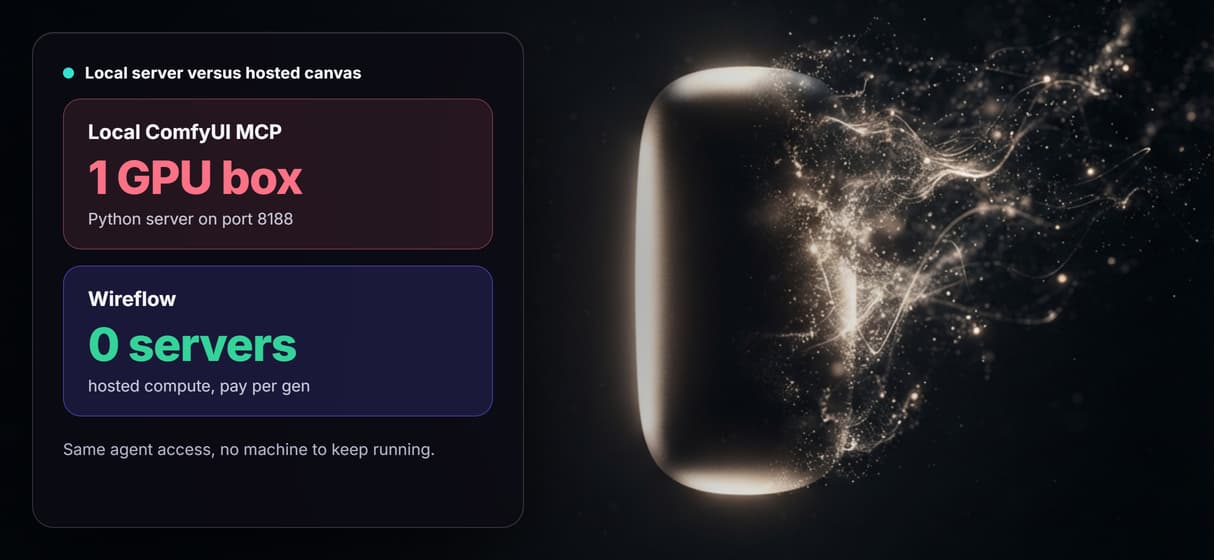
The graph renders this page
A Scene Prompt feeds a Base Render node, then a Restyle Pass node restyles it, both on Nano Banana Lite, the live hosted ComfyUI API flow.
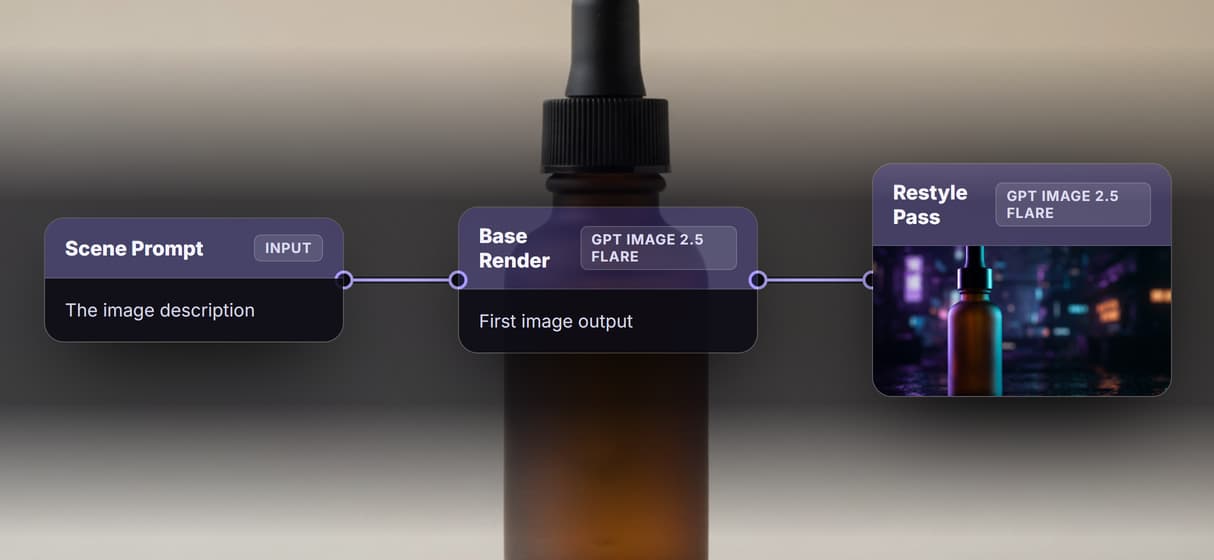
Models come preloaded
The canvas hosts over 70 image, video, and audio models, so an AI pipeline needs no checkpoint or LoRA downloads.
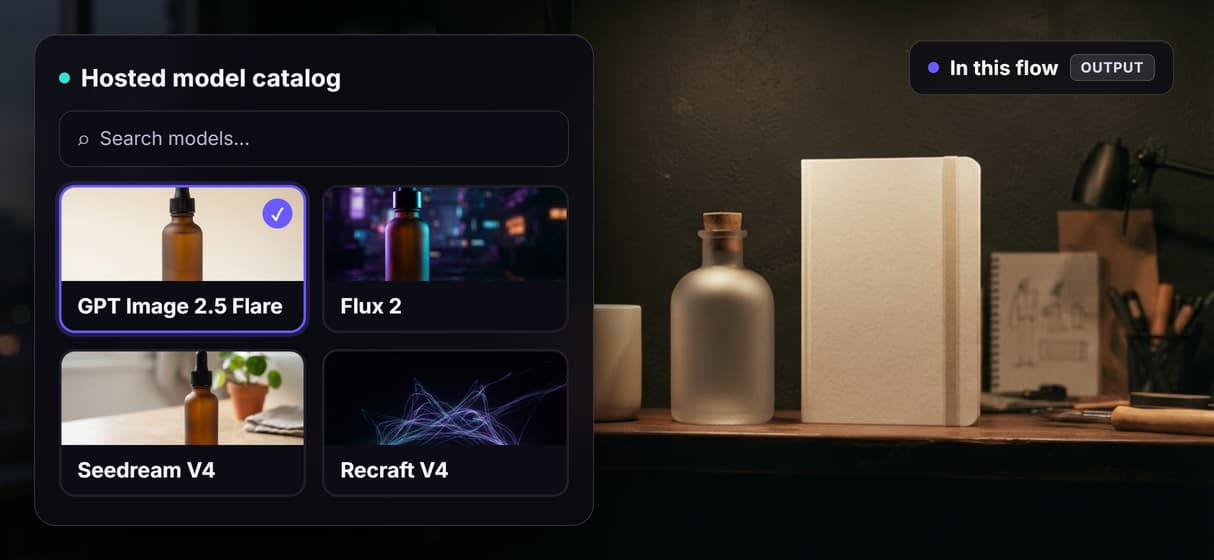
Runs are reproducible
Workflows are versioned server side and shareable by link, so a run does not depend on one machine, unlike a self-hosted image API.
Comfyui mcp Workflows
No Code Required
API & Batch Processing
FAQs
ComfyUI MCP usually refers to a Model Context Protocol server that wraps a local ComfyUI instance so an AI agent can generate images and video. The agent connects to the server, lists tools like image generation, and runs them. It requires you to host ComfyUI and the MCP server yourself.
Discover related AI tools
- AI Pipeline Automation
- AI Workflow Templates
- AI Video Pipeline: Build One on a Node Canvas
- Bulk AI Content Generation
- AI Model Chaining
- AI Asset Pipeline
- AI Workflow Builder
- AI Content Generation API
- AI Workflow API
- AI Orchestration API
- Headless AI Workflow Platform
- Krea AI API Alternative: Image and Video From One REST Endpoint
More From Wireflow
Written by
Andrew Adams · Co-Founder & Operations at Wireflow
Runs client operations and content strategy at Wireflow. Works directly with creative teams and agencies to build production AI workflows.
Call an image pipeline over MCP
The flow on this page is published and executed through both render stages. Read how agents call Wireflow workflows as hosted MCP tools, then open the flow to inspect the exact graph.