Guide
FLUX 3: What It Does and How to Run It in Wireflow
Yes, you can run FLUX 3 in Wireflow today: pick FLUX 3 Image in the model list, wire a prompt in, and run.
You can open and change this workflow for free, and plans start at $36 a month for 2,660 credits.
Free to build · no credit card · Read the agent docs · See how it works ↓
 Andrew Adams · Co-Founder & Operations at Wireflow ·

How to Use FLUX 3: What It Does and How to Run It in Wireflow
Steps to get you started in Wireflow.

Add the Nodes
Open the Wireflow canvas, drop in a text input node for your prompt, and add an image model node next to it. Nothing else is needed to start.

Wire It Up and Run
Connect the prompt output to the model prompt input, pick FLUX 3 Image, and run the flow. The generated image appears on the model node.

Swap the Model Later
To compare, change the model on the same node to FLUX 2 Pro. Your prompt, wiring and downstream nodes stay as they are.
What FLUX 3 Is
FLUX 3 is Black Forest Labs' multimodal flow model, and in Wireflow you can run FLUX 3 today. The live model list carries FLUX 3 Image, FLUX 3 Image Edit and a FLUX 3 video model as nodes you drop straight into a flow. Build a prompt node into an AI image generator node, pick FLUX 3 Image, and run. One FLUX 3 Image or FLUX 3 Image Edit run costs 15 credits, and the FLUX 3 video model costs 27 credits a second.
You can open and change this workflow for free. A new account gets up to 60 starter credits and a free video, and each run uses credits. Plans start at $36 a month for 2,660 credits. The graph does not change when you swap models, so any downstream nodes you add through the orchestration API keep working.
FLUX 3 is a family of tiers. Unlike FLUX 2, which is an image model, FLUX 3 spans image, video, audio and robot action prediction. Black Forest Labs calls this direction Real World Models. The family has four named tiers: FLUX 3 Video, FLUX 3 Image, FLUX-mimic for robotics, and an open weight FLUX 3 Dev. In Wireflow, the Black Forest Labs models FLUX 3 Image, FLUX 3 Image Edit and the FLUX 3 video model already run as nodes.
What Black Forest Labs Announced
Video Tier in Early Access
FLUX 3 Video covers text to video, image to video, video to video and keyframe to video, behind a gated signup.
Clips Up to 20 Seconds
The video tier generates clips up to 20 seconds long, with preliminary evaluations run at 720p.
Native Synchronized Audio
Audio is generated inside the same model rather than added afterward, including multilingual dialogue.
Agentic Clip Chaining
Black Forest Labs describes chaining clips together agentically to build longer sequences from one model.
Image Tier Live in Wireflow
Black Forest Labs lists complex prompt handling, multilingual text rendering and editing for FLUX 3 Image, and it already runs in Wireflow.
FLUX-mimic for Robotics
A separate tier applies the same flow model to robot action prediction rather than to media generation.
More Than Just FLUX 3: What It Does and How to Run It in Wireflow
Run FLUX Today, Not Someday
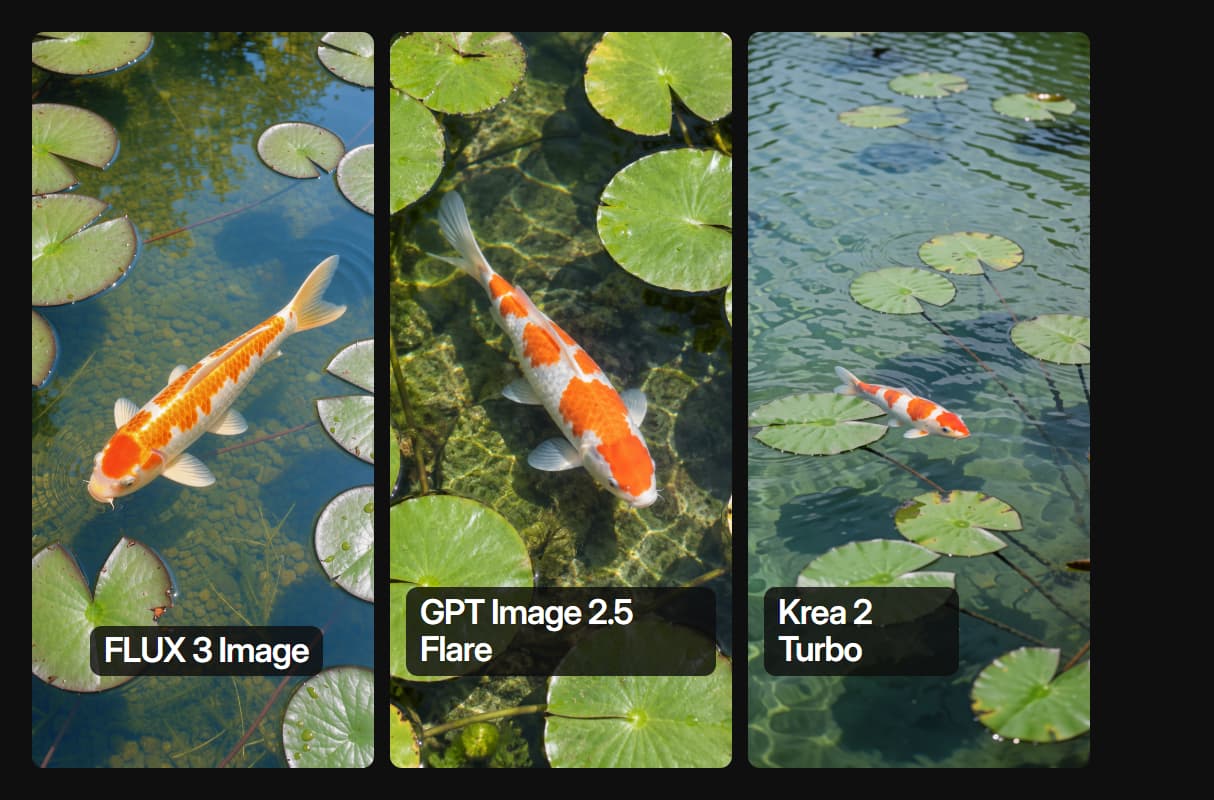
FLUX 3 Image is live as a node now, so you can build on it today. The same canvas also runs FLUX 2 Pro if you want to compare. For a plain rundown of what FLUX 3 actually is, see the model page.

Swap Models, Keep the Wiring
Changing the model on a node leaves prompts and connections intact, just like a switch to Nano Banana.
Call the Canvas From Code
Every published flow runs over REST. Post to execute, then poll for the image URL via the workflow API.

Chain Image Into Video
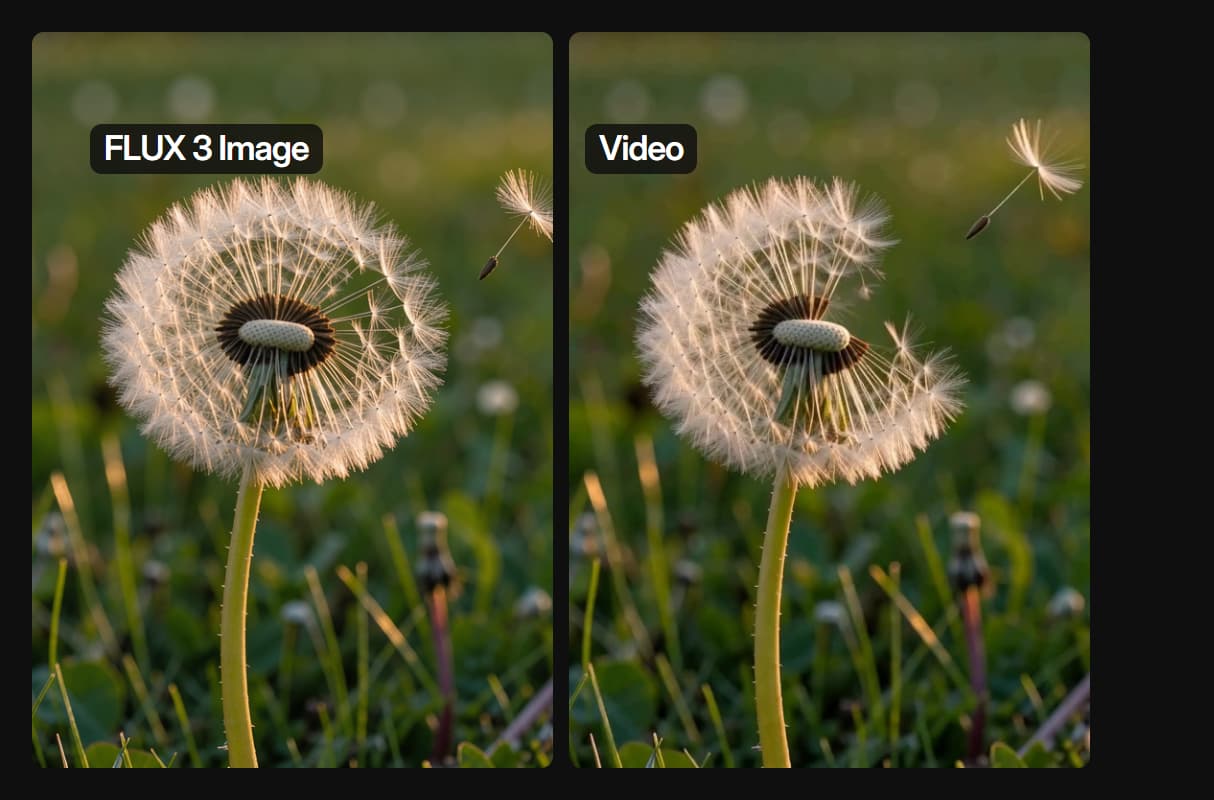
Feed an image node into a video node on the same canvas, the pattern behind our AI video generator pages.
Honest Release Tracking
We label what is live and what is still gated, the same as we do for FLUX Pro, so you never wait on a dead node.

AI Models Available
Automate Any Workflow
Included in Every Plan
FAQs
FLUX 3 is Black Forest Labs' multimodal flow model announced on 23 July 2026. One model covers image, video, audio and robot action prediction, released in separate tiers rather than as a single product.
Discover related AI tools
- AI Image Upscaler: Upscale to 4K in a Visual Workflow
- AI Background Remover
- AI Image Generator: Flow-Based Canvas, 31 Models
- ComfyUI Alternative
- AI Face Swap Online: Photos and Video in Your Browser
- Virtual Try On
- AI Thumbnail Generator
- AI Photo Generator
- AI Image Editor
- AI Art Generator
- Midjourney Alternative
- AI Headshot Generator
More From Wireflow
Written by
Andrew Adams · Co-Founder & Operations at Wireflow
Runs client operations and content strategy at Wireflow. Works directly with creative teams and agencies to build production AI workflows.
Build the FLUX Flow Now
Open the prompt to image flow on the Wireflow canvas. FLUX 3 Image is not available yet, so the flow runs on FLUX 2 Pro today. When FLUX 3 Image opens up, you change the model on that node and keep the rest.