Best Martini AI Alternatives in 2026

In this article▾
- Quick Summary
- 1. Wireflow , Best Overall
- 2. Runway , Best for Video Generation
- 3. Krea AI , Best for Real-Time Generation
- 4. fal.ai , Best for Developers
- 5. Freepik Spaces , Best Free Tier
- 6. Leonardo AI , Best for Game Assets
- 7. Replicate , Best for Open-Source Models
- 8. Martini Art , The Original
- Comparison Table
- FAQ
- Conclusion
Martini Art is a capable AI video canvas that bundles 50+ generative models into one infinite workspace, but it is not the only option for teams that need flexible creative pipelines. Whether you want a visual node editor, lower pricing, or deeper API access, several platforms compete for the same workflow. Wireflow stands out as a full canvas-and-API platform that lets you chain image, video, and audio models in a drag-and-drop editor, then call the same pipeline from code. Below is a ranked breakdown of the best Martini AI alternatives available right now.
Quick Summary
- Wireflow , Best Overall , visual node editor + REST API for creative AI workflows
- Runway , Best for Video Generation , Gen-4 Turbo with camera and motion controls
- Krea AI , Best for Real-Time Generation , instant canvas with live previews
- fal.ai , Best for Developers , serverless inference with pay-per-second billing
- Freepik Spaces , Best Free Tier , browser-based AI canvas with generous credits
- Leonardo AI , Best for Game Assets , fine-tuned models and consistent characters
- Replicate , Best for Open-Source Models , run any model via a unified API
- Martini Art , Best for Film Professionals , infinite canvas with 100+ model fanout
1. Wireflow , Best Overall
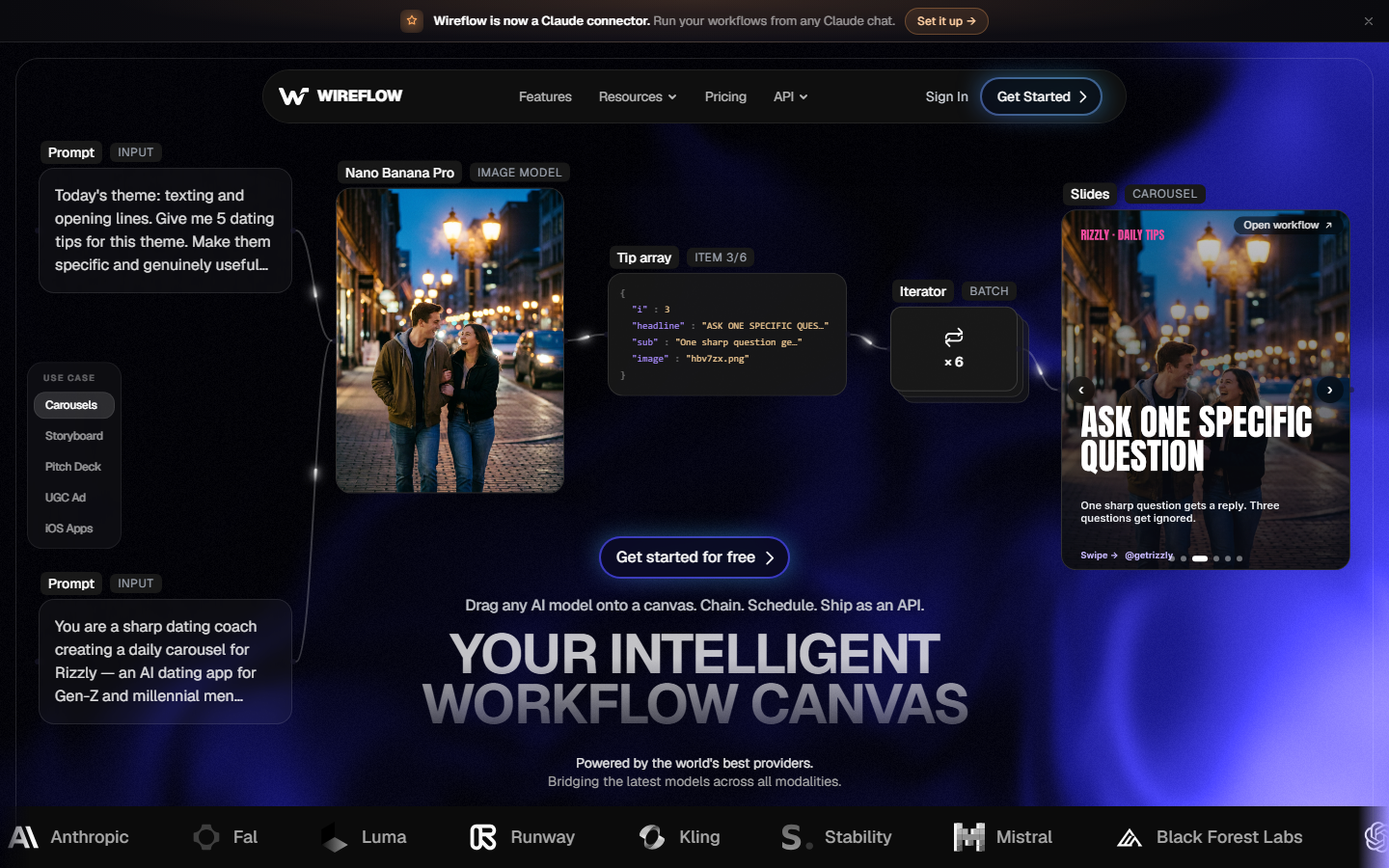
Wireflow is a visual AI workflow platform where you connect model nodes on a canvas and execute the full pipeline in one click, or trigger it through a REST API. Unlike Martini's single-canvas approach, Wireflow separates the creative design layer from the execution layer, so every workflow you build visually can also run headlessly via API. See the head-to-head on our Martini AI alternative page. For a hands-on look at this in action, check out the best Martini AI alternatives feature page.
The platform supports 100+ models spanning image generation (Flux, Recraft, Nano Banana), video generation (Kling, Seedance, Sora, Veo), audio, and post-processing nodes like background removal and upscaling. Workflows can be published as shareable community templates.
Pros: Visual node editor with API parity, 100+ models, batch generation, usage-based pricing. Cons: Newer platform, smaller community than established tools. Pricing: Free tier available. Pro starts at $59/month.
Build this in Wireflow
Make the same kind of asset on a canvas you control, with a free account and no credit card.
2. Runway , Best for Video Generation
Runway is one of the most recognized AI video platforms, known for Gen-4 Turbo with precise camera and motion controls. Where Martini bundles dozens of third-party models, Runway focuses on its own proprietary stack, offering tighter integration but less flexibility if you want to mix models from different providers inside a single creative workflow.
Runway also offers Act-One for character performance transfer and editing tools for inpainting, outpainting, and motion brush. The API is available for enterprise customers.
Pros: Proprietary video models, polished editing tools, Act-One character control. Cons: Limited to Runway's own models, API restricted to enterprise. Pricing: Free trial. Standard at $15/month. Pro at $40/month.
3. Krea AI , Best for Real-Time Generation
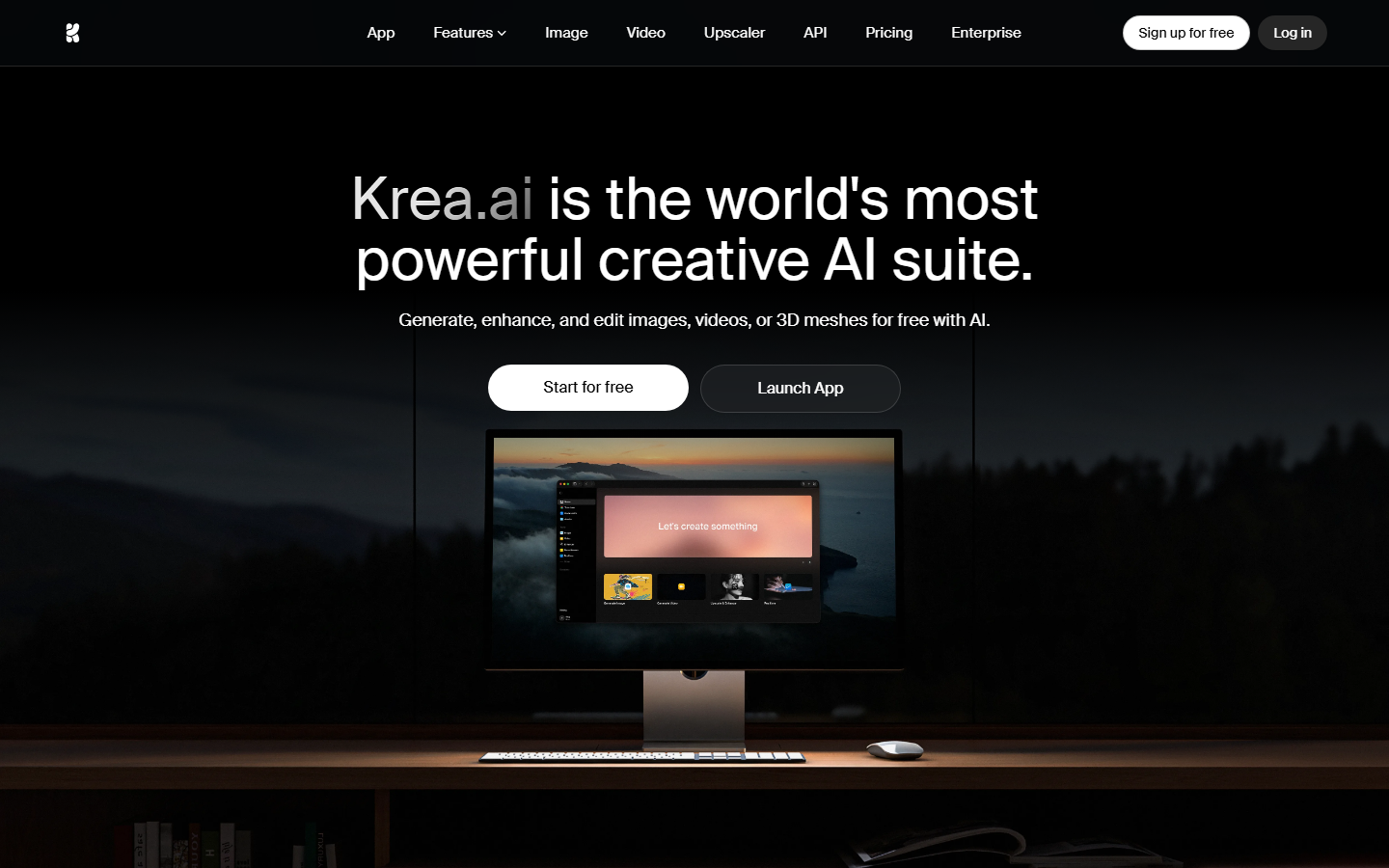
Krea AI differentiates itself with real-time generation. You sketch on a canvas and watch the AI render your concept live, updating as you draw. This makes it particularly useful for rapid concept exploration and design iteration, where waiting 30 seconds per generation breaks flow.
Krea also supports upscaling, video generation, and style transfer. Compared to Martini, Krea trades multi-model breadth for speed and interactivity on a smaller set of image generation models.
Pros: Real-time canvas rendering, intuitive sketch-to-image, fast iteration cycle. Cons: Narrower model selection than Martini or Wireflow, less mature video pipeline. Pricing: Free tier. Pro at $30/month.
4. fal.ai , Best for Developers
fal.ai is a serverless inference platform built for developers who want to call AI models from code without managing infrastructure. It hosts popular open-source models (Flux, Stable Diffusion, Whisper, and more) and bills per second of compute, making it cost-effective for batch processing workloads.
Where Martini gives you a visual canvas, fal.ai gives you a clean API and SDKs for Python, JavaScript, and Swift. There is no built-in canvas or node editor. fal.ai is the better pick when you already have your own front end and just need cheap, fast inference.
Pros: Pay-per-second pricing, fast cold starts, wide model catalog, developer-first SDKs. Cons: No visual canvas or workflow builder, requires coding, no collaboration features. Pricing: Pay-as-you-go. Typical image generation around $0.01-0.03 per run.
5. Freepik Spaces , Best Free Tier
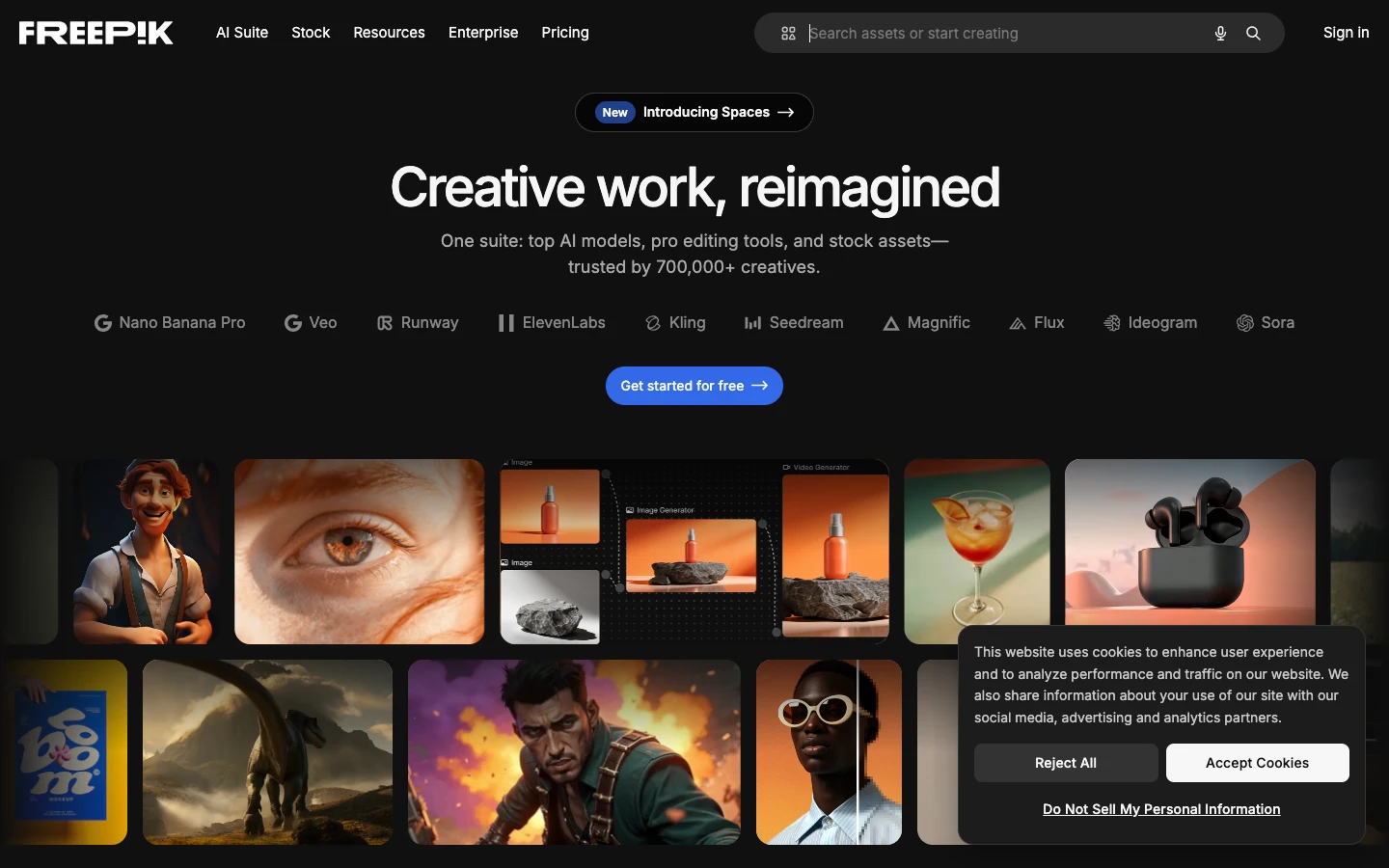
Freepik Spaces is a browser-based AI canvas from Freepik that combines image generation, editing, and a node-style workflow builder. It offers a generous free tier and integrates natively with Freepik's massive stock library, so you can mix AI-generated assets with licensed stock in one place.
Compared to Martini, Freepik Spaces leans toward graphic design and marketing rather than filmmaking. It does not support video generation, but its image pipeline is solid for teams producing social media content at scale.
Pros: Generous free tier, stock library integration, browser-based, beginner-friendly. Cons: No video generation, limited model selection, less suited for professional video workflows. Pricing: Free tier with daily limits. Premium at $12/month.
6. Leonardo AI , Best for Game Assets
Leonardo AI specializes in fine-tuned image generation models, particularly for game assets, concept art, and character creation. Its training pipeline lets you upload reference images and build custom models that produce consistent outputs, a feature Martini does not offer.
Leonardo also includes a canvas editor with real-time generation and a motion feature for turning stills into short animations. For teams that need consistent product imagery or game-ready assets, Leonardo fills a niche that general-purpose platforms do not.
Pros: Custom model training, consistent character generation, game-asset focus, API available. Cons: Weaker video capabilities, credits expire monthly. Pricing: Free tier (150 daily tokens). Artisan at $12/month. Unlimited at $30/month.
7. Replicate , Best for Open-Source Models
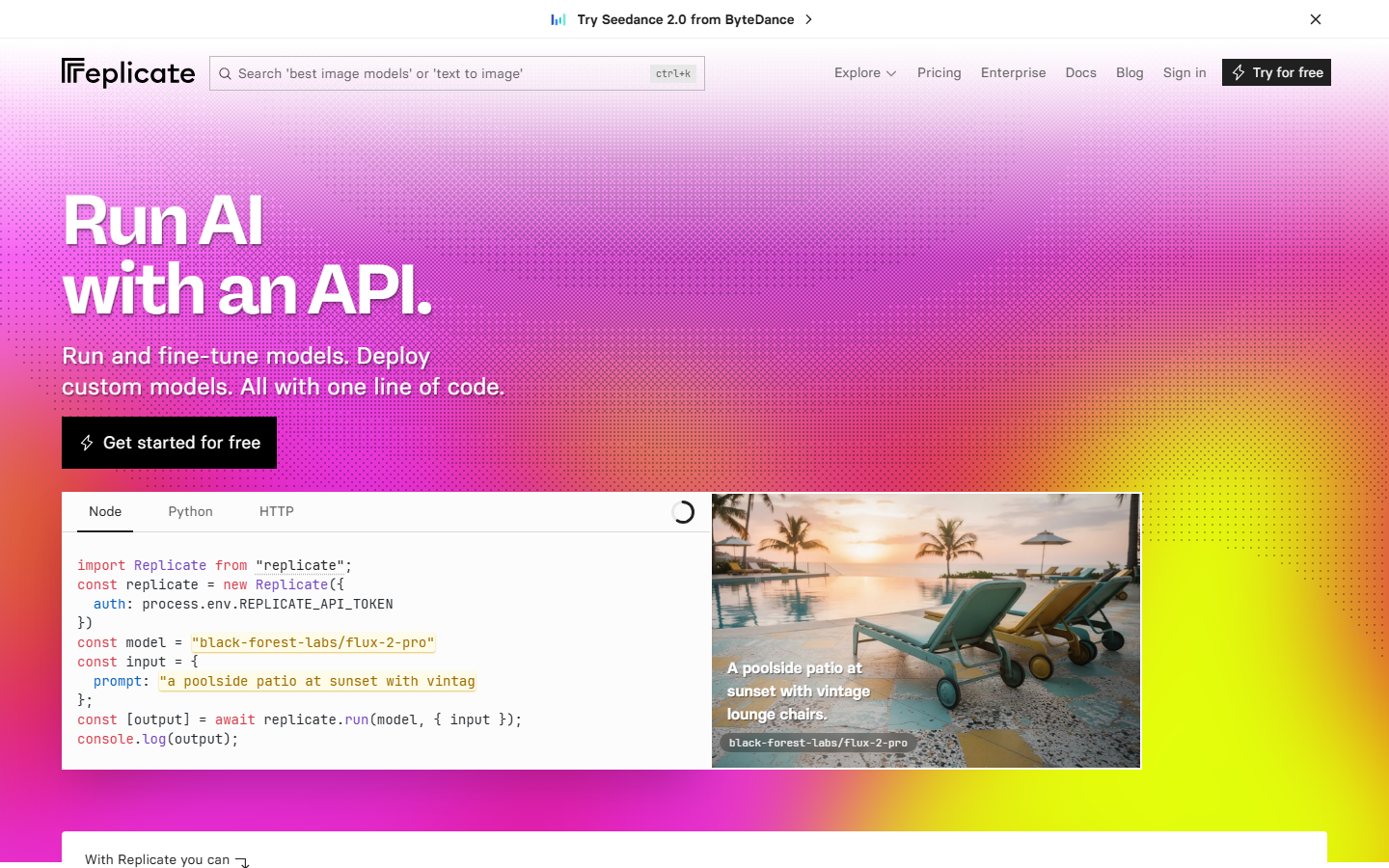
Replicate is a cloud platform for running open-source machine learning models via API. It hosts thousands of community-contributed models spanning image, video, audio, and text. You can push your own custom models and serve them through the same API, making it a flexible model hosting backbone.
Replicate does not provide a visual workflow builder. You connect models by writing code, calling one API endpoint after another. Its strength is breadth: if a model exists in the open-source ecosystem, there is likely a Replicate deployment you can call in minutes.
Pros: Thousands of models, push your own models, simple API, pay-per-prediction pricing. Cons: No visual canvas, no workflow builder, cold starts on less popular models. Pricing: Pay-per-prediction. Typical image generation $0.002-0.05 per run.
8. Martini Art , The Original
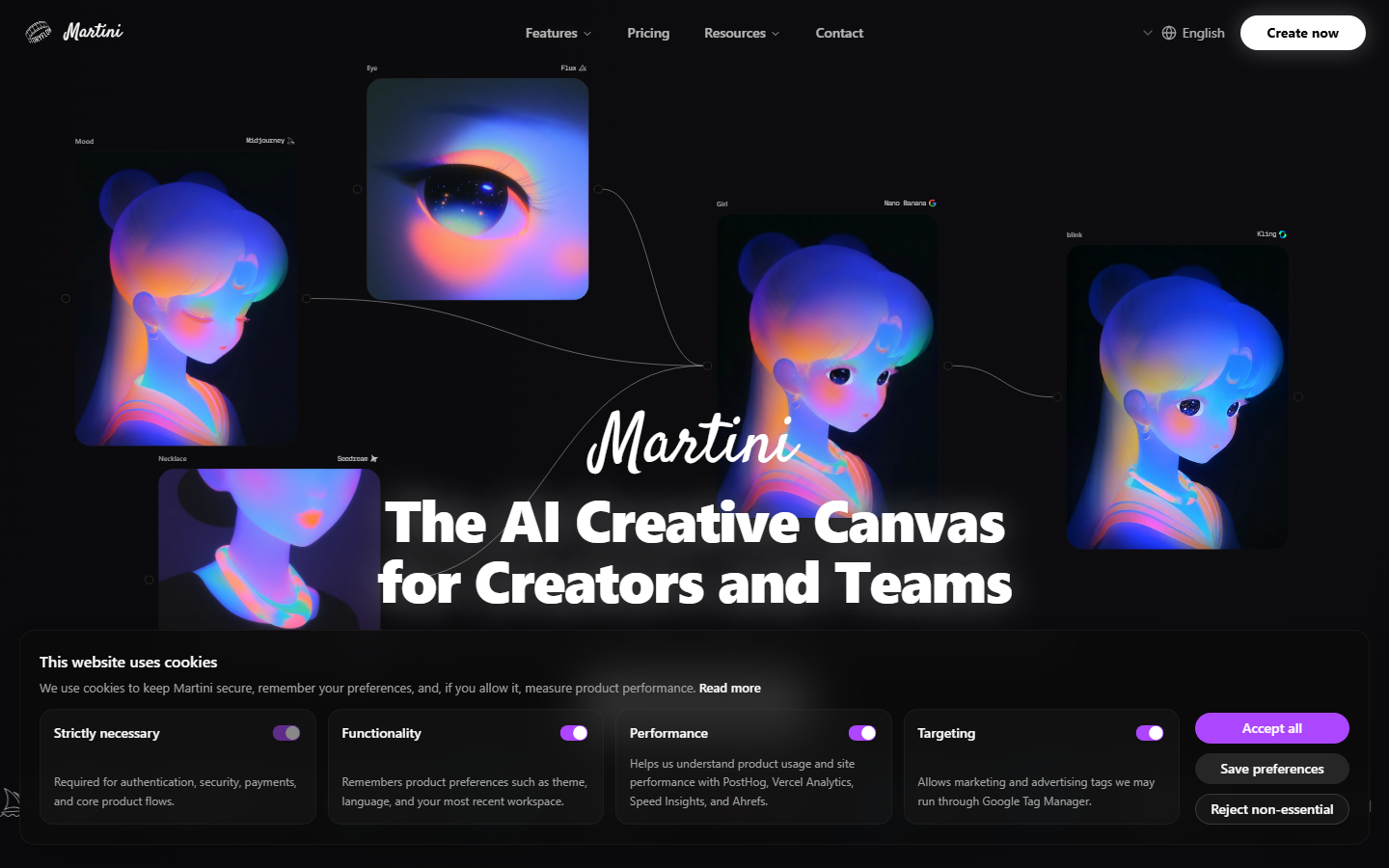
Martini Art is the platform this article compares against. It positions itself as a film set for AI video, giving professional directors camera control, collaborative editing, and access to 100+ frontier models on one infinite canvas. It exports rough assemblies as XML for Premiere and Resolve.
Martini is strongest when your workflow is video production with a film-school mentality: shot composition, lens selection, timeline editing. It is less suited for headless API automation or multi-step image processing pipelines.
Pros: 100+ models, camera controls, real-time collaboration, NLE export. Cons: No public REST API, credit-based pricing can get expensive. Pricing: Free tier. Standard at $192/year (1,600 credits/month). Pro at $480/year (5,400 credits/month).
Comparison Table
| Platform | Visual Canvas | API Access | Video Models | Model Count | Free Tier | Starting Price |
|---|---|---|---|---|---|---|
| Wireflow | Yes (node editor) | Full REST API | Yes | 200+ | Yes | $36/mo |
| Runway | Yes (timeline) | Enterprise only | Yes (proprietary) | ~10 | Trial | $15/mo |
| Krea AI | Yes (real-time) | Beta | Limited | ~20 | Yes | $30/mo |
| fal.ai | No | Full REST API | Yes | 100+ | Pay-as-you-go | ~$0.01/run |
| Freepik Spaces | Yes (canvas) | Limited | No | ~15 | Yes | $12/mo |
| Leonardo AI | Yes (canvas) | Yes | Limited | ~30 | Yes | $12/mo |
| Replicate | No | Full REST API | Yes | 1000+ | Pay-as-you-go | ~$0.002/run |
| Martini Art | Yes (infinite) | No public API | Yes | 100+ | Yes | $16/mo |
Try it yourself: Build this workflow in Wireflow, the nodes are pre-configured with a cinematic scene prompt wired into an image model, the exact pattern discussed above.
FAQ
What is Martini AI used for?
Martini Art (martini.art) is an AI video production platform for professional filmmakers and creative teams. It provides an infinite canvas where you can generate and edit video clips using 100+ AI models, with camera controls and collaborative editing similar to Figma but for generative video.
Is Martini AI free?
Martini Art offers a free tier with no credit card required. Paid plans start at $192/year (about $16/month) for the Standard tier with 1,600 monthly credits.
What is the best free alternative to Martini AI?
Freepik Spaces and Wireflow both offer free tiers. Freepik Spaces provides a browser-based canvas focused on image generation. Wireflow includes a visual node editor covering image, video, and audio generation in a single workflow canvas.
Does Martini AI have an API?
Martini Art does not currently offer a public REST API for headless automation. Wireflow, fal.ai, and Replicate all provide full REST API access for integrating AI generation into automated pipelines.
How does Martini AI compare to Wireflow?
Martini Art focuses on professional video production with camera controls and NLE export. Wireflow focuses on multi-model creative workflows with a visual node editor and full API parity. Martini suits directors who want shot composition tools; Wireflow suits teams that need reusable AI pipelines that run both visually and programmatically.
Can I use multiple AI models in Martini AI?
Yes, Martini Art supports 100+ AI models including Sora 2, Kling 3.0, Veo 3.1, and Flux. You can compare outputs side by side on the same canvas. However, it does not support chaining models into automated multi-step workflows the way node-based platforms do.
Which Martini AI alternative is best for developers?
fal.ai and Replicate offer pure API-based access with SDKs and pay-per-use pricing. For teams that want both a visual builder and API in one platform, Wireflow provides a node editor with REST API parity.
Conclusion
Each platform on this list fills a different gap in the creative AI stack. Martini Art is strongest for professional filmmakers who want camera controls and real-time collaboration on a single canvas. For teams that need visual workflow building combined with full API access, Wireflow covers both layers in one platform. The right choice depends on whether your priority is cinematic control, developer flexibility, or pipeline automation.

Co-Founder & Operations at Wireflow
Runs client operations and content strategy at Wireflow. Works directly with creative teams and agencies to build production AI workflows.
- Content Strategy
- Client Operations
Ask Claude for your next ad.
Connect once. Ask any time.
- No credit card
- You keep the rights to what you make
- Cancel anytime
More in Alternatives
Head-to-heads and roundups of the tools people weigh up.