Best Shotstack Alternatives in 2026


In this article▾
Shotstack is a solid cloud video editing API, but it is built around one assumption: you already have the clips. In 2026, most automated video production starts earlier than that, with AI models generating the footage, images, and voiceover before anything gets assembled. Wireflow sits in that newer category, letting you chain generation and assembly in one visual pipeline that is also callable via API. This guide compares the seven strongest Shotstack alternatives, from AI-native platforms to code-first renderers, so you can match a tool to your actual workflow.
Quick summary
- Wireflow - AI-native generation plus assembly on a visual canvas - Best Overall
- Creatomate - Polished template editor with a flexible rendering API - Best Template Editor
- JSON2Video - Simple JSON API with built-in text-to-speech - Best Budget Option
- Plainly - Cloud rendering for After Effects projects - Best for After Effects
- Remotion - Programmatic video in React - Best Code-First
- Bannerbear - Image and video automation for marketing assets - Best for Design Automation
- Placid - Template-based creative generation with Canva and Figma imports - Best for Template Imports
Why teams look for a Shotstack alternative
Traditional rendering APIs treat video as an assembly problem: supply source media, define a JSON timeline, get a file back. That model works until your bottleneck shifts from rendering to sourcing the media itself. If your pipeline needs generated footage, product images, or synthetic voiceover, a render-only API covers just the last step. The Shotstack alternative feature page shows what the generation-plus-assembly approach looks like in practice, with a live pipeline you can inspect node by node.
If price is what started your search, our guide to what Shotstack really costs per minute works through every plan, overage rate and rollover rule.
Pricing models are the other common trigger. Most video APIs meter render minutes, so costs are predictable only if your input media is free. Once you add stock footage licenses or a separate generation service, the real per-video cost is spread across multiple bills. Platforms with a video assembly API that also covers generation collapse that into one metered unit, which is easier to forecast at scale.
Build this in Wireflow
Make the same kind of asset on a canvas you control, with a free account and no credit card.
1. Wireflow
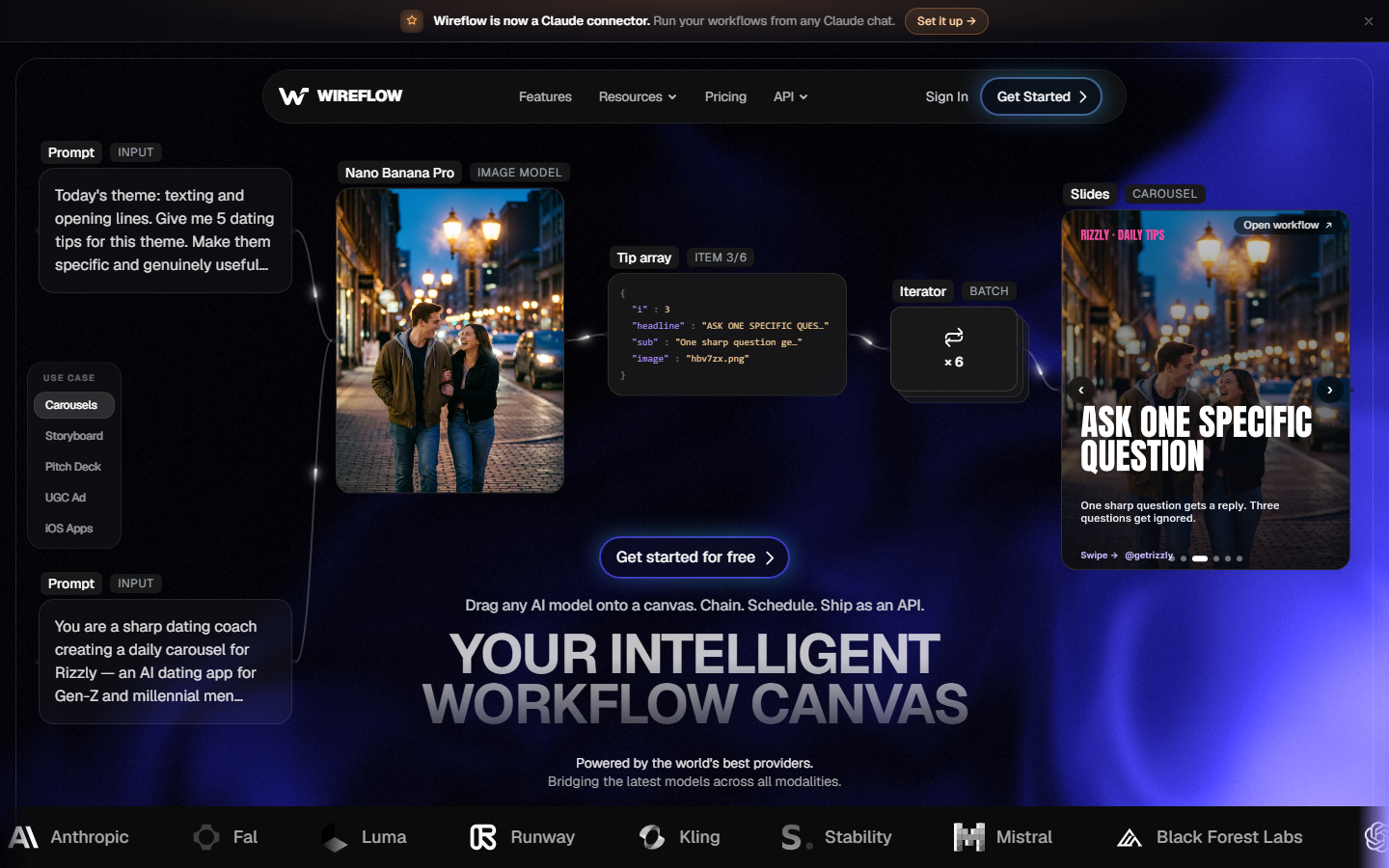
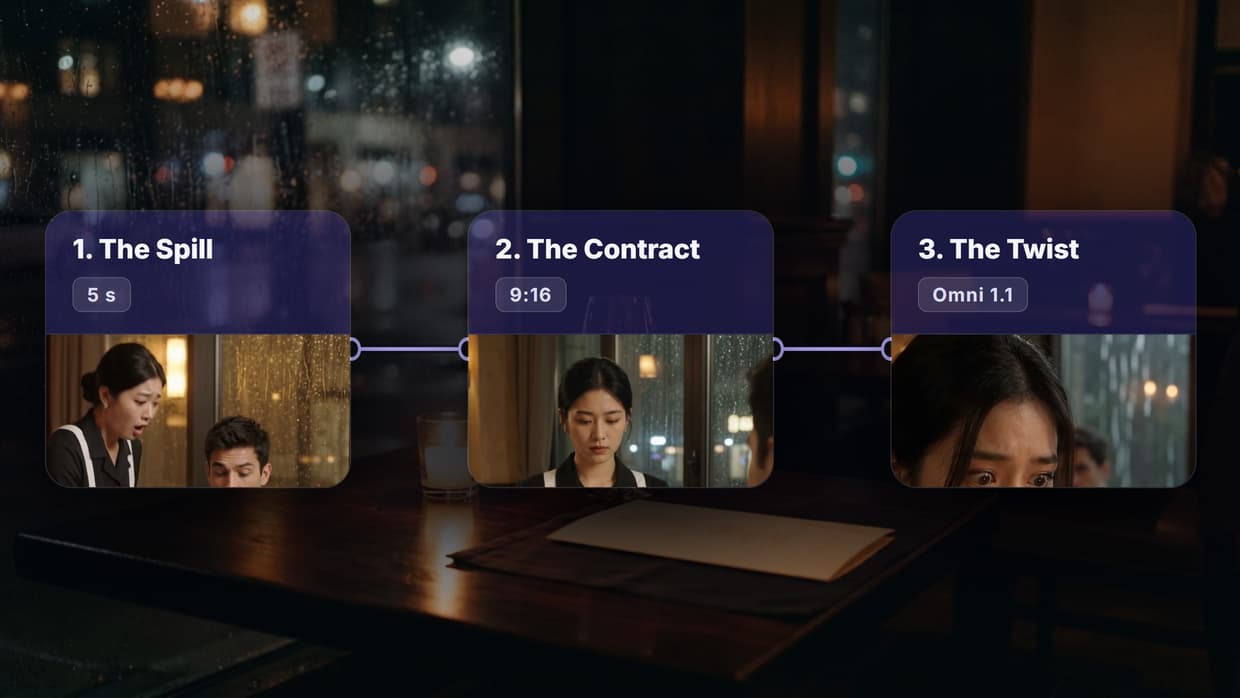
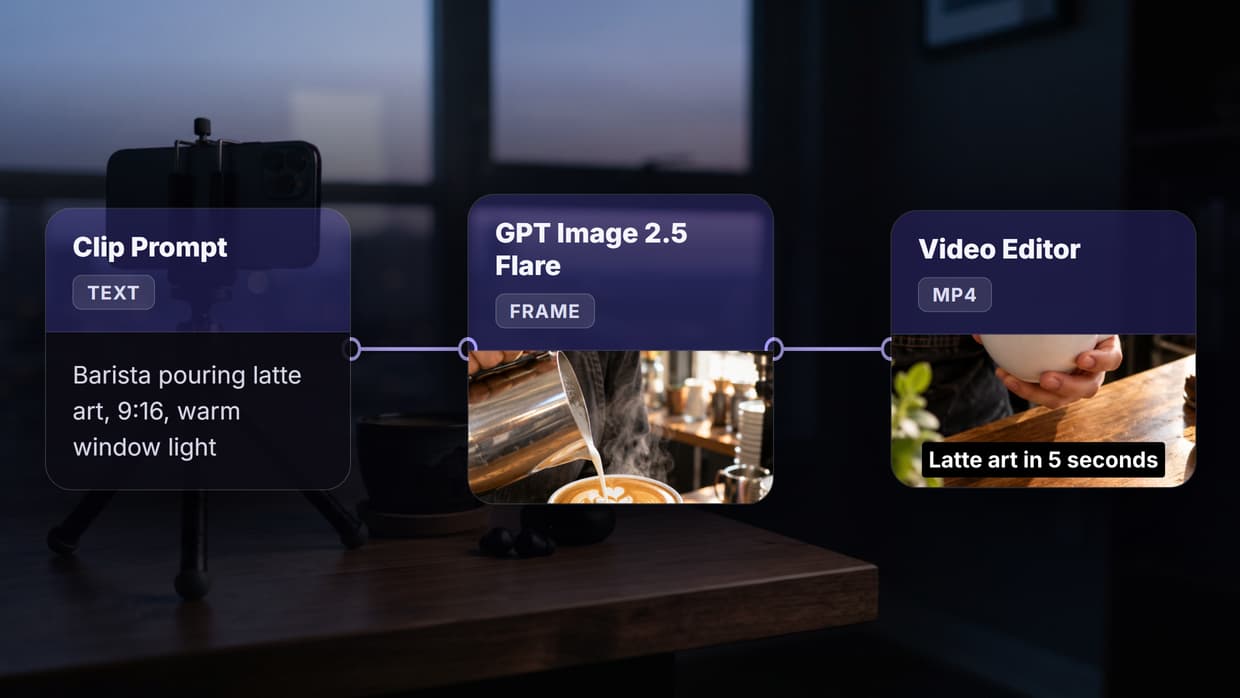
Wireflow takes a different starting point from every other tool on this list: it assumes you do not have source media yet. You design a pipeline on a node canvas, for example a text prompt feeding an image model, the image feeding a video model, and a compose step assembling the result. AI model chaining is the core primitive, so one pipeline can route through image generation, video generation, voice, and assembly without glue code.
The canvas doubles as a debugger. You run the pipeline visually, inspect each node's output, and only then call the same workflow through the REST API from your product or automation stack. That preview-then-deploy loop is something JSON-first APIs cannot offer, because there is nothing to look at until the render finishes. For teams producing marketing clips or product videos at volume, pairing generation with an AI video generator layer in the same pipeline removes the entire media-sourcing step.
Best for: developers and agencies who want generated media and assembly in one API, with visual oversight of the pipeline.
2. Creatomate
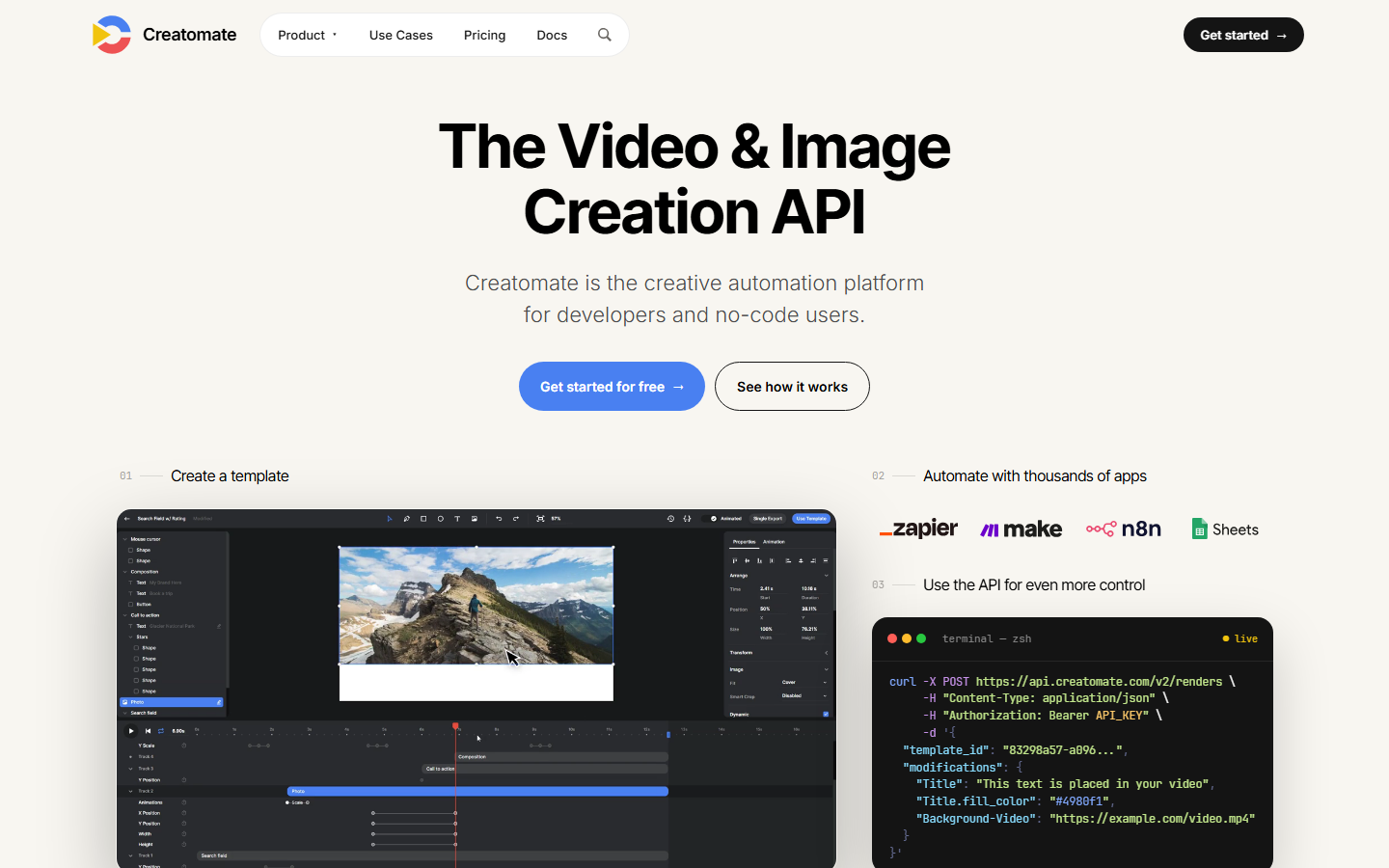
Creatomate is the most direct Shotstack competitor: a cloud rendering API paired with a genuinely good visual template editor. Templates auto-rescale across aspect ratios, keyframes are supported, and the editor and API have feature parity, so designers can build templates that developers then fill via API. If you are evaluating this space broadly, the Creatomate alternatives comparison covers how it stacks up against generation-native platforms.
Creatomate stays firmly in the assembly camp, though. You bring the clips, images, and audio; it renders them. There is no built-in generation layer, so AI-produced media means integrating a second service.
Best for: teams with existing media libraries who want strong templates and a clean rendering API.
3. JSON2Video
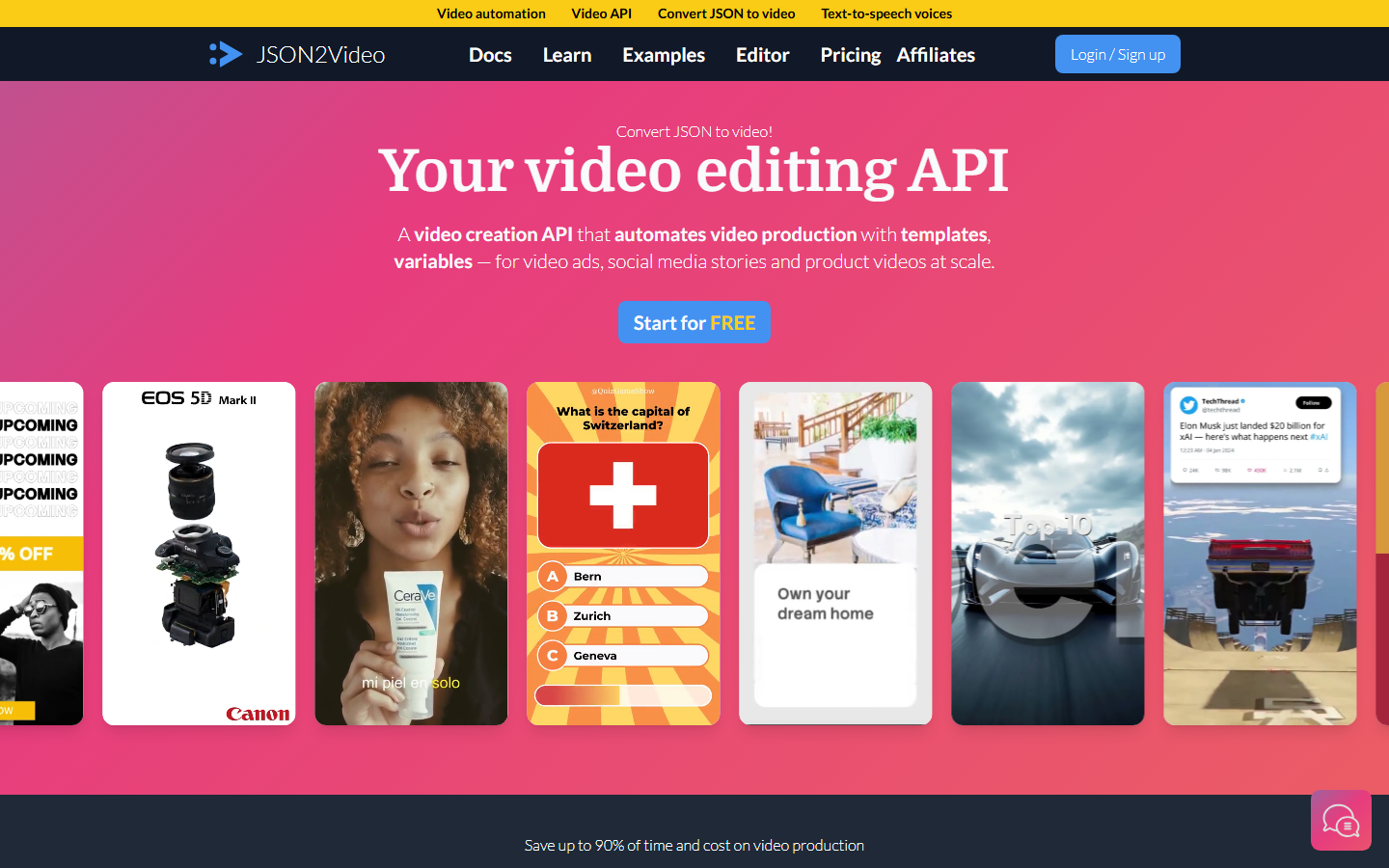
JSON2Video positions itself as the pragmatic budget choice. Its JSON API includes text-to-speech voices and basic AI image generation in the same call, which removes two integrations that most rendering APIs push onto you. It also uses a hard-stop credit model, so a runaway automation cannot generate surprise overage charges, a real consideration when comparing usage-based API pricing across this category.
The AI layer is narrow, covering voices and simple images rather than generative video or multi-model pipelines, and there is no visual builder. It is a code-first tool for developers comfortable living in JSON.
Best for: budget-conscious developers automating simple videos with voiceover.
4. Plainly
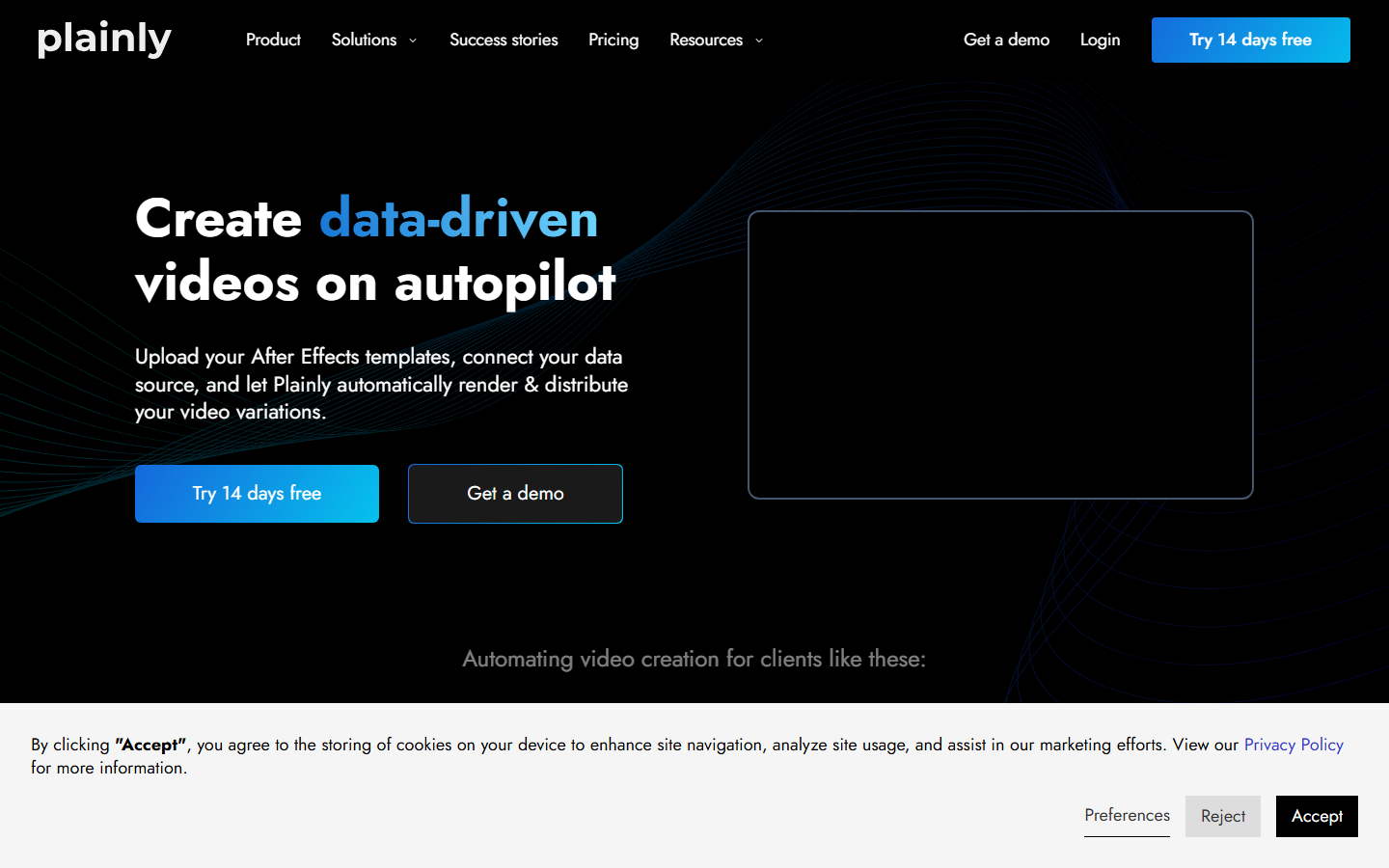
Plainly serves a specific niche well: teams with After Effects projects who want cloud rendering at scale. Motion designers keep working in the tool they know, and Plainly turns those compositions into API-fillable templates with team and project management on top. It is a fundamentally different bet from platforms built around a video creation and editing API, because the creative ceiling is whatever After Effects can do.
The tradeoff is the After Effects requirement itself. If nobody on your team works in AE, the main advantage disappears, and like the other assembly tools, there is no generation layer.
Best for: studios and brands with existing After Effects workflows that need automated, data-driven rendering.
5. Remotion
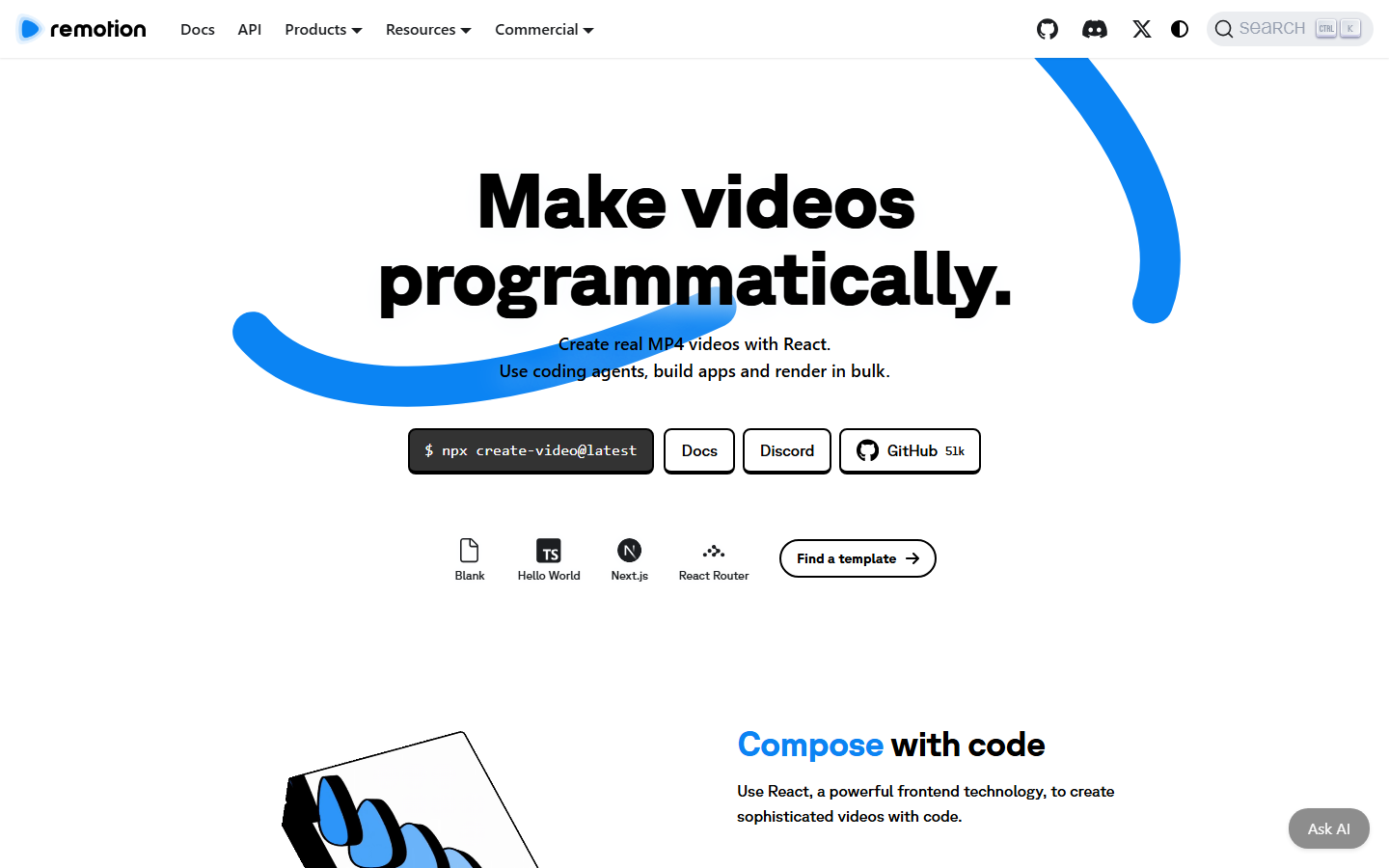
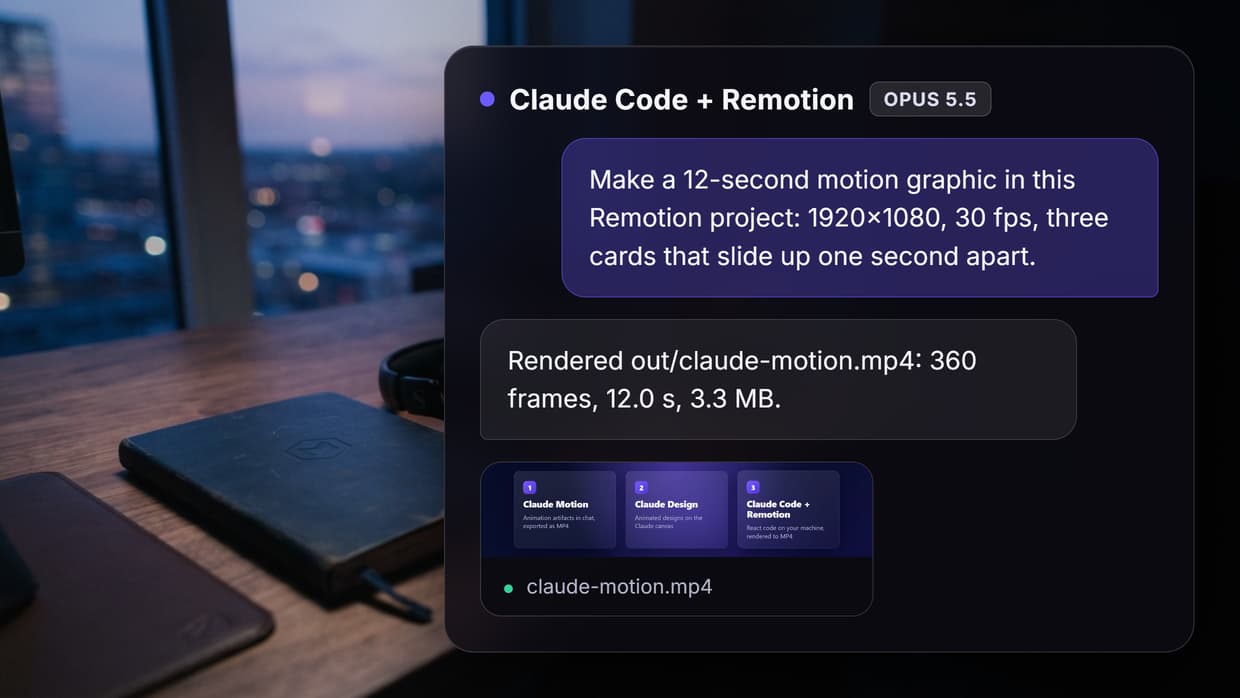
Remotion lets you build videos as React components, with full programmatic control over every frame. For developers, this is the most expressive option on the list: anything you can render in a browser can become video, including data visualizations, animated UI, and dynamic layouts. Complex sequencing that would be painful in a JSON timeline, like the patterns behind a multi-shot video stitching API, is just code.
The cost is infrastructure and skill. You own rendering (typically via Remotion Lambda), performance tuning, and a React codebase for your videos. Non-developers cannot contribute, and there is no built-in media generation.
Compare Remotion alternatives if maintaining the render infrastructure is the main obstacle.
Best for: engineering teams that want total creative control and are happy to own the stack.
6. Bannerbear
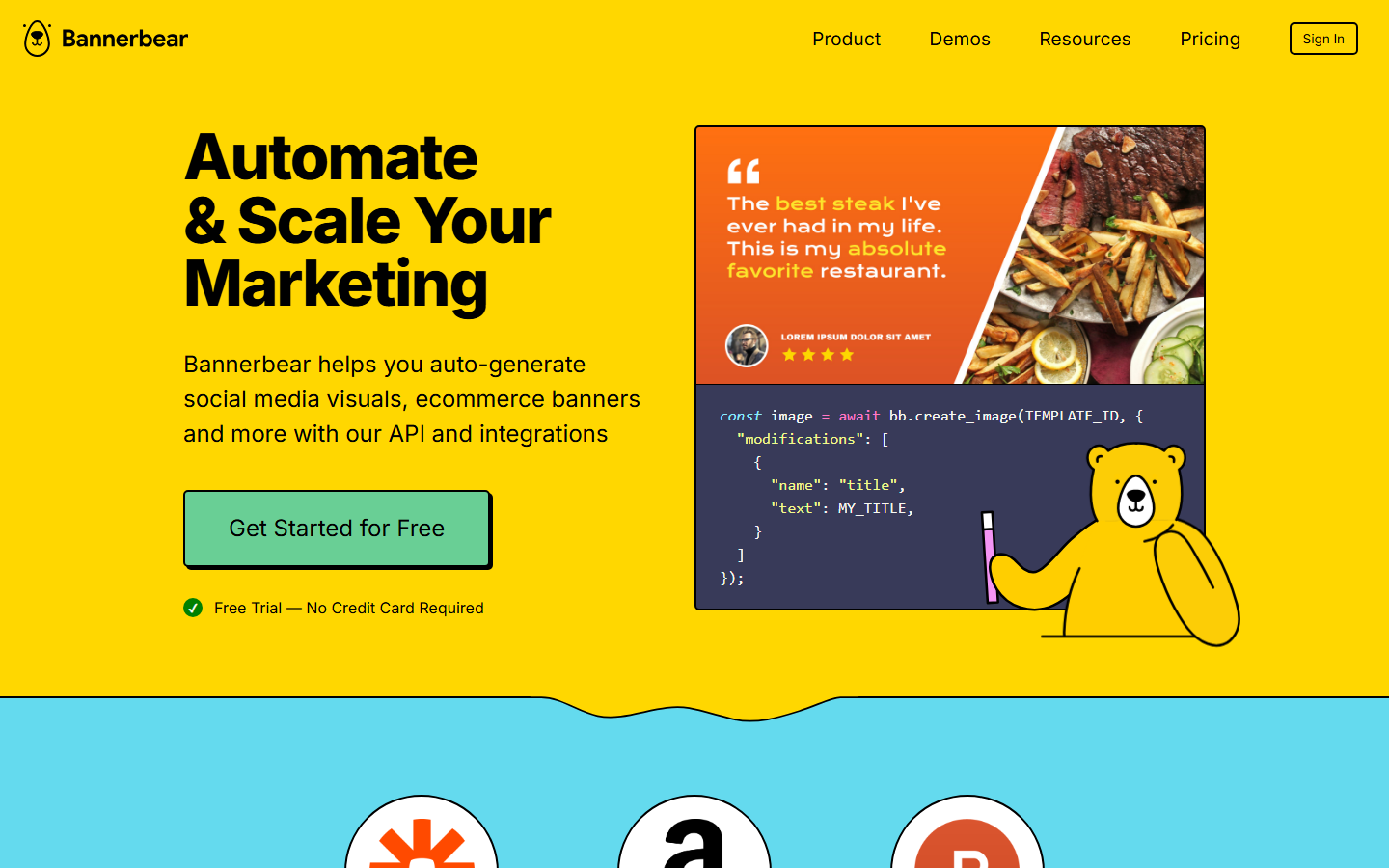
Bannerbear comes at automation from the design side. It is best known for auto-generating social images, banners, and marketing assets from templates, with video support layered on top. The API is simple, integrations with Zapier and similar tools are mature, and it fits naturally into no-code automation stacks where marketers own the workflow.
For video specifically, it is lighter than the dedicated rendering APIs: fine for slideshows, animated banners, and social clips, less suited to longer or more cinematic output.
Best for: marketing teams automating branded images and short social videos from templates.
7. Placid

Placid is similar in spirit to Bannerbear but differentiates on template portability: you can import designs from Canva and Figma and turn them into API-fillable templates for images, PDFs, and videos. That makes it attractive when designers already maintain brand assets in those tools and you want automation without rebuilding templates, a common requirement in AI pipeline automation setups.
Like Bannerbear, video is the lighter part of the product. It handles template-driven clips well but is not aimed at complex timelines or generated footage.
Best for: teams standardized on Canva or Figma who want those designs rendered automatically.
Comparison table
| Tool | Visual builder | API | Built-in AI generation | Best for |
|---|---|---|---|---|
| Wireflow | Node canvas | Yes | Image, video, voice, chained models | AI-native pipelines |
| Creatomate | Template editor | Yes | No | Template-based rendering |
| JSON2Video | No | Yes | TTS + basic images | Budget automation |
| Plainly | After Effects | Yes | No | AE cloud rendering |
| Remotion | Code (React) | Yes | No | Full programmatic control |
| Bannerbear | Template editor | Yes | No | Marketing asset automation |
| Placid | Canva/Figma import | Yes | No | Design template automation |
How to choose
Start from where your media comes from. If you already produce or license source clips, an assembly API like Creatomate or Plainly slots in cleanly. If your videos are born from prompts, data, or product feeds, an AI-native platform removes the sourcing step entirely; recent model APIs like the Veo 3.1 video API show how far generated footage has come, and pipelines built around generation treat assembly as the final node rather than the whole product.
Then check the operating model. Code-first teams may prefer Remotion's control or JSON2Video's simplicity. Mixed teams usually get more from a visual layer, whether that is a template editor or a full AI video pipeline canvas, because non-developers can inspect and adjust what ships.
Try it yourself: Build this workflow in Wireflow. The nodes are pre-configured with the generation-to-assembly setup discussed above, so you can run it and inspect each step's output.
FAQ
What is the best Shotstack alternative in 2026?
It depends on your starting media. For AI-generated content pipelines, Wireflow is the strongest option because it combines generation and assembly. For pure template rendering, Creatomate is the closest like-for-like replacement.
Do any Shotstack alternatives generate video with AI?
Most do not. Traditional rendering APIs assume you supply source media. Wireflow chains generative image, video, and voice models inside the pipeline, and JSON2Video includes narrow AI features like text-to-speech.
Which alternative is cheapest?
JSON2Video is typically the lowest-cost entry point for simple automation. For generation-heavy workloads, compare per-generation credits rather than render minutes, since generated media replaces stock and production costs.
Can I use these tools without writing code?
Creatomate, Bannerbear, and Placid offer visual template editors, and Wireflow's node canvas lets you build and run full pipelines visually before touching the API. Remotion and JSON2Video are code-first.
What should After Effects users pick?
Plainly. It renders native After Effects projects in the cloud and exposes them as API-fillable templates, so existing AE compositions become automated video generators without rework.
Is Remotion overkill for simple videos?
Usually, yes. Remotion shines when you need programmatic control over every frame. For template-based social clips or data-driven videos, a template editor or JSON API ships faster with less maintenance.
How do assembly APIs and AI-native platforms differ on pricing?
Assembly APIs meter render minutes or credits and assume free input media. AI-native platforms meter generations, which covers creating the media itself. If you currently pay separately for stock or generation services, a single generation-based bill is often simpler.
Can I test a pipeline before integrating the API?
On JSON-first APIs, testing means submitting jobs and reviewing output files. On canvas-based platforms you run the workflow visually, inspect each node's result, and then call the identical pipeline via REST once it looks right.
Conclusion
The Shotstack alternatives above split into two camps: assembly tools that render media you already have, and generation-native platforms that create the media too. Creatomate, Plainly, and Remotion are excellent within the assembly model, while Bannerbear and Placid cover design-driven automation. If your roadmap involves AI-generated footage, images, or voice, Wireflow is the option built for that from the ground up, and its AI video workflow templates are a fast way to see whether the generation-plus-assembly model fits how your team ships video.

Co-Founder & Operations at Wireflow
Runs client operations and content strategy at Wireflow. Works directly with creative teams and agencies to build production AI workflows.
- Content Strategy
- Client Operations
Get unlimited ad creatives today.
One call to see if we are a fit and scope the first ad. If it fits, your first batch lands inside week one.