Seedance 2.5 Review: 30-Second Clips, Native 4K, and How It Compares

In this article▾
Seedance 2.5 is ByteDance's newest video model and the direct successor to Seedance 2.0. Here is what is confirmed, and how it compares to Kling and Veo.
ByteDance unveiled Seedance 2.5 in Beijing on June 23, 2026, and the public launch window opened on July 3, 2026 as an enterprise beta rolling out through Dreamina and Jimeng. No versions shipped between 2.0 and 2.5. The company went straight from Seedance 2.0 to 2.5, so if you have seen a spec sheet for an in-between version anywhere, it describes a release that never shipped. To see how it really stacks up, compare it against other AI video models on the same prompt. This review walks through what the model actually does, what is still unannounced, and how it stacks up against Kling 3 and Veo 3.1. Throughout, we treat it the way a production team would: as one node you drop onto a visual canvas in Wireflow, call through a REST API, and chain with image and language models.
Quick verdict
Seedance 2.5 is a duration and fidelity release, not a small point upgrade. The headline is 30 seconds of video in a single pass, with no stitching and no seam where two clips join, at native 4K and 10-bit color. Around that sit two changes that matter as much in practice: up to 50 multimodal reference inputs, and audio generated in the same latent space as the video instead of added afterwards. The catch for developers is that pricing and general API access have not been announced, so you can read the specs today but you cannot budget against them. What you can do is build the pipeline now around a model you can run, then swap the node later. The Seedance 2.5 API page tracks what is known about access.
Build this in Wireflow
Make the same kind of asset on a canvas you control, with a free account and no credit card.
What Seedance 2.5 is
Seedance 2.5 is a generative video model that turns prompts and reference material into a finished clip with sound. It is the direct successor to Seedance 2.0 and the first ByteDance video model to generate a full 30 seconds in one pass. You can read the model breakdown on the Seedance 2.5 page, but the short version is that it takes a large amount of reference input, holds a subject steady across cuts, and returns 4K footage with audio already attached.
The model fits the broader category of AI video generators that have moved from silent, single-shot outputs toward narrative clips with sound. What sets 2.5 apart inside that category is that the 30 seconds are generated as one continuous piece of work rather than assembled from shorter segments.

What is new versus Seedance 2.0
Lining the two versions up is the clearest way to see the jump. Compared to the release covered on the Seedance 2.0 page, version 2.5 changes four things that show up in finished work.
- Single-pass duration. A full 30 seconds generated at once. No stitching step, and no continuity break at the point where two generations would otherwise be joined.
- Native 4K with 10-bit color. Higher resolution and more color depth, which leaves grading headroom that 8-bit output does not give you.
- Up to 50 reference inputs. Images, audio clips, 3D white-box models, and style references, roughly four times the reference cap on Seedance 2.0.
- Audio in the same latent space. Sound is generated with the video rather than bolted on, so sync is a property of the generation rather than something you fix in post.
Prompt adherence also improved by about 20 percent over 2.0, and subjects and characters stay consistent across cuts inside the 30-second window. That combination is what makes a single generation usable as a finished piece instead of raw material. Previously, adding sound to a silent clip meant routing it through a separate lip sync or voiceover step, which is where drift between audio and mouth movement crept in.
Reference inputs and consistency
The 50-input reference ceiling is the feature that changes how you work rather than just how the output looks. Instead of describing a character in prose and hoping the model lands it, you hand it images of the character, a style reference, an audio clip, and a 3D white-box model of the set, then let the generation resolve them together. Teams building longer pieces often pair this with a node-based video generation setup so each reference is a controllable input rather than part of one opaque prompt.
Character and brand consistency is where this pays off. Inside the 30-second window, the same subject carries across cuts without the identity drift that shows up when you generate shots separately and hope they match. If you are starting from a still, an image-to-video flow lets a reference frame guide motion, framing, and continuity.

Resolution and output
On output, Seedance 2.5 renders at native 4K with 10-bit color depth. The resolution matters less than the bit depth for most teams: 10-bit gives a colorist room to push a grade before banding appears, which is the usual failure mode when AI footage is cut into a graded timeline. For projects that need to push past the native ceiling, an upscaler step can be added after generation rather than asking the model to do everything at once.
Inputs are flexible enough that the model slots cleanly into a multi-model pipeline: an image model produces the reference, the video model animates it, and a language step writes or refines the prompt. That is the same pattern covered in our guide to node-based video tools, where each stage is a node you can rewire.
How it compares to Kling 3 and Veo 3.1
Seedance 2.5 does not exist in a vacuum. The two models it is most often weighed against are Kling 3 and Veo 3.1. The table below covers the differences that usually decide a model choice.
| Feature | Seedance 2.5 | Kling 3.0 | Veo 3.1 |
|---|---|---|---|
| Single-pass duration | 30 seconds, no stitching | Multi-shot around 15 seconds | Single clip, extend by chaining |
| Continuity past one clip | Not needed inside 30 seconds | Multi-shot within its window | Scene extension, chaining seams |
| Reference inputs | Up to 50 multimodal | Fewer | Fewer |
| Character consistency | Leads, holds across cuts | Good | Good |
| Native audio | Same latent space as video | Yes | Yes |
| Free tier | No | Yes | No |
| Official developer API | Not announced yet | Yes | Yes |
A fair reading is that no single model wins every row. Kling 3.0 is the easiest to try because of the free tier, and our Kling 3 review covers where it leads. Veo 3.1 has a confirmed official developer API, which counts for a lot if you are shipping this quarter, though anything past a single clip means scene-extension chaining and the continuity seams that come with it. Seedance 2.5's argument is duration and consistency: 30 seconds in one pass, 50 references, and a subject that holds across cuts. For most teams the right answer is not to commit to one model but to keep several available and switch per shot, which is exactly what a video generation API layer is for.
What pricing is not
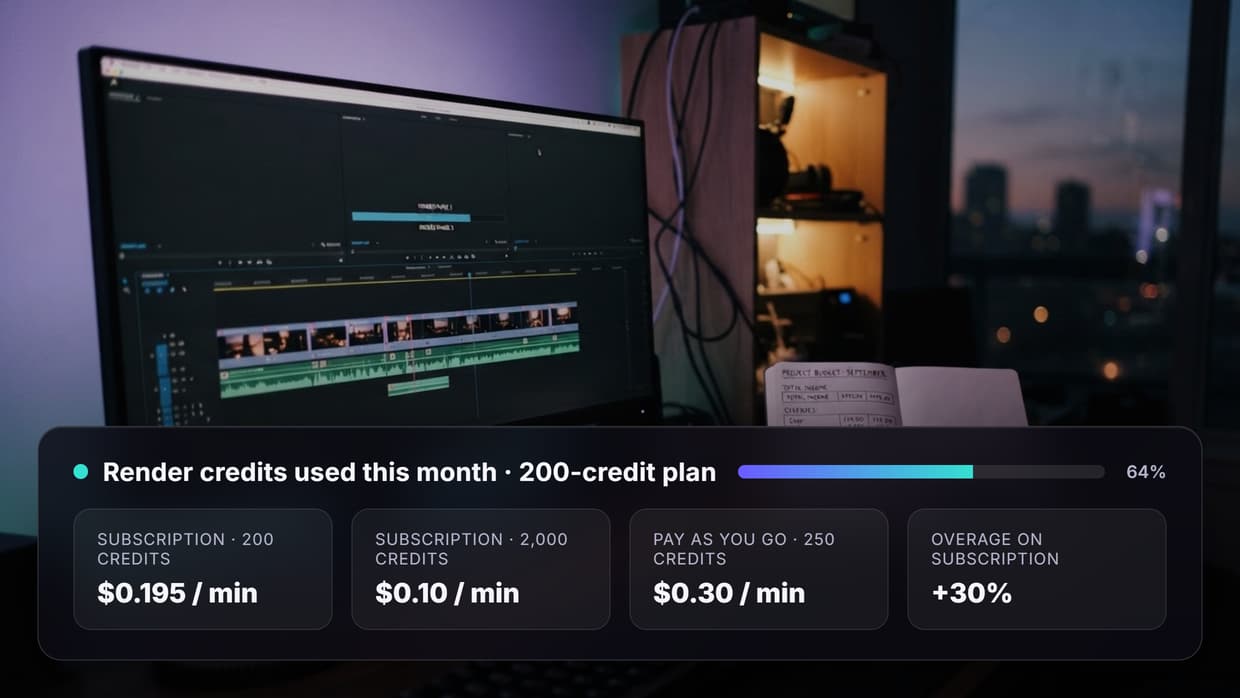
Seedance 2.5 pricing has not been announced. Anyone quoting a per-second rate for it right now is guessing, and 4K output over 30 seconds is a different workload from anything the previous generation priced. For scale only, Seedance 2.0 on fal.ai runs roughly $0.30 per second at 720p with audio and roughly $0.68 per second at 1080p. Those are Seedance 2.0 numbers and should not be read as a 2.5 forecast. If you need a cost model you can plan against today, the pricing page covers what a run costs on Wireflow.
How to build for it inside a workflow
ByteDance is rolling Seedance 2.5 out through Dreamina and Jimeng, starting as an enterprise beta, and has not published an endpoint specification or a general availability date. That does not mean waiting. The practical move is to build the pipeline now around a video model you can run, and treat the model itself as the swappable part.
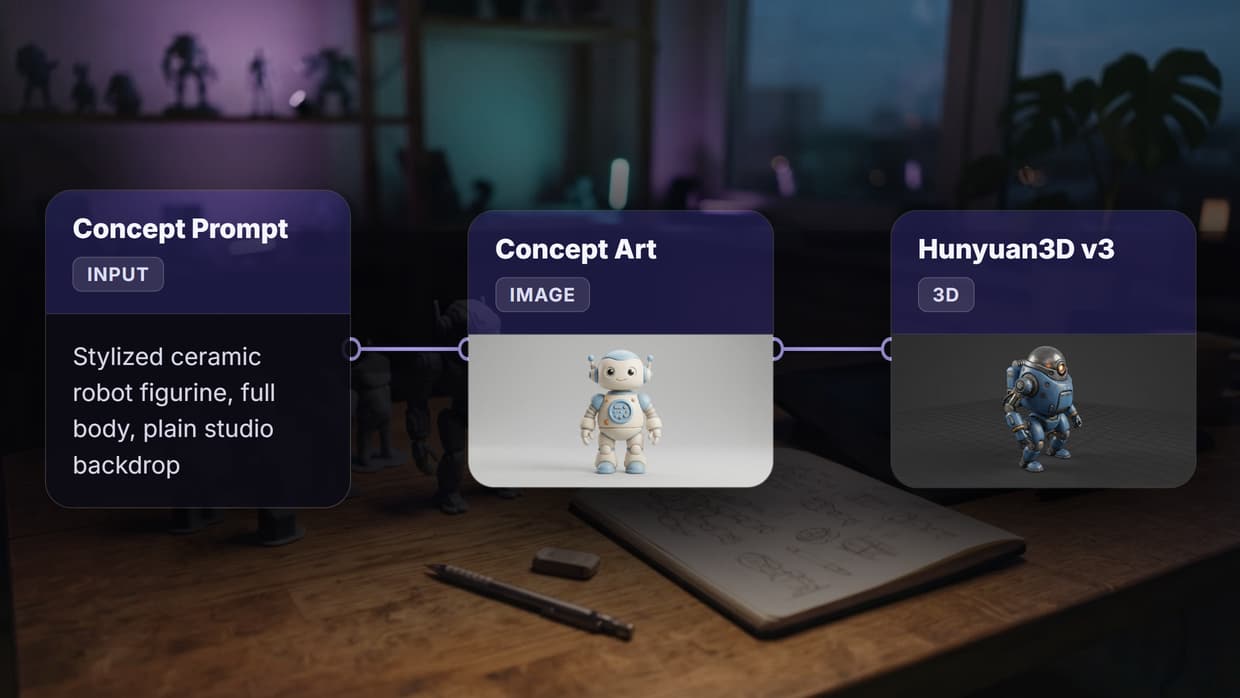
Inside Wireflow, a video model is one node among many. You can chain it with image models such as Flux 2 Pro and Nano Banana 2, add an upscaling or prompt-writing step, and then call the entire pipeline as a single REST endpoint behind one Bearer token. You submit a job asynchronously, poll an executionId, and retrieve the result, with per-node cost reporting and account spend limits along the way. Seedance 2.0 sits next to Kling 3 and Veo 3.1 on the same canvas today, and because models are swappable without code changes, adding Seedance 2.5 when general access opens is a node change rather than an integration rewrite.

FAQ
What is Seedance 2.5? Seedance 2.5 is ByteDance's newest AI video generation model, unveiled in Beijing on June 23, 2026 with a public launch window that opened on July 3, 2026. It generates 30-second clips in a single pass at native 4K, with audio generated alongside the video.
Did ByteDance release anything between 2.0 and 2.5? ByteDance skipped the versions between 2.0 and 2.5 entirely and released 2.5 directly after Seedance 2.0. There was never an in-between release, so any spec sheet describing one is describing a model that does not exist.
How long can a Seedance 2.5 clip be? Up to 30 seconds in a single pass. Because the whole clip is generated at once, there is no stitching between segments and no visible seam where two generations would meet.
What resolution does Seedance 2.5 output? Native 4K at 10-bit color depth. The extra color depth is what gives a colorist room to grade the footage before banding shows up.
Does Seedance 2.5 generate sound? Yes. Audio is generated in the same latent space as the video rather than added in a later pass, so sync is a property of the generation instead of something aligned afterwards.
How many reference inputs does it take? Up to 50 multimodal references, covering images, audio clips, 3D white-box models, and style references. That is roughly four times the reference cap on Seedance 2.0.
How much does Seedance 2.5 cost? Pricing has not been announced. As a reference point on the previous generation, Seedance 2.0 on fal.ai runs about $0.30 per second at 720p with audio and about $0.68 per second at 1080p, but those are 2.0 prices and not a 2.5 forecast.
How does Seedance 2.5 compare to Kling 3 and Veo 3.1? Seedance 2.5 leads on single-pass duration, reference-input count, and character consistency. Kling 3.0 has a free tier and multi-shot clips around 15 seconds. Veo 3.1 has an official developer API but needs scene-extension chaining to go past one clip.
Conclusion
Seedance 2.5 is a real step rather than a version-number bump, and the version numbers themselves are worth being clear about: ByteDance went from 2.0 straight to 2.5, and nothing shipped in between. What did ship is 30 seconds in a single pass, native 4K at 10-bit, up to 50 reference inputs, and audio generated with the picture. What has not shipped is public pricing and a confirmed developer API, which is the gap between reading the specs and putting them in a budget. The practical approach is to build the pipeline now on a visual canvas in Wireflow with a model you can run today, compare it against Kling 3 and Veo 3.1 on your own shots, and swap the node when Seedance 2.5 opens up. That turns a model review into a repeatable production decision instead of a waiting game.

Co-Founder & Operations at Wireflow
Runs client operations and content strategy at Wireflow. Works directly with creative teams and agencies to build production AI workflows.
- Content Strategy
- Client Operations
Get unlimited ad creatives today.
One call to see if we are a fit and scope the first ad. If it fits, your first batch lands inside week one.