Best Tools to Compare AI Video Models Side by Side in 2026

In this article▾
- Quick Summary
- How to Judge a Side by Side Comparison Tool
- 1. Wireflow: Best Overall
- 2. fal.ai: Best for Developers
- 3. Replicate: Best Model Selection
- 4. Artificial Analysis Video Arena: Best Free Benchmark
- 5. Krea AI: Best for Iteration
- 6. Higgsfield: Best for Ad Creative
- 7. Freepik AI Video: Best All in One
- Comparison Table
- How to Run a Fair Comparison
- FAQ
- Conclusion
Comparing AI video models side by side means running one prompt through several models at once, then watching the clips next to each other before you spend real budget on a full render. Seven tools do this well in 2026, and they split into two groups: canvas and API platforms that run the models in parallel for you, and public arenas that show blind comparisons someone else already paid for. Wireflow sits in the first group, letting you fan one prompt out to four video models on a single canvas and keep every output. The ranking below is ordered by how many models you can run from one prompt, how much of the cost you control, and whether the comparison ends in something you can actually ship.
Quick Summary
- Wireflow: one prompt, four models, one canvas. Best Overall
- fal.ai: fastest API access to current video models. Best for Developers
- Replicate: the widest catalog of runnable video models. Best Model Selection
- Artificial Analysis Video Arena: blind head to head rankings. Best Free Benchmark
- Krea AI: creative iteration with several models in one workspace. Best for Iteration
- Higgsfield: model mixing aimed at social and ad output. Best for Ad Creative
- Freepik AI Video: multiple models under one subscription. Best All in One
How to Judge a Side by Side Comparison Tool
A good comparison tool has to do four things: accept one prompt, send it to more than two models, return the clips in a layout you can scan, and tell you what each clip cost. Most tools handle the first two and stop there, which is why so many comparisons end with a folder of unlabeled MP4s. Model choice moves fast enough that a static blog roundup ages in weeks, so the tools that keep their model library current are worth more than the ones with the prettiest gallery.
If Alibaba's model is on your shortlist, our guide to the places to run Wan 2.5 is the next read.
The second thing to check is what happens after the comparison. Picking a winner is only useful if the winning setup becomes the thing you run in production, with the same prompt, seed, and reference image locked in. For a hands-on look at this in action, check out the compare AI video models side by side feature page, which walks through the four way fan out step by step. Tools that dead end at a preview force you to rebuild the winning shot somewhere else, and that rebuild is where consistency usually breaks.
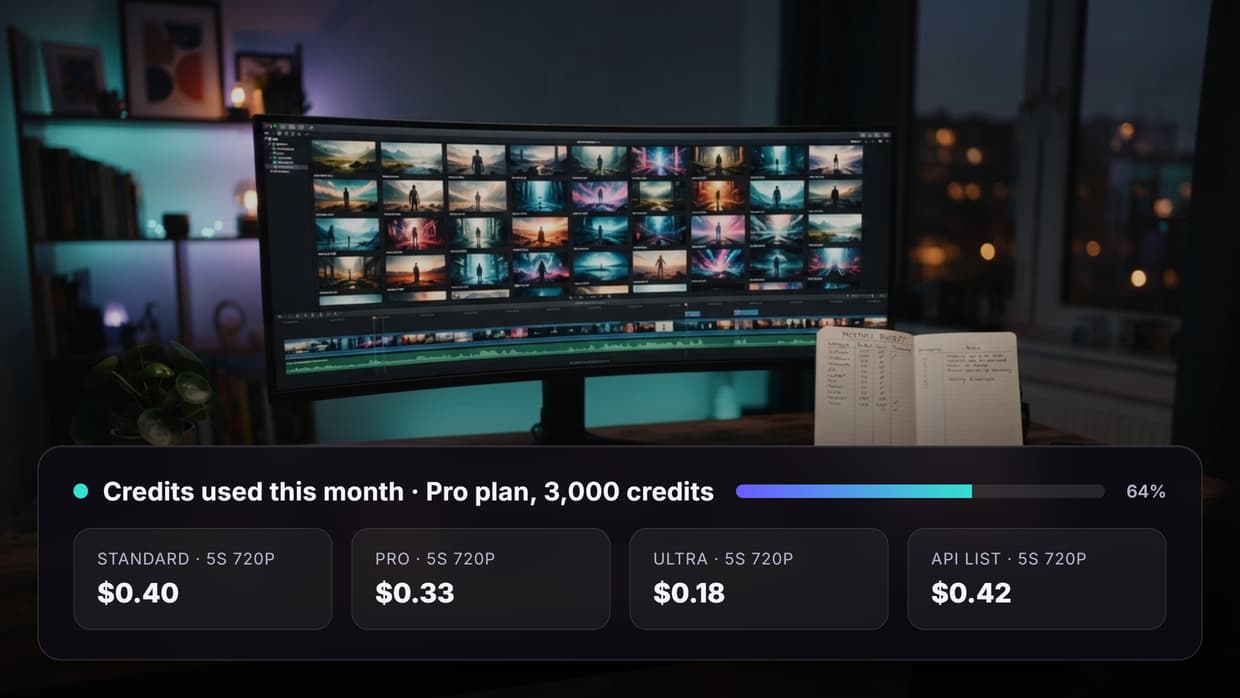
Cost is the third factor and the one people underestimate. A four way comparison at 1080p across premium models can cost more than a finished 30 second cut, which is why per model pricing transparency matters. Published rates vary by an order of magnitude between tiers, as the Seedance pricing breakdown shows across resolution and duration steps.
Build this in Wireflow
Make the same kind of asset on a canvas you control, with a free account and no credit card.
1. Wireflow: Best Overall
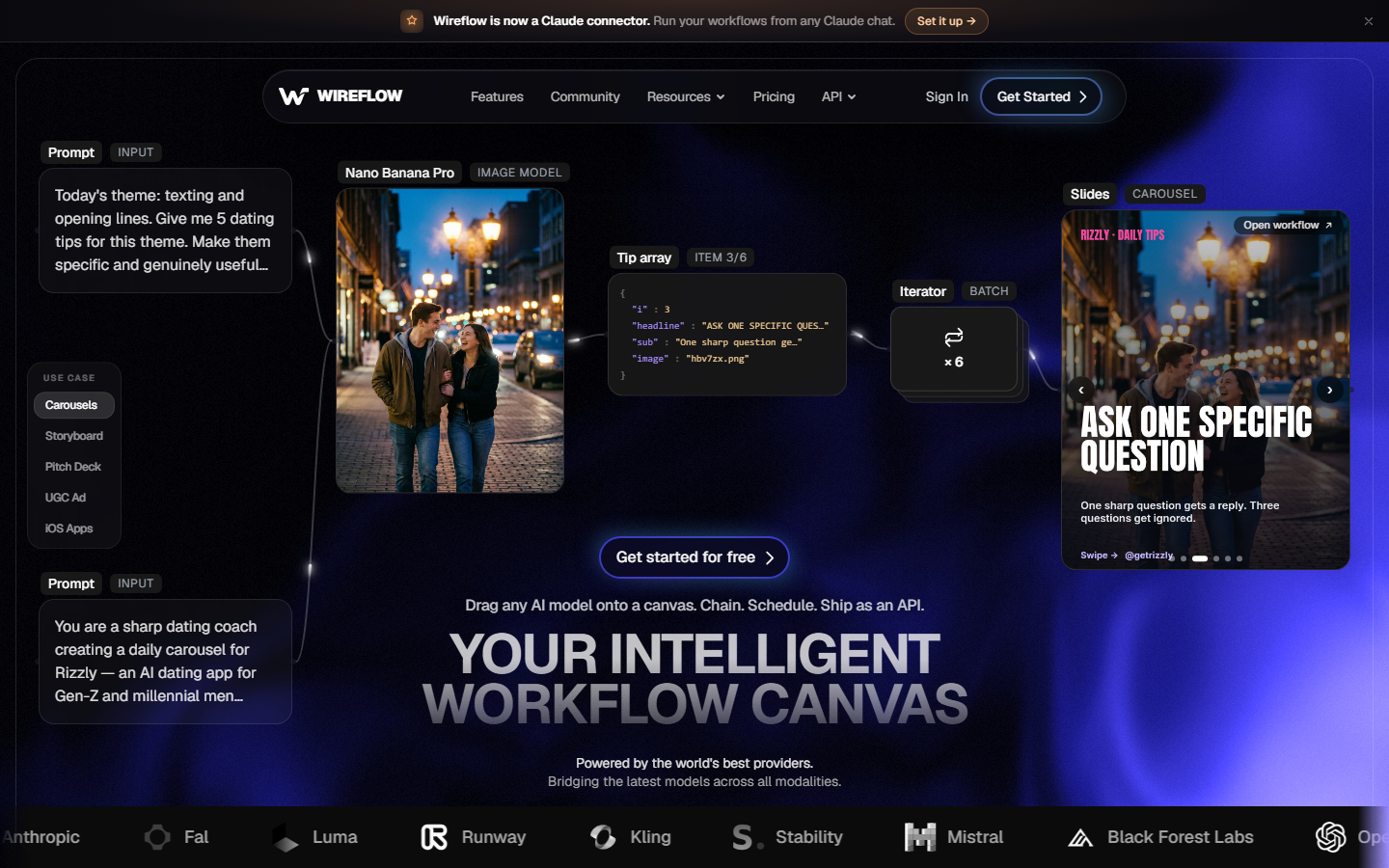
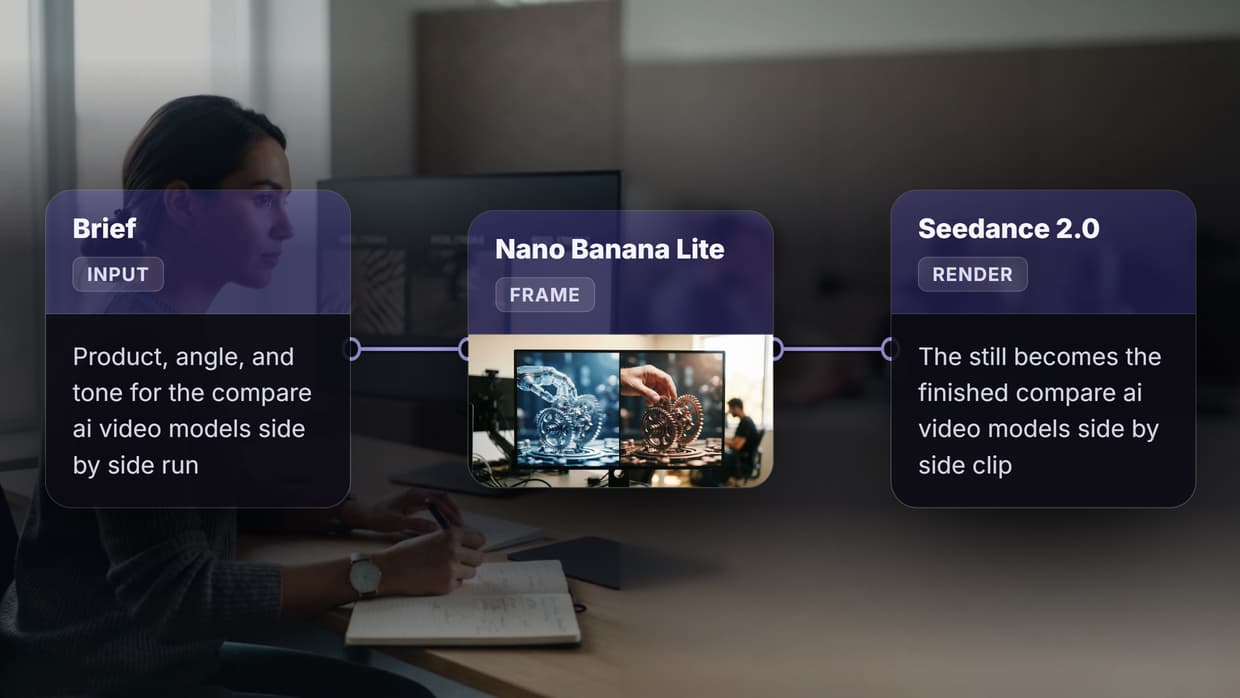
Wireflow is a node canvas where one prompt node connects to several video model nodes, and every model runs on the same input at the same time. Drop in a prompt or reference image, wire it to Seedance, Veo, Kling, and Sora nodes, run once, and get four clips laid out next to each other with the model name and cost on each. Because the models are nodes rather than tabs, the comparison is a saved artifact you can rerun next week.
The part that separates it from an arena is what happens after you pick a winner. The winning branch stays wired, so you extend it with an upscale, a caption pass, or a variant loop instead of starting over in another tool. That pattern is covered in more depth in the guide to building multi model AI workflows.
Best for: teams who want the comparison and the production pipeline to be the same file. Verdict: the only option here where the side by side test turns directly into the shipping workflow.
2. fal.ai: Best for Developers
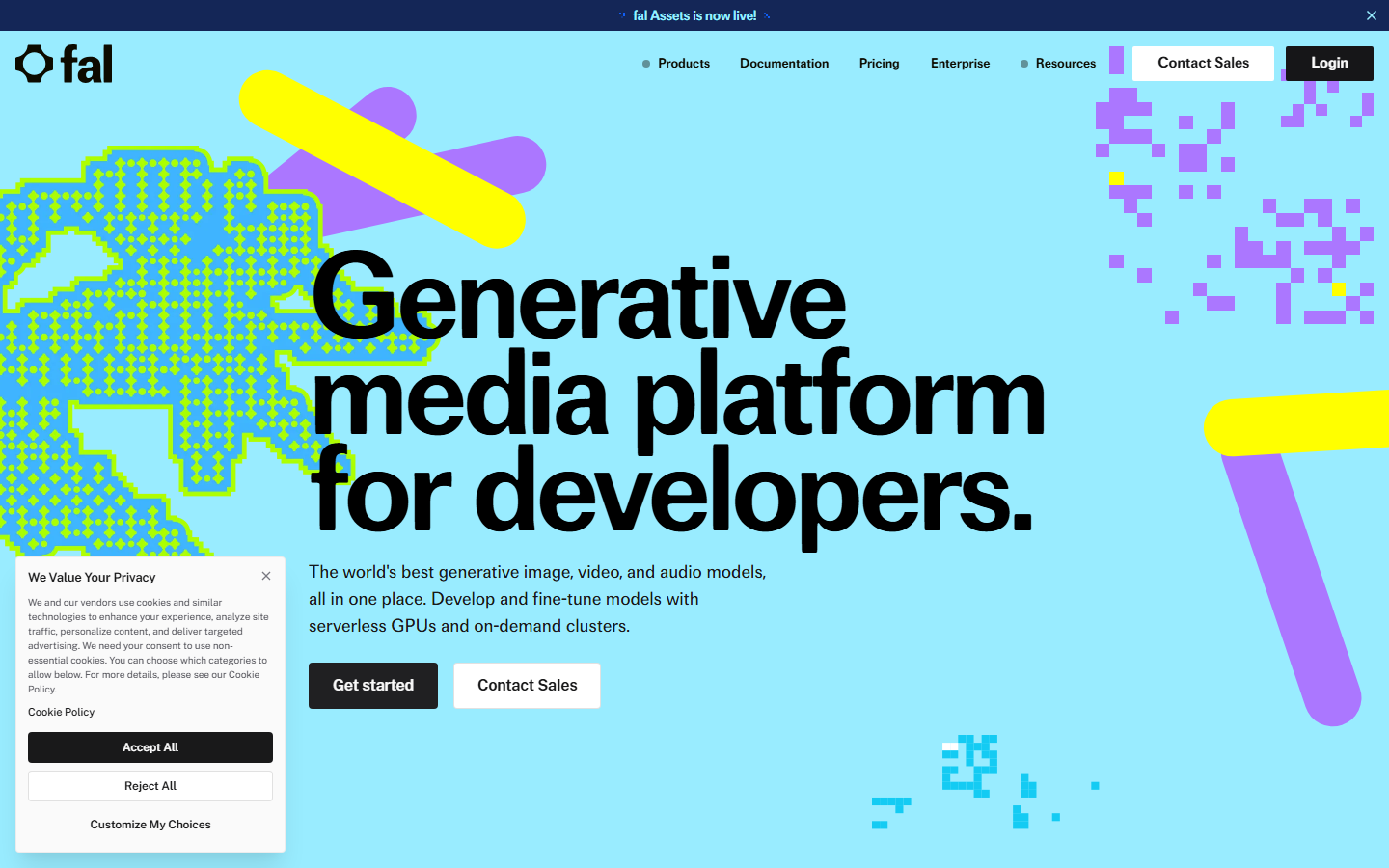
fal.ai hosts current video models behind a consistent API and usually gets new releases within days of launch. A side by side test means a short script that posts the same prompt to three or four model endpoints and collects the result URLs, roughly 20 lines of code. The playground does the same manually, one model at a time, though the layout is on you.
Pricing is per second of output and published per model, so cost attribution is clean. Developers who already work this way will recognize the pattern from chaining multiple models in one API call.
Best for: engineers comfortable writing the comparison harness themselves. Verdict: the fastest route to new models, with no built in comparison view.
3. Replicate: Best Model Selection
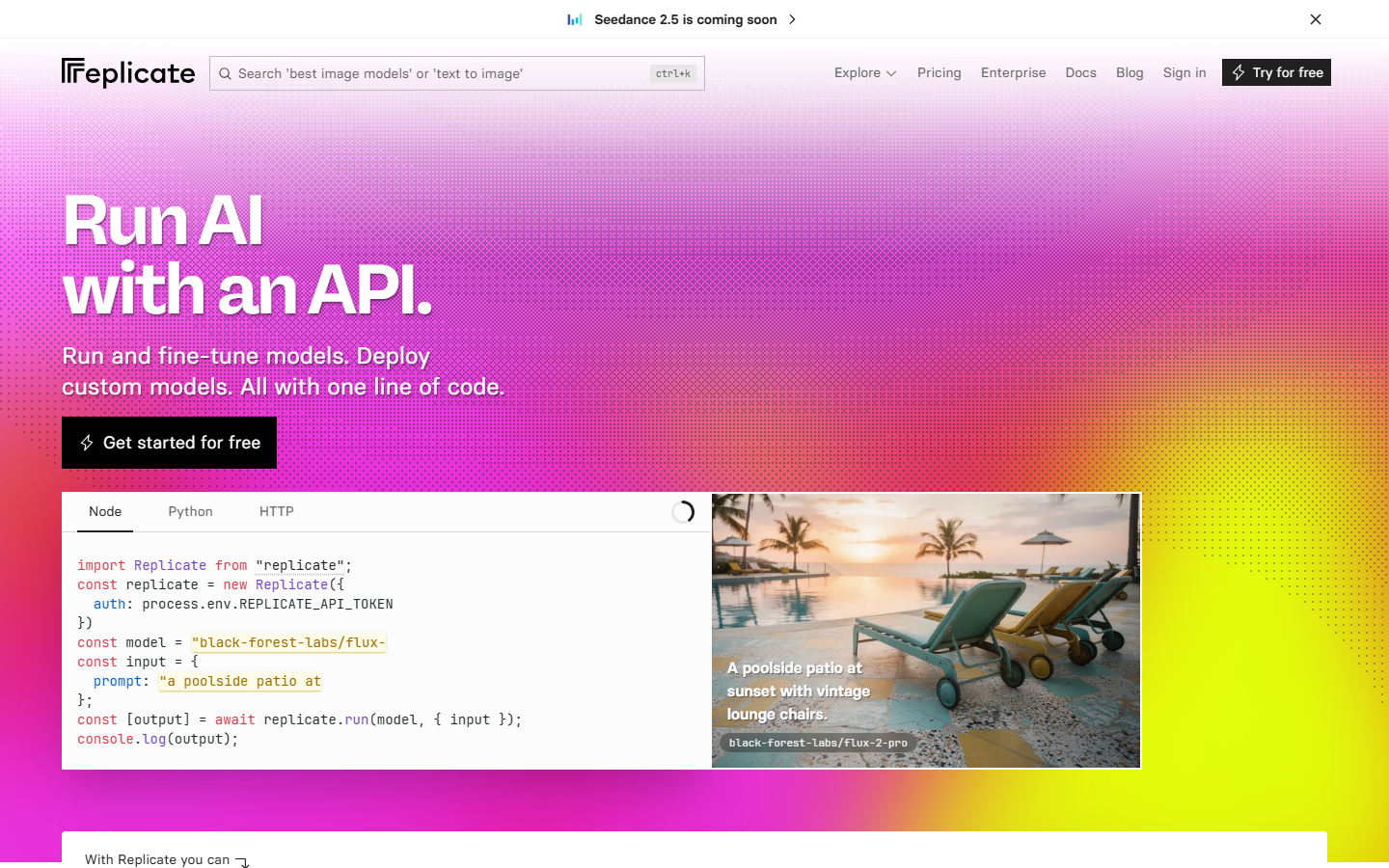
Replicate runs the broadest catalog of video models, including community forks and older versions that the big platforms drop. To test a niche motion model against a flagship, this is usually the only place both are available. Each model page has example outputs and a run form, and billing is per second of compute rather than per clip.
The catalog breadth cuts both ways: quality varies widely between community models, and cold starts add real latency to a batch test. Anyone comparing flagship releases will want the context in the Kling video 3 review and competitor comparison.
Best for: researchers and hobbyists testing unusual or older models. Verdict: the widest selection, with the least consistent output quality.
4. Artificial Analysis Video Arena: Best Free Benchmark
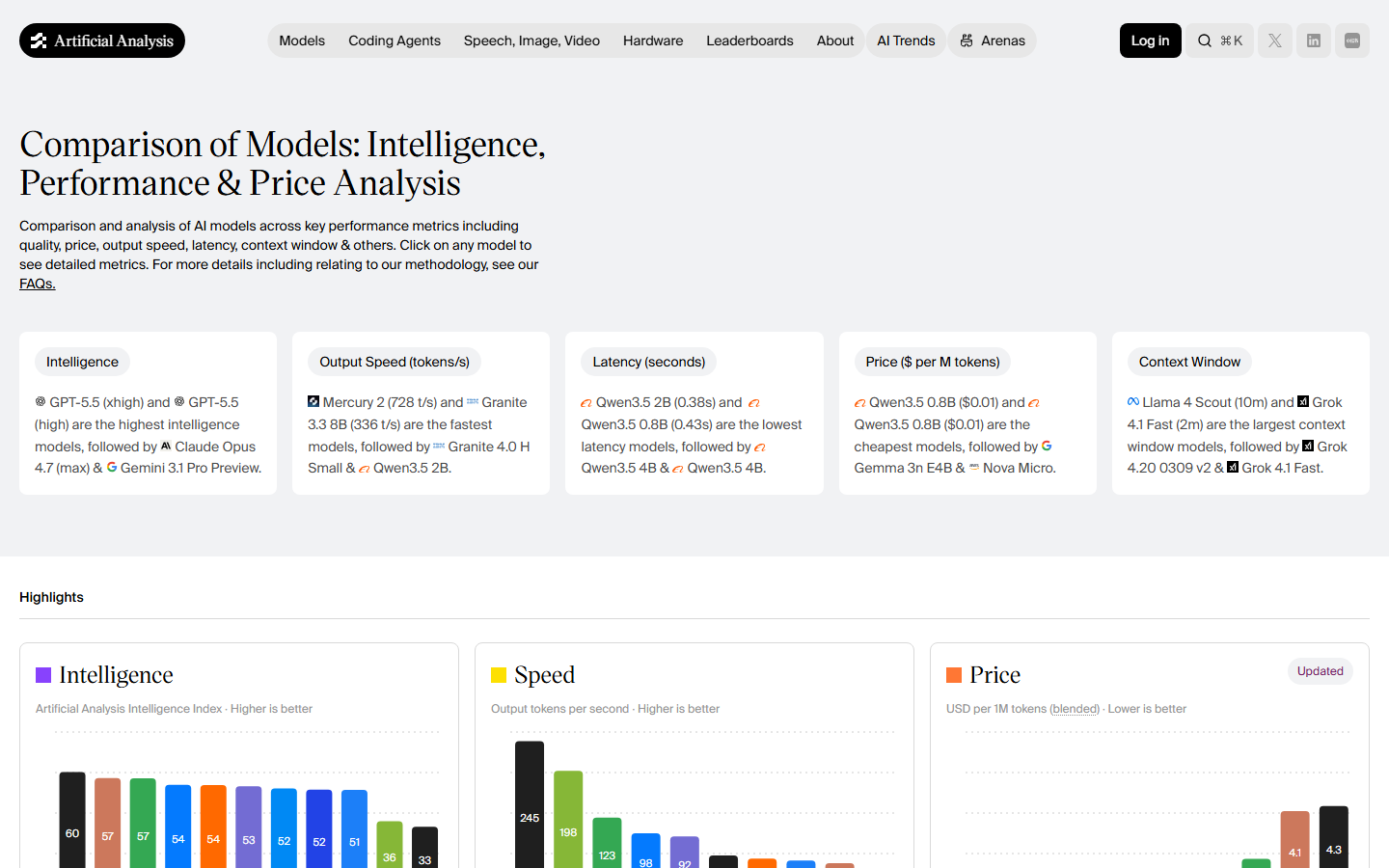
Artificial Analysis runs a blind video arena where two clips from the same prompt appear side by side and voters pick a winner, which produces an Elo style leaderboard across models. It costs nothing to browse and answers "which model do people prefer" without running a single generation yourself.
The limit is that the prompts are not yours. Aggregate preference tells you little about how a model handles your product, your brand colors, or your specific camera move, so treat the leaderboard as a shortlist generator rather than a decision. Pair it with a first party test using something like the Veo 3.1 pricing and API examples to check the real cost of the models it ranks highly.
Best for: narrowing eight candidate models down to three before you spend anything. Verdict: the best free signal available, on prompts that are not yours.
5. Krea AI: Best for Iteration
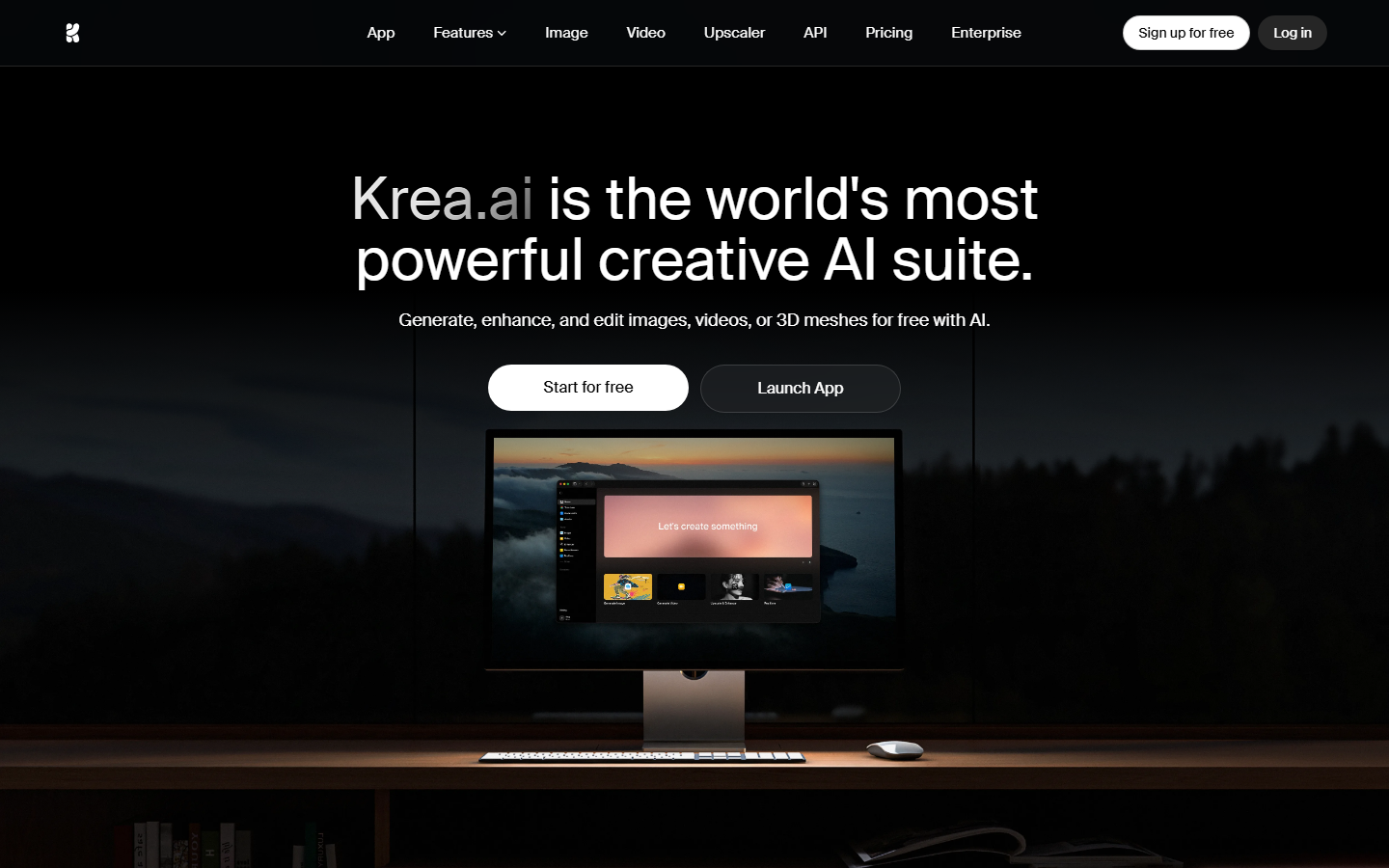
Krea puts several image and video models in one workspace with fast switching, so you can generate, look, adjust the prompt, and regenerate on a different model without leaving the page. The interface favors rapid creative loops over structured testing, which suits art direction where you are still deciding what the shot should look like.
Comparisons here are sequential rather than parallel, so you are eyeballing a history strip instead of a true grid. That is fine for taste calls and weak for cost analysis, since per generation pricing is bundled into credits. Teams doing repeatable tests will get more from a multi model workflow setup.
Best for: art directors exploring visual direction before locking a model. Verdict: strong for creative iteration, loose for measurement.
6. Higgsfield: Best for Ad Creative
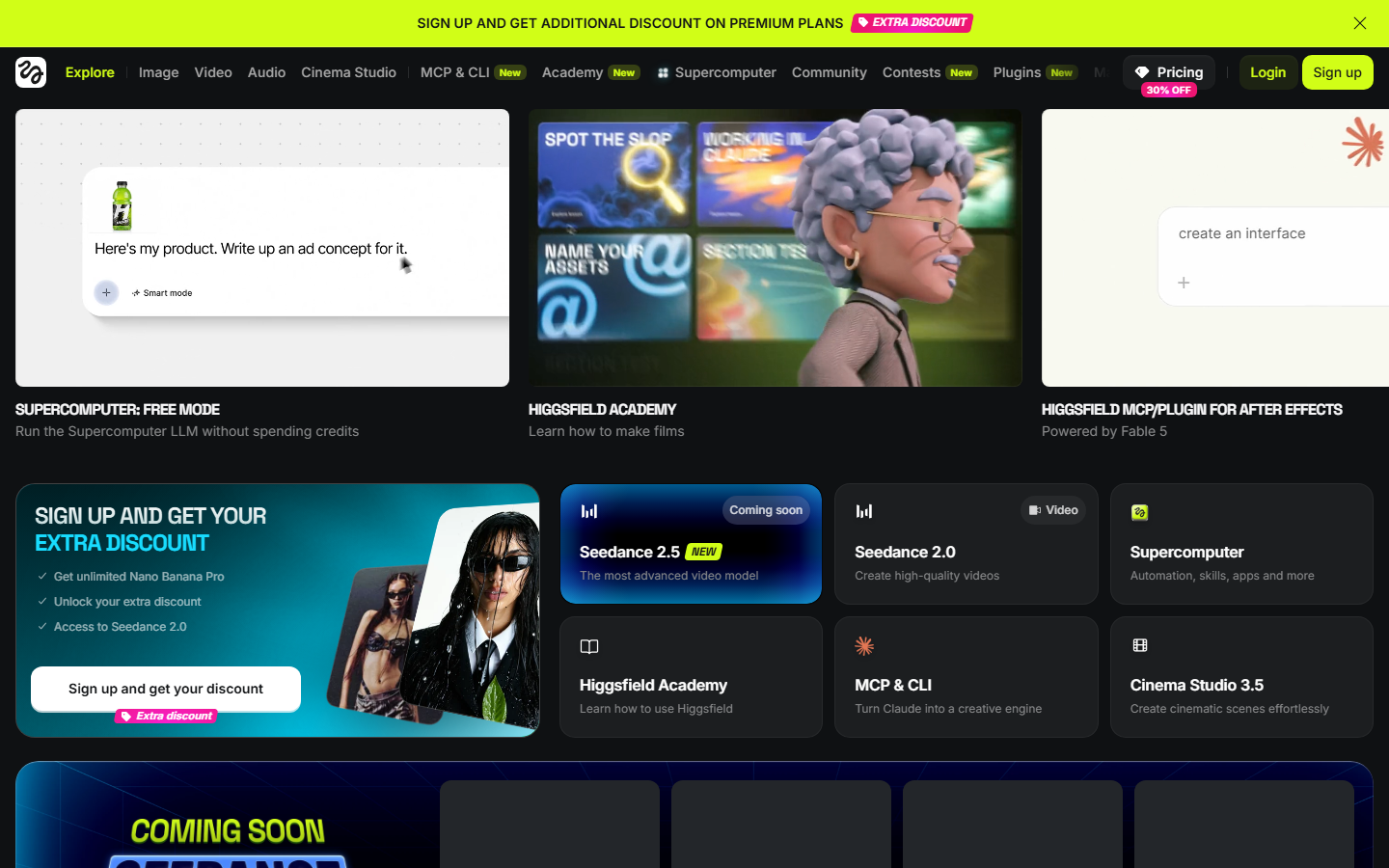
Higgsfield bundles multiple video models with camera motion presets and templates built for social and paid ad formats. Comparing models here is practical: pick a motion preset, run it across the models offered, and judge which holds the product and framing best at vertical aspect ratios.
Preset driven output means less prompt control, so two models can look closer than they really are because the preset is doing much of the work. It is still the fastest way to see which model survives contact with a 9:16 ad brief, a question also raised in the roundup of Sora video model alternatives.
Best for: performance marketers testing models against a specific ad format. Verdict: ad ready output, limited prompt level control.
7. Freepik AI Video: Best All in One
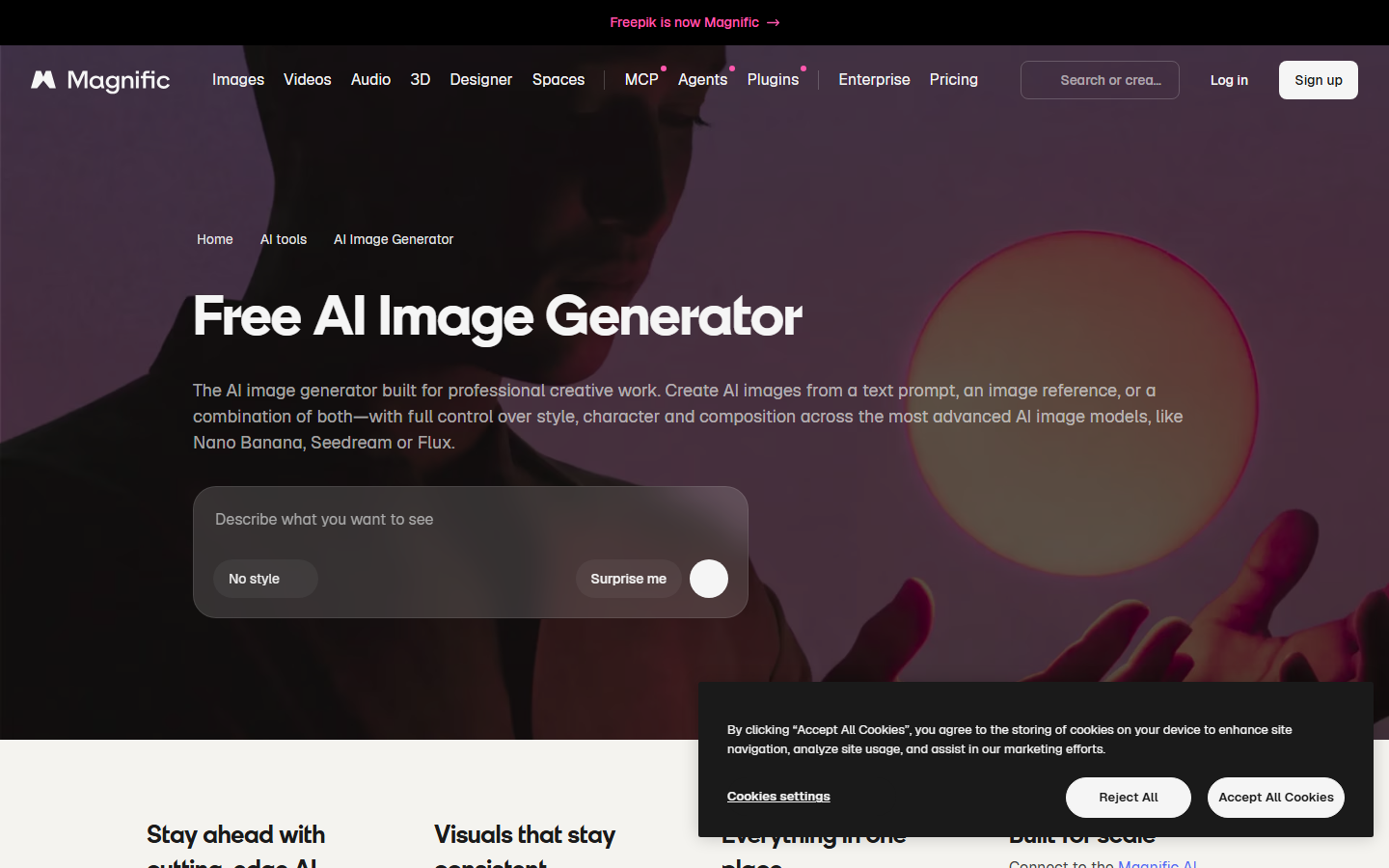
Freepik offers several third party video models inside one subscription alongside stock assets and image tools, which makes it the cheapest way for a small team to touch four or five models without four or five separate accounts. Credits are shared across models, so a comparison run draws from one balance.
Model versions on aggregator platforms tend to lag the direct providers by weeks, so a flagship you read about may not be the version you are running. Check the version string before drawing conclusions, especially with models that iterate quickly like the ones covered in the Seedance 2.1 review.
Best for: small teams who want many models on one invoice. Verdict: good coverage and value, sometimes a version behind.
Comparison Table
| Tool | Models in one run | Cost visibility | Comparison view | Ends in a pipeline |
|---|---|---|---|---|
| Wireflow | 4+ in parallel | Per node, per run | Canvas grid | Yes |
| fal.ai | Unlimited via API | Per second, published | Build your own | Via your code |
| Replicate | Unlimited via API | Per second of compute | Build your own | Via your code |
| Artificial Analysis | 2 at a time, blind | Free to browse | Head to head | No |
| Krea AI | Sequential | Credit bundle | History strip | No |
| Higgsfield | Several per preset | Credit bundle | Preset gallery | Partial |
| Freepik AI Video | Several per subscription | Credit bundle | Gallery | No |
How to Run a Fair Comparison
Hold everything constant except the model: same prompt text, same reference image, same duration, same aspect ratio, and where exposed, the same seed. Changing two variables at once is the most common reason a comparison produces a confident but wrong answer, usually when a 5 second clip from one model gets judged against a 10 second clip from another.
Judge on the three things that break in production: subject consistency across the clip, motion that matches the prompt, and whether text or logos survive. A clip that looks better in the first second and drifts by the fourth is worse than a plainer clip that holds. None of that scoring matters for a quick preview loop though, where an AI GIF generator turns the best few seconds into a shareable clip. Once a winner is clear, lock the setup into a repeatable graph using AI model chaining so the same settings run every time.
Try it yourself: open the four way video model comparison workflow with the nodes already wired for a single prompt fanning out to four models.
FAQ
What does comparing AI video models side by side actually mean? Sending one identical prompt to two or more video models and viewing the outputs together, so differences in motion, consistency, and rendering come from the model rather than a changed prompt.
Can I compare AI video models for free? Yes, through public arenas like Artificial Analysis where the generations are already paid for. Running your own prompts costs money at every tool listed here, typically a few cents to a few dollars per clip.
How many models should I test at once? Four is the practical maximum for a single prompt. Beyond that the outputs stop being comparable at a glance and each round costs more than the information it returns.
Do arena leaderboards predict which model is best for my project? Only partially. They reflect aggregate preference on generic prompts, so a model ranked third overall can still be best for your product shot or brand style.
What should stay constant in a fair test? Prompt text, reference image, duration, aspect ratio, resolution, and seed where available. Change only the model between runs.
How much does a four way comparison cost? At 1080p and 5 seconds, expect the price of four individual clips, usually one to six dollars per round across current premium models.
Should I compare models again after a new release? Yes. Releases land every few weeks and rankings shift with each one, so rerun your saved comparison rather than trusting a three month old result. Reviews like the Google Veo 3 overview are useful for deciding which new releases justify a rerun.
Can I automate the comparison? Yes. Any API based tool can be scripted, and canvas platforms save the comparison as a reusable graph, which is covered in the walkthrough on chaining AI models together.
Conclusion
The right tool depends on where the comparison ends. If you need a shortlist, the free arena does the job in ten minutes. If you write code, fal.ai and Replicate give raw model access for any harness you want. If the comparison needs to become the thing you ship, a canvas that runs four models on one prompt and keeps the winning branch wired is the shorter path, which is what Wireflow is built around and what the side by side comparison workspace shows in practice. Whichever you choose, keep the variables locked and rerun the test after every major model release.

Co-Founder & Operations at Wireflow
Runs client operations and content strategy at Wireflow. Works directly with creative teams and agencies to build production AI workflows.
- Content Strategy
- Client Operations
Get unlimited ad creatives today.
One call to see if we are a fit and scope the first ad. If it fits, your first batch lands inside week one.