Figma Weave vs ComfyUI (Formerly Weavy): Which to Use in 2026

In this article▾
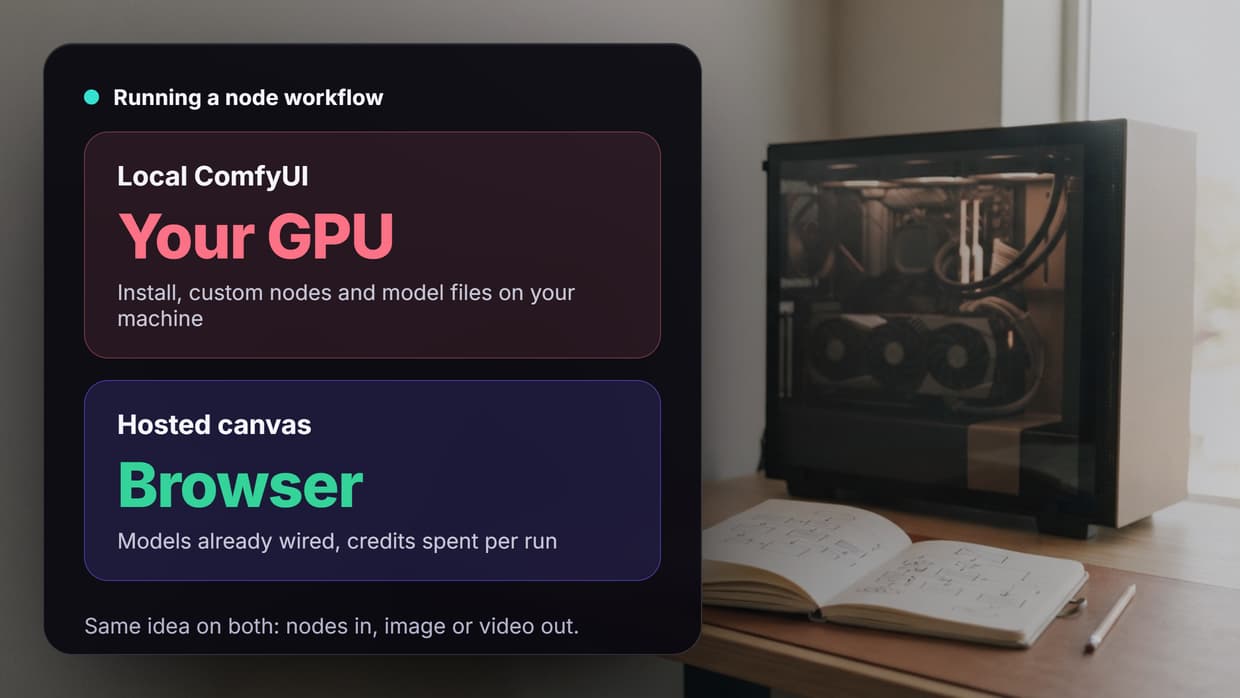
Figma Weave vs ComfyUI is a choice between a hosted canvas and a local one. Figma Weave, the product once called Weavy, runs commercial models in the browser on credits, while ComfyUI is free open-source software that runs on your own GPU. Wireflow sits between the two: a hosted node canvas that you can also call from code.
This guide compares Figma Weave and ComfyUI on models, editing, custom nodes, pricing, API access and team use. Every Figma Weave and Comfy price below was read from the official pages on 10 October 2026. If you arrived here searching for the old name, the Weavy AI alternative page explains what the rename changed for existing users.
Quick summary
- Wireflow - Best overall for hosted workflows you can automate. Node canvas in the browser, API access, no GPU.
- Figma Weave - Best for designers already in Figma. Commercial models plus strong editing nodes.
- ComfyUI - Best for control and open models. Free, local, community custom nodes.
- Comfy Cloud - Best for ComfyUI without a GPU. The official hosted ComfyUI.
What changed: Weavy is now Figma Weave
Figma announced its acquisition of Weavy in October 2025, and the product and team now operate as Figma Weave. The weavy.ai domain redirects to weave.figma.com (checked 10 October 2026), and Figma's help center calls Figma Weave "the new name for Weavy." The bigger changes are the Figma connection and the questions around the Figma Weave API.
What it means in practice, per Figma's FAQ and blog on 10 October 2026:
- Separate product, separate billing. Figma Weave needs its own account (Figma users can sign in with their Figma login), its credits are separate from Figma AI credits, and a paid Figma plan does not include it.
- Weave tools inside Figma Design. Paid Figma plans can run Weave tools on images in Figma Design; Figma's June 2026 post listed 20+ tasks such as style transfer and background replacement.
- A Figma node inside Weave. The Figma node brings a Figma Design frame into a Weave workflow and can push updates back.
ComfyUI has no link to a design tool. It is a visual node editor built around open models, so the two now pull in different directions: Figma Weave toward design teams, ComfyUI toward people who want to own the pipeline.
Build this in Wireflow
Make the same kind of asset on a canvas you control, with a free account and no credit card.
Figma Weave at a glance
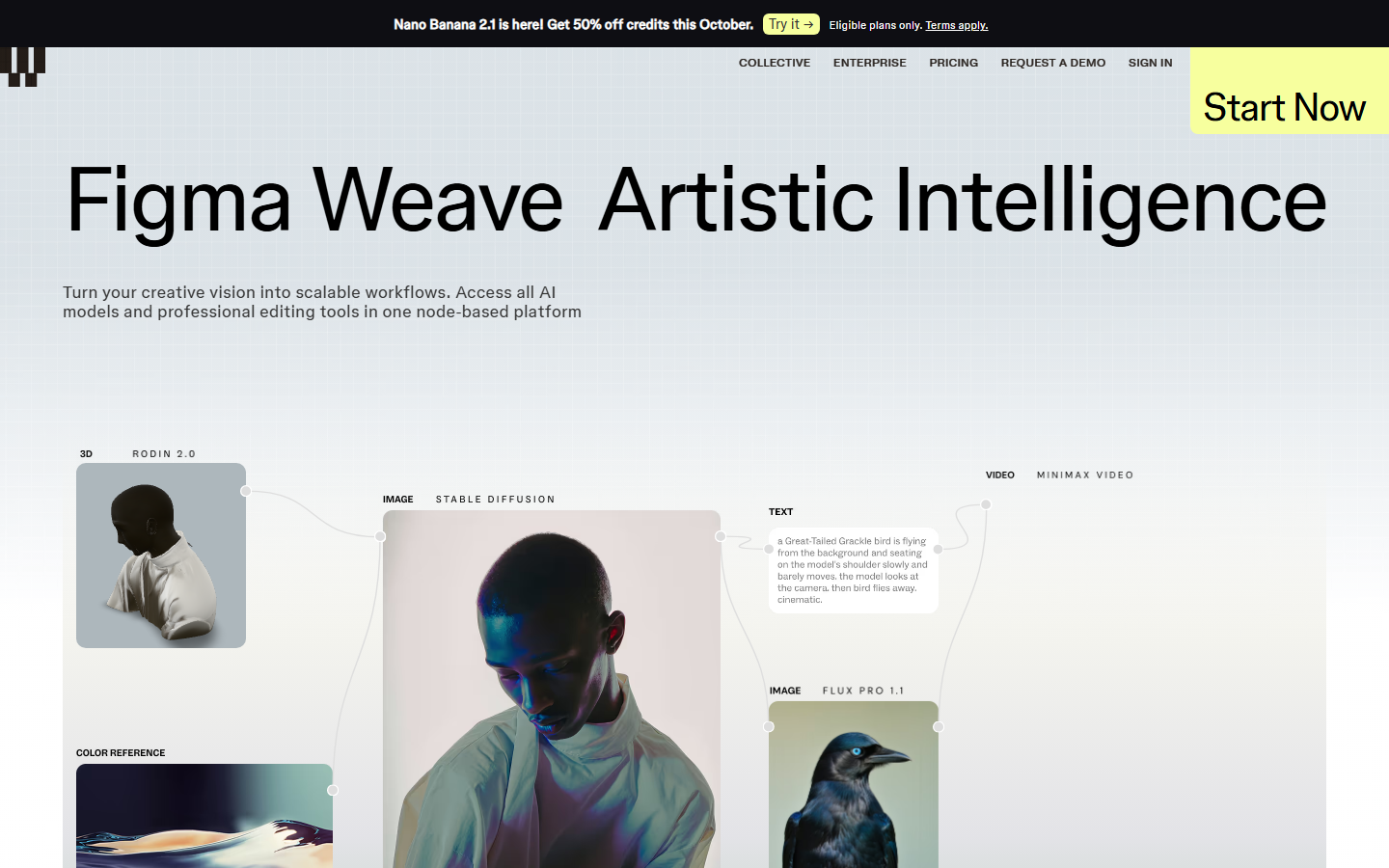
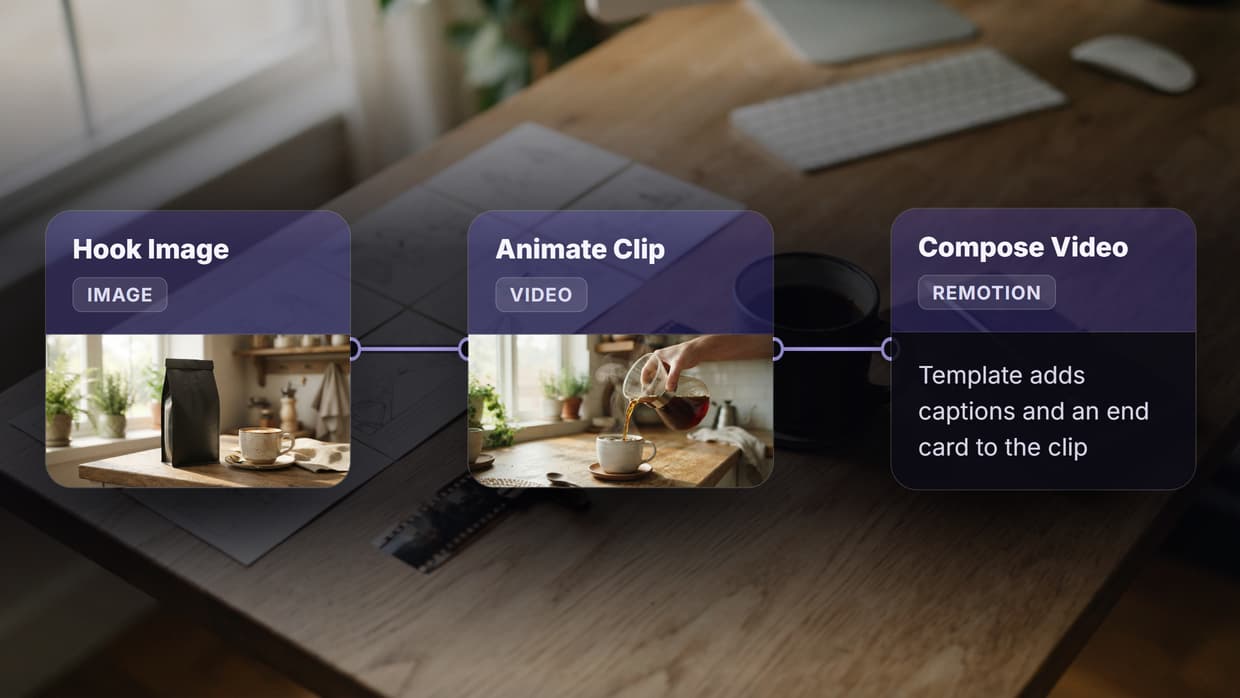
Figma Weave is a hosted node canvas: you wire model nodes on a board and run them on Figma's servers. Its pricing table lists models from Google, OpenAI, Kling, Runway, Luma, ByteDance, Black Forest Labs and Recraft, so one board can go from Nano Banana Pro stills to Veo 3.1 video, the same pattern as other node-based image generation tools.
Its clearest strength is editing: built-in nodes for inpaint, outpaint, relight, Z depth, masks, painting and upscaling, plus layers, type and blend controls. A finished workflow can become a simple tool UI that a colleague runs without touching the graph, much like sharing reusable workflow templates.
The limits are control and access. Figma's pages list no way to add custom node code or your own model weights. Video models such as Veo 3.1 and Kling 3 are not on the Free plan, and API runs are listed only on Enterprise, so if node-based video generation is your main use, plan on a paid tier.
ComfyUI at a glance
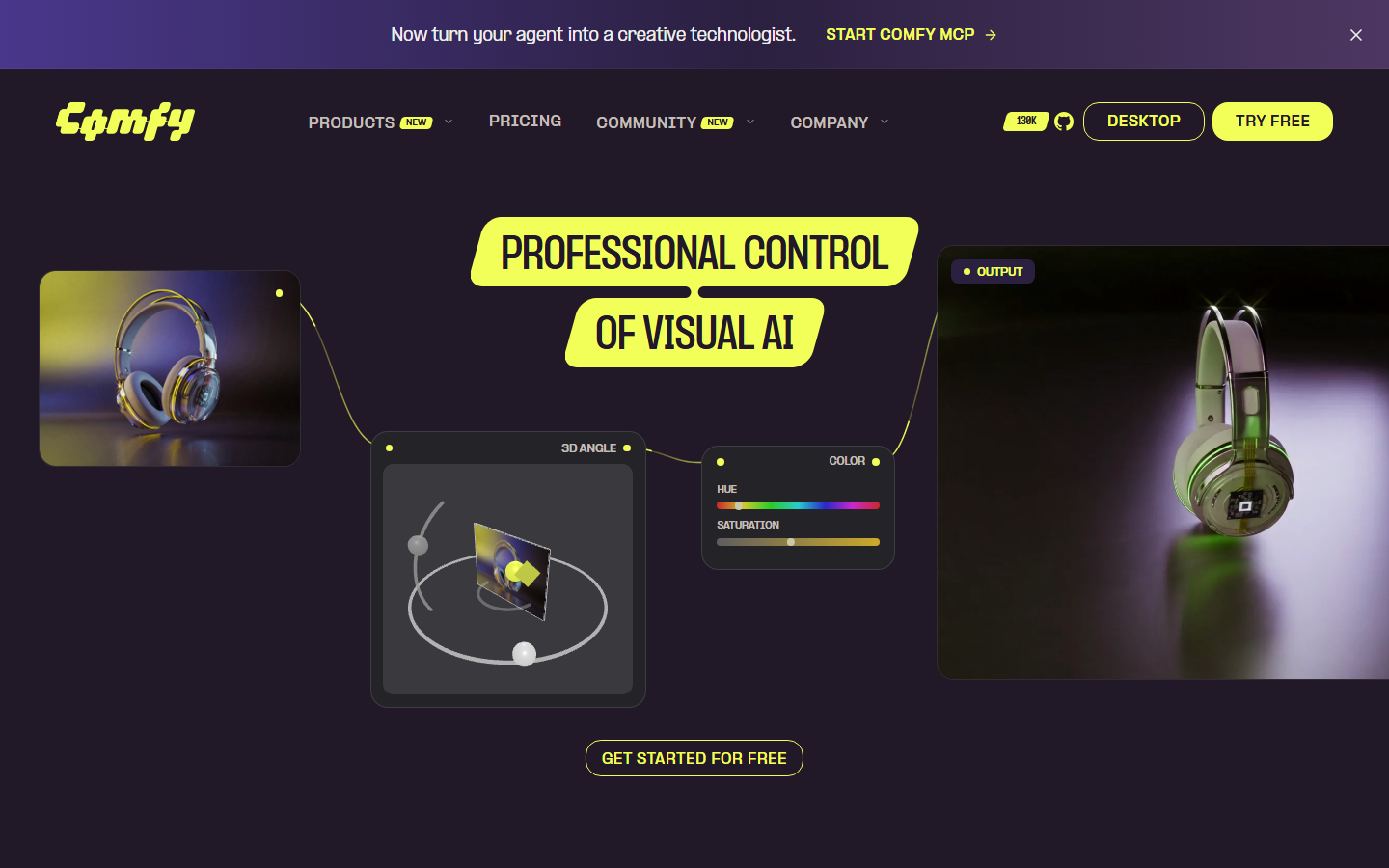
ComfyUI is a free, open-source node interface for image and video models, licensed under GPL-3.0. On 10 October 2026 its GitHub repository had about 136,600 stars, with v0.39.0 released on 5 October 2026. Each node is one step (load a model, encode a prompt, sample, decode), and graphs save as JSON. If you are still choosing a local UI, see the ComfyUI vs Automatic1111 comparison.
The strength is control. You can install community custom nodes, load any open checkpoint or LoRA, stack ControlNets and run new open models such as Wan as soon as support lands. Partner Nodes add paid commercial models such as Nano Banana Pro, billed in Comfy credits even locally. Most ComfyUI alternative options trade some of that range for convenience.
The cost is setup: a GPU with enough VRAM, gigabytes of model files, Python dependencies, and time to keep custom nodes working after updates. That overhead is why many teams look for ways to run ComfyUI-style graphs without a GPU.
Comfy also sells Comfy Cloud, hosted ComfyUI on RTX 6000 Pro GPUs with 900+ preinstalled models. Standard costs $20 a month ($16 billed yearly), your own models and LoRAs start on Creator at $35 ($28 yearly), and the free trial gives 5 runs. The Comfy Cloud alternatives roundup compares it with other hosts.
Figma Weave vs ComfyUI side by side
| Figma Weave | ComfyUI | |
|---|---|---|
| Type | Hosted app in the browser | Open-source app on your machine |
| Former name | Weavy (Figma acquisition, Oct 2025) | None |
| Hardware | None, runs on Figma's servers | Your own GPU (or Comfy Cloud) |
| Models | Commercial image, video and 3D models | Any open checkpoint or LoRA, plus paid Partner Nodes |
| Custom nodes | Not listed | Yes, community and your own |
| Editing | Built-in inpaint, outpaint, relight, depth, masks, compositing | Through nodes and custom nodes |
| Free option | 150 credits a month, image models, 5 workflows | Free and unlimited locally |
| Paid entry | Starter, $24 a month | Comfy Cloud Standard, $20 a month |
| API | Enterprise plan only | Local server API; Comfy Cloud API on paid plans |
| Teams | Team plan with a shared credit pool and file sharing | Comfy Cloud Team, up to 50 members |
| Figma link | Weave tools in Figma Design, Figma node | None |
| License | Commercial license on all plans | GPL-3.0 |
Prices are from weave.figma.com/pricing and comfy.org/pricing on 10 October 2026 and change often, so recheck them alongside other ComfyUI cloud pricing.
Pricing and credits compared
Figma Weave plans, as listed on 10 October 2026:
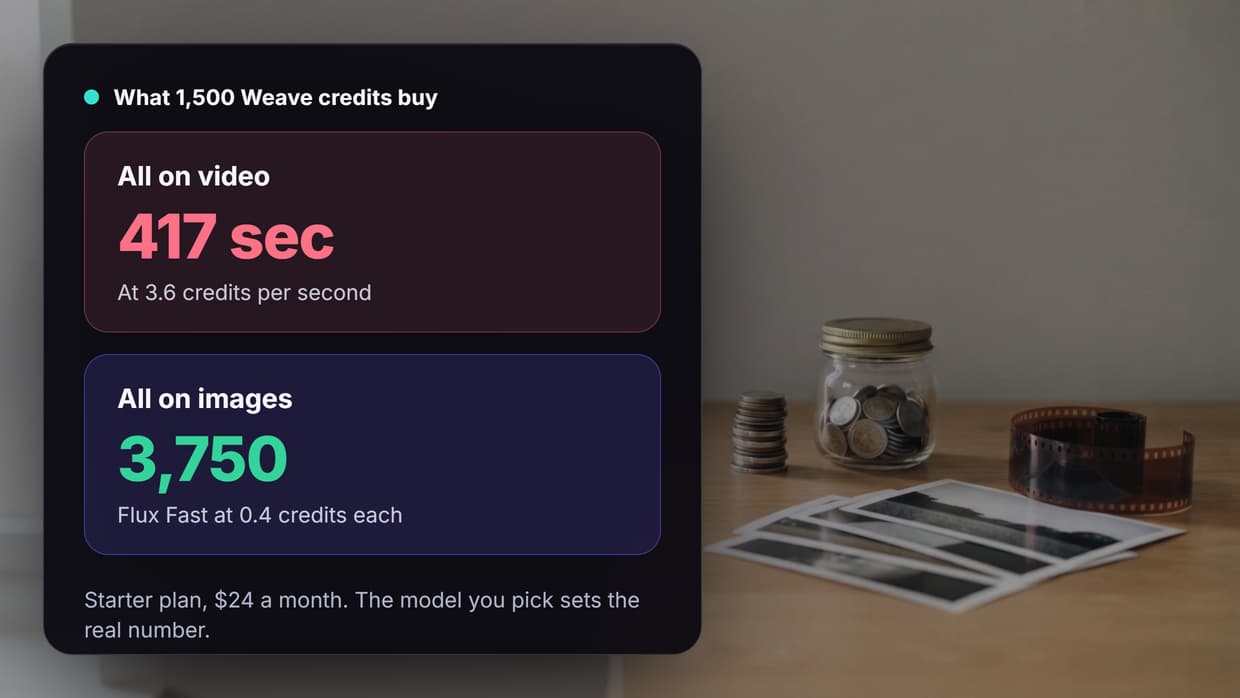
- Free: $0, 150 credits a month (about 375 images), all image models, 5 workflows.
- Starter: $24 a month or $202 billed yearly, 1,500 credits, all models, unlimited workflows.
- Professional: $45 a month or $378 billed yearly, 4,000 credits, with base credits rolling over up to 3x.
- Team: $60 per user a month or $504 per user billed yearly, 4,500 credits per user in a shared pool.
- Enterprise: custom, adding your own API keys and running workflows through the API.
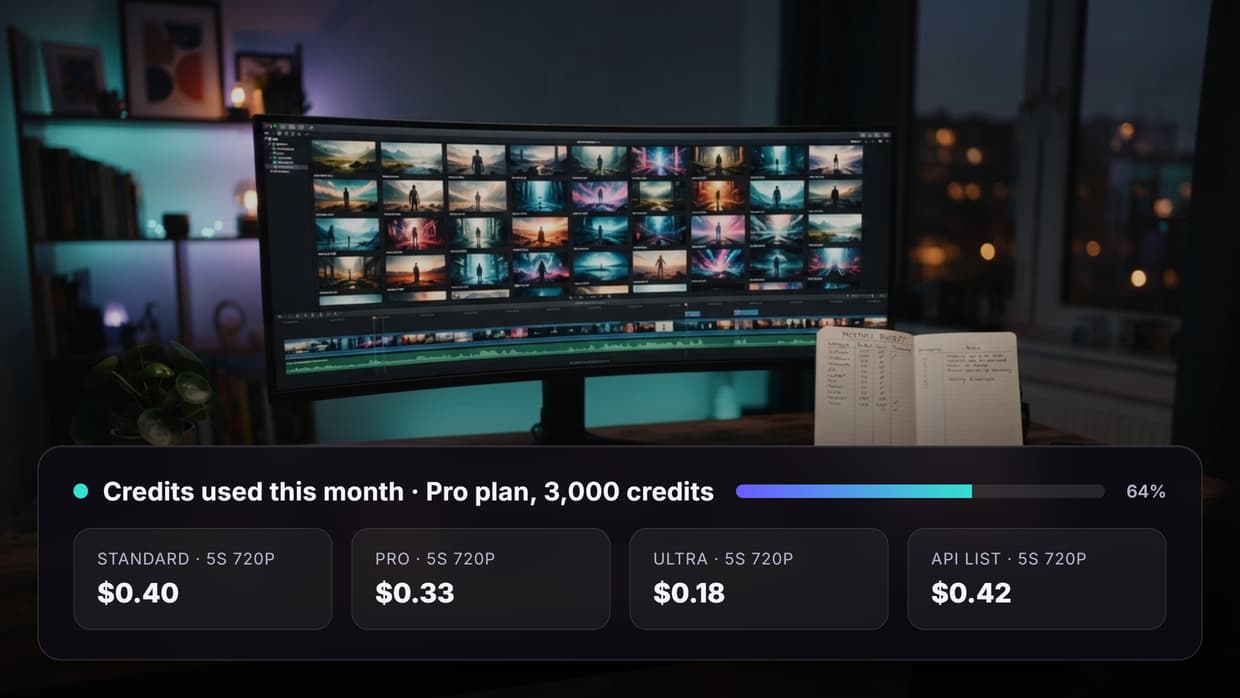
ComfyUI costs nothing to run locally, so your spend is hardware, power and any Partner Node credits. Hosted credits scale with the model: Figma's table shows the Free plan covering 375 Flux Fast images but only 13 Nano Banana Pro images, so compare per-run credit pricing against your monthly output.
API and automation
This is where the two split most. A local ComfyUI install runs a server you can queue workflows against over HTTP, and Comfy Cloud allows 1 to 25 concurrent API workflows by plan. Figma Weave lists API runs only on Enterprise, so self-serve users run everything by hand. If a graph must fire from your app, a hosted ComfyUI API is a shorter route than a sales call.
The third option: a hosted canvas with an API
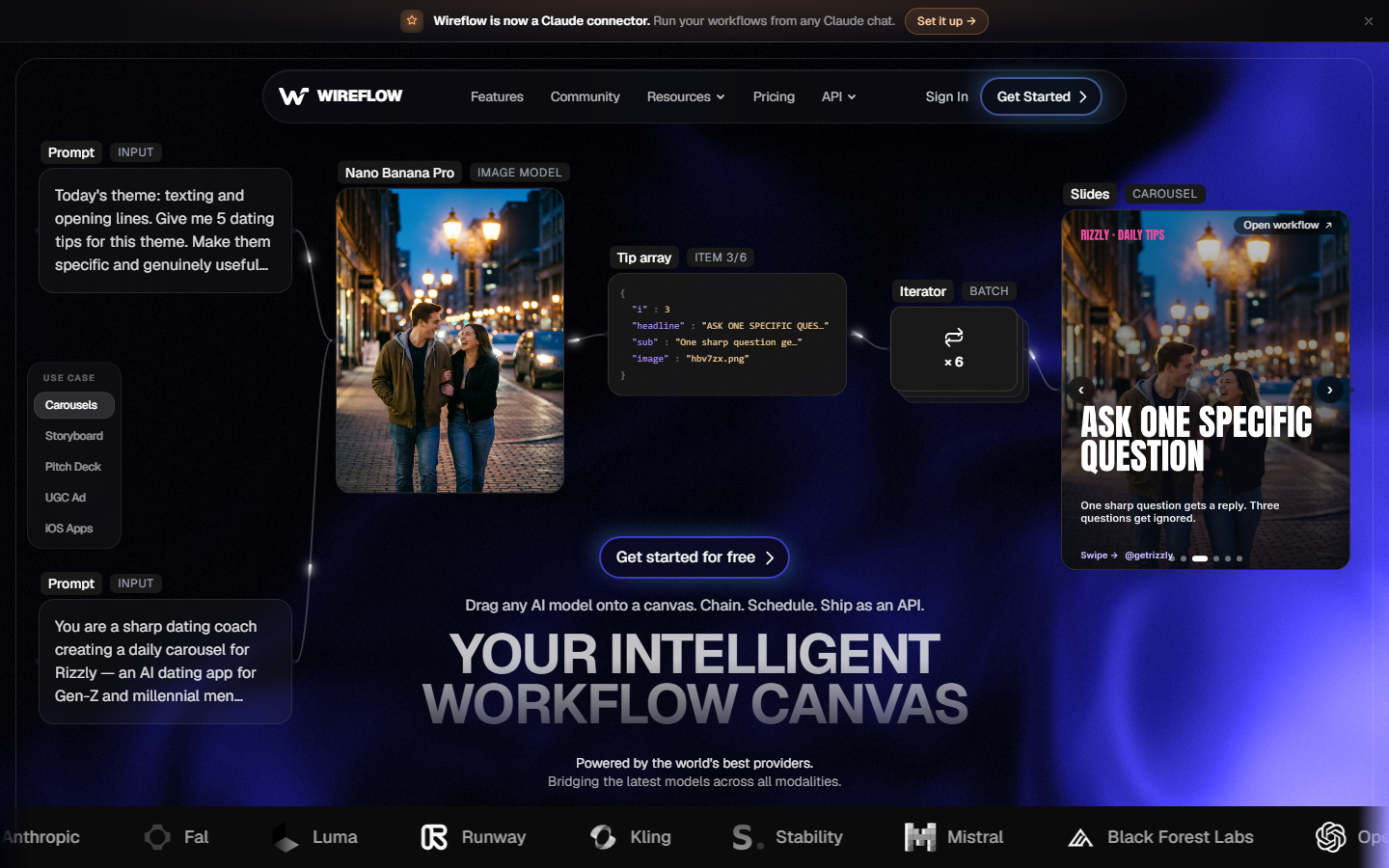
Both tools leave a gap. Figma Weave removes setup but keeps automation behind Enterprise, while ComfyUI gives control but puts the hardware on you. Hosted node canvases sit in between: you build the graph in the browser and use ComfyUI-style workflows online with no GPU.
You give up offline use and the full custom-node catalog, and you pay per run in credits. In return, the graph you build can be called from code through an AI workflow API, the step most design-first tools leave out.
Verdict: who each tool suits
The right pick depends on where your work lives and how much of the pipeline you want to own. If you like the Figma Weave canvas but need API access without an Enterprise contract, consider a Figma Weave alternative.
- Choose Figma Weave if your team designs in Figma, wants commercial models with strong editing nodes, and works by hand on the canvas.
- Choose ComfyUI if you have a capable GPU, want open models, custom nodes and LoRAs, and can maintain the setup.
- Choose Comfy Cloud if you want ComfyUI itself without the hardware.
- Choose a hosted canvas with an API if you want the node graph without a GPU and need it to run from your own code.
Conclusion
Figma Weave and ComfyUI share the node graph idea and little else. Figma Weave is the paid, design-team option moving deeper into Figma, while ComfyUI is the free, open option that asks you to bring the hardware. If you are still weighing local against hosted, the guide to node-based AI workflow platforms covers the wider field.
Try it yourself: Open this prompt-to-image workflow in Wireflow - the text input and Recraft V4 image nodes are pre-configured, so it runs in the browser with no GPU and no install.
FAQ
Is Figma Weave the same as Weavy?
Yes. Figma announced its acquisition of Weavy in October 2025, and the product now runs as Figma Weave at weave.figma.com. The weavy.ai domain redirects there.
Is Figma Weave better than ComfyUI?
Neither wins for everyone. Figma Weave is easier to start and suits design teams that want commercial models and editing nodes. ComfyUI suits people who want control, open models and custom nodes, and can run a GPU or pay for Comfy Cloud.
Is Figma Weave free?
There is a free plan with 150 credits a month, about 375 images, access to all image models and 5 workflows. Video models and unlimited workflows need a paid plan, starting with Starter at $24 a month as of 10 October 2026.
Does Figma Weave have an API?
Only on Enterprise. On 10 October 2026, the pricing page listed "Run workflows through API" under Enterprise, which requires contacting sales. The Free, Starter, Professional and Team plans do not list API access.
Can I use custom nodes or my own models in Figma Weave?
Figma's pages do not list custom node code or uploading your own model weights. ComfyUI, and Comfy Cloud from the Creator plan up, support your own models and LoRAs.
Does ComfyUI need a GPU?
For practical use, yes, ideally an NVIDIA GPU with enough VRAM for your model. Without one, use Comfy Cloud or a hosted canvas that runs Recraft V4 and other models remotely.
Is ComfyUI free?
Yes. ComfyUI is open-source under GPL-3.0 and free to run locally, as is Comfy Desktop. You pay only for extras: Partner Node credits or a Comfy Cloud plan.
Does Figma Weave work with Figma Design files?
Yes. Paid Figma plans can run Weave tools on images inside Figma Design, and the Figma node brings a Figma Design frame into a Weave workflow and pushes updates back. The Figma node needs both accounts.

Co-Founder & Operations at Wireflow
Runs client operations and content strategy at Wireflow. Works directly with creative teams and agencies to build production AI workflows.
- Content Strategy
- Client Operations
Get unlimited ad creatives today.
One call to see if we are a fit and scope the first ad. If it fits, your first batch lands inside week one.