ComfyUI vs Automatic1111: Which Stable Diffusion UI to Use in 2026

In this article▾
ComfyUI vs Automatic1111 is a choice between control and simplicity: ComfyUI is a node graph that is faster and still actively updated, while Automatic1111 is easier to learn but has not shipped a release since February 2025. Both assume you own a capable GPU, which is the gap most comparisons skip, and Wireflow covers that third route by running node workflows in the browser with no GPU and no install.
This guide compares ComfyUI and Automatic1111 on interface, speed, VRAM, model support and maintenance, then looks at what to do if your machine cannot run either. If hardware is the only thing stopping you, the options for running ComfyUI-style graphs without a GPU are covered near the end.
Quick summary
- Wireflow - Best overall with no GPU. Node workflows in a browser, nothing to install.
- ComfyUI - Best for control and new models. Node graph, fastest local option.
- Automatic1111 - Easiest local start. Tabbed web UI, huge tutorial library, now frozen.
- Forge / Forge Neo - Best for Automatic1111 fans. Same layout, newer model support.
ComfyUI at a glance
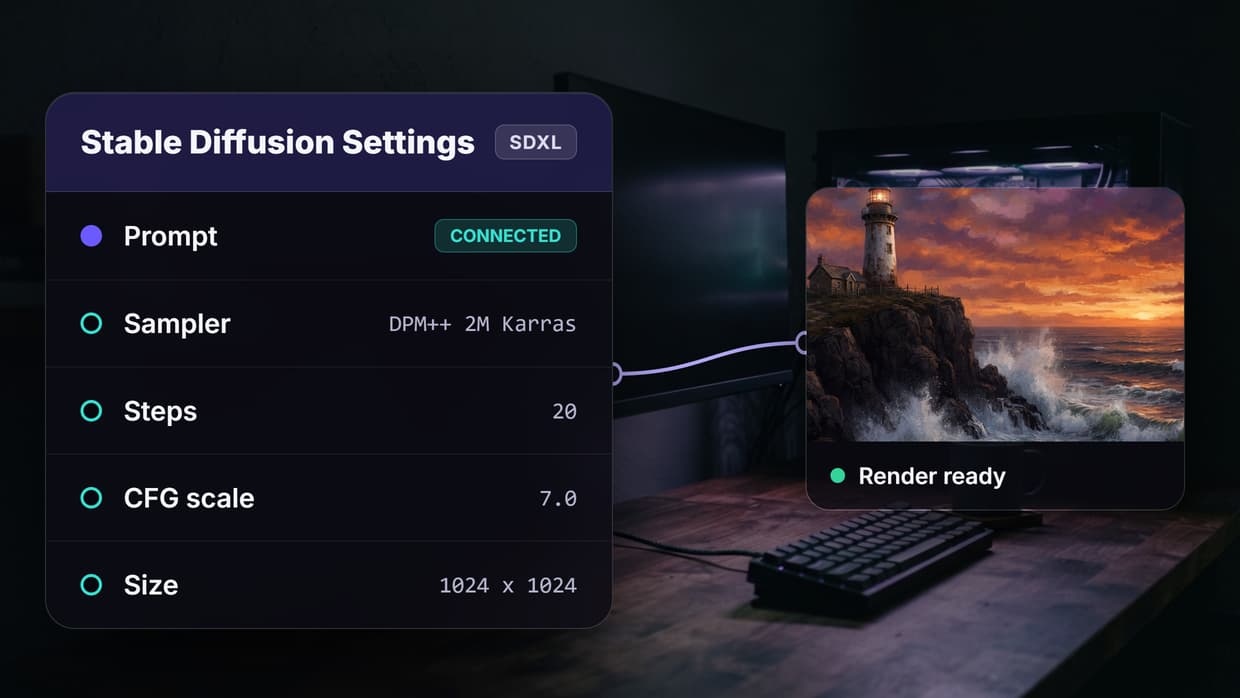
ComfyUI builds images as a graph. Each step, such as loading a checkpoint, encoding a prompt, sampling and decoding, is a node you wire to the next one. That makes every part of the pipeline visible and swappable, which is why it has become the default for people who stack LoRAs, ControlNets and upscalers in one run. If you are new to the idea, this overview of node-based image generation explains why graphs beat forms once a pipeline has more than a few steps.
The project is very active. ComfyUI v0.39.0 shipped on 5 October 2026, the repository has about 136,000 GitHub stars, and new model families tend to get support on or near launch day. That pace has made ComfyUI the place where Flux, SD 3.5 and video models such as Wan and LTX Video usually run first, which matters if you follow model releases like the FLUX 3 vs FLUX 2 split.
The cost is the learning curve. Custom nodes can conflict after updates, and fixing a broken graph means reading node errors rather than clicking a setting. Workflows save as JSON, so most people start by importing someone else's graph from the many ComfyUI online tools and libraries and editing it.
Build this in Wireflow
Make the same kind of asset on a canvas you control, with a free account and no credit card.
Automatic1111 at a glance
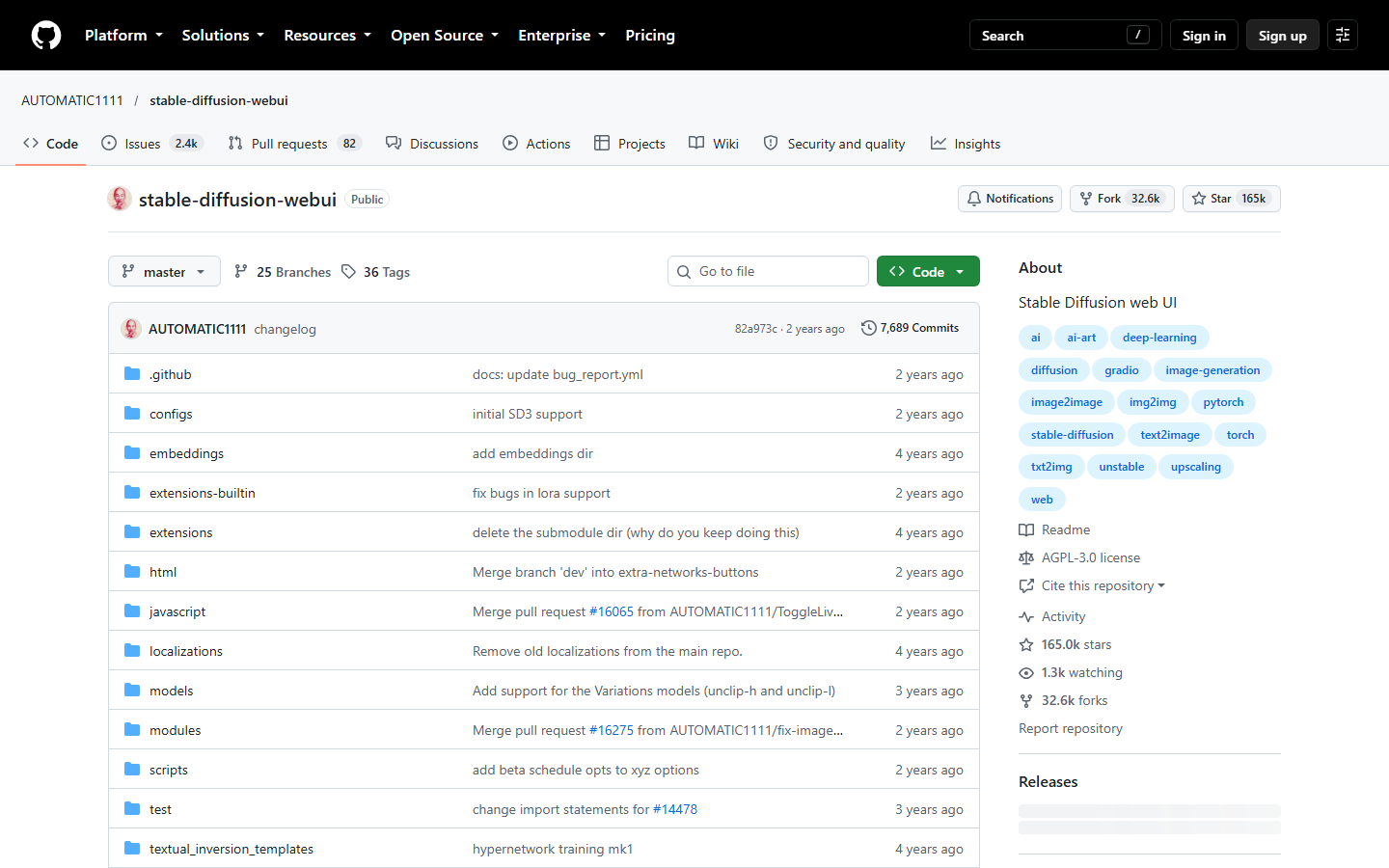
Automatic1111, usually shortened to A1111, is the Stable Diffusion web UI that most early tutorials were written for. It is a tabbed page: txt2img, img2img with inpainting, Extras for upscaling, and an Extensions tab that installs community add-ons. You type a prompt, adjust sliders and press Generate, which is still the fastest way for a newcomer to get a first image. Its built-in inpainting and upscalers remain well liked for touch-up work, the kind of job a dedicated AI image upscaler now handles in one step.
The problem is maintenance. The last release, v1.10.1, came out on 9 February 2025, the master branch has not changed in about two years, and the repository carries roughly 2,400 open issues. A1111 never added Flux support, and many popular extensions are no longer updated. The repository still has about 165,000 stars, but most active development has moved to forks such as Forge and Forge Neo, which keep the same layout while adding newer models. People who want the form-style workflow without the upkeep often move to a hosted Stable Diffusion API instead.
ComfyUI vs Automatic1111 side by side
| ComfyUI | Automatic1111 | |
|---|---|---|
| Interface | Node graph | Tabbed web form |
| Learning curve | Steep | Gentle |
| SDXL speed (1024px, 20 steps) | About 8.2 s | About 10.9 s |
| Peak SDXL VRAM | About 9.2 GB | About 10.7 GB |
| Flux and newer image models | Supported, often on launch day | Not supported |
| Video models | Native (Wan, LTX Video, Hunyuan) | Extensions only, no newer models |
| Workflow sharing | JSON graph files | Settings and PNG info |
| API | Built-in server queue | Optional --api flag |
| Latest release | v0.39.0, 5 Oct 2026 | v1.10.1, 9 Feb 2025 |
| License | GPL-3.0 | AGPL-3.0 |
| Hardware needed | Local GPU | Local GPU |
Speed, VRAM and hardware
On the same card, ComfyUI is usually the faster and lighter of the two. In one published community benchmark, the source of the figures in the table, ComfyUI averaged about 8.2 seconds per SDXL image against about 10.9 seconds for A1111, and peaked at roughly 9.2 GB of VRAM against 10.7 GB; your numbers will vary with card, drivers and settings. ComfyUI only loads what the graph needs and caches unchanged nodes between runs, so a tweak late in the graph does not recompute everything before it. The same graph idea scales to motion, which is why most node-based video generation tools look like ComfyUI.
Hardware still sets the floor for both:
- 8 GB cards run SDXL in ComfyUI with its low-VRAM mode, while A1111 typically needs the
--medvram-sdxlflag and can still stall. - Flux needs roughly 12 GB or more at FP8 precision, or a quantized GGUF or NF4 model to fit on smaller cards. That is ComfyUI or Forge territory.
- CPU only is technically possible but slow, with reports of 10 to 30 minutes per SDXL image.
- Mac and AMD both work with extra setup, but most guides and custom nodes assume NVIDIA and CUDA.
If your card sits below these lines, the honest answer is that neither tool will feel good. That is the point where comparing hosted options, starting with ComfyUI cloud pricing, is worth more than any tuning flag.
The third option: run node workflows without a GPU
Both tools are free software, but neither is free to run. You need a GPU with enough VRAM, a working Python and CUDA setup, gigabytes of model files and time to keep it updated. For teams who want the output rather than the hobby, that overhead is the real cost, and it is why hosted ComfyUI alternatives exist. It is also the question every top-ranking comparison leaves out.
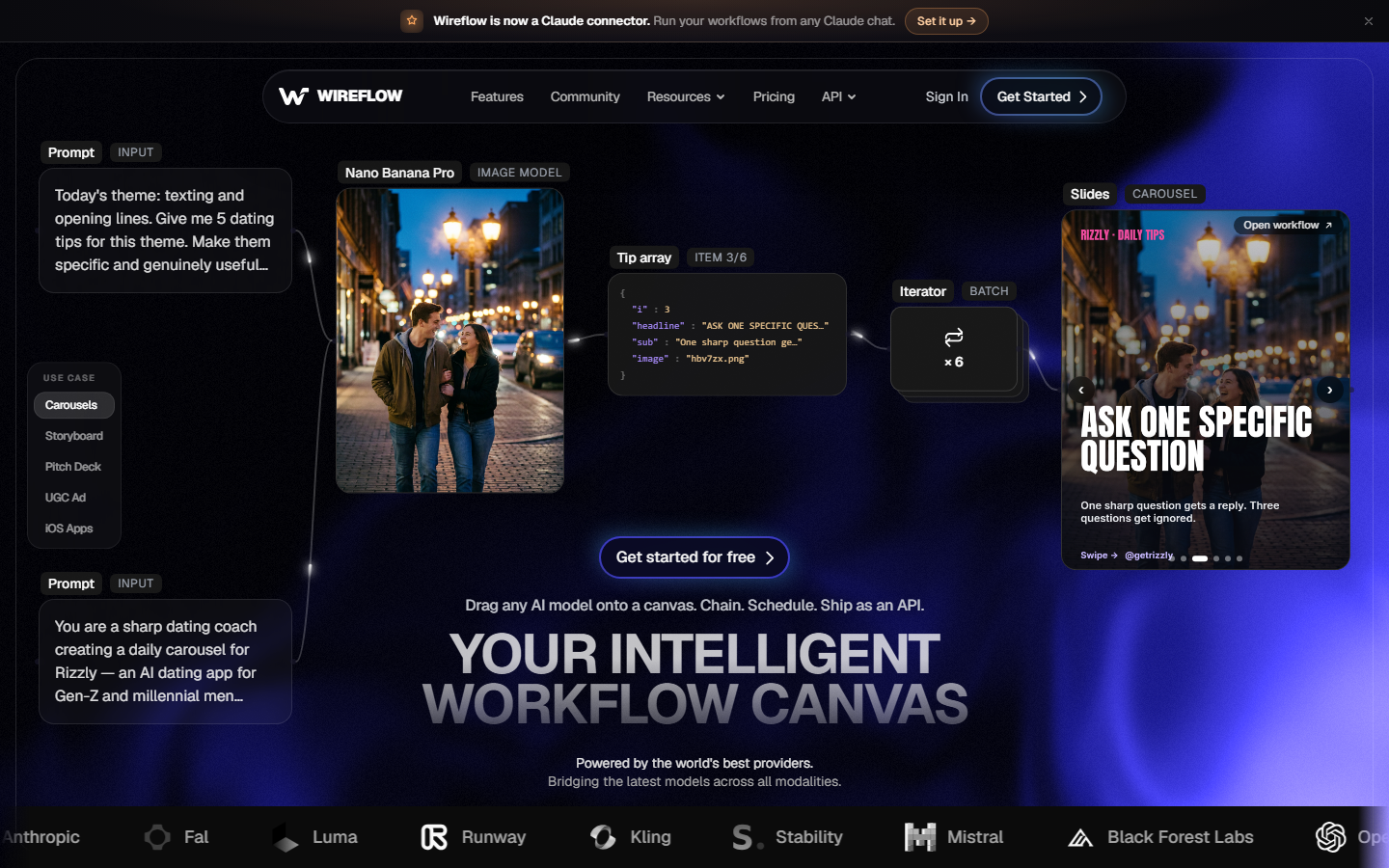
Hosted node canvases keep the graph idea from ComfyUI and move the compute to the cloud. You drag a prompt node onto the canvas, connect it to an image model and an upscaler, and run it. There is nothing to install or download, and you can use ComfyUI-style workflows online from a laptop. Comfy's own team also sells a hosted Comfy Cloud, so the question is less whether to go hosted and more which hosted canvas fits your work.
The trade-offs are real. You give up offline use, and you cannot load every community checkpoint or custom node the way you can locally. In return, you get current commercial models alongside open ones, runs that do not depend on your hardware, and a way to call the same graph from code through a ComfyUI cloud API.
Cost works differently too. You pay per run with credits instead of buying a card, so compare current credit pricing against how many images you actually generate in a month.
Verdict: who each tool suits
The right pick depends on your hardware and how much of the pipeline you want to control. If you would rather skip local setup altogether, a ComfyUI alternative with no GPU or install gives you the node canvas without the machine.
- Choose ComfyUI if you have an NVIDIA card with 8 GB or more, want Flux, SDXL with ControlNet stacks or video models, and are happy to learn nodes.
- Choose Automatic1111, or better, Forge Neo if you want a simple form, already know the A1111 layout and mostly run SD 1.5 or SDXL.
- Choose a hosted canvas if you do not have a suitable GPU, work across several machines or need the workflow to run for a team.
Conclusion
ComfyUI is the stronger tool in 2026: faster, lighter on VRAM, actively maintained and first to support new models. Automatic1111 is still the gentlest introduction, but it is better treated as a stepping stone to ComfyUI or a fork. The bigger question for many readers is whether to run a local UI at all, and the broader guide to node-based AI workflow platforms helps if you are weighing local against hosted.
Try it yourself: Open this prompt-to-upscale workflow in Wireflow - the prompt, image model and upscaler nodes are pre-configured with the hosted setup discussed above, so it runs without a GPU.
FAQ
Is ComfyUI better than Automatic1111?
For most users in 2026, yes. ComfyUI is faster, uses less VRAM, supports Flux and video models, and is still released regularly. A1111 is only the better pick if you want the simplest possible form and stick to older models, and the wider field is mapped in this list of node-based image generation tools.
Is ComfyUI harder to learn than Automatic1111?
Yes. A1111 is a single page of prompts and sliders, while ComfyUI asks you to understand how nodes connect. Most people get past the hard part by importing a working graph and changing one node at a time, the same approach used when building with a hosted ComfyUI API.
Does Automatic1111 support Flux?
No. Automatic1111 never added Flux support. To run Flux locally you need ComfyUI or a fork such as Forge or Forge Neo, or you can call a hosted Flux 2 API without local hardware.
How much VRAM do ComfyUI and Automatic1111 need?
For SDXL, plan on 8 GB as a workable minimum and 12 GB or more for comfort. In one benchmark, ComfyUI peaked at about 9.2 GB and A1111 at about 10.7 GB on the same SDXL job. Flux needs more unless you use a quantized model, which is why many people compare Stable Diffusion API tools before buying a card.
Can I run ComfyUI or Automatic1111 without a GPU?
Both can run on a CPU, but an SDXL image can take 10 to 30 minutes, which is too slow for regular use. The practical no-GPU route is a hosted canvas that runs the models in the cloud, and this roundup of ComfyUI alternatives with no GPU compares the main options.
Is Automatic1111 still maintained?
Not actively. The last release was v1.10.1 on 9 February 2025, and the master branch has not changed in about two years. Forks such as Forge Neo continue development with the same interface, and teams that want maintained infrastructure often move to a node-based AI platform with an API.
Can I use ComfyUI and Automatic1111 together?
Yes. Many people point both at one shared models folder, using A1111 or Forge for quick tests and ComfyUI for complex pipelines. If you only need finished images rather than a local setup, a browser-based AI image generator covers the quick-test side.

Co-Founder & Operations at Wireflow
Runs client operations and content strategy at Wireflow. Works directly with creative teams and agencies to build production AI workflows.
- Content Strategy
- Client Operations
Get unlimited ad creatives today.
One call to see if we are a fit and scope the first ad. If it fits, your first batch lands inside week one.