Best ComfyUI Online Tools in 2026


In this article▾
- Quick Summary
- How These Eight Were Ranked
- 1. Wireflow: Best Overall
- 2. Comfy Cloud: Best Official Option
- 3. RunComfy: Best Workflow Parity
- 4. ComfyDeploy: Best for Developers
- 5. ThinkDiffusion: Best Managed Hosting
- 6. ComfyOnline: Best for Fast Tests
- 7. ViewComfy: Best for Client Handoff
- 8. RunPod: Best Raw Control
- Comparison Table
- Which One Should You Pick
- FAQ
- Conclusion
Running ComfyUI in a browser is now the default for most people who used to keep a local install, and eight platforms are worth comparing in 2026. They split into three groups: some rent you a remote GPU with the familiar canvas loaded on it, some wrap an existing workflow JSON in an API endpoint, and some replace the node graph entirely with a hosted canvas that chains models without CUDA, Python or custom node conflicts. Wireflow sits in that third group, alongside Comfy Cloud, RunComfy, ComfyDeploy, ThinkDiffusion, ComfyOnline, ViewComfy and RunPod in the other two. Which group fits depends on whether you are protecting an existing workflow file or trying to stop maintaining one.
Quick Summary
- Wireflow: hosted model-chaining canvas, no GPU or install. Best Overall
- Comfy Cloud: official managed ComfyUI in the browser. Best Official Option
- RunComfy: full ComfyUI workspace with preloaded custom nodes. Best Workflow Parity
- ComfyDeploy: turns a workflow into a versioned API. Best for Developers
- ThinkDiffusion: managed sessions for ComfyUI and A1111. Best Managed Hosting
- ComfyOnline: quick runs of prebuilt workflows. Best for Fast Tests
- ViewComfy: wraps a graph in a simple form UI. Best for Client Handoff
- RunPod: raw GPU rental with a ComfyUI template. Best Raw Control
How These Eight Were Ranked
Four criteria decide this list: time to first output, whether existing workflow JSON imports without edits, whether the platform exposes an API you can call from your own product, and how much maintenance falls back on you when a custom node breaks. Platforms that score well on the first and last usually score worse on the second, so the list is grouped rather than a strict single file. Billing splits the same way: session hosts charge per GPU-minute whether or not a generation is running, while per-run platforms only bill on execution. If your goal is escaping local dependency management entirely, the ComfyUI alternative comparison covers that decision in more depth.
Build this in Wireflow
Make the same kind of asset on a canvas you control, with a free account and no credit card.
1. Wireflow: Best Overall
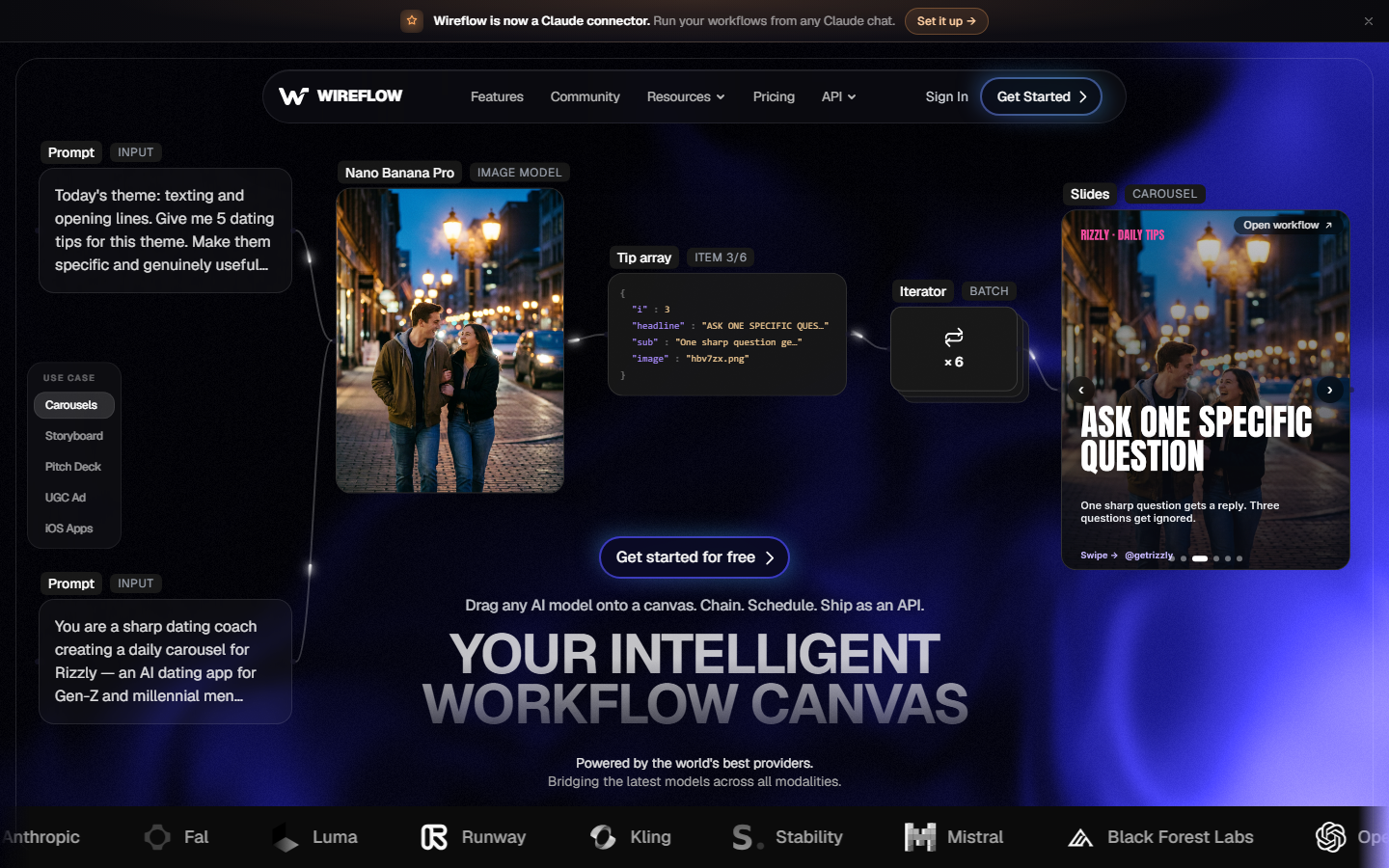
Wireflow is a browser canvas where you chain AI models as nodes without installing anything, managing CUDA versions or debugging custom node conflicts after an update. Rather than running the ComfyUI engine remotely, it replaces the graph with a hosted node system covering image, video, audio and text models, so a chain like generate an image, feed it into a video model, then upscale the result is three connected nodes instead of a dependency stack. The trade is deliberate: existing ComfyUI JSON files do not import, but nothing breaks because a node author pushed an update. For a hands-on look at this in action, check out the ComfyUI online feature page.
It suits people who want the output a ComfyUI graph produces without owning the environment that produces it, and teams who need the same chain callable from an API rather than a canvas session. The limitation is honest: if your value sits in a heavily customised local graph with niche nodes, a parity host below serves you better. Verdict: the strongest pick for anyone whose real goal is shipping outputs, and the closest thing here to a no GPU ComfyUI alternative.
2. Comfy Cloud: Best Official Option
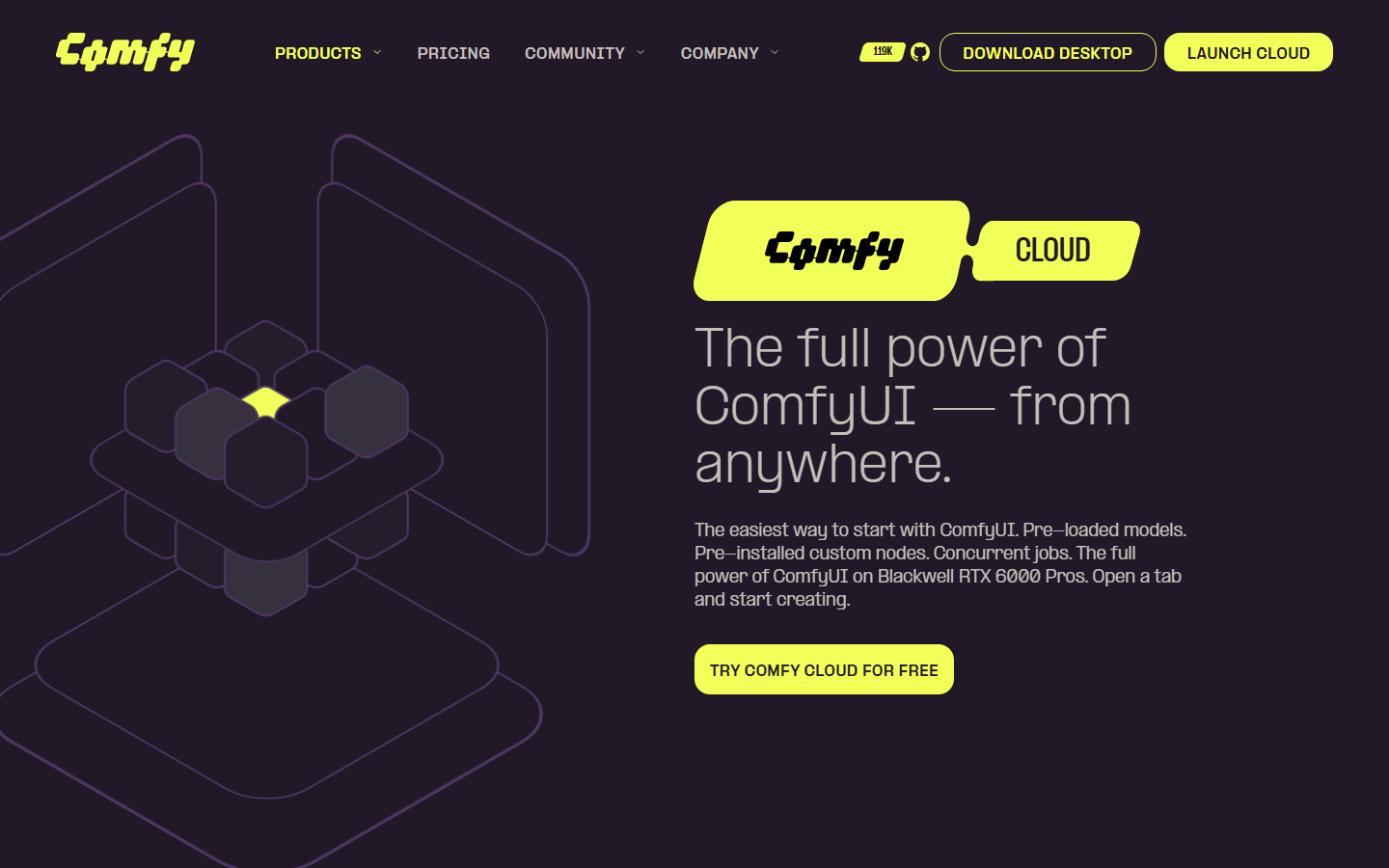
Comfy Cloud is the managed hosting run by the ComfyUI team, which makes it the safest bet for parity. It serves the standard interface in a browser on remote hardware with no Docker step and no API key to configure, and because it is first-party, core updates land without a compatibility lag. A free tier added in early 2026 grants a monthly credit allowance with no card required, enough to confirm a workflow runs before paying.
The tradeoff is scope. This is ComfyUI hosted, not ComfyUI extended, so the custom node library is more conservative than third-party hosts that preload hundreds of community packages. Verdict: pick it when parity with the open-source project matters more than breadth, and compare it against the wider field in the best ComfyUI cloud API tools roundup.
3. RunComfy: Best Workflow Parity
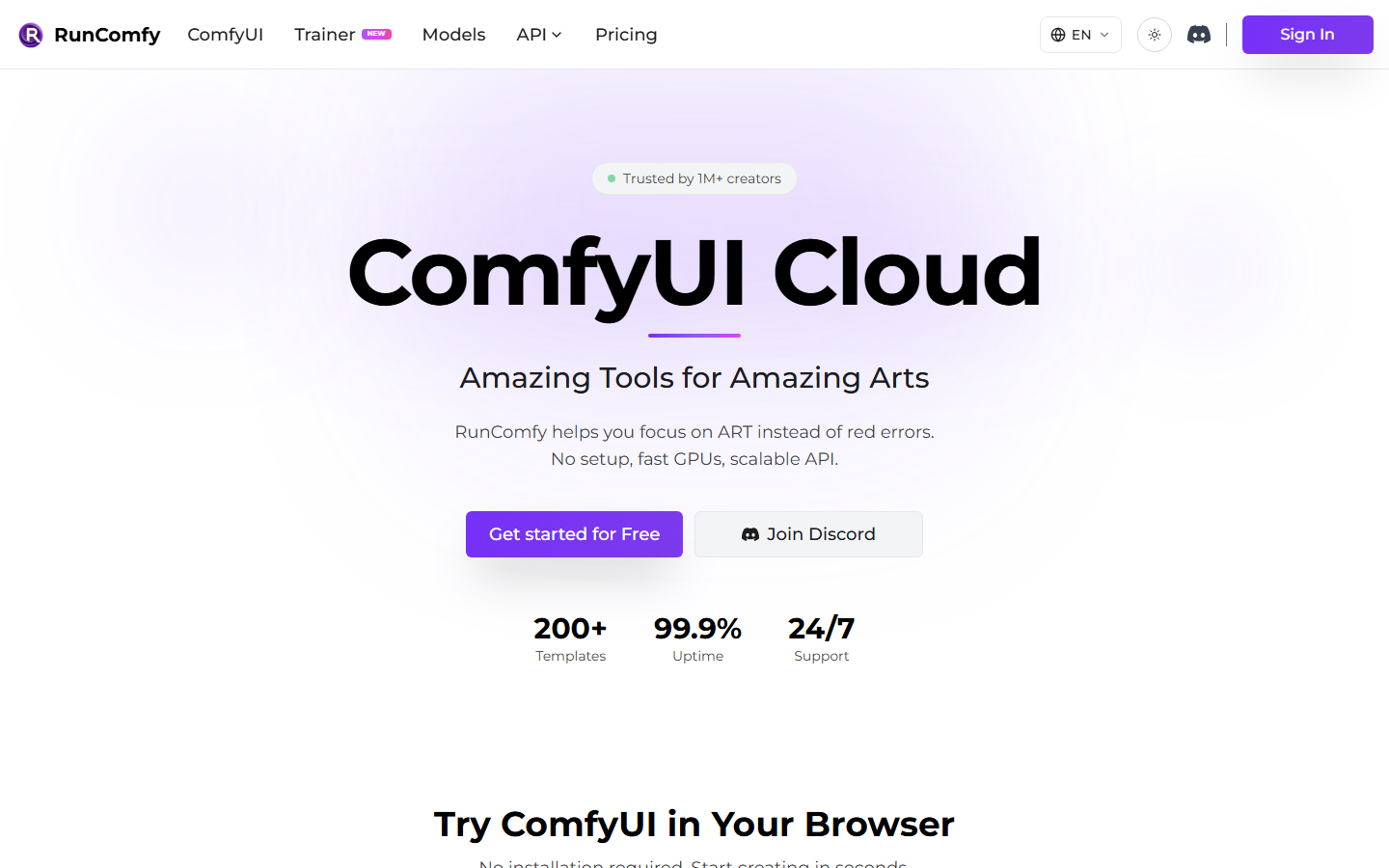
RunComfy provisions a full ComfyUI session on a remote GPU with several hundred custom nodes already installed, and it is the third-party host most people land on after outgrowing a local card. Existing JSON files import directly and the workspace mirrors what a local user sees, so migration cost is close to zero. GPU tiers run from mid-range consumer cards up to datacentre hardware, billed per running minute.
Its weakness is shared by every session host: the meter runs while you think, and shutting down cleanly is a habit you have to build. Verdict: the best choice when preserving an existing graph exactly is non-negotiable, and a natural comparison point against the hosted ComfyUI alternatives with APIs.
4. ComfyDeploy: Best for Developers
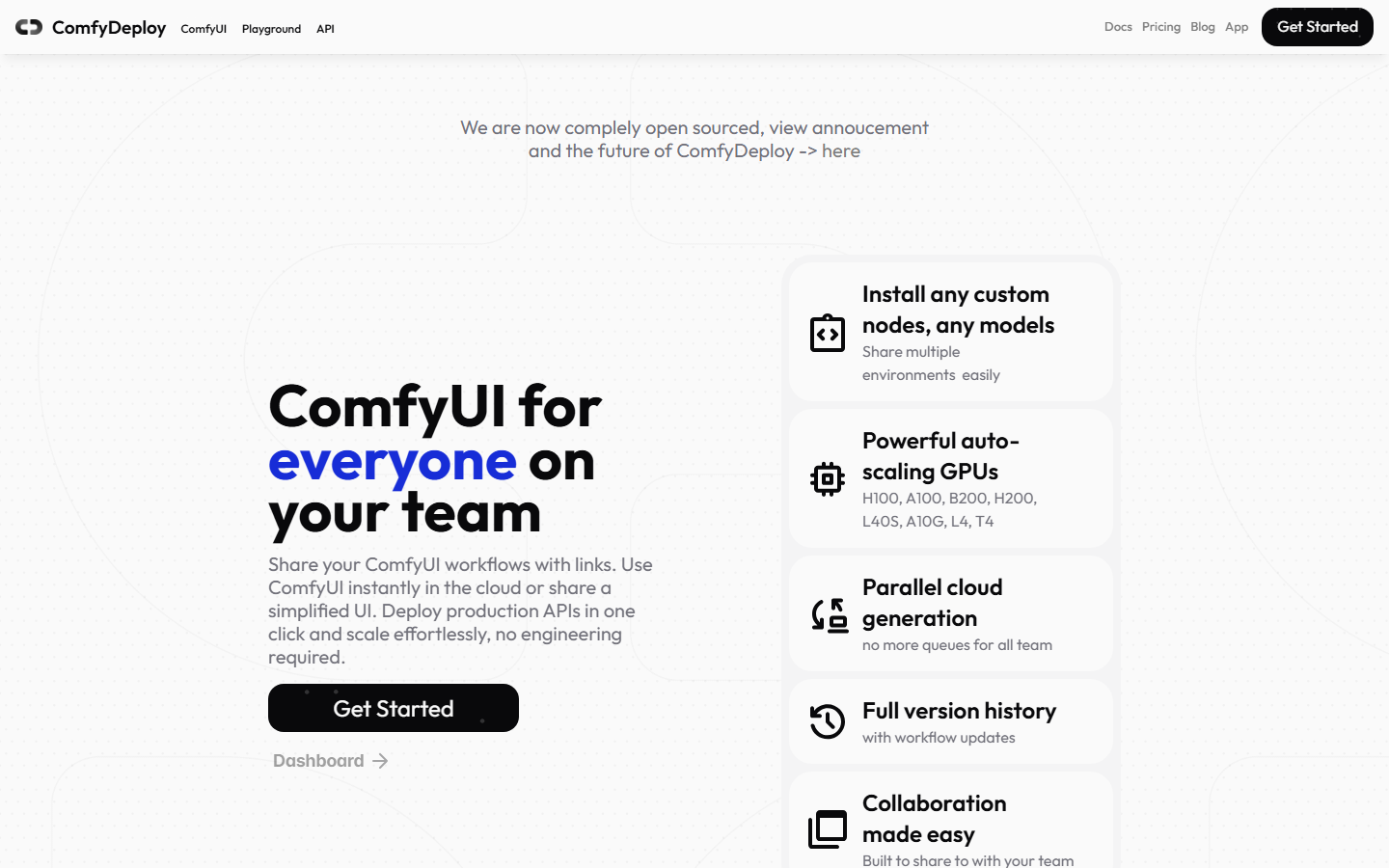
ComfyDeploy is built for the point where a workflow stops being something you use and becomes something your product calls. You edit in a hosted ComfyUI, then deploy a version behind an endpoint, with versioning and rollback so a graph change does not silently break production. Machine snapshots pin the custom node set, which removes the most common cause of a workflow that worked last month failing today.
It is less appealing if you never intend to write code, since the deployment pipeline is the whole point and adds concepts a purely visual user does not need. Verdict: the strongest API-first option here, worth reading alongside the ComfyUI hosted API overview.
5. ThinkDiffusion: Best Managed Hosting

ThinkDiffusion sells operational simplicity. Pick a GPU tier, launch from the browser, and a working environment appears in about a minute with model downloads, extension management and VRAM allocation handled behind the scenes. It also serves Automatic1111 from the same account, which matters if your team is split across interfaces rather than standardised on one.
Storage is persistent but billed separately, and per-hour rates sit above the cheapest raw GPU rentals because you are paying for the management layer. Verdict: a good fit for small studios that want a supported environment rather than a self-serve box, and a reasonable stop before evaluating the best ComfyUI alternatives without a GPU.
6. ComfyOnline: Best for Fast Tests
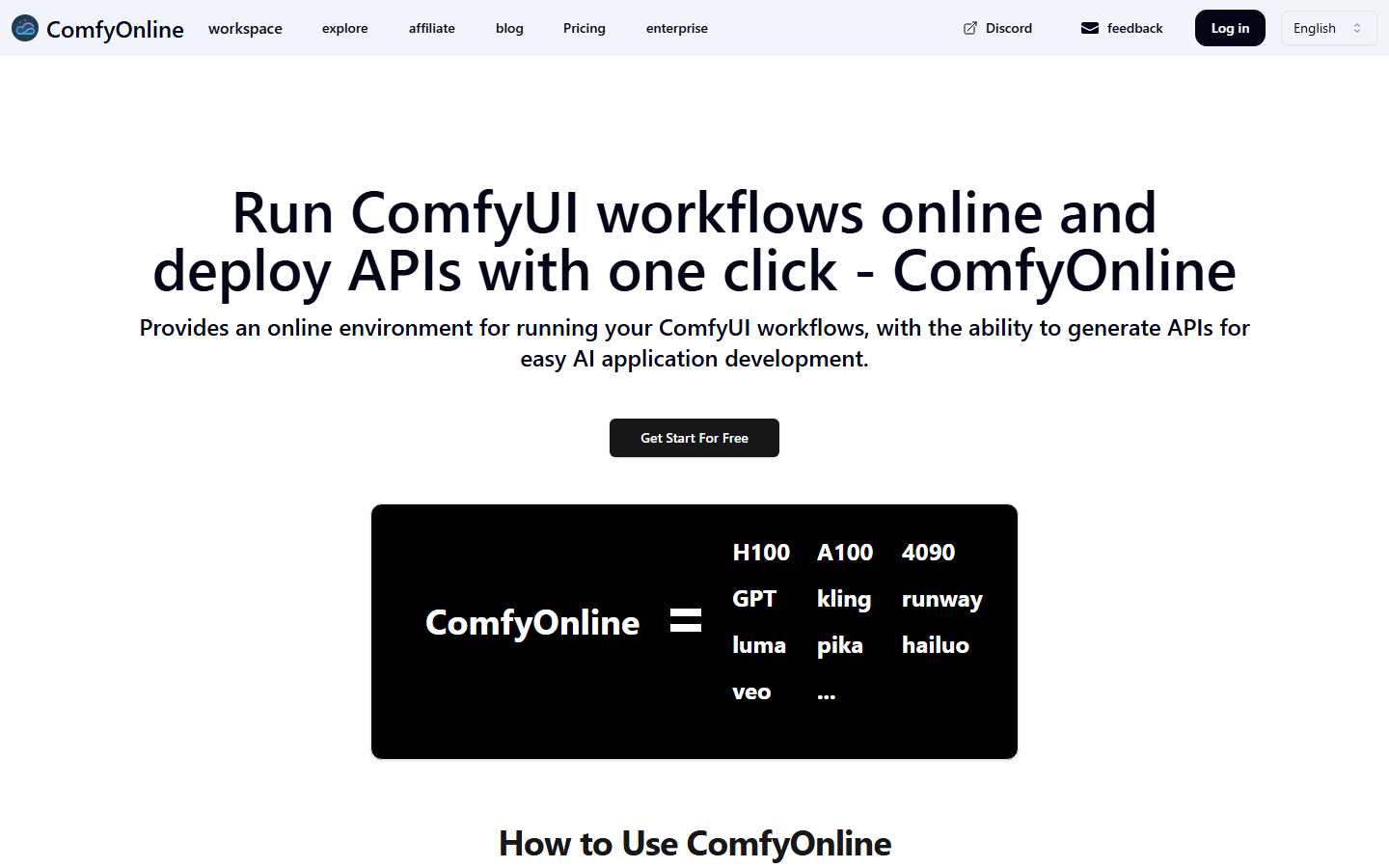
ComfyOnline leans toward running workflows rather than authoring them. It hosts a catalogue of prebuilt graphs you can execute immediately, plus the option to upload your own and run it serverlessly, with billing tied to execution rather than session time. That makes it the cheapest way to answer whether a style of workflow does what you need before investing in a full setup.
The editing experience is thinner than a full workspace host, so complex authoring still wants a session or a local install. Verdict: best used as a testing surface early in a project, particularly while you are still deciding between the ComfyUI MCP route and a plain hosted canvas.
7. ViewComfy: Best for Client Handoff
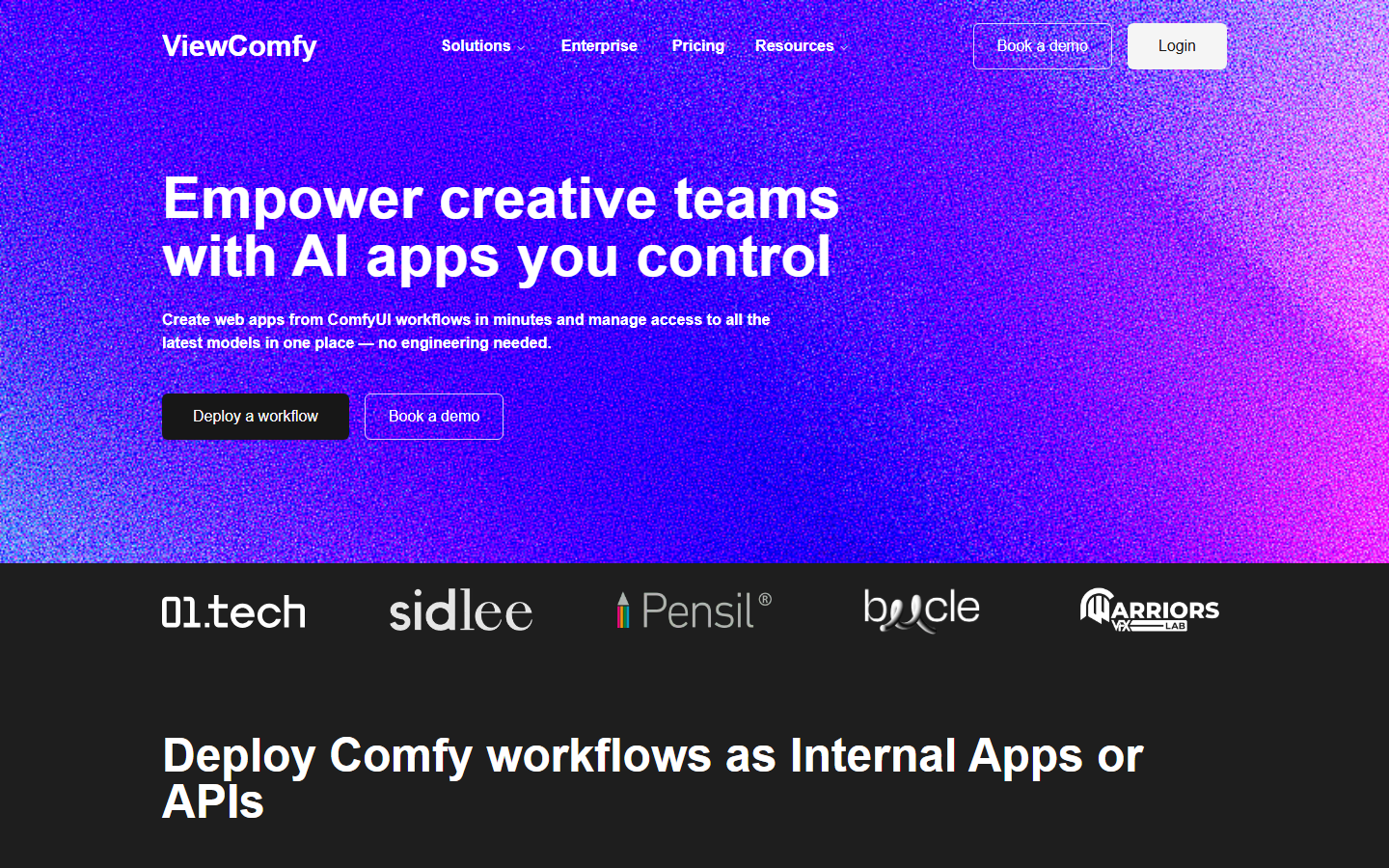
ViewComfy solves a narrow problem well: a node graph is unusable for a non-technical colleague or client. It wraps a workflow in a web form exposing only the inputs that should change, such as a prompt, a reference image and a seed, then serves that form as an app with its own access controls. The underlying graph stays yours and the interface stops being a support burden.
It assumes you already have a working workflow, so it is a layer rather than a replacement. Verdict: the right tool when the bottleneck is distribution rather than generation, and a common pairing with the API hosts in the best ComfyUI hosted API tools list.
8. RunPod: Best Raw Control
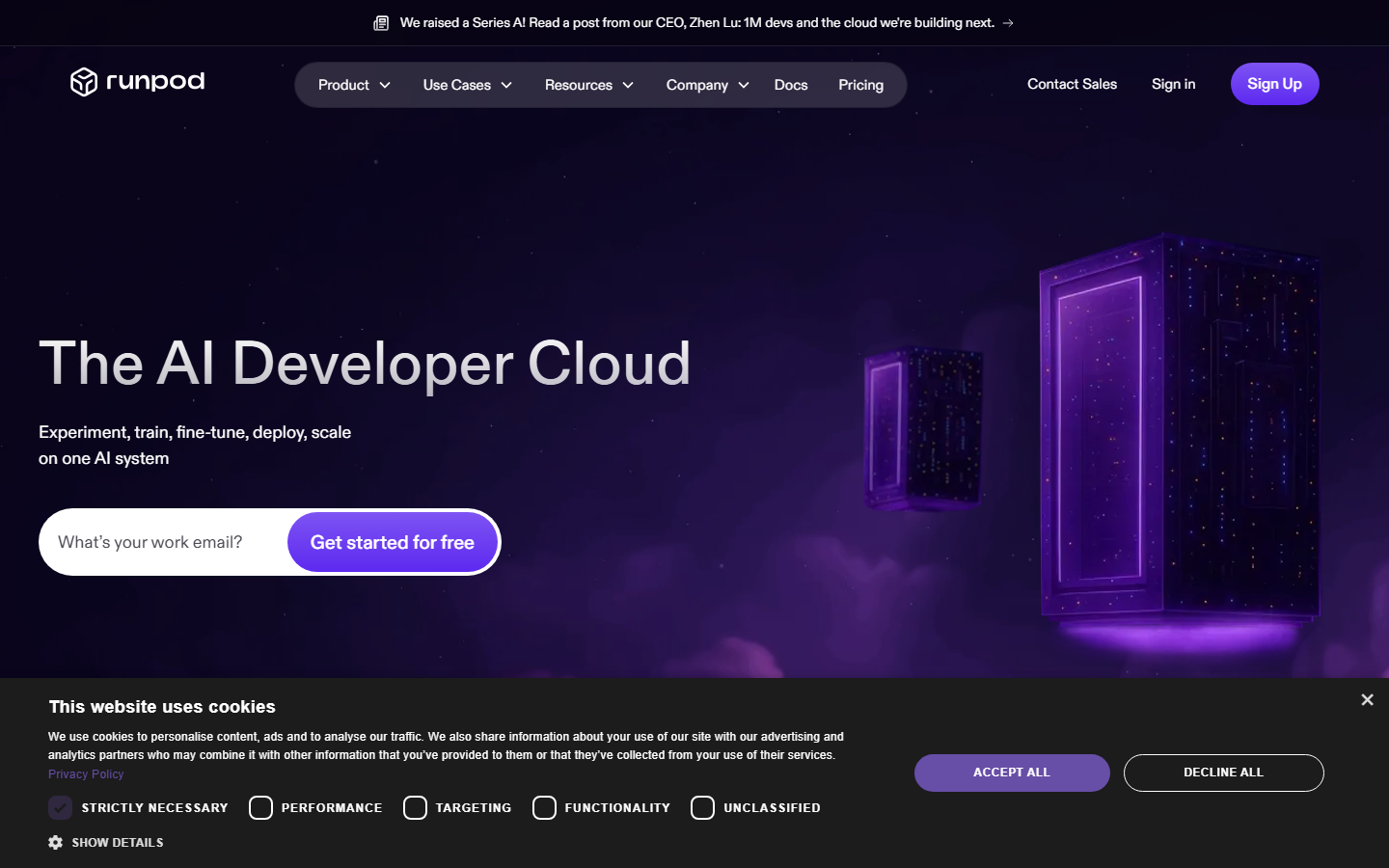
RunPod is not a ComfyUI product; it is GPU infrastructure with community templates that boot a pod with the interface already installed. That buys the widest hardware choice and the lowest per-hour cost on this list, including spot-priced instances, at the cost of doing your own environment work when a custom node needs a specific dependency. Serverless endpoints are available for request-based billing, but wiring that up is a build task.
Verdict: choose it when cost control and hardware flexibility outrank convenience, and when you are comfortable being your own sysadmin, unlike the managed options covered in the ComfyUI MCP tools comparison.
Comparison Table
| Tool | Type | Imports ComfyUI JSON | API access | Billing | Best for |
|---|---|---|---|---|---|
| Wireflow | Hosted node canvas | No | Yes | Per run | Shipping outputs without a stack |
| Comfy Cloud | Managed ComfyUI | Yes | Limited | Credits | First-party parity |
| RunComfy | Managed ComfyUI | Yes | Yes | Per GPU-minute | Preserving an existing graph |
| ComfyDeploy | Workflow to API | Yes | Yes | Per run plus seats | Product integrations |
| ThinkDiffusion | Managed sessions | Yes | Limited | Per hour | Small studios |
| ComfyOnline | Run-focused host | Yes | Yes | Per execution | Fast experiments |
| ViewComfy | App wrapper | Yes | Yes | Per app plus usage | Client-facing tools |
| RunPod | GPU infrastructure | Manual | Build it | Per hour or spot | Maximum control |
Which One Should You Pick
Work backwards from what you already own. If you have a tuned graph with unusual custom nodes, stay in the parity group and accept per-minute billing. If you have a graph other people need to run, put ViewComfy or ComfyDeploy in front of it rather than teaching anyone the canvas. If you have no graph yet and mostly want reliable chained output, a hosted canvas removes an entire maintenance category, which is the same conclusion reached in the Freepik Spaces versus ComfyUI breakdown.
Try it yourself: Build this workflow in Wireflow, with the nodes pre-configured for the setup discussed above.
FAQ
Can I run ComfyUI online for free? Yes, within limits. Comfy Cloud's free tier grants a monthly credit allowance with no card required, and several hosted canvases including Wireflow's image tools offer free runs before you pay. Free tiers are sized for evaluation, not production volume.
Will my existing workflow JSON import into these tools? Into the ComfyUI-based hosts, yes: Comfy Cloud, RunComfy, ComfyDeploy, ThinkDiffusion and ComfyOnline all accept a workflow file. Hosted canvases that are not running the ComfyUI engine do not, because their node types differ.
What is the cheapest way to run ComfyUI in the cloud? Raw GPU rental with spot pricing is cheapest per hour, but only if your time is free. Per-execution billing usually wins for bursty use because you are not paying while you edit.
Do I need a GPU at all? No. Every tool listed runs compute remotely, so a laptop with a browser is enough. That is the point of the category.
What happens when a custom node breaks after an update? On session hosts, you fix it. Platforms with machine snapshots let you pin a working node set and roll back, and hosted canvases avoid the problem by not exposing third-party node packages.
Can these tools be called from my own application? ComfyDeploy, RunComfy, ComfyOnline, ViewComfy and hosted canvases expose HTTP endpoints, so a workflow becomes a request your backend makes. The patterns are covered in how to chain multiple AI models in one API call.
How fast is a first output on a hosted platform? Session hosts need one to three minutes to provision a GPU before the first run. Per-execution platforms and hosted canvases usually return a first image within seconds because there is no boot step.
Is a hosted canvas a real replacement for ComfyUI? It replaces what most people use ComfyUI to do, not the graph itself. If your work depends on specific node internals, keep the graph. If it depends on the output, the canvas is less to maintain.
Conclusion
There is no single best ComfyUI online tool, only two clear paths: preserve the graph and rent a managed environment, or drop the graph and use a hosted canvas that chains models for you. Wireflow sits firmly in the second camp and suits teams who would rather ship results than maintain a Python environment, while RunComfy and Comfy Cloud are the strongest picks in the first. Whichever path you take, price it against your actual usage pattern rather than the headline rate, since the difference between per-run and per-minute billing on the pricing page changes the answer for most teams.

Co-Founder & Operations at Wireflow
Runs client operations and content strategy at Wireflow. Works directly with creative teams and agencies to build production AI workflows.
- Content Strategy
- Client Operations
Get unlimited ad creatives today.
One call to see if we are a fit and scope the first ad. If it fits, your first batch lands inside week one.