Best ComfyUI Cloud Pricing Tools in 2026: 8 Options Compared

In this article▾
- Quick summary: the 8 platforms ranked
- How ComfyUI cloud pricing actually works
- 1. Wireflow: best overall
- 2. Comfy Cloud: best official option
- 3. RunComfy: best for running existing graphs
- 4. RunPod: cheapest per GPU hour
- 5. ThinkDiffusion: best for beginners
- 6. RunDiffusion: best free tier
- 7. ViewComfy: best for predictable compute
- 8. ComfyDeploy: most customizable
- Side-by-side pricing comparison
- Which pricing model fits your workload
- Frequently asked questions
- Conclusion
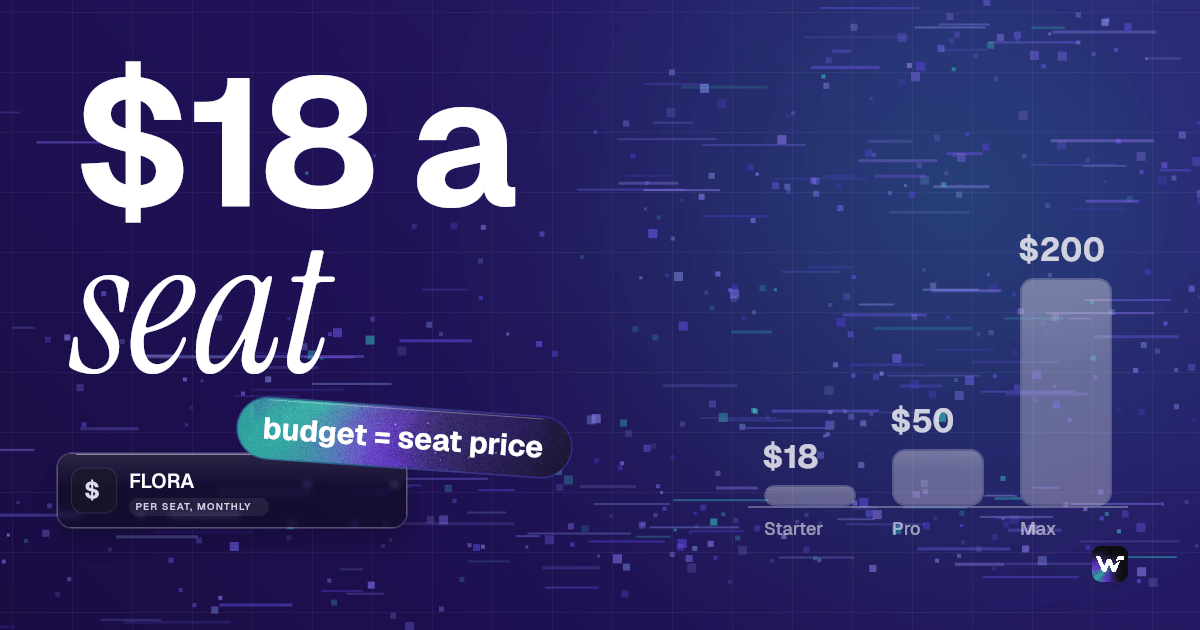
ComfyUI cloud pricing splits into four billing models in 2026: credit subscriptions starting around $20 per month, managed hourly sessions from roughly $0.50 to $2.00 per hour, raw GPU rental from about $0.22 per hour for an RTX 3090, and per-run serverless billing where you pay only for the seconds a node actually executes. Wireflow is a credit plan, plans start at $36 a month for 2,660 credits, and each run spends credits, so you pay for the runs you make rather than for a rented hour. Below are eight platforms ranked by what they cost to operate, not by sticker price.
Quick summary: the 8 platforms ranked
- Wireflow: per-run canvas with no GPU rental or idle time. Best overall.
- Comfy Cloud: official managed ComfyUI on a credit subscription. Best official option.
- RunComfy: per-second managed sessions plus a serverless API. Best for existing graphs.
- RunPod: raw GPU rental at the lowest hourly rates. Cheapest per GPU hour.
- ThinkDiffusion: browser ComfyUI with zero setup. Best for beginners.
- RunDiffusion: per-minute billing with unused time credited back. Best free tier.
- ViewComfy: compute-only pricing with no platform fee. Best for predictable compute.
- ComfyDeploy: open source workflow-to-API with a self-host path. Most customizable.
How ComfyUI cloud pricing actually works
The number on a pricing page rarely matches the number on your invoice, because the four models charge for different things. Hourly hosts bill wall-clock time, so a two-hour session where you generated for ninety minutes still costs two hours. Credit subscriptions bill GPU runtime only, so editing is free. Raw rental bills the machine from boot to shutdown, idle minutes included. Per-run serverless bills execution seconds and nothing else, the model our ComfyUI cloud API guide covers in depth.
That difference decides your bill far more than the headline rate. A designer who keeps a session open four hours a day and generates for forty minutes of it overpays badly on hourly rental and does well on credits; a developer firing 3,000 API calls a month sees the reverse. That is why the hosted ComfyUI alternatives roundup frames the choice around usage shape first.
| Billing model | You pay for | Cheapest when | Expensive when |
|---|---|---|---|
| Credit subscription | GPU runtime | Steady monthly volume | Usage spikes past the allowance |
| Hourly session | Wall clock | Long uninterrupted work | You leave sessions open |
| Raw GPU rental | Machine uptime | High sustained utilization | Bursty or occasional use |
| Per-run serverless | Execution seconds | Bursty API traffic | Very long single jobs |

Build this in Wireflow
Make the same kind of asset on a canvas you control, with a free account and no credit card.
1. Wireflow: best overall
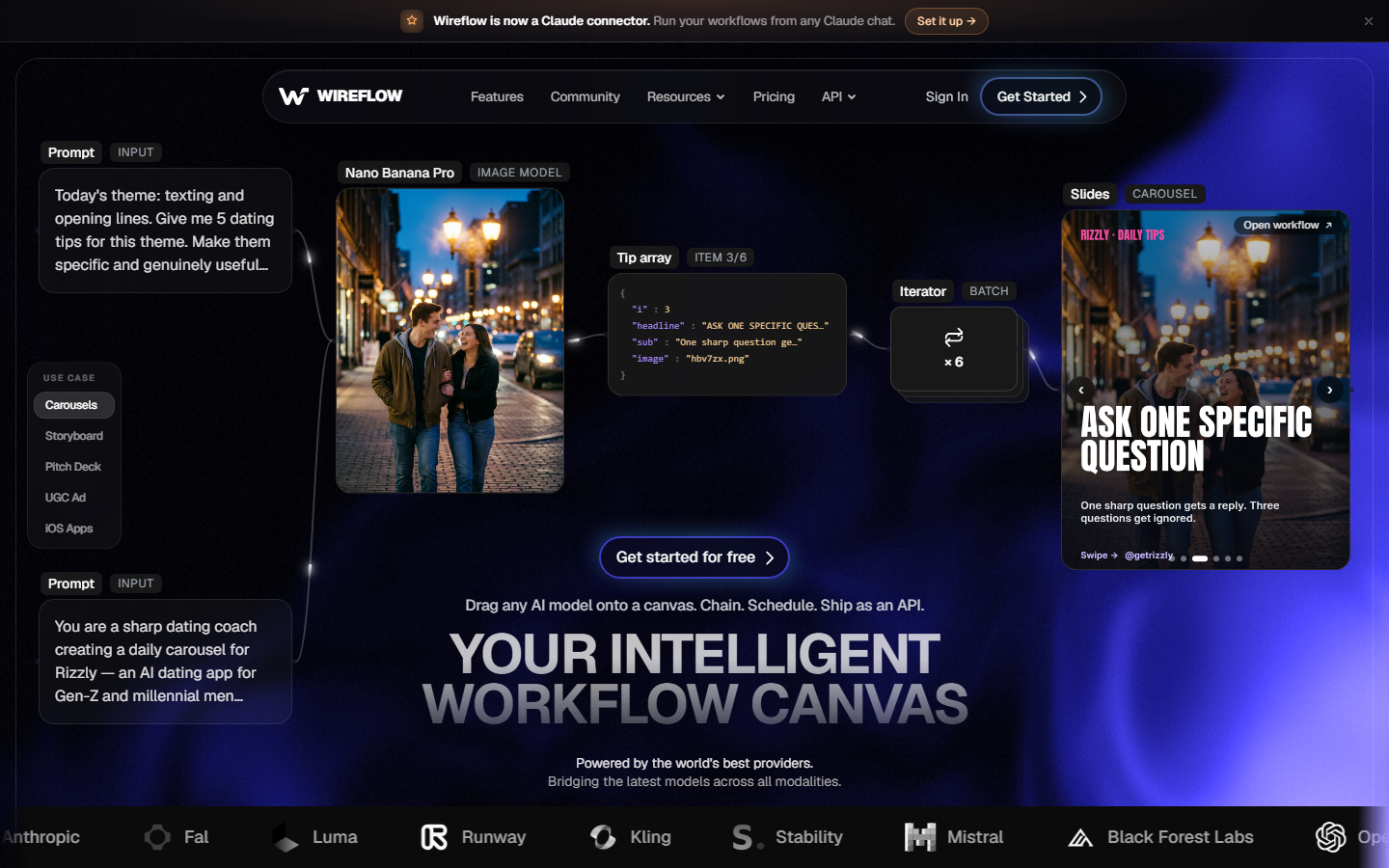
Wireflow is a hosted node canvas that runs image, video and language models through one account, billed per run rather than per rented GPU hour. There is no machine to start, no session to close, and no idle charge while you edit the graph, which removes the largest source of surprise cost on the hourly platforms below. Per-run rates are on the pricing page, and the same graphs are callable over an API, so a canvas you build by hand becomes a production endpoint without a rebuild.
The tradeoff is worth stating plainly: Wireflow is not ComfyUI, so custom nodes from that ecosystem do not transfer. What you get instead is a managed multi-vendor model catalog, so chaining several models in one call needs no separate accounts or bills. If your graph is mostly standard generation and upscaling steps, that swap usually lowers cost and maintenance at once.
Verdict: best for bursty or API-driven generation where idle time is the real cost.
2. Comfy Cloud: best official option
Comfy Cloud is the first-party hosted ComfyUI. Plans run from a free tier with 400 monthly credits through Standard at $20 per month for 4,200 credits, Creator at $35 for 7,400, and Pro at $100 for 21,100, with Enterprise quoted on request. Standard drops to about $16 per month billed annually. Credits are consumed by active GPU runtime and supported partner nodes, not by editing time, which is forgiving if you iterate slowly.
Hardware is the strongest part of the offer: sessions run on NVIDIA RTX PRO 6000 Blackwell cards with 96GB of VRAM, enough for large video graphs that fail on consumer GPUs. The constraint is the walled garden, since custom node support is limited to what the platform has approved. Anyone hitting that wall should read the Comfy Cloud alternatives comparison before committing to an annual plan.
Verdict: best if you want official ComfyUI with strong hardware and predictable monthly cost.
3. RunComfy: best for running existing graphs
RunComfy bills by the second with rates quoted per hour by machine tier, and training GPUs release automatically when a job finishes so no idle charge accrues. An H100 runs about $4.49 per hour on pay as you go, dropping to roughly $3.59 on the Pro subscription, which applies a 20 to 30 percent discount across tiers. H200 rates were revised in June 2026, so check the current table before budgeting.
Breadth of node support plus a serverless API is what makes it the pragmatic pick: the same workflow runs interactively and then promotes to an endpoint, the shape covered in the ComfyUI online tools roundup. Per-second billing makes short jobs genuinely cheap; sustained all-day rendering is where the hourly rate bites.
Verdict: best when you already have ComfyUI graphs and want them running unchanged this week.
4. RunPod: cheapest per GPU hour
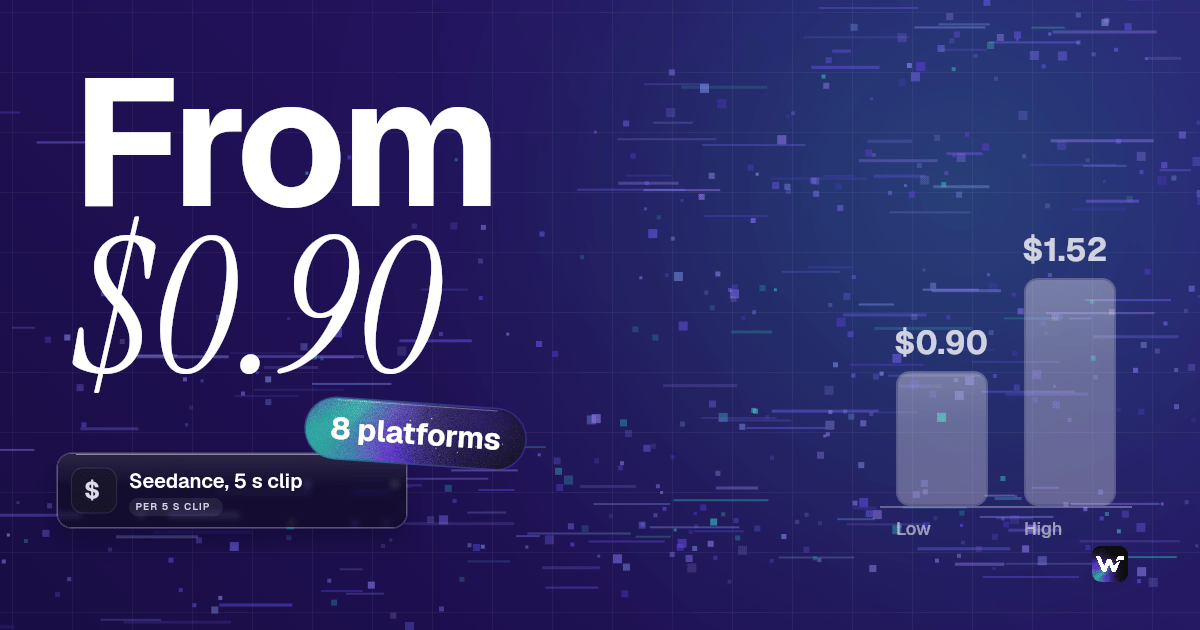
RunPod rents the machine and leaves the rest to you. Community RTX 3090 instances land near $0.22 per hour and RTX 4090 around $0.34, rising to roughly $0.77 to $1.10 for serverless 4090 capacity; H100 class hardware sits in the $4 to $6 range across managed providers.
The hidden cost is your own time. You install CUDA, Python, ComfyUI and every custom node yourself, you manage model storage, and you pay whenever the pod is running, including the stretch where you are debugging a dependency rather than generating. That setup tax is what pushes teams toward a managed canvas, a tradeoff the no-GPU ComfyUI alternatives guide quantifies.
Verdict: cheapest per hour, but only if your utilization is high and your time is cheap.
5. ThinkDiffusion: best for beginners

ThinkDiffusion puts ComfyUI and A1111 in a browser tab with no CUDA, Python or Docker configuration. Pricing is pay as you go across three machine tiers running roughly $0.59 to $1.99 per hour, and a TD-Pro subscription at $30 per month adds persistent storage while converting $10 into hourly credits. Persistent storage matters more than it sounds, since reloading large checkpoints each session eats billable minutes.
Managed browser hosts run two to four times the per-hour cost of raw rental, and that premium is the product: you are buying back the hours setup would otherwise consume. The catch is that wall-clock charging punishes the slow, exploratory sessions beginners naturally have, and closing the tab is not the same as stopping the machine.
Verdict: best first ComfyUI cloud if you value zero setup over the lowest hourly rate.
6. RunDiffusion: best free tier

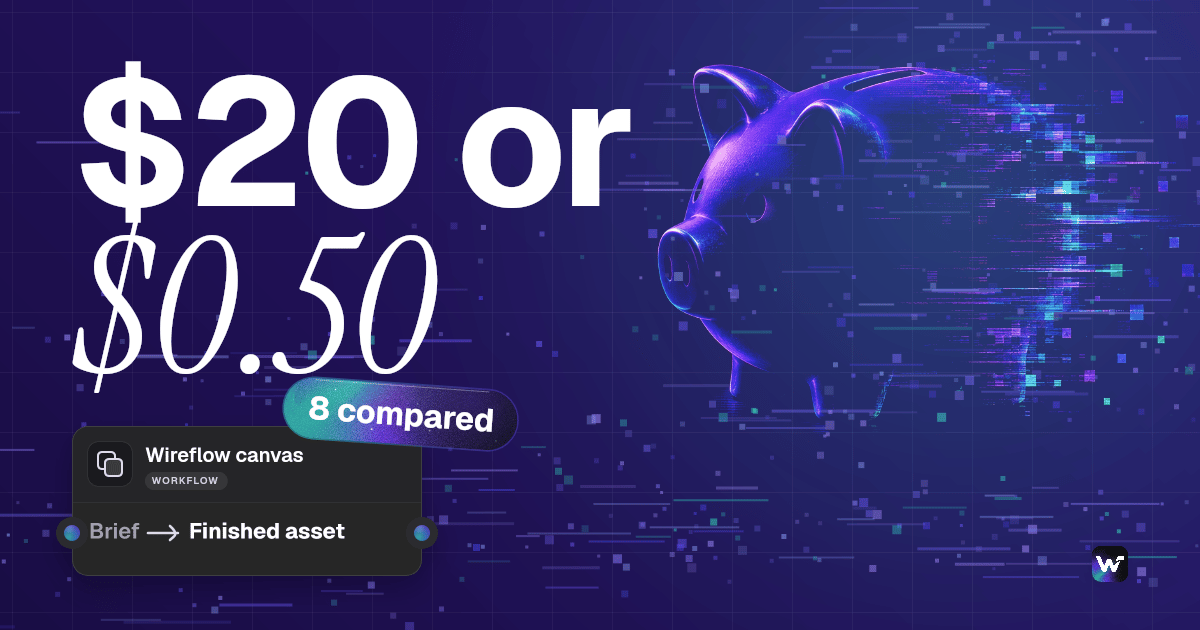
RunDiffusion starts at $0.50 per hour and bills per minute, so a one-hour session stopped after thirty minutes returns the unused $0.25 to your balance. That refund behaviour is unusual among managed hosts and it changes the economics of short, frequent sessions. The free tier gives 30 minutes per month with no card required, enough to confirm your graph loads before you spend anything.
The platform bundles several open source interfaces beyond ComfyUI, so it suits people who switch tools rather than living in one. The per-hour rate still sits above raw rental once workloads are sustained, but as a low-commitment way to test cloud ComfyUI at all, it is the least risky entry point here.
Verdict: best for short, frequent sessions thanks to per-minute billing and refunds.
7. ViewComfy: best for predictable compute
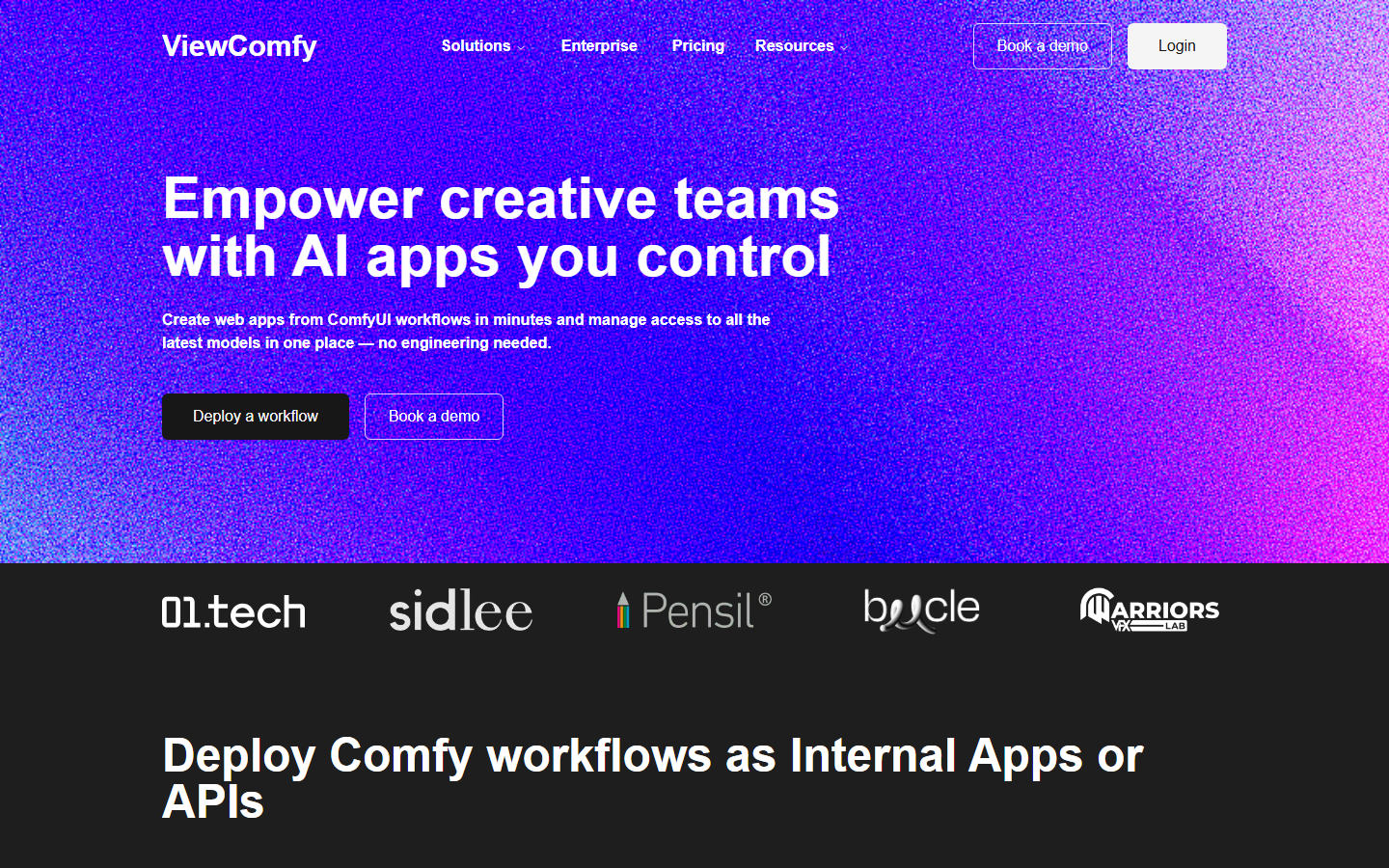
ViewComfy removes the platform subscription entirely on its Developer plan: you pay compute and nothing else. Published rates start at $0.65 per hour for a T4 and scale through A100, H100, H200 and B200 tiers, so the bill tracks hardware choice directly with no monthly floor to clear.
Its second angle is turning a ComfyUI workflow into an app other people can use without seeing the graph, which suits agencies handing tools to clients and overlaps with the patterns in the multi-model AI workflows guide. Because there is no subscription buffer, low-volume months cost almost nothing.
Verdict: best when you want compute-only billing with no monthly minimum.
8. ComfyDeploy: most customizable
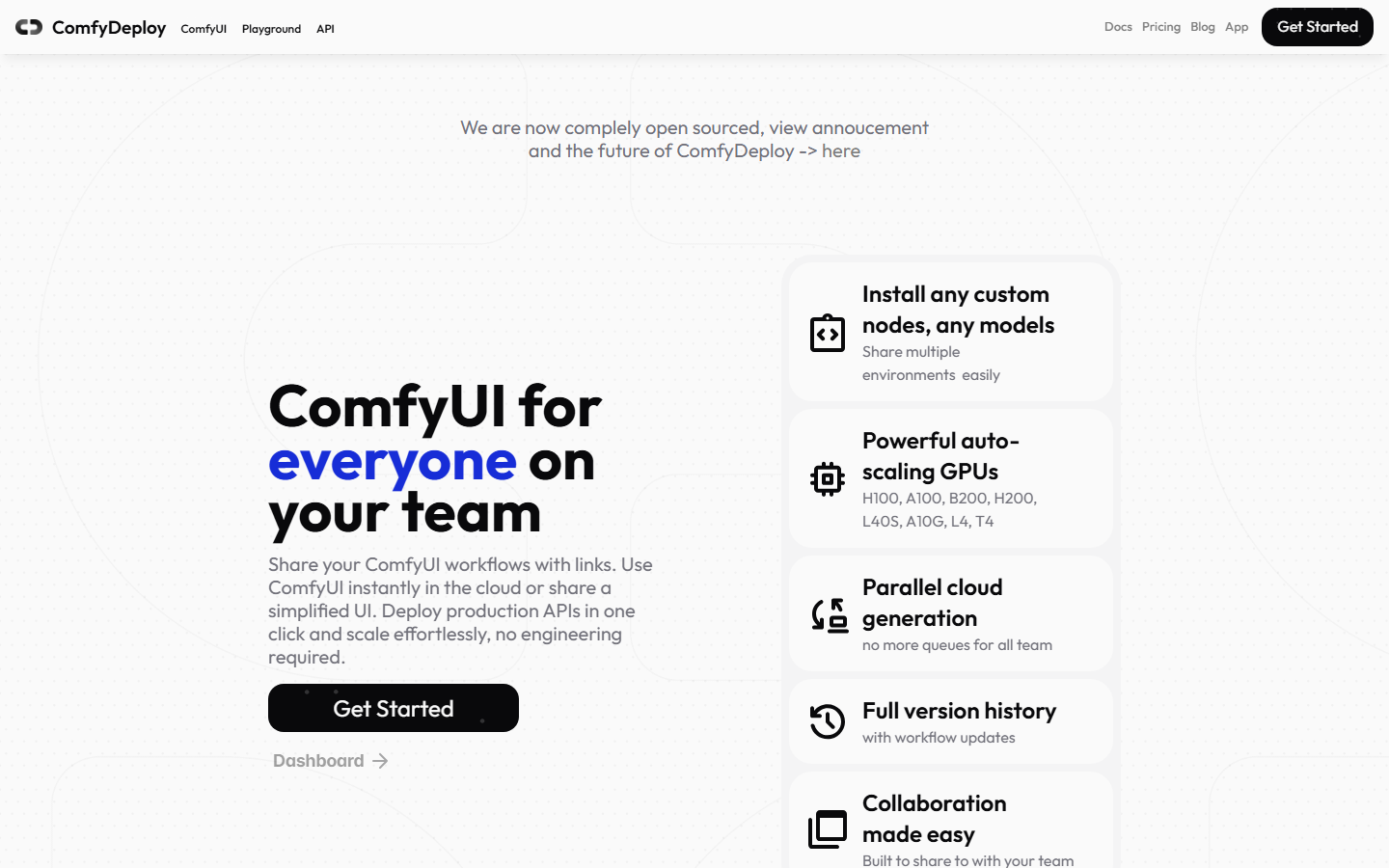
ComfyDeploy is an open source platform for deploying and versioning ComfyUI workflows as APIs across a team. There is a free plan, pay-as-you-go paid tiers, and a self-hosting path that lets you run everything on your own infrastructure and pay only your cloud bill.
That self-host option is the real pricing story, converting a per-run vendor cost into fixed infrastructure you control: it pays off above a certain volume and costs engineering time below it. Team features, workflow versioning and deployment history aim at production rather than experimentation, closer in spirit to API-first workflow orchestration platforms than to a browser sandbox.
Verdict: most customizable, and the only option here you can fully self-host.
Side-by-side pricing comparison
| Platform | Billing model | Entry price | Best for |
|---|---|---|---|
| Wireflow | Per run | See pricing page | Bursty and API-driven generation |
| Comfy Cloud | Credit subscription | Free 400 credits, $20/mo | Official ComfyUI, big VRAM |
| RunComfy | Per second, hourly rates | Tier dependent, H100 ~$4.49/hr | Existing graphs plus API |
| RunPod | Raw GPU rental | ~$0.22/hr RTX 3090 | High-utilization DIY setups |
| ThinkDiffusion | Hourly session | ~$0.59/hr | Beginners wanting zero setup |
| RunDiffusion | Per minute | Free 30 min/mo, ~$0.50/hr | Short, frequent sessions |
| ViewComfy | Compute only | ~$0.65/hr T4 | No monthly minimum |
| ComfyDeploy | Free plan plus PAYG | Free tier | Teams and self-hosting |
Rates reflect published pricing at the time of writing and change often, particularly on high-end cards.
Which pricing model fits your workload
Work out your ratio of generation time to total session time before comparing rates. If you generate for less than a third of the time your session is open, wall-clock billing costs you roughly triple the advertised rate, and a credit or per-run platform wins even at a higher headline number. If you generate almost continuously, raw rental wins and the setup tax amortizes quickly.
Volume decides the rest. Under a few hundred generations a month, free tiers and compute-only plans keep the bill near zero while any subscription forces you to clear a monthly floor. Past a few thousand API calls, per-run costs start to exceed a reserved GPU and self-hosting becomes defensible. Developers weighing this also weigh portability, since the move from per-model APIs to a canvas changes how locked in the graph is.
Try it yourself: open this prompt-to-upscaled-render workflow to see a per-run graph with its generation and upscale nodes already executed.
Frequently asked questions
How much does ComfyUI itself cost? ComfyUI is free and open source. You only pay when you run it somewhere other than your own machine, as a cloud subscription, an hourly session, or rented GPU time.
What is the cheapest way to run ComfyUI in the cloud? Raw GPU rental is cheapest per hour, with community RTX 3090 instances near $0.22 and RTX 4090 near $0.34. It is only cheapest overall if you keep utilization high, since you pay for every idle minute and do the setup yourself.
Are credits or hourly billing better value? Credits are better when you iterate slowly, because editing consumes nothing and only GPU runtime draws down the allowance. Hourly billing is better when you generate continuously and rarely leave a session idle.
Does Comfy Cloud have a free tier? Yes. It includes 400 monthly credits, enough to test whether your workflows import and run before moving to the $20 per month Standard plan.
Why is my cloud ComfyUI bill higher than the quoted rate? The usual causes are idle sessions billed at wall-clock rates, checkpoints reloading each session without persistent storage, and cold starts on serverless tiers. Check which billing model your provider uses before assuming the rate is wrong.
Can I run ComfyUI workflows as an API? Yes. RunComfy, ComfyDeploy and ViewComfy all expose workflows as callable endpoints, and hosted canvases offer the same, as covered in the ComfyUI MCP tools roundup.
How much VRAM do I need for video workflows? Video and multi-model graphs commonly need 24GB or more, and some need far more. Comfy Cloud's RTX PRO 6000 Blackwell cards offer 96GB, the highest ceiling among the managed options here.
Conclusion
There is no single cheapest ComfyUI cloud platform, only a cheapest match between billing model and workload. Measure your generation-to-session ratio and your monthly volume first, then pick the model that does not charge you for the time you spend thinking. If your graphs are mostly standard generation and upscaling steps, moving to a per-run canvas like Wireflow removes idle billing entirely; if you depend on the custom node ecosystem, Comfy Cloud and RunComfy are the strongest managed homes for it in 2026.

Co-Founder & Operations at Wireflow
Runs client operations and content strategy at Wireflow. Works directly with creative teams and agencies to build production AI workflows.
- Content Strategy
- Client Operations
Ask Claude for your next ad.
Connect once. Ask any time.
- No credit card
- You keep the rights to what you make
- Cancel anytime