Best Comfy Cloud Alternatives in 2026: 9 Hosted Options Ranked


In this article▾
- Why People Leave Comfy Cloud
- Quick Summary
- 1. Wireflow: Best Overall
- 2. RunComfy: Best for Existing ComfyUI Graphs
- 3. ComfyDeploy: Best for API-First Teams
- 4. ThinkDiffusion: Best for Beginners
- 5. ViewComfy: Best for Shipping a Graph as an App
- 6. RunPod: Best for Raw Control
- 7. Replicate: Best for Model Breadth
- 8. fal.ai: Best for Latency
- 9. ComfyOnline: Best Budget Option
- Comparison Table
- How to Choose
- Comfy Cloud API Access: Hosted Options You Can Call From Code
- FAQ
- Conclusion
Comfy Cloud is the official managed ComfyUI service from Comfy Org, and at $20 per month for 4,200 credits it is a reasonable starting point. It is also credit-metered, capped at 30 minutes per run, and tied to the ComfyUI graph format, which sends plenty of teams looking for something else. This guide ranks nine alternatives across three categories: node canvases like Wireflow that host the models directly, third-party ComfyUI hosts that run your existing graphs on rented GPUs, and raw inference APIs you wire up yourself.
Why People Leave Comfy Cloud
The complaints cluster into four patterns. First, credits do not roll over, so a slow month is money burned and a busy month means a mid-cycle top-up. Second, the 30-minute per-run ceiling (one hour on the $100 Pro plan) rules out long video or batch jobs. Third, custom node support is narrower than a local install, so a workflow that runs on your machine may not import cleanly. Fourth, and most common for teams shipping product, Comfy Cloud is built for people who want to use ComfyUI, not for people who want a production endpoint behind an app. If the last one is your reason, the no-GPU ComfyUI alternatives roundup covers the same territory from the hardware angle.
Worth saying plainly: for a solo artist iterating on image workflows, Comfy Cloud is fine. The alternatives below matter when you need API access, longer runs, predictable per-call cost, or models that never shipped as ComfyUI nodes. If you want to leave ComfyUI graphs behind altogether, see why Wireflow is an alternative to ComfyUI.
Build this in Wireflow
Make the same kind of asset on a canvas you control, with a free account and no credit card.
Quick Summary
- Wireflow: Best overall. Node canvas with hosted models, no GPU, REST and MCP output.
- RunComfy: Best for running your existing ComfyUI graphs. Fastest third-party host.
- ComfyDeploy: Best for API-first teams. Workflow versioning with changelogs.
- ThinkDiffusion: Best for beginners. Managed ComfyUI and A1111 in one browser session.
- ViewComfy: Best for turning a graph into an app. Auto-generates a UI from your workflow.
- RunPod: Best for raw control. Rent the GPU, install what you want.
- Replicate: Best for model breadth. Thousands of models behind one API shape.
- fal.ai: Best for latency. Optimized inference on a narrower model set.
- ComfyOnline: Best budget option. Templated ComfyUI with per-run pricing.
1. Wireflow: Best Overall
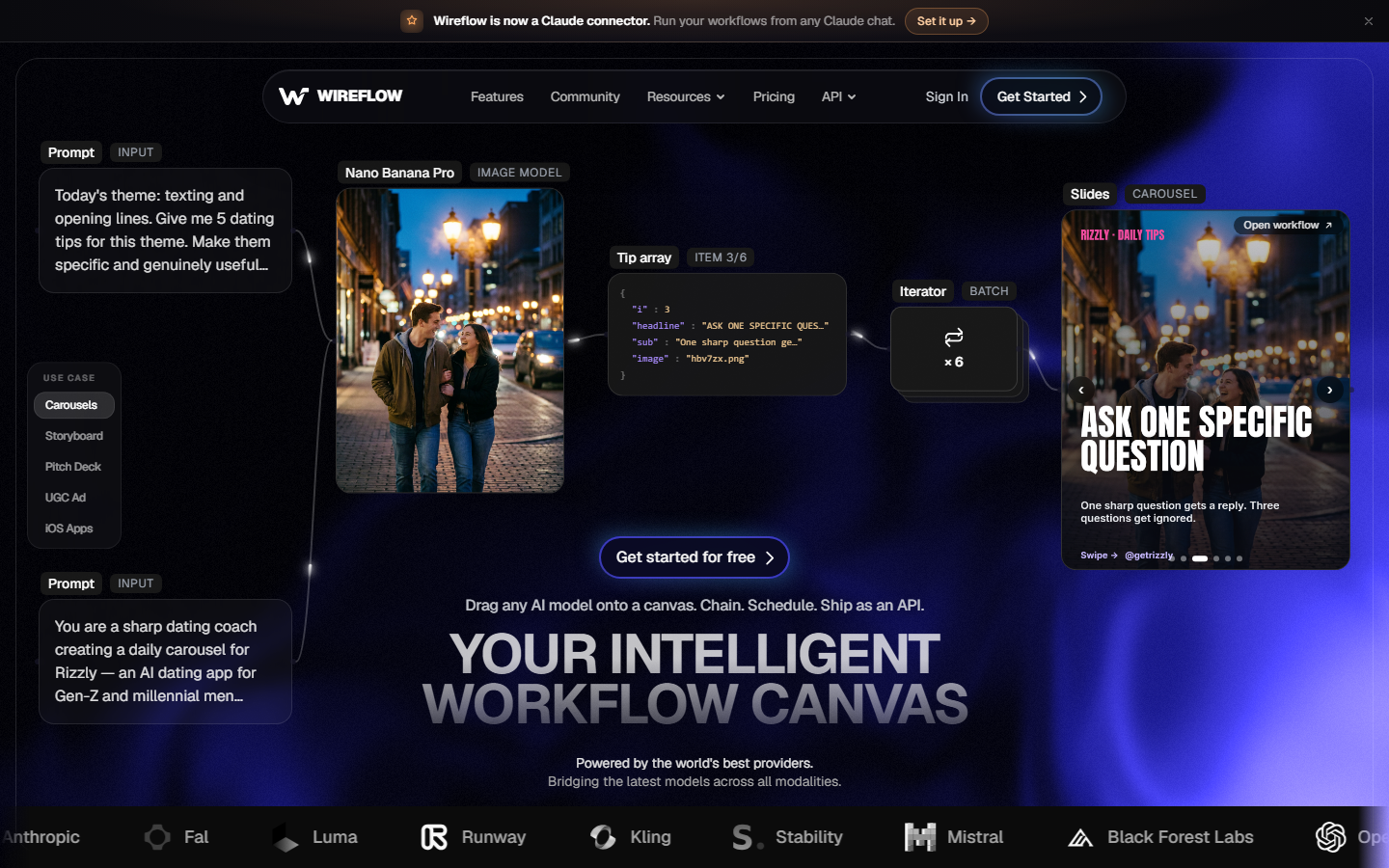
Wireflow is a browser-based node canvas that hosts the models itself, so there is no ComfyUI install, no custom node manager, and no GPU to rent. You drag input nodes, model nodes, and compositing nodes onto a canvas, connect them, and run. For a hands-on look at this in action, check out the Comfy Cloud alternative feature page.
The tradeoff is explicit: you give up the ComfyUI node ecosystem and get a maintained model catalog plus a production path. Every canvas is callable as a REST endpoint and exposed as an MCP tool, which means the same graph you built by hand is the one your app or agent calls in production. That is the gap most ComfyUI hosts leave open, and it is why node-based AI workflow platforms have pulled ahead for team use rather than solo experimentation.
Verdict: Pick Wireflow if the workflow needs to end up inside a product. Pick a ComfyUI host if you have an existing graph you refuse to rebuild.
2. RunComfy: Best for Existing ComfyUI Graphs
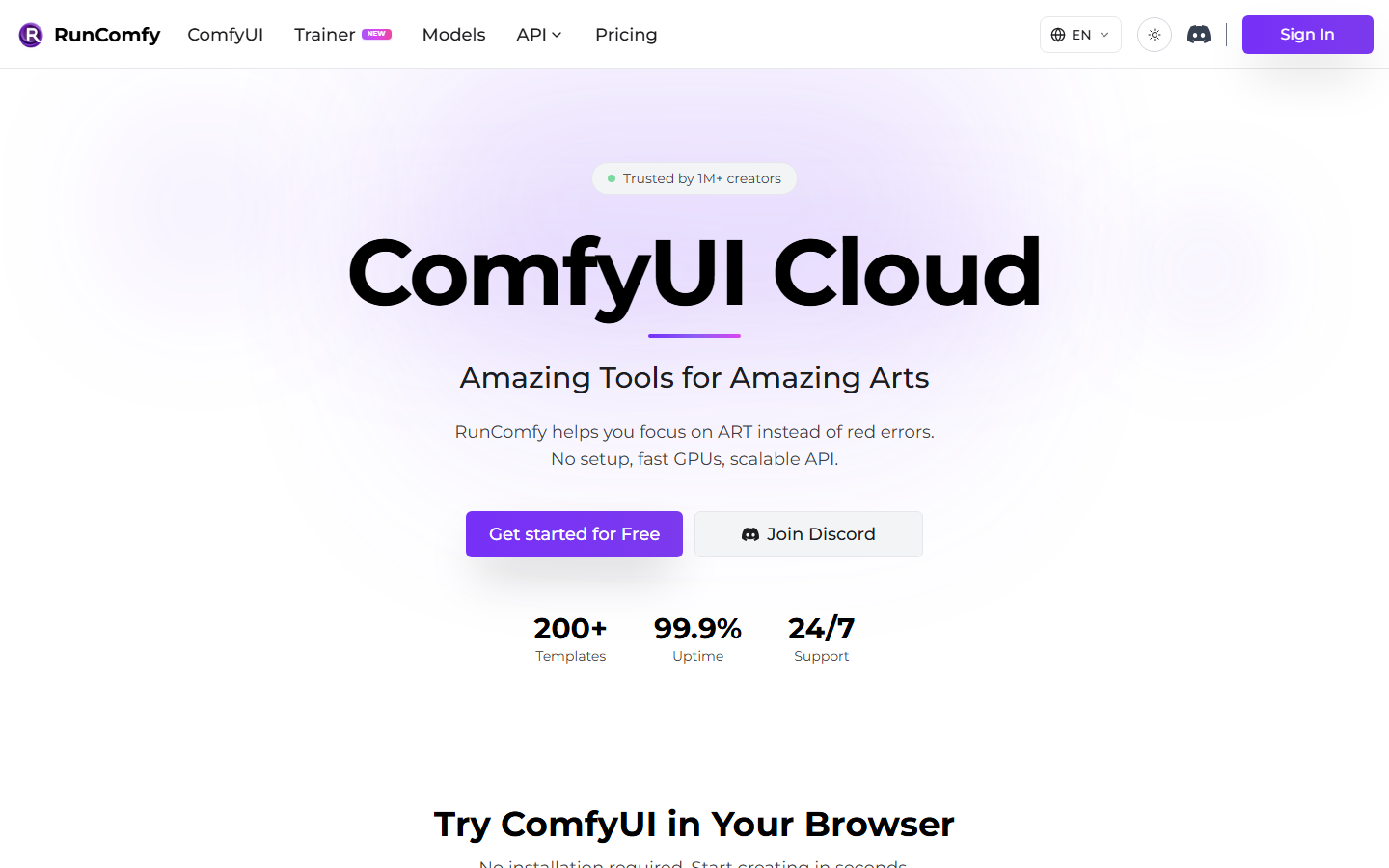
RunComfy gives you a real ComfyUI instance on rented hardware, with A100 and H100 options and a workspace UI for organizing projects. Your existing graph imports directly, the node manager works, and startup is faster than most competitors. Pricing is per-minute GPU time, which typically lands between $25 and $80 per month for regular use. It also ships a large library of ready-to-run community workflows, a useful shortcut when you want to try a trending technique without rebuilding it. Teams that need the same graph behind an endpoint should also read the ComfyUI cloud API comparison.
Verdict: The closest thing to a drop-in Comfy Cloud replacement, with fewer restrictions and looser custom node rules.
3. ComfyDeploy: Best for API-First Teams
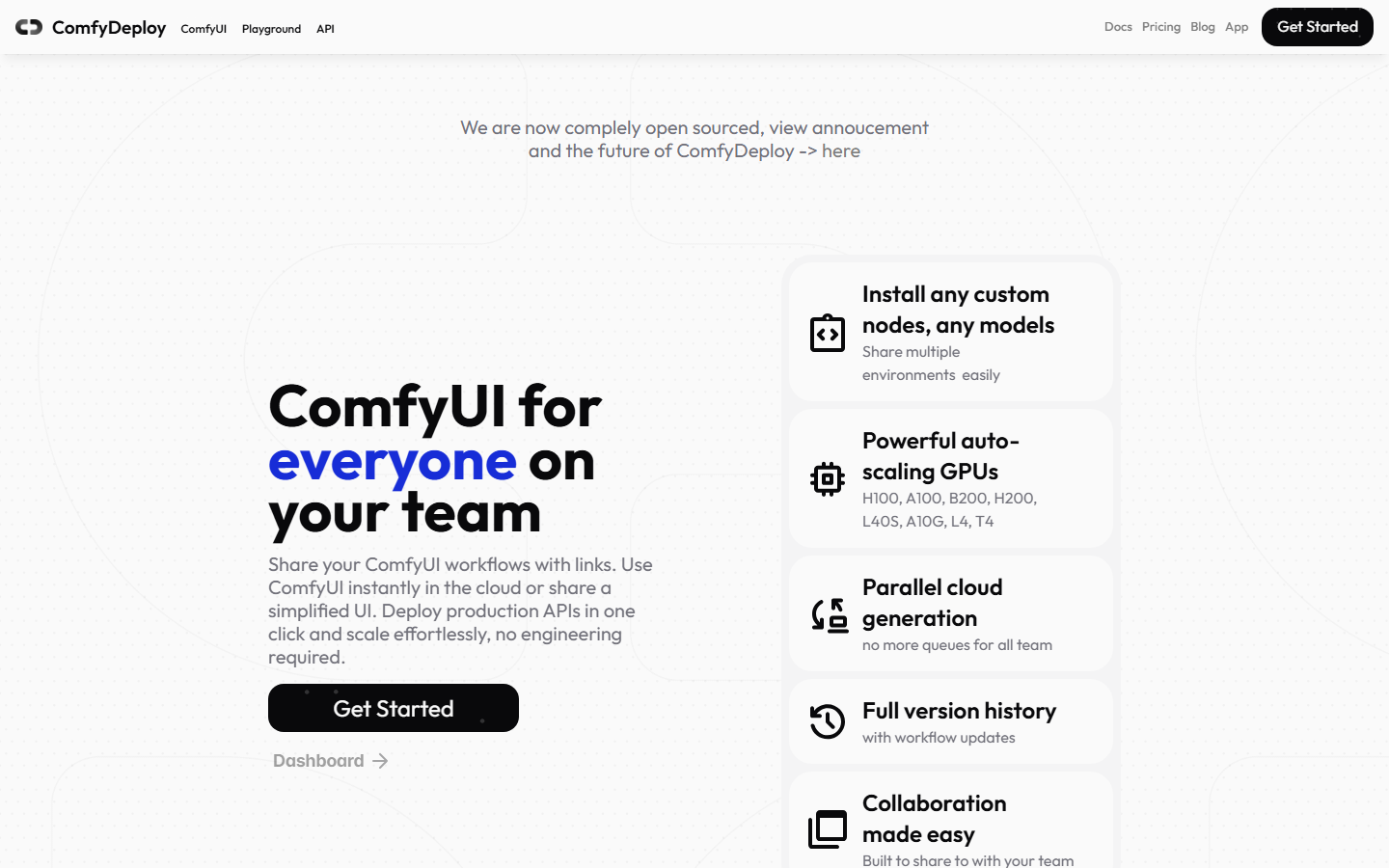
ComfyDeploy treats a workflow the way you would treat a web service: you deploy versions, keep changelogs, and roll back when a node update breaks output. That discipline is the whole product, and it is genuinely missing from most ComfyUI hosting. Cost runs subscription plus per-minute GPU, roughly $30 to $90 monthly. It is the right pick when several engineers touch the same graph and nobody can explain why yesterday's output looked different, a problem also covered in the hosted ComfyUI alternatives with APIs breakdown.
Verdict: Best choice if the ComfyUI graph is a backend dependency rather than a creative tool.
4. ThinkDiffusion: Best for Beginners

ThinkDiffusion runs ComfyUI, Automatic1111, and Forge in the browser with models and popular extensions preloaded. Sessions are hourly, tiered by GPU size, so a light user can spend under $20 a month. It is the least intimidating option here, and the one most likely to work on the first attempt. What you do not get is a clean production API, so it stays a workstation rather than infrastructure. If you would rather skip the cloud workstation entirely, a browser-based canvas with no rented desktop hosts the models as nodes and turns every workflow into a REST endpoint and an MCP tool. If you eventually need tooling access from an assistant, the ComfyUI MCP tools roundup is the next step.
Verdict: Good first move off Comfy Cloud for individual creators, weak long-term backend.
5. ViewComfy: Best for Shipping a Graph as an App
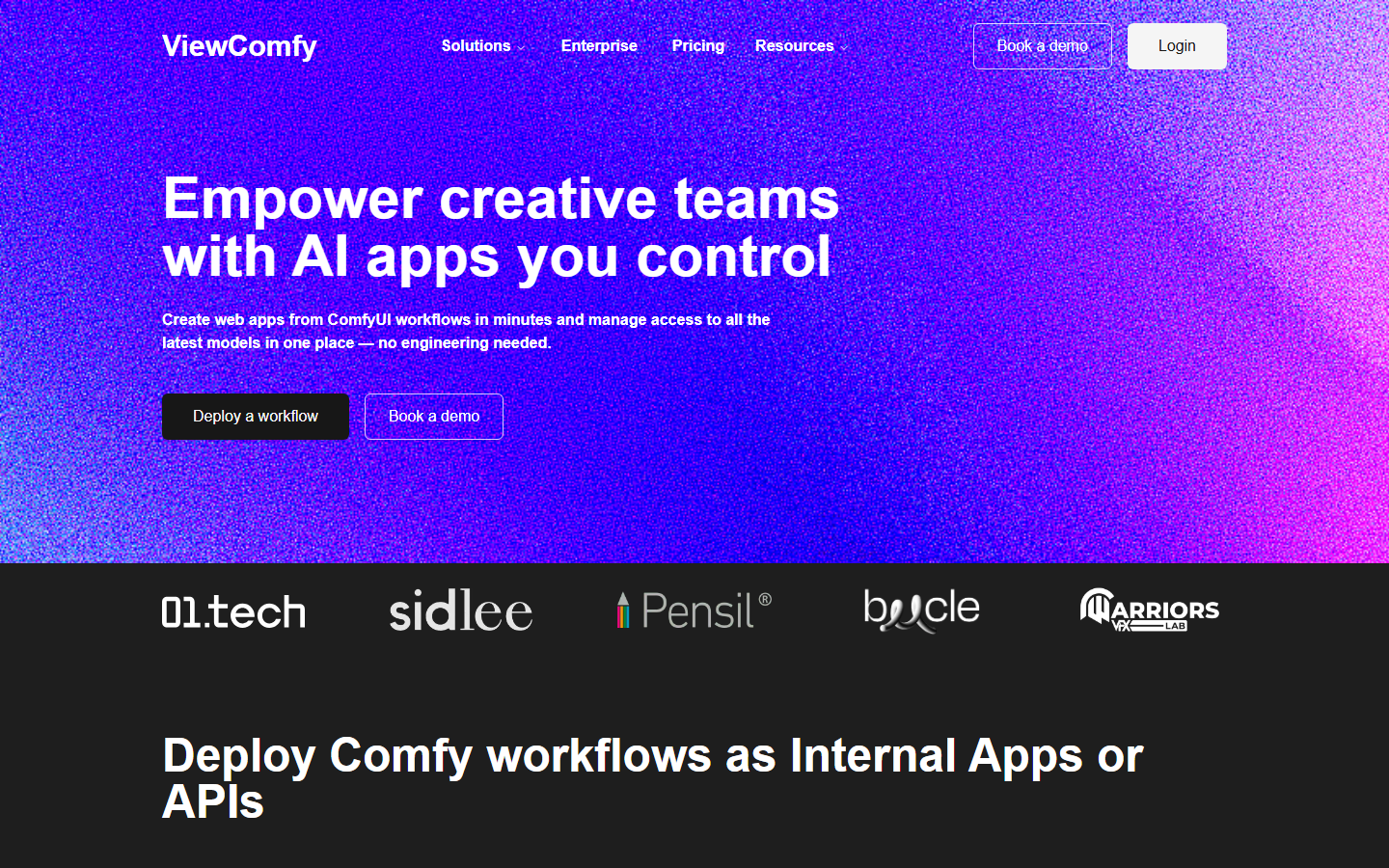
ViewComfy takes a ComfyUI workflow and generates a simple form-based interface around it, so a client or teammate can run the graph without seeing a single node. It also exposes the workflow as an API. The open-source core plus managed hosting is a fair model, and the app-generation step solves a real handoff problem that ComfyUI itself ignores. For a wider view of that pattern, see the headless AI workflow platforms comparison.
Verdict: Strong when non-technical people need to run your workflow on demand.
6. RunPod: Best for Raw Control
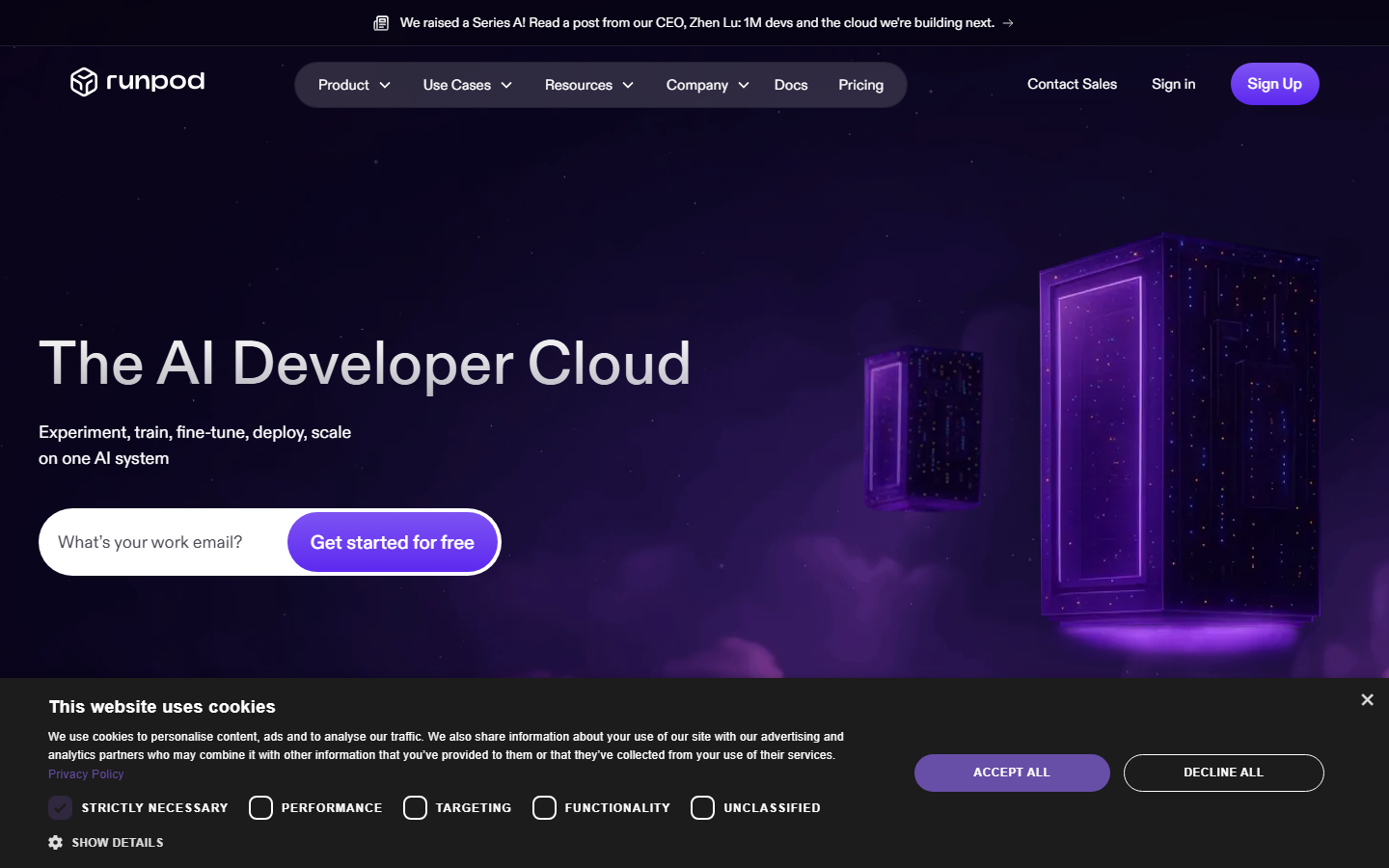
RunPod is not a ComfyUI product at all. You rent a GPU by the second, deploy a container, and install whatever you want, including ComfyUI with every custom node you rely on. Community-cloud rates start near $0.20 per hour for smaller cards, and serverless endpoints let you pay only for execution. The cost is your time: you own the image, the model downloads, the cold starts, and the debugging. That is a real ongoing tax, which the programmatic image generation platform comparison quantifies against managed options.
Verdict: Cheapest at scale, most expensive in engineering hours.
7. Replicate: Best for Model Breadth
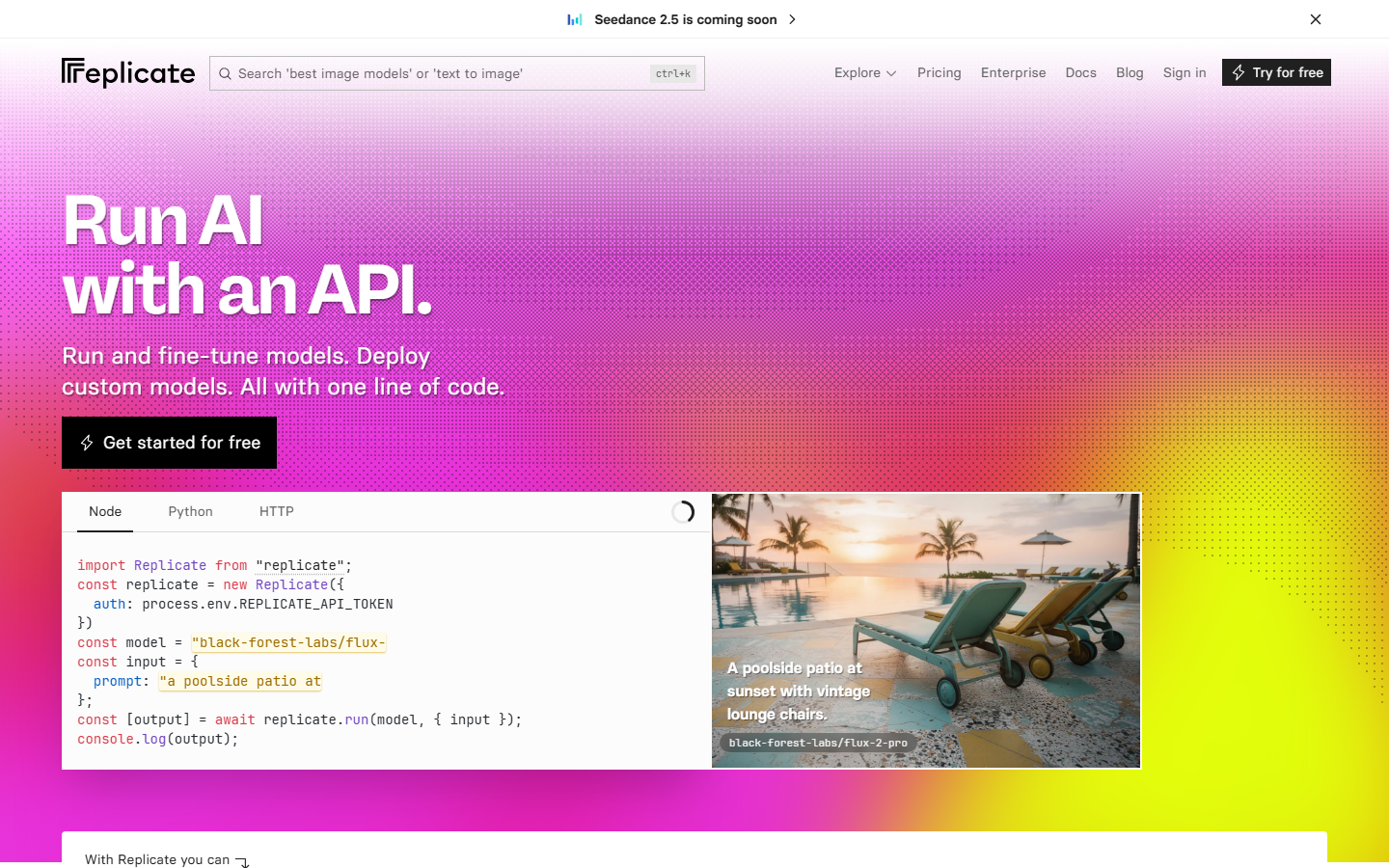
Replicate drops the canvas entirely and gives you thousands of models behind one consistent API, billed per second of compute. If your ComfyUI graph was really three model calls glued together, rewriting it as three API calls is often simpler and cheaper than hosting the graph. Cold starts on less popular models are the main annoyance, and orchestration becomes your application's job. The Replicate pricing breakdown covers where per-second billing beats a subscription.
Verdict: Right answer when you want models, not a workflow engine.
8. fal.ai: Best for Latency
fal.ai optimizes a narrower catalog for speed, which shows up clearly in interactive products where a user is waiting on a generation. Pricing is per-call and per-megapixel depending on the model, and the developer experience is among the best in this list. The catalog is smaller than Replicate's, so check that your specific model is there before committing. Numbers for common image and video models are in the fal.ai pricing comparison.
Verdict: Best when generation latency is a product feature.
9. ComfyOnline: Best Budget Option
ComfyOnline offers hosted ComfyUI with a template library and low per-run pricing, plus API access on paid tiers. Custom node coverage is thinner than RunComfy's and support is lighter, but for running standard workflows a few times a week it is the cheapest managed entry point. The hosted ComfyUI API roundup shows where its endpoint limits start to bite.
Verdict: Fine for light, template-driven use; not a platform to build on.
Comparison Table
| Tool | Type | Runs ComfyUI graphs | Production API | Rough monthly cost |
|---|---|---|---|---|
| Wireflow | Hosted node canvas | No | Yes (REST + MCP) | Usage-based |
| RunComfy | Managed ComfyUI | Yes | Limited | $25 to $80 |
| ComfyDeploy | Managed ComfyUI | Yes | Yes, versioned | $30 to $90 |
| ThinkDiffusion | Managed ComfyUI | Yes | No | $15 to $50 |
| ViewComfy | Managed ComfyUI | Yes | Yes | $20 to $60 |
| RunPod | Raw GPU | Yes, self-installed | Yes, self-built | $10 to $200+ |
| Replicate | Model API | No | Yes | Per-second usage |
| fal.ai | Model API | No | Yes | Per-call usage |
| ComfyOnline | Managed ComfyUI | Yes | Paid tiers | $10 to $40 |
How to Choose

Answer one question first: do you need ComfyUI, or do you need the output? If existing graphs and custom nodes are non-negotiable, stay in the managed-ComfyUI column and pick by priority (RunComfy for speed, ComfyDeploy for versioning, ThinkDiffusion for ease, ComfyOnline for cost). If you only need the result, a hosted canvas or a model API will be cheaper and far less brittle than maintaining node dependencies, and transparent usage pricing removes the credit-expiry problem entirely.
Second question: who runs the workflow after you build it? A graph only you can operate is a personal tool. A graph exposed as an endpoint is infrastructure, and the platforms that treat it that way are the ones worth migrating to.
Try it yourself: open this hosted prompt-to-upscale workflow to see a two-model chain running with no GPU and no ComfyUI install. The nodes are pre-configured with the exact setup described above.
Comfy Cloud API Access: Hosted Options You Can Call From Code
Yes, most of the hosted options above can be driven over an API, which is the main reason teams search for a comfy cloud API in the first place. Comfy Cloud itself is built around the ComfyUI editor rather than a production endpoint, so if calling a ComfyUI cloud workflow from your own code is the goal, you will usually reach for one of the alternatives. The ComfyUI cloud API comparison goes deeper on each endpoint; the short version is below.
- ComfyDeploy: versioned workflow endpoints, billed on a subscription plus metered GPU time.
- RunComfy: API access on higher tiers, billed by the GPU minute.
- ViewComfy: turns a workflow into an API, billed as managed hosting on top of its open-source core.
- ComfyOnline: API on its paid tiers, billed per run.
- Replicate and fal.ai: model APIs billed by the second of compute or per call, not by a monthly subscription.
- RunPod: you build the endpoint yourself and pay for GPU time, with serverless charging only while a job runs.
Wireflow takes a different route: every workflow you build on the hosted node canvas is callable as a REST endpoint and exposed as an MCP tool the moment you save it, and it bills on usage rather than a fixed monthly subscription. That means the graph you design by hand is the same one your app or agent calls in production, with no separate deployment step to maintain.
FAQ
Is Comfy Cloud worth $20 a month? For a solo creator running image workflows a few times a week, yes. The 4,200 monthly credits cover a lot of short runs, and the free tier's 400 credits are enough to evaluate it. It stops being worth it when credits expire unused or when runs exceed the 30-minute cap.
Do Comfy Cloud alternatives support all custom nodes? No managed host supports every custom node. RunComfy and ComfyDeploy have the widest coverage and allow installing node packs; ThinkDiffusion and ComfyOnline preload a curated set. Only self-hosting on RunPod gives full freedom, at the cost of maintaining the environment yourself.
Can I move my ComfyUI workflow between providers? Between ComfyUI hosts, usually yes: the workflow JSON is portable, though missing custom nodes and different model file names break imports regularly. Moving to a non-ComfyUI platform means rebuilding the logic, which is worth it only if the destination adds something the graph lacks, such as an endpoint.
What is the cheapest way to run ComfyUI in the cloud? Serverless GPU on RunPod, if you are willing to build the container and absorb cold starts. Among managed options, ComfyOnline and hourly ThinkDiffusion sessions are the lowest entry points. Cheapest overall depends heavily on how bursty your usage is.
Are Replicate and fal.ai actually ComfyUI alternatives? They replace the outcome, not the tool. Neither runs a ComfyUI graph, but most graphs are a short chain of model calls, and chaining models through an API reproduces that behavior without any node runtime to maintain.
Which option is best for putting generation inside my own app? ComfyDeploy if you must keep the ComfyUI graph, a hosted node canvas if you can rebuild it, or a model API if the logic is simple. The deciding factor is how much orchestration you want to write yourself versus configure, a tradeoff covered in the multi-model AI workflow guide.
Do I still need a GPU for any of these? No. Every option listed runs on remote hardware. A local GPU only matters if you want zero marginal cost per generation and are comfortable maintaining the install, in which case none of these apply.
How long does migrating off Comfy Cloud take? Moving to another ComfyUI host is usually under an hour: export the workflow JSON, import, reinstall missing nodes, re-point model paths. Rebuilding on a non-ComfyUI platform takes a working session for a simple chain and longer for anything with heavy conditional routing.
Conclusion
Comfy Cloud solved the setup problem and left the production problem alone. That is the honest summary, and it explains why the strongest alternatives split into two groups: hosts that make your existing graph easier to run, and platforms that make the workflow callable by something other than a human. RunComfy, ComfyDeploy, and ViewComfy lead the first group. Wireflow, Replicate, and fal.ai lead the second, and the feature breakdown for teams leaving Comfy Cloud is the fastest way to see whether the rebuild is worth it for your stack. Start from what you need the output to do, not from which tool you already know.

Co-Founder & Operations at Wireflow
Runs client operations and content strategy at Wireflow. Works directly with creative teams and agencies to build production AI workflows.
- Content Strategy
- Client Operations
Get unlimited ad creatives today.
One call to see if we are a fit and scope the first ad. If it fits, your first batch lands inside week one.