Best Picsart Flow Alternatives in 2026

In this article▾
- Quick summary
- Why people replace Picsart Flow
- 1. Wireflow: Best overall
- 2. Weavy: Best for production teams
- 3. Flora Fauna: Best for concepting
- 4. ComfyUI: Best free and open source
- 5. Krea: Best for fast iteration
- 6. Freepik Spaces: Best all-in-one asset workflow
- 7. Canva: Best for non-designers
- 8. Pixlr: Best simple free editor
- Comparison table
- How to choose
- FAQ
- Conclusion
Picsart Flow put a node-based AI canvas in front of a mainstream audience, and the most common reason people go looking for a replacement is cost per pipeline: a chained workflow spends credits at every node, and free-tier output arrives watermarked. This guide ranks eight alternatives that keep the canvas model, starting with Wireflow, which chains image, video, and audio models in one graph and exposes the finished pipeline as an API. Each entry below names who it fits, what it actually hosts, and where it falls short, so you can pick on mechanics instead of marketing.
Quick summary
- Wireflow: multi-model node canvas with API export. Best overall
- Weavy: pro-grade compositing canvas for studios. Best for production teams
- Flora Fauna: creative-director canvas with strong ideation flow. Best for concepting
- ComfyUI: open-source graph engine you host yourself. Best free and open source
- Krea: realtime generation with a lightweight board. Best for fast iteration
- Freepik Spaces: canvas bolted onto a large stock and asset library. Best all-in-one asset workflow
- Canva: template-first design with AI features layered in. Best for non-designers
- Pixlr: browser photo editor with AI tools. Best simple free editor
A repaint node drops into that same graph to turn a photo into a painting in a described oil or watercolor look before the next step takes over.
Why people replace Picsart Flow
Picsart built Flow as a no-code node canvas inside a general photo and design app, so a single account covers collage tools, stickers, background removal, and generative steps. That breadth is real, and for teams already inside Picsart it is a genuine advantage. The friction shows up when workflows get long: a five-node pipeline that generates, upscales, restyles, and animates one asset costs five times what a single generation costs, and re-running it to tweak one prompt costs it again. For a side-by-side breakdown of how that compares to a dedicated graph tool, the Picsart Flow alternative feature page covers the node-by-node differences.
The second pattern is model breadth. A canvas is only as good as what it can call, and buyers in 2026 rank these tools mostly on how many current models sit inside one graph and whether the graph can be reused programmatically. Tools that treat the canvas as a UI-only surface lose to tools that treat it as a definition you can also run headlessly through an AI canvas API. Watermarking on free tiers is the third recurring complaint, and it rules out most free options for commercial work.
Build this in Wireflow
Make the same kind of asset on a canvas you control, with a free account and no credit card.
1. Wireflow: Best overall
Wireflow is a node canvas built specifically for chaining AI media models: text-to-image, image-to-image, upscaling, background removal, text-to-video, image-to-video, and voice all live as nodes on the same graph, and the output of any node can feed any compatible input. A style-transfer node drops into that same graph to repaint an image in a new art style before the next node takes over. That matters for the exact use case Flow users outgrow, because a multi-step pipeline is authored once and re-run with different inputs rather than rebuilt each time. The same graph can be published and called over REST, which turns a creative experiment into a repeatable production step. Full node coverage is listed on the no-code AI canvas page.
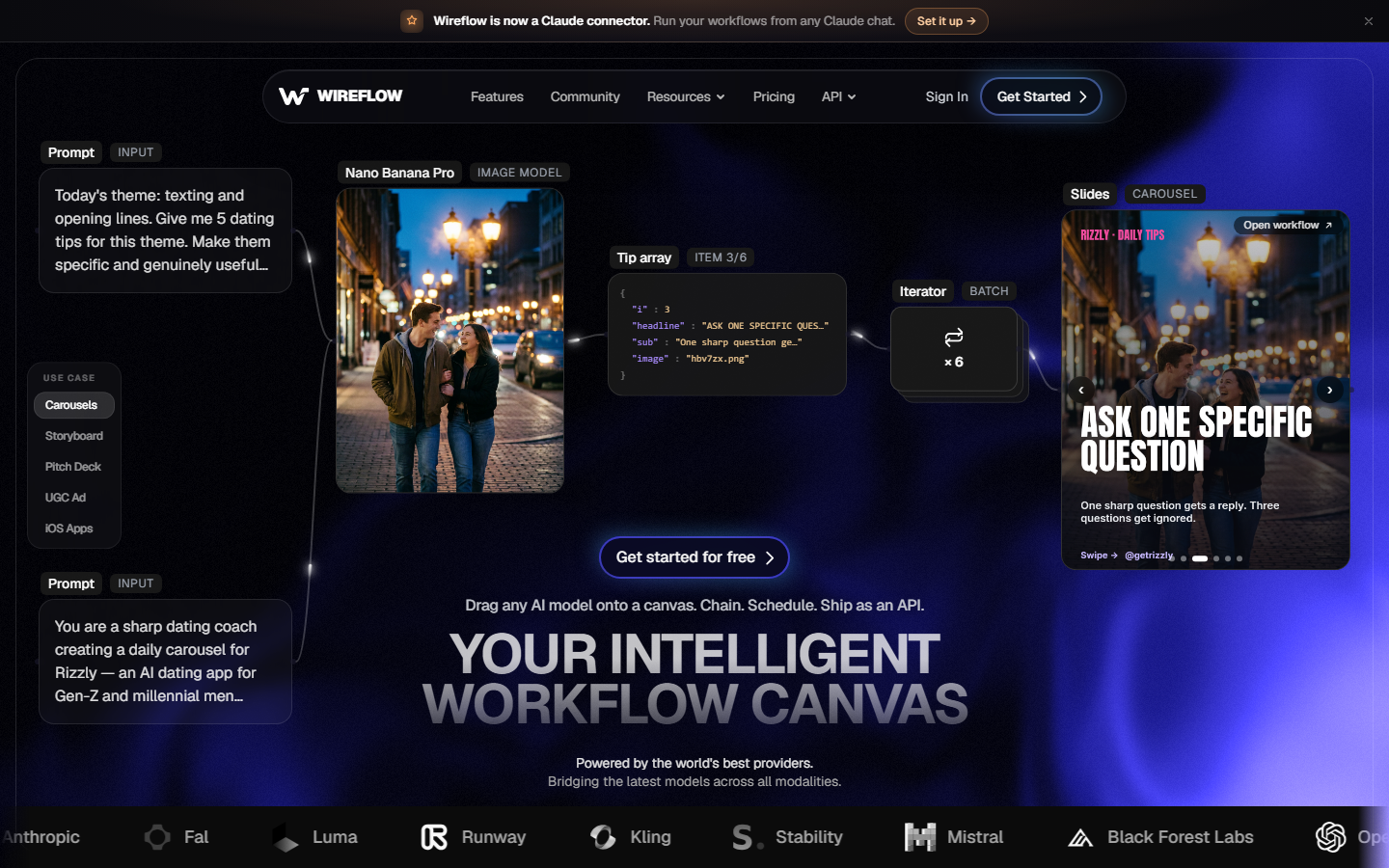
Where it is weaker: there is no traditional photo editor surface, no sticker or collage library, and no realtime multi-user co-editing on the canvas. If your team needs manual retouching alongside generation, you will still keep a second tool. Pricing is credit-based like most of this category, so cost still scales with pipeline length; the difference is that paid output is not watermarked and per-node model choice lets you swap an expensive model for a cheaper one without rebuilding the graph. Current tiers are on the pricing page.
2. Weavy: Best for production teams
Weavy is the closest thing in this list to a professional compositing environment that happens to be node-based. It leans toward controlled, layered image work with masks and reference conditioning rather than one-shot prompting, and it appeals to studios that already think in node graphs from Nuke or Houdini. The learning curve is correspondingly steeper than Flow's.
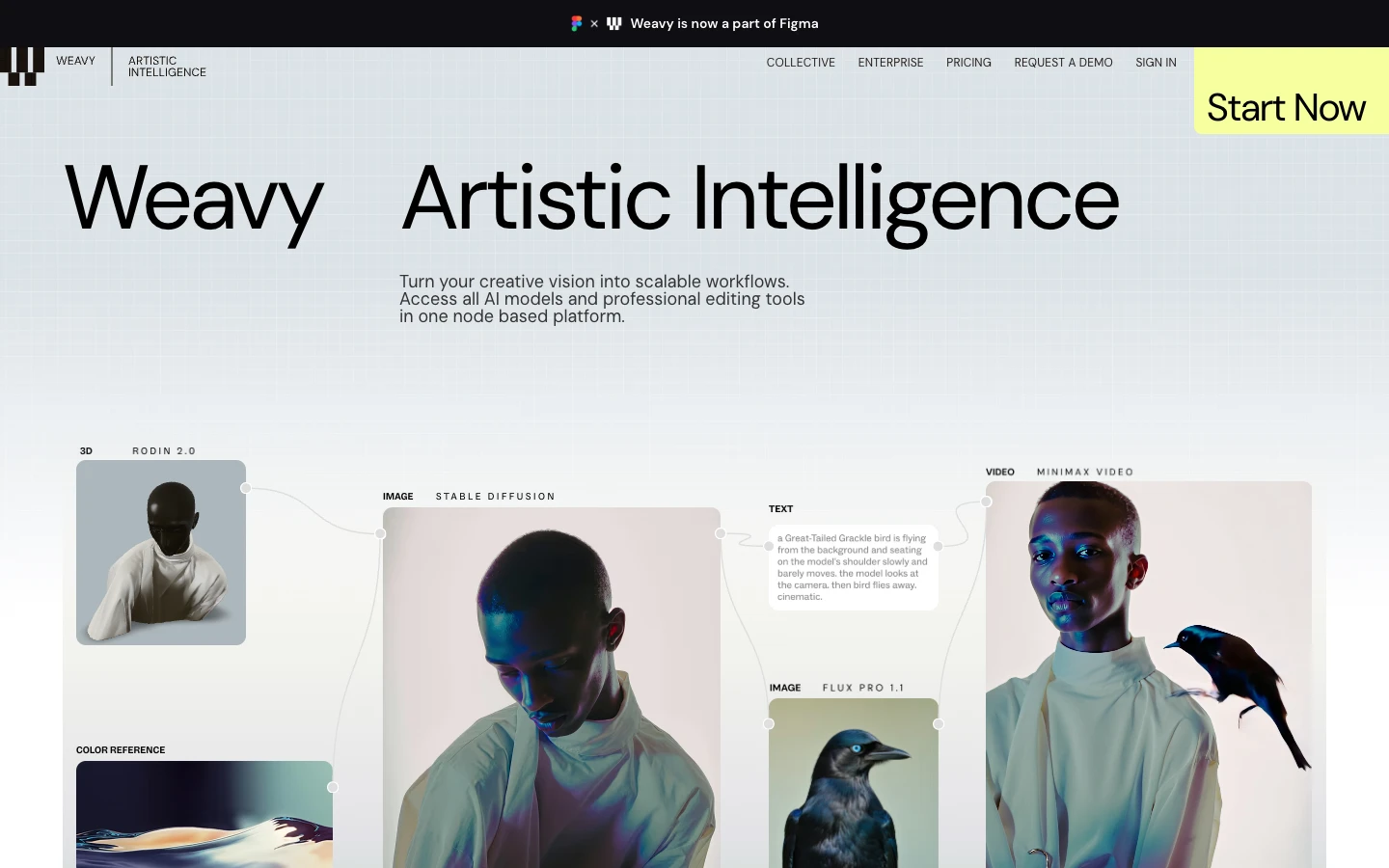
Weavy is a strong pick if your output has to hit an art-direction bar rather than just look plausible, and a poor pick if you want to hand the canvas to a marketer. Teams evaluating both surfaces usually compare it against the Weavy alternative breakdown before committing.
3. Flora Fauna: Best for concepting
Flora Fauna treats the canvas as a thinking space. Nodes are loose, branching is cheap, and the interface encourages generating twenty directions and pruning rather than engineering one perfect pipeline. Creative directors and agencies use it in the pitch phase, where volume of options matters more than reproducibility.
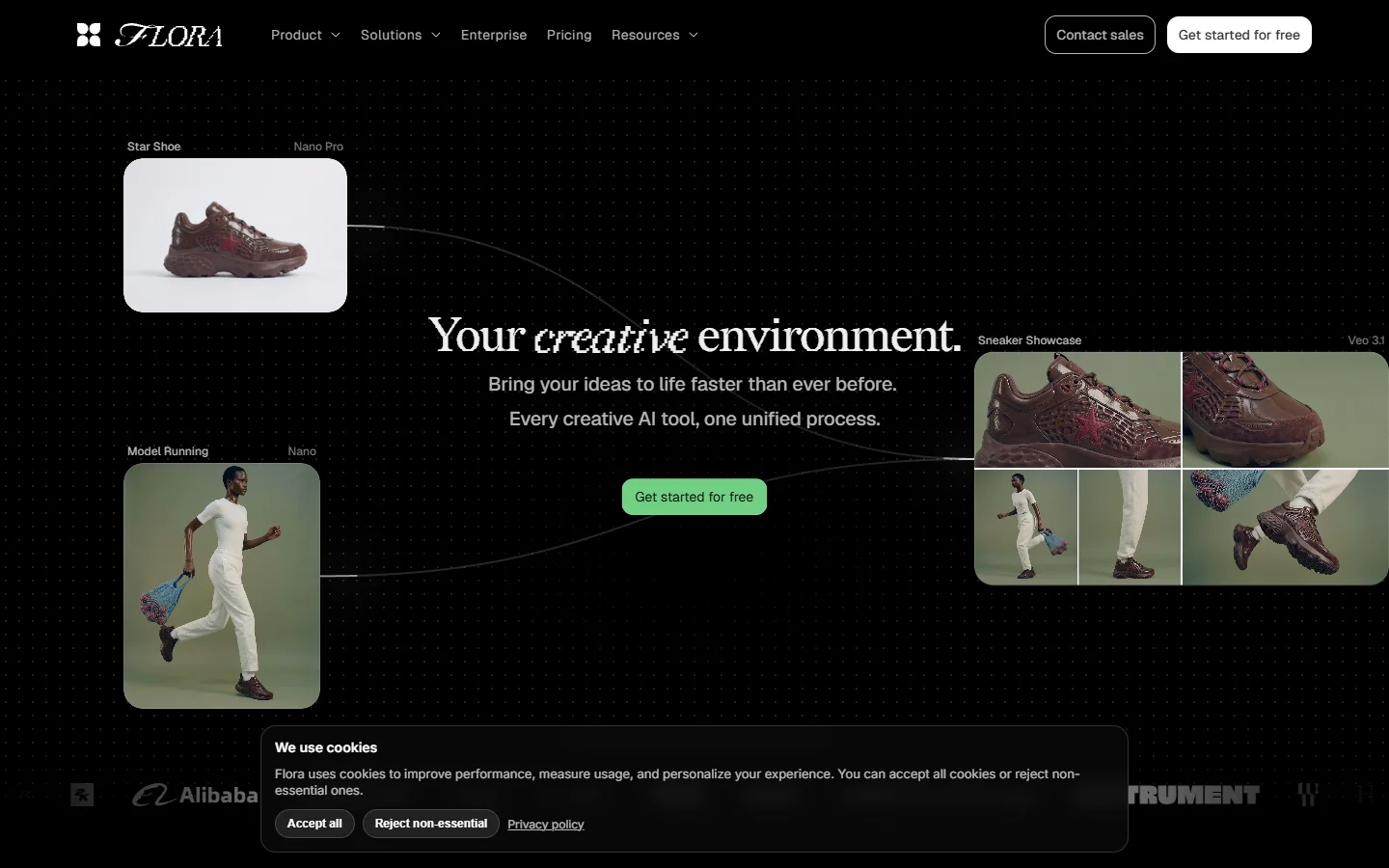
The tradeoff is that the same looseness makes it awkward as a production system: there is less emphasis on running the same graph repeatedly against new inputs. If you need both modes, pairing a concepting canvas with a production one is common, and the Flora Fauna comparison maps which stages each covers.
4. ComfyUI: Best free and open source
ComfyUI is the open-source graph engine most of this category borrowed from. It is free, runs locally, and gives absolute control over samplers, schedulers, LoRAs, and custom nodes. Nothing else here matches its ceiling, and nothing else here demands as much from you.
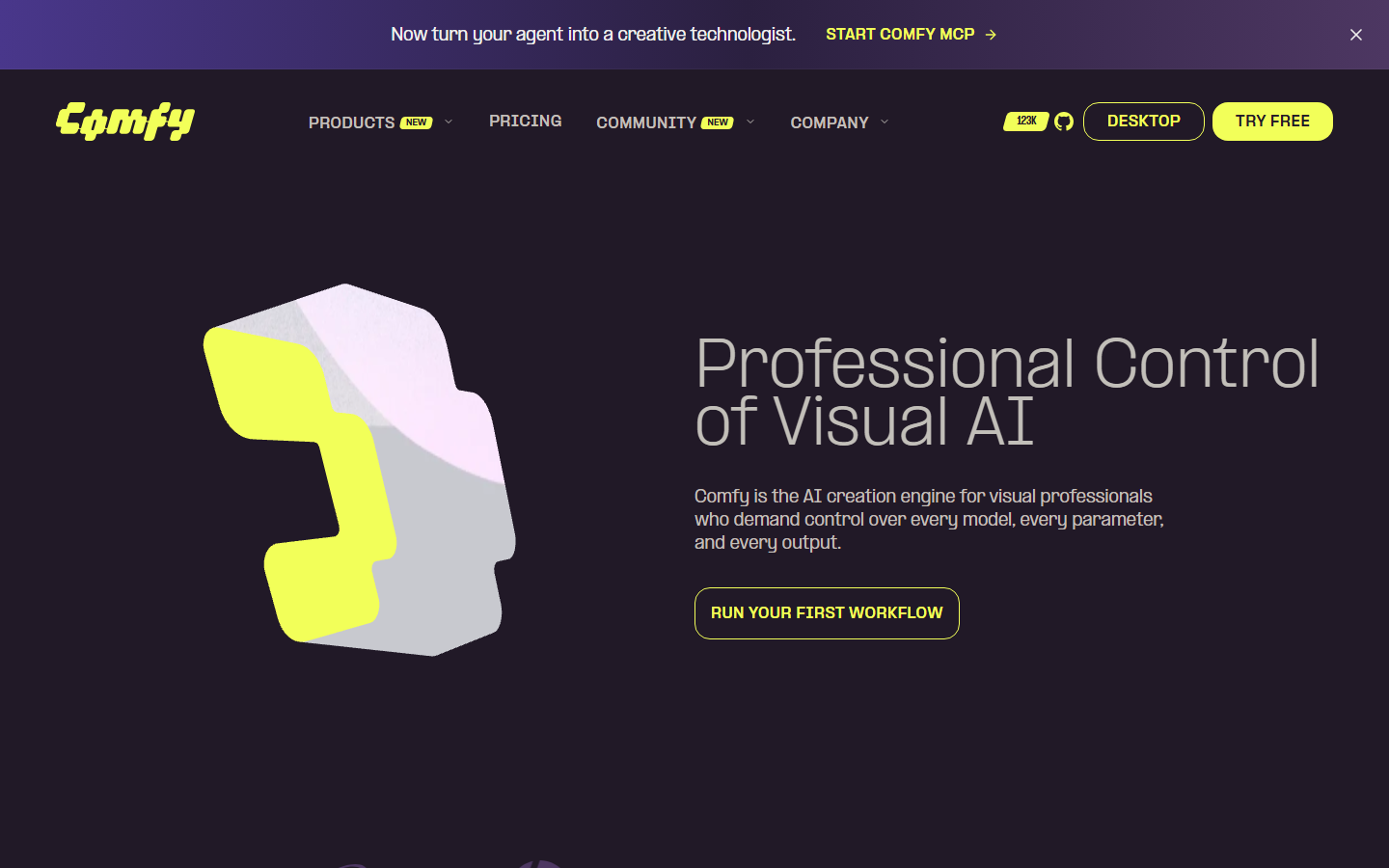
The real cost is GPU and maintenance. You supply the hardware, resolve Python and custom-node dependency conflicts, and manage model weights yourself. Teams that want the graph model without the machine usually look at a hosted ComfyUI alternative instead of building a render box.
5. Krea: Best for fast iteration
Krea is built around realtime generation: you move a shape or adjust a prompt and the image updates almost immediately. Its board is lighter than a full node graph, which is the point, and it is genuinely fun to explore in.

It is the weakest option here for structured multi-step pipelines, since there is less to wire together and less to reuse. Treat it as a sketching tool that feeds a heavier canvas, or read the Krea alternative overview if you need one tool to do both jobs.
6. Freepik Spaces: Best all-in-one asset workflow
Freepik attached a canvas to an enormous library of stock photos, vectors, icons, and templates. For marketing work that mixes licensed assets with generated ones, having both on the same surface removes a lot of file shuffling.
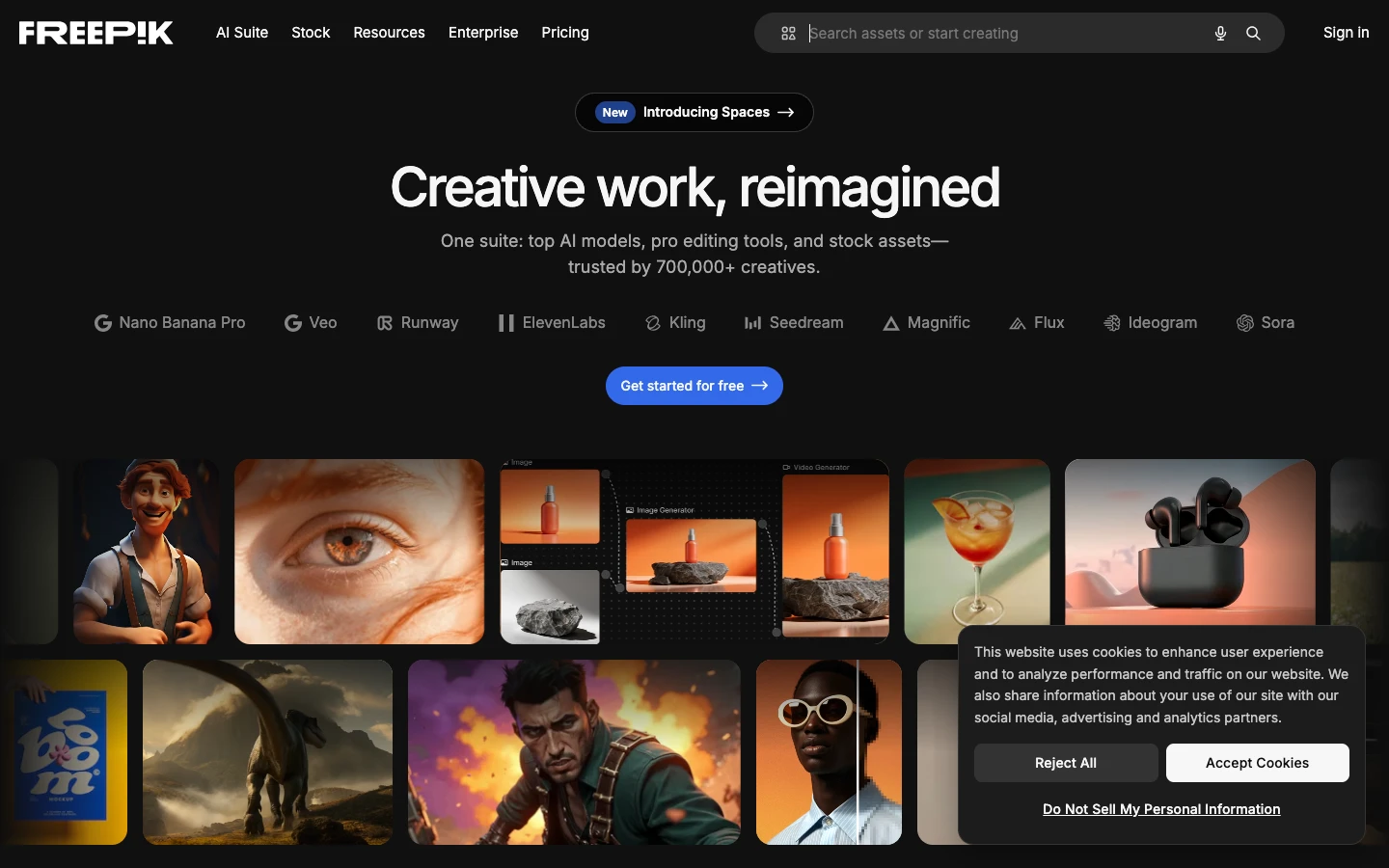
The generative side is broad rather than deep, and the canvas is simpler than a true node graph, so complex conditional pipelines are out of scope. The Freepik Spaces comparison covers where the asset library outweighs the thinner graph.
7. Canva: Best for non-designers
Canva is not a node canvas and does not pretend to be. It earns a place here because a large share of Picsart Flow users are not chasing pipelines at all; they want a finished social post, and Canva's template system plus its AI generation and editing features gets there with less setup than any graph tool.

Choose it if your output is a deck, a post, or a printed piece and AI is one step inside a layout job. Choose a graph tool if AI is the job. The Canva AI alternative page draws that line in more detail.
8. Pixlr: Best simple free editor
Pixlr is a browser-based photo editor with layers, selection tools, and a growing set of AI operations like background removal and generative fill. It is the closest direct match to Picsart's traditional editing surface, minus the canvas.
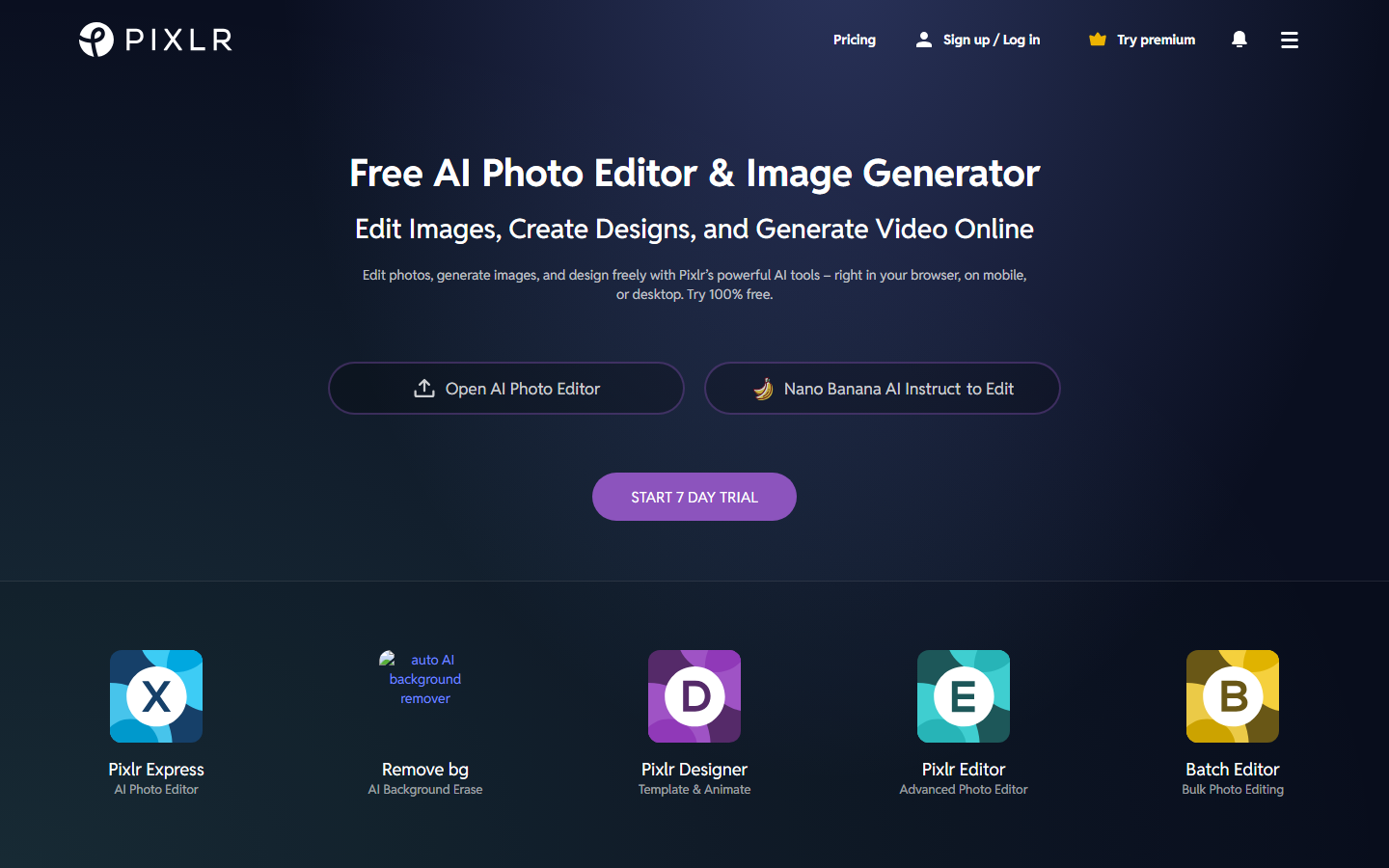
It handles one-off edits well and multi-step automation not at all. It pairs sensibly with a generation tool: generate elsewhere, finish in Pixlr, or use a hosted AI image editor when the edit itself needs to be part of a repeatable chain.
Comparison table
| Tool | Node canvas | Multi-model chaining | API or headless run | Self-host | Best for |
|---|---|---|---|---|---|
| Wireflow | Yes | Image, video, audio in one graph | Yes | No | Repeatable production pipelines |
| Weavy | Yes | Image-focused, layered | Limited | No | Studio-grade compositing |
| Flora Fauna | Yes | Image and video | Limited | No | Concepting and pitch work |
| ComfyUI | Yes | Image and video via custom nodes | Yes, self-run | Yes | Full control, zero license cost |
| Krea | Board, not graph | Image and video | Limited | No | Realtime iteration |
| Freepik Spaces | Simplified canvas | Image and video | Limited | No | Stock plus generation |
| Canva | No | Image, basic video | No | No | Layout-first design work |
| Pixlr | No | Editing operations only | No | No | Quick browser edits |
How to choose
Start from how often you re-run the same sequence. If a pipeline runs once, almost anything on this list works and you should optimize for the interface you enjoy. If it runs weekly against new inputs, the deciding factors are whether the graph is reusable, whether models can be swapped without a rebuild, and whether the tool can be triggered outside its own UI. Those three questions eliminate most of the field quickly, and they are the same criteria used in the wider roundup of agentic canvas tools.
Budget deserves a second look before you commit. Credit systems price per node execution, so a long pipeline is not one generation, it is six, and testing multiplies that further. Estimate a realistic month by counting nodes per run, runs per week, and rebuild cycles, then compare that against flat-rate options. Teams doing high-volume image work often shift the expensive steps onto a visual AI canvas editor where model choice per node is explicit and the cheap model can handle the drafts.
Try it yourself: open this multi-model workflow and see the node graph pre-configured with the chaining setup described above.
FAQ
What is Picsart Flow? Picsart Flow is a no-code node canvas inside Picsart where you chain input, processing, and output nodes to run multi-step AI tasks such as generation, background removal, style transfer, and image-to-video, with real-time collaboration on the canvas.
Why do people look for Picsart Flow alternatives? The three recurring reasons are credit consumption on multi-node pipelines, watermarked output on the free tier, and a desire for a wider or more current model roster inside a single graph.
Is there a free Picsart Flow alternative? ComfyUI is free and open source if you have a GPU and are comfortable maintaining it. Pixlr and Canva both have free tiers for simpler editing and design work, with limits on AI operations.
Which alternative is closest to Picsart Flow's node canvas? Wireflow, Weavy, Flora Fauna, and ComfyUI are all true node graphs. Wireflow is the closest match on the no-code, hosted, multi-model dimension; ComfyUI is closest on raw graph control.
Can any of these run a workflow through an API? Yes. Wireflow publishes a saved graph as a callable endpoint, and ComfyUI can be driven through its own API when self-hosted. Most of the others are UI-only or offer limited programmatic access.
Do these tools watermark output? Free tiers commonly do. Paid tiers on the hosted tools in this list generally deliver clean output, but confirm on the current plan page before buying, since terms change.
How many models should a canvas support? Enough to cover generate, edit, upscale, and animate without leaving the graph. Counting logos is less useful than checking that the four stages you actually use are each covered by a current model.
Is a node canvas worth it for one-off edits? No. For single edits, a direct editor is faster. Node canvases pay off when the same sequence runs repeatedly or has to be handed to someone else to run.
Conclusion
The right replacement depends on which half of Picsart Flow you were using. If it was the design and editing surface, Canva or Pixlr covers it with less overhead. If it was the node canvas, the choice narrows to how much control and reuse you need: ComfyUI for maximum control at the cost of maintenance, Weavy or Flora Fauna for craft and concepting, and Wireflow when the pipeline needs to be reusable, model-flexible, and callable from outside the editor. Compare the real cost of your own pipeline length against each option's plans before you migrate, since node count is what actually drives the bill.

Co-Founder & Operations at Wireflow
Runs client operations and content strategy at Wireflow. Works directly with creative teams and agencies to build production AI workflows.
- Content Strategy
- Client Operations
Make AI videos and ads.
Start free, no card needed.