Best Krea Alternatives in 2026

In this article▾
- Quick Summary
- Why People Look for Krea Alternatives
- 1. Wireflow:Best Overall
- 2. Midjourney:Best for Artistic Image Quality
- 3. Adobe Firefly:Best for Commercial Use
- 4. Leonardo.AI:Best for Game Assets and Consistency
- 5. Ideogram:Best for Text Inside Images
- 6. Runway:Best for AI Video Generation
- 7. Canva AI:Best for Non-Technical Users
- Comparison Table
- Try It Yourself
- FAQ
- Conclusion
Krea.ai built a following with its real-time generation canvas and interactive image tools, but it falls short once your workflow gets more complex. If you need multi-step pipelines, model chaining, batch generation, or tighter control over outputs, Wireflow offers a node-based canvas that handles the full creative pipeline, not just single image generation. This guide covers the seven best Krea alternatives in 2026, ranked by their actual capabilities. If you want a canvas you can wire together, weigh a node-based Visual Electric alternative.
Quick Summary
- Wireflow: Best Overall (node-based pipelines, multi-model workflows)
- Midjourney: Best for Artistic Image Quality
- Adobe Firefly: Best for Commercially Safe Generation
- Leonardo.AI: Best for Game Assets and Character Consistency
- Ideogram: Best for Text Inside Images
- Runway: Best for AI Video Generation
- Canva AI: Best for Non-Technical Users
Why People Look for Krea Alternatives
Krea does a few things well: its real-time canvas gives instant visual feedback, and the interface stays accessible for beginners. The limitations become obvious when you need more. There is no way to chain models together, batch process dozens of assets, or set up repeatable workflows. Pricing also scales steeply at higher usage. Creators who start with Krea often find they need a more capable platform within a few weeks of regular use.
The tools on this list cover a range of use cases, from pure image quality to video generation to developer-grade pipelines. Most offer free tiers for evaluation.
Build this in Wireflow
Make the same kind of asset on a canvas you control, with a free account and no credit card.
1. Wireflow:Best Overall

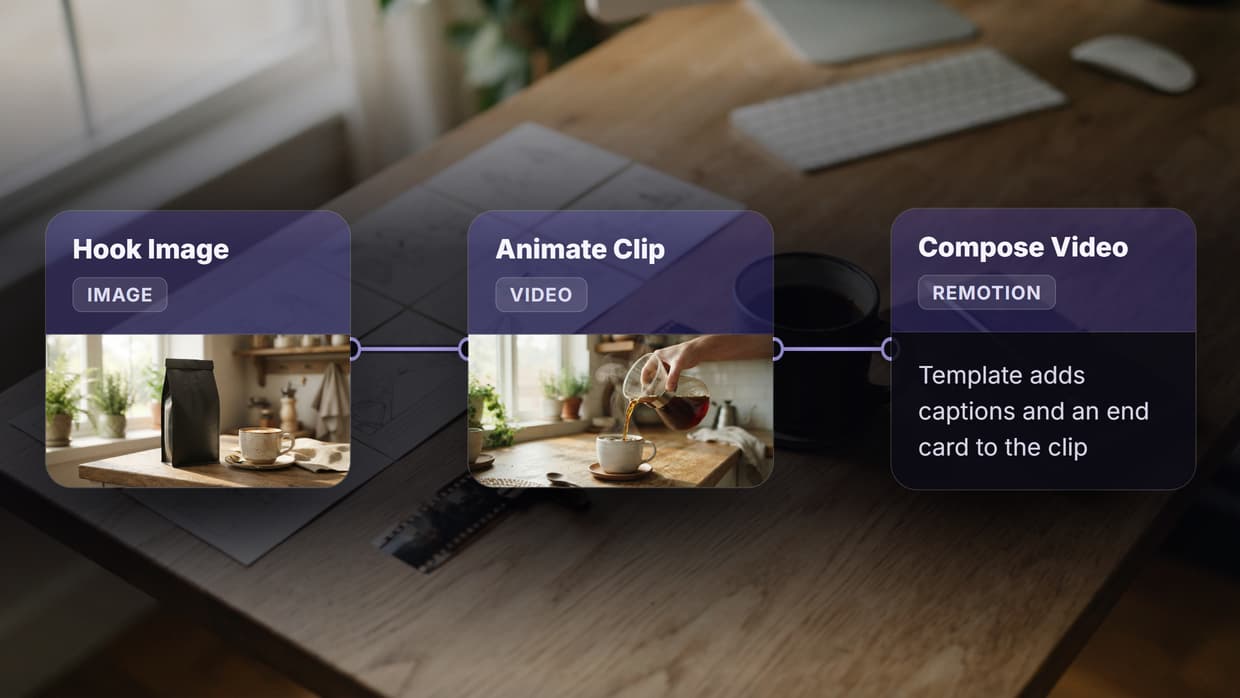
Wireflow replaces Krea's single-model canvas with a full visual pipeline builder. Instead of one generation step, you build a chain: text prompt, model node, upscaler, background remover, export. Each node handles one task, and the output of one feeds into the next automatically.
The platform supports major generation models including Flux 2 Pro, Recraft V4, and Nano Banana 2. You can run multiple models in parallel and compare outputs side by side. For a full overview of what the platform can do, visit the best Krea alternatives feature page.
Batch generation is built in. If you need 50 product variations or 200 social media images, you can run them through a single workflow without touching the interface again. This is the main capability gap between Wireflow and Krea, and it is significant for anyone doing production-volume work.
The canvas is no-code, so you do not need to write scripts or manage API calls manually. Connecting nodes works like drawing lines between blocks. For teams that want to automate image pipelines without a developer, this is the practical entry point.
Best for: Teams and creators who need repeatable, multi-step image workflows at scale.
2. Midjourney:Best for Artistic Image Quality

Midjourney produces some of the best-looking AI images available. The aesthetic quality on complex scenes, character art, and stylized illustrations consistently exceeds what most other models deliver. If raw visual output quality is the primary criterion, Midjourney is the reference point.
The platform runs entirely through Discord, which is functional but adds friction. There is no standalone UI, no canvas, and no workflow tooling. Every generation is a single prompt and a set of variations. If you need to run batch image generation or chain models together, you will need a separate tool.
Pricing requires a subscription starting at $10/month with limited fast generations. There is no free tier. For high-volume use, costs scale quickly.
Best for: Creatives prioritizing artistic quality over automation or pipeline control.
3. Adobe Firefly:Best for Commercial Use
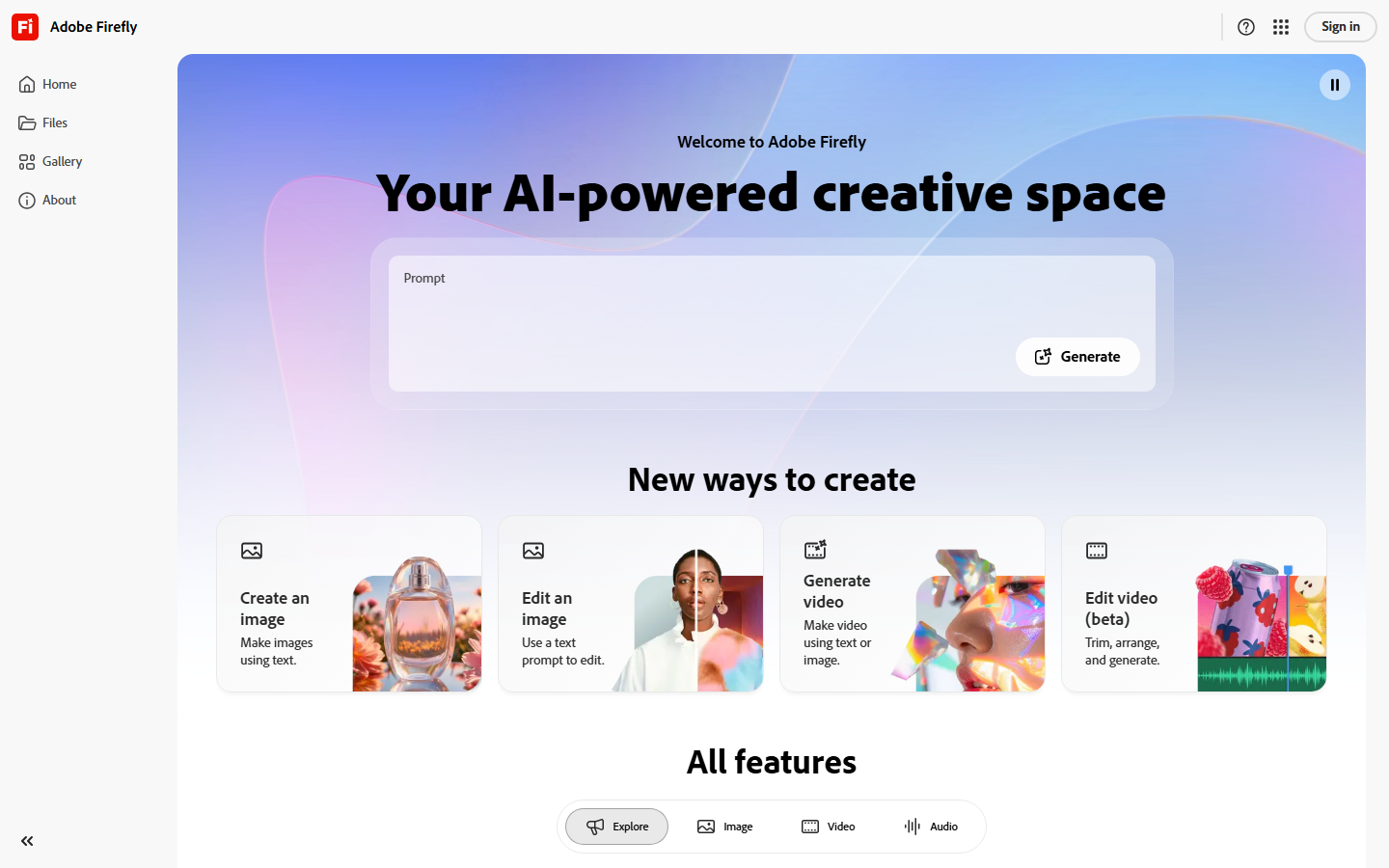
Adobe Firefly is trained exclusively on licensed and public domain content, which makes it the safest choice for commercial projects where copyright exposure is a concern. Marketing teams and agencies working on client deliverables tend to favor it for this reason.
Integration with Creative Cloud is the other key advantage. Images generated in Firefly can be sent directly to Photoshop or Illustrator without leaving the Adobe ecosystem. Generative Fill, Expand, and Recolor all use Firefly under the hood in newer versions of Photoshop. You can also explore creative workflow platforms that complement Firefly for more complex pipelines.
Output quality is solid but not as consistently detailed as Midjourney or Flux models on complex scenes. Text rendering in generated images is better than most competitors. The platform works best when you are already in the Adobe stack and want to add AI generation without switching tools.
Best for: Agencies and brands that need commercially cleared images integrated with existing Adobe workflows.
4. Leonardo.AI:Best for Game Assets and Consistency
Leonardo.AI stands out for character and asset consistency across multiple generations. When you need a character to look the same across 20 different scenes, or a set of items that share a visual language, Leonardo's fine-tuning and consistency controls deliver results other tools do not.
The platform has a free tier that generates roughly 150 tokens per day, which is enough to evaluate the platform seriously. Paid tiers start at $12/month and unlock higher resolution, more tokens, and access to premium models. For context on how Leonardo compares against other image tools, see the best AI image editors guide.
The downside is complexity. The interface has many controls, and getting the best results requires understanding concepts like seed locking, guidance scale, and model selection. The learning curve is steeper than Krea or Canva AI.
Best for: Game developers, illustrators, and creators needing consistent character or asset generation.
5. Ideogram:Best for Text Inside Images
Text rendering inside generated images has been a weak point for AI generators since the beginning. Ideogram was built specifically to solve this. If you need a poster with readable copy, a logo with text, or a social graphic with legible words embedded in the design, Ideogram handles it better than any other tool on this list.
The free tier generates around 10 images per day at standard quality. Paid plans start at $8/month. The interface is simple and accessible, closer to Krea's ease of use than something like Leonardo or ComfyUI. You can also animate still images from Ideogram outputs using other tools in your pipeline.
Beyond text accuracy, Ideogram's general image quality is competitive with the major models. It does not match Midjourney on artistic scenes, but for structured and typographic work it is the clear leader.
Best for: Marketers and designers creating social ads, posters, or any image that requires embedded text.
6. Runway:Best for AI Video Generation
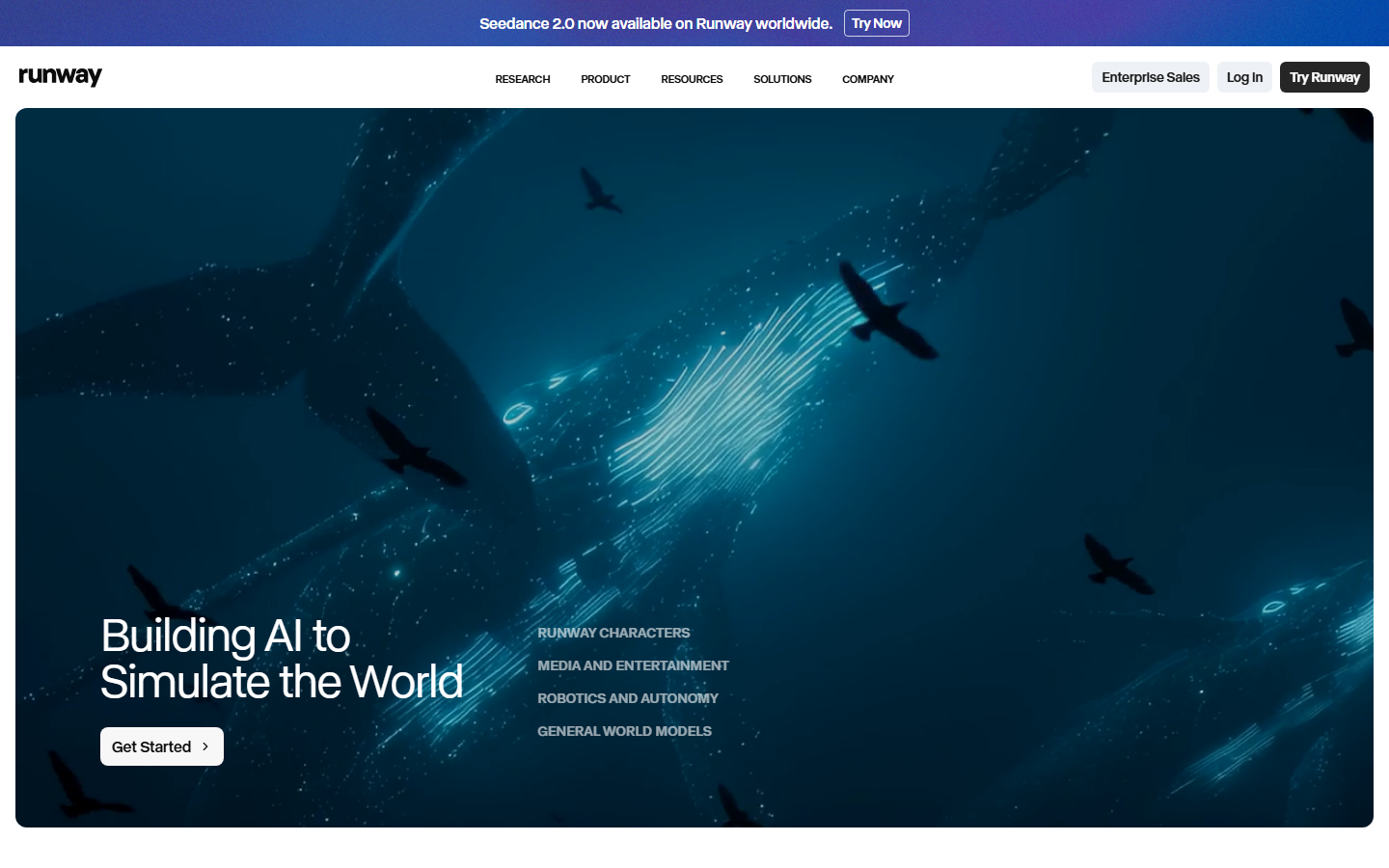
Krea added basic video features, but Runway has been building AI video tools for longer and offers substantially more control. Gen-3 Alpha and the newer models handle motion consistency, camera movement, and scene transitions in a way that early Krea video cannot match.
For image to video generation, Runway's Image-to-Video feature takes a static image and animates it with natural-looking motion. The results are usable in professional video projects, not just demos. Runway also supports longer clip lengths and more granular motion controls than most competitors.
Pricing starts at $12/month for 625 credits. Video generation is credit-intensive, so high-volume users will spend more. A free trial is available with limited credits.
Best for: Video creators and filmmakers who need AI-generated video with production-quality motion.
7. Canva AI:Best for Non-Technical Users
Canva added AI image generation directly into its design platform, making it the most accessible option on this list. If your team already uses Canva for social media and marketing materials, the AI tools integrate without any additional accounts or learning curves.
The image quality is adequate for social graphics and marketing assets, though it lags behind Midjourney and Flux models for detailed or artistic work. The strength is convenience: generate an image, place it in a template, and export in one environment. You can check Wireflow's models page for a comparison of the underlying generation models each platform uses.
Canva's AI features are included in the Pro plan at $15/month, which most users already have if they use Canva regularly. For teams that do not need advanced pipeline control and want the fastest path from idea to finished design, Canva AI is hard to beat on simplicity.
Best for: Small teams and marketers who need quick assets without a steep learning curve.
Comparison Table
| Platform | Best For | Free Tier | Starting Price | Multi-Model | Batch Gen |
|---|---|---|---|---|---|
| Wireflow | Full pipelines, automation | Yes | $0 | Yes | Yes |
| Midjourney | Artistic quality | No | $10/month | No | Limited |
| Adobe Firefly | Commercial safety | Limited | $0 (CC required) | No | No |
| Leonardo.AI | Game assets, consistency | Yes | $12/month | No | Limited |
| Ideogram | Text in images | Yes | $8/month | No | No |
| Runway | AI video | Limited | $12/month | No | No |
| Canva AI | Ease of use | Limited | $15/month | No | No |
Try It Yourself
Build this workflow: Open the AI Image Generator workflow in Wireflow. It runs Flux 2 Pro text-to-image, pre-configured and ready to run. Enter a prompt and see the output in seconds.
FAQ
What does Krea AI do? Krea.ai is an AI creative tool that offers real-time image generation, enhancement, and basic video generation. It is known for its interactive canvas interface where changes update as you type.
Why would I switch from Krea? Krea works well for quick single-image generation but lacks multi-model pipelines, batch processing, and repeatable workflow automation. Teams that need more than one-off generation usually outgrow it quickly.
Which Krea alternative is best for beginners? Canva AI requires the least onboarding if you are already familiar with Canva. Wireflow's visual canvas is also accessible for non-technical users despite its more advanced capabilities.
Which alternative produces the best image quality? For artistic and editorial images, Midjourney consistently sets the quality benchmark. For photorealistic and product images, Flux 2 Pro (available on Wireflow) competes closely.
Is there a free Krea alternative? Wireflow, Leonardo.AI, and Ideogram all have free tiers that let you generate images without a credit card. Leonardo offers the most generous free allocation at roughly 150 tokens per day.
Which alternative supports video generation? Runway is the strongest option for video generation. Wireflow also supports image to video workflows via Kling and Veo 3.1 nodes.
Can I use these tools for commercial projects? Adobe Firefly is the most explicitly cleared for commercial use due to its training data. Midjourney's commercial rights depend on your subscription tier. Check the terms of service for each platform before using generated images in client work.
Does Wireflow require coding? No. The node canvas is fully visual. You drag, drop, and connect nodes without writing any code. API access is also available for developers who want to integrate Wireflow into their own applications via the Wireflow AI workflow builder.
Conclusion
Krea is a capable starting point for AI image generation, but it is not designed for production workflows. The alternatives above cover the full range: Wireflow for multi-step automation, Midjourney for output quality, Adobe Firefly for commercial safety, Leonardo for game assets, Ideogram for text-heavy designs, Runway for video, and Canva AI for simplicity. Match the tool to the actual work you are doing rather than switching on hype alone.

Co-Founder & Operations at Wireflow
Runs client operations and content strategy at Wireflow. Works directly with creative teams and agencies to build production AI workflows.
- Content Strategy
- Client Operations
Get unlimited ad creatives today.
One call to see if we are a fit and scope the first ad. If it fits, your first batch lands inside week one.