 Andrew Adams · Co-Founder & Operations at Wireflow ·
 AI Style Transfer
Wireflow runs AI style transfer as a node graph you own.
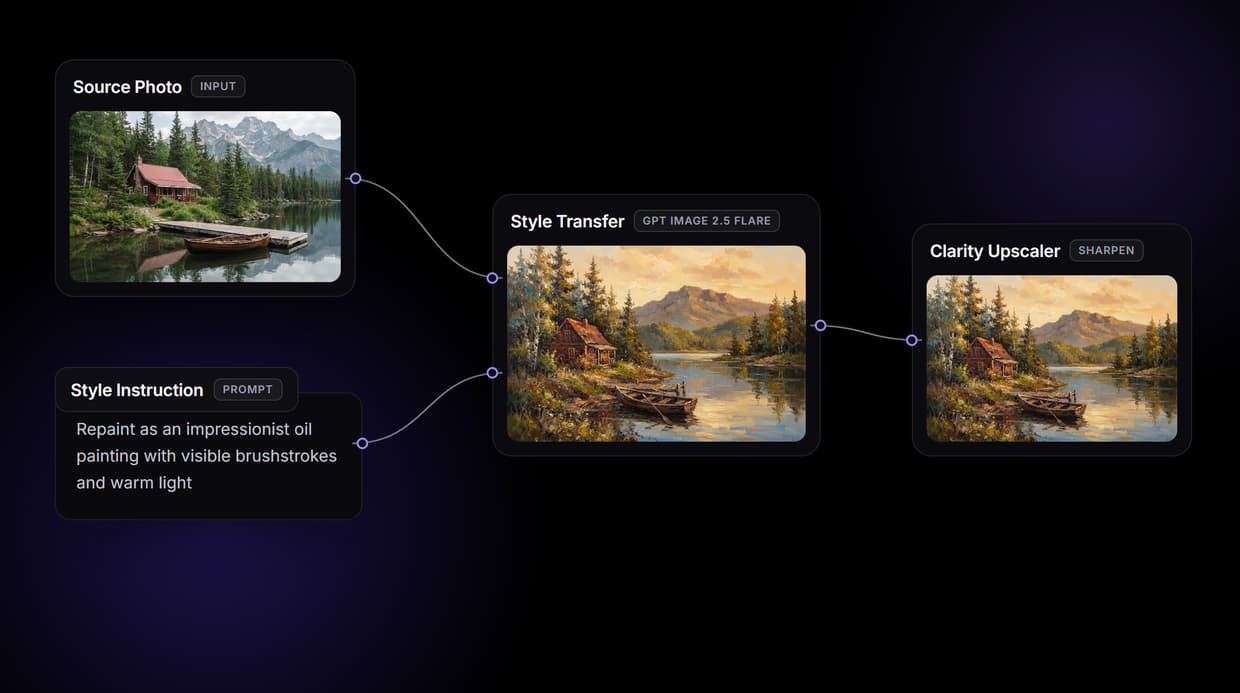
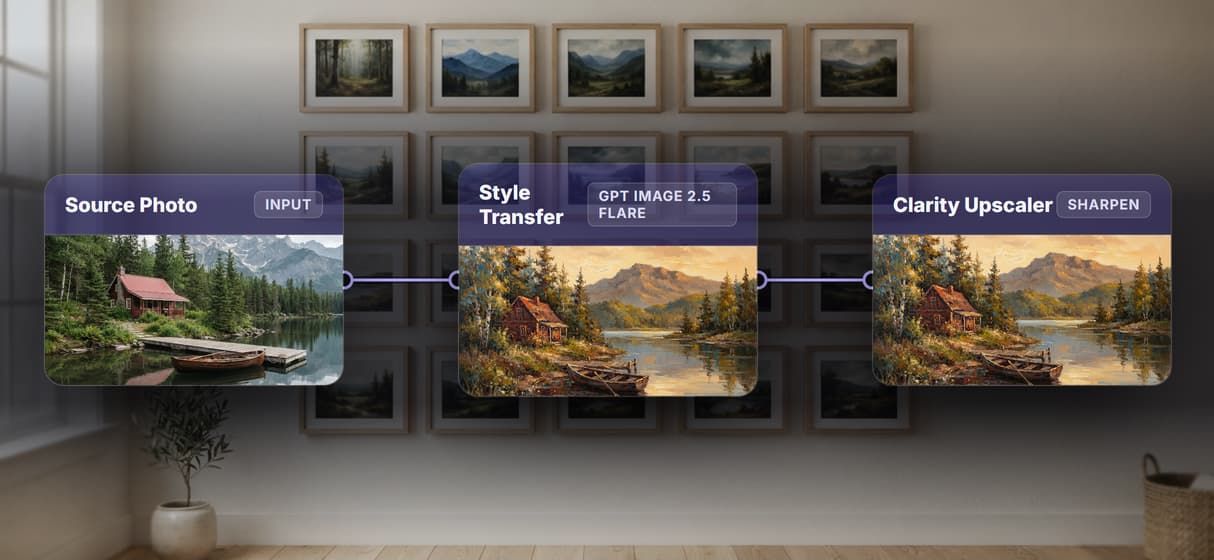
A Source Photo node and a Style Instruction node feed Style Transfer (GPT Image 2.5 Flare), which repaints your photo in the style you describe, then a Clarity Upscaler node sharpens the result. Free to build, pay per generation.
Free to build · no credit card · See how it works ↓
How to Use AI Style Transfer
Steps to get you started in Wireflow.
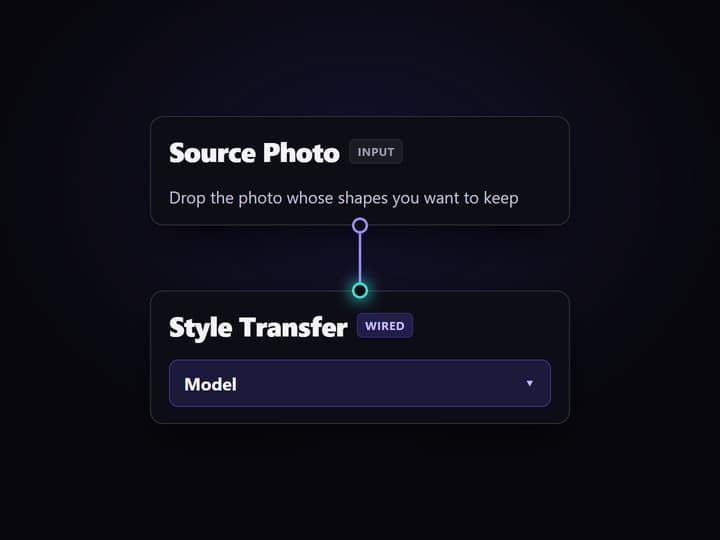
Add your source photo
Open the flow and drop your image into the Source Photo node. This is the content that keeps its shapes and layout while the style around it changes.
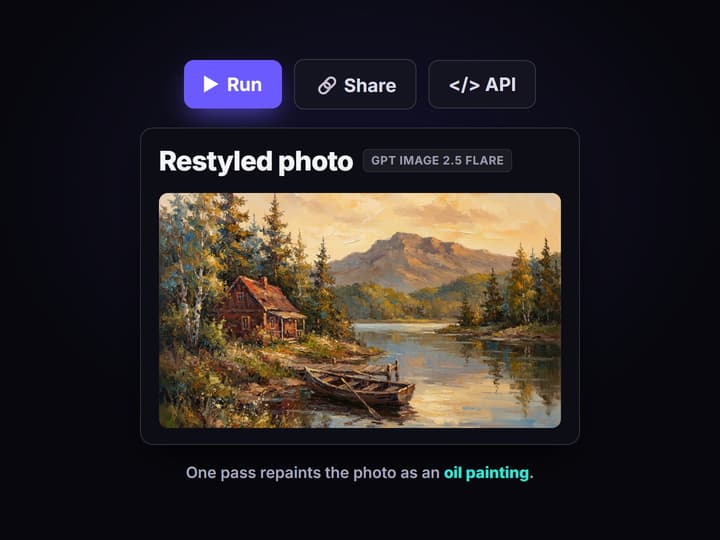
Write the style instruction and run
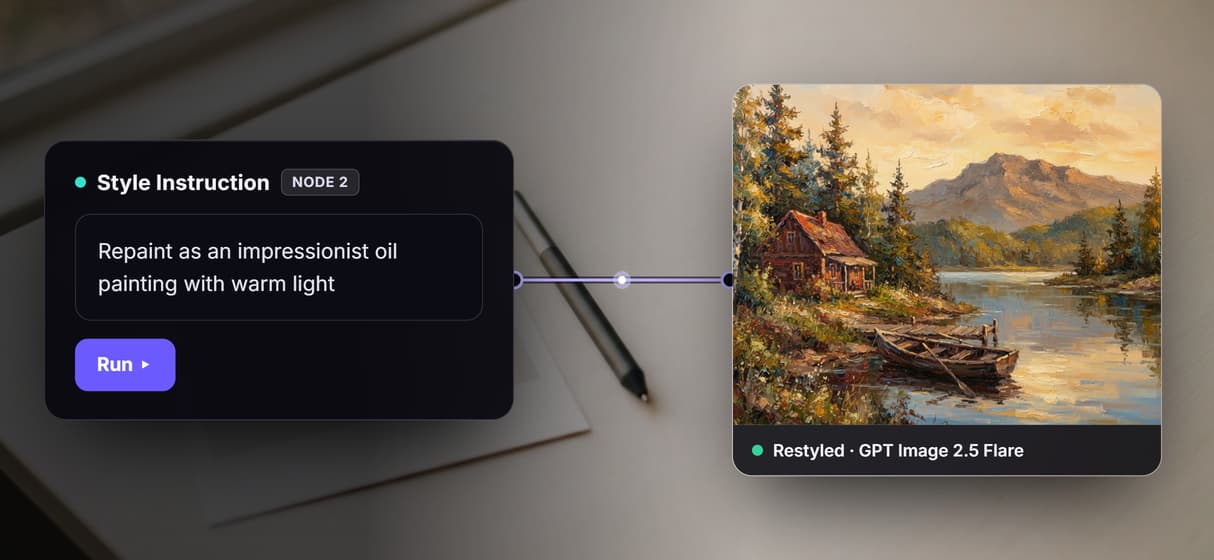
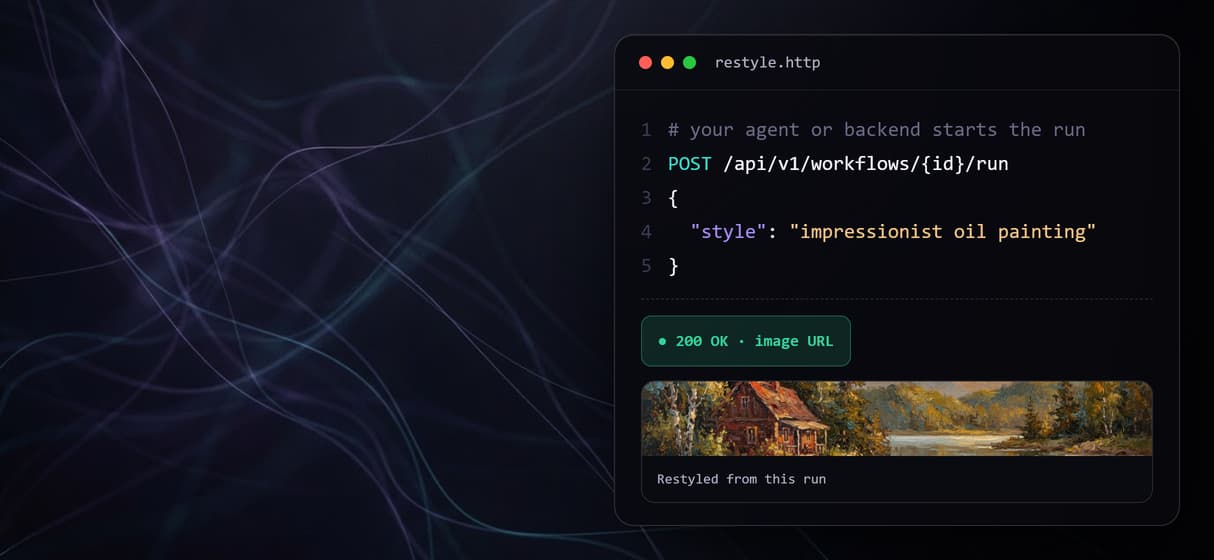
Type the target style into the Style Instruction node, for example repaint as an impressionist oil painting with warm light. Style Transfer (GPT Image 2.5 Flare) restyles the photo in one pass.
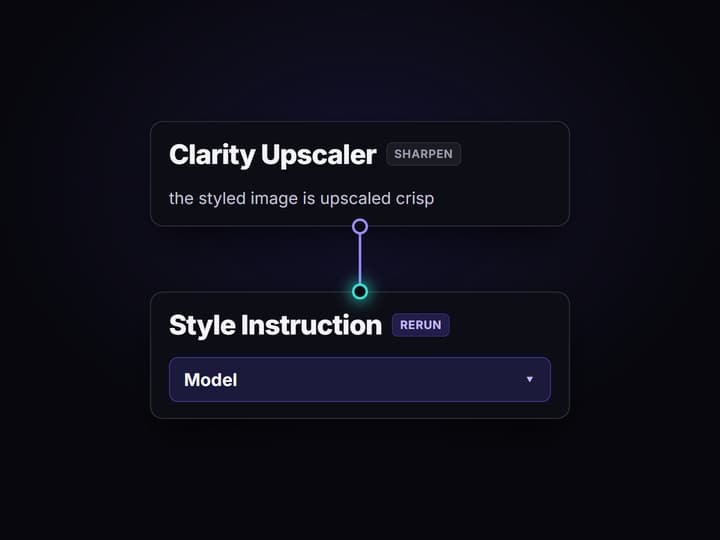
Sharpen, then rerun on new photos
The Clarity Upscaler node sharpens the styled image, and you can edit the instruction or drop a new photo and run again. Share the flow link and the team runs the same recipe.
What AI style transfer does on Wireflow
Most style transfer tools give you one upload box and one style dropdown: pick a look, press go, and hope it lands. Wireflow makes the restyle a small workflow you can see and own. A Source Photo node holds your image, a Style Instruction node holds the target style, and both wire into Style Transfer (GPT Image 2.5 Flare), which repaints the photo from those two inputs in one run. It is a rewirable step in the same node based image generation canvas your team already uses.
It runs on hosted compute in the browser with nothing to install, no VRAM ceiling, and no GPU rig to rent. The same canvas drives every other free AI image generator job you build. Building the graph is free; you only spend credits when a node generates.
What is wired into the style transfer flow
Source Photo input
An image node holds the content photo whose shapes and layout you want to keep.
Style Instruction input
A text node holds the target style, for example an impressionist oil painting with warm light.
Style Transfer node
Style Transfer (GPT Image 2.5 Flare) reads the photo plus the instruction and returns the restyled image.
Clarity Upscaler node
The Clarity Upscaler sharpens the styled result so the final image ships at higher resolution.
Swappable models
Drop Flux 2, Seedream V4, or Nano Banana Pro into the style node for a different reinterpretation.
Endpoint and MCP tool
The published flow is a REST endpoint and an MCP tool an agent can call for assets.
How the style transfer graph actually runs
The workflow behind this page's button is deliberately small: two inputs, one restyle node, one upscaler.
- Two inputs feed the restyle. The Source Photo carries the content and the Style Instruction carries the look, so the model has both the what and the how in one call.
- Style Transfer repaints the photo. GPT Image 2.5 Flare reads the image plus the instruction and returns a restyled version, keeping the subject while changing the medium and palette.
- Clarity sharpens the output. The styled image passes into the Clarity Upscaler node so the final asset is crisp, not soft.
Because the restyle lives among the hosted image models, you can chain it further, adding a background swap or handing the output to the Clarity upscaler API at a larger size, without leaving the browser.
When style transfer is not the right tool
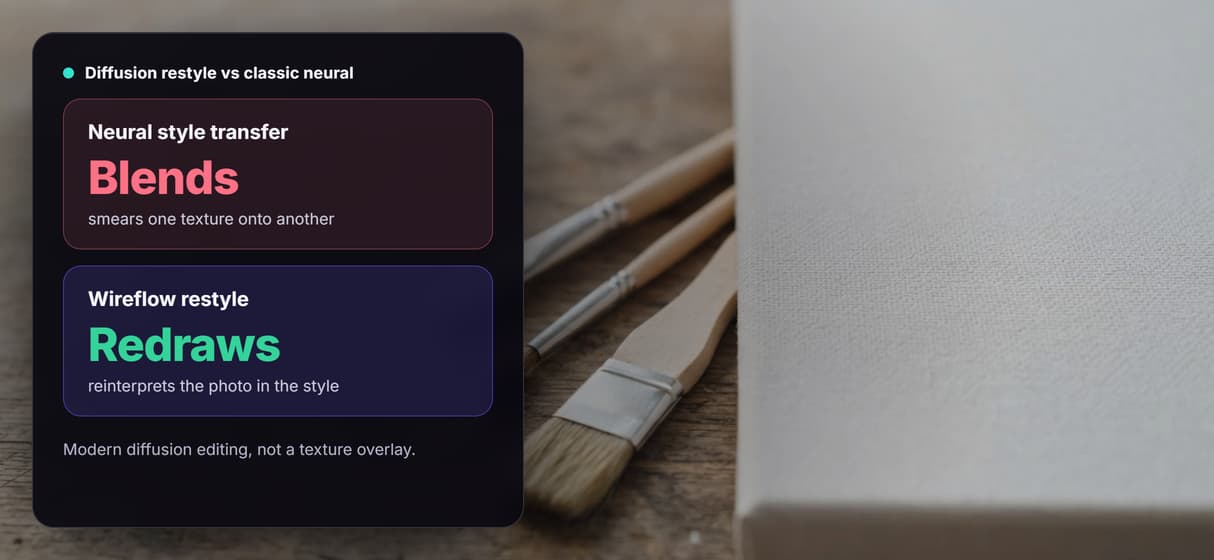
This flow is a generative reinterpretation, not a pixel-exact filter. Modern diffusion style transfer redraws your subject in the target style, so fine details can shift between runs; if you need a fixed, repeatable preset applied identically every time, a deterministic look like an AI photo to cartoon conversion is closer to what you want. It is also the generation layer, not the art director, so it will not decide the style for you or fix a composition it was never given.
It runs on hosted models only: no offline or local runs, no custom Python nodes, and no local checkpoints or LoRA training. When a job needs layered edits or precise masking after the restyle, pair the style node with an editing step and keep style transfer as one honest ingredient in the graph.
More Than Just AI Style Transfer
A photo plus an instruction, any style out
A Source Photo and a Style Instruction wire into Style Transfer, and GPT Image 2.5 Flare repaints the photo in the style you type, like an AI image editor.
Style transfer is one node, not the whole tool
The restyle is a single step you chain: source photo to Style Transfer to a Clarity Upscaler, wired to an AI image upscaler node so the result ships sharp.
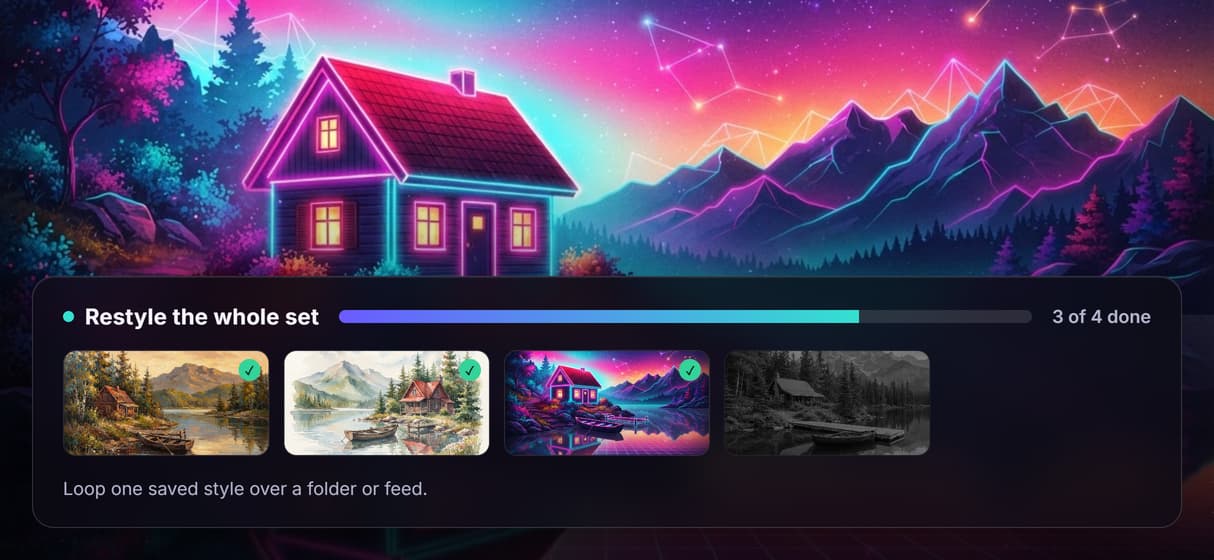
Restyle a whole set from one saved recipe
Save the graph once and loop the same style over a folder or feed, so a batch stays consistent. It is node based image generation you can rerun.
Diffusion reinterpretation, not a texture blend
Modern diffusion editing, not classic neural style transfer: it redraws your subject in the described style, not a texture laid over an AI art generator.
Rerun it, version it, call it from code
The flow is versioned and shareable by link, so every rerun is reproducible. It is a REST endpoint and an image generation MCP tool an agent can call.
Build Any AI Workflow
AI Models Integrated
Full Commercial License
FAQs
It depends on whether you want a black box or a workflow you own. Wireflow runs style transfer on a node canvas, so a source photo plus a style instruction feed Style Transfer (GPT Image 2.5 Flare), and you can swap the model behind the restyle whenever a stronger one ships.
Discover related AI tools
More From Wireflow
Written by
Andrew Adams · Co-Founder & Operations at Wireflow
Runs client operations and content strategy at Wireflow. Works directly with creative teams and agencies to build production AI workflows.
Restyle a photo, own the flow
Open the flow, add a photo, and type a style: Style Transfer repaints it and the Clarity Upscaler sharpens the result. Building is free, and you pay per generation, not a subscription.