 Andrew Adams · Co-Founder & Operations at Wireflow ·
 AI Photo to Cartoon
Turn a photo into cartoon art on a canvas you can see.
This page's live flow wires a Portrait Photo node and a Cartoon Style Prompt text node into a GPT Image 2.5 Flare image node, so your photo plus a style prompt becomes one illustrated cartoon image.
Free to build · no credit card
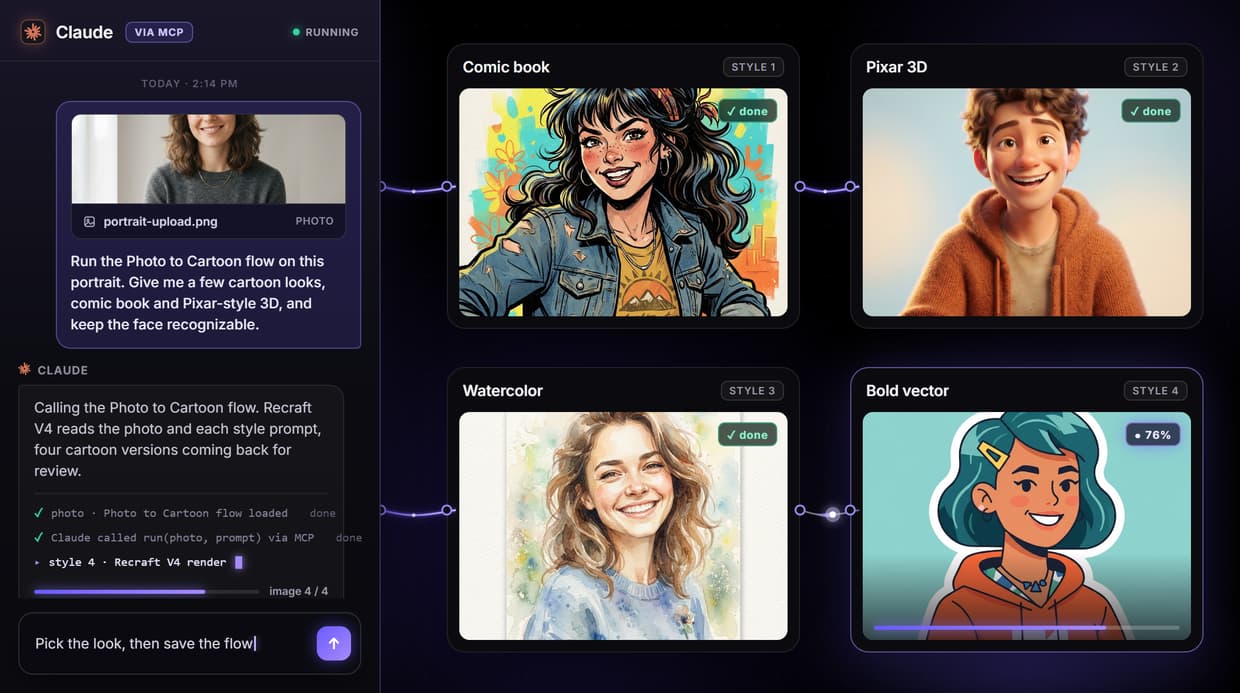
What the photo to cartoon flow actually does
The phrase AI photo to cartoon usually promises a one-tap filter that reads your face and picks the perfect cartoon look on its own. That hides where the work happens. What you actually need is a pipeline you can see, so you know which model made the image and can change the look by editing the prompt instead of hunting for a hidden setting.
On Wireflow the flow behind this page is three nodes: a Portrait Photo node and a Cartoon Style Prompt text node, both wired into a GPT Image 2.5 Flare image node. You add the photo, you write the cartoon style, and GPT Image 2.5 Flare reads the photo on its Image 1 port and the prompt on its Prompt port, then renders one restyled image. Because the style lives in a text node, you steer the result yourself, the same control you get from a general AI photo generator, and every stage stays visible and repeatable.
What you can make from a photo
Comic book portraits
Ask for bold outlines, halftone shading, and flat inked color in the prompt to give a real portrait a comic book read.
Pixar-style 3D
Describe a soft 3D animated-movie look with rounded features and warm light to turn a selfie into a 3D character.
Watercolor illustration
Prompt for loose watercolor washes and paper texture when you want a hand-painted, gentle cartoon feel.
Caricature
Ask for exaggerated features and a playful pose to get a caricature that still reads as the person in the photo.
Bold line art
Request clean vector-style line work with flat fills for a crisp, logo-ready cartoon version of a face.
Group and team sets
Run each photo through the same saved flow so a group or team lands in one consistent cartoon style.
One image model, and it is swappable
The image node on the canvas is a part you can replace. Unplug GPT Image 2.5 Flare and wire in Nano Banana Pro, Seedream V4.5, or Flux 2 to change how the cartoon reads, and the same photo and prompt run through whatever you pick, so you compare looks without rebuilding the flow. GPT Image 2.5 Flare works from the photo you upload on its Image 1 port, which is why it restyles your actual face rather than inventing one from scratch.
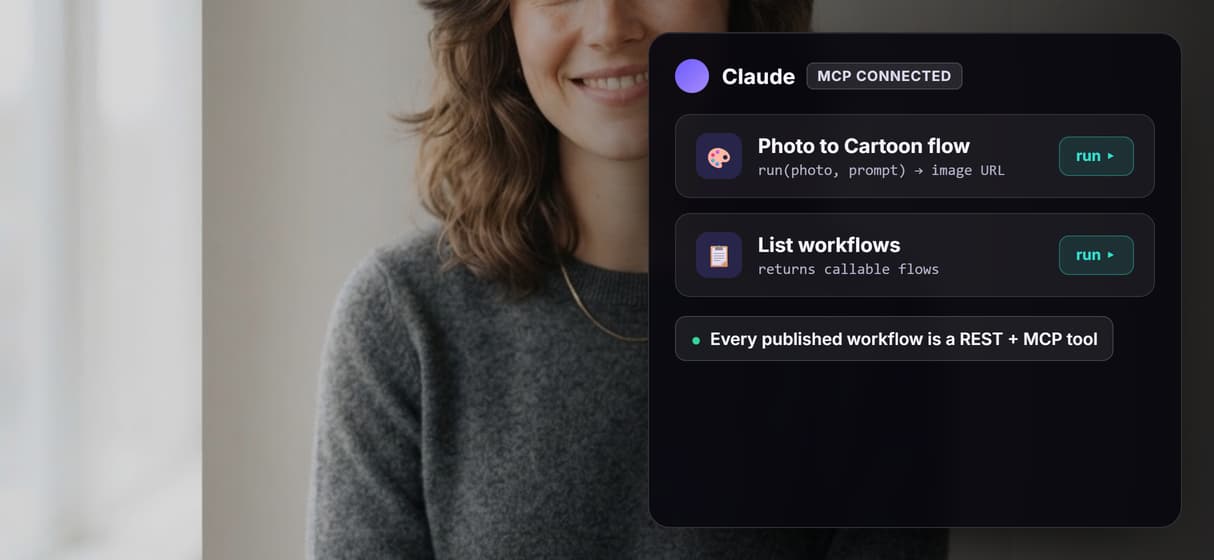
You can also add steps on purpose. Chain the cartoon image into an image upscaler for a larger version, which is not wired in the base flow. Each swap and each added node is a deliberate choice, so the pipeline never drifts on its own and you always know what produced the final image. A published workflow is also a REST endpoint and a hosted MCP tool, so an agent can list it, run it with a photo and a prompt, and receive an image URL back.
When Wireflow is not the right tool
Wireflow is the generation layer, not the reasoning brain. It does not decide which cartoon look suits you, retouch by hand, or refine on its own between runs. It renders what the prompt describes. Likeness depends on the photo and the wording, so a strong prompt keeps features close, but it is not a guarantee that every detail carries over. This flow renders one image per run: aspect ratio and resolution are set on the GPT Image 2.5 Flare node, so one run produces one image at one size, and a batch is a loop you set up over the saved workflow, not a built-in button.
It earns its place when photo to cartoon is repeatable and you want an agent to drive it: when you lock a prompt and reuse it across many photos, swap image models without rebuilding, chain a result into an upscaler, or hand the whole workflow to an agent as a callable tool. Building and wiring the flow is free, and every generation run spends credits, so a large set of photos is a real budgeting decision. If you only need one cartoon picture once and never plan to repeat it, a single prompt in any image tool is enough. The three-node flow above is the smallest honest start for people who make cartoon images from photos again and again.
More Than Just AI Photo to Cartoon
The style is a prompt you control
The Cartoon Style Prompt node holds your text, so you pick comic, Pixar 3D, or watercolor. GPT Image 2.5 Flare reads it and restyles your photo like a cartoon avatar maker.
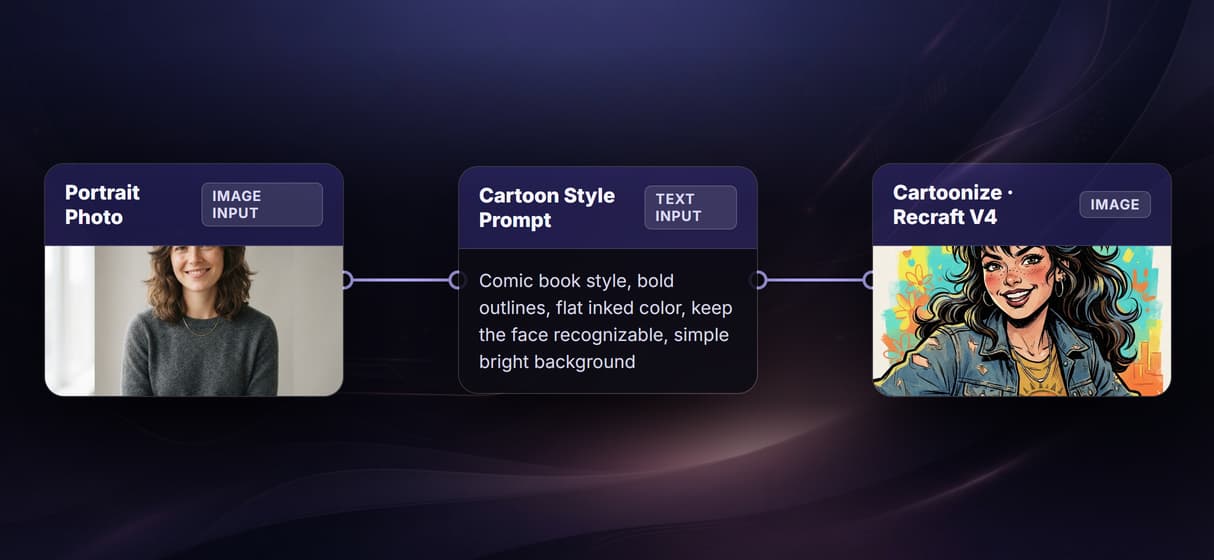
It restyles the photo you upload
Portrait Photo feeds GPT Image 2.5 Flare on its Image 1 port, so it restyles your actual photo, not a fresh render, and keeps the face recognizable.
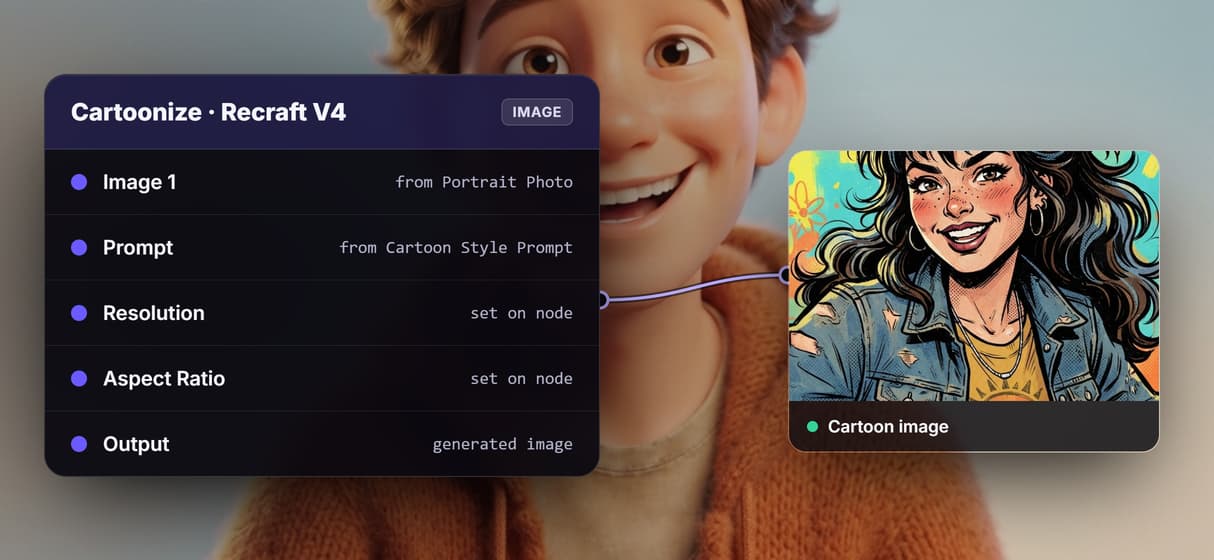
Swap the image model, keep the flow
The image model is a node, not a lock-in. Trade GPT Image 2.5 Flare for Nano Banana Pro or Flux 2 on the same wire when a job needs a different image editor.
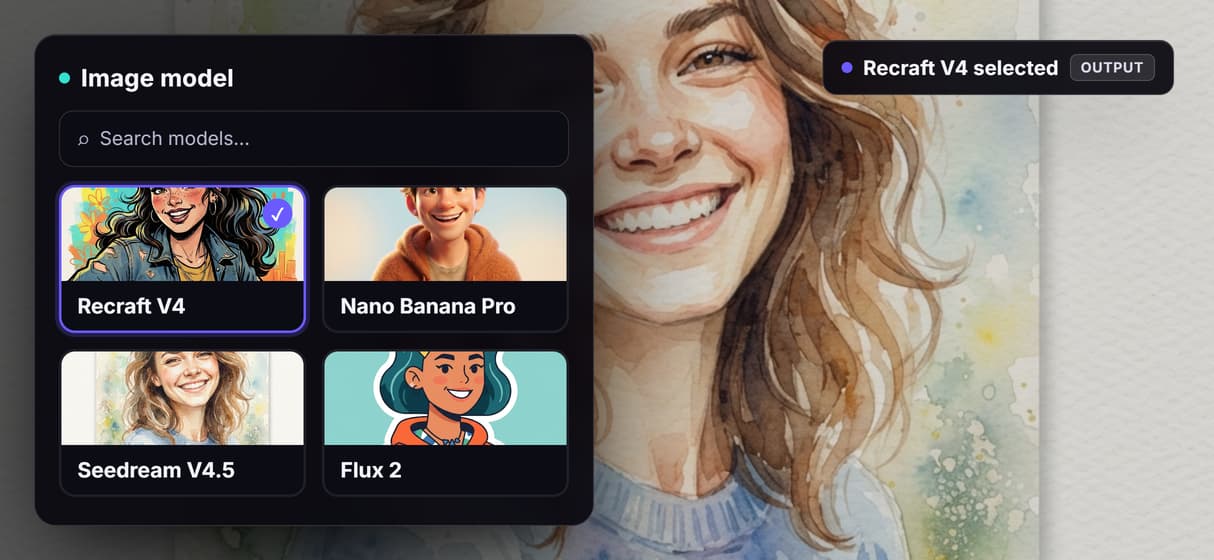
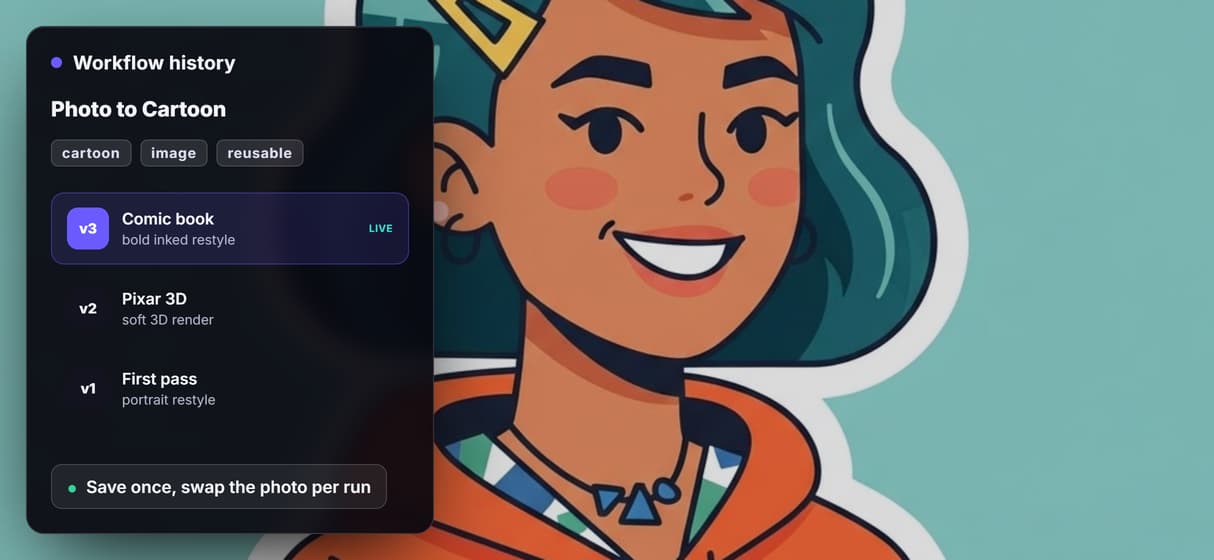
Save it as a reusable cartoon flow
Save the graph and swap only the photo and prompt per run, so each cartoon job repeats the same setup, like a saved photo to anime flow.
Your agent calls the cartoon flow
Every published workflow is a REST endpoint and an MCP tool, so an agent like Claude runs this one with a photo and a prompt and gets a cartoon image back.
AI Models Available
Automate Any Workflow
Included in Every Plan
FAQs
It turns a real photo into cartoon-style art with an image model, not a camera filter. On Wireflow it is a visible workflow: a Portrait Photo node and a Cartoon Style Prompt node both wire into a GPT Image 2.5 Flare image node that renders the restyled image.
More From Wireflow
Written by
Andrew Adams · Co-Founder & Operations at Wireflow
Runs client operations and content strategy at Wireflow. Works directly with creative teams and agencies to build production AI workflows.
Open the photo to cartoon flow behind this page
It is live on the canvas: a Portrait Photo node and a Cartoon Style Prompt node wired into a GPT Image 2.5 Flare image node. Add a photo, type the look, and watch it restyle, then save your own copy so an agent can call it. Building is free, generations are pay per run.