 Andrew Adams · Co-Founder & Operations at Wireflow ·
 AI Photo to Anime
Transform any photo into anime art with AI-powered style transfer in seconds
Free to build · no credit card
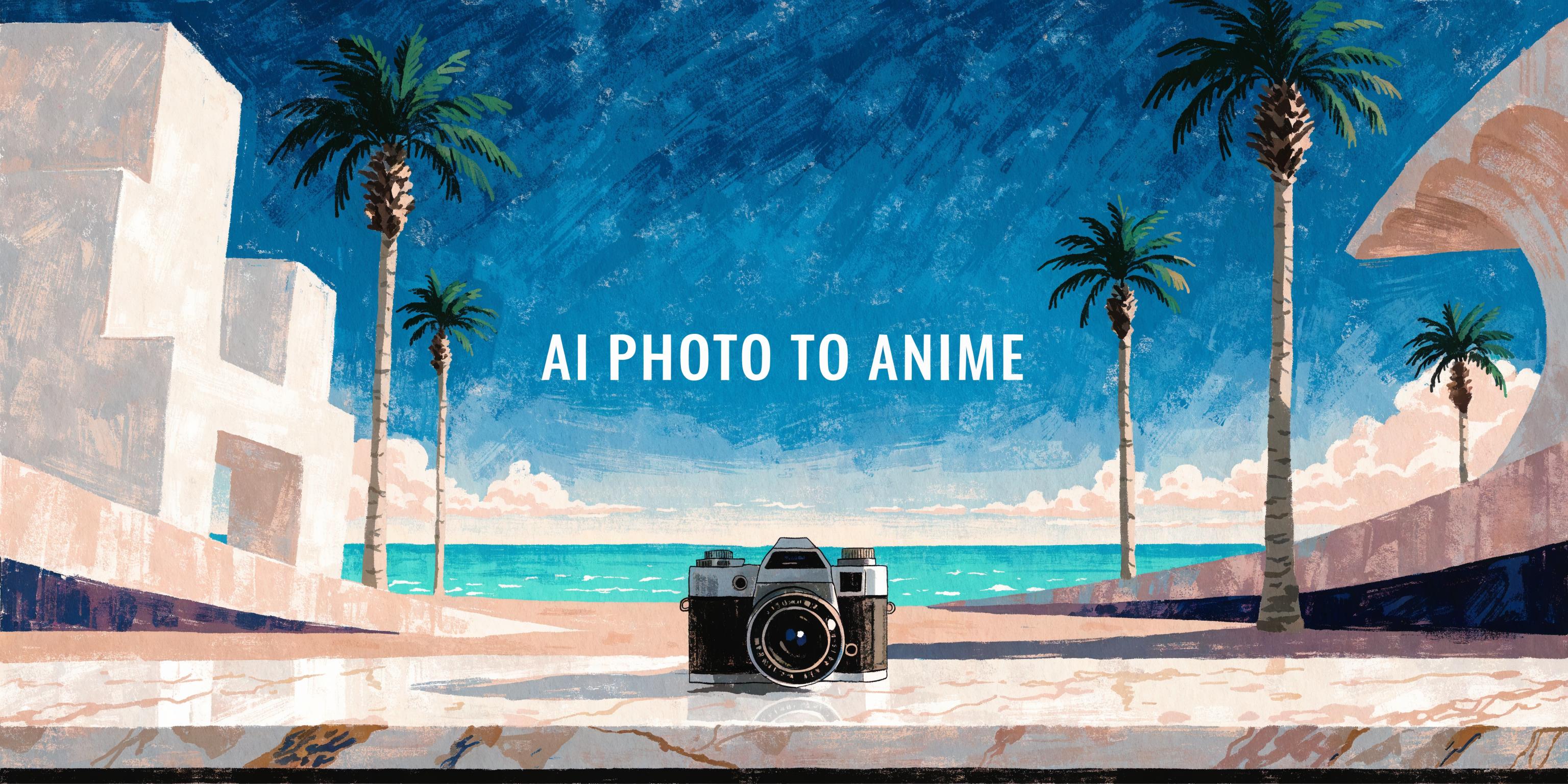
Turn Any Photo Into Anime Art
AI photo to anime conversion uses neural style transfer and image-to-image models to transform real photographs into anime-style artwork. Unlike basic filters that overlay a generic effect, modern AI models analyze facial structure, lighting, and composition to produce results that preserve the subject likeness while applying authentic anime rendering techniques. This includes cel shading, stylized eye proportions, and clean line work typical of Japanese animation.
The process works with portraits, group photos, pet images, and landscape shots. Each input type produces distinct anime results. Portraits maintain recognizable facial features while adapting proportions to anime conventions. Landscapes receive the painterly backgrounds common in Studio Ghibli films. The AI handles complex elements like hair texture, clothing folds, and background depth automatically.
Photo to Anime Capabilities
Multiple Anime Styles
Choose from Ghibli, manga, cyberpunk, chibi, and webtoon styles for varied anime outputs.
Likeness Preservation
AI maintains facial features and body proportions while applying anime-style rendering to your photos.
High Resolution Output
Generate anime artwork at full resolution suitable for prints, posters, and large-format displays.
Works With Any Subject
Convert portraits, pets, landscapes, and group photos into anime art with consistent quality.
Instant Processing
Photo to anime conversion completes in under ten seconds with no manual editing required.
Batch Conversion Ready
Process multiple photos through the same anime style pipeline for consistent character sets.
More Than Just AI Photo to Anime
Anime Avatar Creation
Turn selfies into anime avatars for social media profiles and gaming. Wireflow anime avatar creator produces consistent character designs from any portrait photo.
Style-Accurate Rendering
The AI replicates authentic anime techniques including cel shading and clean line work. Learn more in our guide on creating anime avatars with AI from photos.
Full Portrait Transformation
Convert full-body shots and group photos while preserving each person distinct features. Wireflow avatar generator handles complex multi-subject compositions automatically.
Creative Face Styling
Go beyond basic anime filters with fine-grained control over facial proportions and expressions. Pair with the AI face generator to create entirely new anime characters from scratch.
Professional Quality Output
Generate print-ready anime artwork at resolutions up to 4K. The AI image editor lets you refine details and adjust colors after the initial anime conversion.
Build Any AI Workflow
AI Models Integrated
Full Commercial License
FAQs
AI photo to anime uses image-to-image models that analyze your photo structure, lighting, and subject features, then re-render the image using anime-style techniques like cel shading, stylized proportions, and clean line art.
More From Wireflow
Written by
Andrew Adams · Co-Founder & Operations at Wireflow
Runs client operations and content strategy at Wireflow. Works directly with creative teams and agencies to build production AI workflows.
Transform Your Photos Into Anime Art
Upload any photo and convert it to anime style in seconds. Choose from multiple anime aesthetics, preserve your likeness, and download high-resolution results ready for social media and creative projects.