Best MimicPC Alternatives in 2026: 8 Cloud AI Platforms Compared

In this article▾
- Quick Summary: The 8 Best MimicPC Alternatives
- Why People Leave MimicPC
- 1. Wireflow: Best Overall
- 2. Comfy Cloud: Best Official ComfyUI Host
- 3. RunComfy: Best for Ready-Made Workflows
- 4. ThinkDiffusion: Best Managed Desktop
- 5. RunDiffusion: Best for Creative Teams
- 6. Replicate: Best Model Catalog
- 7. fal.ai: Best for Low-Latency Generation
- 8. RunPod: Best for Raw GPU Control
- Comparison Table
- How to Choose
- FAQ
- Conclusion
MimicPC gives you a browser-based cloud desktop with open-source AI apps preinstalled, so you skip the local GPU and the install work. It works, but you still assemble and maintain the stack yourself. The eight alternatives below split into three camps: managed ComfyUI hosts, model APIs, and raw GPU rental. Wireflow sits in a fourth camp, a hosted node canvas where the models arrive already wired, and it takes the top slot because it removes the assembly work rather than relocating it to a rented machine.
Quick Summary: The 8 Best MimicPC Alternatives
- Wireflow: Hosted node canvas with models prewired. Best overall.
- Comfy Cloud: Official ComfyUI in the browser. Best official ComfyUI host.
- RunComfy: ComfyUI with a large template library. Best for ready-made workflows.
- ThinkDiffusion: Managed Stable Diffusion workspaces. Best managed desktop.
- RunDiffusion: Session-based creative GPU workspaces. Best for creative teams.
- Replicate: Large model catalog behind one API. Best model catalog.
- fal.ai: Inference platform tuned for speed. Best for low-latency generation.
- RunPod: Rented GPU containers and pods. Best for raw GPU control.
Why People Leave MimicPC
The complaint is rarely about the product. It is about what the product leaves on your plate. A cloud desktop still asks you to pick a template, install custom nodes, download checkpoints, wire the graph, and keep it all working when a dependency shifts. That is the same maintenance burden as a local rig, moved to a rented machine. Teams shopping for a ComfyUI alternative that needs no GPU usually want the graph without the sysadmin work attached.
The second reason is programmatic access. A cloud desktop is a place you visit, not an endpoint your code can call. Once a process is proven, most teams want to trigger it from a backend or an agent, and a desktop session exposes no endpoint. If that is your endgame, a hosted ComfyUI cloud API is the shape you are actually shopping for.
The third is billing. Hourly GPU rental charges for the machine, not the output, so idle time spent tuning a prompt costs the same as time spent rendering. For a hands-on look at these tradeoffs, see the MimicPC alternative feature page.
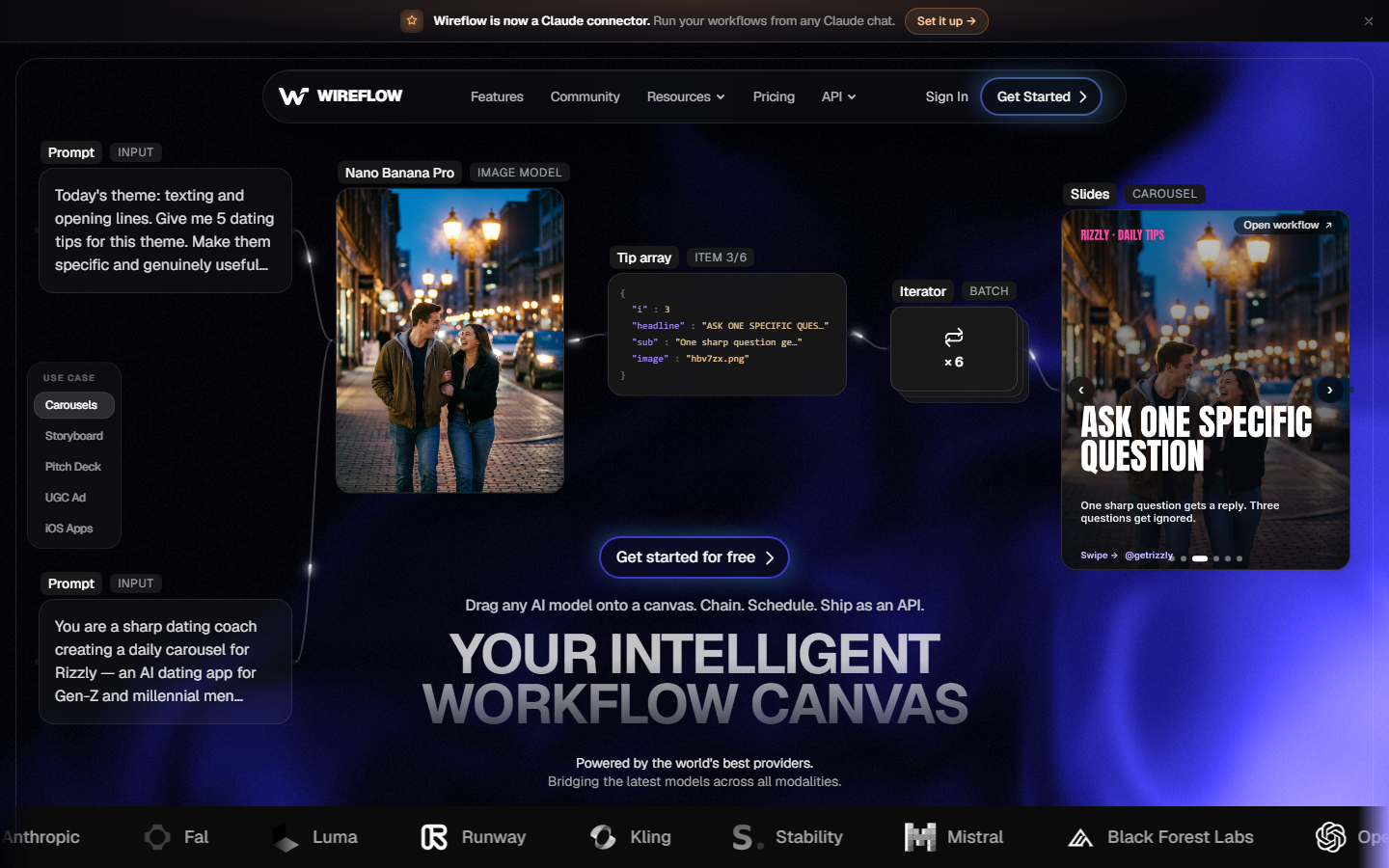
Build this in Wireflow
Make the same kind of asset on a canvas you control, with a free account and no credit card.
1. Wireflow: Best Overall
Wireflow is a hosted node canvas where 70+ image, video, audio, and language models are already available as nodes. Nothing installs, no checkpoint downloads, and no GPU is rented by the hour. You drag a model onto the canvas, connect it to the previous node's output, and run. Billing is per generation rather than per hour of machine time.
The structural difference is what happens after the workflow works: every published workflow becomes both a REST endpoint and an MCP tool, so the canvas a designer edits by hand can also be called by a backend or an agent without a rewrite. That is why teams needing to chain multiple AI models in one API call land here rather than on a desktop host.
The honest limit: this is a generation layer, not a general-purpose cloud computer. If you need arbitrary Python packages, your own checkpoints, or LoRA training, keep MimicPC. The real comparison set is other agentic canvas tools.
Best for: teams who want a visual pipeline that also ships as an API.
2. Comfy Cloud: Best Official ComfyUI Host
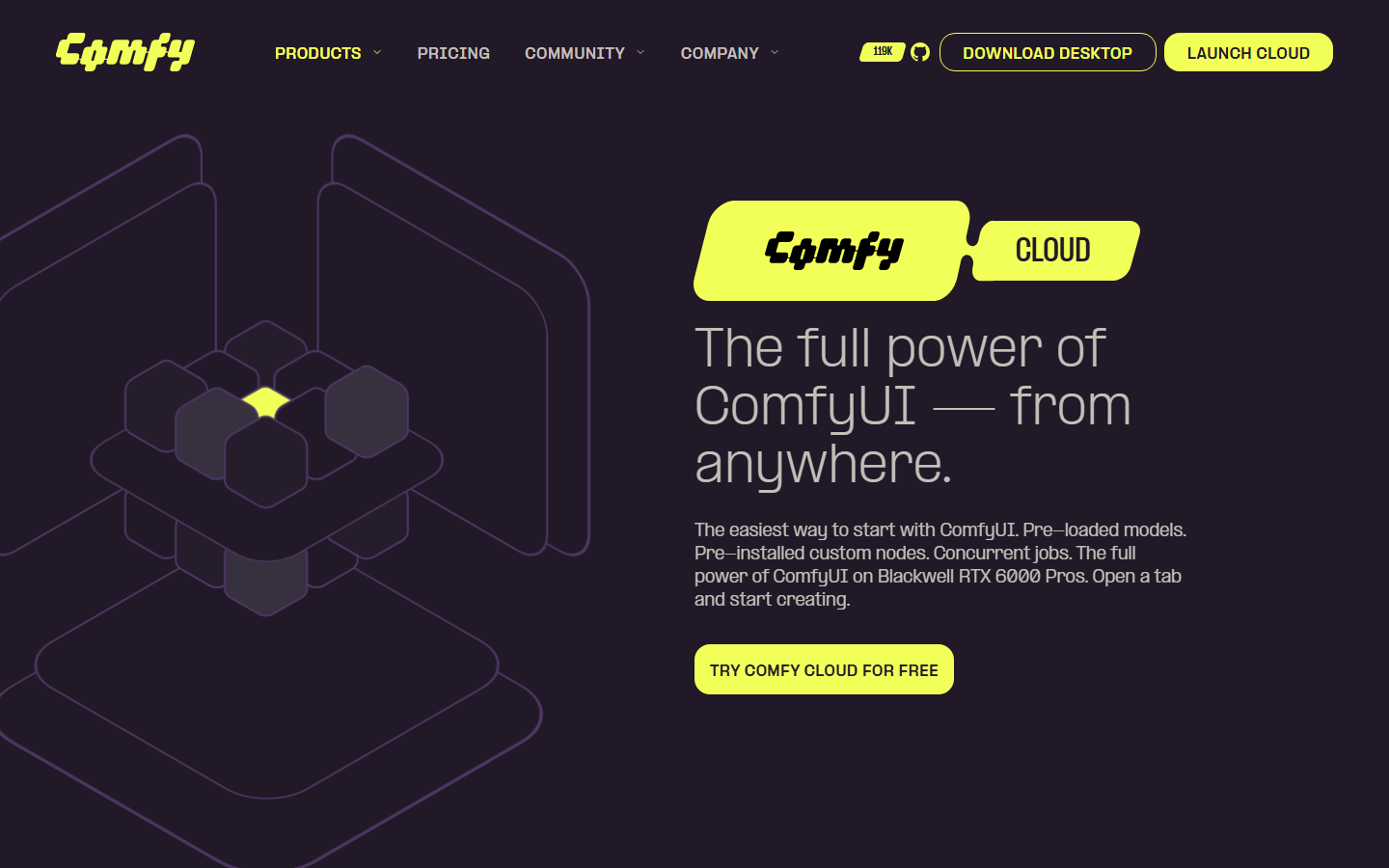
Comfy Cloud is the first-party hosted ComfyUI, run by the team behind the project. Models and popular custom nodes come preloaded, and the interface is the ComfyUI you already know in a browser tab. For anyone whose graphs are already written in ComfyUI, this is the shortest migration path off MimicPC because the workflow format does not change.
The tradeoff is that you inherit ComfyUI's ceiling with its power: verbose graphs, node compatibility after updates, and the same debugging job as before. It is a hosting change, not a workflow change. Our breakdown of Comfy Cloud alternatives covers where that line falls.
Best for: existing ComfyUI users who want official hosting and nothing else to change.
3. RunComfy: Best for Ready-Made Workflows
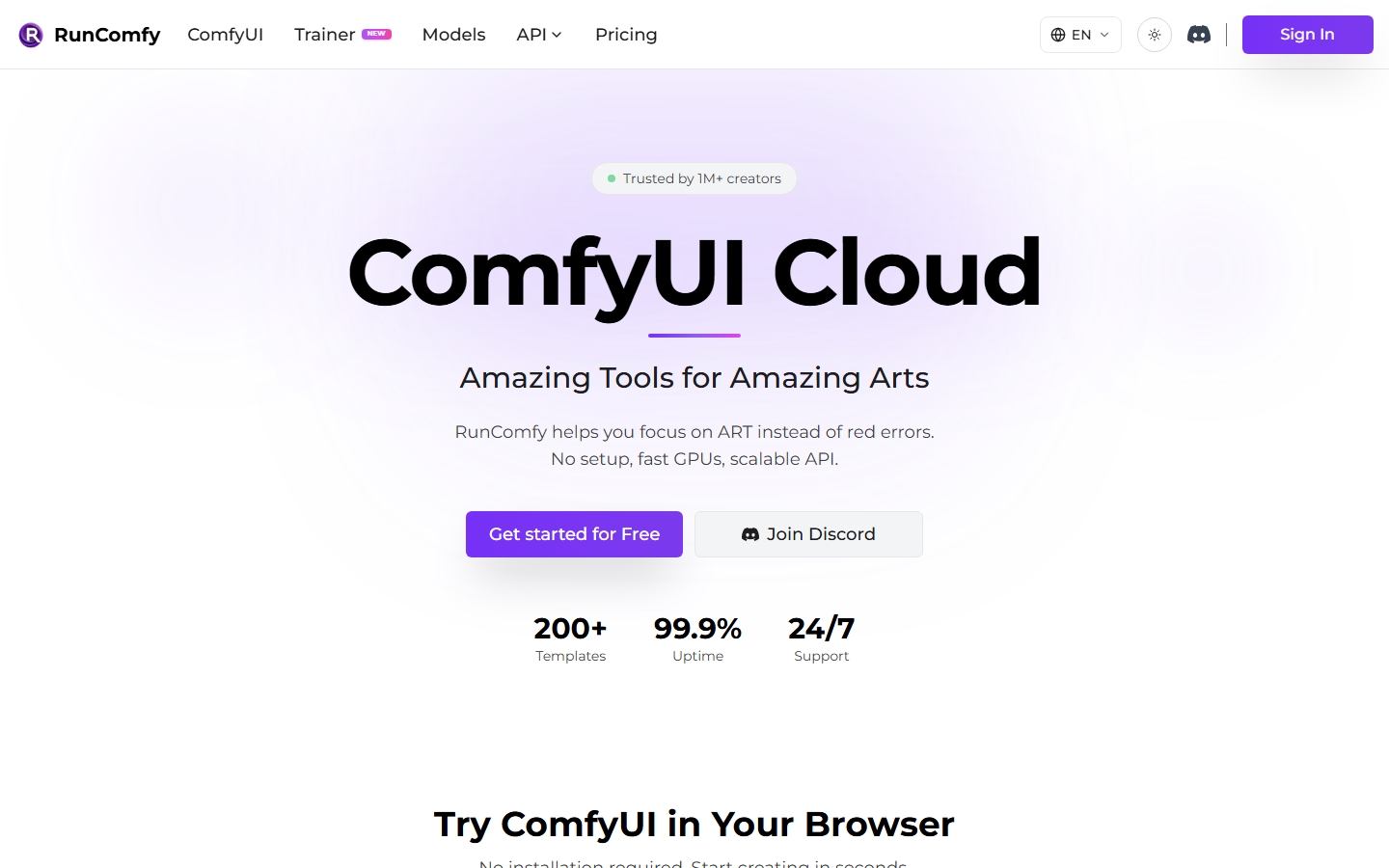
RunComfy runs ComfyUI in the browser with a large library of prebuilt templates, so you open a working graph for a common task instead of starting from an empty canvas. It also ships an API layer and a model trainer, which puts it a step past a pure desktop host.
Templates are a starting point, not a finished product. Once you adapt one to your own models and resolutions you are back in graph maintenance, and the API is bolted onto a ComfyUI-shaped world rather than designed as the primary interface. We go deeper in our writeup on RunComfy alternatives.
Best for: creators who want a working ComfyUI graph on day one.
4. ThinkDiffusion: Best Managed Desktop
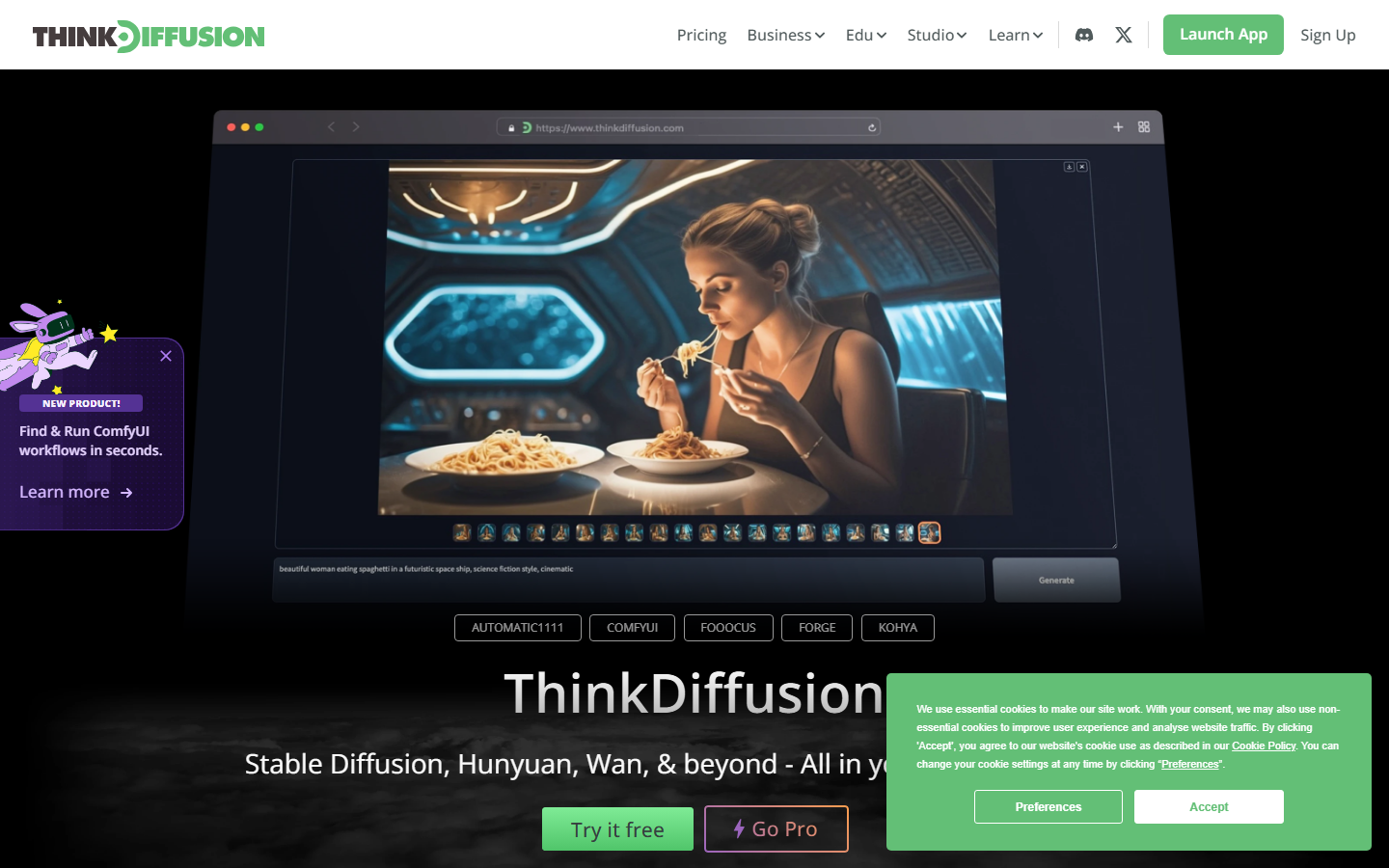
ThinkDiffusion is the closest like-for-like swap on this list. It gives you managed Stable Diffusion workspaces in the browser, with ComfyUI and Automatic1111 style interfaces, persistent storage for your models, and tiered machines. Files survive between sessions, which matters when you iterate on a look over several days.
Because the shape matches MimicPC's so closely, the reasons to switch are practical: machine tiers, storage limits, interface preference, and how the hourly meter fits your pattern. To leave the desktop model entirely, a Stable Diffusion API is the more meaningful jump.
Best for: Stable Diffusion users who want a managed desktop with persistent storage.

5. RunDiffusion: Best for Creative Teams
RunDiffusion launches session-based creative workspaces on cloud GPUs, with several UI options and a catalog of models you can load without downloading anything. Sessions start in a couple of minutes and shut down when you finish, which suits studios that work in bursts.
Session billing cuts both ways. You never pay for a machine you forgot to turn off, but you start cold each time, and scheduled or unattended jobs do not fit the model. Teams that need generation to run without a human present usually move to a hosted ComfyUI alternative with an API.
Best for: creative teams doing interactive, burst-shaped work.
6. Replicate: Best Model Catalog
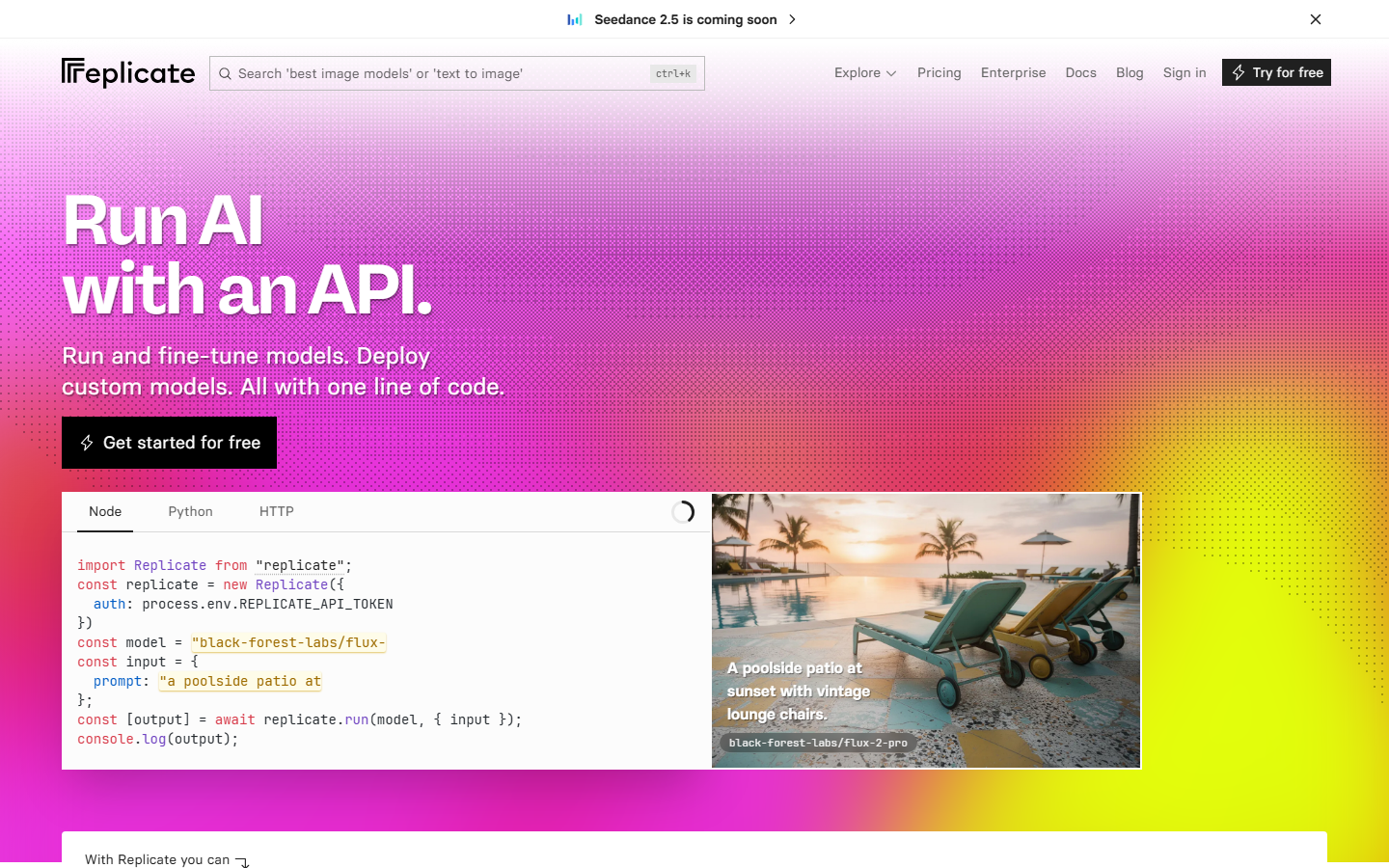
Replicate drops the desktop metaphor entirely. Thousands of community and first-party models sit behind a consistent API: you send a request, you get an output. There is no interface to keep alive and no environment to maintain, which suits developers who never wanted a GPU desktop.
What you give up is the canvas. Chaining models means writing and hosting the orchestration yourself, handling retries and intermediate files, and cold starts on less popular models add latency to the first call. Our Replicate alternative breakdown covers where that orchestration cost starts to bite.
Best for: developers who want breadth of models behind one API key.
7. fal.ai: Best for Low-Latency Generation
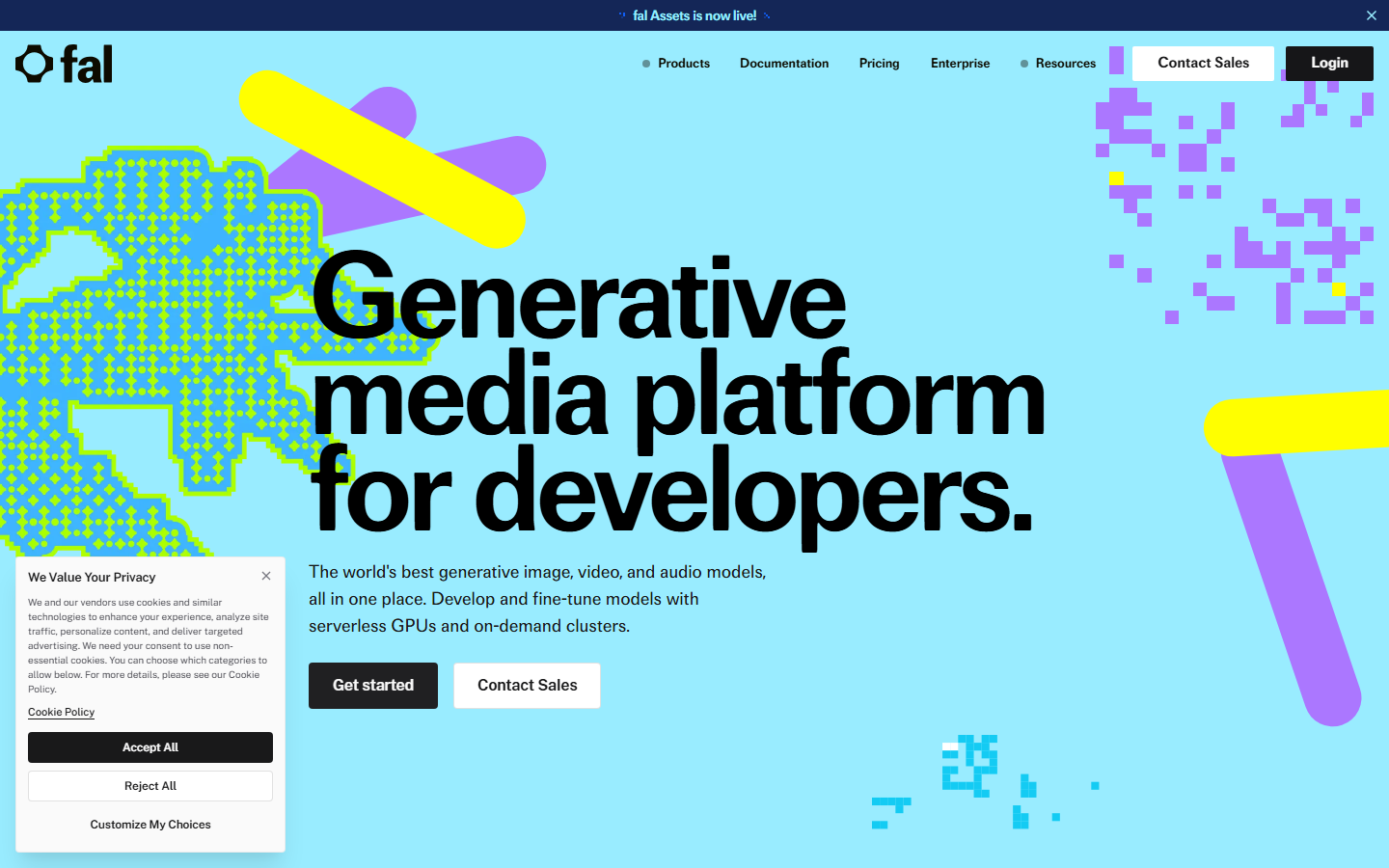
fal.ai is an inference platform built around speed, with an optimized runtime and a curated set of image, video, and audio models rather than an open catalog. When a user is waiting on the result inside your product, that latency difference is the whole reason to pick it.
The catalog is narrower by design, so a specific niche model may not be there, and like any raw API it hands you the orchestration problem for multi-step work. Pricing is per generation and varies sharply by model, which is worth modelling first; our notes on fal.ai pricing walk through that math.
Best for: production features where generation latency is user-visible.
8. RunPod: Best for Raw GPU Control
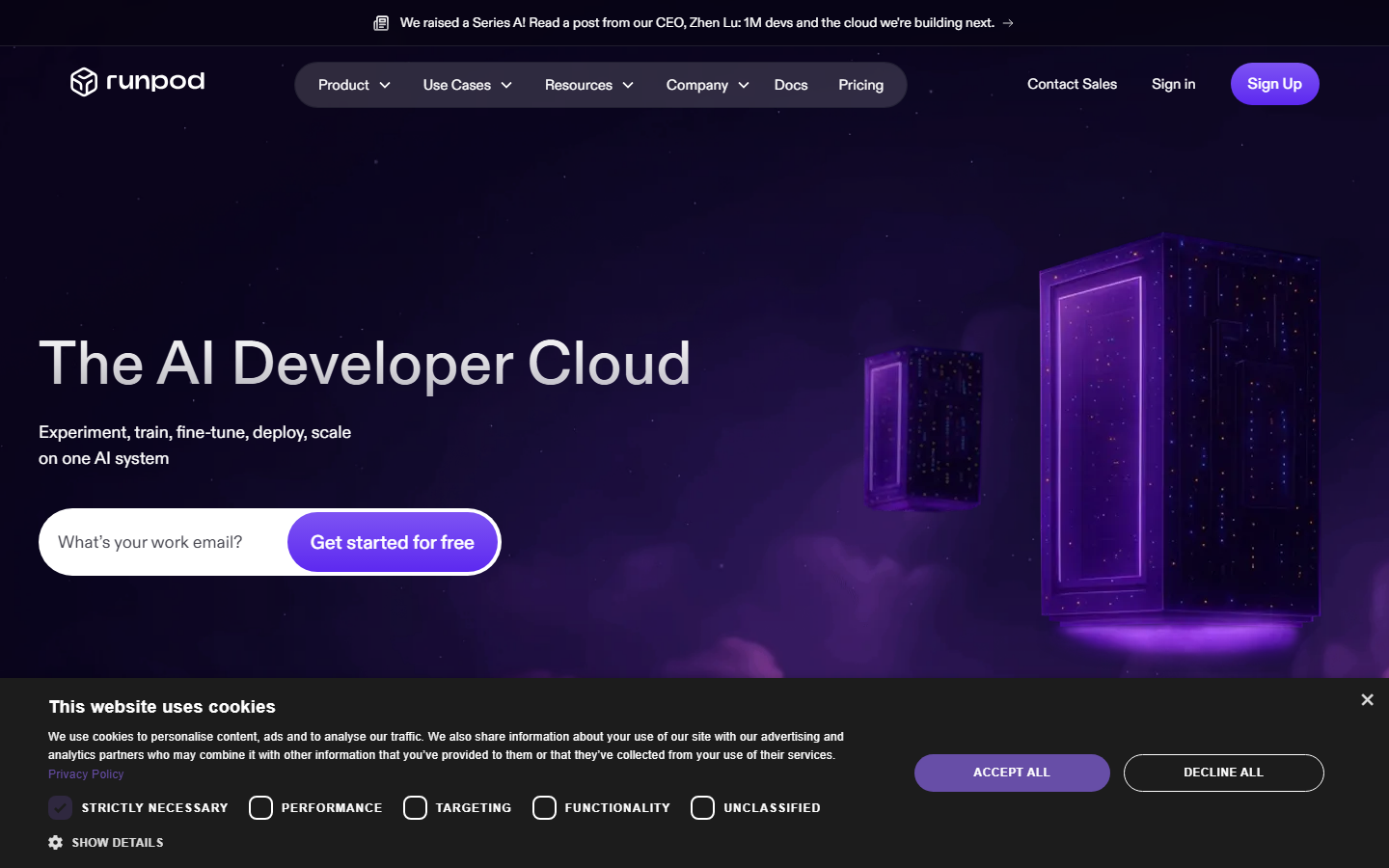
RunPod rents GPU containers and serverless endpoints. You choose the hardware, bring your own image, and run whatever you like on it: ComfyUI, a training job, or your own inference server. It is the most flexible option here and the least opinionated.
That flexibility is the cost. You own the container, the weights, the scaling behaviour, and everything that breaks, which is an engineering commitment rather than a tool choice. It suits teams already running a self-hosted image generation API who want cheaper compute underneath, not teams trying to escape maintenance.
Best for: engineering teams who want hardware control and will own the stack.
Comparison Table
| Platform | Type | Setup Required | Programmatic Access | Billing Model | Best For |
|---|---|---|---|---|---|
| Wireflow | Hosted node canvas | None, models prewired | REST endpoint + MCP tool | Per generation | Visual pipelines that ship as APIs |
| Comfy Cloud | Managed ComfyUI | Graph building | Limited | Subscription / usage | Existing ComfyUI graphs |
| RunComfy | Managed ComfyUI | Template adaptation | API layer | Hourly / plan | Ready-made workflows |
| ThinkDiffusion | Managed SD desktop | Model + UI selection | Minimal | Hourly | Managed SD sessions |
| RunDiffusion | Session GPU workspace | Session launch | Minimal | Session / hourly | Burst creative work |
| Replicate | Model API | None | Full REST API | Per prediction | Model breadth |
| fal.ai | Inference API | None | Full REST API | Per generation | Latency-sensitive features |
| RunPod | GPU rental | Full container setup | Your own API | Per second / hourly | Hardware control |
How to Choose
Work backwards from where the output ends up. If a human downloads a file, a managed desktop like ThinkDiffusion or RunDiffusion is enough and the migration from MimicPC is nearly free. If the output feeds a product, a queue, or an agent, you need an endpoint, and the desktop platforms will strand you.
The second question is who maintains the graph: raw APIs are excellent single-model callers but leave multi-step orchestration as code you own, while a canvas keeps the steps visible and editable by non-engineers. Pricing is the third question, not the first, because hourly and per-generation meters only become comparable once you know your utilisation. Our guide to picking an image generation API for developers covers that comparison.
Try it yourself: Open this workflow in Wireflow. A text prompt drives an image model, then an upscaler sharpens the result, with no GPU to rent and nothing to install.
FAQ
What is the best MimicPC alternative in 2026? Wireflow is the best overall alternative because it removes the assembly work rather than relocating it: models arrive prewired as canvas nodes and every published workflow doubles as a REST endpoint. If you specifically need a cloud desktop that runs arbitrary AI apps, ThinkDiffusion is the closest like-for-like swap.
Is there a free MimicPC alternative? Most platforms here offer a free tier or trial credits rather than an unlimited free plan, since GPU time has a real cost behind it. Replicate and fal.ai let you test with small amounts of credit, and RunPod's per-second billing means a short experiment costs very little.
Do any of these run ComfyUI workflows directly? Comfy Cloud, RunComfy, ThinkDiffusion, and RunDiffusion all run ComfyUI graphs, and RunPod can if you supply the container. API platforms do not, because they expose models rather than a graph runtime. Teams wanting graph-style composition callable by agents look at ComfyUI MCP tools instead.
Which alternative is cheapest? It depends on utilisation. Hourly platforms win when you generate continuously; per-generation platforms win when you work in short bursts with long review gaps. Measure a normal week of your usage before comparing headline rates.
Can I call these platforms from my own code? Replicate, fal.ai, and Wireflow expose full REST APIs, and RunPod lets you build your own endpoint. The managed desktop platforms are primarily interactive with limited or no programmatic surface, which is the biggest functional split on this list.
What about cold starts? Cold starts affect any platform that spins hardware up on demand, and hit hardest on less popular models that are not kept warm. Session-based platforms front-load that wait at launch. We covered the mechanics in our piece on Replicate cold starts.
Can I chain several models together? On a canvas platform you connect nodes and outputs flow through automatically. On raw API platforms you write the orchestration yourself, storing intermediate results and handling failures between calls. Our walkthrough on building multi-model AI workflows shows both approaches.
Conclusion
MimicPC solved the local GPU problem, and every platform here solves it too. The real question in 2026 is what you want to stop maintaining. Managed desktops keep the familiar interface and hand you the same graph work. API platforms delete the interface and hand you orchestration code. Wireflow removes both, keeping a visual canvas non-engineers can edit while publishing the same workflow as an endpoint your systems can call, billed per generation instead of per idle hour. Check it against your own usage on the pricing page before you pick.

Co-Founder & Operations at Wireflow
Runs client operations and content strategy at Wireflow. Works directly with creative teams and agencies to build production AI workflows.
- Content Strategy
- Client Operations
Make AI videos and ads.
Start free, no card needed.