Best RunComfy Alternatives in 2026: 8 Hosted ComfyUI and Workflow Platforms Compared

In this article▾
- Quick Summary: The 8 Best RunComfy Alternatives
- Why Teams Look for RunComfy Alternatives
- How We Ranked These Tools
- 1. Wireflow (Best Overall)
- 2. ThinkDiffusion (Best Managed ComfyUI Desktop)
- 3. Comfy Cloud (Best Official Option)
- 4. ComfyDeploy (Best for Shipping Workflows as APIs)
- 5. ViewComfy (Best for Client Facing Apps)
- 6. RunPod (Best Raw GPU Control)
- 7. fal.ai (Best Serverless Model API)
- 8. Replicate (Best Model Library Breadth)
- Comparison Table
- How to Choose in Under Five Minutes
- Frequently Asked Questions
- Conclusion
RunComfy made cloud ComfyUI easy by renting you a GPU machine with the graph already installed, but hourly machine rental is not the only way to run node based AI pipelines in 2026. This guide ranks eight RunComfy alternatives across four pricing models: managed ComfyUI desktops, official ComfyUI cloud, serverless model endpoints, and raw GPU rental. Wireflow takes the top spot because it removes the machine entirely and runs a node canvas against hosted models, so you pay for generations instead of idle GPU minutes.
Quick Summary: The 8 Best RunComfy Alternatives
- Wireflow: node canvas with hosted models, no GPU to manage. Best Overall
- ThinkDiffusion: managed ComfyUI and A1111 desktops in the browser. Best Managed ComfyUI Desktop
- Comfy Cloud: the official hosted ComfyUI from the core team. Best Official Option
- ComfyDeploy: turns an existing ComfyUI graph into a callable API. Best for Shipping Workflows as APIs
- ViewComfy: wraps a ComfyUI workflow in a simple app front end. Best for Client Facing Apps
- RunPod: per second GPU pods and serverless endpoints. Best Raw GPU Control
- fal.ai: fast serverless inference endpoints for image and video models. Best Serverless Model API
- Replicate: the broadest catalog of one call hosted models. Best Model Library Breadth
Why Teams Look for RunComfy Alternatives
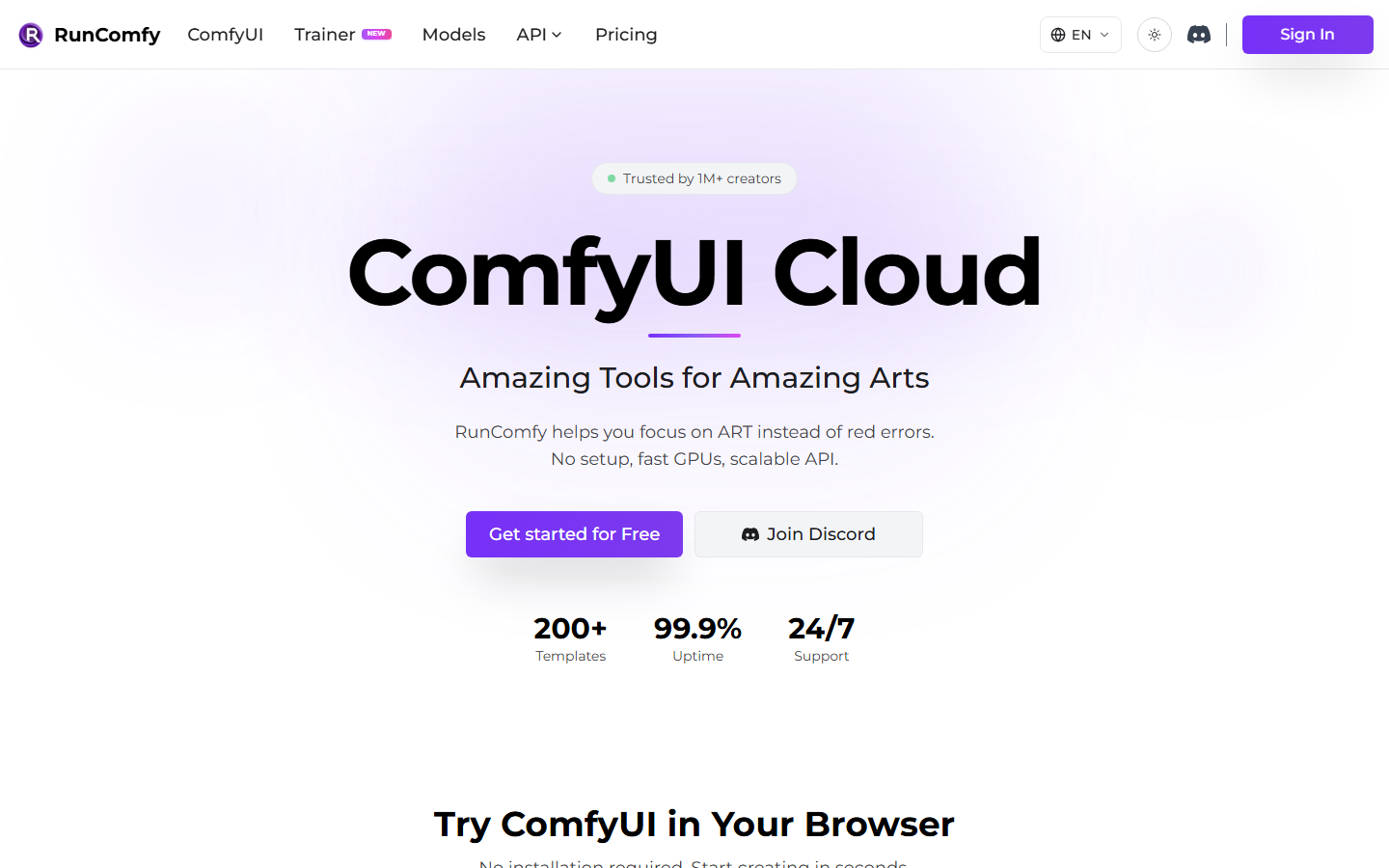
The first reason is billing shape. Renting a GPU by the hour means paying while you install custom nodes, while you debug a broken graph, and while you sit staring at the canvas thinking. Teams that generate in bursts usually find a per generation platform cheaper than a machine that has to be awake to be useful, which is the core of the ComfyUI alternative with no GPU argument.
The second is fragility. A ComfyUI graph is only reproducible if the exact custom node versions, checkpoints, and LoRA files are present on the machine. Move it to a fresh pod and it breaks; hand it to a teammate and it breaks. That is why hosted ComfyUI with an API keeps coming up in procurement conversations.
The third is delivery. Most teams do not want a canvas as the final product; they want an endpoint, a client facing page, or a scheduled job. For a hands on look at how that plays out, see the RunComfy alternative feature page, which walks through the same workflow on both sides.
Build this in Wireflow
Make the same kind of asset on a canvas you control, with a free account and no credit card.
How We Ranked These Tools
Each tool was scored on five things: GPU management, reproducibility across machines and teammates, whether there is a real production API, how fast a non technical teammate can run the workflow, and how pricing behaves while idle. Tools that keep ComfyUI's exact graph format score well on portability and poorly on setup; tools that abstract it score the reverse, a split visible across the node based image generation landscape.
1. Wireflow (Best Overall)
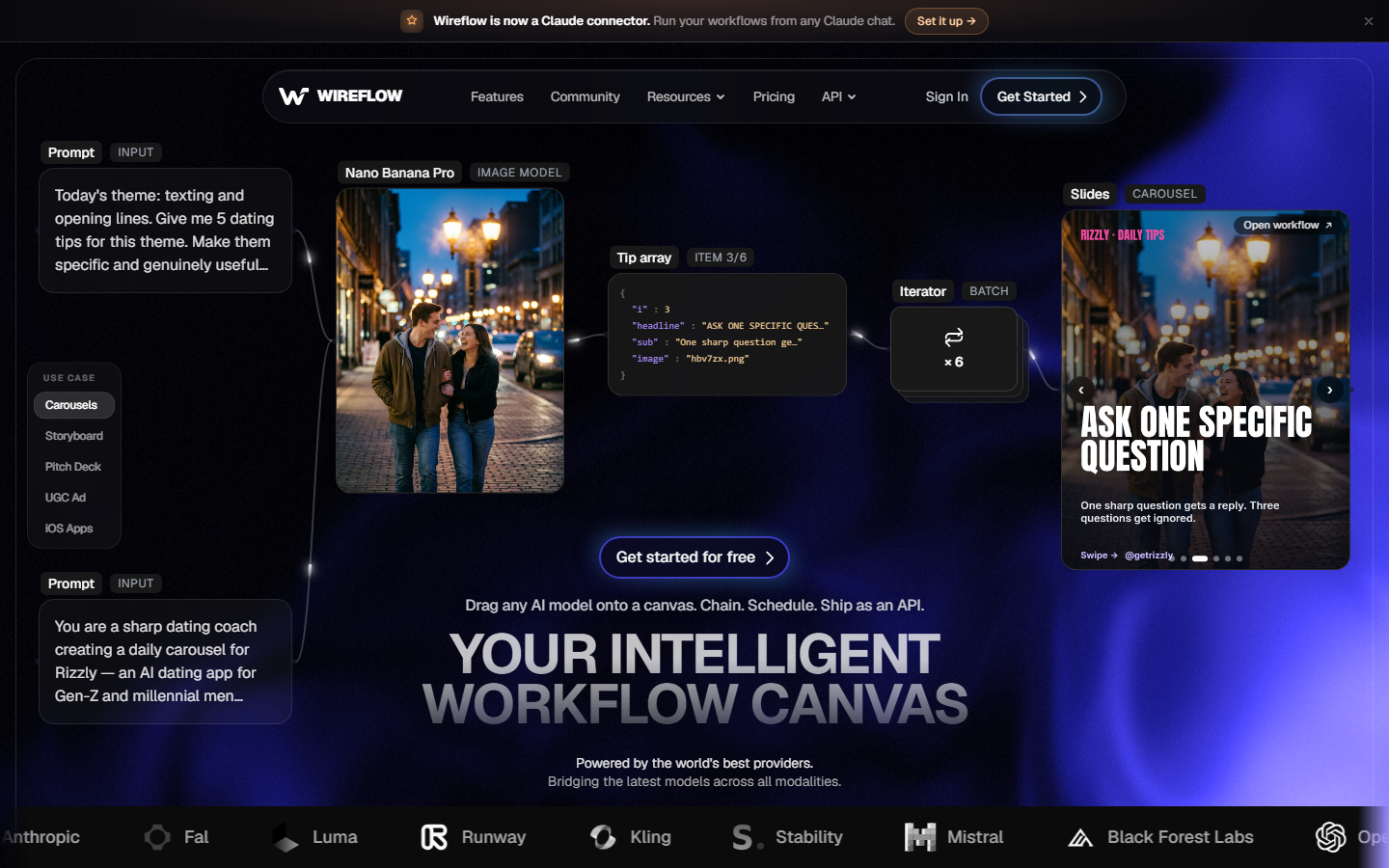
Wireflow keeps the part of ComfyUI people actually like, the visual graph where each node is a step you can inspect, and drops the machine underneath it. Models run as hosted nodes, so there is no checkpoint to download, no custom node to install, and nothing to keep warm between sessions. A workflow is a document, not a machine state, so it opens the same way for whoever you share it with.
The difference shows up in mixed pipelines. One canvas can take a product photo, upscale it, run a video model over the result, and hand that to an editing step. Doing the same across vendor SDKs is the plumbing job described in chaining multiple AI models in one API call.
Best for: teams that want ComfyUI's composability without owning infrastructure. Watch out for: you use the catalog of hosted models rather than arbitrary local checkpoints, so a very specific fine tune may not be available. The full list is on the models page.
2. ThinkDiffusion (Best Managed ComfyUI Desktop)
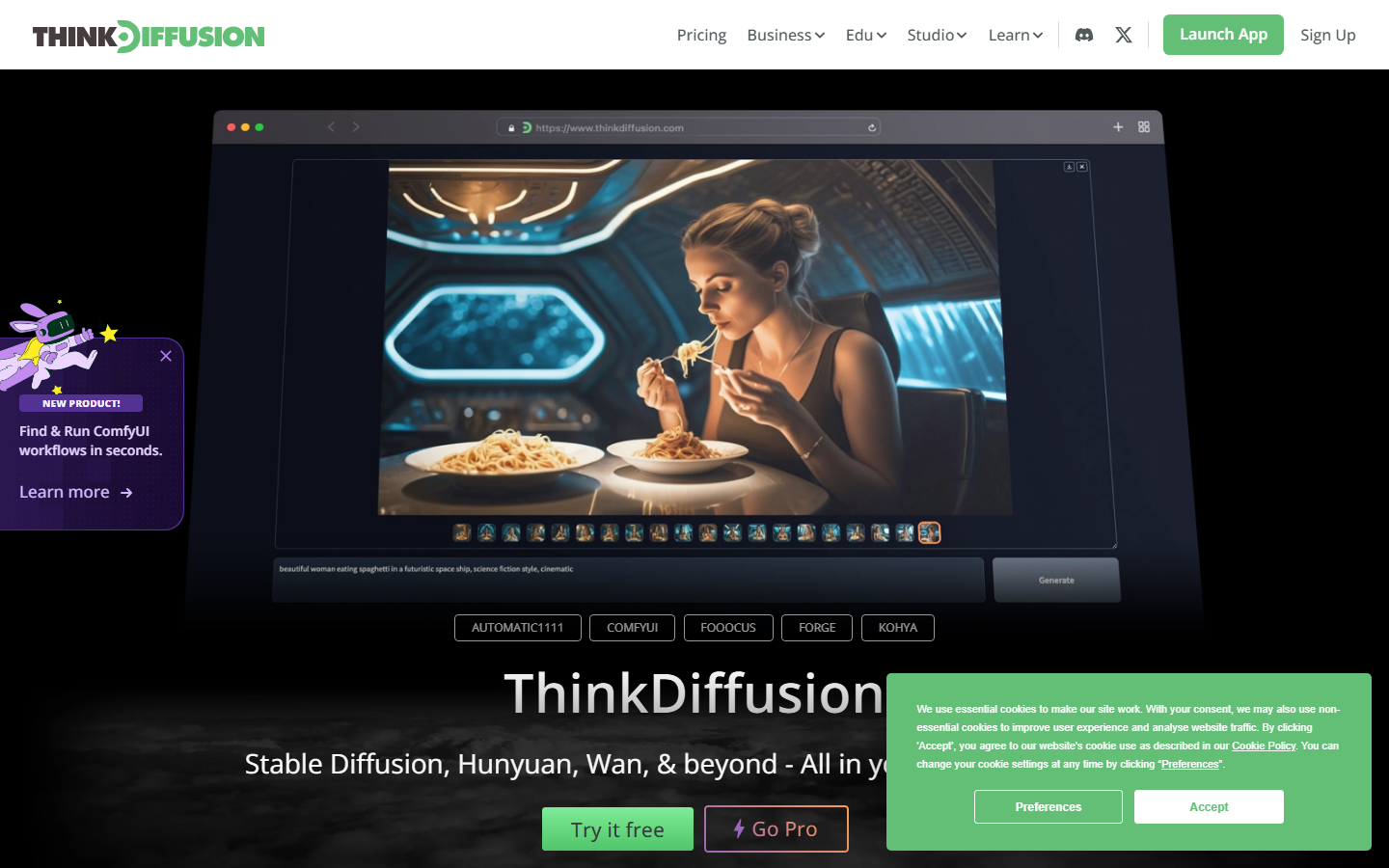
ThinkDiffusion is the closest like for like swap for RunComfy. It gives you a browser based machine running ComfyUI, Automatic1111, or Forge, with persistent storage for your models and LoRAs, billed by the hour on the machine tier you pick. If your team is already deep in a custom node stack and just wants a different landlord, this is the shortest migration path.
The limitation is the same one you are leaving: it is still a desktop you rent. Idle time costs money, and reproducibility still depends on the state of your persistent volume. Teams comparing hourly desktops usually also look at the Comfy Cloud alternatives shortlist before committing.
3. Comfy Cloud (Best Official Option)
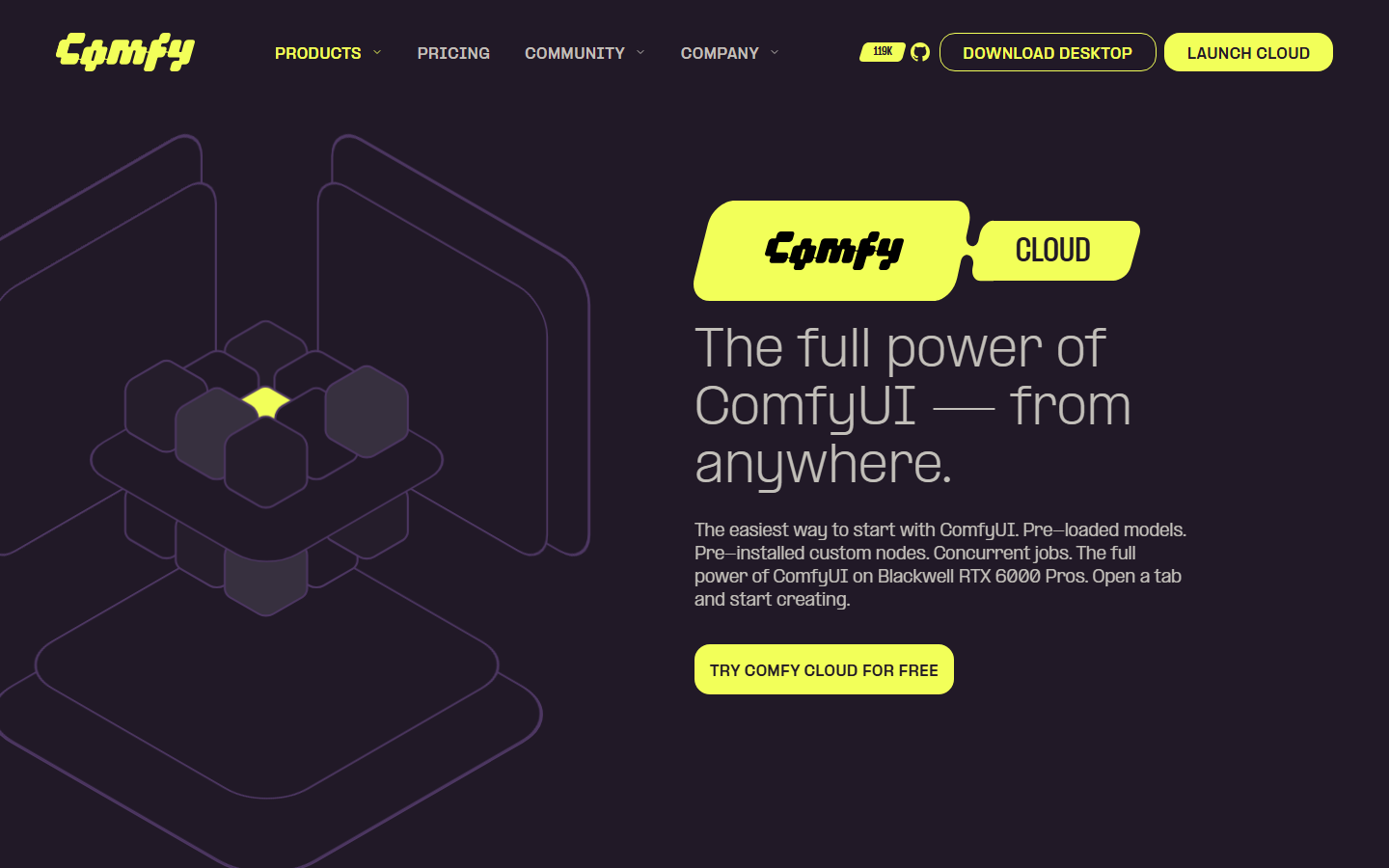
Comfy Cloud is hosted ComfyUI from the people who build ComfyUI, which matters for one specific thing: version alignment. New core features land here first, and the node set is the reference implementation rather than a fork. For teams whose workflows track upstream closely, that removes a whole class of "works locally, breaks in the cloud" bugs.
It is also the most opinionated option: the curated node and model set is a feature if you want stability, a blocker if your graph leans on an obscure community node. The Comfy Cloud alternative page lays out where that ceiling bites.
4. ComfyDeploy (Best for Shipping Workflows as APIs)
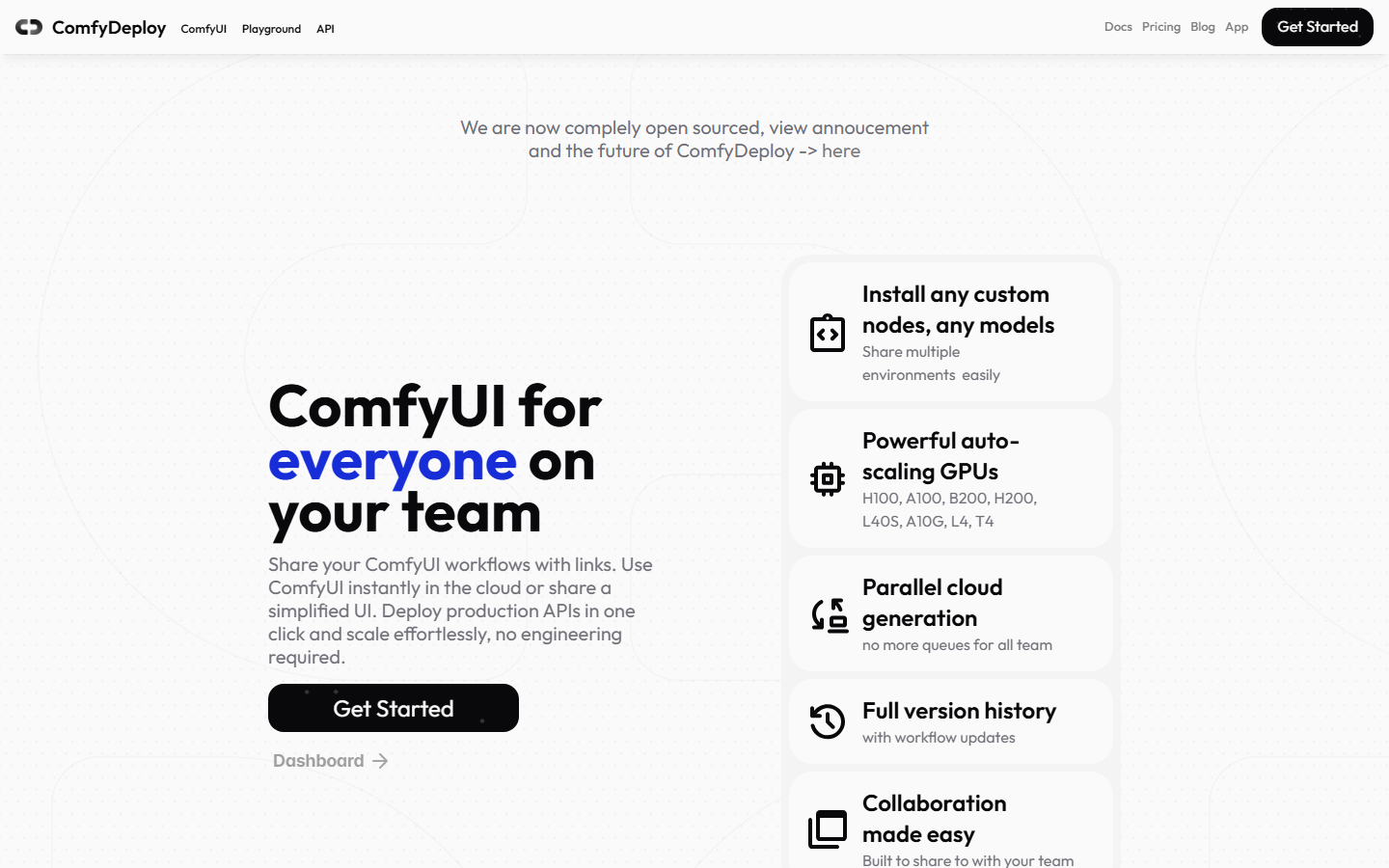
ComfyDeploy solves a narrow problem well. You bring a ComfyUI workflow that already works, it snapshots the node and model versions, and it exposes the graph as a versioned HTTP endpoint your product can call. Cold starts and autoscaling are handled for you, which is the hard part of self hosting a graph.
It assumes the workflow was built and debugged somewhere else, so it is a deployment layer, not a development environment. The ComfyUI cloud API comparison covers the version pinning tradeoffs.
5. ViewComfy (Best for Client Facing Apps)
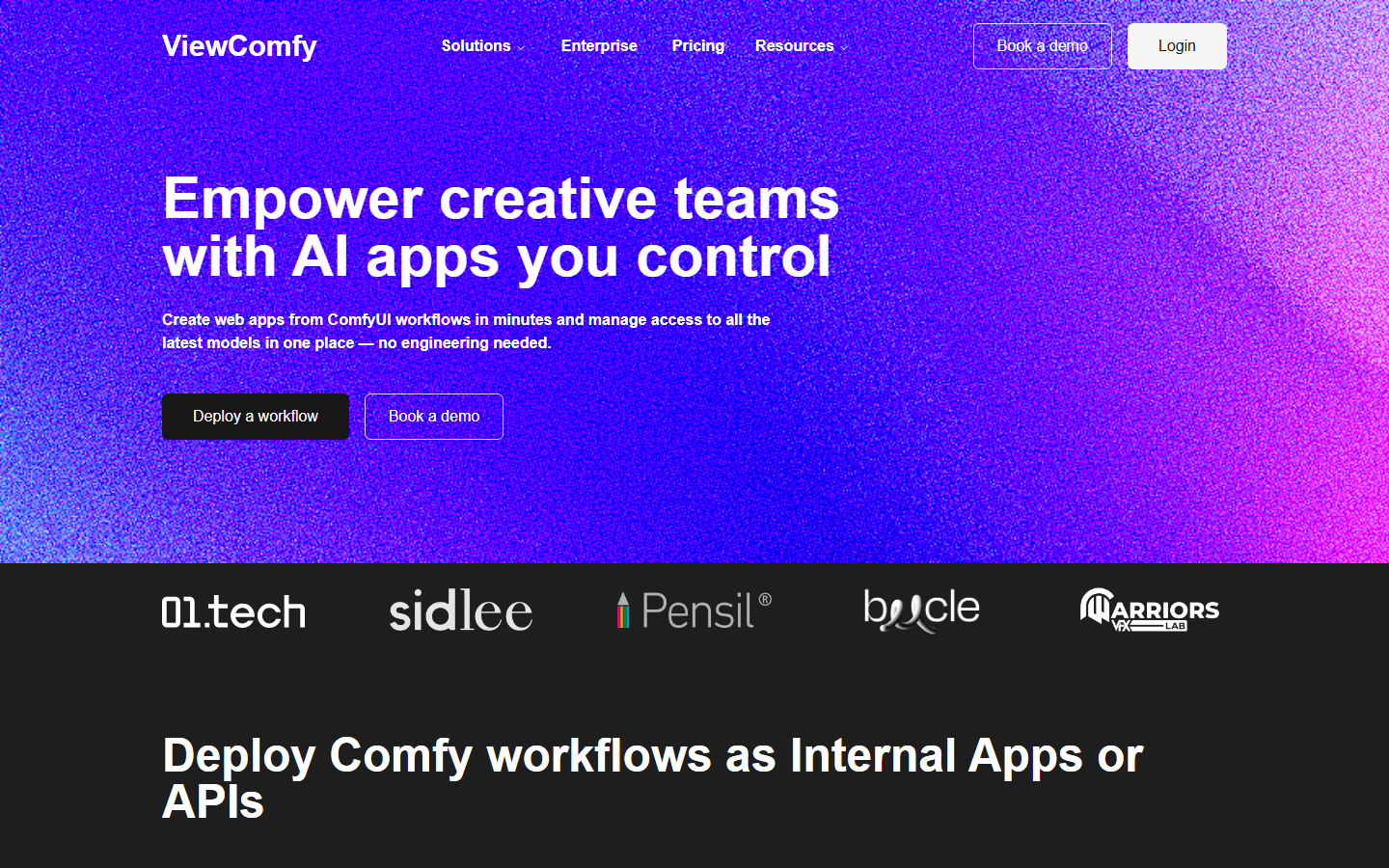
ViewComfy takes a ComfyUI workflow and generates a clean form based app around it, so a client or a marketing teammate sees three input fields instead of forty nodes. That is a real gap in the ComfyUI ecosystem, and agencies delivering pipelines to non technical stakeholders get the most value from it.
The scope is deliberately narrow: a front end over a graph you maintain elsewhere, not a place to author complex multi model pipelines. Agencies stitching several deliverables together pair it with a broader creative workflow automation setup.
6. RunPod (Best Raw GPU Control)
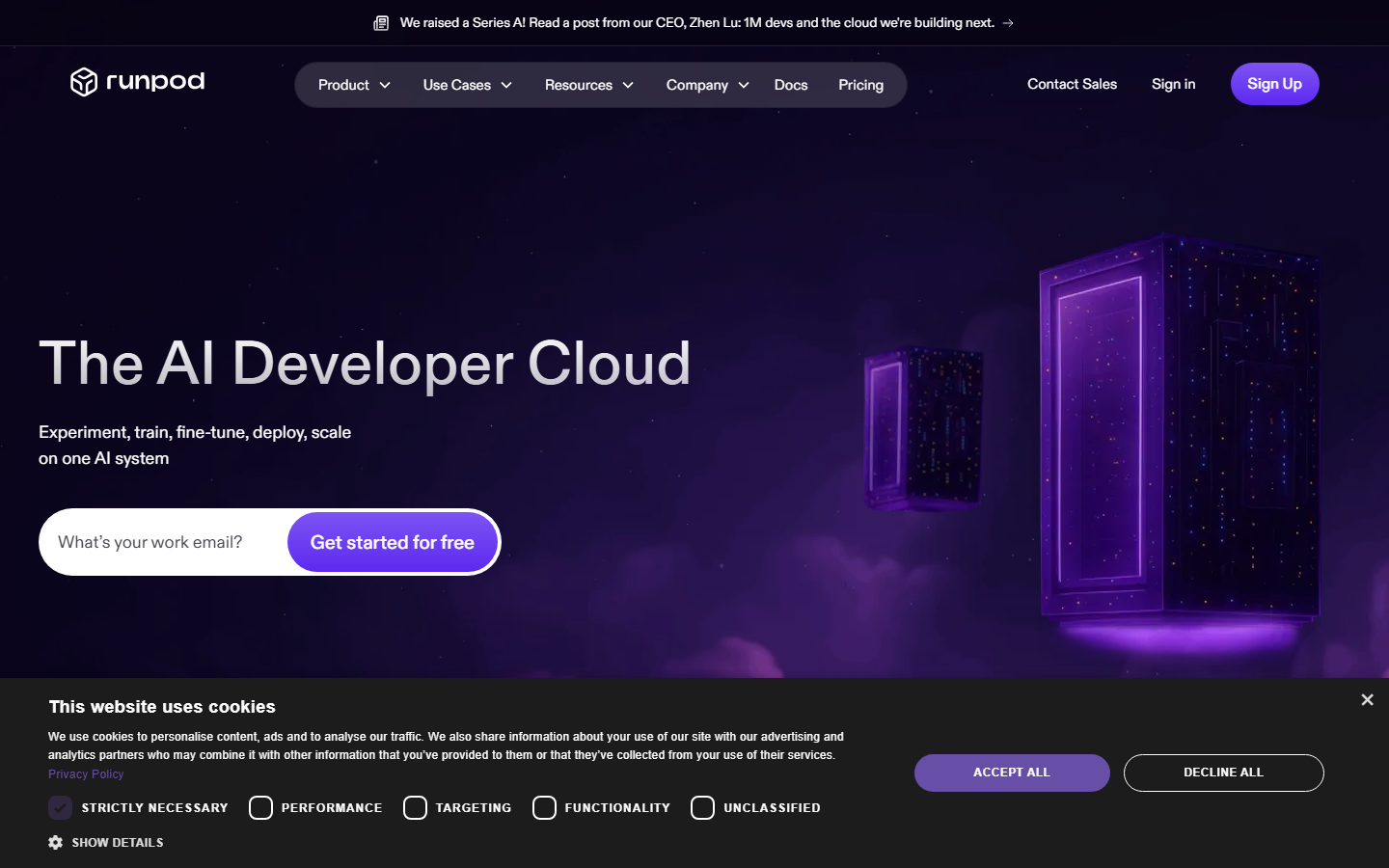
RunPod is a layer below everything else here. You get GPU pods billed by the second, community and secure cloud tiers, and serverless endpoints you can point at your own container. If you want a specific GPU, a specific driver, or a workflow that touches the filesystem in ways managed platforms disallow, this is where you go.
The cost is that ComfyUI becomes your problem: your template, your models, your scaling policy, your monitoring. Right for infrastructure teams, wrong for creative ones, the same split described in the no GPU ComfyUI roundup.
7. fal.ai (Best Serverless Model API)
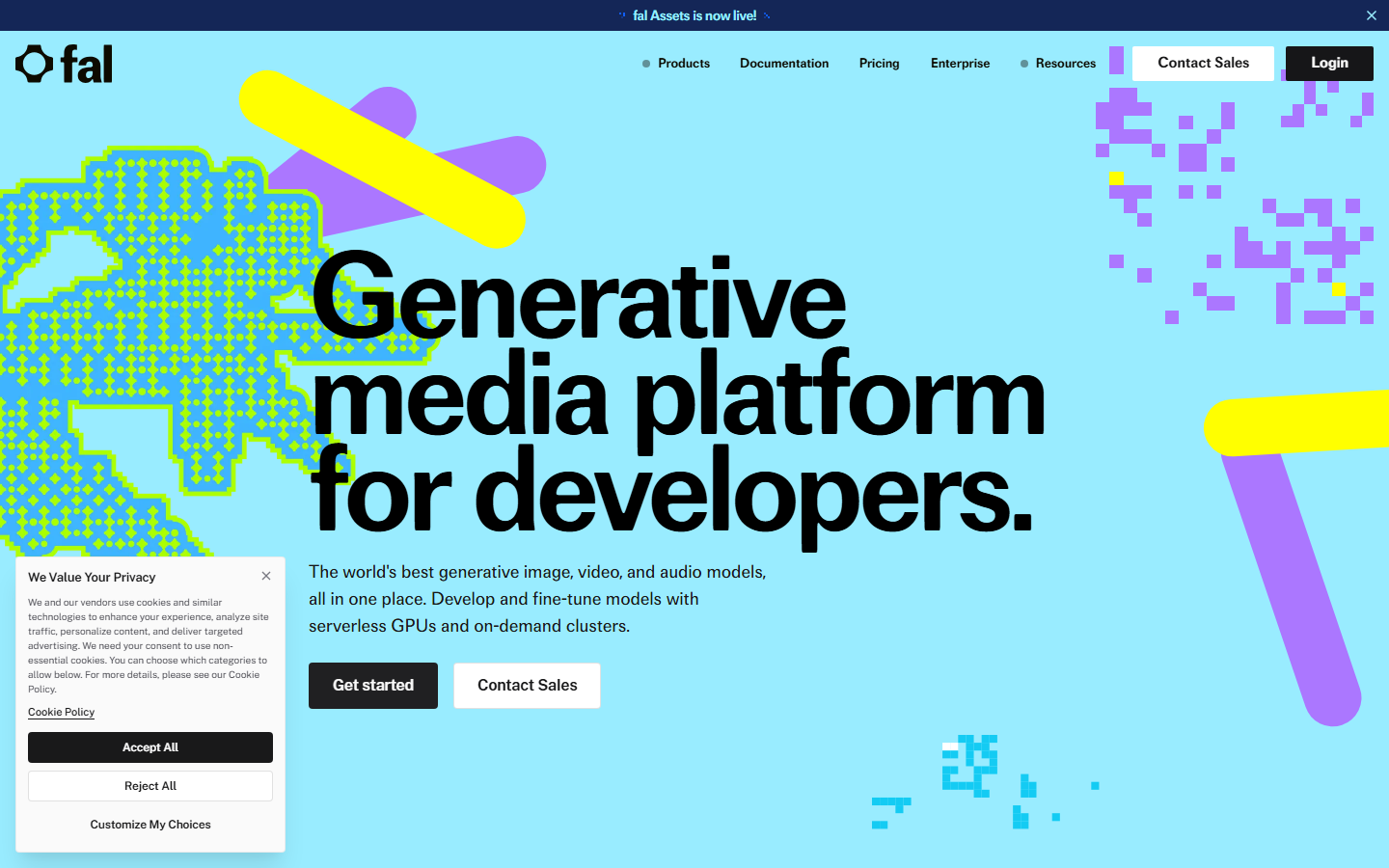
fal.ai is not a ComfyUI host at all; it is a set of fast serverless endpoints for image and video models, tuned hard for low latency. If your real requirement was "call a diffusion model from my backend quickly" and ComfyUI was just how you got there, this removes several layers of the stack at once.
You give up the graph. Multi step logic lives in your code, so orchestration, retries, and intermediate storage become application concerns. Teams wanting the speed without that plumbing look at a hosted ComfyUI alternative with an API instead.
8. Replicate (Best Model Library Breadth)
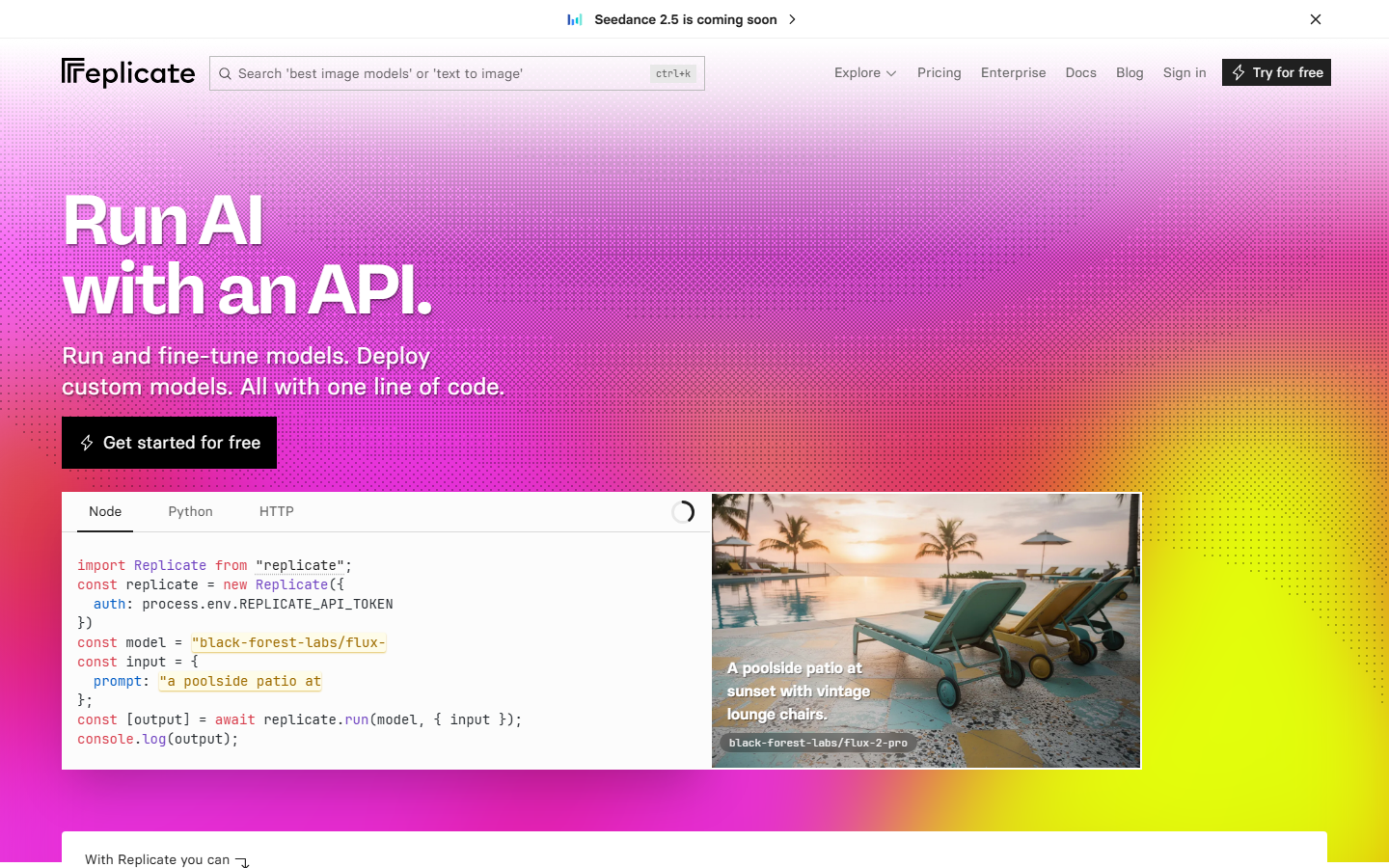
Replicate has the widest catalog of one call hosted models, including community pushed variants you will not find on the more curated platforms. Every model is a versioned endpoint with a predictable request shape, which makes it excellent for evaluating options before you commit a pipeline to one.
Pricing is per second of model runtime, so heavy video models get expensive faster than the sticker price suggests, and cold starts on rare models are noticeable. The notes on migrating from Replicate to a canvas API cover what changes once a pipeline outgrows single model calls.
Comparison Table
| Tool | Category | GPU to manage | Real API | Billing shape | Best for |
|---|---|---|---|---|---|
| Wireflow | Node canvas, hosted models | No | Yes | Per generation | Multi model creative pipelines |
| ThinkDiffusion | Managed ComfyUI desktop | Partly | Limited | Hourly machine | Existing custom node stacks |
| Comfy Cloud | Official hosted ComfyUI | No | Limited | Subscription and credits | Upstream aligned graphs |
| ComfyDeploy | Workflow to API layer | No | Yes | Usage based | Shipping a graph to production |
| ViewComfy | App front end over a graph | No | Limited | Subscription | Client facing delivery |
| RunPod | Raw GPU infrastructure | Yes | Yes | Per second pod | Infrastructure teams |
| fal.ai | Serverless model endpoints | No | Yes | Per request | Backend model calls |
| Replicate | Hosted model catalog | No | Yes | Per second runtime | Model evaluation and breadth |
How to Choose in Under Five Minutes
If you have a working ComfyUI graph you cannot rebuild, stay in the ComfyUI family and pick by delivery need: ThinkDiffusion to keep developing, ComfyDeploy to ship it as an endpoint, ViewComfy to hand it to a client. If the graph is negotiable and what you need is reliable multi model output, a hosted canvas removes the maintenance surface entirely, the case the ComfyUI alternative overview makes at length.
Budget usually settles it. Continuous high volume rendering favors per second GPU rental because you can keep the hardware busy; bursty work favors per generation pricing because idle time is free. Sketch a realistic week against both models, and read the pricing page next to your current invoice rather than comparing headline rates.
Try it yourself: Open this workflow in Wireflow and the nodes come pre-configured with the exact setup discussed above, so you can run it before deciding whether to migrate anything.
Frequently Asked Questions
What is the closest direct replacement for RunComfy? ThinkDiffusion is the closest structural match: a browser based ComfyUI machine with persistent model storage and hourly billing. Migration is mostly re-uploading checkpoints and reinstalling custom nodes.
Is there a RunComfy alternative that does not require a GPU at all? Yes. Hosted canvas platforms and serverless model APIs run inference on the provider's hardware, so nothing is provisioned to your account. You author the workflow and the platform schedules the compute, which is the pattern behind ComfyUI hosted API tools.
Can I export my existing ComfyUI workflow to these tools? Only within the ComfyUI family. ThinkDiffusion, Comfy Cloud, ComfyDeploy, and ViewComfy all consume the standard workflow JSON. Canvas platforms and model APIs use their own format, so those pipelines get rebuilt rather than imported, usually faster than expected because there are no custom node dependencies to resolve.
Which option is cheapest for occasional use? Per generation and per request pricing wins for occasional use, because there is no machine burning money between sessions. Hourly desktops only become competitive once you keep them busy for most of the hours you pay for.
Do these alternatives support video models as well as image models? Most do now. Serverless providers and hosted canvases carry current video models alongside image models, while a ComfyUI desktop supports whatever video nodes and weights you install yourself. The node based video generation roundup compares the coverage.
What about running ComfyUI locally instead? Local is free of compute cost if you already own a capable GPU and is the most flexible option for experimentation. It stops working as a team solution the moment two people need the same environment, or the workflow has to run while your machine is asleep.
Which alternative is best if I need an API for my own product? ComfyDeploy if the logic must stay in an existing ComfyUI graph, fal.ai or Replicate if you are calling individual models from your own backend, and a canvas API if the pipeline has several steps you would rather not orchestrate in application code. The ComfyUI cloud API roundup breaks down the request shapes.
Conclusion
RunComfy solved a real problem in the era when running ComfyUI meant owning a GPU, and it is still a reasonable choice if a rented machine is genuinely what you need. The 2026 shortlist is wider than that, though: official cloud hosting, deployment layers, app wrappers, raw pods, and serverless endpoints each take a different slice of the job. Pick the one that matches your delivery target rather than the one that most resembles your current setup, and if the goal is dependable multi model output without infrastructure to babysit, a hosted node canvas is the version of this idea that ages best.

Co-Founder & Operations at Wireflow
Runs client operations and content strategy at Wireflow. Works directly with creative teams and agencies to build production AI workflows.
- Content Strategy
- Client Operations
Make AI videos and ads.
Start free, no card needed.