Best ThinkDiffusion Alternatives in 2026


In this article▾
- Quick Summary: The 8 Best ThinkDiffusion Alternatives
- Why People Look for a ThinkDiffusion Alternative
- 1. Wireflow: Best Overall
- 2. RunDiffusion: Best Like-for-Like Swap
- 3. RunComfy: Best for Heavy ComfyUI Users
- 4. RunPod: Best Raw GPU Value
- 5. ComfyDeploy: Best for Shipping Workflows as APIs
- 6. Graydient AI: Best Flat-Rate Option
- 7. fal.ai: Best for Developers
- 8. Replicate: Best Model Library
- Comparison Table
- How to Choose
- FAQ
- Conclusion
ThinkDiffusion rents you a cloud machine running ComfyUI or Automatic1111 and bills you for the time that machine is awake, which is fine until you spend an hour tweaking a prompt and realize the meter never stopped. The eight alternatives below cover the three escape routes people actually take: a managed node canvas like Wireflow that charges per generation instead of per machine-hour, a different hosted ComfyUI box, or raw GPU rental you control yourself. Each one is ranked with a one-line verdict, a real screenshot, and the billing model spelled out, because billing model is the reason most people leave in the first place.
Quick Summary: The 8 Best ThinkDiffusion Alternatives
- Wireflow: Best overall. Node canvas with per-generation billing and every workflow exposed as an API endpoint.
- RunDiffusion: Best like-for-like swap. Hosted A1111 and ComfyUI on hourly cloud GPUs.
- RunComfy: Best for heavy ComfyUI users. Fast machines, large prebuilt workflow library.
- RunPod: Best raw GPU value. You bring the container, you control the cost.
- ComfyDeploy: Best for shipping workflows as APIs. Versioning and deploy history built in.
- Graydient AI: Best flat-rate option. Unlimited-style subscription, no meter anxiety.
- fal.ai: Best for developers. Serverless model inference, priced per call.
- Replicate: Best model library. Enormous public model catalog behind one API shape.
Why People Look for a ThinkDiffusion Alternative
ThinkDiffusion solves a genuine problem. It removes local install pain and lifts the VRAM ceiling on your own graphics card, and it keeps full ComfyUI node flexibility including custom nodes and your own checkpoints. The friction shows up somewhere else: the pricing unit is machine time, not output. A hosted box bills while you read documentation, while you drag nodes around, and while you stare at a result deciding whether to try again. For a hands-on look at what a per-generation alternative looks like, see the ThinkDiffusion alternative feature page, which walks through the same node-canvas model without the running clock.
The second reason is programmatic access. A hosted ComfyUI box is an editor for a human sitting in a browser tab. If you want a workflow to run when a customer uploads a photo, or when an agent calls a tool, you end up writing the plumbing yourself. That gap is exactly what the node-based image generation category has been closing over the past year.
The third reason is team scale. Hosted single-machine environments assume one person at one canvas. Two people rendering at once usually means two machines running, which doubles the meter rather than sharing it.

Build this in Wireflow
Make the same kind of asset on a canvas you control, with a free account and no credit card.
1. Wireflow: Best Overall
Wireflow is a hosted node canvas where you chain image, video, and language models together on one board, and every board you build is automatically callable as a REST endpoint. The structural difference from a hosted ComfyUI box is the billing unit: you pay when a node produces an output, not for the minutes the environment is open. Idle time costs nothing, which removes the main reason people watch the clock on machine-hour platforms. Model access is a curated hosted roster rather than a bring-your-own-checkpoint environment, so you trade Civitai LoRA freedom for zero setup and a maintained model list. That trade is the right one if your goal is shipping outputs and pipelines rather than tuning an environment. Teams get shared boards instead of parallel machines, and the same canvas that a designer uses by hand can be triggered by software. Full model coverage is listed on the models page.
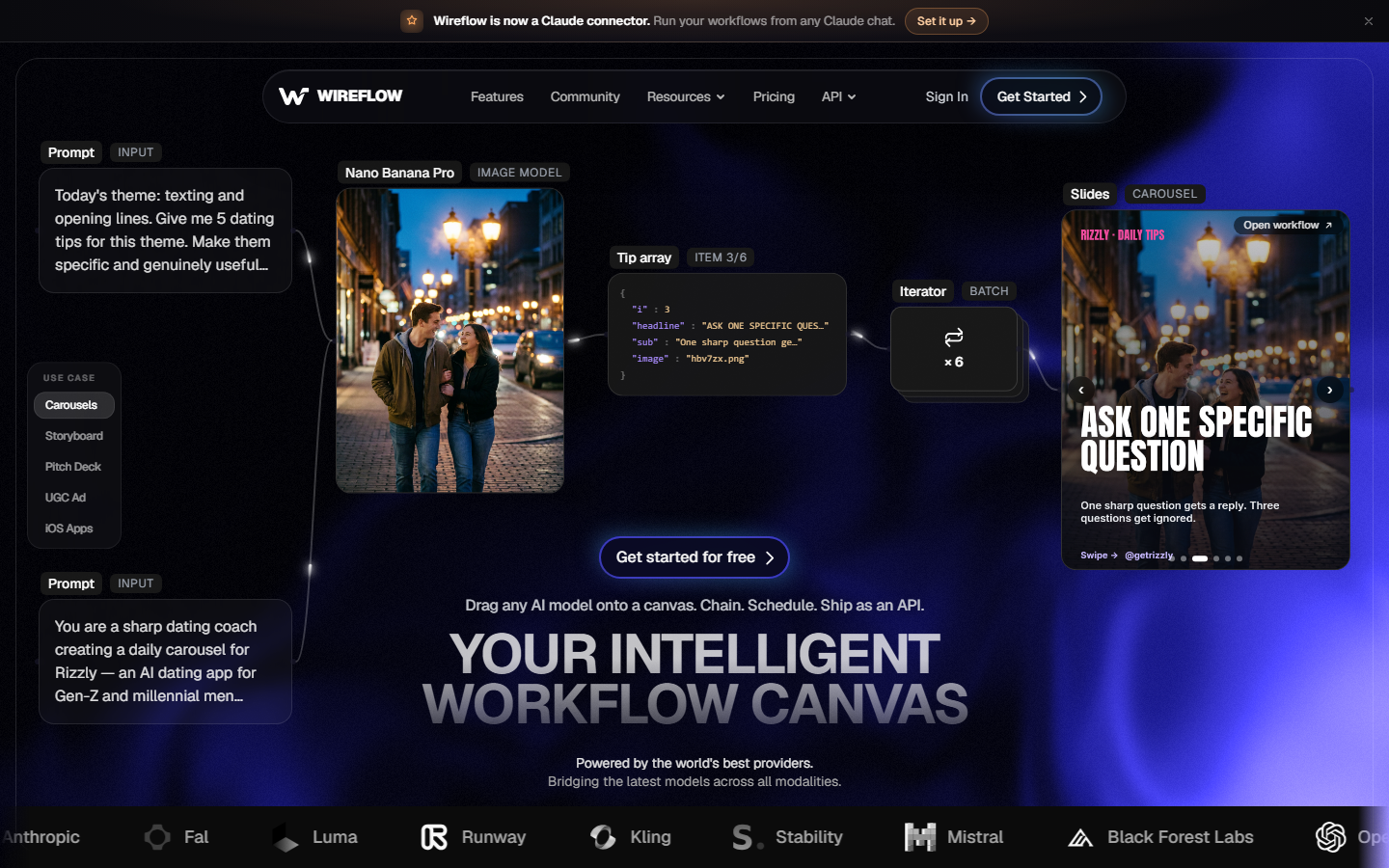
Verdict: Best overall for anyone who wants ComfyUI-style composition without GPU rental, and who eventually wants the workflow to run without a human in the tab.
2. RunDiffusion: Best Like-for-Like Swap
RunDiffusion is the closest direct substitute for ThinkDiffusion. It launches hosted sessions of Automatic1111, Forge, and ComfyUI on cloud GPUs of different tiers, with your own models and extensions loadable into the session. The workflow is nearly identical: pick a machine size, wait for boot, work in the browser, stop the machine when you are done. Because the billing unit is still session time, switching here changes your provider rather than your cost model, so evaluate it on machine availability, boot speed, and GPU tiers rather than expecting relief from the meter. It is a solid pick if you specifically want A1111 rather than a node graph, since a lot of newer platforms have dropped A1111 support entirely. Its extension compatibility is the main reason long-time Stable Diffusion users stay in this category rather than moving to a managed canvas or an inference API.

Verdict: Best if you want the same hosted-box experience with a different provider and broader A1111 support.
3. RunComfy: Best for Heavy ComfyUI Users
RunComfy focuses narrowly on ComfyUI and does it well. It offers a range of GPU tiers, a large library of prebuilt workflows you can launch without assembling nodes yourself, and a workspace layer that keeps your custom nodes and models between sessions. For someone whose entire process already lives in ComfyUI JSON, this is the least disruptive move: workflows generally import and run without rebuilding. The tradeoff is the familiar one, since machines are still billed by active time and a heavy custom-node stack takes time to boot before you generate anything. Persistent storage helps, but you are still paying to run an editor rather than paying for finished images. Anyone weighing that against a managed canvas should read the breakdown of Comfy Cloud alternatives, which covers the same tradeoff across the official hosted option.
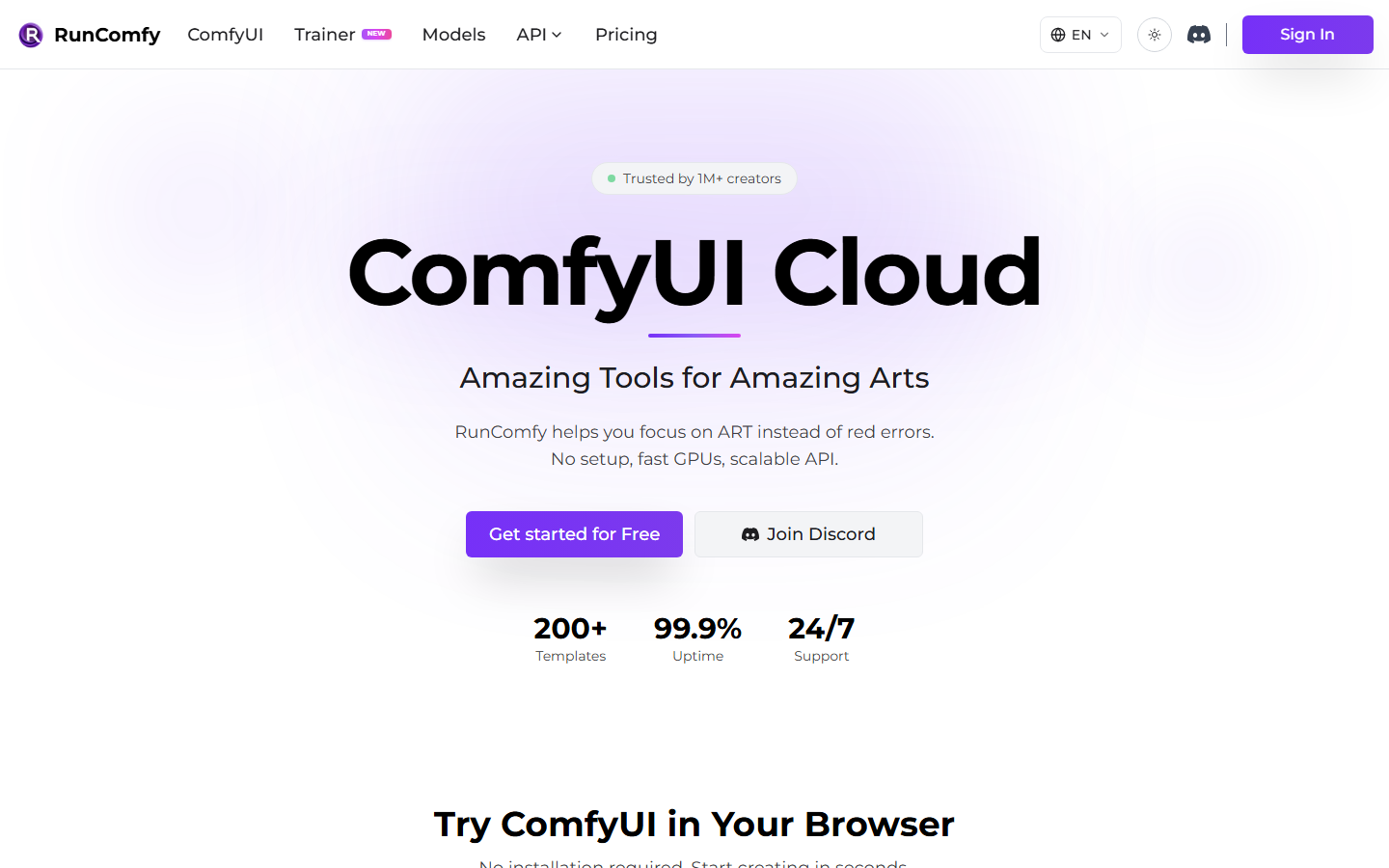
Verdict: Best for people with an existing ComfyUI workflow library who want speed and node fidelity above all else.
4. RunPod: Best Raw GPU Value
RunPod is not a ComfyUI product at all. It is GPU rental with container templates, and one of those templates happens to be ComfyUI. That means you get the widest hardware selection, the option of spot-priced instances, and full root access to install anything you want, at the cost of doing the operations work yourself. Serverless endpoints let you turn a container into a scale-to-zero API, which is the closest this tier gets to per-generation billing. Expect to manage images, volumes, and cold starts. If your team has a person who enjoys infrastructure, RunPod is usually the cheapest path per GPU hour; if it does not, the savings evaporate into setup time. It sits in the same mental bucket as running a self-hosted image generation API, just with the hardware rented instead of owned.
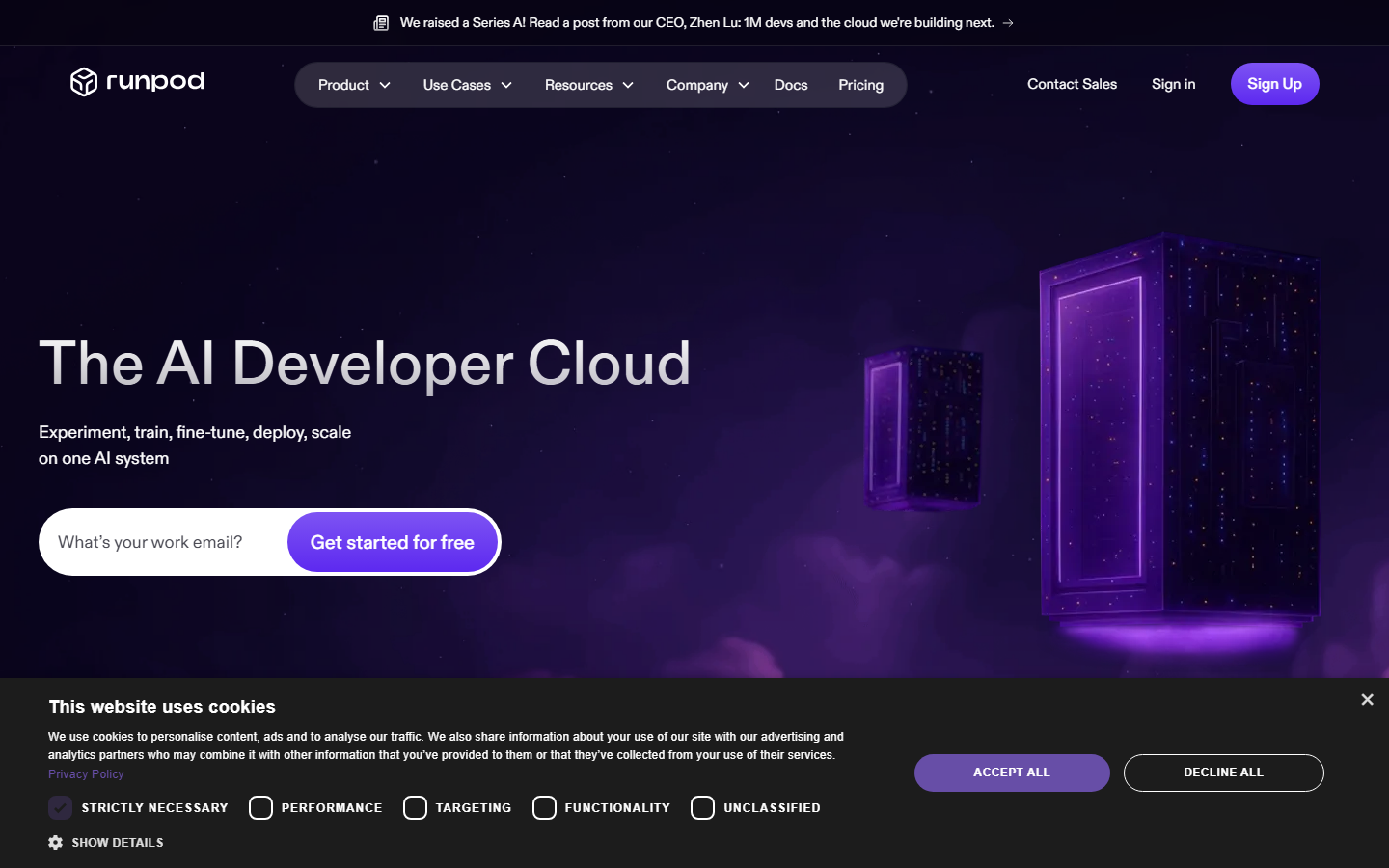
Verdict: Best value per GPU hour, and the worst fit for anyone who does not want to be an operator.
5. ComfyDeploy: Best for Shipping Workflows as APIs
ComfyDeploy exists to answer the question a hosted box cannot: how do I put this ComfyUI workflow into my product? It takes a workflow, versions it, and exposes it as a callable endpoint with deployment history so you can roll back when a node update breaks output. That makes it a developer tool rather than a creative studio, and the interface reflects that. If you are already committed to ComfyUI graphs and the only missing piece is production access, this is the shortest route. If you are still designing the workflow itself, you will spend more time in a raw ComfyUI environment than in ComfyDeploy. The general pattern of turning a visual graph into an endpoint is covered in more depth in this guide to chaining multiple AI models in one API call.
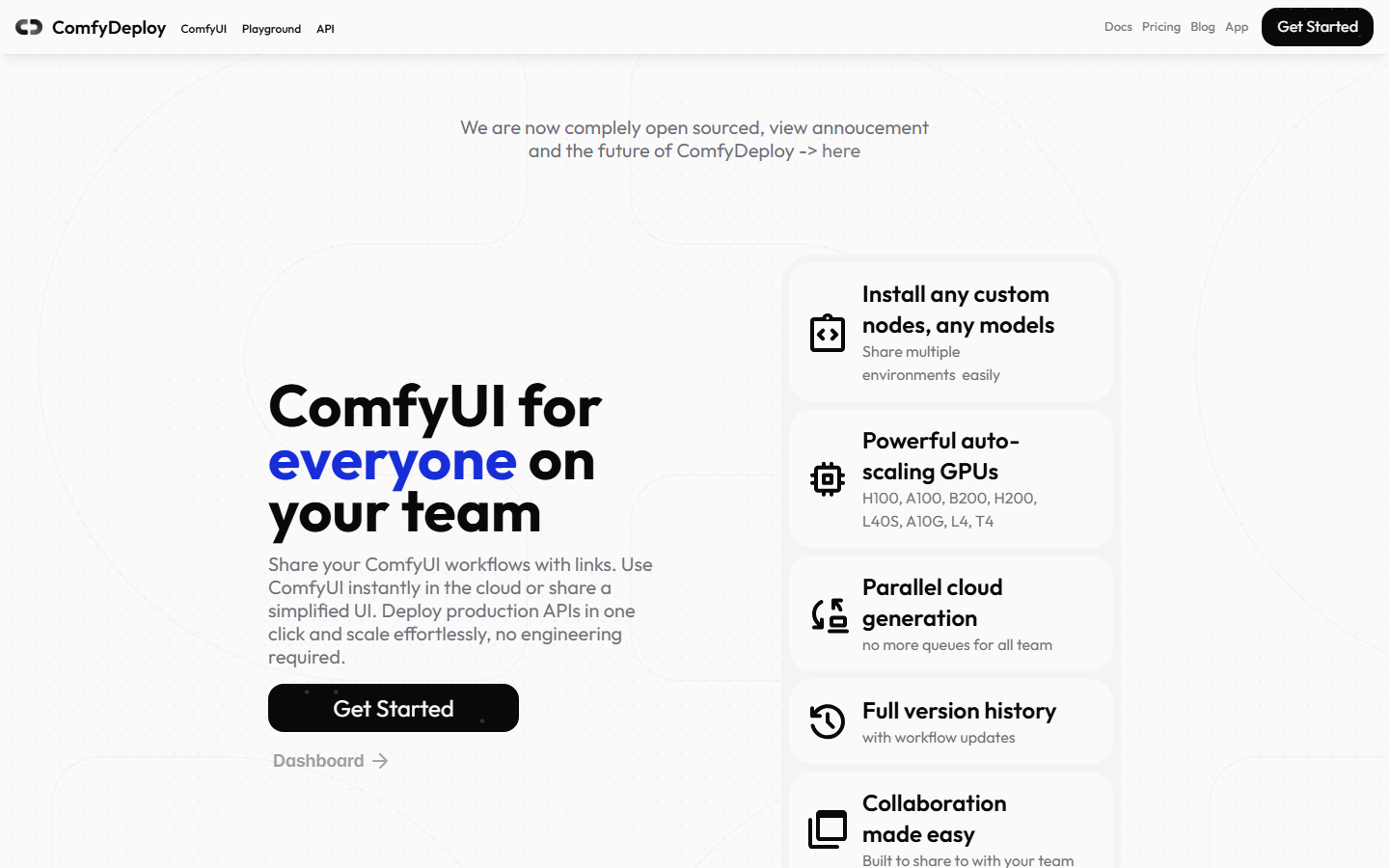
Verdict: Best for engineering teams that already have the graph and need versioned production access to it.
6. Graydient AI: Best Flat-Rate Option
Graydient AI takes the opposite approach to metered platforms by selling a subscription with generous generation allowances and a large hosted model catalog, accessible through web and chat interfaces. For hobbyists and high-volume experimenters, a predictable monthly number removes the specific anxiety that drives people off machine-hour billing. The tradeoff is control: you work within their interface and model selection rather than a node graph you assemble, and deep pipeline customization is limited compared with a ComfyUI environment. Queue times during peak hours are the practical constraint on flat-rate models, since unlimited plans balance load with waiting rather than with a bill. Anyone comparing subscription against metered pricing should look at how usage-based AI pricing behaves at different volumes before committing.

Verdict: Best for high-volume individual creators who want one predictable monthly number.
7. fal.ai: Best for Developers
fal.ai is serverless inference for generative models, optimized hard for latency. There is no environment to boot and no machine to stop: you call a model endpoint, you get a result, you pay for that call. That is genuine per-generation billing, and for image and video models it is one of the fastest options available. What you give up is the canvas. Composing a multi-step pipeline means writing code that calls several endpoints in order and handles the intermediate files yourself, which is fine for engineers and a wall for everyone else. It is best understood as the layer underneath a workflow tool rather than a replacement for one, a point the roundup of image generation APIs for developers makes clearly.
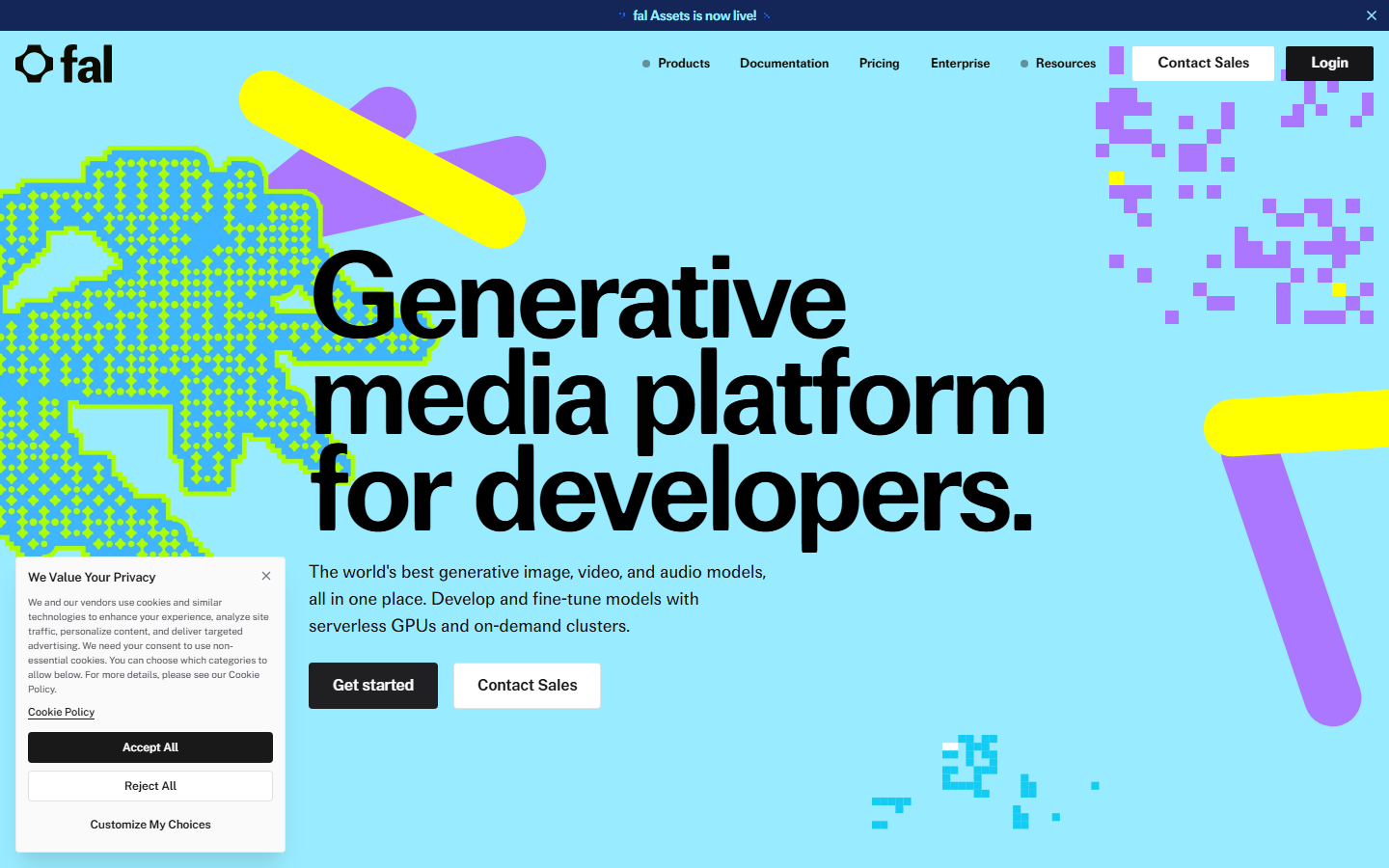
Verdict: Best for developers who want fast per-call inference and are happy to write the orchestration themselves.
8. Replicate: Best Model Library
Replicate hosts an unusually large catalog of community and official models behind a consistent API shape, and lets you push your own models as containers. For discovery it is unmatched: if a model exists publicly, there is a good chance someone has already deployed it there. Billing is per run and priced by the hardware the run consumes, so cost tracks the model you pick rather than a fixed hourly rate. The limitations are cold starts on infrequently used models and, as with fal.ai, no visual composition layer. Teams that outgrow it usually do so because they want a canvas, a pattern described in this walkthrough of migrating from Replicate to a canvas API.
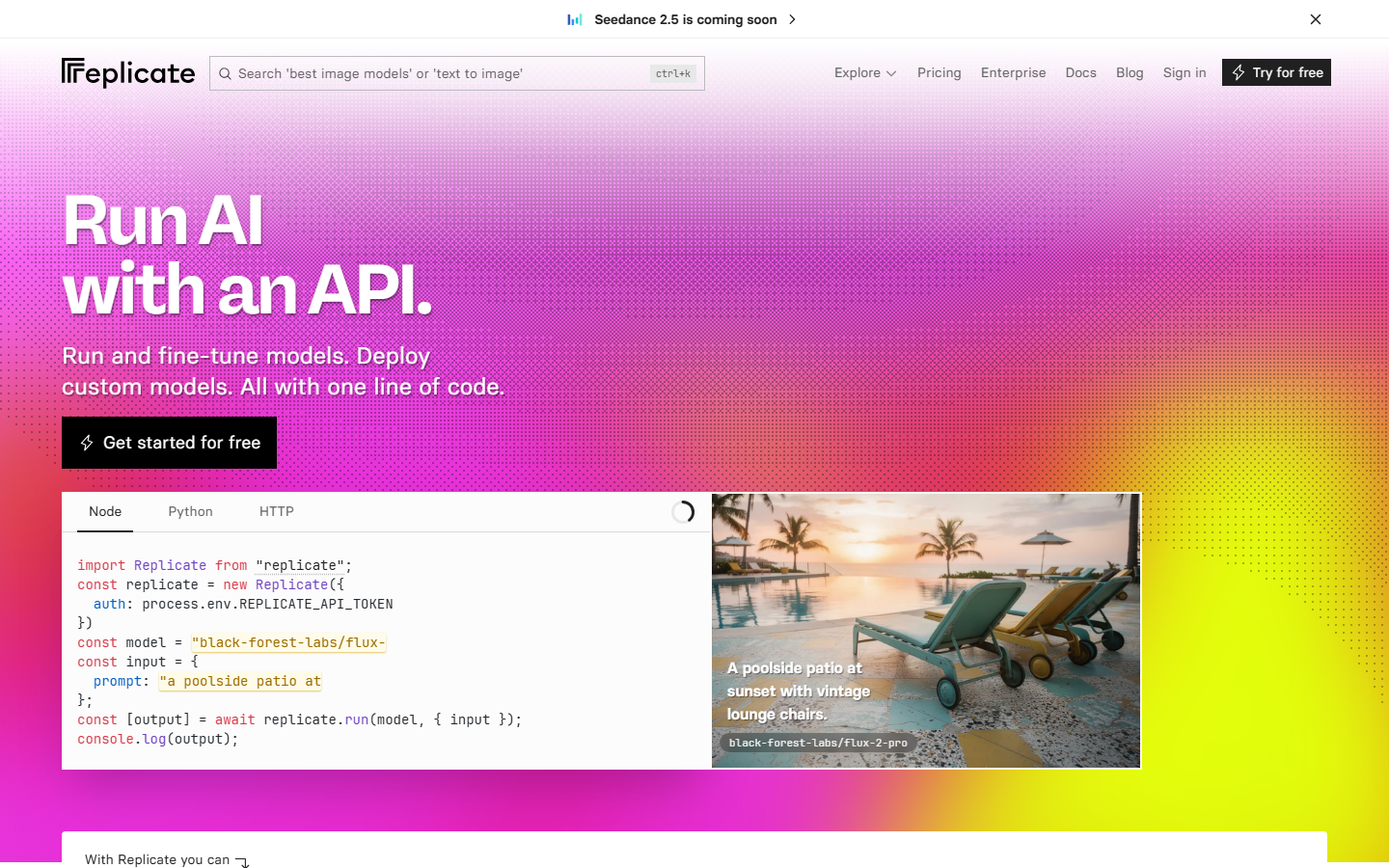
Verdict: Best for breadth of model choice and for teams that want to deploy their own containers alongside public ones.
Comparison Table
| Tool | Type | Billing unit | Node canvas | API access | Best for |
|---|---|---|---|---|---|
| Wireflow | Managed node canvas | Per generation | Yes | Yes, every workflow | Teams wanting composition plus endpoints |
| RunDiffusion | Hosted A1111 / ComfyUI | Machine time | Via ComfyUI | Limited | Direct ThinkDiffusion swap |
| RunComfy | Hosted ComfyUI | Machine time | Yes | Limited | Existing ComfyUI workflow libraries |
| RunPod | GPU rental | Machine time or serverless | Via template | Self-built | Cheapest hardware, operator required |
| ComfyDeploy | ComfyUI deployment | Per run | Yes, imported | Yes, versioned | Shipping graphs to production |
| Graydient AI | Subscription studio | Flat monthly | No | Limited | Predictable high-volume output |
| fal.ai | Serverless inference | Per call | No | Yes | Developers writing orchestration |
| Replicate | Model marketplace | Per run | No | Yes | Widest model selection |
How to Choose
Start with the billing question, because it decides the tier. If your usage is bursty and exploratory, per-generation or per-call pricing will cost less than machine time no matter which provider you pick. If you render for hours without pause, machine-hour pricing can win. If you want to stop thinking about it entirely, flat-rate is the answer.
Then ask whether a human needs to be present. A hosted box requires someone in the browser. If your workflow should fire from an upload, a schedule, or an agent tool call, you need a platform that emits an endpoint, and it is worth checking how spend limits on generation APIs work before you wire anything to a public trigger.
Finally, be honest about the checkpoint question. If your process depends on specific Civitai LoRAs, custom Python nodes, or an environment you fully control, stay in the hosted-box or GPU-rental tier and treat everything else as a downgrade. Managed canvases give you speed and endpoints in exchange for a curated model roster, which is a good trade for most teams and a bad one for a few. The same reasoning is laid out for the adjacent category on the ComfyUI alternative page.
Try it yourself: Build this workflow in Wireflow with the nodes pre-configured for the setup described above.
FAQ
What is the closest direct alternative to ThinkDiffusion? RunDiffusion is the closest like-for-like swap. It hosts Automatic1111, Forge, and ComfyUI sessions on cloud GPUs with the same session-based billing model, so the daily experience is nearly identical.
Is there a ThinkDiffusion alternative that does not bill by the hour? Yes. Managed canvases and serverless inference platforms bill per generation or per API call, so idle time costs nothing. Wireflow, fal.ai, and Replicate all use output-based pricing rather than machine time.
Can I import my existing ComfyUI workflows? RunComfy and ComfyDeploy accept ComfyUI workflow JSON directly, and RunPod lets you run any ComfyUI container you build. Managed canvases use their own node format, so those workflows get rebuilt rather than imported.
Which option is cheapest for occasional use? Per-generation platforms almost always win for occasional use, because the alternative charges for boot time and thinking time. Hourly machines only pay off when you render continuously for long stretches.
Do any of these support custom checkpoints and LoRAs? The hosted-box tier does. RunDiffusion, RunComfy, and RunPod all let you load your own checkpoints and LoRA files. Managed canvases and inference APIs use a curated hosted model roster instead.
Which alternative works best for a team? Platforms with shared workspaces and per-output billing scale better than session-based machines, because two people working at once on a hosted box usually means paying for two machines rather than sharing one.
Can I call these workflows from code or from an AI agent? ComfyDeploy, fal.ai, Replicate, and managed canvases expose endpoints you can call from code. Hosted A1111 and ComfyUI sessions are built for a human in a browser and need custom plumbing to automate.
Do I still need a local GPU with any of these? No. Every option here runs the model on remote hardware, which is the entire point of the category. Your machine only needs a browser or an HTTP client.
Conclusion
The right ThinkDiffusion alternative depends on which part of the hosted-box model is bothering you. If it is the meter, move to per-generation pricing. If it is the ceiling on automation, move to something that emits an endpoint. If it is neither and you just want a different provider, RunDiffusion or RunComfy will feel like home immediately. For most teams the useful question is not which host is cheapest per hour but whether the tool can still work when nobody is watching it, and pricing details for the per-generation approach are laid out on the pricing page.

Co-Founder & Operations at Wireflow
Runs client operations and content strategy at Wireflow. Works directly with creative teams and agencies to build production AI workflows.
- Content Strategy
- Client Operations
Make AI videos and ads.
Start free, no card needed.