 Andrew Adams · Co-Founder & Operations at Wireflow ·
 ThinkDiffusion Alternative
A hosted ComfyUI box rents you a GPU machine by the hour.
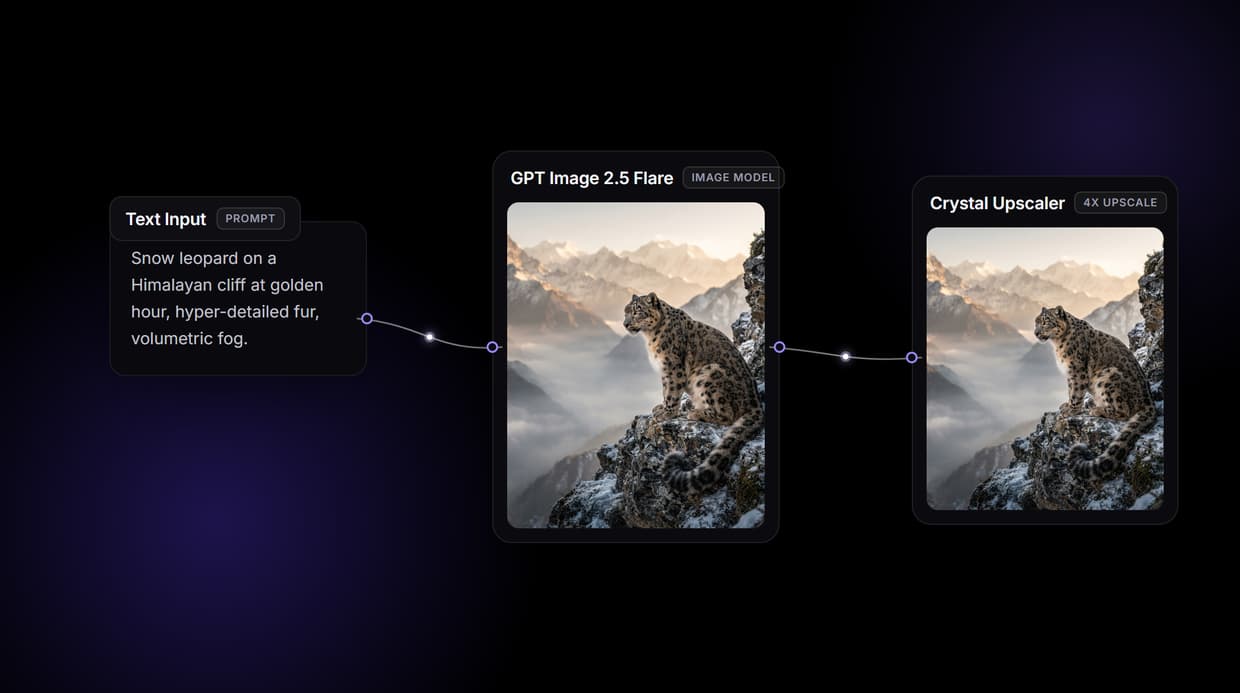
Wireflow hands you a node canvas instead: a Text Input feeds GPT Image 2.5 Flare, then a Crystal Upscaler enlarges the result 4x, all on hosted compute. Free to build, pay per generation, and every graph is also an API.
Free to build · no credit card · See how it works ↓
How to Use ThinkDiffusion Alternative
Steps to get you started in Wireflow.
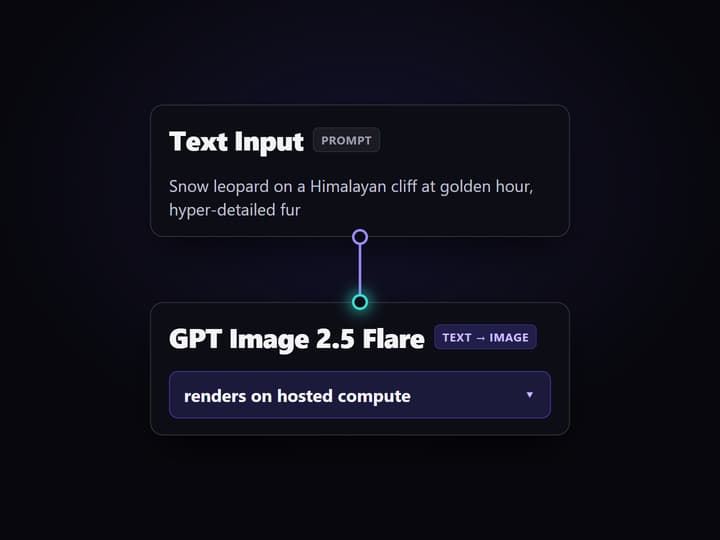
Type the prompt into the Text Input node
Open the flow and click the Text Input node. One line describing the subject, style, and lighting is enough, for example a snow leopard on a cliff at golden hour with volumetric fog.
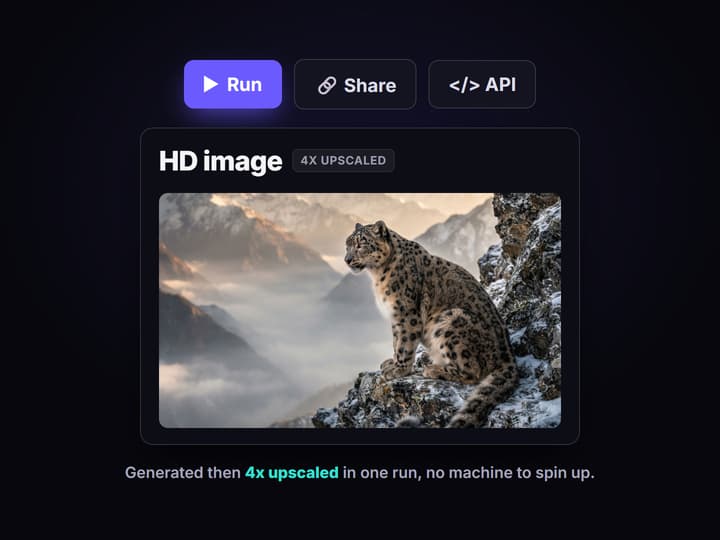
Run the graph once
GPT Image 2.5 Flare reads the prompt and renders the image, then the Crystal Upscaler enlarges it 4x for a crisp, print-ready result in under a minute. No machine to spin up first.
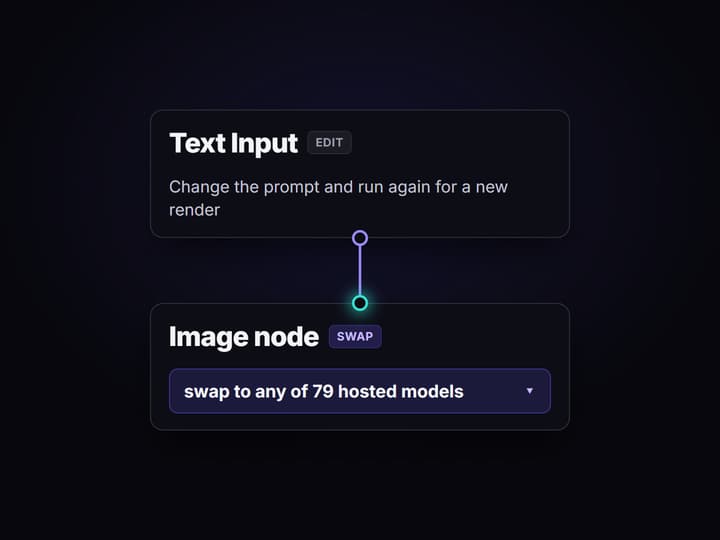
Change the prompt, keep the pipeline
Edit the text and run again for a new render, or swap the image node for another of the 79 hosted models. Share the flow link and the whole team runs the exact same graph.
Why people look for a ThinkDiffusion alternative
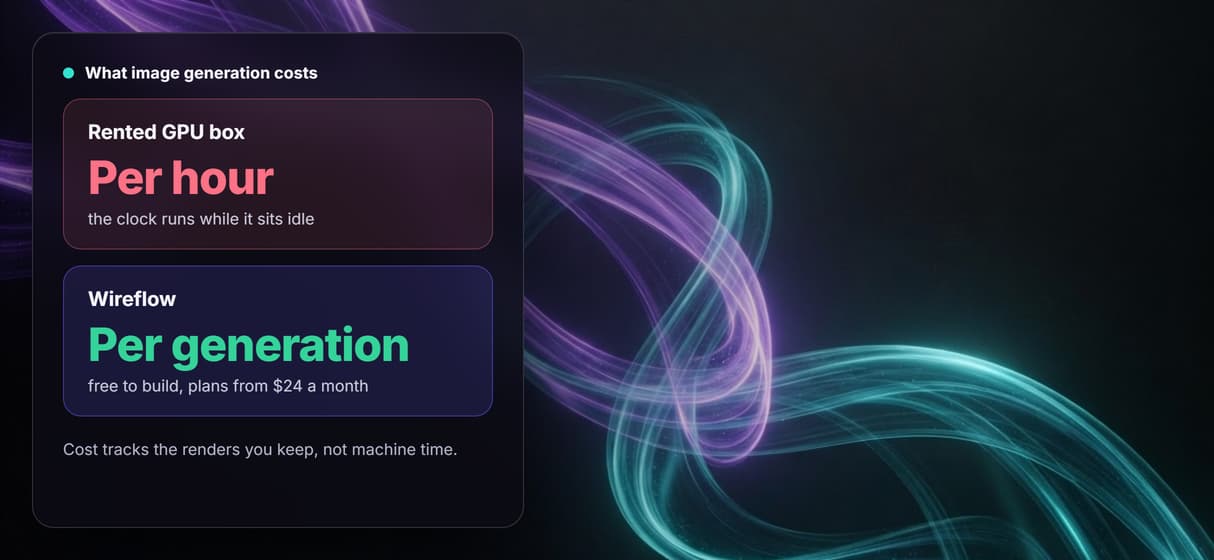
Hosted ComfyUI earned its place: it lifts the node graph you already know off your own hardware and onto a cloud GPU, so you skip the local install, the CUDA errors, and the VRAM ceiling. The friction shows up in the billing model. You rent a machine, and the clock runs while it boots, while you tweak, and while you stare at a prompt deciding what to try next. The bill tracks machine time, not the images you actually keep.
Wireflow answers with a different shape. Image generation is a small workflow you own on a node canvas: a Text Input holds the prompt, GPT Image 2.5 Flare renders the image, and a Crystal Upscaler enlarges it 4x. It runs on hosted compute in the browser with nothing to spin up, and the same canvas drives every other AI image generator job your team has, from product shots to concept art.
What replaces the rented GPU machine
Prompt intake
A Text Input node holds the brief. Change the words and rerun; the graph never moves and nothing reboots.
Hosted image model
GPT Image 2.5 Flare renders on hosted compute, so resolution is never capped by a local card's VRAM.
Built-in upscaling
A Crystal Upscaler node enlarges the render 4x for a crisp, print-ready result inside the same flow.
79 swappable models
Flux, GPT Image, Seedream, Recraft, Ideogram, and more drop into the graph as one-click node swaps.
API and MCP built in
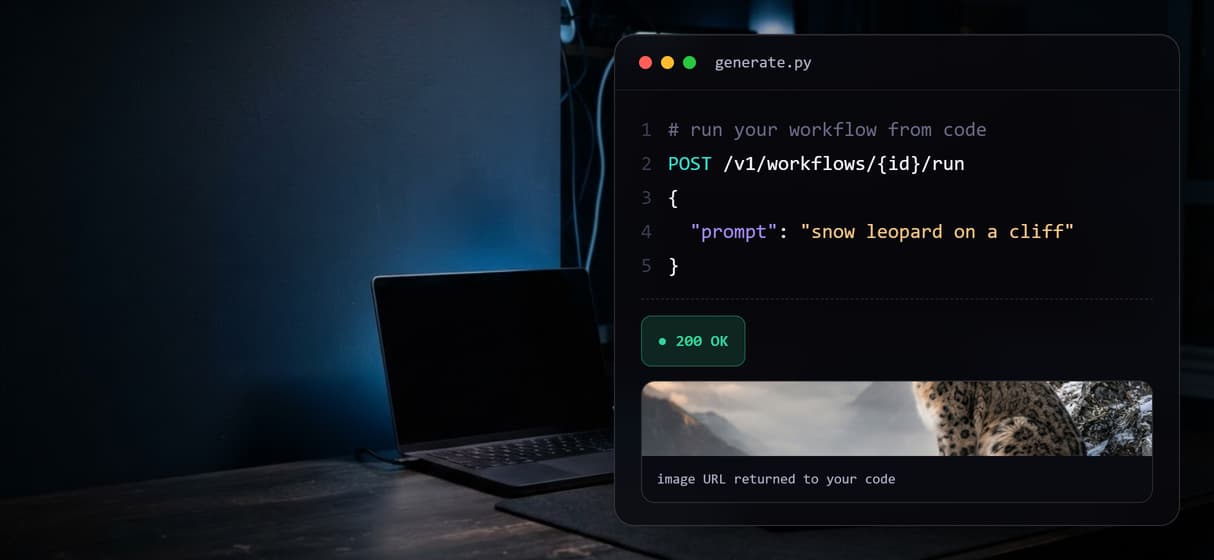
Every published workflow is also a REST endpoint and an MCP tool, so agents and code can run it.
Versioned and shareable
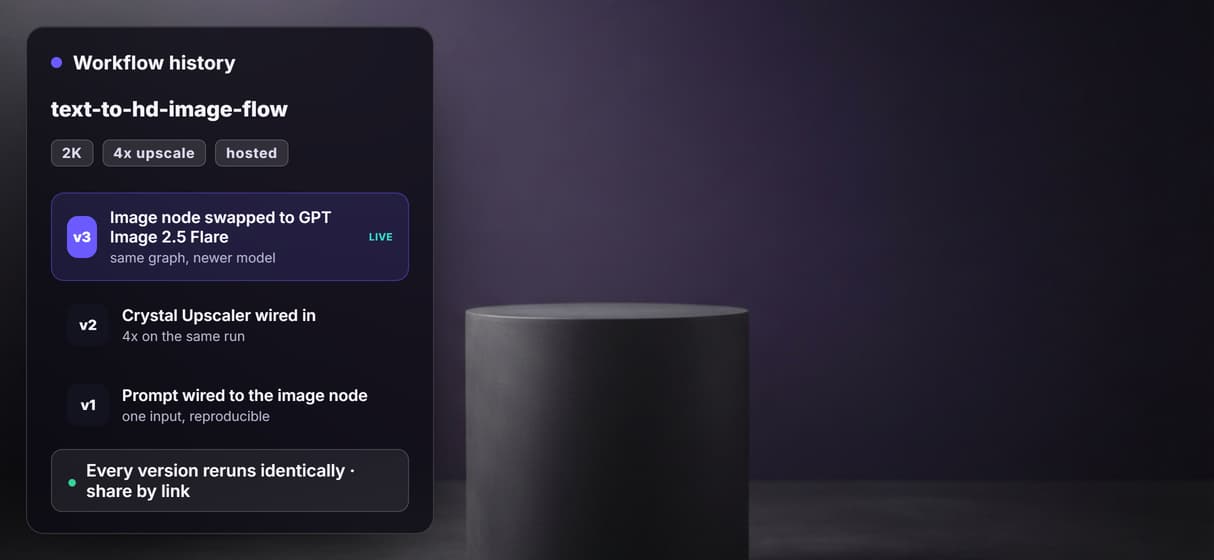
Workflows are versioned server side and shared by link, so every rerun is reproducible for the whole team.
How the three node graph actually runs
The workflow behind this page's button is deliberately small: three nodes, two wires.
- Text Input holds the prompt. One line about the subject, style, and lighting is enough; a sticky note in the flow walks a first run through it.
- GPT Image 2.5 Flare renders the image. The prompt becomes a finished frame on hosted compute, so no local GPU, driver, or checkpoint download is involved.
- The Crystal Upscaler finishes it. The generated image feeds straight into a 4x upscale, so the crisp version comes out of the same run instead of a second tool.
Because the graph lives among 79 hosted model nodes, the same render can roll into a longer pipeline, an editing pass or a background swap, without leaving the browser. And since a hosted ComfyUI box is what most people mean when they compare, it helps to read this next to the general ComfyUI alternative page, which covers the no-GPU case in full.
When a hosted ComfyUI box is still the right call
If your work depends on custom Python nodes, your own local checkpoints and Civitai LoRAs, or a raw ComfyUI environment you control down to the extension, a rented GPU machine is built around exactly that, and this page will not pretend otherwise. Wireflow is a managed node canvas with a curated roster of hosted models, not a bring-your-own-checkpoint GPU rental.
Wireflow is the generation layer, not a full workstation: it will not run arbitrary community nodes or mount your personal model folder. What it offers instead is ownership of the pipeline, 79 hosted models to swap between, per generation pricing, and an API on every graph. If clean, reproducible image generation is an ingredient in a bigger system, build here, and pair the flow with the hosted ComfyUI API when you need to call it from code.
More Than Just ThinkDiffusion Alternative
Own the graph, skip the GPU box
Prompt in, generated image, upscaled result out, all in the open on a canvas. Rewire any hop like any other node based image generation graph.
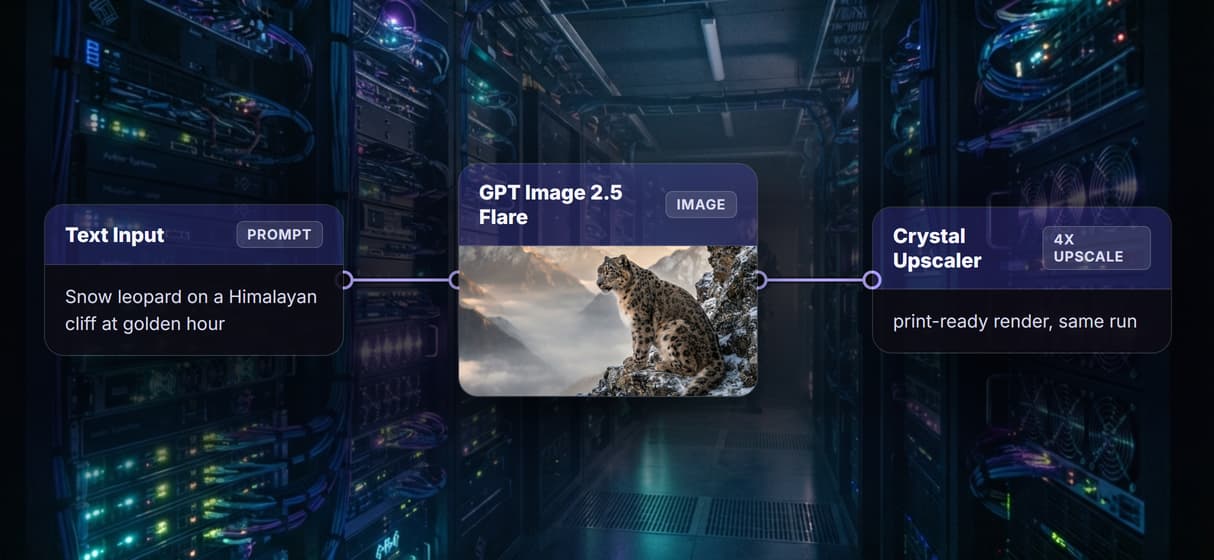
GPT Image 2.5 Flare renders, no VRAM ceiling
The image node runs on hosted compute, so no local card caps your resolution. It is a full AI image generator with CUDA and dependencies handled.
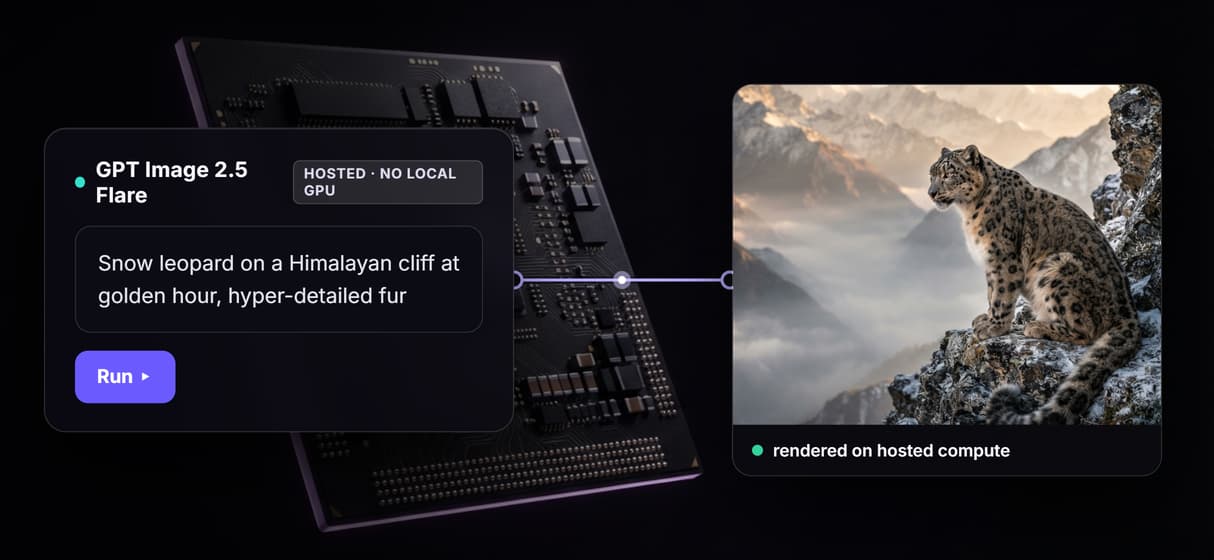
Pay per generation, not per idle hour
Building is free and only a render spends credits, so thinking and tweaking cost nothing. A rented GPU box bills while it sits idle; this graph does not.
Every workflow is a REST endpoint and MCP tool
Publish once and the same graph becomes a programmatic image generation platform: agents and scripts call it with typed inputs and get asset URLs back.
Reruns are identical, upgrades are one node
Workflows are versioned and shareable by link, so your fiftieth render matches your first. Swap in a better image model, keep the AI image upscaler wiring.
AI Models Available
Automate Any Workflow
Included in Every Plan
FAQs
It depends on what you want to keep. If you need a raw ComfyUI environment with custom nodes and your own checkpoints, another hosted GPU service is the closest match. If you want to own a reproducible pipeline, Wireflow replaces the rented machine with a node canvas: prompt in, generated and upscaled image out, priced per generation.
Discover related AI tools
- AI Image Upscaler: Upscale to 4K in a Visual Workflow
- AI Background Remover
- AI Image Generator: Flow-Based Canvas, 31 Models
- ComfyUI Alternative
- AI Face Swap Online: Photos and Video in Your Browser
- Virtual Try On
- AI Thumbnail Generator
- AI Photo Generator
- AI Image Editor
- AI Art Generator
- Midjourney Alternative
- AI Headshot Generator
More From Wireflow
Written by
Andrew Adams · Co-Founder & Operations at Wireflow
Runs client operations and content strategy at Wireflow. Works directly with creative teams and agencies to build production AI workflows.
Own the pipeline, not the GPU meter
Open the flow, type a prompt, and run it: a generated image and a 4x upscale from one graph. Building is free, you pay per generation, and the same workflow is an API.