Best AI Brand Kit Generators in 2026

In this article▾
- Quick summary
- How we ranked these tools
- 1. Wireflow: Best overall
- 2. Looka: Best for small business branding
- 3. Canva: Best free tier
- 4. Lovart: Best for creative direction
- 5. Tailor Brands: Best for new LLCs
- 6. Adobe Express: Best for teams already on Adobe
- 7. Brandmark: Best for a quick logo only
- Comparison table
- What to check before you commit
- FAQ
- Conclusion
An AI brand kit generator turns a short brand brief into the assets a business ships with: a logo mark, a color palette with hex codes, a typography pairing, and the social, packaging, and ad graphics built on them. We tested seven on the same brief and ranked them by how much of a usable kit each produced in a single pass. Wireflow takes the top spot because it chains several models on one canvas, so the logo, palette, packaging render, and social set come out of one run instead of four tools.
Quick summary
- Wireflow: Chained multi-model brand kit on one canvas. Best overall
- Looka: Logo-first kit with 300+ branded templates. Best for small business branding
- Canva: Brand Kit inside a full design suite. Best free tier
- Lovart: Agentic design chat that returns a full visual system. Best for creative direction
- Tailor Brands: Branding bundled with business formation. Best for new LLCs
- Adobe Express: Brand controls plus commercially safe Firefly generation. Best for teams already on Adobe
- Brandmark: Fast logo and color generation with a clean export. Best for a quick logo only
How we ranked these tools
The ranking criterion: how complete is the kit after one brief, and how much of it can you edit or regenerate without leaving the tool. A real brand kit generator produces the mark, the palette, the type direction, and applied assets like packaging and profile graphics, then keeps them consistent when you ask for more. Those applied assets extend to campaigns: an on-brand banner generator renders the headline and CTA and recomposes the design into every feed and cover size. For a hands-on look at the full-kit workflow, see the AI brand kit generator feature page.
To keep a week of posts on brand, set your brand look once in a System Prompt node and loop one graph over a calendar.
The ads built on a kit are a separate job, and our roundup of Creatopy replacements compares the tools for that.
We also weighted commercial usability, identity consistency across assets, and whether you can rerun the setup for a second brand. Repeatability is what agencies keep, the same pattern we saw when comparing agentic design tools.
Build this in Wireflow
Make the same kind of asset on a canvas you control, with a free account and no credit card.
1. Wireflow: Best overall
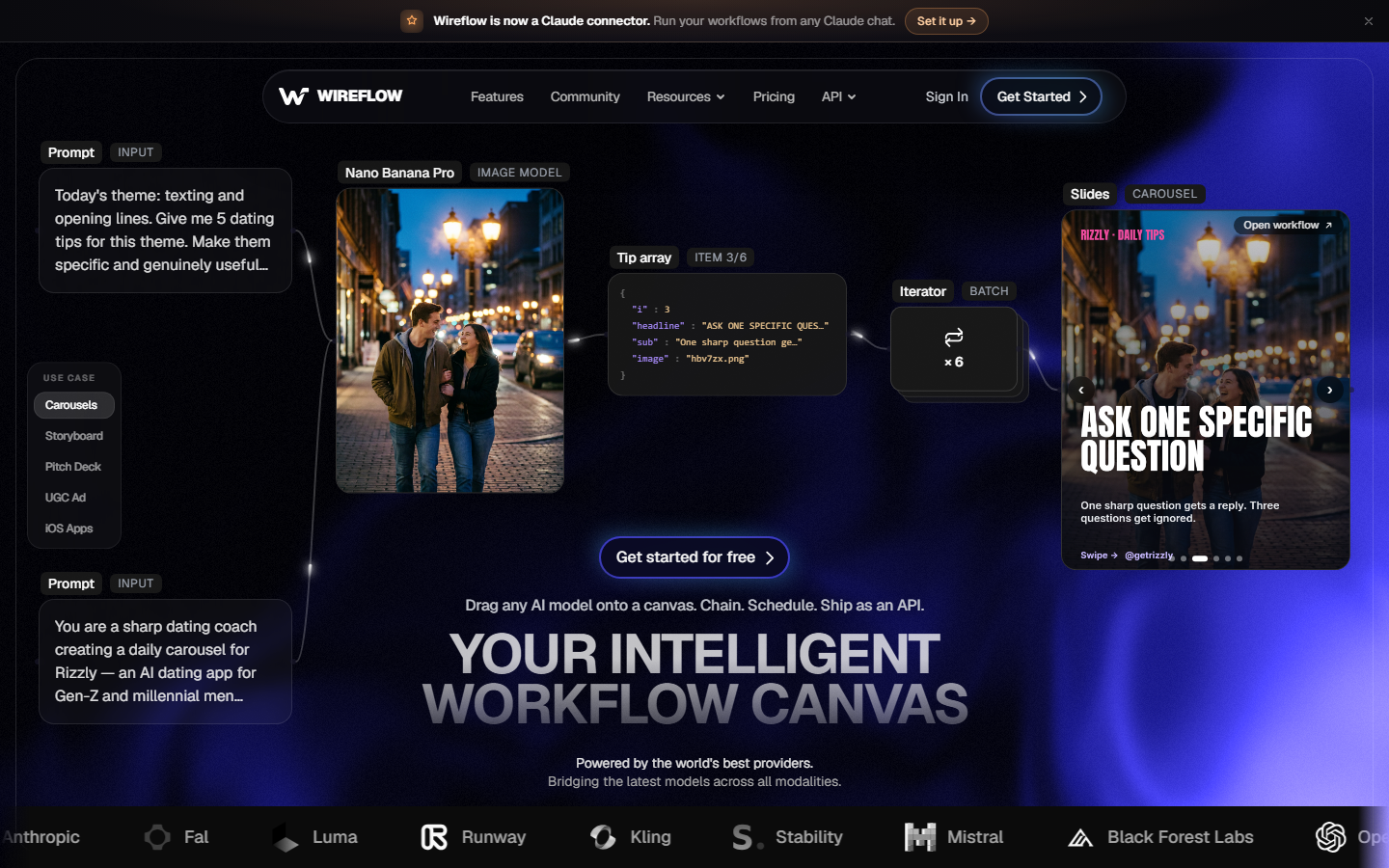
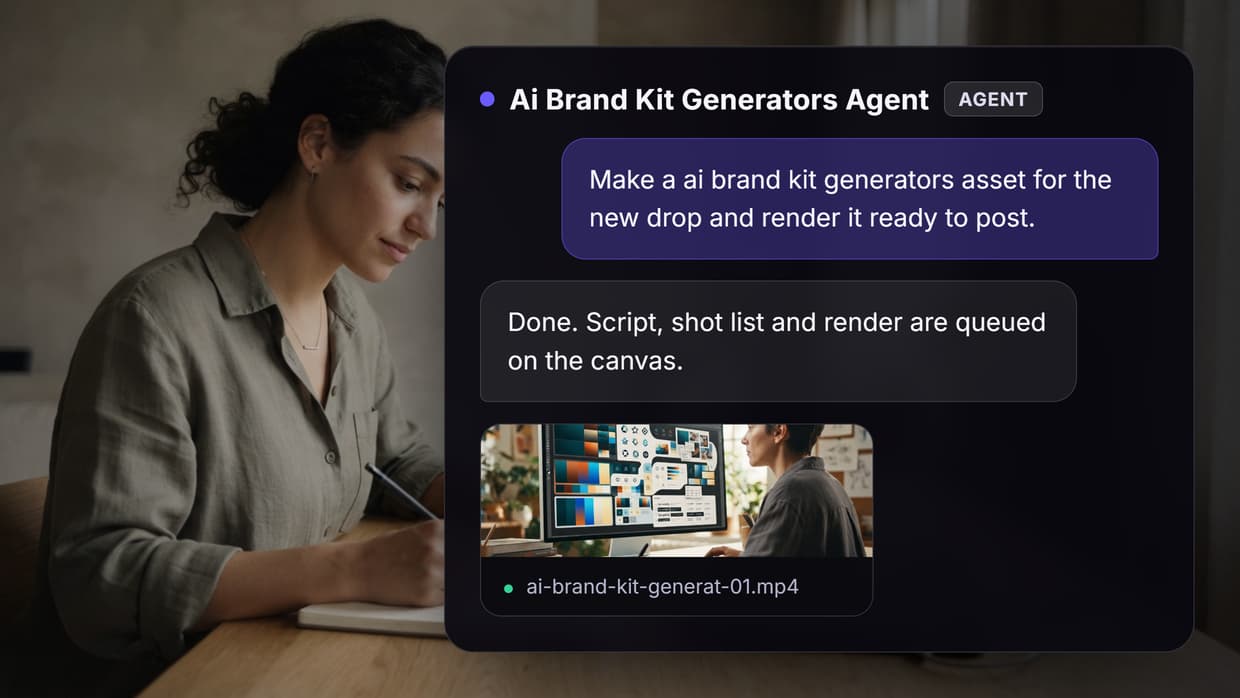
Wireflow is a workflow canvas rather than a single-purpose branding app. You drop a brand brief into a text input, then wire it into the models that handle each part of the kit: a language model writes the palette hex codes and typography direction, an image model renders the logo mark, and downstream nodes take that mark as a reference image to produce packaging art and social graphics carrying the same identity. Because the mark feeds later nodes as an input, consistency is structural rather than a happy accident. That same node approach drives a product mockup pipeline where the logo mark flows straight into a photoreal product shot.
The advantage shows up on the second brand. The canvas is reusable, so swapping the brief and rerunning gives a fresh kit with the same structure in one execution, the same reason the approach works for automating brand content creation. The tradeoff is setup: you assemble a pipeline rather than click one generate button, so the first run takes longer than a template-driven tool.
Verdict: the most complete kit per run, and the only one on this list you can rerun as a repeatable pipeline.
2. Looka: Best for small business branding
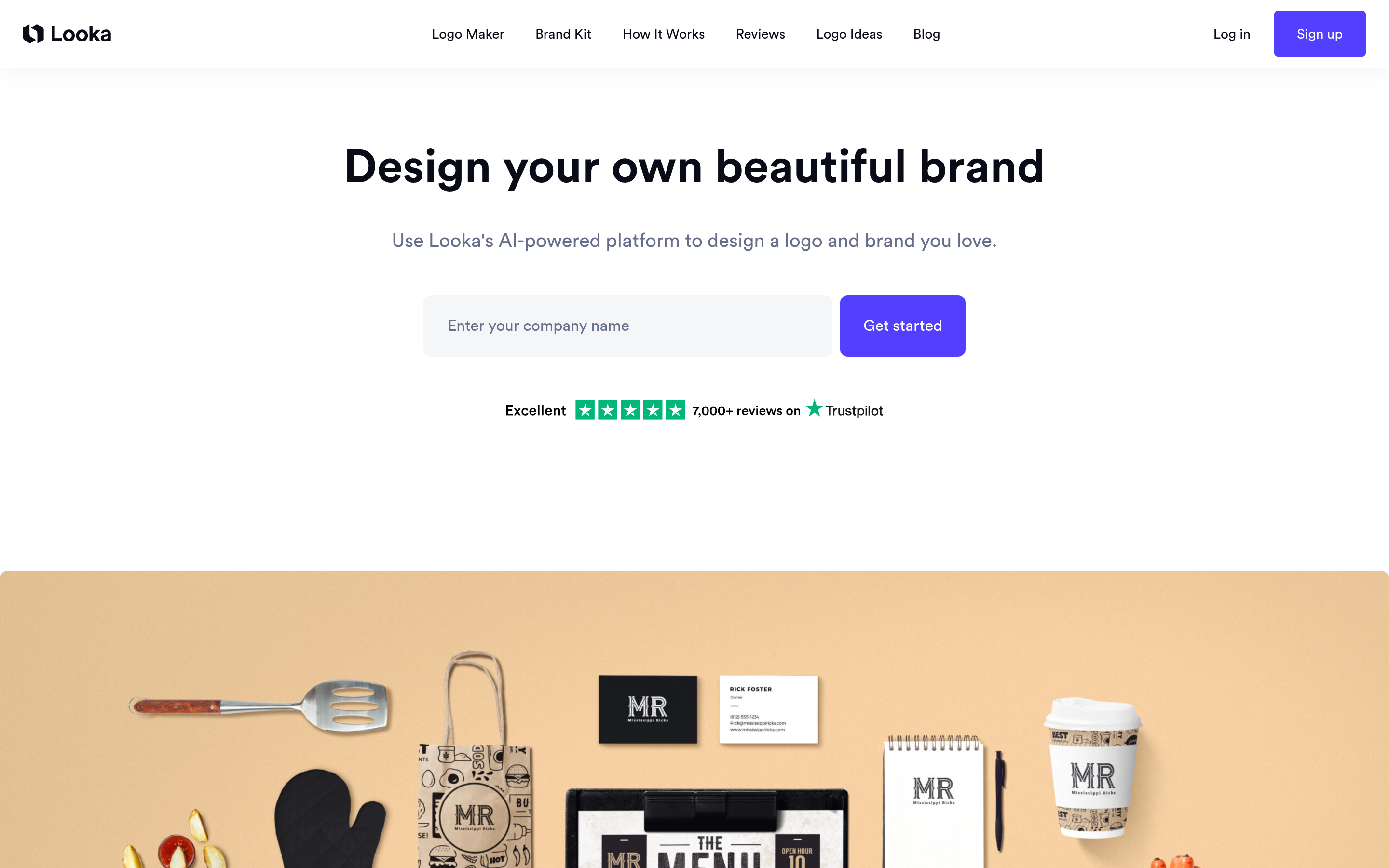
Looka is the most polished logo-first path to a brand kit. You enter a company name, pick style and color preferences, and it generates logo options you can refine in a straightforward editor. Once you settle on a mark, the Brand Kit product expands it into hundreds of branded items: business cards, social profiles, email signatures, presentation templates, and a basic style guide with your palette and fonts locked in.
Output quality is consistent and the editor is approachable for people with no design background. The limitation is that everything descends from the logo. If your brand needs distinctive photography direction or packaging art, Looka will not produce it, and you end up pairing it with an AI image generator. Pricing is subscription-based for the full kit, with a one-time logo purchase option.
Verdict: the safest choice if a strong logo plus applied templates is the whole requirement.
3. Canva: Best free tier
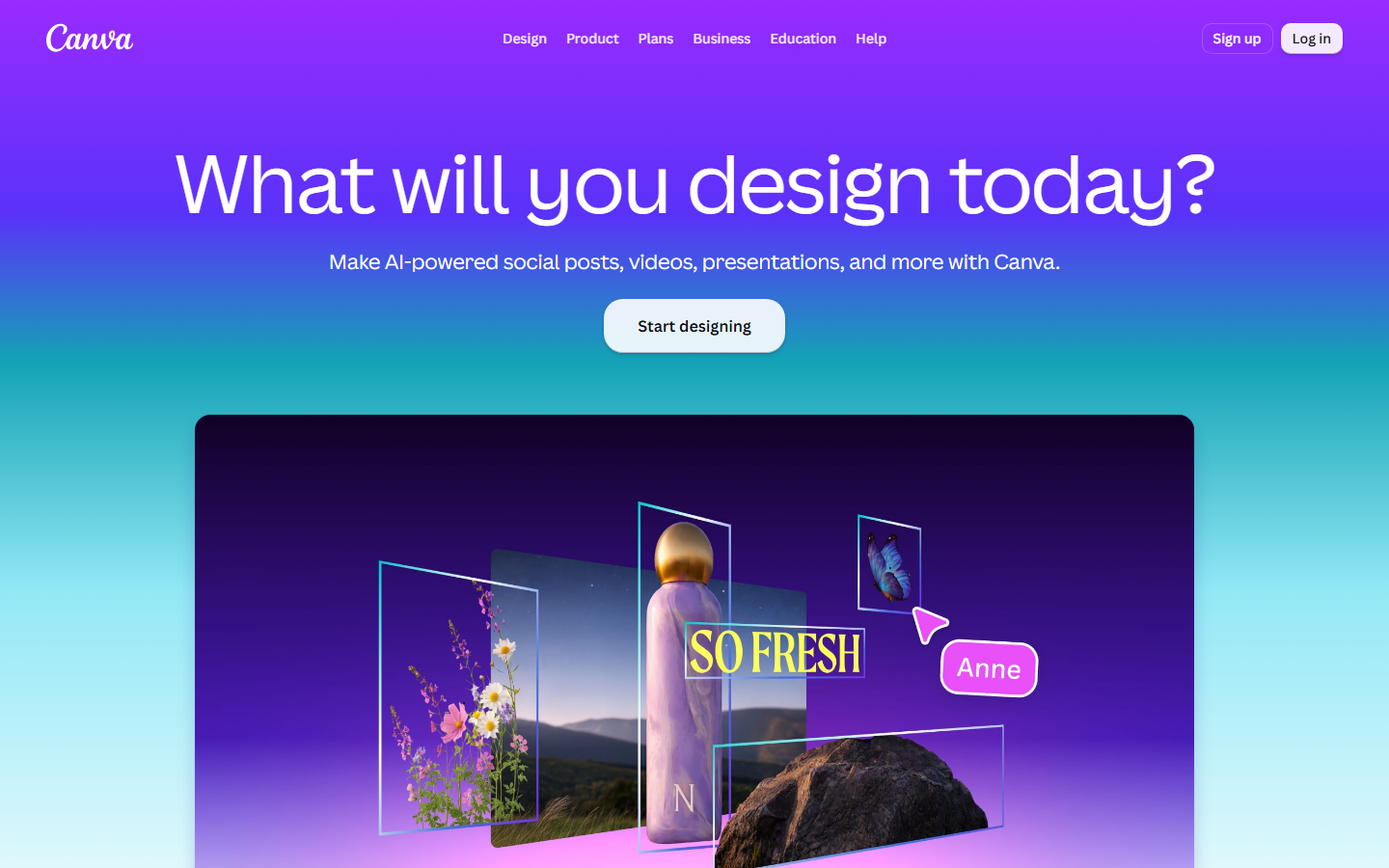
Canva works from the opposite direction. Instead of generating an identity then applying it, it gives you a design suite and a Brand Kit feature that stores logos, palettes, and fonts so every template inherits them. The AI logo generator and Magic Studio cover the generation side, and the template library covers almost every asset format a small team asks for.
The free tier is genuinely usable, rare in this category, though Brand Kit itself sits behind Canva Pro. The generated logos are the weakest part of the offering; they read as template output more often than dedicated logo tools do. If the design layer appeals but the generation quality does not, the Canva AI alternatives comparison covers the tradeoffs.
Verdict: the best free entry point, and the strongest option if you want the kit and the day-to-day design tool in one place.
4. Lovart: Best for creative direction
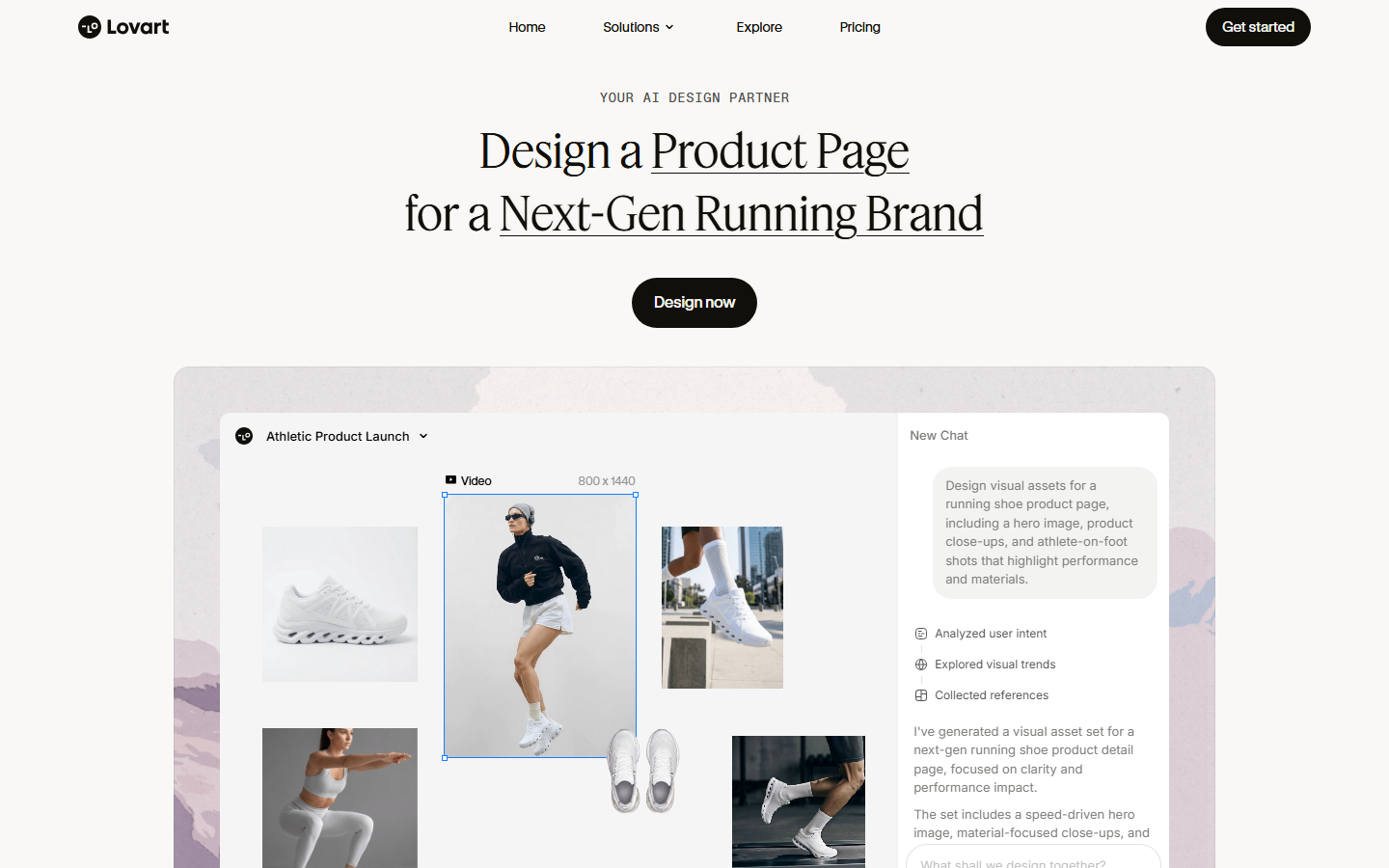
Lovart works as a design agent you brief in chat. You describe the brand and the deliverable, and it plans the work, explains its reasoning, and returns assets on a canvas you can refine. For brand kits it produces a fuller visual system than most competitors: logo directions, palette, type pairings, patterns, and applied mockups.
The chat format is its strength and its weakness. When the brief is good, the creative direction is more considered than template-driven tools produce. When the brief is vague, you spend several turns steering it back. Output stays editable on the canvas, which puts it closer to a design tool than a generator, similar in spirit to the AI design agent platforms.
Verdict: pick this when the creative thinking matters more than turnaround speed.
5. Tailor Brands: Best for new LLCs
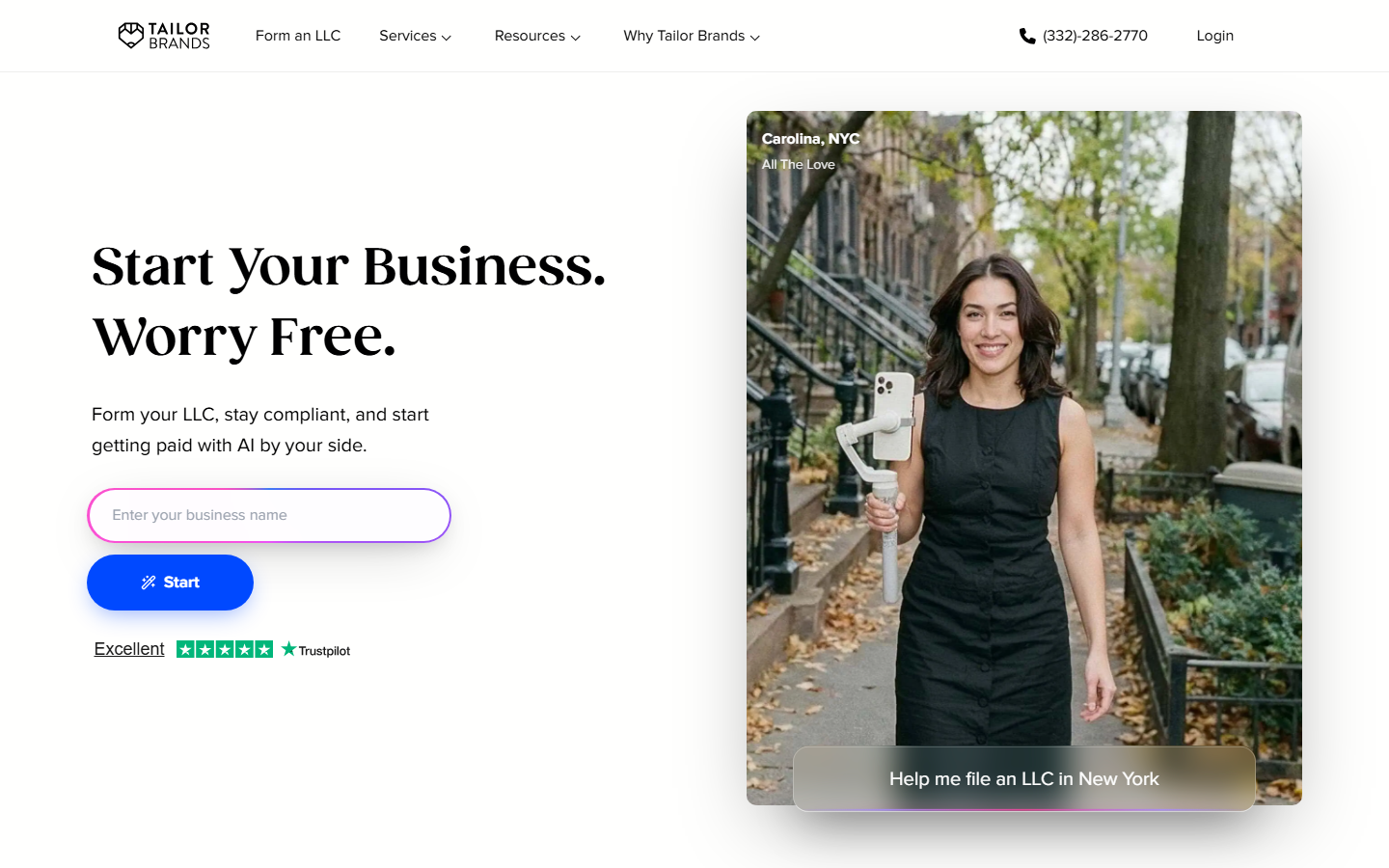
Tailor Brands bundles branding with the paperwork side of starting a company. Its logo maker and brand assets sit alongside LLC formation, domain registration, and compliance services, a useful package if you are standing up a business from zero rather than rebranding an existing one.
The design output is competent but not distinctive, closer to Looka's quality floor than its ceiling, and the interface pushes hard toward the formation upsells. Treat it as a business-launch bundle that includes branding rather than a branding tool that files paperwork. Applied assets like AI-generated ad creative need a separate tool regardless.
Verdict: worth it only if you are also forming the company through them.
6. Adobe Express: Best for teams already on Adobe
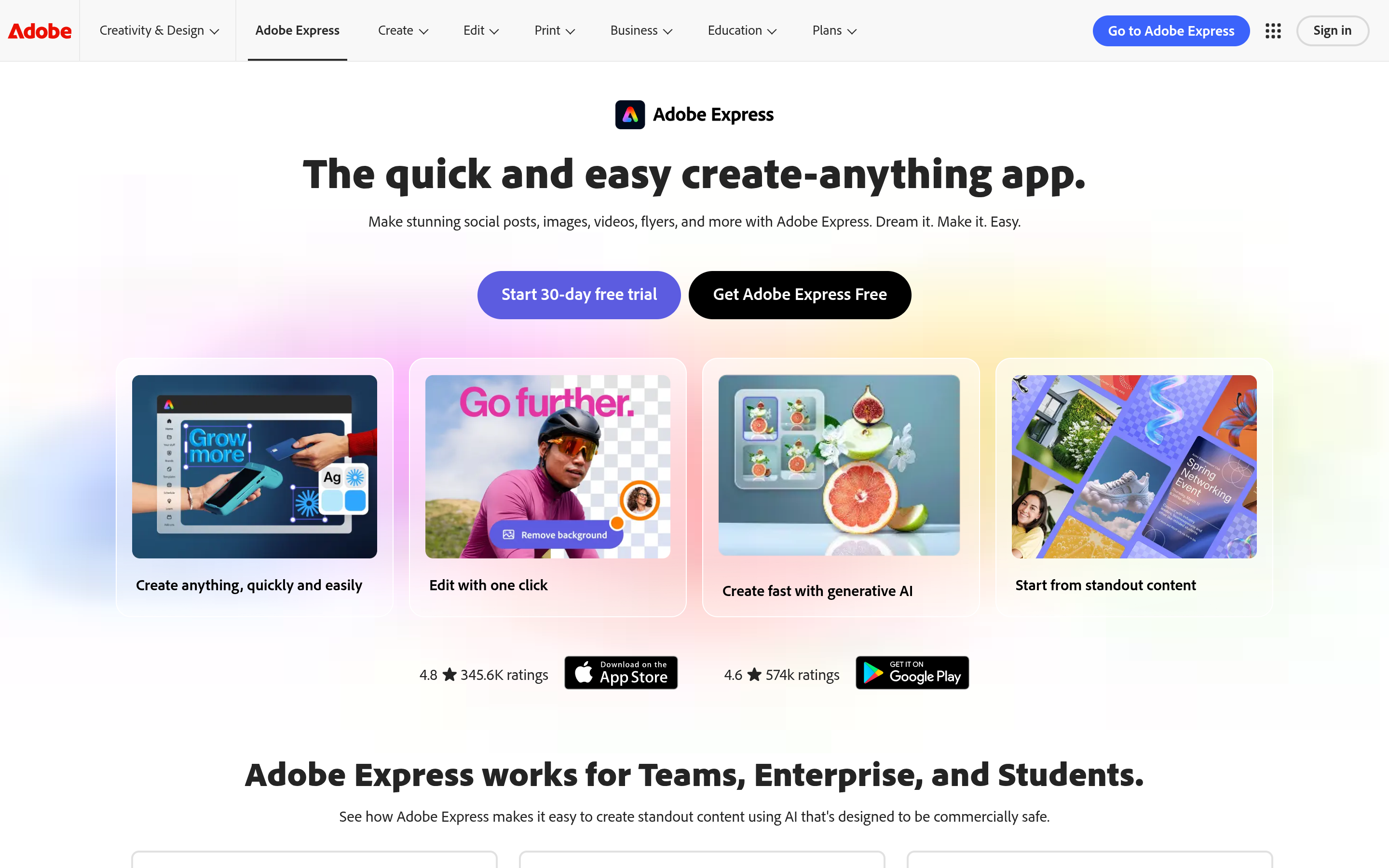
Adobe Express pairs brand controls with Firefly generation that Adobe trains on licensed content and positions as commercially safe. Brands in Express store logos, colors, and fonts, then apply and enforce them across templates for a whole team, the feature enterprise buyers care about most.
Generation is solid for social posts and flyers, and the Creative Cloud handoff is clean if a designer finishes in Illustrator. It is weaker at producing an identity from nothing; Express assumes you have a mark and want it applied consistently. For teams already paying for Adobe it is the lowest-friction option, sitting alongside motion graphics work in the same ecosystem.
Verdict: the applied-branding and governance layer, not the identity generator.
7. Brandmark: Best for a quick logo only
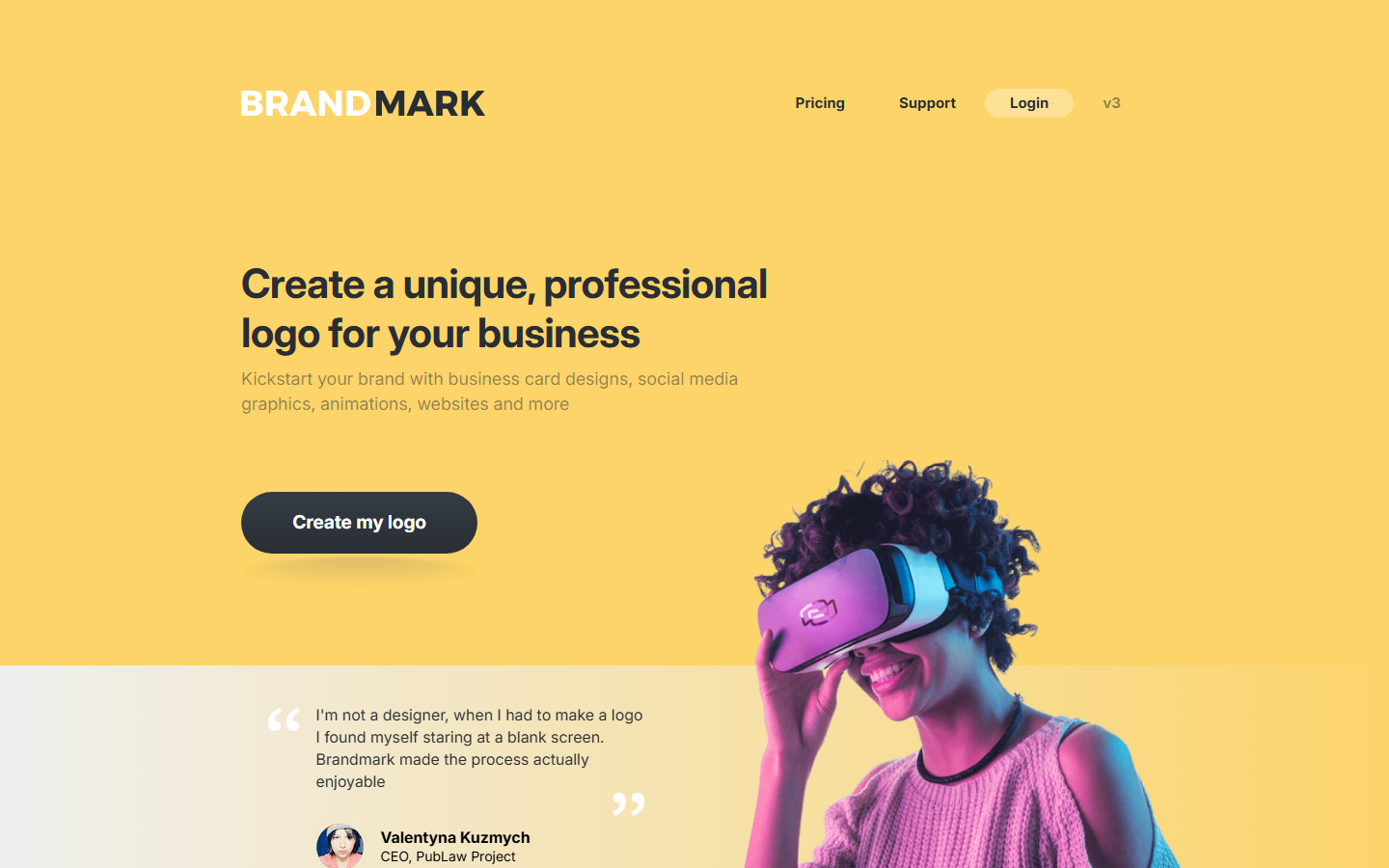
Brandmark is the narrowest tool here and the fastest. Enter a name and a few keywords and it returns logo concepts in seconds with a palette and font pairing attached. Purchases are one-time, and the export includes vector files plus a small set of business card and social variants.
There is no ongoing brand management, no template library, and no way to generate additional assets in the same style later. That is a fair trade at the price if a logo and palette is the whole deliverable. Beyond that you generate the rest separately, which is where a logo-to-assets workflow earns its setup time.
Verdict: cheapest route to a usable logo and palette, with nothing beyond that.
Comparison table
| Tool | Full kit in one pass | Editable output | Applied assets | Pricing model | Best for |
|---|---|---|---|---|---|
| Wireflow | Yes | Yes, node-level | Logo, packaging, social, ads | Usage-based credits | Repeatable multi-brand kits |
| Looka | Yes | Yes, logo editor | 300+ branded templates | Subscription or one-time logo | Small business branding |
| Canva | Partial | Yes, full editor | Large template library | Free tier, Pro for Brand Kit | Free entry point |
| Lovart | Yes | Yes, canvas | Logos, patterns, mockups | Subscription | Creative direction |
| Tailor Brands | Partial | Limited | Logo and basic collateral | Subscription bundle | New LLC formation |
| Adobe Express | Partial | Yes, full editor | Templates plus Firefly assets | Free tier, Premium for Brands | Existing Adobe teams |
| Brandmark | No | Limited | Logo, palette, few variants | One-time purchase | Quick logo only |
What to check before you commit
Check licensing before you generate anything you intend to trademark. Several tools grant commercial use only on paid tiers, and a few reserve the right to reissue similar marks to other customers. Read the export list too: a kit that only ships PNGs costs you money at the first print job. Then check regeneration, because a tool that cannot produce a new asset in the existing style six months later leaves you paying a designer to match it by hand, the same durability argument that applies to scaling ad creative production.
Try it yourself: open the brand kit workflow to see the chained setup described above, with the brief input, the palette and typography node, and the asset renders already wired together.
FAQ
What is an AI brand kit generator? A tool that takes a short brand brief, usually a company name plus a few style and industry cues, and generates the core identity assets: a logo mark, a color palette with hex codes, a typography pairing, and applied assets like social graphics or business cards built on those elements.
What is the best AI brand kit generator in 2026? Wireflow ranks first for producing the most complete kit in a single run and for being rerunnable across brands. Looka is the strongest logo-first alternative, and Canva is the best free option.
Are AI-generated logos safe to use commercially? It depends on the tool and the tier. Most paid plans grant full commercial rights, but free tiers often do not, and some tools do not guarantee the mark is exclusive to you. Read the license before filing a trademark.
Can an AI brand kit generator replace a designer? For an early-stage business that needs a workable identity quickly, yes in practice. Where the identity is a competitive asset, treat the output as a first draft a designer refines; these tools are strong at applied consistency and weak at original conceptual work.
Which brand kit generator has the best free tier? Canva. The free plan covers logo generation and the template library, though Brand Kit storage requires Canva Pro.
Do these tools keep the same style across every asset? Only some. Tools that feed the generated logo back in as a reference image for later assets hold a consistent identity; tools that generate each asset independently drift. That is the biggest quality difference on this list.
What file formats should a brand kit include? At minimum: SVG or EPS vectors for the logo, transparent PNG for digital use, hex and CMYK palette values, and named fonts or specified web font sources.
How much does an AI brand kit cost? Roughly $20 to $70 for a one-time logo package, $10 to $40 per month for subscription kits, and usage-based credits for workflow tools where cost scales with assets generated.
Conclusion
The right pick depends on how much of the kit you actually need. If a logo and a palette closes the job, Brandmark or Looka gets you there in under an hour. If you need the identity applied across packaging, ads, and social in a way that stays consistent and can be rerun for the next brand, a chained workflow does more per run than any single-purpose generator. Whichever you choose, verify the license and the export formats before you build a business on the output.

Co-Founder & Operations at Wireflow
Runs client operations and content strategy at Wireflow. Works directly with creative teams and agencies to build production AI workflows.
- Content Strategy
- Client Operations
Get unlimited ad creatives today.
One call to see if we are a fit and scope the first ad. If it fits, your first batch lands inside week one.