 Andrew Adams · Co-Founder & Operations at Wireflow ·
 AI Social Media Post Generator
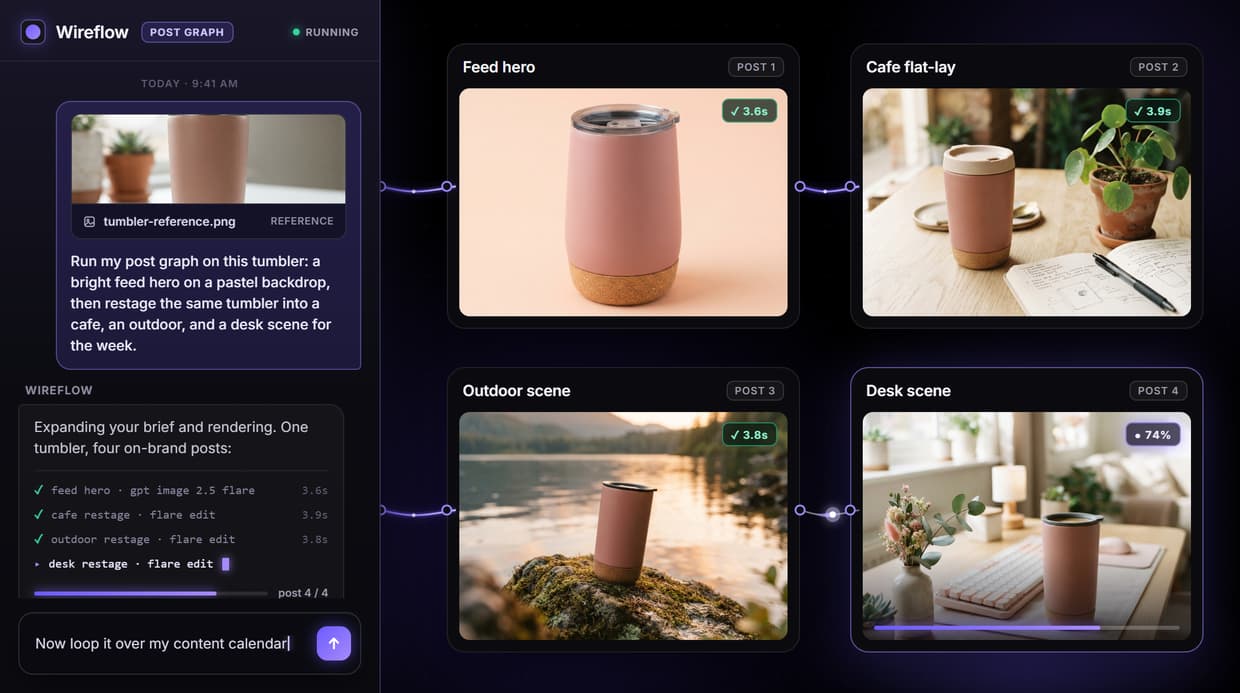
Wireflow is an AI social media post generator built on a node canvas: write a short brief, Claude Sonnet 4.5 turns it into a detailed prompt, and GPT Image 2.5 Flare renders a primary post visual plus a restaged variant from one run.
Free to build · no credit card · See how it works ↓
How to Use AI Social Media Post Generator
Steps to get you started in Wireflow.
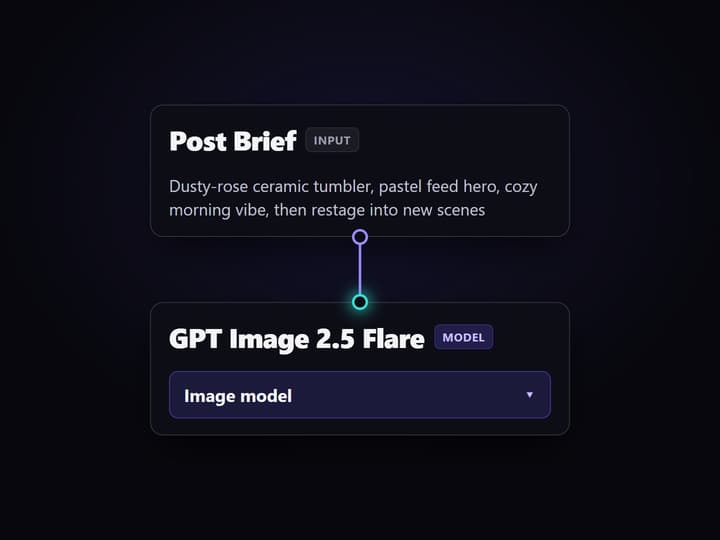
Write the post brief
Type a short brief in the Product Brief node: the subject, the vibe, and the scene you want in the post. That one text node feeds the whole graph, so you describe the post instead of hunting for a template.
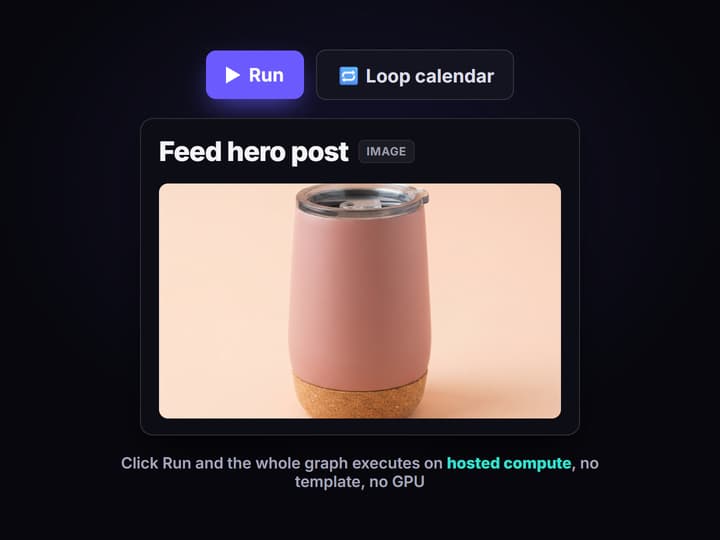
Let the graph expand and render
Claude Sonnet 4.5 expands the brief into a detailed image prompt, then GPT Image 2.5 Flare renders a primary post visual and a Flare Edit node restages the same subject into a second scene. Click Run and both come back on hosted compute.
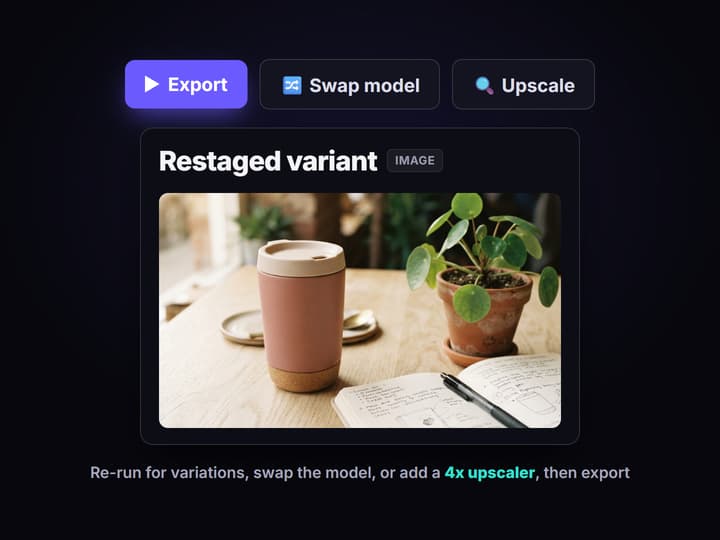
Iterate, swap, and export
Re-run any node for fresh variations, swap the image node to Flux or Seedream for a different look, or add a 4x upscaler pass, then export each post at the size each network needs.
Posts without the template library
Most AI social media post generators are caption boxes or Canva-style template pickers: you type a topic, get a block of text and hashtags, then drop it into a fixed layout and export one graphic. They are fast for a single post, but they stall when you need a whole week of on-brand visuals, because every slot is styled again by hand and nothing about the last post carries into the next.
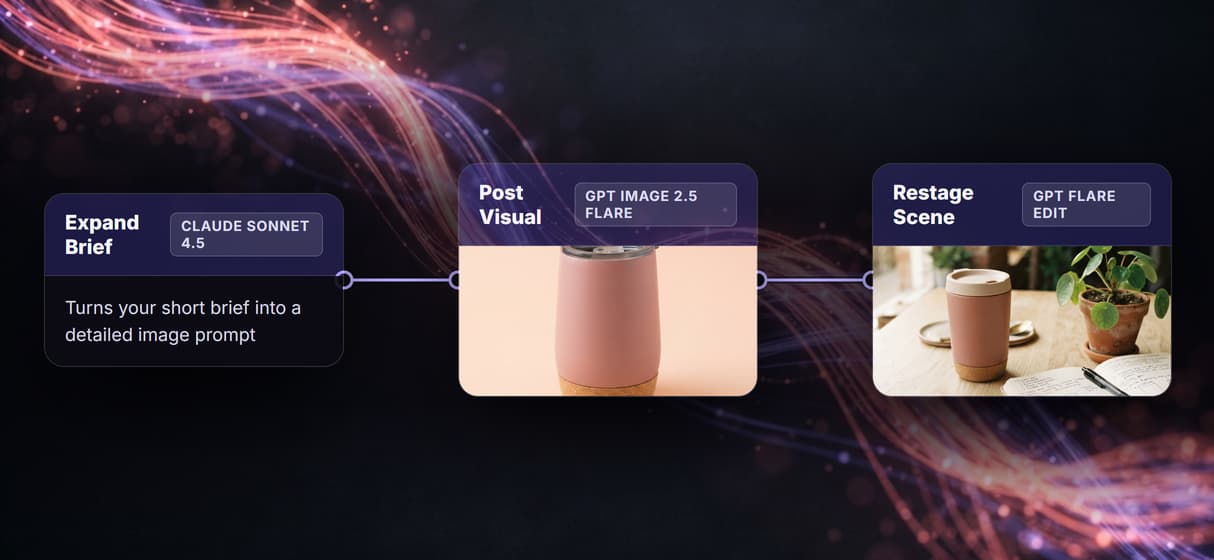
Wireflow is the visual side of that job, done as a node graph instead of a one off template. You write a short brief, Claude Sonnet 4.5 expands it into a detailed image prompt, and GPT Image 2.5 Flare renders a primary post visual plus a restaged variant of the same subject from that one brief. The result is a repeatable pipeline you can see and edit, not a lucky render you cannot reproduce next week.
What the graph produces
Brief to prompt
Claude Sonnet 4.5 turns a one line brief into a detailed, shootable image prompt.
Primary post visual
GPT Image 2.5 Flare renders a clean, feed-ready post image from the expanded prompt.
Restaged variant
A Flare Edit node restages the same subject in a second scene for a story or follow-up post.
Any scene
Cafe, outdoor, or a pastel backdrop: the setting comes from the prompt, not a fixed template.
Swappable models
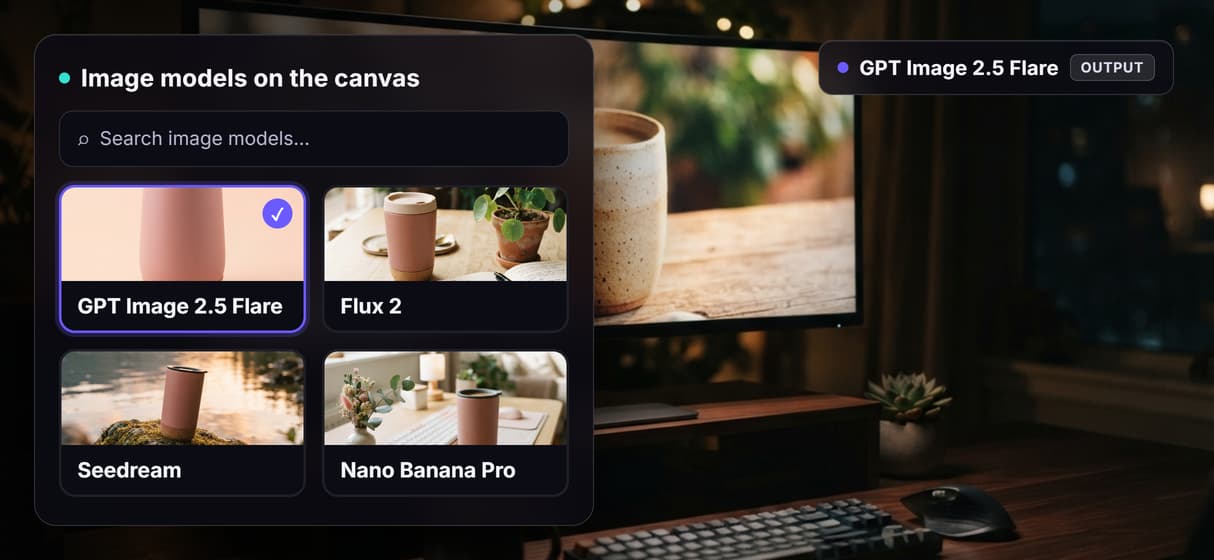
Every image node is a swap: drop in Flux, Seedream, or Nano Banana Pro without rewiring.
Upscale and clean
Chain a 4x upscaler or a background remover onto any post before it ships.
How one brief becomes a set of posts
The pipeline is a real graph, not a template. Each node does one job and passes its output to the next, so you can open any step and see exactly what it produced.
- Brief. You write a short post brief in a single text node: the subject, the mood, and the scene you have in mind. A System Prompt node holds your brand look so every render stays on brand.
- Expand. Claude Sonnet 4.5 reads that brief and writes a detailed image prompt, filling in lighting, surface, and composition so you do not have to prompt-engineer by hand.
- Render. GPT Image 2.5 Flare renders the primary post visual, and a Flare Edit node restages the subject into a second scene, both from the same expanded prompt.
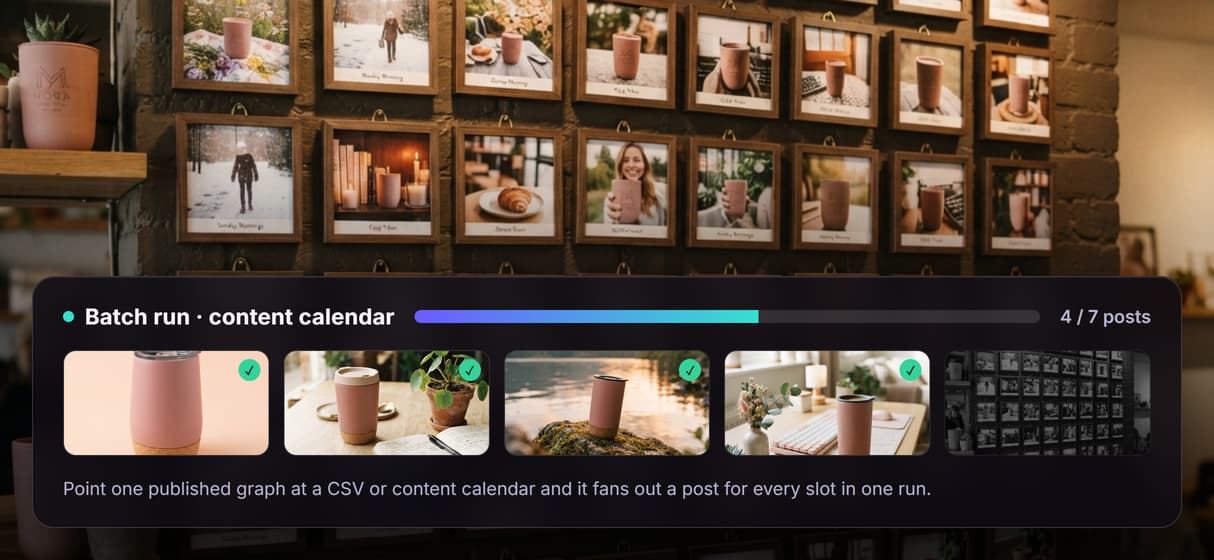
Because the graph is published, you can loop it over a content calendar so a whole week of posts renders on brand, or swap any image node when a particular post needs a different look. The same canvas drives our AI ad creative workflows and the AI UGC workflow, so a social set and a paid set can share one brand look.
What it does, and what it does not
Wireflow is the generation layer for the visuals. It renders the post images; it does not write your captions, pick your hashtags, schedule your calendar, or publish to Instagram, TikTok, or LinkedIn. The LLM node expands your brief into an image prompt, not post copy, so the words and the posting still belong to you or your scheduler.
It is hosted by design, so there is no offline mode, no custom Python nodes, and no local checkpoints. That is the honest trade for never touching a GPU. If a campaign hinges on hand-drawn art or a real photo shoot, that still wins on its own ground. For a steady feed of on-brand post visuals, describing the shot and rendering it on the canvas is faster than restyling a template every day.
More Than Just AI Social Media Post Generator
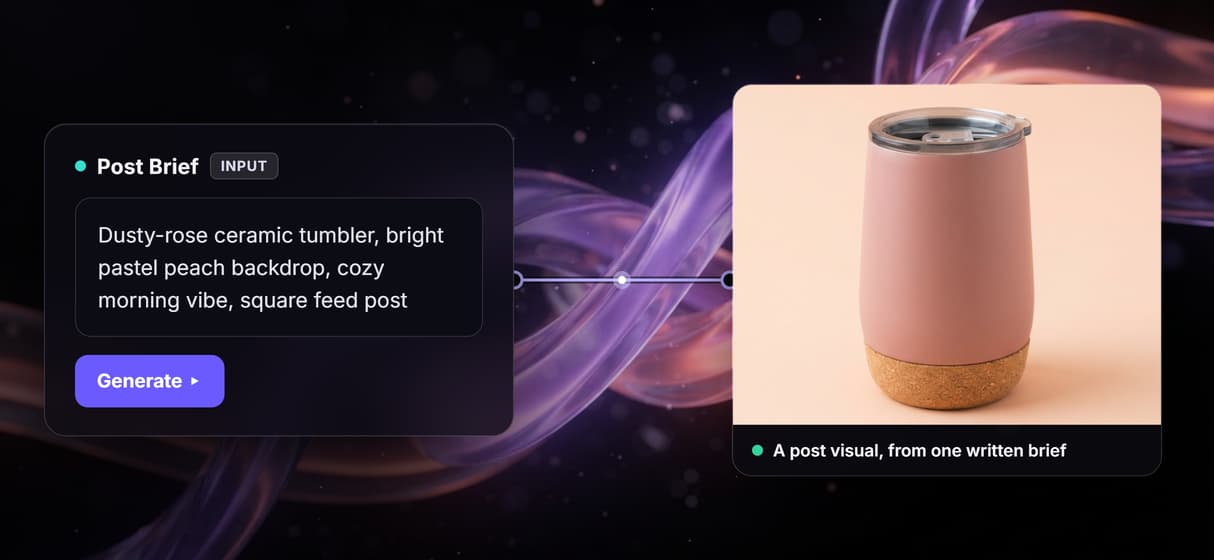
A brief, not a template
Type the post and its vibe in one text node and the AI image generator graph renders the visual. No template library, no re-styling each slot by hand.
A set of posts, one brief
One run returns a primary post visual and a restaged variant of the same subject. Set your brand kit look once and it holds across the set.
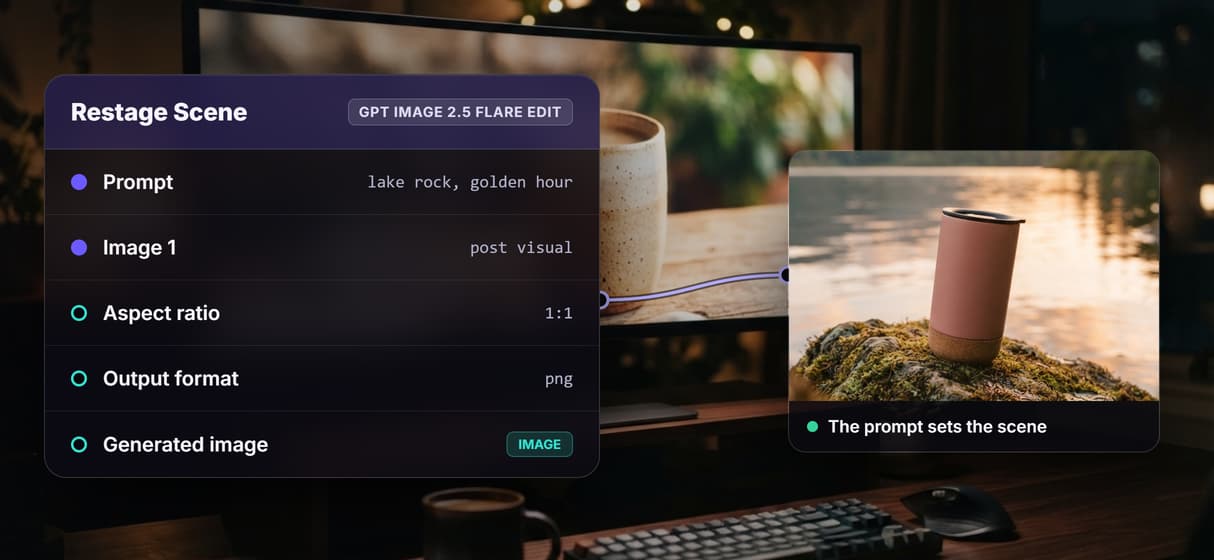
Any scene you describe
Cafe flat-lay, outdoor, or a clean pastel backdrop: the prompt sets the scene. Build the set with the background generator, no physical shoot.
Swap the model per post
GPT Image 2.5 Flare is wired by default, but each image node is a swap. Drop in Flux or Seedream, or clean edges with a transparent background pass.
Batch a week in one run
Publish the graph and loop it over a content calendar so every slot renders on brand. Add a 4x image upscaler when a post needs print resolution.
Build Any AI Workflow
AI Models Integrated
Full Commercial License
FAQs
It turns a short brief into finished post visuals instead of a blank template. Wireflow runs it as a node graph: Claude Sonnet 4.5 expands your brief and GPT Image 2.5 Flare renders the post images.
Discover related AI tools
- AI Image Upscaler: Upscale to 4K in a Visual Workflow
- AI Background Remover
- AI Image Generator: Flow-Based Canvas, 31 Models
- ComfyUI Alternative
- AI Face Swap Online: Photos and Video in Your Browser
- Virtual Try On
- AI Thumbnail Generator
- AI Photo Generator
- AI Image Editor
- AI Art Generator
- Midjourney Alternative
- AI Headshot Generator
More From Wireflow
Written by
Andrew Adams · Co-Founder & Operations at Wireflow
Runs client operations and content strategy at Wireflow. Works directly with creative teams and agencies to build production AI workflows.
Render your first post
Write a short brief and let the graph do the rest: Claude Sonnet 4.5 expands it into a prompt, and GPT Image 2.5 Flare renders a post visual and a restaged variant from one run. No template, no GPU.