 Andrew Adams · Co-Founder & Operations at Wireflow ·
 AI Background Generator
Generate custom backgrounds for product photos, portraits, and creative projects using AI
Free to build · no credit card
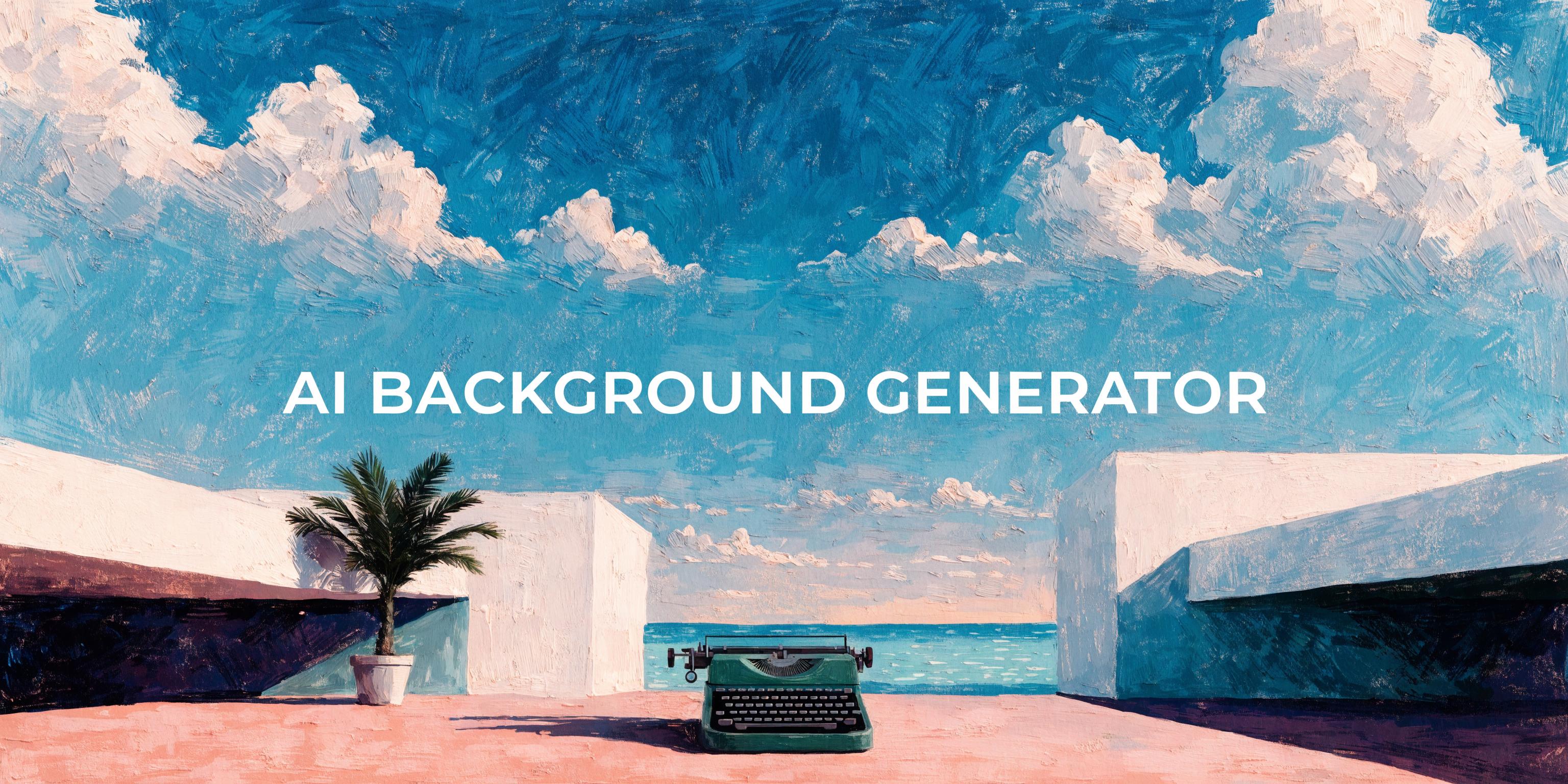
Create Any Background Scene from a Text Prompt
Traditional product photography requires physical sets, lighting rigs, and hours of post-production. AI background generation replaces that entire process with a single text prompt. Describe a marble countertop in soft morning light, a tropical beach at sunset, or a minimalist studio with gradient shadows, and the model renders it in seconds.
The generated backgrounds adapt to your subject automatically. Lighting direction, shadow angles, and color temperature match the foreground element so the final composite looks natural without manual adjustment. This consistency matters most for e-commerce catalogs where hundreds of SKUs need the same visual treatment.
Background Generation Capabilities
Text-to-Background Generation
Describe any scene in natural language and generate a matching background in seconds.
Batch Background Processing
Apply the same background style across hundreds of product images in a single run.
Style-Consistent Outputs
Lock lighting, color palette, and scene type to maintain brand consistency across your catalog.
Multi-Aspect Ratio Support
Generate backgrounds in 1:1, 4:3, 16:9, and 9:16 for every platform from Instagram to Amazon.
High-Resolution Output
Export backgrounds at up to 4K resolution suitable for print, web, and large-format displays.
E-Commerce Ready Scenes
Pre-built scene categories for product, food, fashion, and lifestyle photography backgrounds.
More Than Just AI Background Generator
Replace Backgrounds Instantly
Swap any existing background with a generated scene. Pair with the AI background remover to isolate subjects before placing them on new environments. For real estate, the same kind of edit can stage empty rooms for listings with furniture while the room itself stays put.
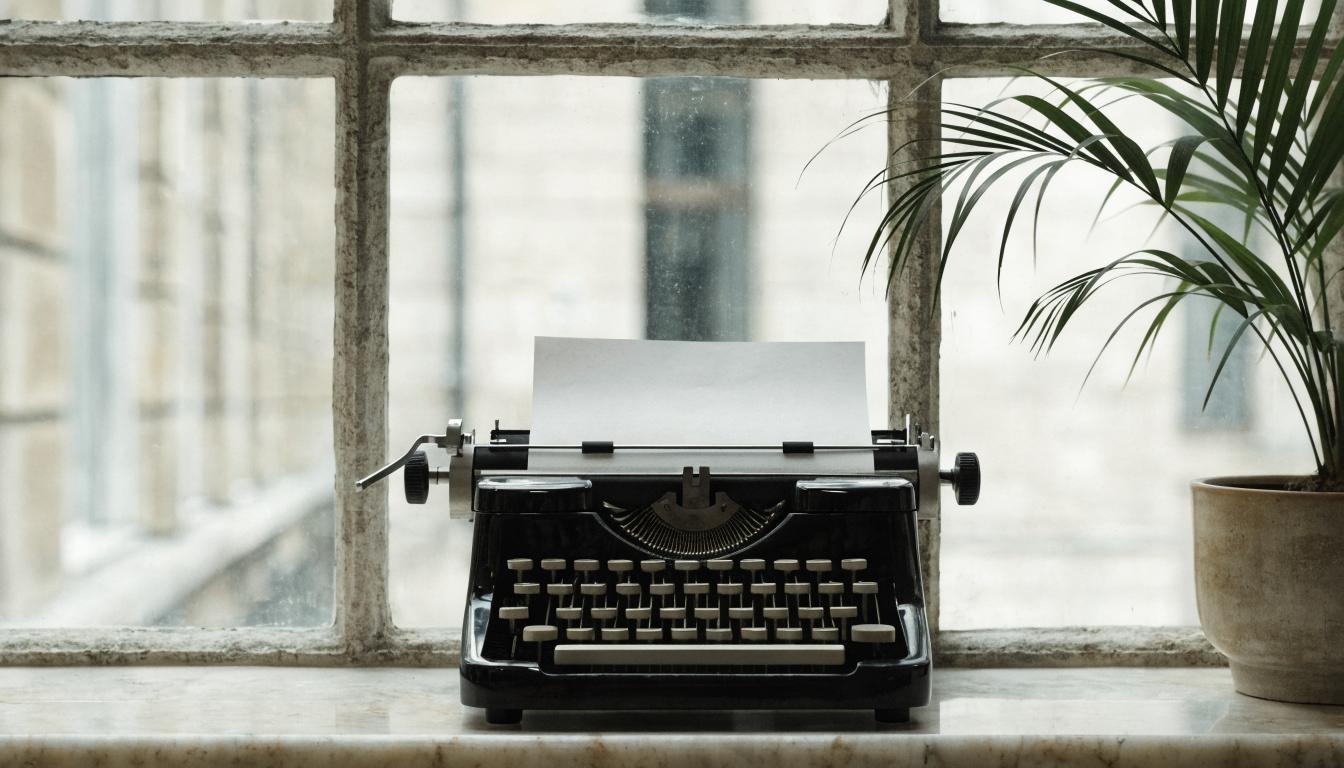
Match Real-World Lighting
Generated backgrounds adapt their lighting to your subject's shadows and highlights. Learn more in our guide on changing photo backgrounds with AI.

Upscale to Print Quality
Generated backgrounds can be enhanced to 4K and beyond using the AI image upscaler for large-format printing and high-resolution displays. Set any backdrop behind invisible mannequin images straight from a text prompt.
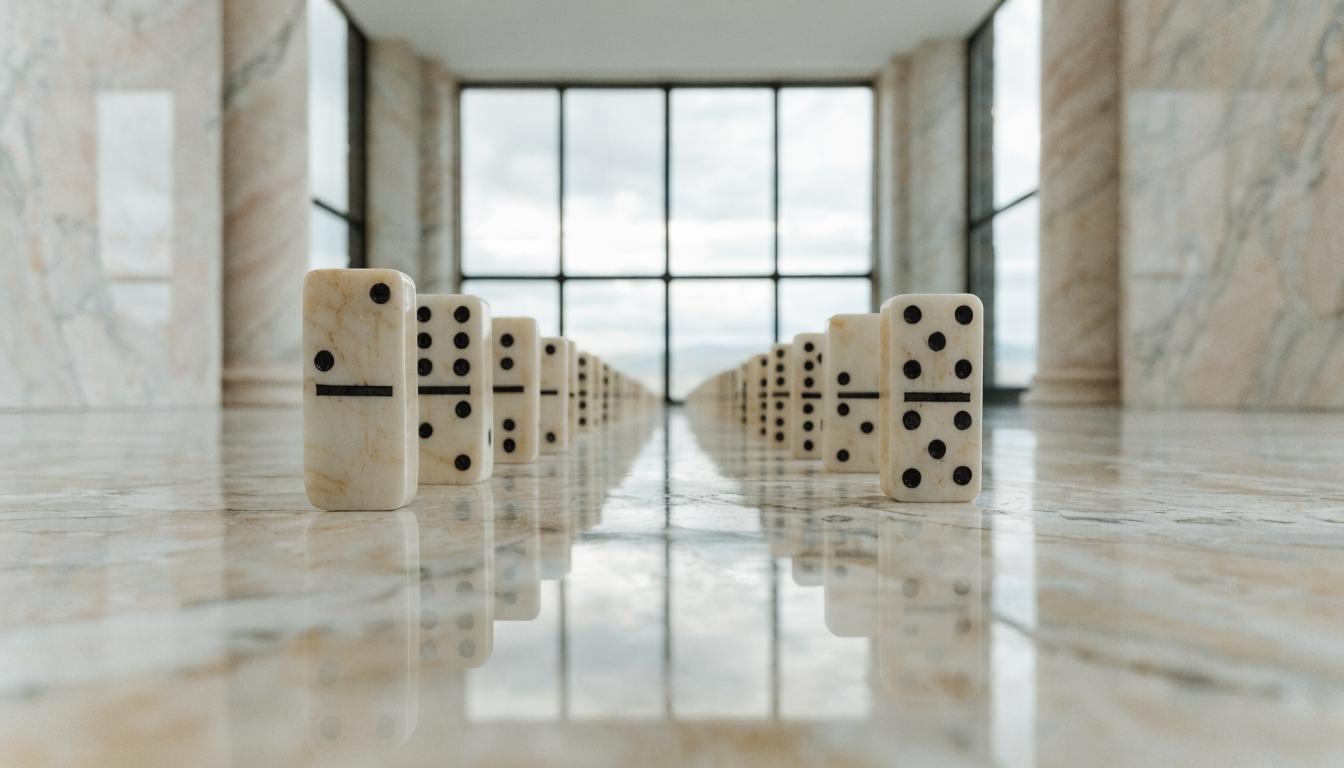
Powered by Advanced Models
Background generation runs on GPT Image 2.5 Flare, and you can swap in Recraft V4, a state-of-the-art image model trained for photorealistic scenes, textures, and controlled compositions.
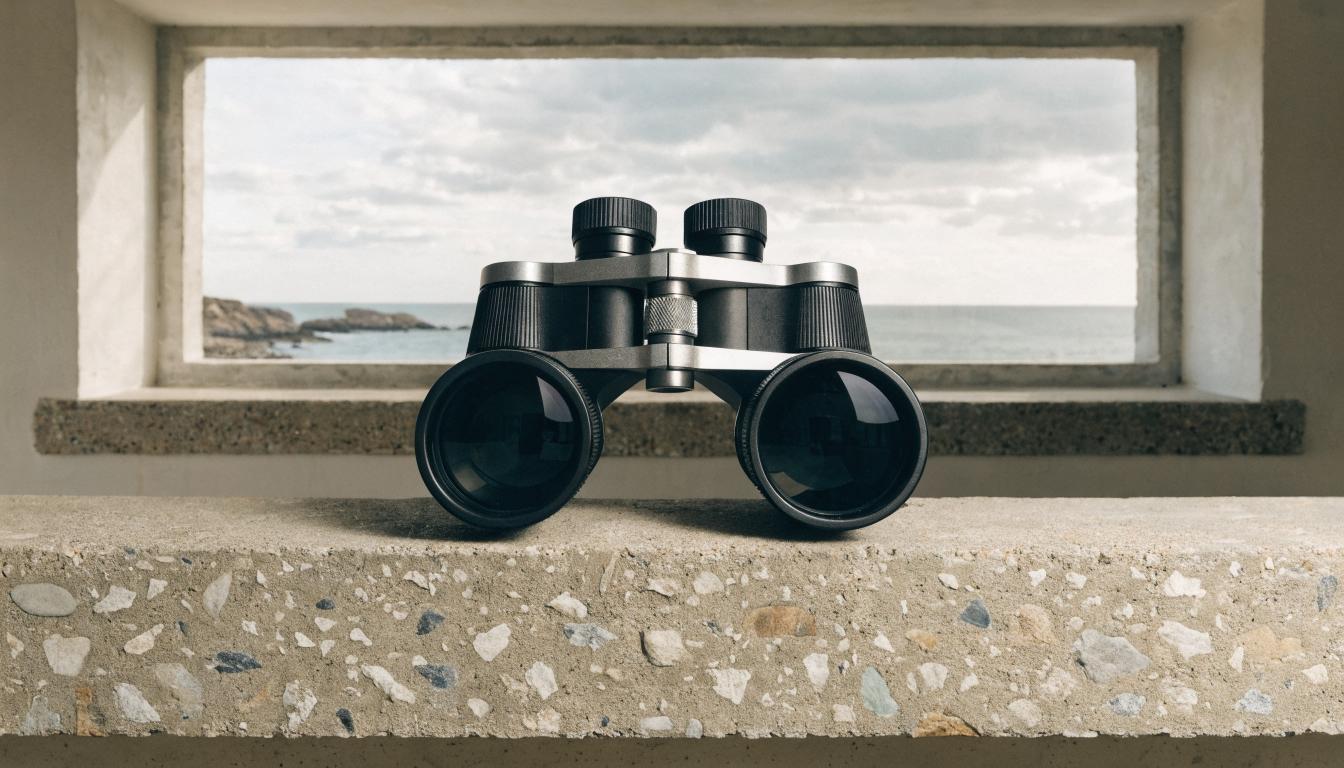
Scale Across Product Catalogs
Process entire product lines with consistent backgrounds. Compare approaches in our roundup of background remover tools to find the right fit.

Background Workflows
No Code Required
API & Batch Processing
FAQs
An AI background generator creates custom image backgrounds from text descriptions. You describe a scene, surface, or environment, and the AI model renders a photorealistic background that can be used for product photos, portraits, or creative projects.
More From Wireflow
Written by
Andrew Adams · Co-Founder & Operations at Wireflow
Runs client operations and content strategy at Wireflow. Works directly with creative teams and agencies to build production AI workflows.
Generate Custom Backgrounds Now
Describe any background scene and get studio-quality results in seconds. No photo equipment needed, just a text prompt and an AI model that understands lighting, perspective, and composition.