 Andrew Adams · Co-Founder & Operations at Wireflow ·
 AI Transparent Background
Wireflow turns transparent-background removal into a node canvas you own.
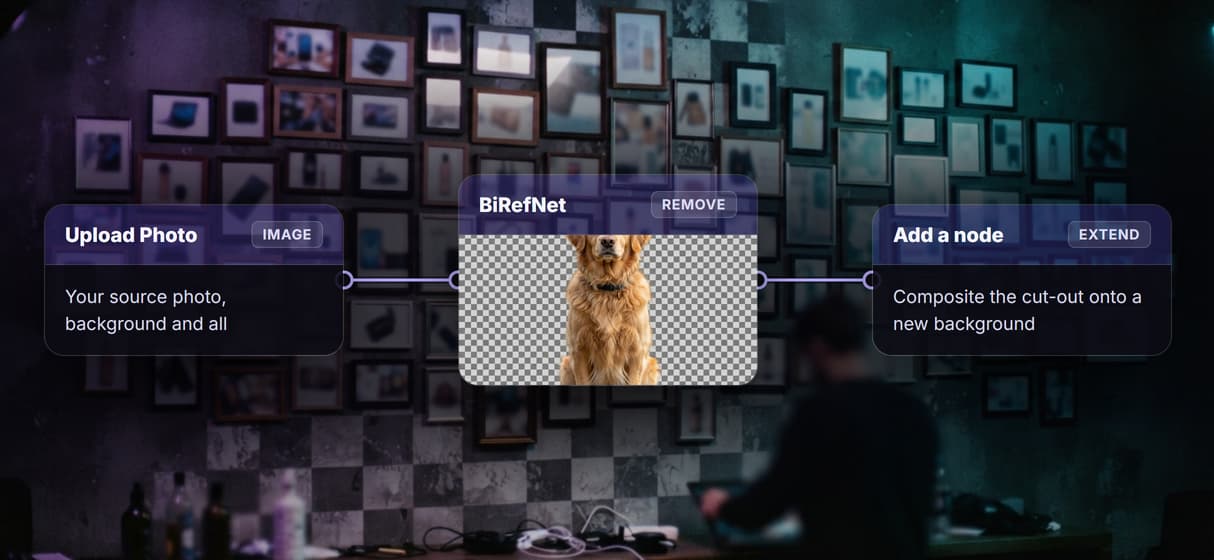
An Upload Photo node feeds a BiRefNet node that cuts out the subject and returns a clean transparent PNG, so you can rerun it, swap the removal model, or extend the graph. Free to build, pay per generation.
Free to build · no credit card
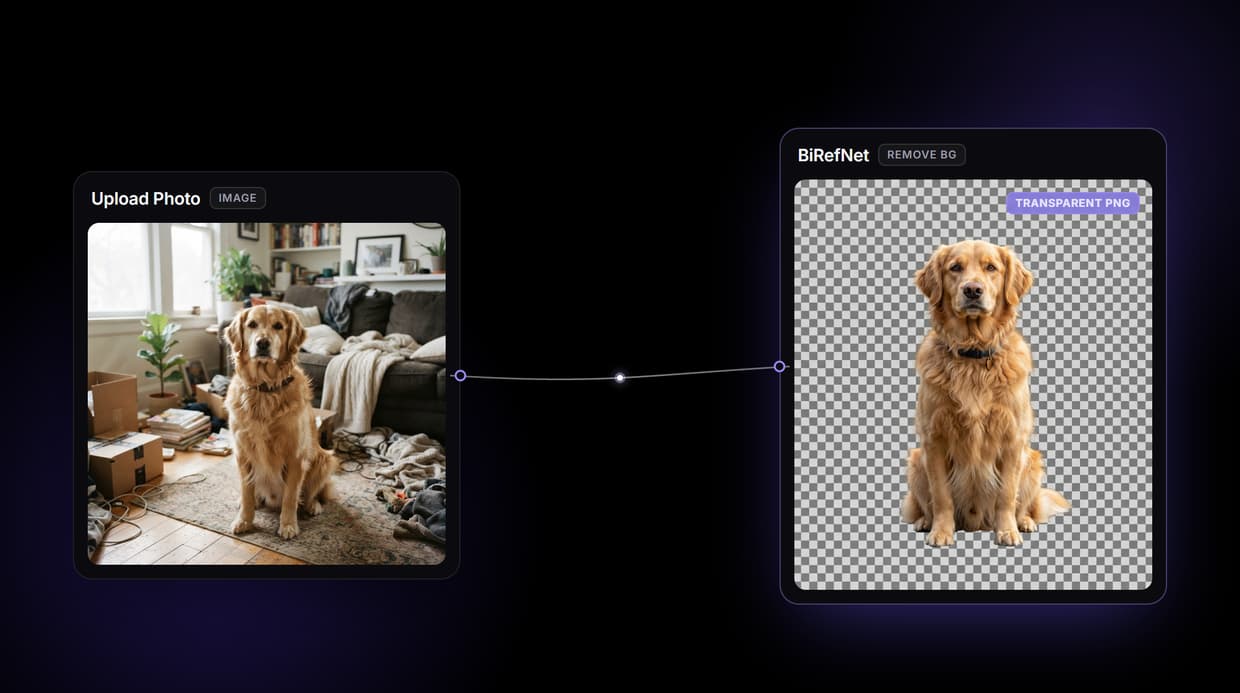
What an AI transparent background tool does on Wireflow
Most transparent-background tools hand you one button: upload a photo, get a cut-out, hope the edges hold. Wireflow makes the removal a small workflow you can see and own. An Upload Photo node holds your image and wires it to a BiRefNet node, so one run returns a transparent PNG you can rerun, restyle, or build on.
It runs on hosted compute in the browser with nothing to install, and the same canvas drives every other AI photo generator job your team has. Building the graph is free; you only spend credits when the node runs.
What is wired into the transparency flow
Upload Photo input
An image node holds your source photo and wires the same media into the removal node.
BiRefNet removal node
One process node detects the subject and returns a transparent PNG with the background erased.
Swappable remover
Drop Bria, Rembg, or BEN2 into the same node for different edge handling on tricky subjects.
Fine-edge segmentation
BiRefNet follows hair, fur, and lace edges that manual selection tools tend to lose.
Extendable canvas
Add a compositing node to replace the background or an upscaler when a job needs it.
Endpoint and MCP tool
The published flow is a REST endpoint and an MCP tool an agent can call for the cut-out.
How the transparency graph actually runs
The workflow behind this page's button is deliberately small: one input and one model node.
- Upload Photo holds the image. Any subject on a reasonably clear background is enough for the removal model to lock onto.
- The photo wires into BiRefNet. The same image feeds the removal node, which detects the subject and cuts away everything else.
- The node returns a transparent PNG. You get a cut-out with an alpha channel ready to download, and rerunning on a new photo gives a fresh result.
Because the graph lives among the hosted models, you can drop a different remover in place of BiRefNet, or branch the cut-out into an AI image editor pass to place it on a new background, without leaving the browser.
When transparent backgrounds need more than one node
This flow removes the background, it does not replace it. The live two-node graph returns a transparent PNG; compositing the subject onto a new scene, batching a whole catalog, or upscaling the result all mean adding more nodes, not clicking a hidden setting. BiRefNet is strong on clean subject-background contrast, but very fine hair wisps or low-contrast scenes can still need a minor touch-up.
It is also the processing layer, not the art director, so it will not decide the new background or the crop for you. When a job needs a matching set or a replaced scene, pair the removal with an AI background changer node and keep the cut-out step as one honest ingredient in the graph.
More Than Just AI Transparent Background
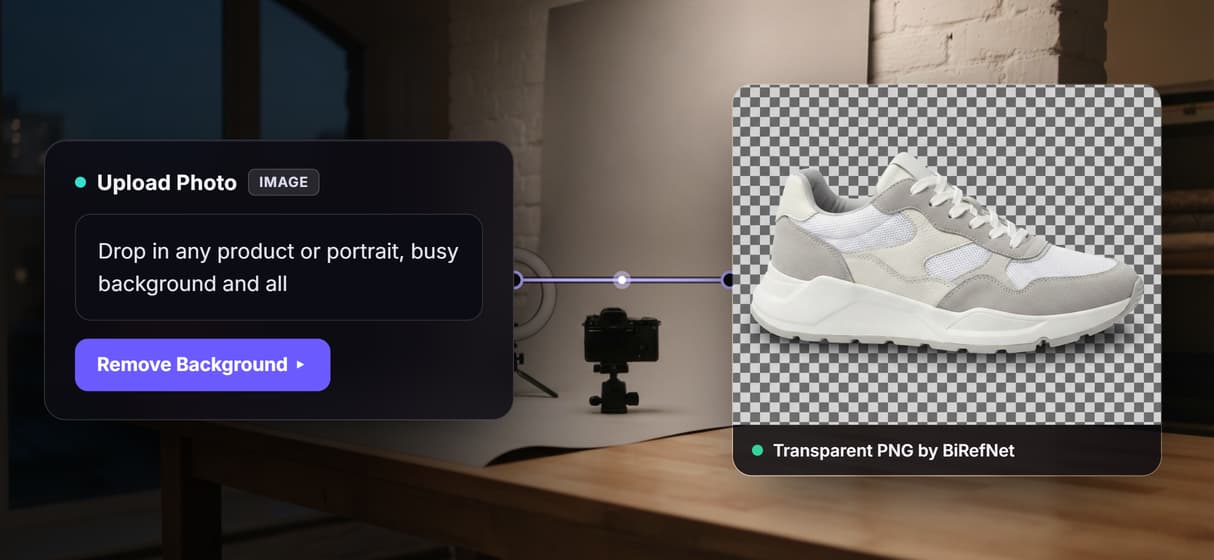
Upload a photo, get a transparent PNG
The Upload Photo node feeds a BiRefNet node that erases the background and returns the subject on transparency, wiring done for you, like a rewirable AI background remover.
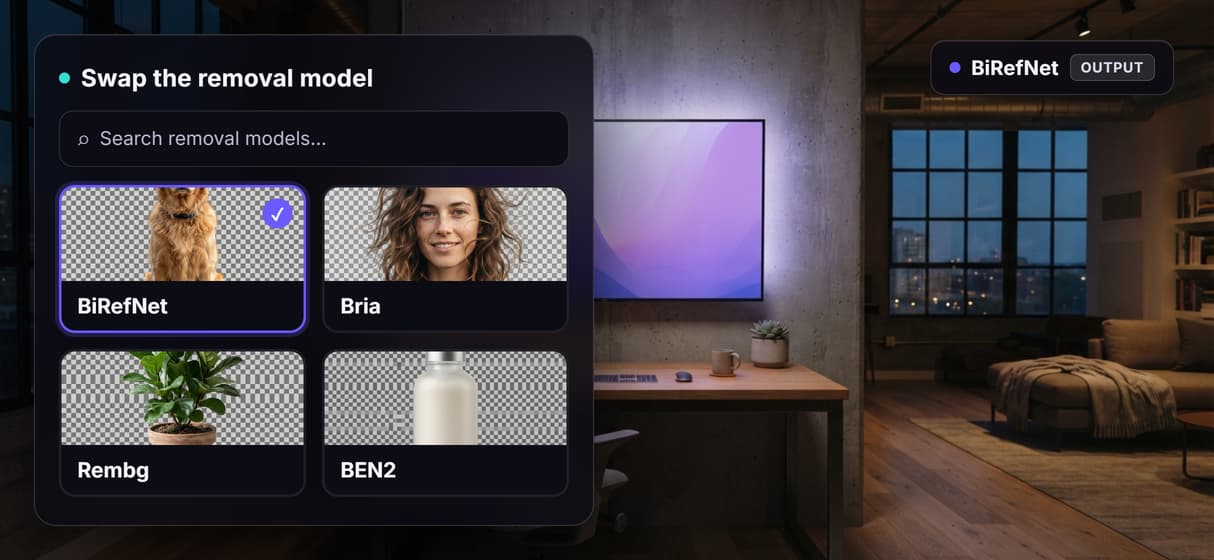
Swap the removal model without rebuilding
Drop Bria, Rembg, or BEN2 into the same removal node when a subject needs different edges, the same node-first idea behind our free background remover.
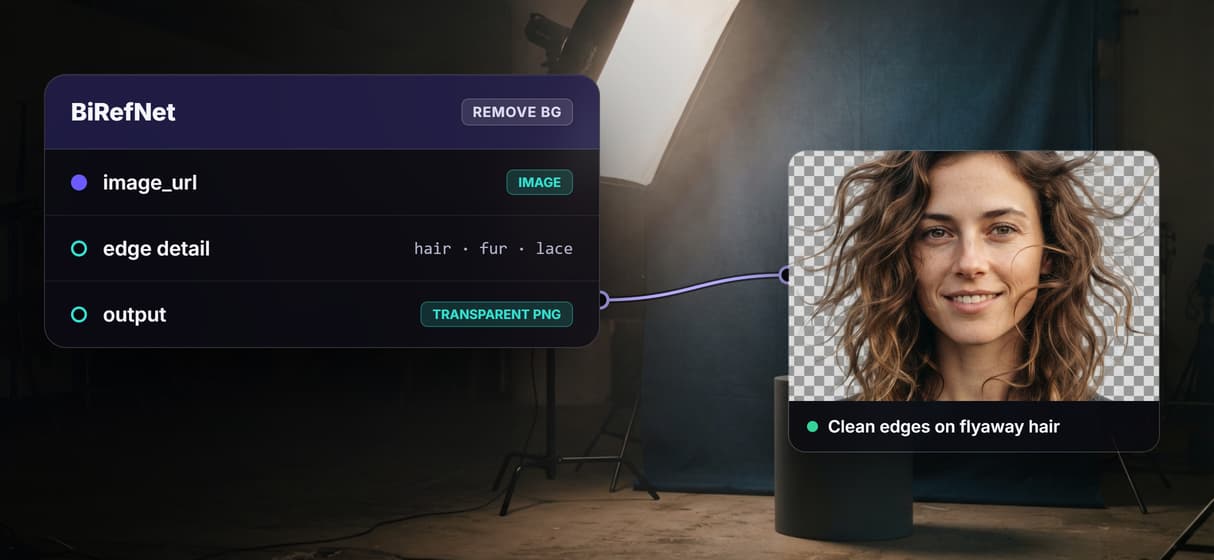
Clean edges on hair and fine detail
BiRefNet segmentation follows strands, fur, and lace that manual lassoing fights, and you can refine a tricky cutout with an AI image editor node.
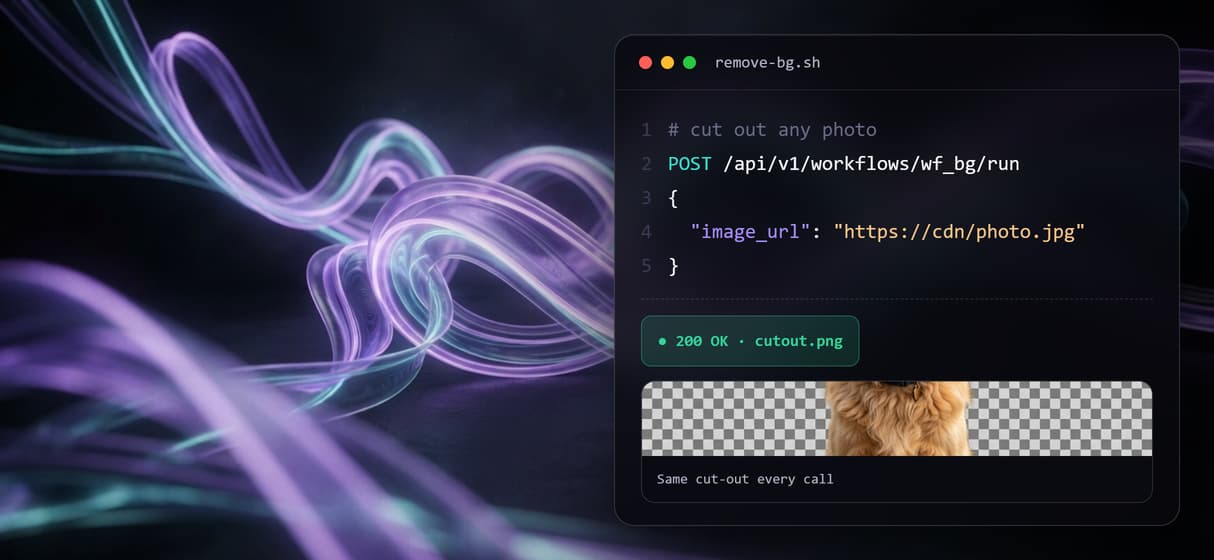
Rerun it, version it, call it from code
The flow is versioned and shareable by link, so a hundred product shots run like one. It is also a REST endpoint and an MCP tool a product photography agent can call.
Extend the graph when you need more
Add a compositing node to drop the cut-out onto a new scene, the same node-first move behind our AI background changer.
Build Any AI Workflow
AI Models Integrated
Full Commercial License
FAQs
A segmentation model analyzes the photo, identifies the primary subject, and generates an alpha mask that separates it from the background. The result is a PNG with transparent pixels where the background used to be.
More From Wireflow
Written by
Andrew Adams · Co-Founder & Operations at Wireflow
Runs client operations and content strategy at Wireflow. Works directly with creative teams and agencies to build production AI workflows.
Upload a photo, own the flow
Open the flow, drop in an image, and run it: a clean transparent PNG comes back from a graph you can rerun, restyle, or extend. Building is free, and you pay per generation, not a subscription.