Free Background Removers That Work Online: 8 Tools Tested (2026)


In this article▾
Eight background removers that run in the browser for free. We tested edge quality on hair and glass, checked export resolution caps and noted which ones watermark.
Quick Summary
- Wireflow: AI pipeline with background removal plus multi-model editing. Best Overall
- Remove.bg: Fast, accurate one-click background removal. Best for Quick Results
- PhotoRoom: Product photo specialist with AI background replacement. Best for E-commerce
- Canva: Design platform with built-in background eraser. Best Free Tier
- Erase.bg: Simple web tool with no watermarks on free exports. Best No-Signup Option
- Removal.AI: Bulk background removal with API access. Best for Bulk Processing
- Pixelcut: Product photography toolkit with smart cutouts. Best for Sellers
- Slazzer: Developer-friendly API with high-volume pricing. Best API
1. Wireflow
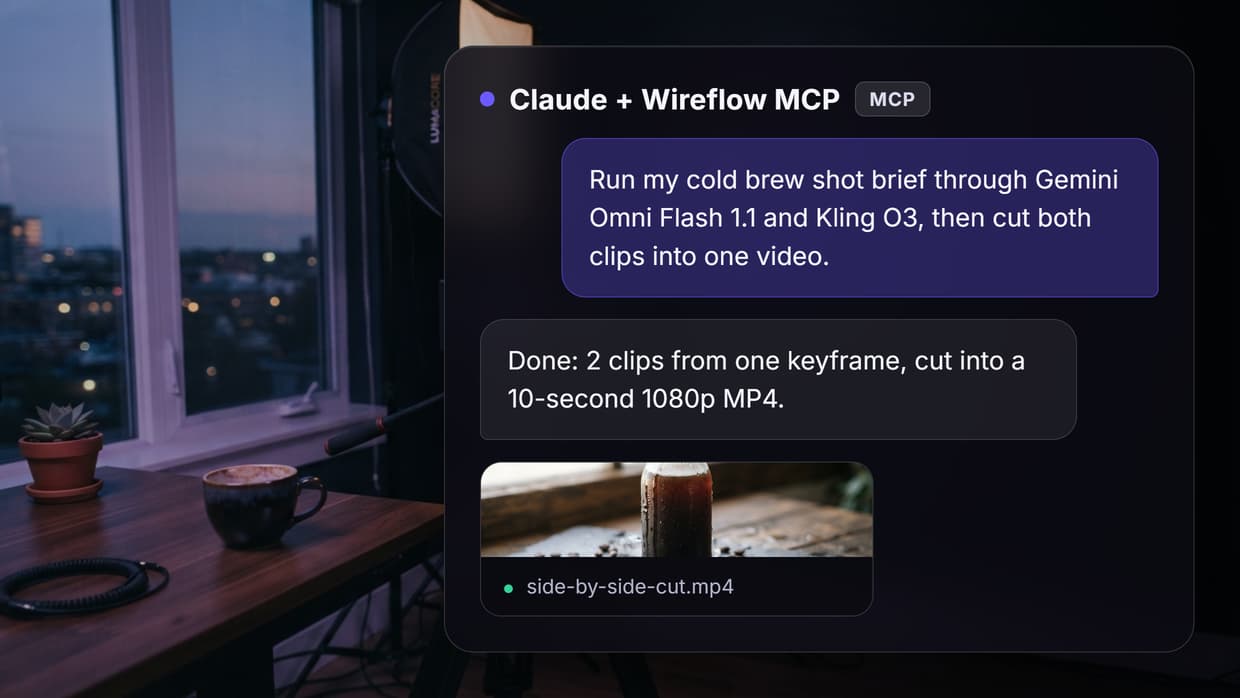
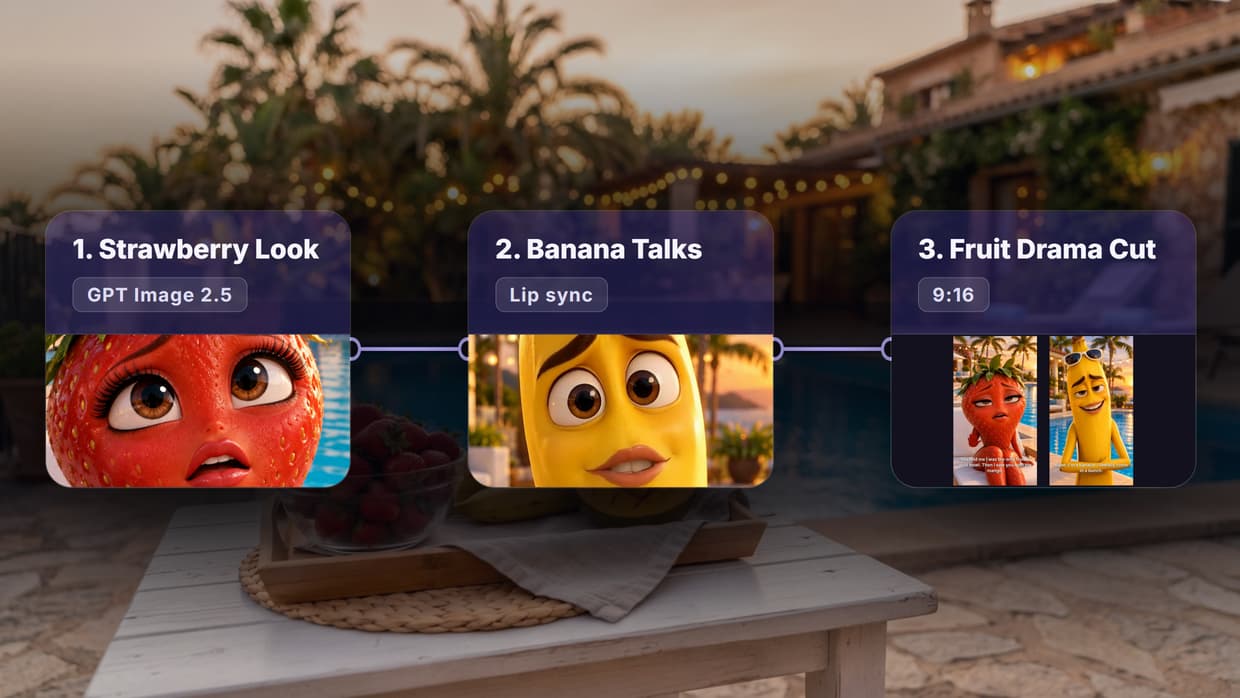
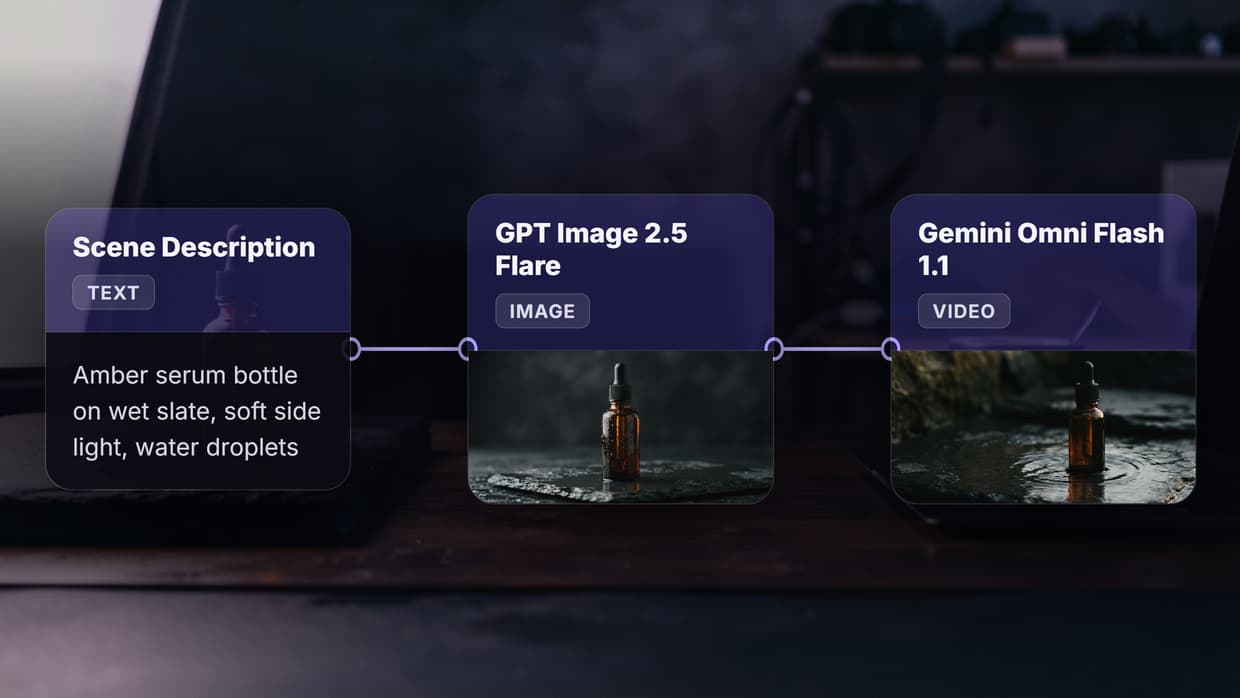
Wireflow treats background removal as a node in a visual workflow rather than a standalone action. Users drag a background remover model onto the no-code canvas, connect it to an image input, and then chain additional steps like scene replacement, color correction, or upscaling after it. The result is a reusable pipeline that processes one image or a thousand without repeating manual steps.
Sellers who need the full set of marketplace photos can go further with an Amazon listing image generator that turns one product photo into a white main shot plus lifestyle scenes.
The practical advantage is model chaining. A single workflow can remove the background, generate a new environment, composite the subject into it, and upscale the final result to print resolution. Teams running product catalogs or marketing assets at volume get meaningful time savings compared to processing each step in a different tool. Wireflow includes over 50 AI models, and all workflows can be saved as reusable templates for repeated use.
Build this in Wireflow
Make the same kind of asset on a canvas you control, with a free account and no credit card.
2. Remove.bg
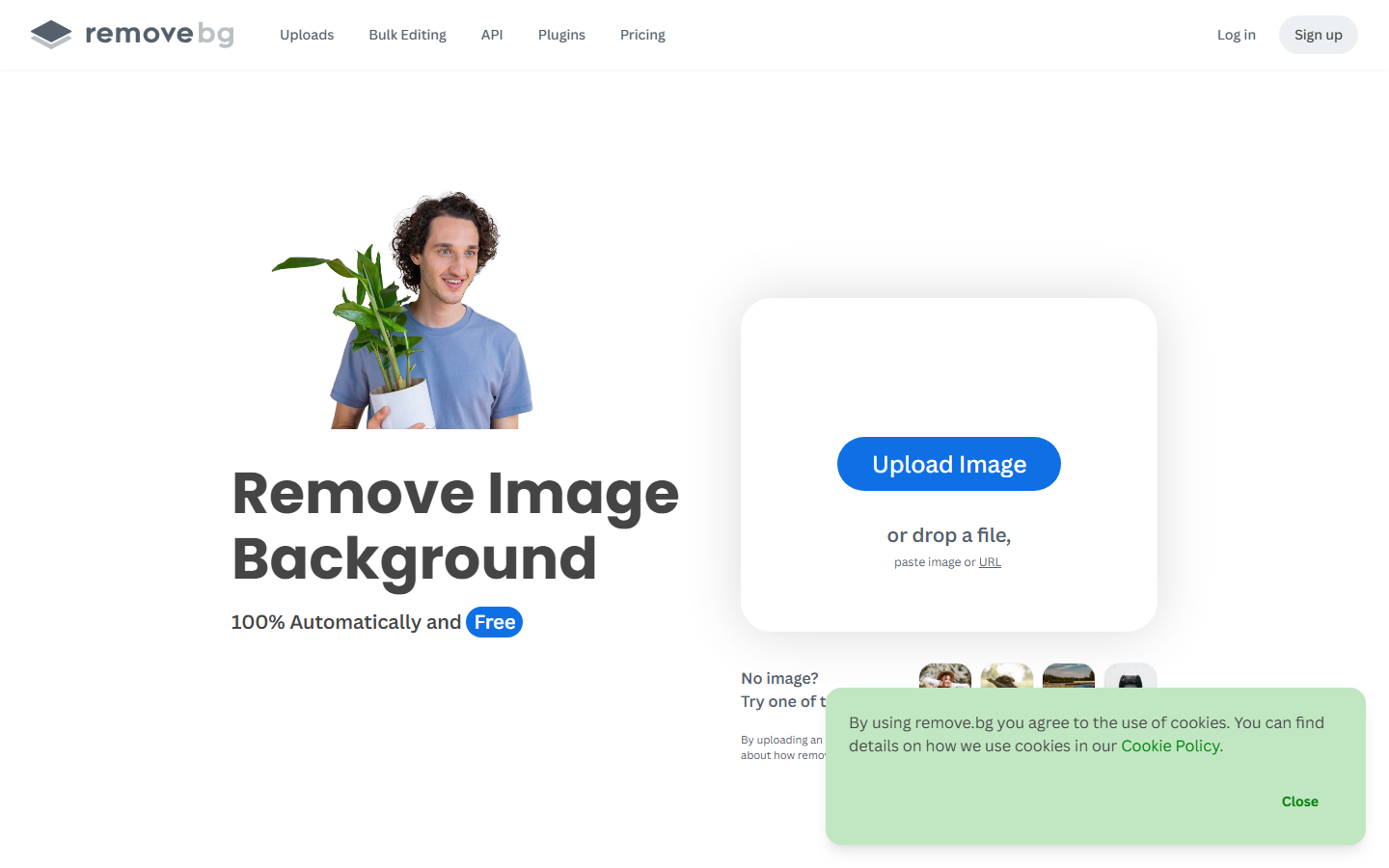
Remove.bg set the standard for one-click background removal when it launched, and it remains one of the fastest and most accurate options available. Upload an image, and the AI returns a clean cutout within seconds. The model handles complex edges like hair, fur, and semi-transparent objects well, and the results require minimal manual cleanup for most use cases. Remove.bg pairs well with the broader AI image editor category of tools for post-processing.
The free tier is the main limitation. Free exports are capped at 0.25 megapixels, which is too low for print or large-format digital use. Full-resolution downloads require credits or a subscription. For production use, the paid plan or an image upscaler to boost the free output becomes necessary.
3. PhotoRoom

PhotoRoom specializes in product photography, and its background removal model is tuned for the kinds of objects e-commerce sellers photograph most: clothing, electronics, food packaging, glassware, and accessories. The AI removes the background and immediately offers replacement scenes styled for marketplace listings on Amazon, Etsy, and Shopify. This makes PhotoRoom less of a generic remover and more of a product photo asset pipeline for online sellers.
The free tier includes background removal with a small PhotoRoom watermark. Paid plans remove the watermark, add batch processing, and unlock the API for automated catalog workflows. PhotoRoom's edge quality on transparent and reflective objects is consistently strong, which matters for product categories where clean cutouts directly affect conversion rates.
4. Canva
Canva includes a background remover as part of its broader design platform, which means the cutout feeds directly into templates, brand kits, and social media exports without leaving the app. For marketing teams already running creative workflows through Canva, the background eraser is a convenient addition rather than a separate tool in the stack.
Background removal in Canva requires a Pro subscription, though the free trial provides access. The removal quality is solid for standard portraits and product shots but occasionally struggles with fine hair compared to dedicated tools. The value proposition is integration: if your team already designs in Canva, the built-in remover saves the round-trip of exporting, processing, and re-importing. Canva also offers video editing features that complement its image tools.
5. Erase.bg
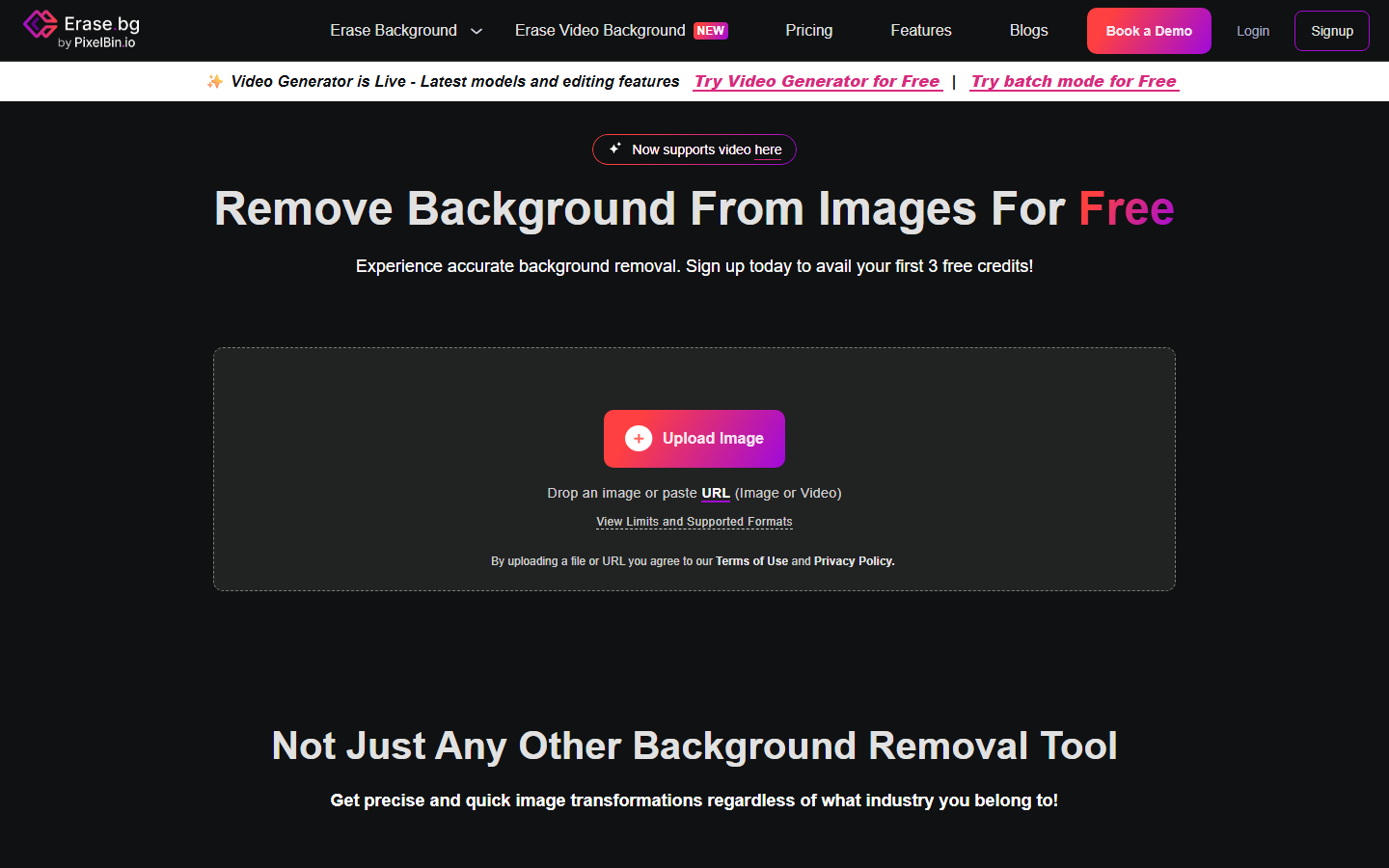
Erase.bg (built by the same team behind PixelBin) offers free background removal with no watermark and no signup required. Upload an image, get a transparent PNG back. The simplicity is the selling point: there is no account creation, no credit system, and no limit on the number of free images you can process at standard resolution. For users who need a quick cutout for an AI image generation project or a presentation, Erase.bg is one of the lowest-friction options available.
The AI handles people, animals, and objects well, though it occasionally loses fine detail on wispy hair or semi-transparent fabrics. There is no built-in editor for refining edges, so any cleanup requires a separate tool. Paid plans through PixelBin unlock higher resolutions and API access.
6. Removal.AI
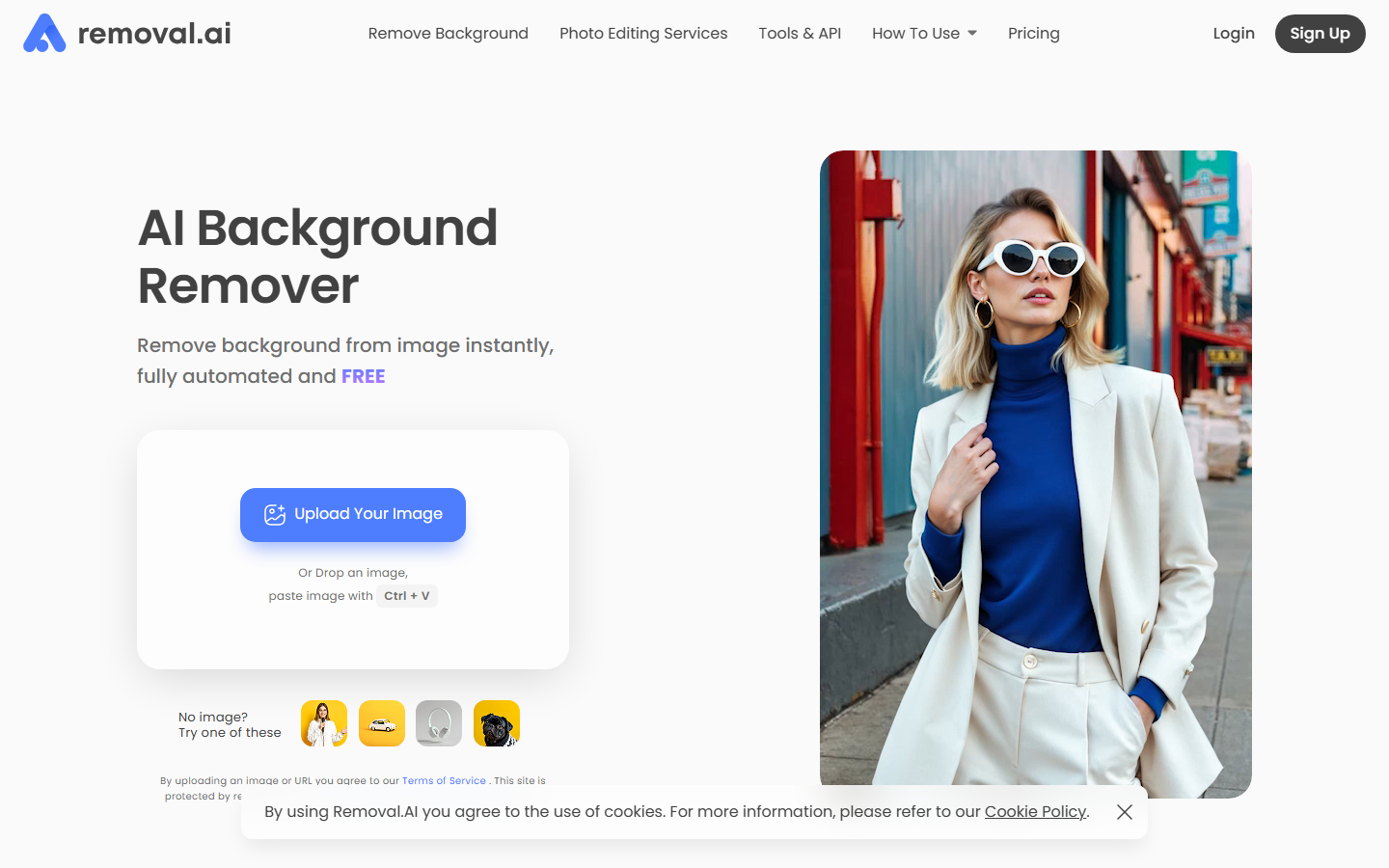
Removal.AI focuses on bulk background removal, offering both a web interface and an API designed for high-volume processing. The web tool handles individual images with clean results, while the API lets developers integrate background removal into automated batch generation pipelines for e-commerce catalogs, real estate listings, or marketing asset production.
The free plan includes 50 preview-resolution images per month, with full-resolution exports on paid plans. Removal.AI's bulk upload feature processes multiple images in parallel, saving significant time compared to single-image tools. The API includes SDKs for Python, Node.js, and PHP, making it straightforward to plug into workflow templates.
7. Pixelcut
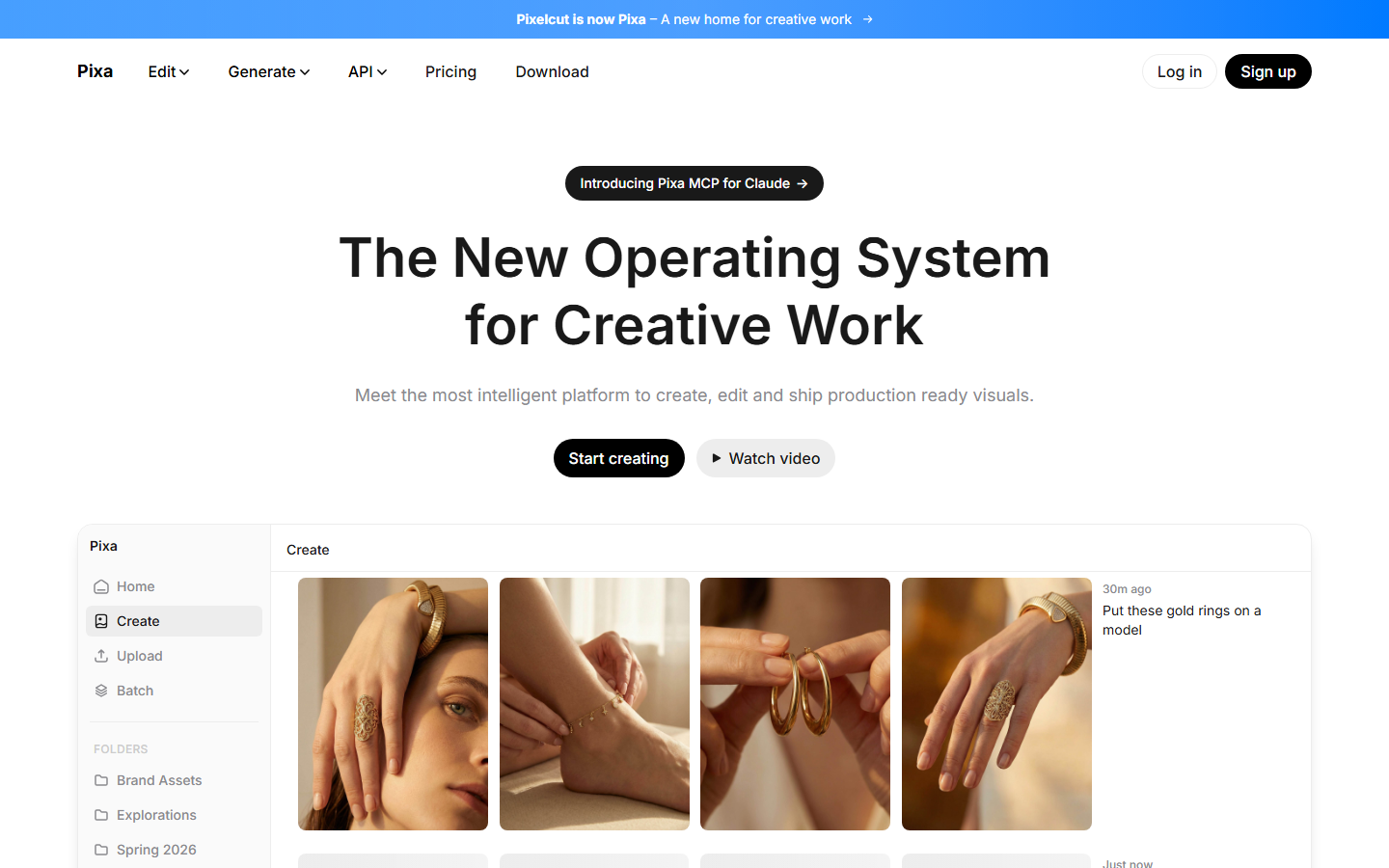
Pixelcut combines background removal with a product photography toolkit that includes shadow generation, background replacement, and image enhancement. The target audience is online sellers who need marketplace-ready images quickly. Upload a product photo, remove the background, add a clean white or styled backdrop, and export at the right dimensions for your platform. The tool also includes a batch mode for processing across multiple AI photo products.
The free tier covers basic background removal and a limited number of enhanced exports per month. Pixelcut's mobile app is particularly strong, letting sellers photograph products on a phone and process them immediately without transferring to a computer. The limitation is scope: Pixelcut is built around product photography and does not handle portraits, landscapes, or creative compositing as well as general-purpose tools.
8. Slazzer
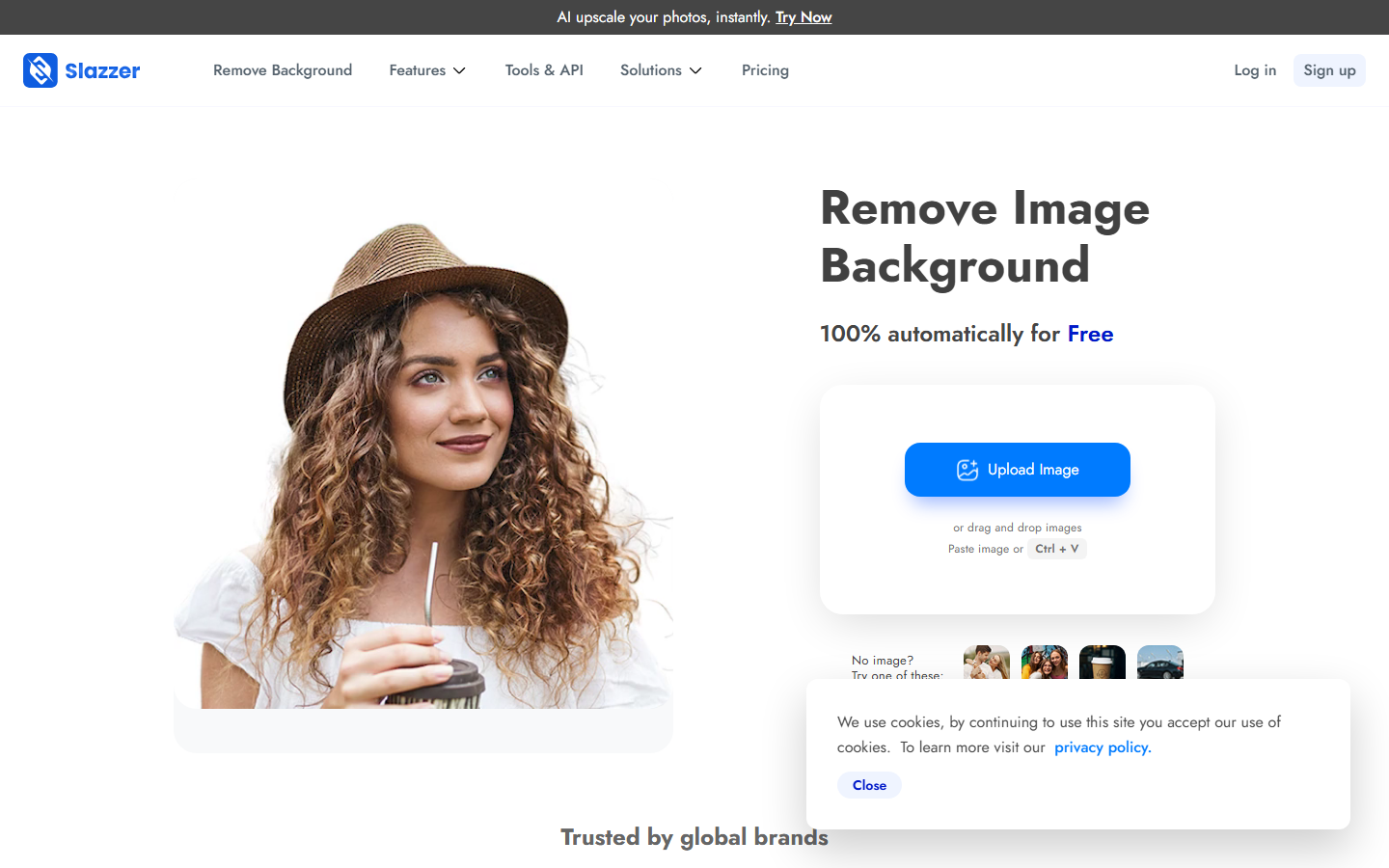
Slazzer positions itself as a developer-first background removal API with competitive pricing at high volumes. The web interface works well for individual images, but the real value is the API, which handles thousands of images per hour with consistent quality. For teams building automated visual node editor systems that include background removal as one processing step, Slazzer's pricing structure scales better than most alternatives.
The free plan includes 2 full-resolution credits, which is minimal, but paid plans start low with generous volume discounts. Slazzer also provides plugins for Photoshop, Figma, and WooCommerce. Edge quality is on par with Remove.bg for most subjects, and the API documentation is well-structured for quick integration.
Comparison Table
| Tool | Free Tier | Resolution Limit (Free) | Batch Processing | API Available | Best For |
|---|---|---|---|---|---|
| Wireflow | Free plan available | Full resolution | Yes | Yes | Multi-step AI pipelines |
| Remove.bg | 1 free image/month | 0.25 MP | Paid only | Yes | Quick single cutouts |
| PhotoRoom | Watermarked exports | Full resolution | Paid only | Yes | Product photography |
| Canva | Pro trial only | Full resolution | No | No | Design teams |
| Erase.bg | Unlimited | Standard web | No | Paid only | No-signup quick use |
| Removal.AI | 50 previews/month | Preview only | Yes | Yes | Bulk processing |
| Pixelcut | Limited exports | Full resolution | Paid only | No | Mobile sellers |
| Slazzer | 2 credits | Full resolution | Yes | Yes | Developers and APIs |
Try it yourself: Build a background removal workflow in Wireflow. The nodes are pre-configured to take an uploaded photo and remove its background with BiRefNet, returning the subject on a transparent PNG.
FAQ
What is the best completely free background remover with no limits?
Erase.bg offers unlimited free background removal at standard resolution with no watermark and no account required. For higher resolution or batch processing, most tools require a paid plan.
Can I remove backgrounds from videos for free?
Most tools in this list handle still images only. Video background removal typically requires desktop software like OBS (for live video) or CapCut (for edited clips). Some platforms are beginning to add video support, but free options remain limited.
How accurate is AI background removal on hair and fur?
Modern AI matting models handle hair and fur significantly better than they did even two years ago. Remove.bg and PhotoRoom consistently produce the cleanest edges on complex hair, while simpler tools like Erase.bg occasionally lose fine strands. Results vary by image, so testing with your specific content is the most reliable way to evaluate.
Do free background removers add watermarks?
It depends on the tool. Erase.bg does not watermark free exports. PhotoRoom adds a small watermark on free-tier images. Remove.bg provides watermark-free results but at reduced resolution. Canva requires a Pro plan for background removal entirely.
Can I use these tools for commercial purposes?
Yes, all tools listed here allow commercial use of processed images. The removed background is not considered a creative work, so there are no licensing concerns with the output. Check each tool's terms of service for any restrictions on API usage or resale of the service itself.
What resolution do I need for e-commerce product photos?
Most marketplaces recommend at least 1000x1000 pixels for product listings, with Amazon preferring 2000x2000 pixels. Free tiers from Remove.bg (0.25 MP) may fall short, while tools like PhotoRoom, Pixelcut, and Erase.bg provide adequate resolution for standard marketplace requirements on their free plans.
Is batch background removal available for free?
Free batch processing is rare. Removal.AI offers limited batch uploads on its free plan, and Wireflow includes batch processing in its free tier. Most tools reserve bulk processing for paid subscribers.
How do AI background removers handle transparent or glass objects?
Transparent and reflective objects remain the hardest category for AI matting. PhotoRoom handles glassware and translucent packaging better than most, while general-purpose tools often clip these areas too aggressively. For transparent products, expect to do some manual refinement regardless of the tool.

Co-Founder & Operations at Wireflow
Runs client operations and content strategy at Wireflow. Works directly with creative teams and agencies to build production AI workflows.
- Content Strategy
- Client Operations
Get unlimited ad creatives today.
One call to see if we are a fit and scope the first ad. If it fits, your first batch lands inside week one.