 Andrew Adams · Co-Founder & Operations at Wireflow ·
 AI Content Automation
AI content automation usually means text and social schedulers.
This is the other half: automate the media. Build one node graph that turns a brief into on-brand images, video, and voice, then run it in batch or call it as an API.
Free to build · no credit card · See how it works ↓
How to Use AI Content Automation
Steps to get you started in Wireflow.
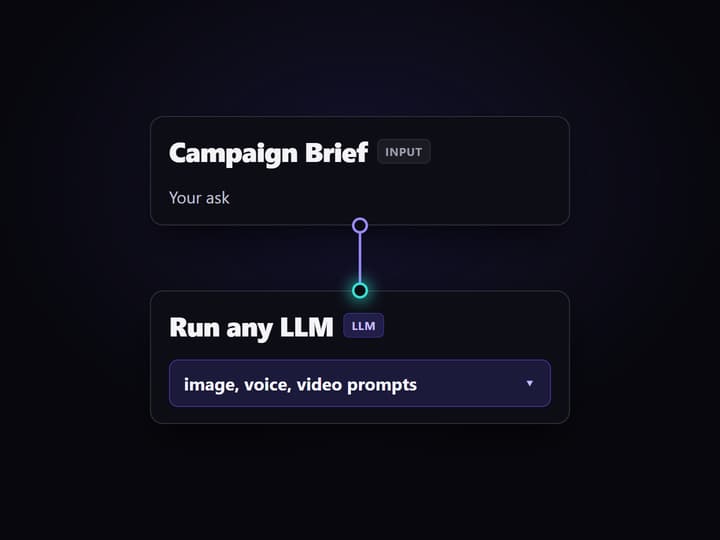
Write the brief
Open the flow and edit the Campaign Brief input. Keep the LLM System Prompt to reuse the same output shape, or adjust it for a new asset mix.
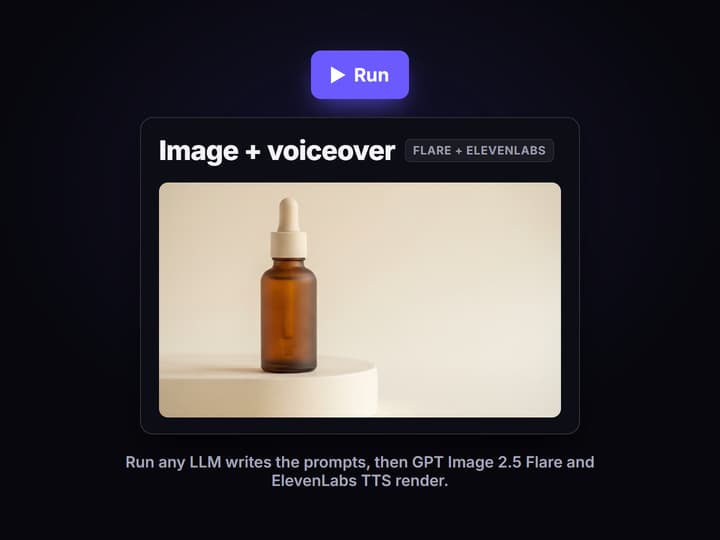
Run the generation nodes
Run the non-video nodes. Run any LLM writes the prompts, Split Prompts separates them, then GPT Image 2.5 Flare and ElevenLabs TTS render the image and voiceover.
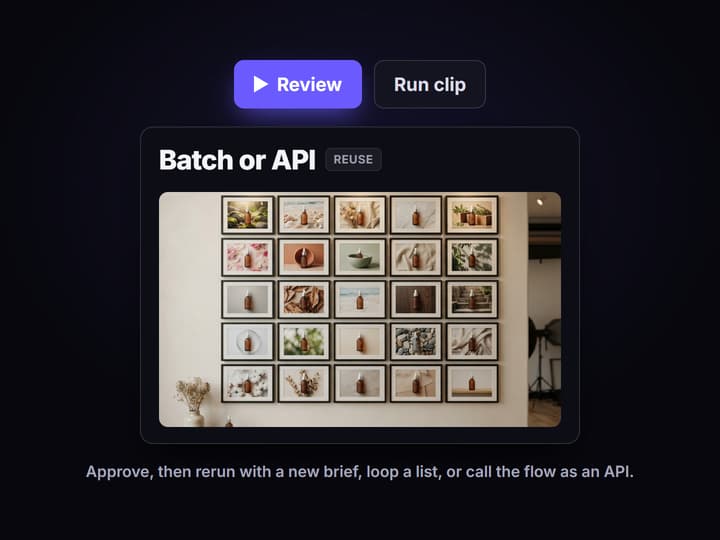
Review, then batch or call it
Check the image and voiceover before running the Gemini Omni Flash 1.1 clip. Then rerun with a new brief, loop over a list, or call the flow as an API.
Content automation, when the output is media
Search for content automation and you get tools that schedule posts and spin up blog copy. That is text automation. The harder, more valuable half is the media: the images, video, and voice that a campaign actually ships. Those still get made one prompt at a time.
Wireflow automates that half. You build the generation steps once on a node canvas, then run the whole graph on demand. It is closer to an AI content agent's production layer than to a social scheduler: the models, the wiring, and the outputs stay visible and reproducible.
What the flow automates
Brief in, assets out
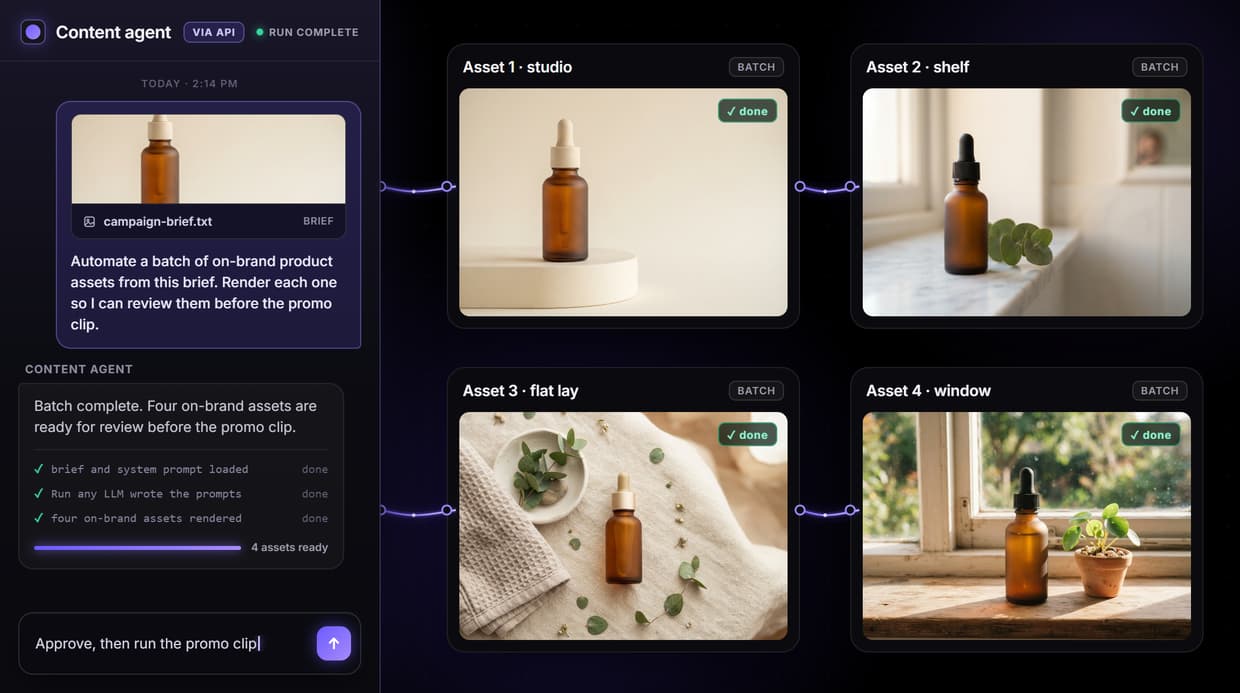
The Campaign Brief input is the only thing you change, and the graph turns it into image, voice, and clip prompts.
Prompts are generated
Run any LLM reads the brief and writes the image prompt, voiceover script, and video prompt so you do not hand-write each one.
Image renders on brand
GPT Image 2.5 Flare renders the hero image from the generated prompt, confirmed by the executed run on this page.
Voiceover is automated
ElevenLabs TTS turns the script into a spoken voiceover in the same run, with no separate tool or manual upload.
Video waits for review
The Gemini Omni Flash 1.1 promo clip node is wired but left unexecuted, so an expensive video run only happens when you approve.
Callable as an API
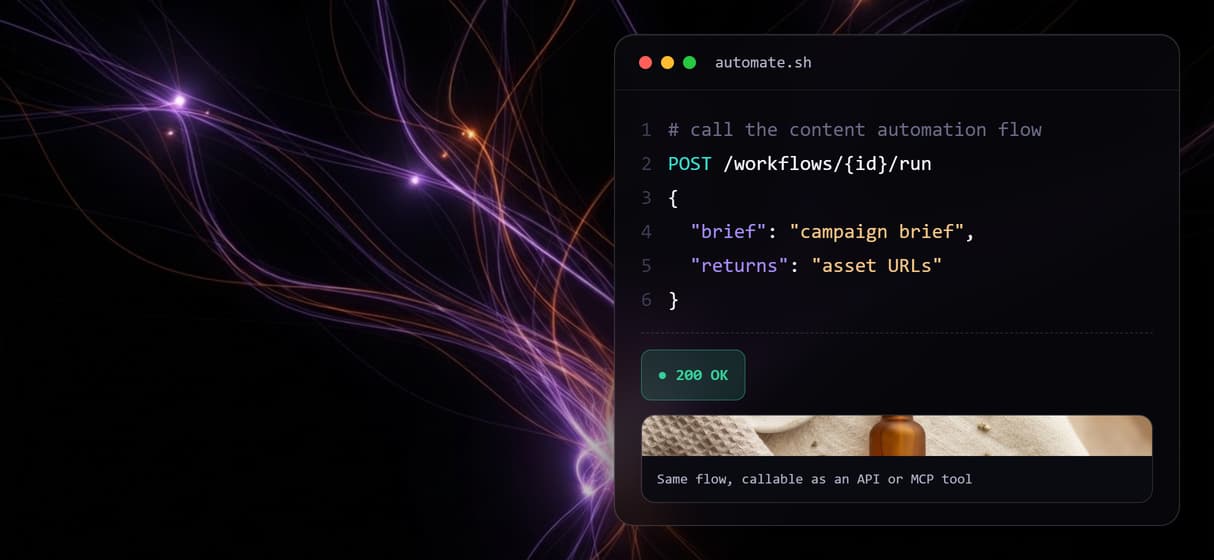
Because the flow is a REST endpoint and MCP tool, an agent or a script can run it and get asset URLs back.
How the automation flow runs
The flow on this page is a real content automation pipeline, not a diagram. A Campaign Brief input holds the ask, a separate LLM System Prompt sets the rules, and the Run any LLM node returns one JSON object with an image prompt, a voiceover script, and a video prompt. The Split Prompts node fans that JSON out to three model nodes.
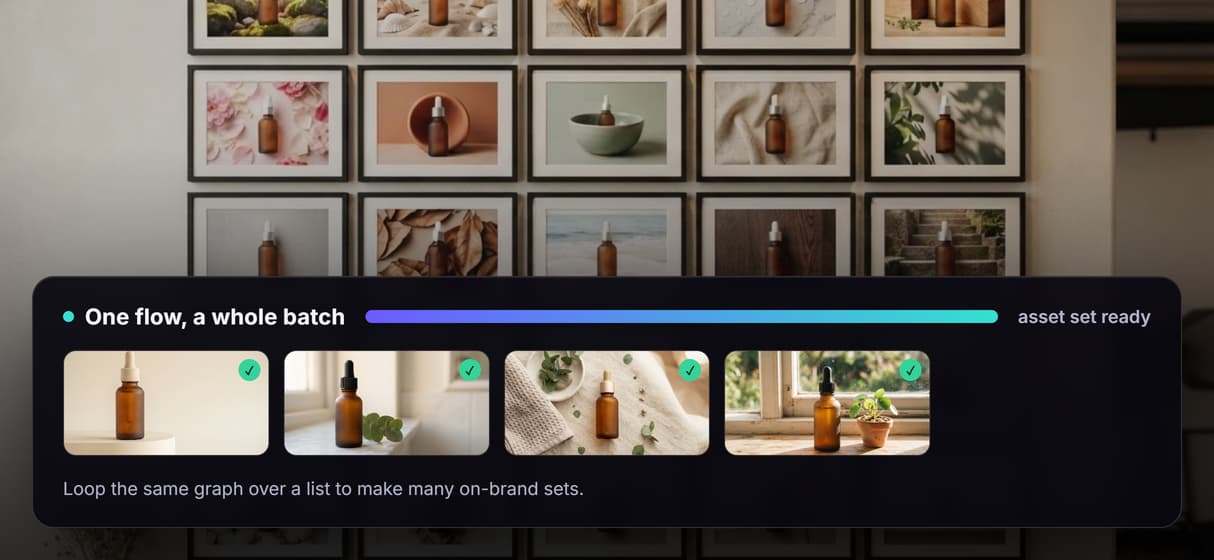
From there GPT Image 2.5 Flare renders the hero image and ElevenLabs TTS records the voiceover, both confirmed in the executed run. The Gemini Omni Flash 1.1 node is wired for a promo clip and left for review, since video is the expensive step. Swap the brief and rerun to produce the next set, or loop the same graph over a list of products. It is the pattern behind broader AI creative workflows, applied to bulk asset production rather than one-off prompts.
What AI content automation on Wireflow is not
Wireflow is the production layer, not the strategy brain. It will render the assets a brief describes, but it does not decide the offer, the audience, or whether the creative is any good. Taste and approval stay with your team or the agent you bring.
It is also not a text-first marketing suite. There is no post scheduler, no campaign analytics, and no ad buying here. If your automation is really about publishing and tracking copy, a scheduler fits better. If it is about generating on-brand media at volume, build the graph and reuse it with new briefs or a full list, like any other AI workflow template.
More Than Just AI Content Automation
Automate the media, not just the copy
Most content automation stops at text and posts. Wireflow renders the assets, so creative workflow automation covers image, video, and voice.
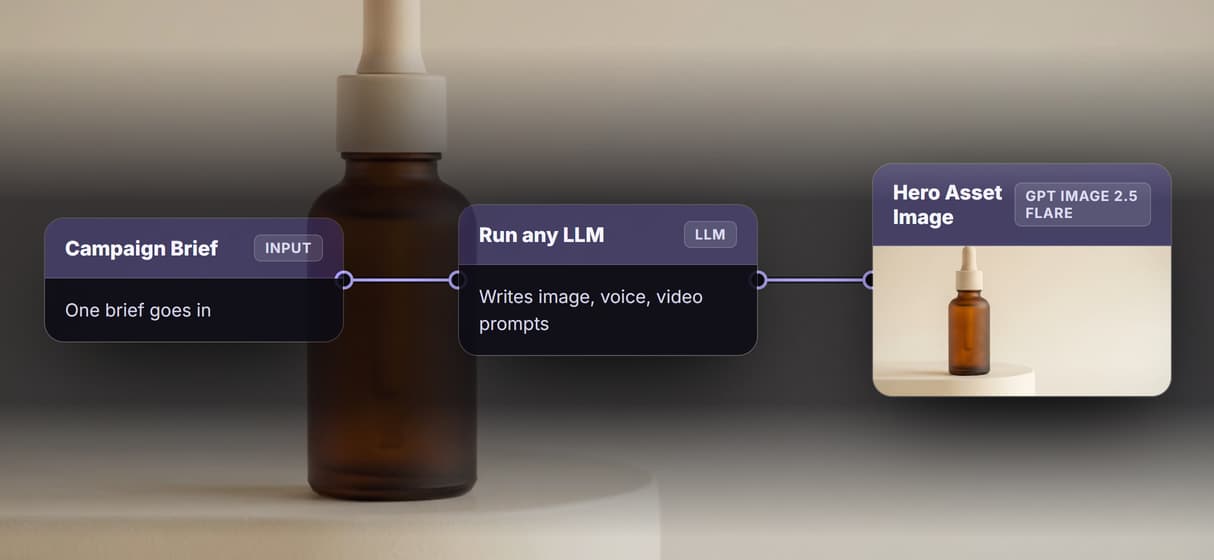
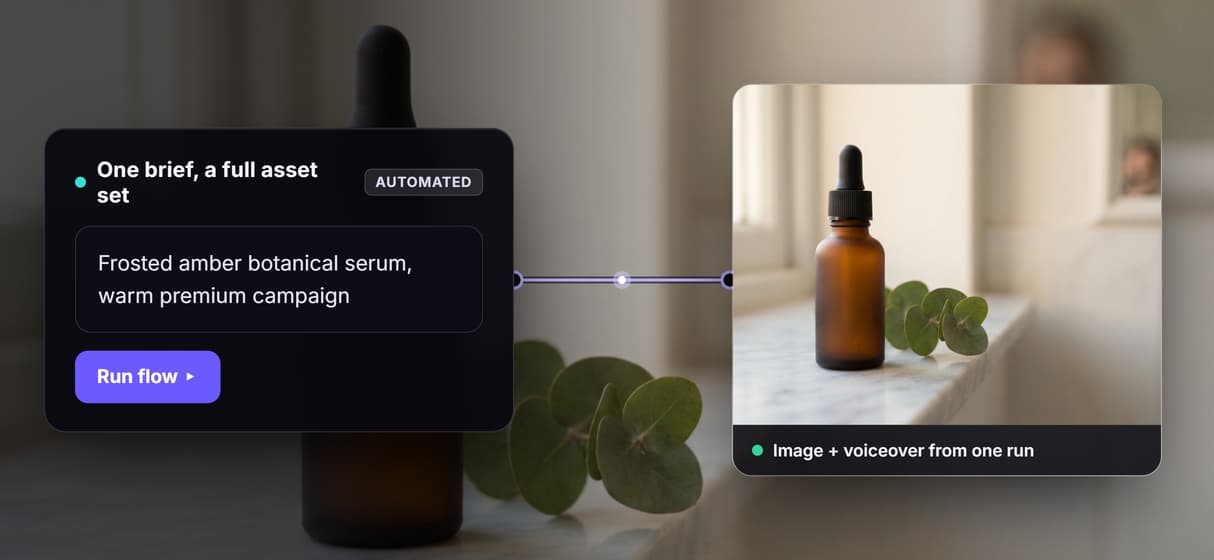
One brief becomes a full asset set
A single Campaign Brief drives the whole graph into an image, voiceover, and promo clip, wired like an AI content generation API you can rerun.
Run it in batch over a list
Reuse the graph across a product list to make many on-brand sets at once, the way batch AI generation turns one flow into hundreds of outputs.
Every flow is an API and MCP tool
Published workflows are callable, so an agent or a script can run this AI workflow API and get typed inputs and asset URLs back.
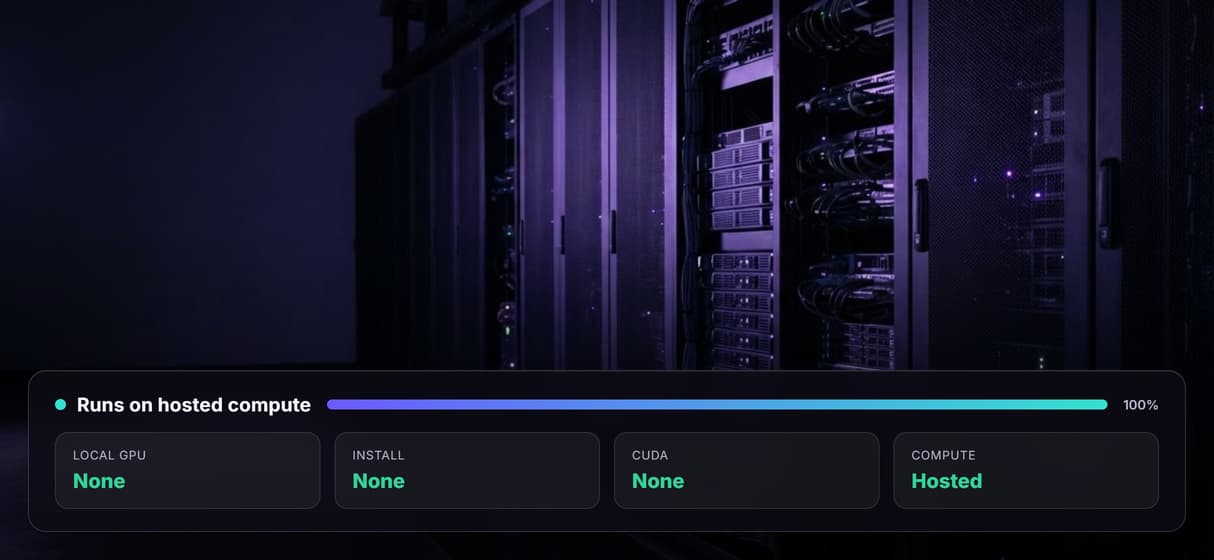
No local GPU, hosted rendering
Models run on hosted compute with no install or CUDA, the infrastructure behind AI pipeline automation that scales without a GPU.
Build Any AI Workflow
AI Models Integrated
Full Commercial License
FAQs
It is producing content by running a saved workflow instead of prompting each asset by hand. On Wireflow the workflow generates media, so one brief becomes an image, a voiceover, and a promo clip in a single run.
Discover related AI tools
- AI Pipeline Automation
- AI Workflow Templates
- AI Video Pipeline: Build One on a Node Canvas
- Batch AI Generation: Many Assets, One Run
- AI Model Chaining
- AI Asset Pipeline
- AI Workflow Builder
- AI Content Generation API
- AI Workflow API
- AI Orchestration API
- Headless AI Workflow Platform
- Krea AI API Alternative: Image and Video From One REST Endpoint
More From Wireflow
Written by
Andrew Adams · Co-Founder & Operations at Wireflow
Runs client operations and content strategy at Wireflow. Works directly with creative teams and agencies to build production AI workflows.
Run the content automation flow
The workflow on this page is published and executed through the image and voiceover steps. Open it, edit the brief, and rerun it, or loop it over a list to automate a full batch of on-brand media.