 Andrew Adams · Co-Founder & Operations at Wireflow ·
 Creative Automation Software
Most creative automation software resizes a locked template.
Wireflow generates the creative itself on a node canvas: one brief becomes a master ad with GPT Image 2.5 Flare, then a reframed placement variant, from a graph you rerun for every campaign. Free to build, pay per generation.
Free to build · no credit card · See how it works ↓
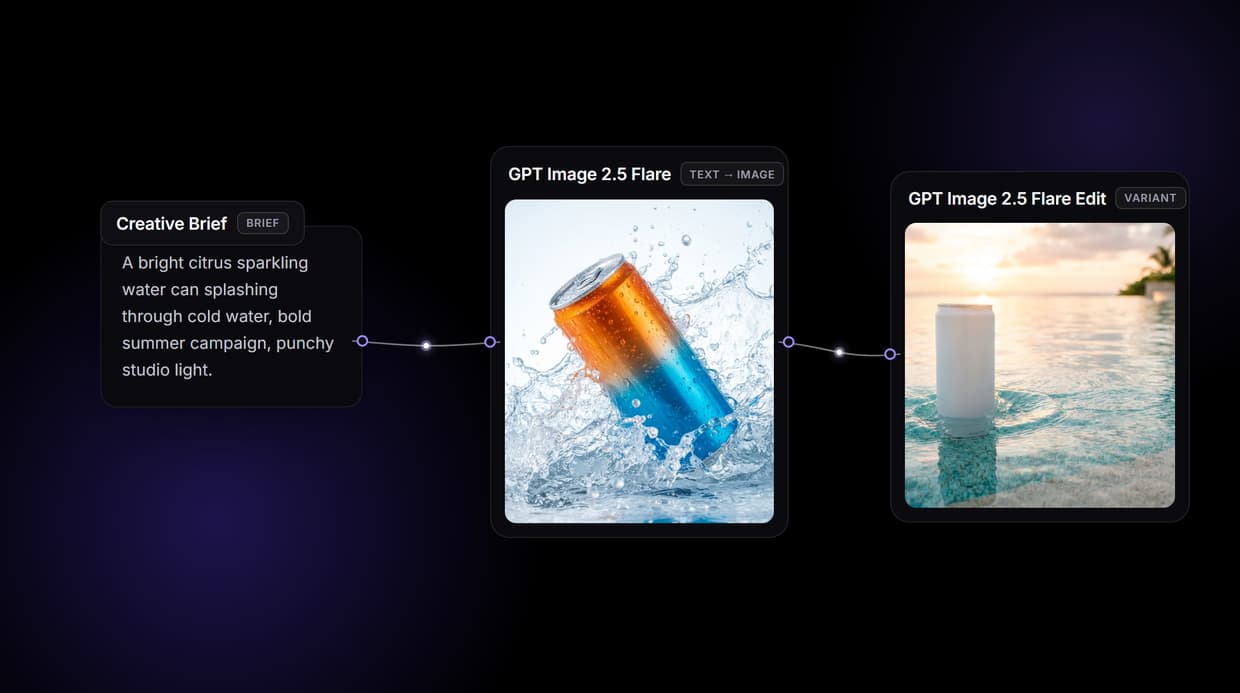
How to Use Creative Automation Software
Steps to get you started in Wireflow.
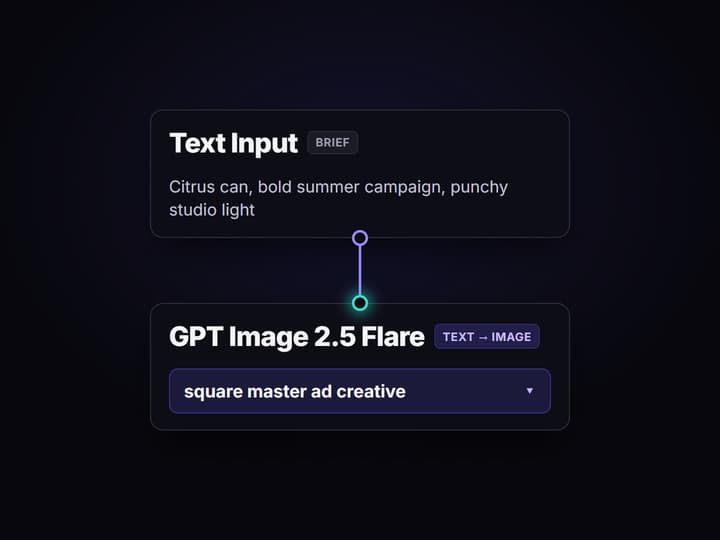
Write the creative brief once
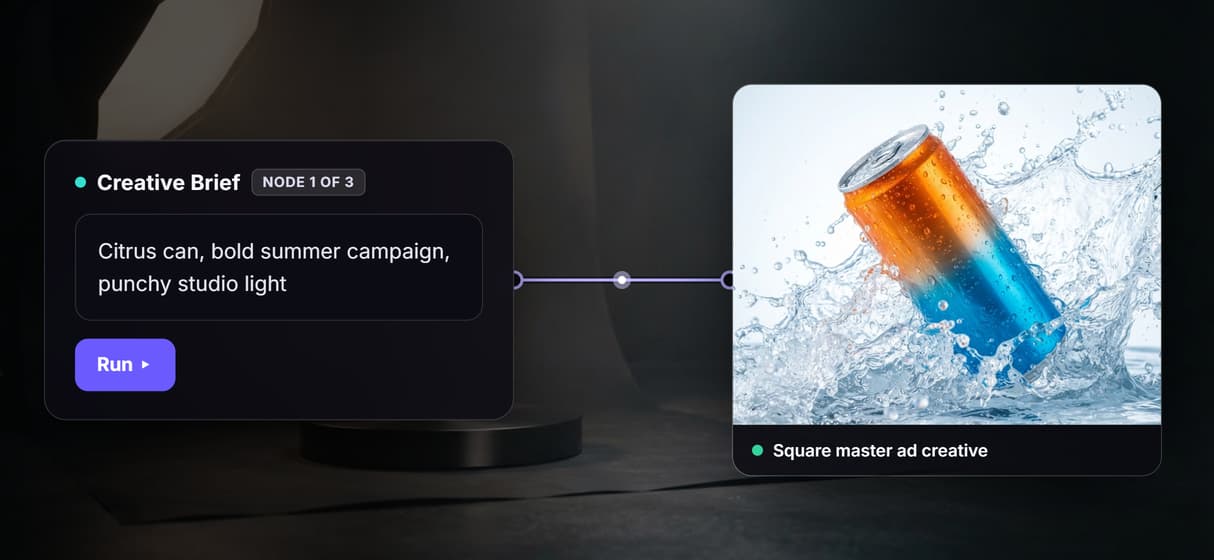
Open the flow and click the Text Input node. One sentence sets the product, the mood, and the look, for example a bright citrus sparkling water can splashing through cold water for a bold summer campaign.
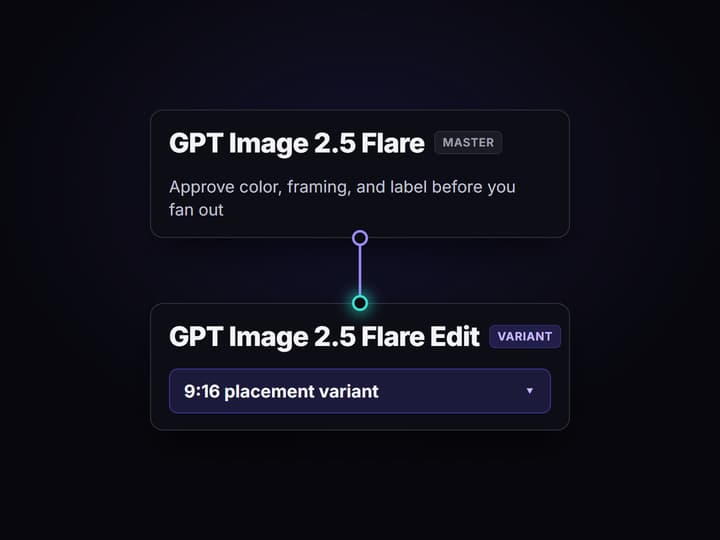
Render and approve the master creative
Run the graph and GPT Image 2.5 Flare turns the brief into a square master ad creative. Check the framing, color, and the fictional label before you fan the campaign out to more placements.
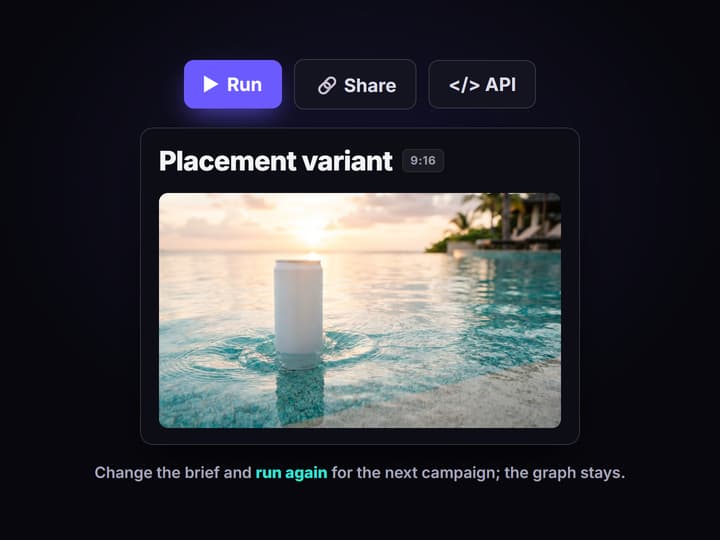
Fan out to every placement, then rerun
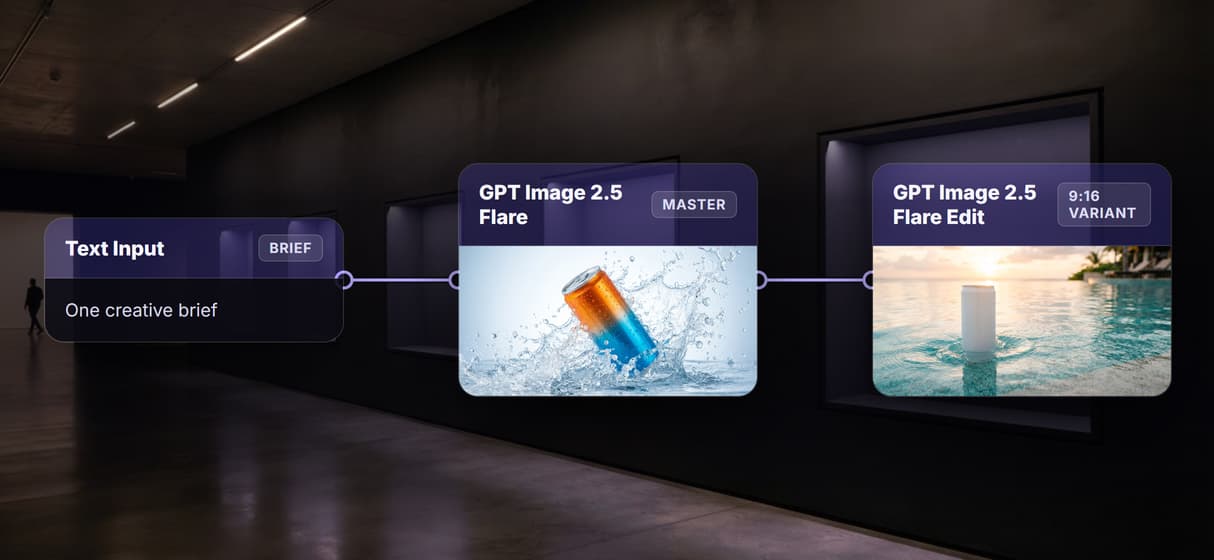
The variant node reads the brief and the approved master and returns a reframed vertical placement. Change the brief for the next campaign, or swap either model node for another of the 70+ hosted models.
Why creative teams outgrow template automation
Most creative automation software works one way: you build a smart template, tag which layers can change, and the platform resizes and recolors that master into every size and language you need. It is a real time saver when the creative already exists and the job is production. The ceiling arrives when the creative itself has to be made fresh, on brand, for a campaign that does not have a layered master yet.
Wireflow starts a step earlier. Instead of resizing an asset you already own, it generates the asset on a node canvas: a Text Input holds the brief, Nano Banana Lite renders the master ad creative, and a second node reframes it into a placement variant. It runs on hosted compute in the browser, nothing to install, and the same canvas drives every other creative workflow automation your team runs, from ad sets to social cutdowns.
What replaces the template studio
Brief intake
A Text Input node holds the campaign brief. Change the words and rerun; the graph never moves.
Master creative
GPT Image 2.5 Flare renders the square master that sets color, framing, and the label look.
Placement variants
A second node reframes the approved master into a vertical placement, on brand by wiring.
Swap any model
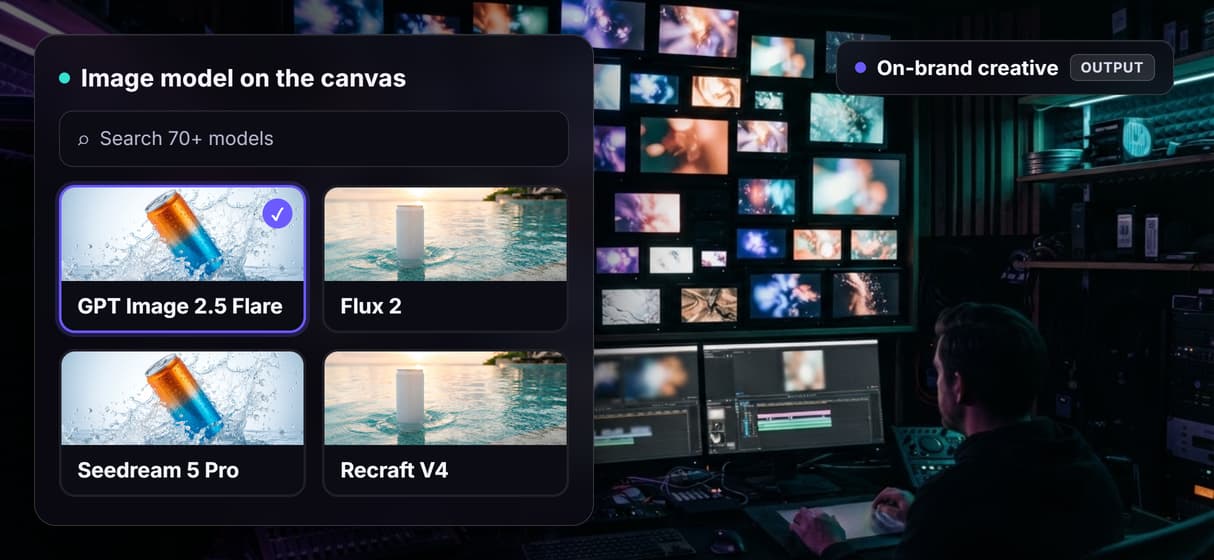
Drop in Flux 2, Seedream 5 Pro, Recraft V4, or Ideogram V4 when a look calls for it.
API and MCP
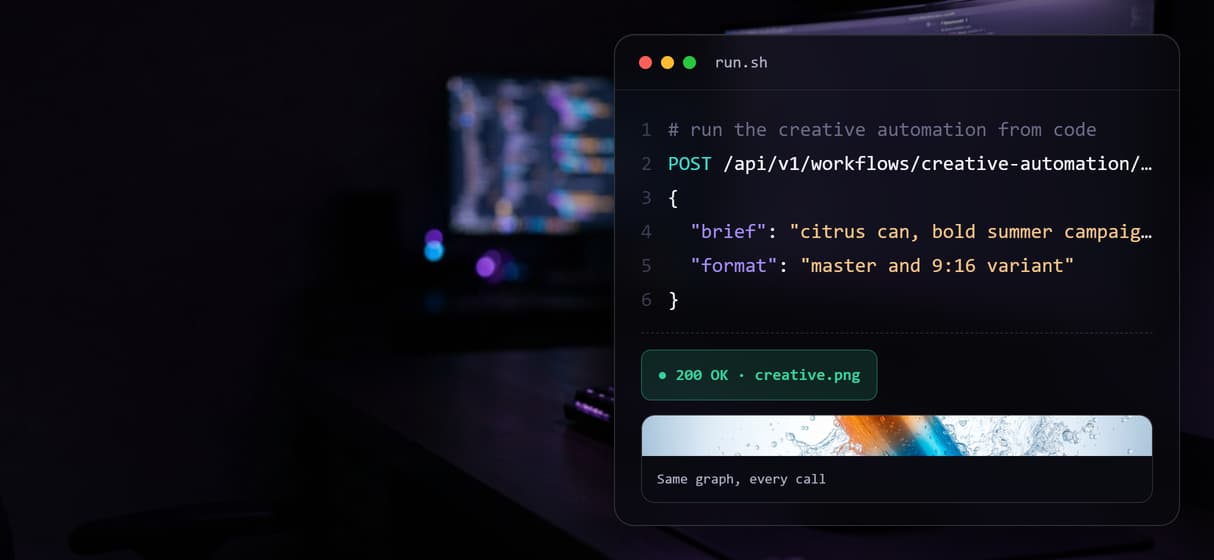
Every workflow is a REST endpoint and an MCP tool, so agents run it with typed inputs.
Rerun and version
Workflows are versioned and shareable by link; loop one call over a whole product feed.
How the three node graph actually runs
The workflow behind this page's button is deliberately small: three nodes and three wires.
- Text Input holds the brief. One sentence about the product, the mood, and the look is enough; a sticky note in the flow walks a first run through it.
- GPT Image 2.5 Flare renders the master. The brief becomes a square master ad creative, so you approve the look before you fan it out.
- The variant node reframes it. The second GPT Image 2.5 Flare node reads both the brief and the master, because the input wires to each, and returns a vertical placement that stays on brand.
That double wiring is the detail worth copying: the same words that pose the master also direct the variant, so every placement stays true to the campaign instead of drifting. And because the graph lives among 70+ hosted model nodes, the master can roll straight into a longer ad creative AI pipeline, upscaling and video included, without leaving the browser.
When a template platform is still the right call
If your creative already exists as a layered master and the job is resizing it into a hundred banner sizes with an approval chain and a brand governance step, a dedicated template automation platform or a digital asset manager fits that better, and this page will not pretend otherwise. Wireflow is the generation layer, not a DAM and not an approval router.
What it offers instead is ownership of the pipeline, 70+ hosted models to generate fresh on-brand creative, and per generation pricing. If your bottleneck is making the creative in the first place and keeping every placement consistent, build here, and pair the flow with a Facebook ad creative generator flow when a channel needs its own sizes.
More Than Just Creative Automation Software
Generate the creative, not just a resize
Template tools reflow assets you already made. This canvas generates net new on-brand creative with 70+ models, the way real ad creative automation should work.
Approve the master before you scale
GPT Image 2.5 Flare renders the square master first, so you lock color, framing, and label before fanning out. It is the static ad creative generator step, made inspectable.
Every placement from one brief
The variant node reframes the approved master into a vertical placement automatically. Chain more hops for more sizes, like any AI creative workflow you build once and rerun.
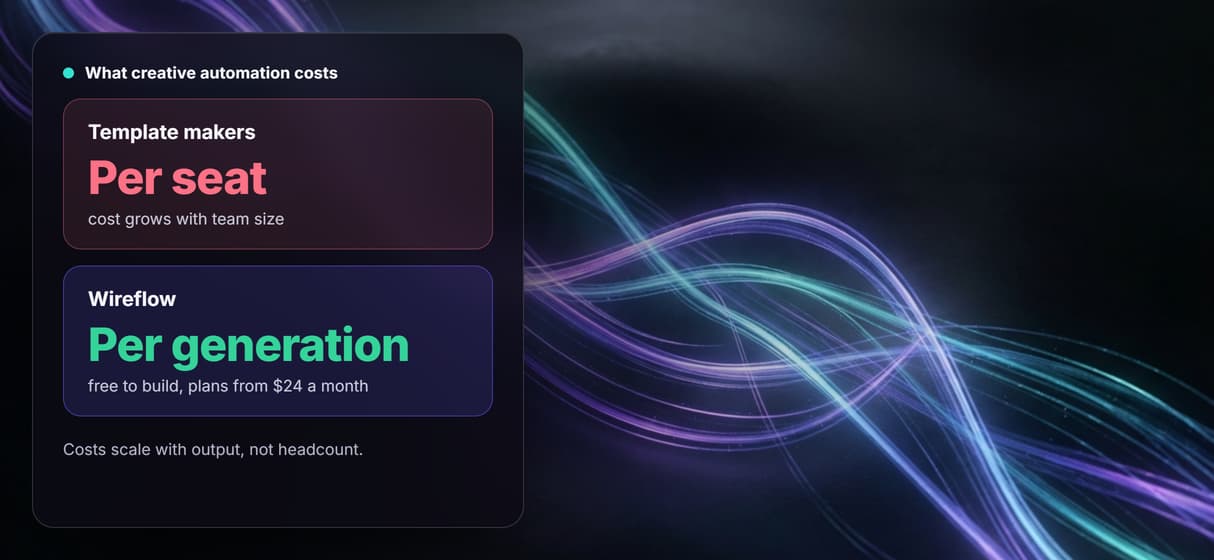
Per generation pricing, not per seat
Building on the canvas is free and generations are metered, so ten designers cost no more than one. Built for creative agencies that run many campaigns at once.
One graph an agent can call
Every published workflow is a REST endpoint and an MCP tool, so a script can loop it over a feed. It becomes the backbone of an AI pipeline automation for creative.
Creative automation software Workflows
No Code Required
API & Batch Processing
FAQs
A template platform resizes and recolors a master you already built. Wireflow generates the creative on a canvas: brief, master ad creative, and placement variant are separate nodes you can inspect, edit, and rerun. You own the workflow instead of renting a template, and every hop can swap to a different model.
Discover related AI tools
- AI Image Upscaler: Upscale to 4K in a Visual Workflow
- AI Background Remover
- AI Image Generator: Flow-Based Canvas, 31 Models
- ComfyUI Alternative
- AI Face Swap Online: Photos and Video in Your Browser
- Virtual Try On
- AI Thumbnail Generator
- AI Photo Generator
- AI Image Editor
- AI Art Generator
- Midjourney Alternative
- AI Headshot Generator
More From Wireflow
Written by
Andrew Adams · Co-Founder & Operations at Wireflow
Runs client operations and content strategy at Wireflow. Works directly with creative teams and agencies to build production AI workflows.
Own the creative pipeline, not a template
Open the flow, write one brief, and run it: master creative first, then a placement variant, from one graph you rerun for every campaign. Building is free; you pay per generation, not per seat.