HyperFrames vs Remotion: HTML or React for Code-Built Video (2026)

In this article▾
- Quick summary
- HyperFrames at a glance
- Remotion at a glance
- HyperFrames vs Remotion side by side
- Authoring: HTML and seconds vs React and frames
- License and cost (checked 14 October 2026)
- Rendering and scale
- Which one suits AI coding agents
- Where the footage and voice come from
- Verdict: which should you pick?
- Conclusion
- FAQ
HyperFrames vs Remotion comes down to what you write: HyperFrames turns plain HTML into MP4 under Apache 2.0, and Remotion renders React under its own license. Both drive headless Chrome and FFmpeg, ship Claude Code skills and can render on AWS Lambda. Neither generates the footage it animates, which is the part Wireflow, the node canvas we build, handles before the compose step.
This guide compares HyperFrames and Remotion on authoring, license, rendering and fit for AI agents. We read both license files, both GitHub repos and Remotion's pricing page on 14 October 2026. For tools beyond these two, see our roundup of Remotion alternatives.
Quick summary
- Wireflow: generates footage, voice and music, then composes them in a Remotion-based Video Editor node. Best for making the source media
- HyperFrames: HTML, CSS and GSAP rendered to MP4, Apache 2.0. Best for agent-written video
- Remotion: React components rendered to MP4, mature Lambda renderer. Best for React teams and data-driven video
HyperFrames at a glance
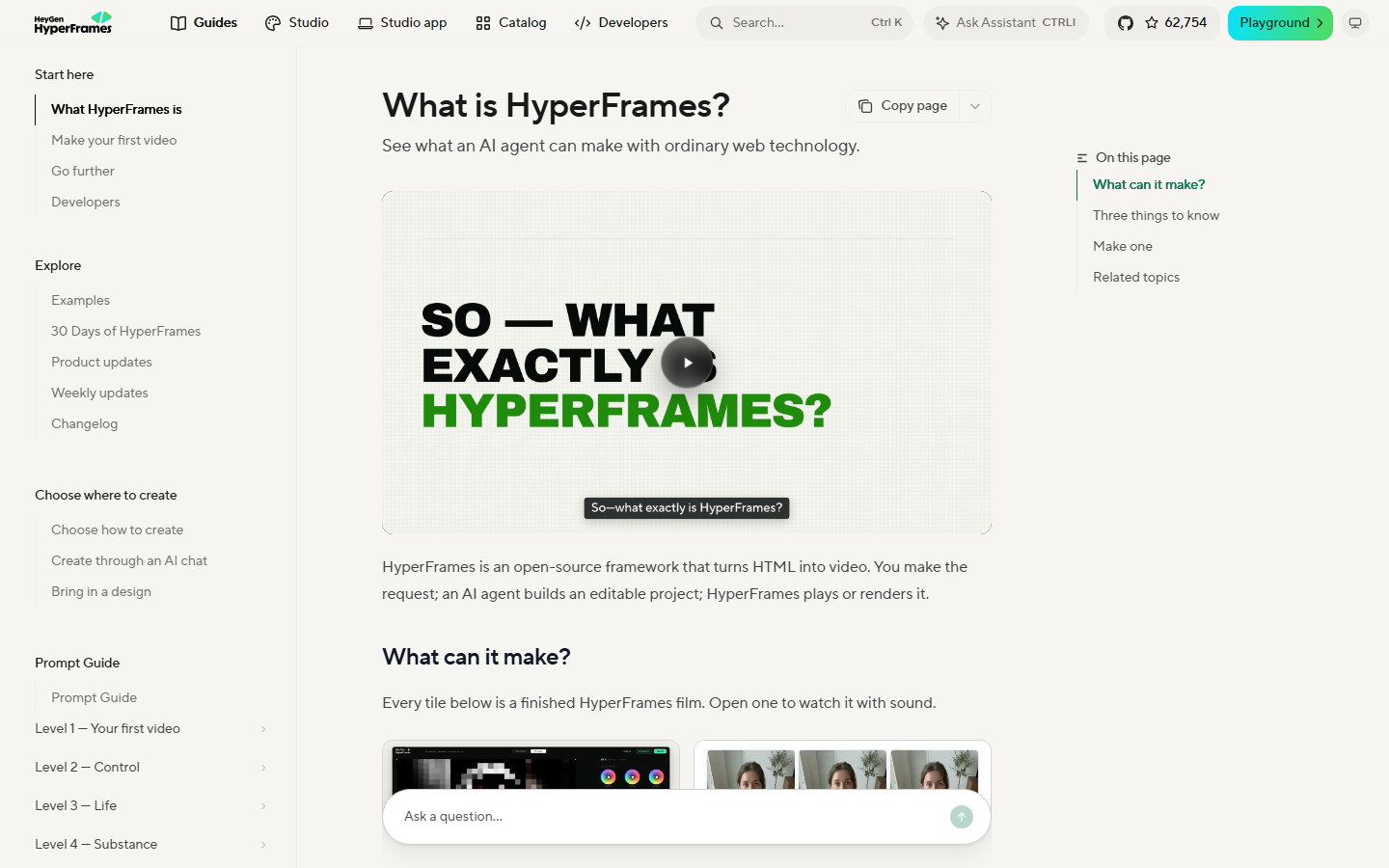
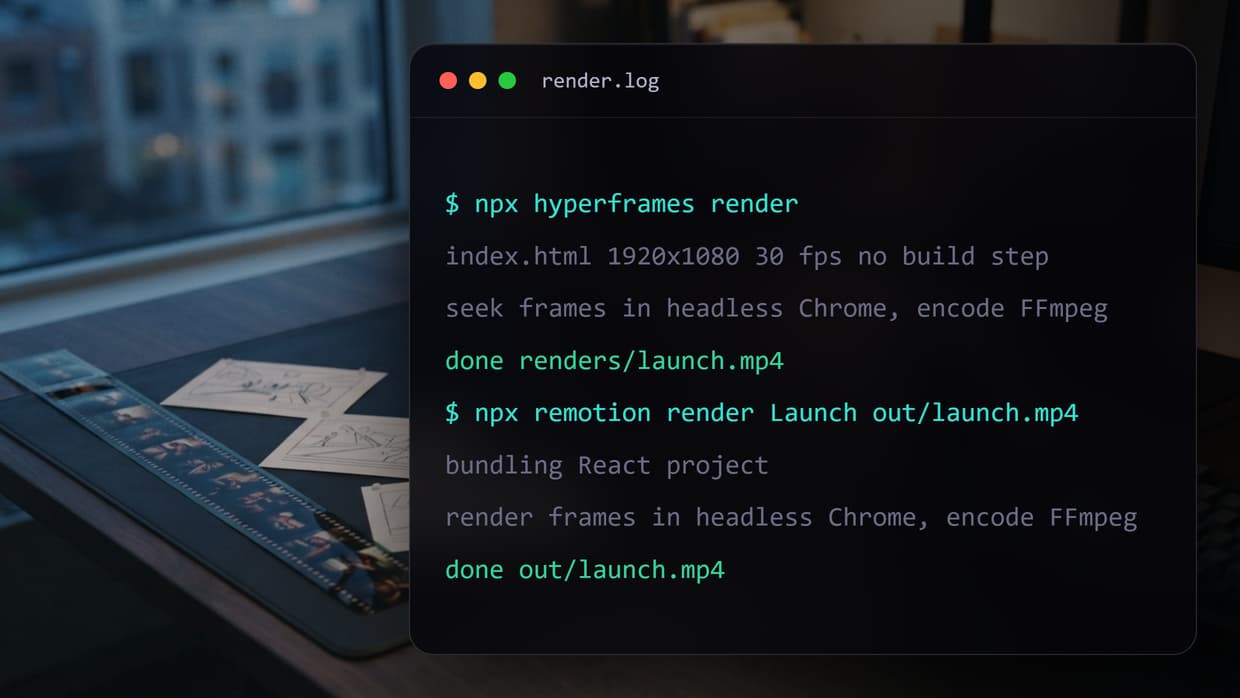
HyperFrames, open-sourced by HeyGen in March 2026, turns HTML, CSS, media and seekable animation into deterministic MP4 files. Data attributes set when each clip starts and how long it runs, and a paused GSAP timeline drives the motion. The renderer seeks every frame in headless Chrome and encodes with FFmpeg, so the same file always gives the same video, the core promise of code to video tools.
It comes with a CLI, a browser Studio, a catalog of blocks such as animated charts, and 21 agent skills, and adapters swap GSAP for CSS, Lottie, Three.js or Anime.js. It needs Node.js 22+ and a local FFmpeg install, and its catalog leans toward the launch videos and stat hits covered in our guide to motion graphics tools.
Build this in Wireflow
Make the same kind of asset on a canvas you control, with a free account and no credit card.
Remotion at a glance
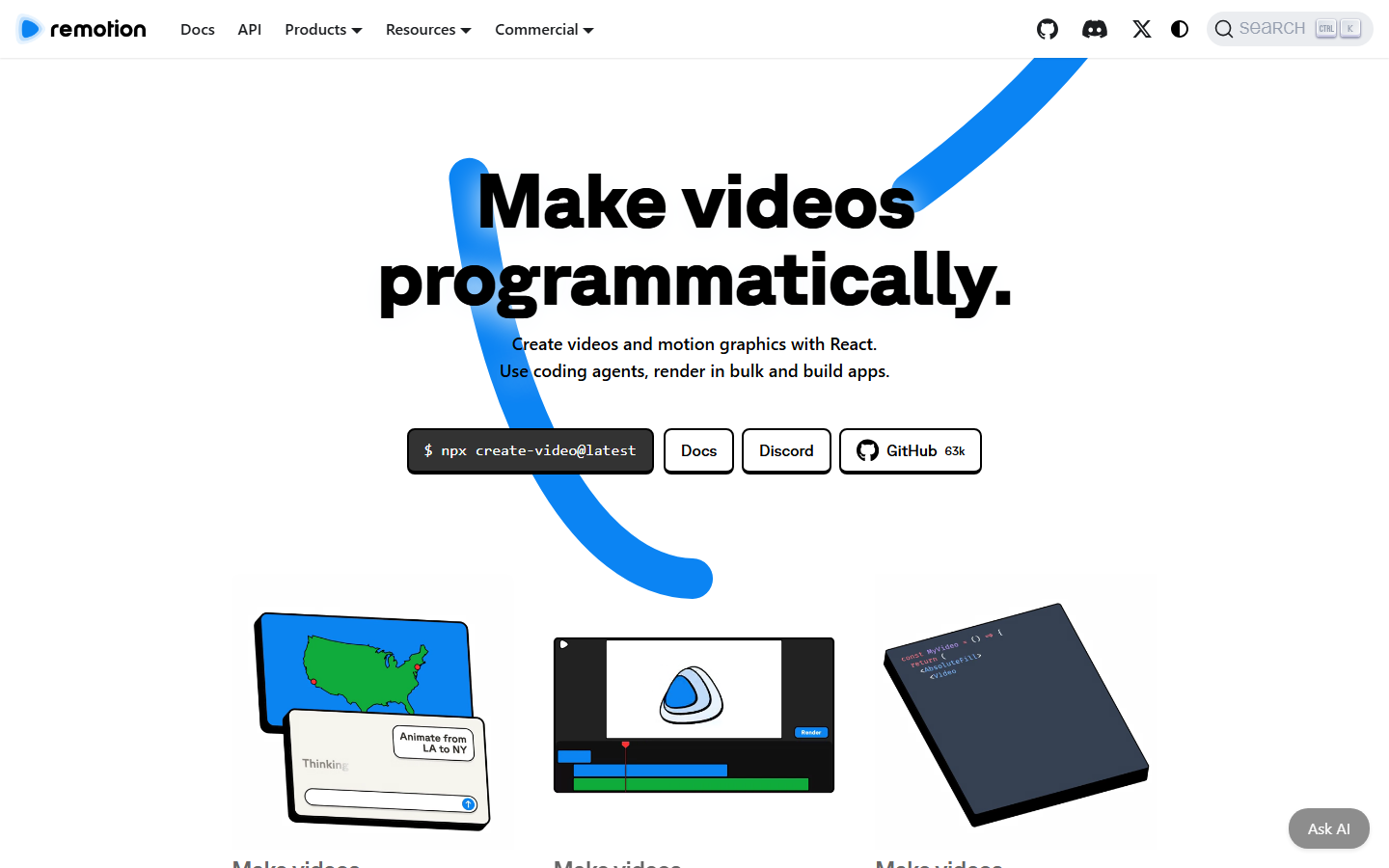
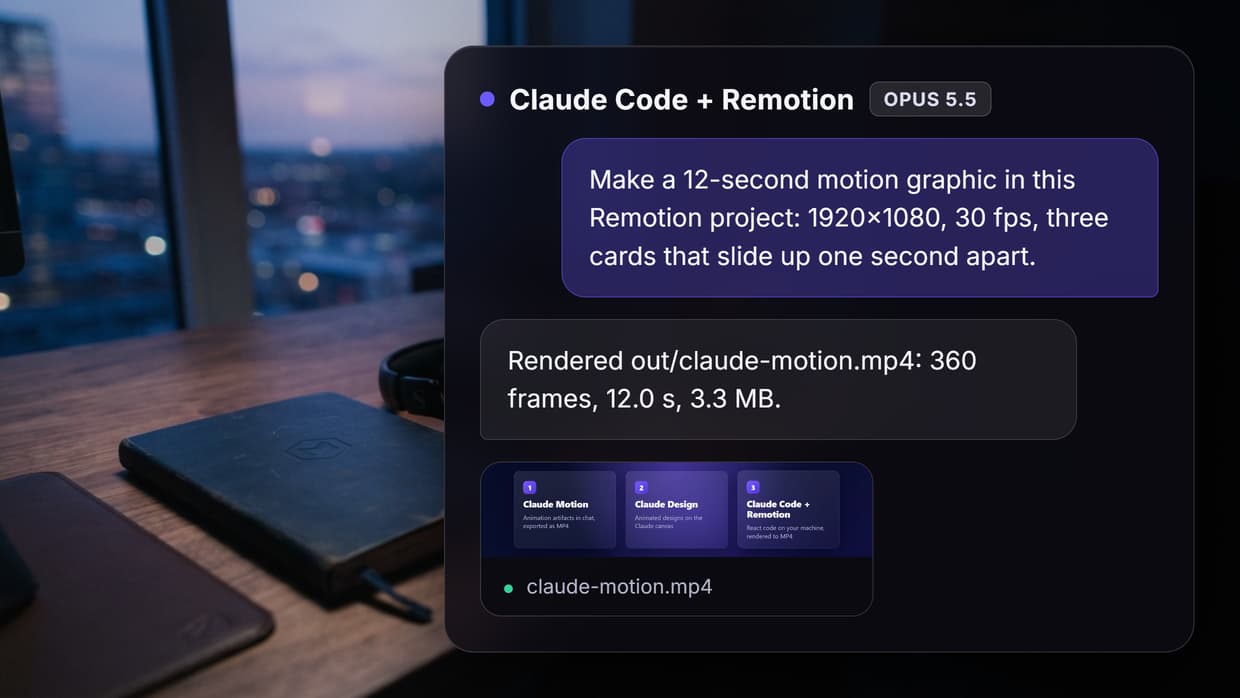
Remotion dates from 2020. Each video is a set of React components, bundled before rendering: useCurrentFrame() returns the frame being rendered, and interpolate() maps it to opacity, position or any other style. Its ecosystem is the deeper of the two, and our walkthrough of Remotion templates shows what ships out of the box.
Renders run from the CLI, from Node with @remotion/renderer, or across many AWS Lambda functions with Remotion Lambda, and FFmpeg has been bundled since Remotion 4. Teams that want to trigger renders over HTTP without running servers often compare it with a hosted Remotion API.
HyperFrames vs Remotion side by side
| HyperFrames | Remotion | |
|---|---|---|
| You write | HTML, CSS and seekable JavaScript animation | React components (TSX) |
| Timing | data-start and data-duration in seconds | Frame numbers via useCurrentFrame() |
| Build step | None, index.html plays as is | Bundler required |
| Animation libraries | GSAP, CSS, Lottie, Three.js, Anime.js, WAAPI via adapters | Values driven from the frame number |
| Render paths | CLI, Docker, AWS Lambda, HeyGen cloud render | CLI, Node or Bun, Remotion Lambda |
| Setup | Node.js 22+, FFmpeg installed separately | Node.js or Bun, FFmpeg bundled |
| Agent support | Claude Code plugin, 21 skills | Claude Code plugin, Remotion skills |
| License | Apache 2.0 | Remotion License, paid above 3 staff |
| Public since | March 2026 | 2020 |
| GitHub stars (14 Oct 2026) | 62,751 | 63,869 |
Authoring: HTML and seconds vs React and frames
Take the same three second title card. In HyperFrames, timing sits on the element in seconds and a paused GSAP timeline, registered on window.__timelines, handles the fade. It is plain markup, which is why it moves easily between people, agents and headless video editors:
<h1 id="title" class="clip" data-start="0" data-duration="3" data-track-index="0">Launch day</h1>
const tl = gsap.timeline({ paused: true });
tl.from("#title", { opacity: 0, duration: 0.5 }, 0);
window.__timelines = { title: tl };
In Remotion, the fade is a function of the frame number, and the 90 frames at 30 fps are set where the composition is registered, the frame-first model behind most React-built motion graphics:
export const Title = () => {
  const frame = useCurrentFrame();
  const opacity = interpolate(frame, [0, 15], [0, 1], { extrapolateRight: "clamp" });
  return <AbsoluteFill style={{ opacity }}><h1>Launch day</h1></AbsoluteFill>;
};
Remotion is one pure function of the frame, a natural fit for React props, state and chart libraries. HyperFrames reuses existing pages and GSAP work, but timelines must be paused and registered, with no wall clock or unseeded randomness, and HeyGen's guide warns that breaking those rules fails quietly. Remotion has the mirror-image catch: an animation library left on its own clock will not match rendered frames unless you drive it from the frame number, a point covered in our notes on Remotion for coding agents.
License and cost (checked 14 October 2026)
- HyperFrames: Apache 2.0. Free for commercial use at any company size, no per-render fees. Keep the license and notices if you redistribute modified code.
- Remotion, free: individuals, for-profit companies with up to 3 employees, non-profits, and anyone evaluating. Commercial use is allowed.
- Remotion for Creators: $25 per seat per month, for making videos through code and prompting.
- Remotion for Automators: $0.01 per render with a $100 monthly minimum, for products such as video editors, prompt-to-video apps or an embedded Player.
- Remotion Enterprise: from $500 per month.
So a five-person design team pays $125 a month in Remotion seats, and a company of four or more rendering 10,000 videos a month inside its product lands exactly on the $100 Automators minimum. The Remotion license also bans reselling a modified copy of Remotion, and notes that terms change slightly in Remotion 5.0. AWS compute is billed on top for either framework on Lambda, which is why some teams look at Remotion without self-hosting.
Rendering and scale
Several early comparisons say HyperFrames renders on one machine only. That is out of date: the October 2026 README lists an AWS Lambda package for distributed renders, a HeyGen-hosted cloud render command, Docker and local renders, and HeyGen's guide adds Google Cloud Run. Remotion Lambda is still more proven at volume. Neither project publishes a speed benchmark, so test your own composition, or skip render infrastructure with one of these hosted video APIs for agents.
Which one suits AI coding agents
Both treat agents as first-class users. HyperFrames installs as a Claude Code plugin with 21 skills, including a /hyperframes router, workflows such as /product-launch-video and /pr-to-video, and a /remotion-to-hyperframes porting skill. Remotion has its own Claude Code plugin and a remotion-best-practices skill, also installable with npx skills add remotion-dev/skills. The wider field is in our list of video APIs for coding agents.
HyperFrames gives agents a smaller surface: plain HTML, no bundler, a non-interactive CLI, and lint and check to catch broken compositions before a render. Remotion has the training data: six years of public code, and one hands-on review on Woshipm got better results from Remotion with the same prompts and put it down to that. Our read: HyperFrames fits when an agent writes the whole video and you judge the MP4, and Remotion fits when developers will maintain the code, a split that also shows when you connect Claude to video editing.
Where the footage and voice come from
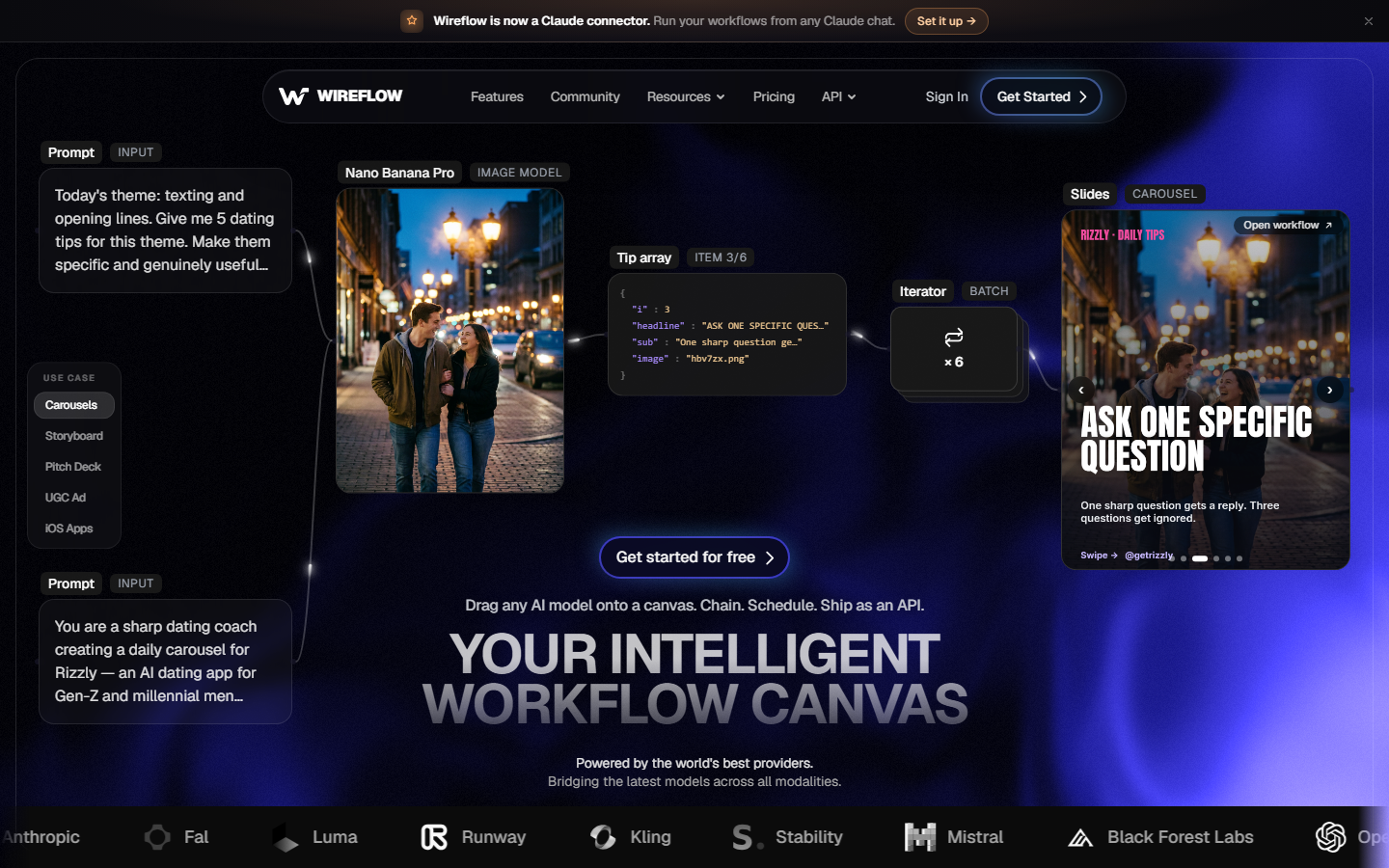
Both frameworks animate assets you already have, but a launch video needs product shots, B-roll, a voiceover and music. Neither renderer generates video footage; agent skills can call speech or image models, but the clips still have to come from somewhere. A hosted node canvas fills that gap: generate the media, check it, then compose, the shape of most working AI video pipelines.
The workflow linked below shows the pattern. Claude Sonnet 4.5 turns a creative brief into four scene prompts, four Nano Banana Lite nodes render the frames, an ElevenLabs Music node makes the track, and a Remotion-based Video Editor node is wired to stitch frames and audio into one cut. In the shared version the frames and music have run, and the editor composes once you approve the shots. For narration, an ElevenLabs custom-voice node returns audio with word-level timestamps for captions, like any AI voiceover generator track.
The files also work if you keep compose in code: reference the asset URLs from a <video> element in HyperFrames or an <OffthreadVideo> in Remotion, or let an agent call the workflow through an MCP server for video editing.
Verdict: which should you pick?
Pick by who writes the code and what the video is made of. If the hard part is the footage rather than the timeline, a Remotion alternative that generates and composes in one graph may save you building both halves.
- Choose HyperFrames if an AI agent writes most of the code, you have HTML, CSS or GSAP work to reuse, or the Remotion company license blocks a team of four or more.
- Choose Remotion if you are a React team, your videos are driven by data such as charts or per-user personalization, or you need the most proven Lambda renderer and the most examples.
- Pair either with a media generator if your script needs footage, voice and music that do not exist yet.
Conclusion
HyperFrames bets on plain HTML and a permissive license, the easier handoff when an agent is the author. Remotion bets on React, with the longer track record and a more proven cloud renderer. Both stop at the compose step, so plan where footage, voice and music will come from before you pick, and if an agent will run the whole edit, compare agents that edit video too.
Try it yourself: Open this brief-to-video workflow in Wireflow. The scene planner, four image nodes, music node and Remotion-based Video Editor node are pre-configured with the setup described above.
FAQ
Is HyperFrames better than Remotion?
Neither wins outright. HyperFrames is simpler for agents and free under Apache 2.0; Remotion is more mature with a bigger ecosystem. If agents are the main authors, compare these Remotion setups for coding agents.
Is HyperFrames free for commercial use?
Yes. Apache 2.0 lets companies of any size use it commercially with no per-render fees or seat limits. Your costs are compute and any media you generate, which you can weigh against credit-based pricing for hosted generation.
Do I need to pay for Remotion?
Only if you are a for-profit company with four or more people. Those companies need a company license from $25 per seat per month, or $0.01 per render with a $100 monthly minimum. Teams that only need renders on demand also weigh hosted Remotion API tools.
Can HyperFrames render on AWS Lambda?
Yes. As of October 2026 it ships an AWS Lambda package, a HeyGen-hosted cloud render command and Docker support, so it fits a headless video editor for automation setup. Remotion Lambda has the longer production history.
Can I convert a Remotion project to HyperFrames?
Partly. The /remotion-to-hyperframes skill ports most of a composition (HeyGen estimates about 80%), but React state machines, async metadata and third-party React UI libraries need manual work. Test one composition first, with an agent that edits video reviewing the output.
Can HyperFrames or Remotion generate footage or a voiceover?
Not on their own. Both compose media you supply, and HyperFrames' /media-use skill can call speech, music and image models, but neither generates video footage. Most teams create clips and narration upstream, for example voice through an ElevenLabs MCP.

Co-Founder & Operations at Wireflow
Runs client operations and content strategy at Wireflow. Works directly with creative teams and agencies to build production AI workflows.
- Content Strategy
- Client Operations
Get unlimited ad creatives today.
One call to see if we are a fit and scope the first ad. If it fits, your first batch lands inside week one.