 Andrew Adams · Co-Founder & Operations at Wireflow ·
 Agent That Edits Video
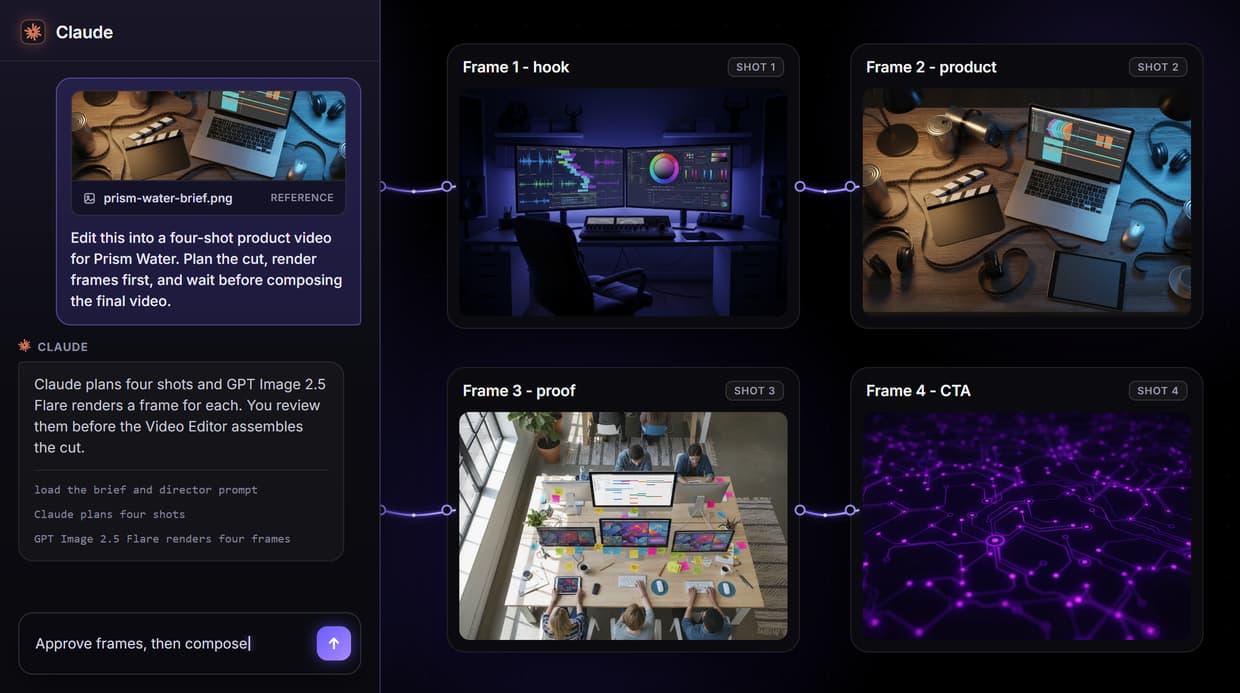
Build an agent that edits video as a visible workflow: a brief goes in, Claude plans the shot list, four GPT Image 2.5 Flare frame renders come back for review, and Remotion waits to compose the final cut.
Free to build · no credit card · See how it works ↓
How to Use Agent That Edits Video
Steps to get you started in Wireflow.
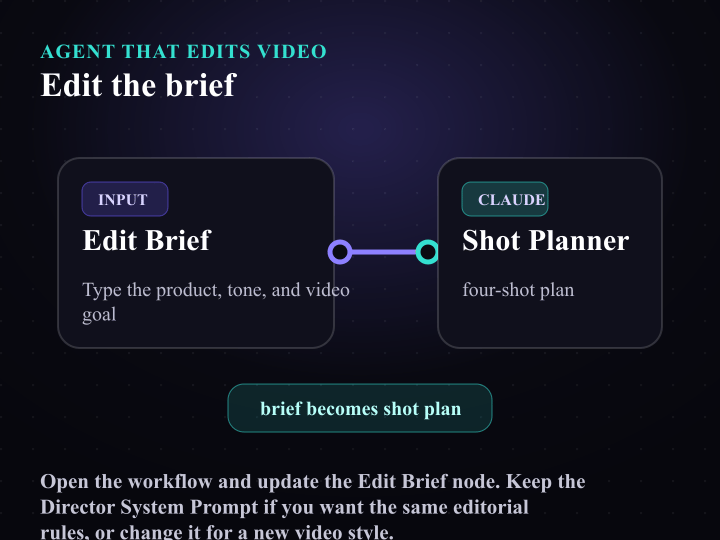
Edit the brief
Open the workflow and update the Edit Brief node. Keep the Director System Prompt if you want the same editorial rules, or change it for a new video style.
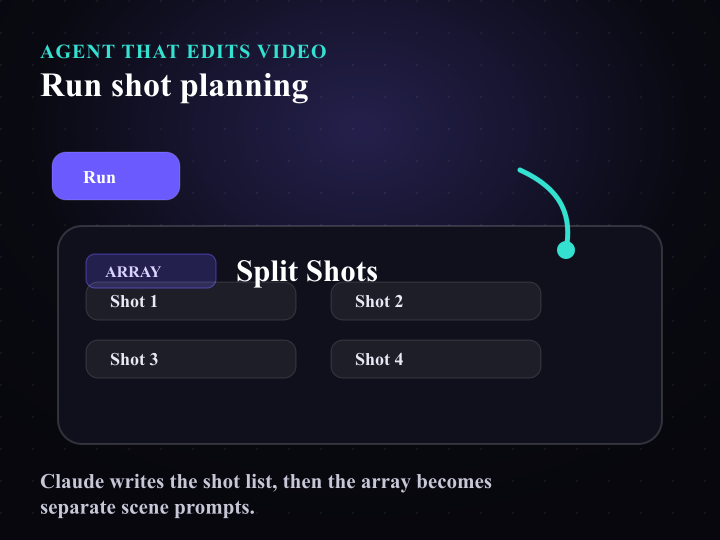
Run shot planning
Run the non-video nodes. Claude plans the cut, Split Shots separates the scene array, and each selector feeds a GPT Image 2.5 Flare frame render.
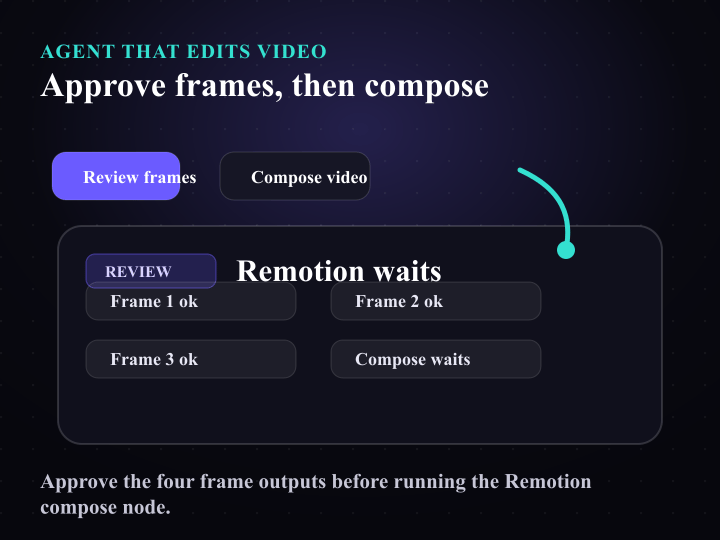
Approve frames, then compose
Review the four rendered frames first. Only run the Remotion Compose Video node once the frame set is approved and worth assembling.
What makes an agent actually edit video
Most AI video tools automate one task: trim silence, generate captions, upscale a clip, or create a new shot. An agent that edits video needs a wider loop. It needs to understand the brief, plan the sequence, run the right model-backed steps, and expose the result for review before a final video is composed.
The flow behind this page makes that loop visible. A sticky note explains the run, Edit Brief and Director System Prompt hold the instructions, and Shot Planner uses the Run any LLM node with Claude to create a structured four-shot plan. Split Shots turns the plan into separate scene records, and each selector feeds its own GPT Image 2.5 Flare render node. That is the core difference from a black-box chat editor: the agentic video editing platform is the graph itself.
What the video editing agent flow proves
Brief-driven editing
The Edit Brief input is the only creative ask a person has to change before the agent plans the cut.
Director prompt control
The Director System Prompt is visible as its own input, so editorial style and pacing rules stay reviewable.
Claude shot planning
Run any LLM turns the brief and director prompt into a structured four-shot sequence before rendering starts.
Scene array splitting
Split Shots and four list selectors keep every shot independent, so one bad scene can be fixed alone.
Frame renders confirmed
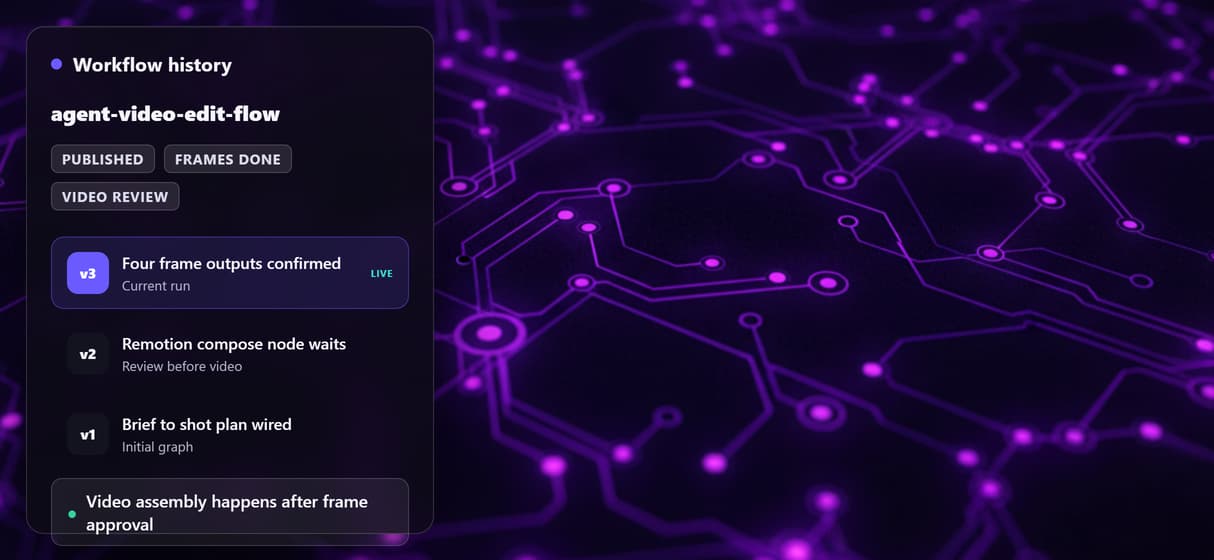
Four GPT Image 2.5 Flare nodes executed successfully and produced image outputs for review.
Compose waits for approval
The Remotion Compose Video node is wired but unexecuted, which is the correct cost-control behavior.
The workflow, node by node
Open the flow and the editing agent is not abstract. It is a set of nodes with visible responsibilities.
- Edit Brief holds the ask. This is the campaign or product-video prompt the agent receives.
- Director System Prompt sets the edit rules. The prompt tells Claude how to think about pacing, continuity, and shot descriptions.
- Shot Planner plans the cut. The Run any LLM node returns the four-shot structure.
- Split Shots makes scenes addressable. The array node and selectors keep each shot separate.
- GPT Image 2.5 Flare renders frame options. Four render nodes produce frame assets for review.
- Remotion composes only after approval. The video assembly API step is wired, but it waits until the frame set is worth spending on.
This is why the workflow is a better primitive than a chat transcript. A team can inspect it, version it, fork it, and expose the same graph as a callable tool.
Call the editing agent from another agent
Every published Wireflow workflow is both a hosted MCP tool and a REST endpoint. That means the same graph a person runs on the canvas can also be called by Claude, a backend job, or a no-code automation.
For an external agent, the sequence is simple: list the published workflow, read the typed inputs, send the edit brief, run the non-video nodes, and collect the frame URLs. The final compose step can stay human-gated until review is complete. This is the practical API gap competitors miss: the AI video editing API is not a separate implementation, it is the same canvas workflow your team can open and audit.
What this agent does not do
This flow is a generative editing workflow, not a raw-footage analysis product. It does not watch a long talking-head clip, detect every pause, transcribe the footage, or make semantic trim decisions from existing video. It plans and generates a frame sequence from a brief, then leaves video composition gated for review.
That limit matters. If your job is podcast trimming or subtitle extraction, choose a tool built for that footage-first workflow. If your job is repeatable ad creative, storyboard variants, or product-video generation, a visible graph is stronger than a black-box agent. Compare adjacent options in the video editing agent tools guide, then open the flow and inspect the nodes before running it.
More Than Just Agent That Edits Video
Visible edit logic
Brief, director prompt, Claude shot plan, Split Shots, four renders, and video assembly API state stay visible in one reviewable canvas.
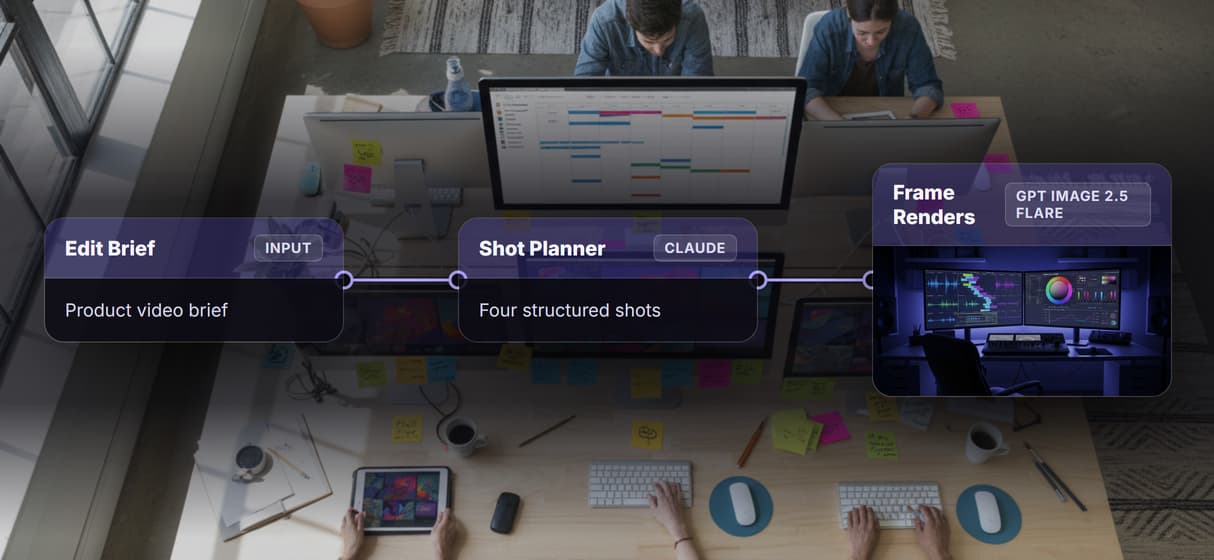
A shot planner before rendering
Claude plans the sequence before pixels render, giving your video editing agent an auditable editorial step that humans can approve.
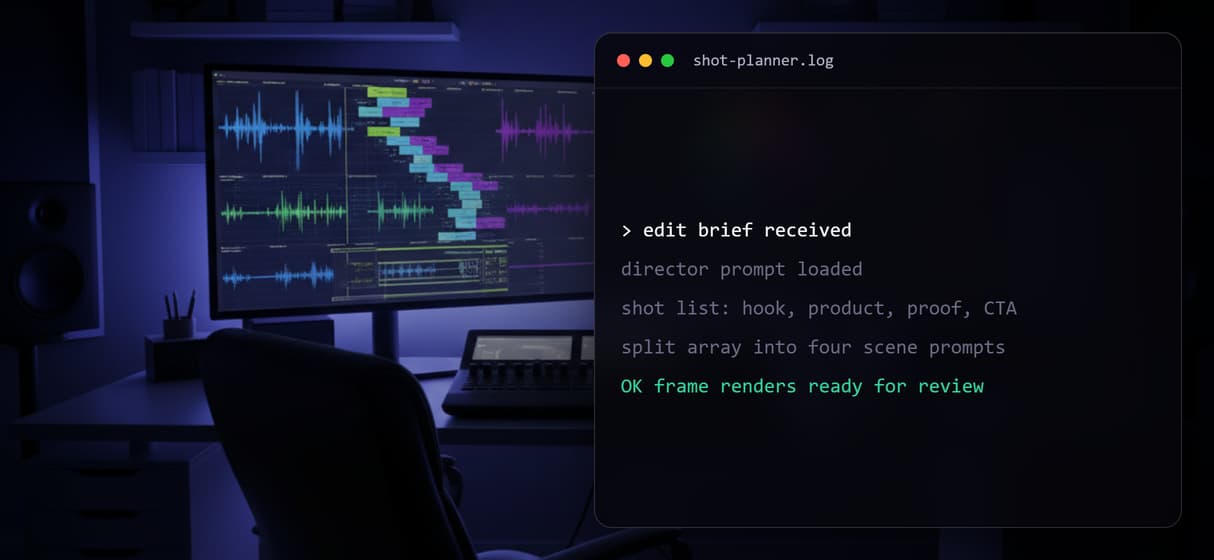
Four frames stay editable
Split Shots and selectors keep scenes independent, so an agentic video editing platform can repair one frame without rerunning the set.
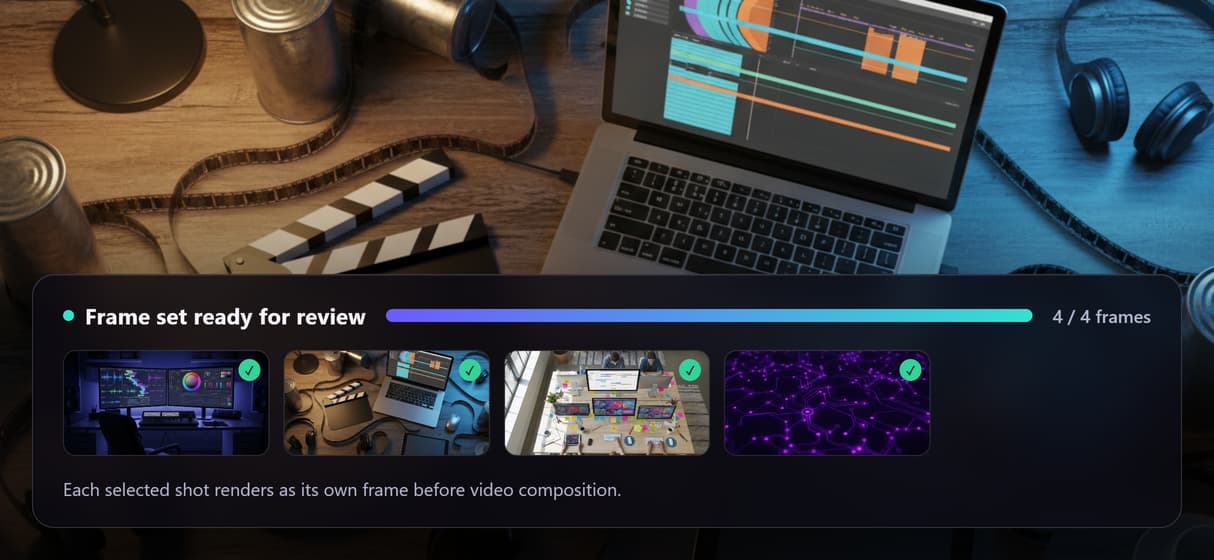
Agents can call the flow
The published workflow is an MCP tool and AI video editing API endpoint, so another agent can send the brief and receive frame URLs.
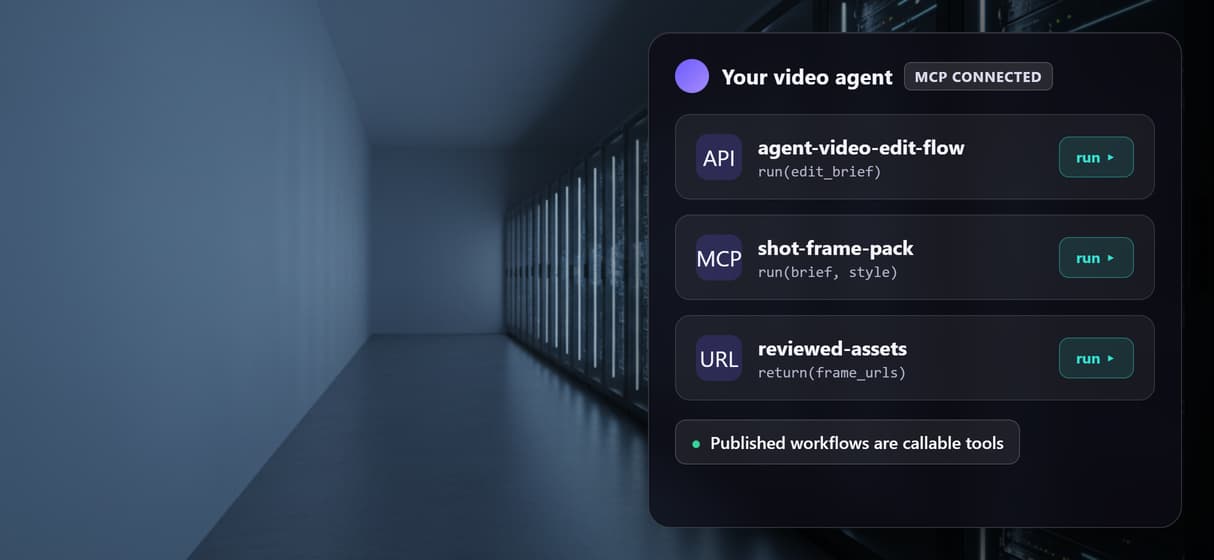
Video spend stays gated
Remotion compose is wired but not auto-run, so a multi-shot video stitching API review can happen before final video spend. To call that compose step from your own code, see Remotion as a REST call.
AI Models Available
Automate Any Workflow
Included in Every Plan
FAQs
It is an AI workflow that takes a video brief, plans the editorial structure, runs model-backed steps, and returns reviewable assets. On Wireflow that agent is a visible node graph, not a hidden chat session.
Discover related AI tools
More From Wireflow
Written by
Andrew Adams · Co-Founder & Operations at Wireflow
Runs client operations and content strategy at Wireflow. Works directly with creative teams and agencies to build production AI workflows.
Let agents call your editing workflow
The flow behind this page is already published: a brief, a Claude shot planner, four GPT Image 2.5 Flare frame renders, and a Remotion compose node. Read the MCP docs, then open the flow to inspect the graph.