 Andrew Adams · Co-Founder & Operations at Wireflow ·
 Remotion API
Remotion is a React framework for making video in code, and its API is self-hosted: you render from your own Node server or your own AWS Lambda.
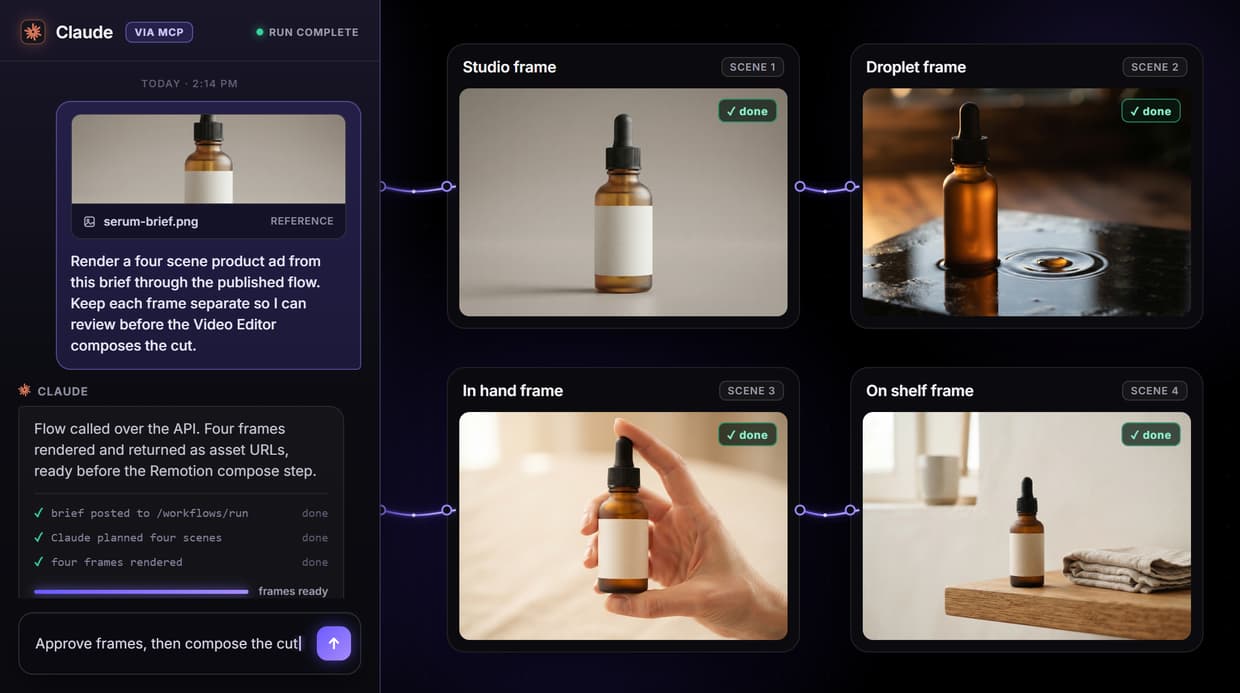
Wireflow is the hosted alternative. Build a video-generation flow on a canvas once, publish it, and call it as a REST endpoint or an MCP tool. This page runs a real flow that renders the frames and wires a Remotion-based Video Editor node to compose them.
Free to build · no credit card · See how it works ↓
How to Use Remotion API
Steps to get you started in Wireflow.
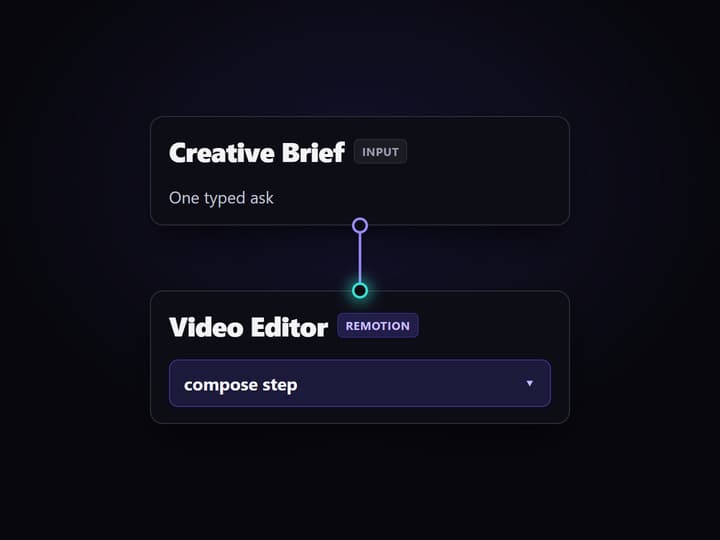
Build the video flow
Assemble the brief input, the scene frame renders, an audio track, and the Remotion-based Video Editor node on the canvas. No React project or render server is required.
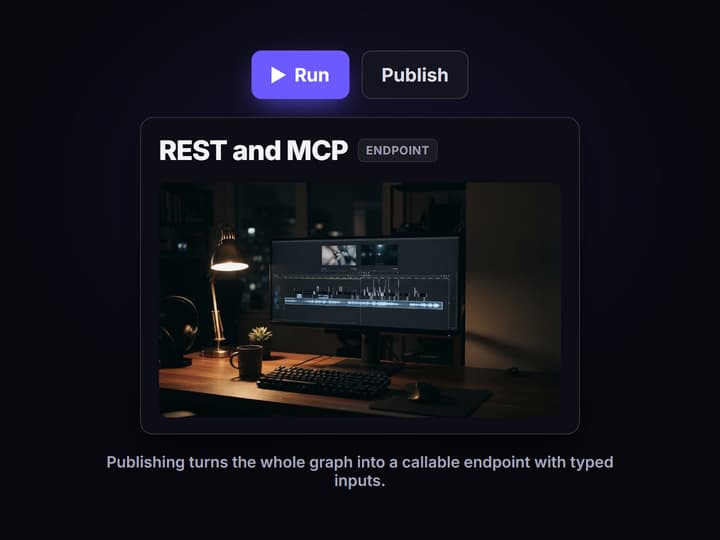
Publish to get an endpoint
Run the flow once to confirm the frame outputs, then publish it. The graph becomes a REST endpoint and an MCP tool with typed inputs for the brief and style.
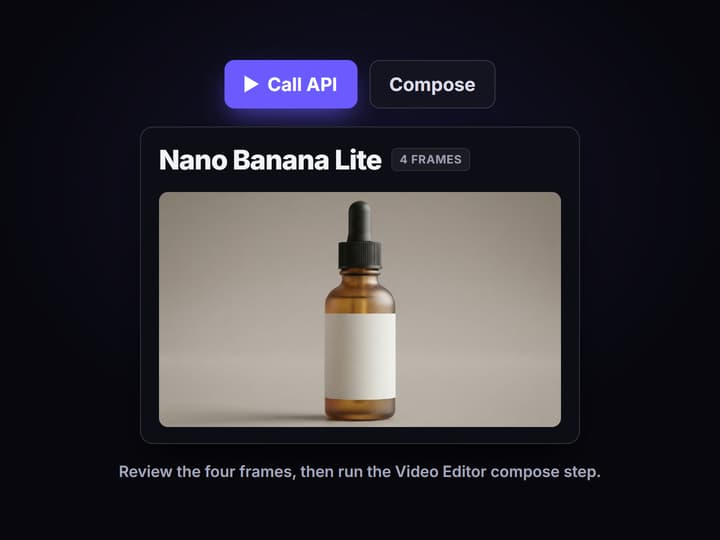
Call it from code or an agent
Post the brief to the endpoint, poll the run, and read asset URLs back. Review the four frames first, then run the Video Editor compose step when they are approved.
The Remotion API is code-first, this is the hosted path
If you search for the Remotion API you are usually trying to trigger a render from outside the Studio UI: from a backend job, a cron, or an agent. The official answer is code. You keep a React project, install the renderer, and either run renderMediaOnLambda on an AWS function you deploy or render inside your own Node server that you scale and monitor. That is real control, and it is also real infrastructure to own.
Wireflow removes the infrastructure. You build the pipeline visually, run it once to confirm the outputs, and publish it. The published flow is a callable endpoint, so the same request that a person makes on the canvas is the one your code or your agent makes over REST. It is the hosted end of the same job an AI video pipeline does when you would rather not run the servers.
What the flow on this page proves
Brief is one typed input
A Creative Brief text node is the single creative input, so an API caller changes the ask without touching the graph.
Claude plans the scenes
The Run any LLM node expands the brief into four scene prompts before any frame renders, so the plan is inspectable.
Frames render separately
Four Nano Banana Lite nodes render one frame each, confirmed by the executed run, so a single scene can be re-run alone.
Audio is wired in
An ElevenLabs Music node supplies a track for the cut, so composition inputs are on the canvas, not hidden in code.
Video Editor composes
The Remotion-based Video Editor node stitches the frames and the audio track into one cut as the final compose step.
The flow is an endpoint
Publishing turns the whole graph into a REST endpoint and an MCP tool, so agents and code run it with typed inputs.
Why a published flow beats a render server you maintain
A self-hosted render API gives you total control and hands you total ownership: the Node process, the queue, the retries, the storage, and the bill for idle Lambda time. For teams whose product is not a render farm, that is a lot of undifferentiated plumbing to keep alive just to turn a brief into an MP4.
The published-flow model moves that plumbing to the platform. The frames stay separate so you can review or replace one before spending on the compose step, and the same graph runs the same way whether a person clicks it or an agent calls it. It sits next to a chained-model API: enough structure to inspect every step, none of the servers to run.
When Remotion's own API is the better call
Wireflow is not the Remotion library and does not run your React compositions. If you already have a Remotion codebase, need frame-exact control of the render, or want to version the composition in your own repo, use @remotion/renderer or @remotion/lambda directly. That is what they are built for, and this page does not pretend otherwise.
Wireflow fits the other case: you want programmatic video without owning the render stack, and you would rather assemble scenes on a canvas than write and deploy a rendering service. If that is you, compare the wider Remotion alternatives, then open the flow above and inspect the exact graph before you call it.
More Than Just Remotion API
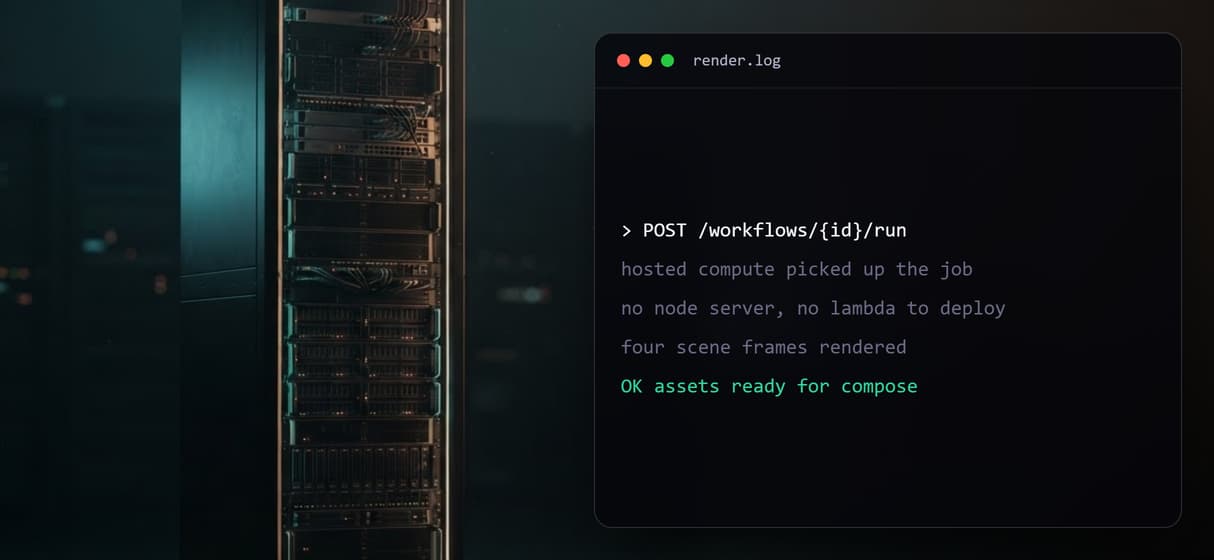
No render infra to run
Skip the Node server and the AWS Lambda deploy. A published AI video pipeline runs on hosted compute, so you send a request and get frames back.
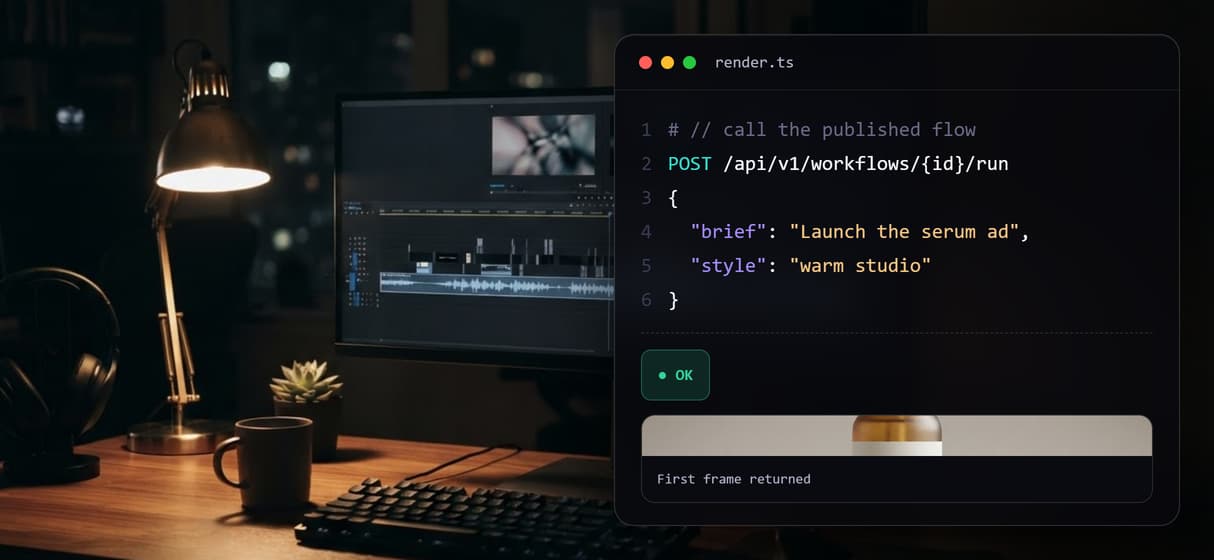
Call it as a REST endpoint
Publishing a flow turns it into a typed REST endpoint. Chain steps like a multi-model API, post the brief, and read asset URLs from the response.
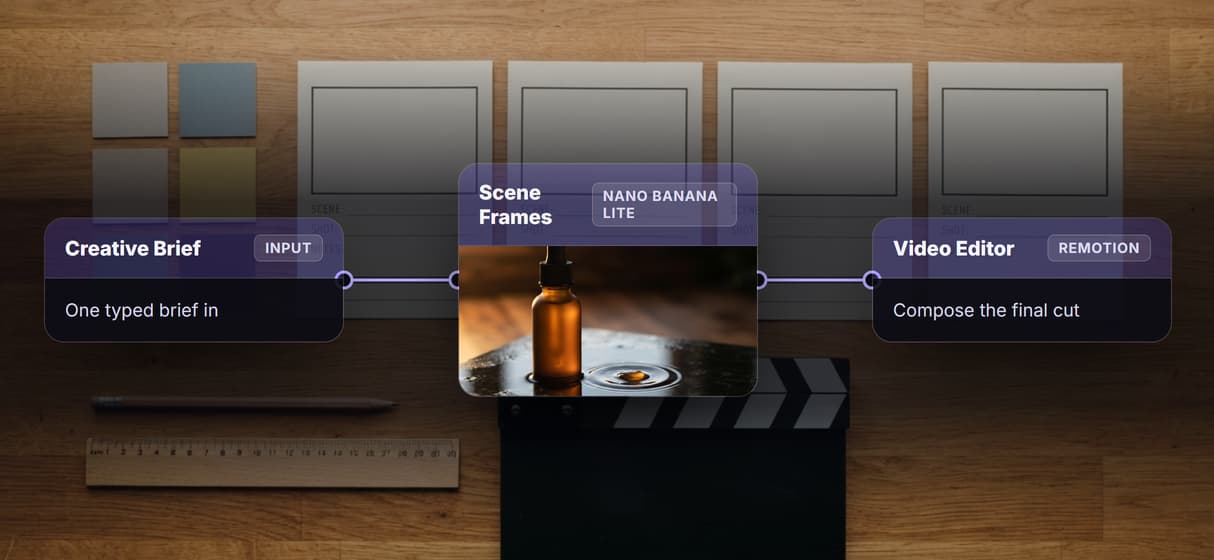
Compose with a Remotion node
The Video Editor node is Remotion-based, so it stitches frames and audio into one cut, and it runs headless for automation with no UI.
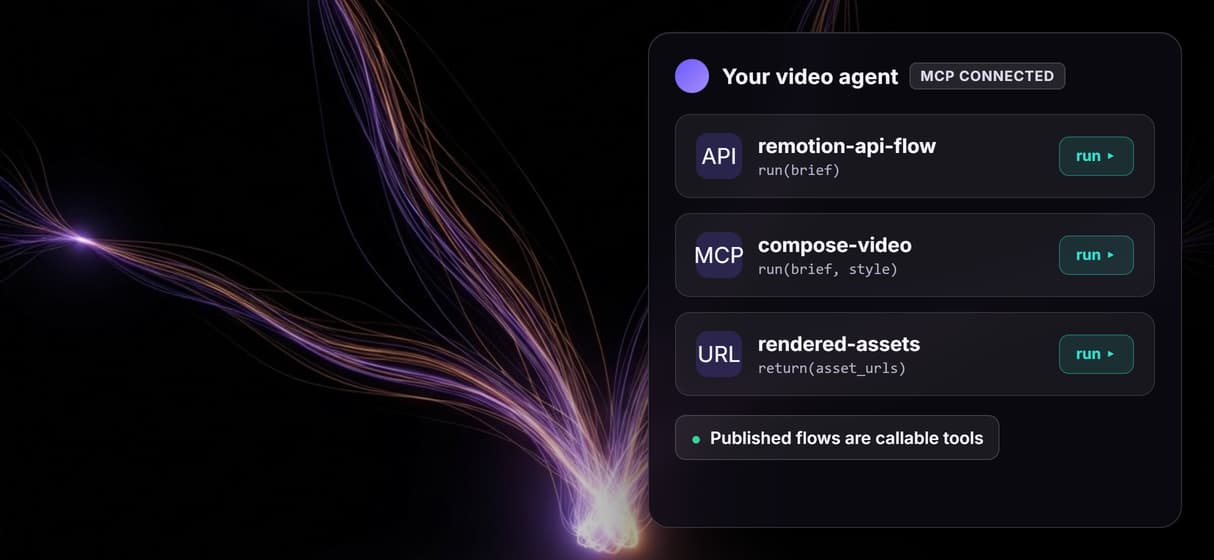
Agents can render video
Every published flow is also an MCP tool, so an agent can run image to video steps and get finished asset URLs back after each call.
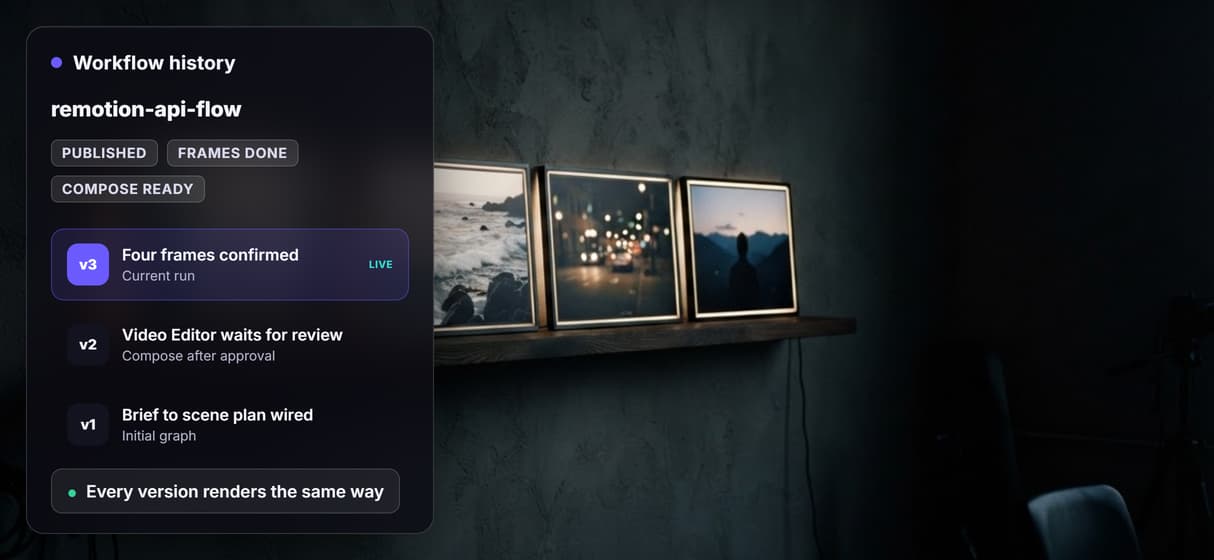
Reproducible, versioned renders
Workflows are versioned server-side and shareable by link. Point an MCP server for video editing at one version so every render stays repeatable.
Remotion api Workflows
No Code Required
API & Batch Processing
FAQs
It is the set of programmatic interfaces for rendering Remotion videos from code. The main paths are self-hosted: the renderer runs inside your own Node process, and Lambda runs renders on an AWS function you provision and deploy.
Discover related AI tools
More From Wireflow
Written by
Andrew Adams · Co-Founder & Operations at Wireflow
Runs client operations and content strategy at Wireflow. Works directly with creative teams and agencies to build production AI workflows.
Call video rendering as an API
The flow on this page is published and executed through the non-video steps. Read how Wireflow workflows run as REST endpoints and MCP tools, then open the flow to inspect the exact graph before you call it.