Features
Remotion for Coding Agents
Coding agents can scaffold a Remotion project, but someone still has to run the render.
This page shows the missing half: a hosted node-canvas workflow that ends in a Remotion powered Compose Video node, exposed as an MCP tool and a REST endpoint your agent calls to turn a brief into a hosted video URL. No local install, no Lambda render farm.
Free to build · no credit card · Read the agent docs · See how it works ↓
 Andrew Adams · Co-Founder & Operations at Wireflow ·
How to Use Remotion for Coding Agents
Steps to get you started in Wireflow.
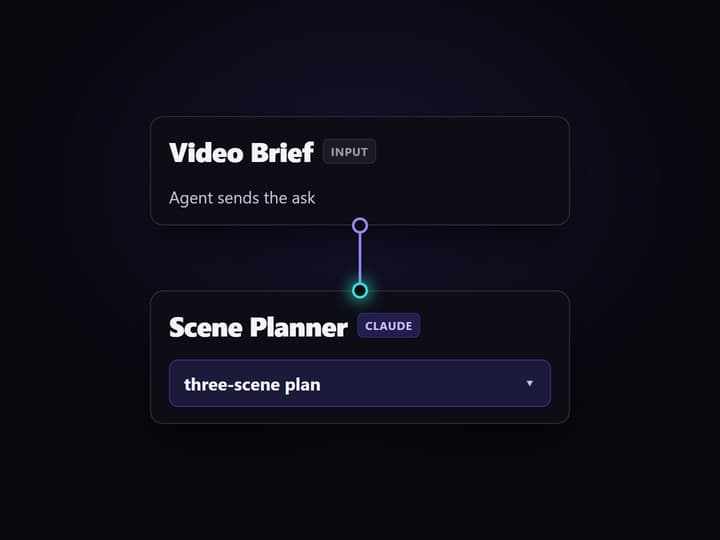
Send the brief from your agent
Point your coding agent at the workflow as an MCP tool or REST endpoint and pass the Video Brief input. No local Remotion install is required.
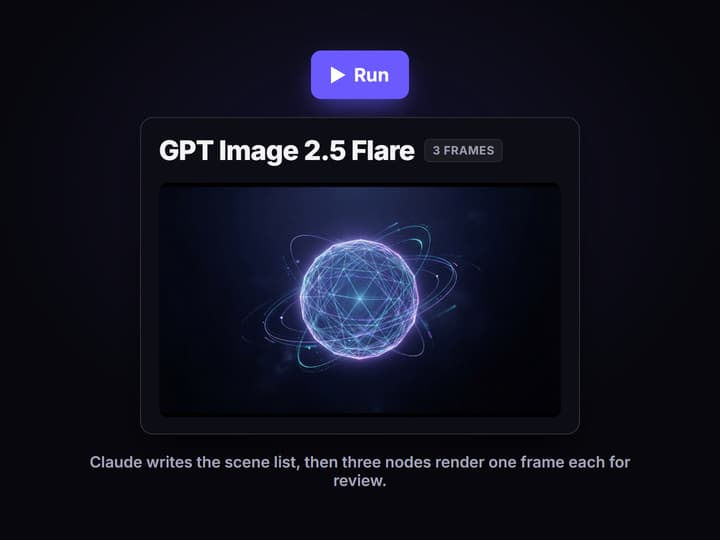
Run scene planning and frames
Run the non-video nodes. Claude writes the scene list and three GPT Image 2.5 Flare nodes render each scene frame so you can inspect them first.
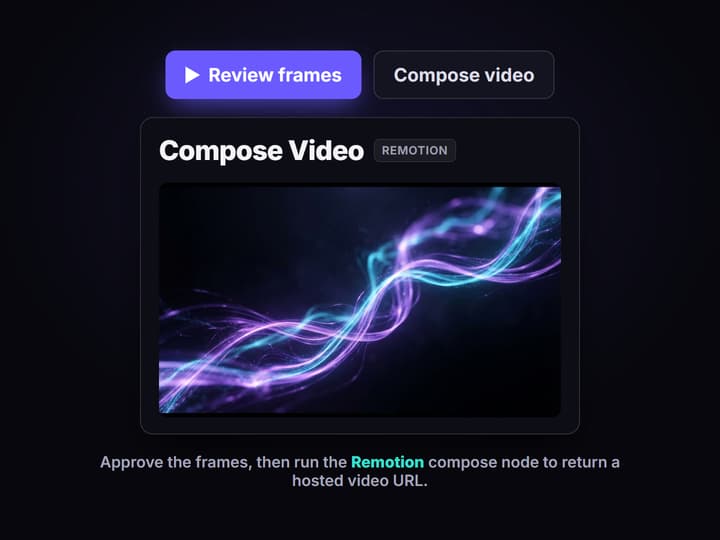
Compose the video after review
When the frames look right, run the Remotion Compose Video node to assemble the captioned clip and return a hosted video URL to the agent.
The render step coding agents keep skipping
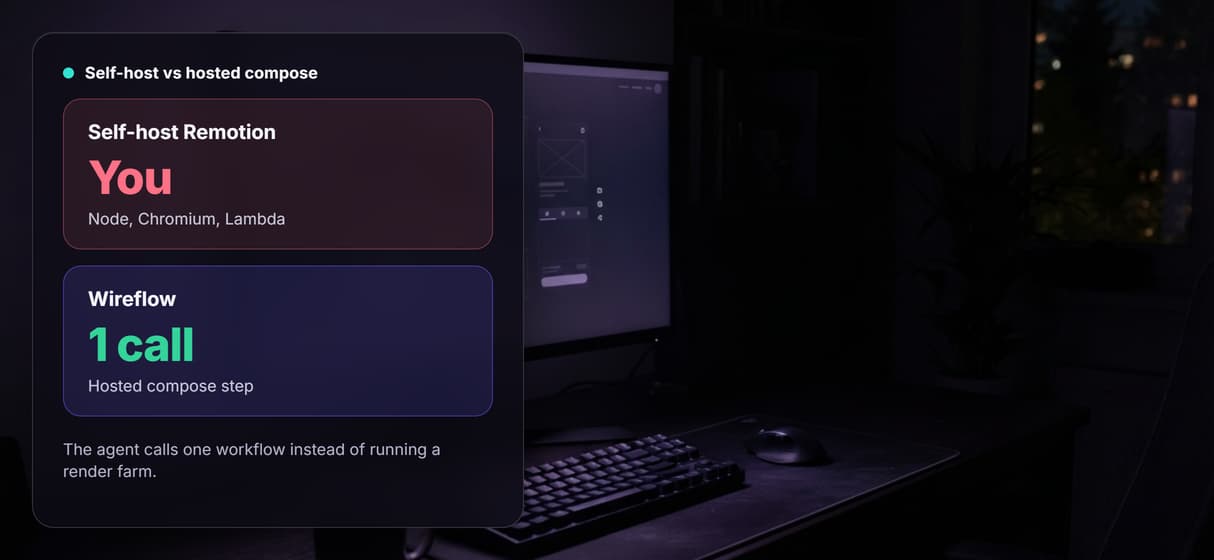
Ask a coding agent to make a video and it will happily scaffold a Remotion project: React components, a composition, an entry point. Then the tutorial ends with a line you have to run yourself, npx remotion render, on a machine you keep alive. That is the part agents cannot own. Rendering needs a Node runtime, headless Chromium, and either a render farm or a Lambda deploy, and none of that fits inside a single agent tool call.
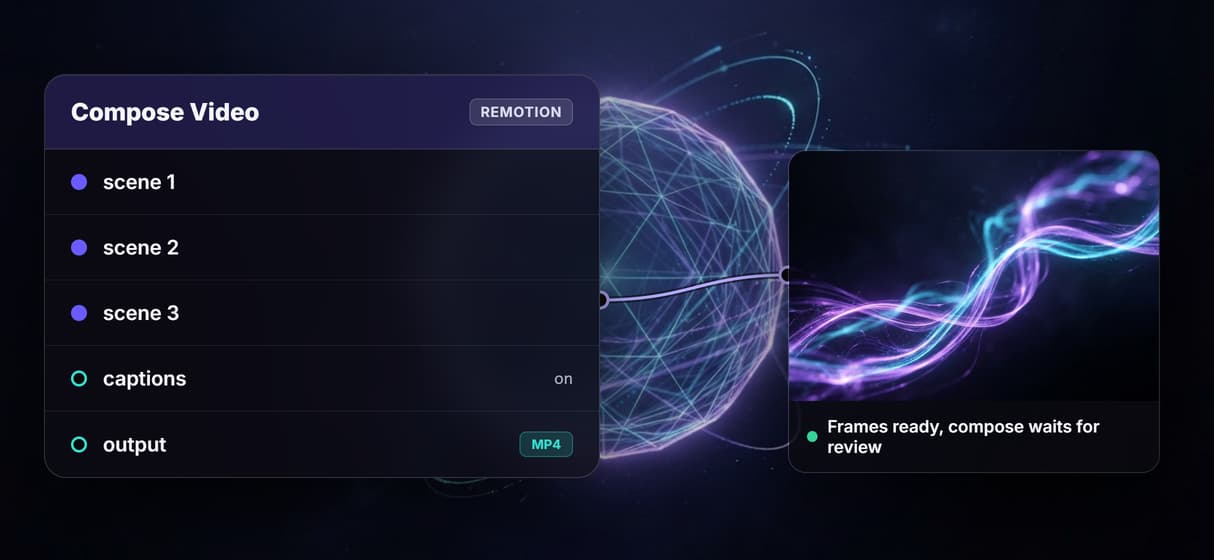
Wireflow supplies that missing half. The published flow on this page is a real graph, not a mockup. A Video Brief input carries the ask, a Scene Planner running Claude turns it into a short scene list, three GPT Image 2.5 Flare nodes render the scene frames, and a Remotion powered Compose Video node assembles them. Because the flow is a hosted MCP tool and a REST endpoint, the same agent that would have scaffolded Remotion locally can instead call this workflow and get asset URLs back, the same callable pattern behind a hosted video API for agents.
What the flow proves
Brief is the only input
A Video Brief text node carries the agent's ask, so changing the request never means rebuilding the graph or the render setup.
Claude plans the scenes
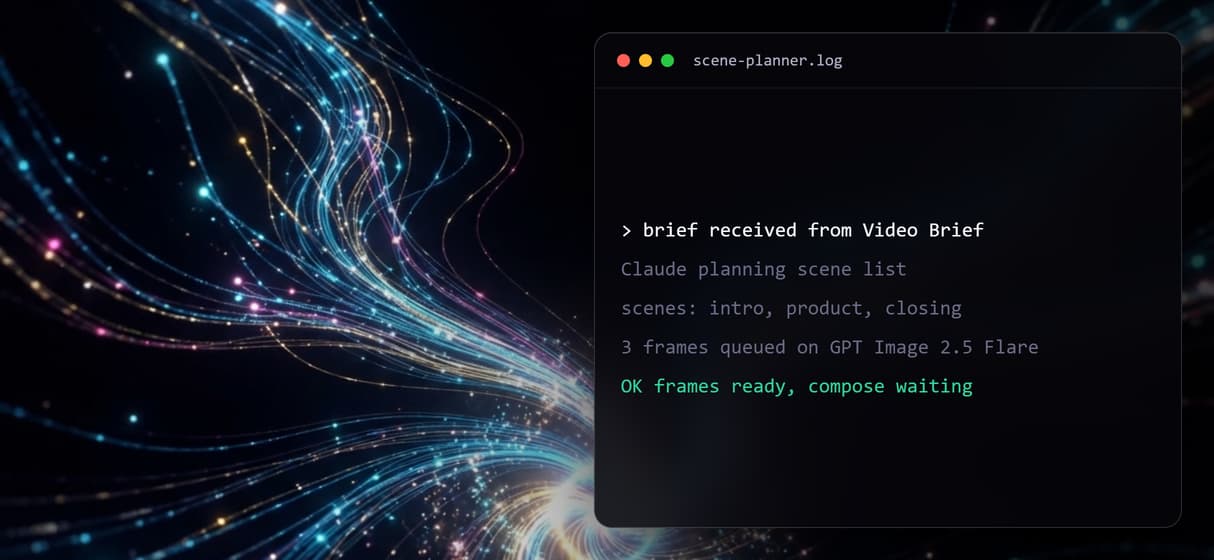
The Scene Planner node runs Claude to turn the brief into a short structured scene list before any frame is rendered.
Frames render separately
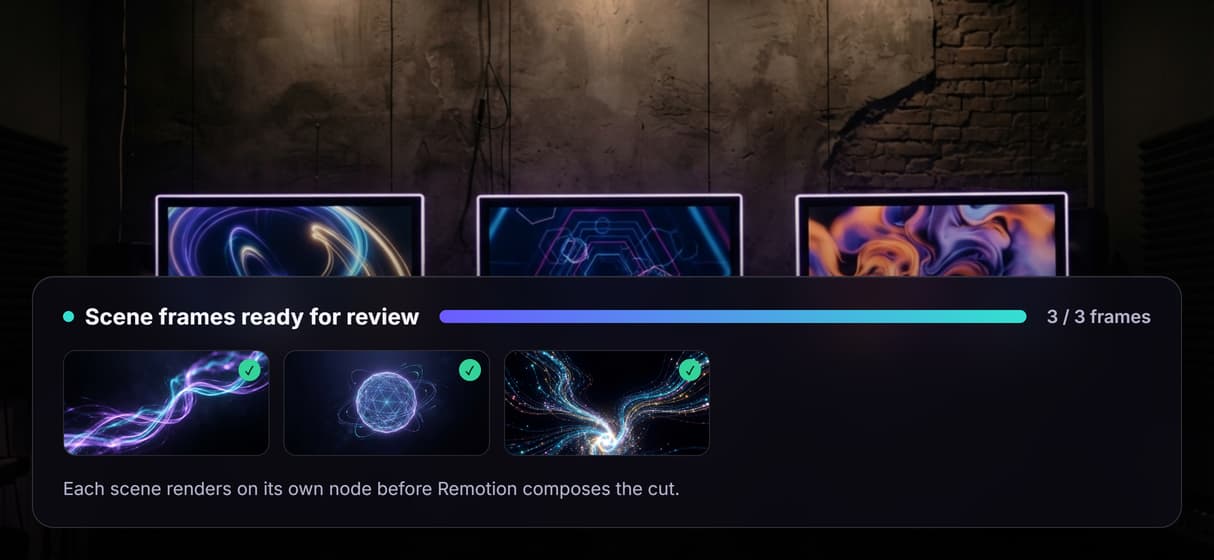
Three GPT Image 2.5 Flare nodes render one scene each, so a single frame can be re-run without redoing the whole clip.
Remotion composes the cut
A Remotion powered Compose Video node assembles the scene frames into one captioned clip, the same compose layer you would self-host.
Callable as a tool
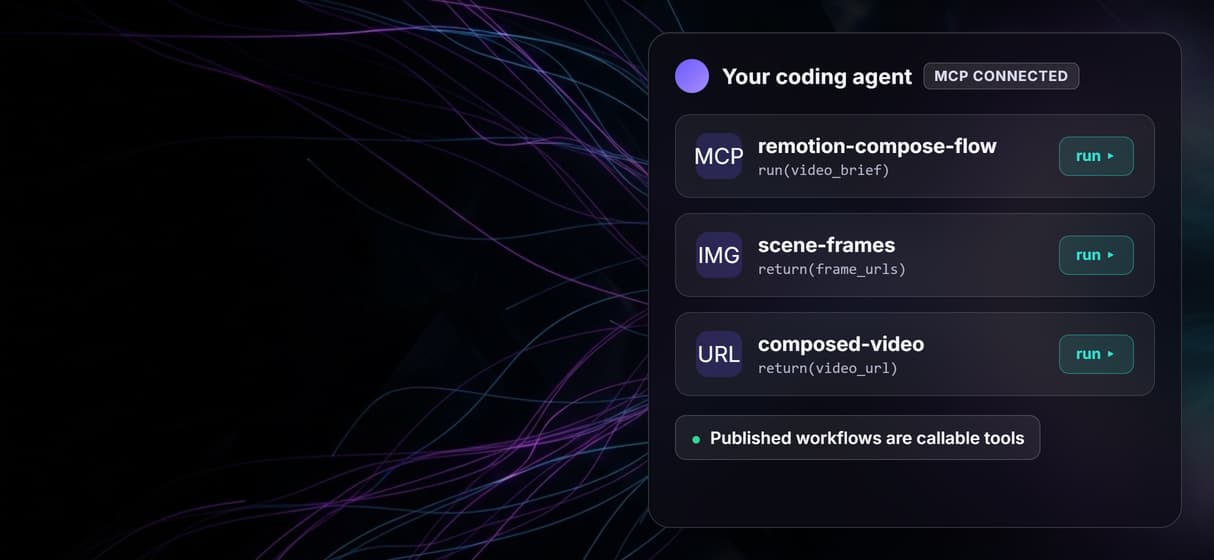
The published workflow is an MCP tool and a REST endpoint, so an agent runs it with a typed brief and receives asset URLs.
Video waits for review
The Compose Video node is wired but not auto-run, so the expensive render only happens once the frames are approved.
Why a hosted node graph beats a local render farm
The DIY path is well documented: install Remotion, wire up a coding agent skill, then stand up a render worker or a Lambda function to actually produce the file. It works, but every render is now an ops problem. Cold starts, headless Chromium, storage for the output, and a bill you cannot see until it arrives.
A hosted graph turns that into one call. The agent sends a brief, the non-video nodes run on hosted compute, and the frames come back as inspectable outputs before anything is composed. Each scene is its own node, so a wrong frame is a one-node re-run, not a full rebuild. It is the same reproducible, agent-callable pattern behind an AI workflow API and an MCP server for video editing: the agent operates the pipeline, but the production logic stays visible on the canvas.
What Remotion on Wireflow is not
This is not a hosted runner for arbitrary Remotion React code. You do not upload a custom composition and get it rendered on our machines. The Compose Video node is a Remotion powered assembly step inside the graph: it stitches the rendered scene frames into a captioned clip. If your project is a bespoke, code-heavy Remotion composition with custom components, self-hosting or Remotion Lambda is still the right tool, and you should keep it.
Wireflow is also the production layer, not the reasoning brain. Claude inside this flow plans scenes, but the creative direction, the script, and the final approval stay with you or the agent you bring. The flow does not claim a finished video already exists either: the Compose Video node is present and intentionally left unexecuted, matching the cost rule for video nodes. Compare it against a video API for coding agents before you decide, then open the flow and read the actual graph.
More Than Just Remotion for Coding Agents
No render farm to babysit
Skip the local Remotion install, Lambda deploy, and headless Chromium. The compose step runs on hosted compute, the way Remotion without self-hosting should feel. For other hosted options, see our comparison of hosted Remotion tools.
One call, MCP or REST
The published workflow is both an MCP tool and a REST endpoint, so a coding agent runs it like any other video API for coding agents and gets asset URLs back.
Claude plans before pixels
A Scene Planner node runs Claude to turn one brief into a structured scene list before any frame renders, so the agent ships a plan, not a lucky prompt.
Frames stay inspectable
Three GPT Image 2.5 Flare nodes render one scene each, so an MCP server for video editing can re-run a single frame instead of the whole clip.
Compose stays deliberate
The Remotion Compose Video node is wired but not auto-run, so a hosted video API for agents spends render credits only after the frames pass review.
AI Models Available
Automate Any Workflow
Included in Every Plan
FAQs
Yes. Instead of running Remotion locally, a coding agent calls a hosted Wireflow workflow that ends in a Remotion powered Compose Video node. The agent sends a brief and gets asset URLs back, with no Node runtime or render farm to maintain.
Discover related AI tools
More From Wireflow
Written by
Andrew Adams · Co-Founder & Operations at Wireflow
Runs client operations and content strategy at Wireflow. Works directly with creative teams and agencies to build production AI workflows.
Let your agent call the Remotion flow
The public workflow is already published and executed through the planning and frame nodes, with the Remotion Compose Video node ready for review. Open the flow, inspect the graph, then wire it into your agent as an MCP tool or REST endpoint.